My brain dump has changed since AI became part of my workflow. Ideation feels faster, clearer, and more visual.
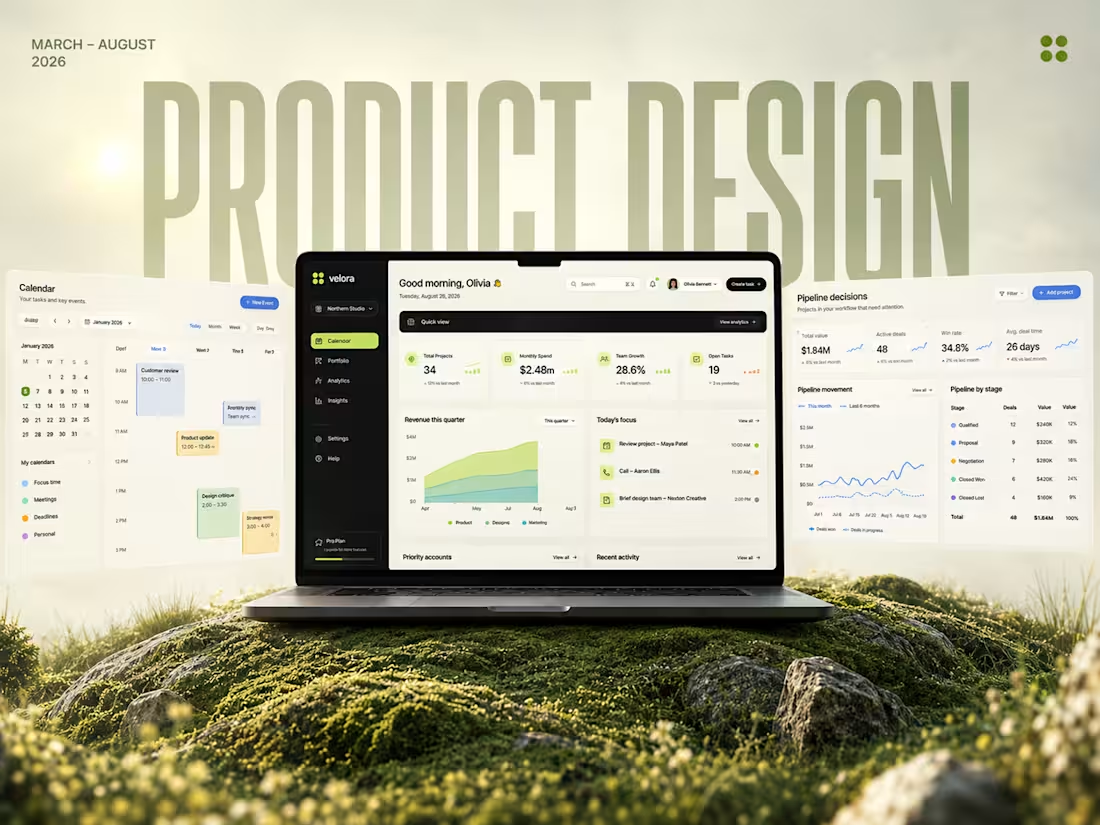
I’ve been exploring a product design, taking the brand’s current visual tone and layering my own design concepts. The goal? See which direction fits best and pushes the visuals further.
The difference is evident as AI lets me experiment at a speed I couldn’t before, helping me land on concepts that feel both strategic and creative.
- It is okay to have imperfections while working with AI. Do not go around wasting credits and time trying to get rid of mistakes or typos. Curate a collaborative Human x AI-based workflow to obtain the best results.
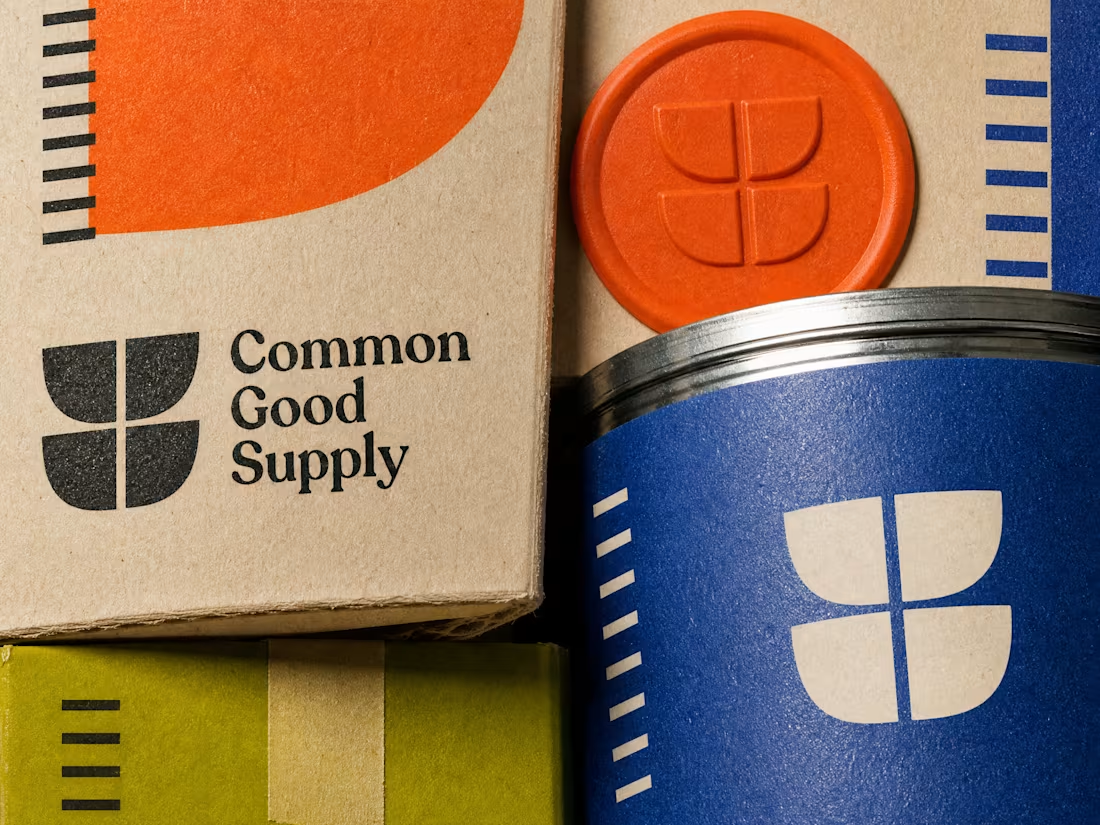
I'm excited to continue with the aesthetic from Phase 1 of creating the Furu brand assets using Ideogram!
Next up is designing a cute mascot and a logo that really captures the essence of the brand. I want to hear your thoughts on our options. Personally, I find the second design particularly appealing; its simplicity makes it easier to animate, which can really bring the character to life. What about you? Which one stands out more?
1
2
313
Imagine - complete protection from scams, cyber threats, device theft, privacy breaches, and even low-battery warnings for all your devices.
Hey everyone,
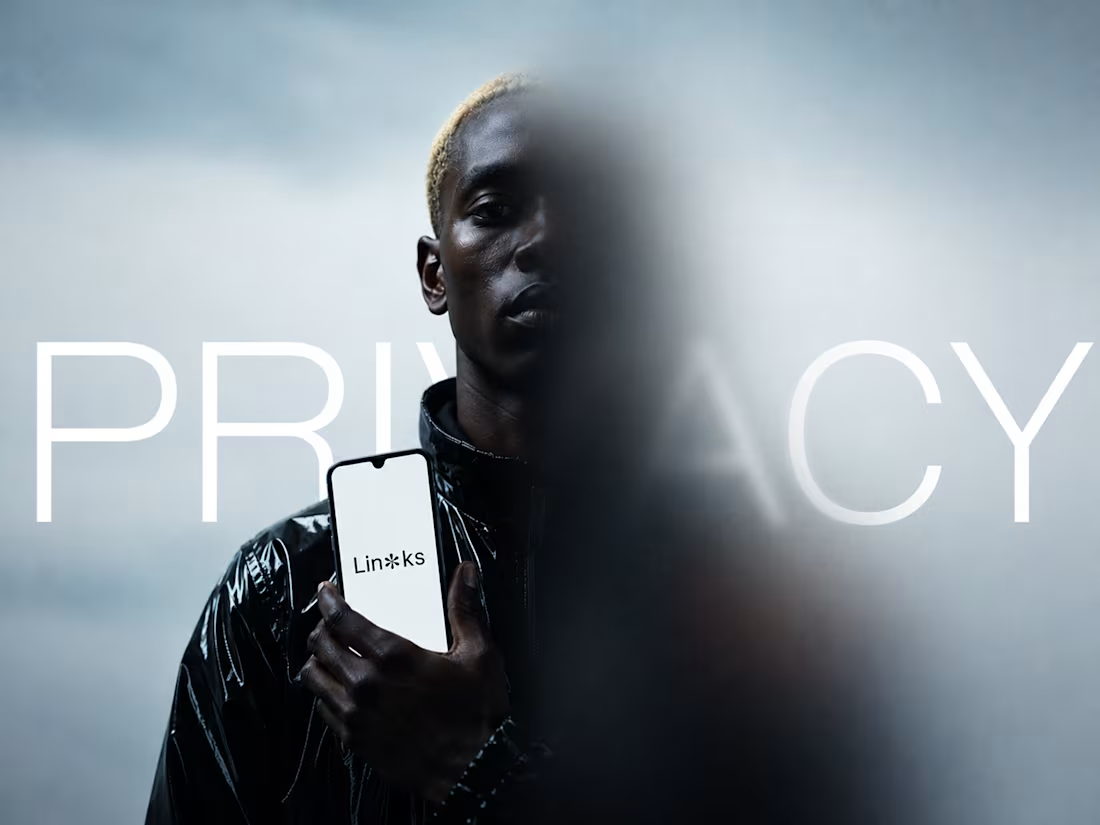
I created Links ✽ for the AnythingAppChallenge. It’s a universal command center for all your devices, phones, tablets, and laptops.
Users get a real-time view of what’s active, needs attention, and can access quick actions like pinging or locking devices.
The live moderation feed highlights unusual activity, such as spikes, risky sites, and odd logins, so you can resolve issues instantly. Links ✽ also supports daily routines with quiet hours and automation rules, ensuring a healthy screen time and protected workflows. Each user has a private view, while shared devices are visible to the group.
A fast, human-centered way to manage your screens, clean, real-time, and premium.
Links ✽
What began as a personal need became one of my most exciting builds. I wanted a simple way to manage multiple devices, make privacy accessible and that idea ended up resonating with many others.
This project got me my first feature on Contra, brought LinkedIn inquiries, and connected me with developers who supported the vision. And this is only phase 1.
To take it further, I went back to the drawing board. The contest guidelines called for a synced Web and Mobile experience, so I built exactly that.
A tool that can generate both from a single prompt deserves its name: Anything
Links - Web App (https://links-universal-device.created.app) - Chat Link (https://www.createanything.com/build/24b9d7d5-1369-4342-853c-3bd1ba962313?view=9ce30cab-93c4-4715-9182-e95c88e59be9)
1
7
319
Working on a new hero section for an ongoing Computational Science project. Built the entire flow using Unicorn.studio (http://Unicorn.studio) + Framer.
I wanted a visual tone that felt precise, minimal, and high-impact. Something that looks academic but moves like a modern product. The rotating black turbine graphic anchors the whole experience, and the stretched typography gives it that confident research-lab identity.
Still evolving this direction, but the foundation feels strong. Pushing for a layout that feels premium, spatial, and computational at the same time.
Feedback welcome on the visual language. Building openly so every iteration gets sharper.
If you like this, drop a 🐐
3
7
178
Links has easily been my best project of 2025. A universal device controller that truly democratizes privacy has always been a dream build for me — and with Anything, I didn’t just create it once, or twice, but three times.
Presenting Links V3: now with a refreshed UI, seamless enroll device / get enrolled flow, and a cleaner, more intuitive experience end-to-end.
This new design is something you’ll want to keep looking at — clean, fast, and built for everyone.