
pro
Stephanie Frankenbach
Strategic International Recruiting Expert
New to Contra
Stephanie is ready for their next project!

Project Submission: The Last Lighthouse Keeper
Project Title: The Last Lighthouse Keeper
Project Link:https://app.melius.com/projects/ad222697-7995-4691-8cac-4c81ba1b2e89/canvas/c15ebe56-bba6-4d27-a59b-ebda08df6ec6
Description:
The Last Lighthouse Keeper is a visual narrative exploring solitude, duty, and the lonely vigilance of a sentinel at the edge of the known universe. In this world, lighthouses don't just guide ships; they anchor reality itself, pushing back against an encroaching "void." I used Melius to imagine a technology that bridges ancient maritime duty with future-state energy maintenance, creating a story told through atmospheric visuals and sound.
Process Steps
My creative process on the Melius canvas was structured to build the world layer by layer, from broad atmospheric shots to intimate character moments.
Step Action Performed Canvas Workflow
World Building & Storyboarding I began by creating storyboards for four key scenes: an establishing shot of the lighthouse, a medium shot of the keeper, a close-up on the keeper's eye, and a final shot looking out from the lighthouse. Each storyboard node contained a detailed prompt to define the visual and emotional tone. Four Scene / Storyboard nodes were created as the foundation of the narrative.
Initial Visual Generation Each storyboard was then fed into a Basic Remora 2 node to generate the initial keyframes. This allowed me to quickly visualize the core look and feel for each scene based on my prompts. The output of each storyboard node was connected to a corresponding Basic Remora 2 node.
Cinematic Animation With the keyframes established, I used Cinematic Video nodes to bring the scenes to life. I directed the agent to create slow, deliberate camera movements—a slow zoom on the lighthouse, a subtle zoom into the keeper's eye—to enhance the somber, cinematic mood. Each Basic Remora 2 node was connected to a Cinematic Video node, which animated the static images.
Multi-Layer Video Composition To create a dynamic final sequence, I combined the four animated video clips using a Multilayer node. This allowed me to sequence the shots into a cohesive narrative, transitioning from the wide shot to the intimate close-up. The outputs of all four Cinematic Video nodes were fed into a single Multilayer video node.
Sound Design To fully immerse the viewer, I added two layers of sound design. A Music - Depths node provided a deep, ambient score, while a Sound Effects node added the sounds of a storm, waves, and thunder, creating a rich and atmospheric audio landscape. The Multilayer video was connected to both a music and a sound effects node.
Final Output Generation Finally, I generated a movie poster using a Movie Poster node and an GPT-Image 2 (Motion) node to synthesize all the elements into a single, powerful promotional image that encapsulates the project's theme. The final visual elements were channeled into nodes designed to produce a polished movie poster.
Feedback on Melius
Category Feedback for Melius Team
Workflow Impact The visual, node-based canvas is incredibly powerful. It allowed me to maintain a clear overview of the entire project while providing the flexibility to dive into any specific node to tweak and refine prompts with surgical precision. The ability to see the entire generative workflow at a glance is a game-changer.
Agent Efficiency Briefing the agents via prompts in the storyboard nodes felt less like programming and more like directing a creative team. The agents effectively translated abstract concepts like "melancholy duty" and "living metal" into compelling visuals.
Improvement Suggestion The ability to add comments or annotations directly onto the canvas would be a fantastic addition for tracking ideas or leaving notes for future iterations. Real-time collaborative features for multi-user sessions would also be a powerful addition for team-based projects.
🎬 Video Walkthrough Script: The Last Lighthouse Keeper
You can use the table below as a guide for your screen recording. It pairs the actions you should take on the Melius canvas with the suggested voiceover.
Video Section Visual Action (On Screen) Voiceover Script (Audio)
Introduction Start with a full view of your Melius canvas, zoomed out to show the entire node tree. "Hi everyone, for the Melius 'Anything You Can Imagine' challenge, I built 'The Last Lighthouse Keeper.' It is a visual narrative about a sentinel maintaining a lighthouse that anchors reality against an encroaching void. Let me walk you through how I used the Melius canvas and agents to bring this to life."
Storyboarding Zoom in on the four Scene / Storyboard nodes on the left side of the canvas. "My workflow started here with four storyboard nodes. I briefed the creative agent to establish four distinct shots: an establishing wide shot, a medium character shot, a tight close-up on the keeper's eye, and a POV looking out into the void."
Initial Generation Pan slightly to the right to show the Basic Remora 2 nodes connecting to the storyboards. "Next, I fed these detailed prompts into the Basic Remora 2 nodes. Working node-by-node allowed me to step in and tweak the visual tone of the 'living metal' and the atmospheric fog until the base keyframes matched my exact vision."
Adding Motion Move to the Cinematic Video nodes. Hover your mouse over one of the connections. "To give the scenes life, I connected the static images to Cinematic Video nodes. I directed the agent to apply slow, deliberate camera movements—like a subtle zoom on the keeper's eye—to build a heavy, melancholic atmosphere."
Composition & Audio Pan to the Multilayer, Music - Depths, and Sound Effects nodes bringing it all together. "I then composited the four animated sequences using a Multilayer node. To fully immerse the viewer, I layered in a deep ambient score and storm sound effects, letting the audio agents handle the mixing and timing."
Final Output & Outro Zoom in on the final Movie Poster and GPT-Image 2 (Motion) nodes, showing the final polished result. "Finally, I synthesized the core aesthetic into a promotional poster using the Movie Poster node. Melius turned a process that would usually take weeks of thrash into a single, cohesive workflow I could complete in an afternoon. Thanks for watching!"
🎥 Production Tips
Tip Category Execution Strategy
Pacing Keep the video under 2 minutes. Focus on smooth mouse movements when panning across the canvas so the judges can clearly read the node titles.
Tone Speak clearly and enthusiastically about your creative choices. Highlight why you chose specific nodes (like the cinematic zoom).
Recording Use a screen recorder that captures your voice and screen simultaneously. Ensure your Melius canvas is in full-screen mode to remove browser distractions.
2
1
107
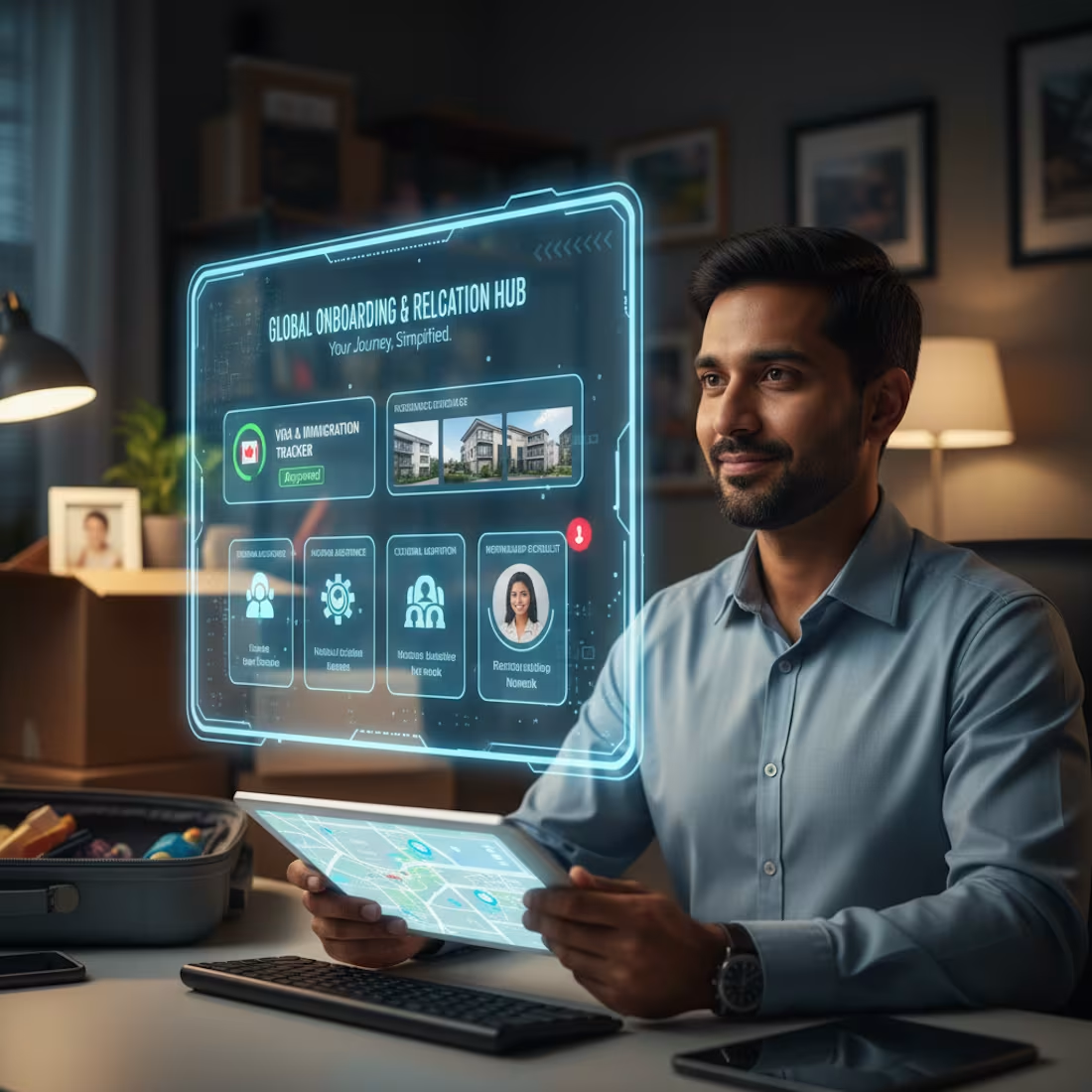
Project 4: International Relocation & Onboarding Support System
This project focuses on creating a seamless and supportive experience for international hires, from visa application to full integration into the company and local community.
1
29
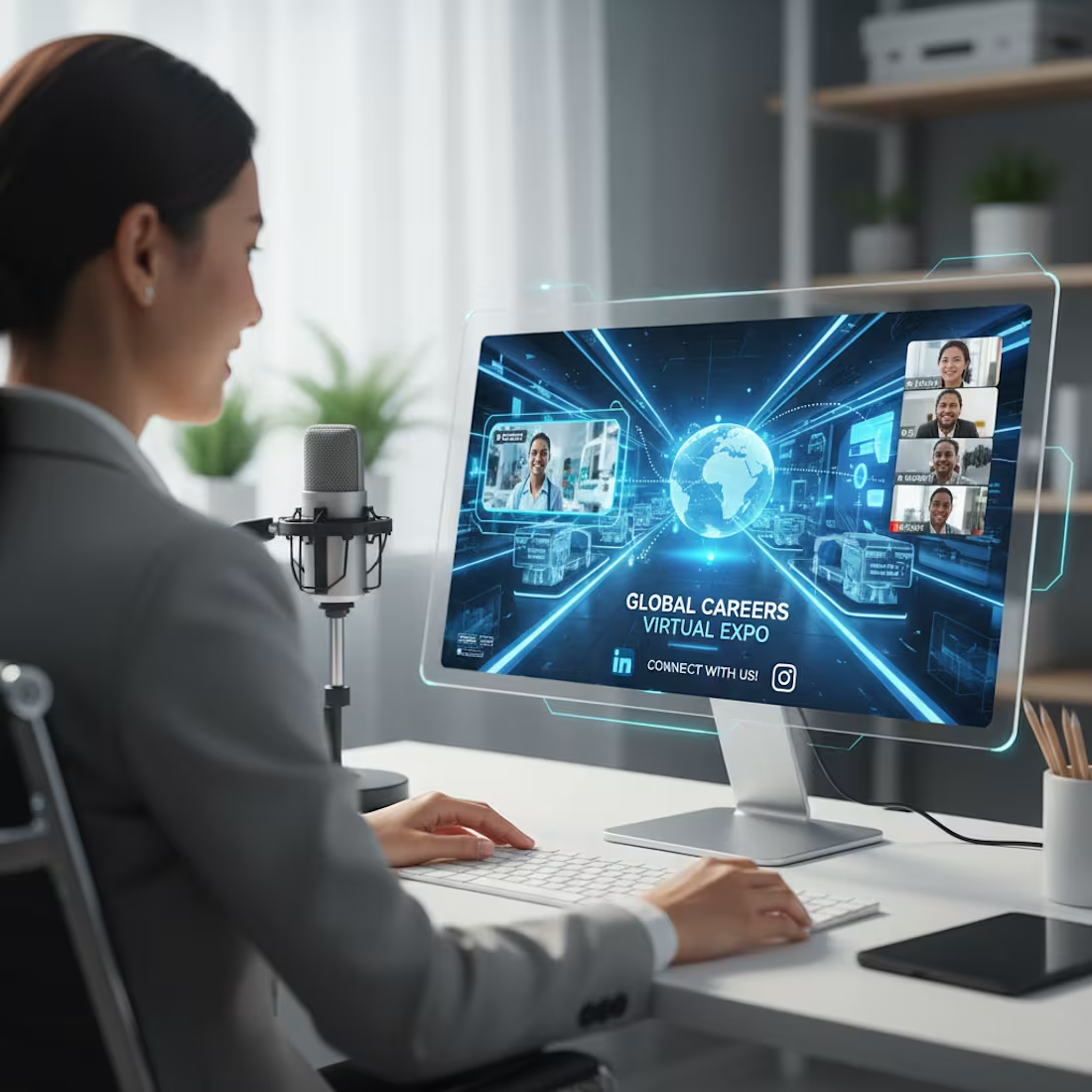
This project aims to expand outreach and employer branding efforts by hosting virtual career fairs and creating engaging digital content tailored for international audiences.
1
22

To enhance candidate experience and streamline communication, this project focuses on developing an AI-powered chatbot capable of interacting with candidates in multiple languages.
1
23

This project focuses on building a comprehensive platform to identify, track, and engage with international talent pools. It will leverage data analytics and AI to pinpoint key regions and institutions producing top talent relevant to your organizational needs.
1
22