
Build and Manage Your Own Wix Website with Expert TrainingMatt Cici

Empower yourself to manage your own professional Wix website. With Wix Joy Training, you'll learn the skills you need to build, optimize, and maintain your website independently. Perfect for entrepreneurs who want control over their online presence with expert guidance at every step.
What's included
Customized training sessions tailored to your website needs
Async 1:1 or small-group sessions focused on your actual Wix site, covering the features, workflows, and best practices that match your goals. Includes a recorded session, action items, and answers to your specific questions.
A step-by-step guide for building and managing your Wix site
A simple, visual walkthrough that covers setup, page creation, design settings, apps, blog, store, and ongoing management. Includes checklists, screenshots, and quick fixes so you can maintain your site with confidence.
SEO basics and tips for ongoing site optimization
A practical SEO starter pack with keyword guidance, on-page best practices, meta titles/descriptions, alt text, URL structure, and a on-demand maintenance checklist to help your site stay visible in search.
Access to exclusive resources and support materials
A curated toolkit with templates, swipe files, video tutorials, and FAQs. Plus, priority email support for quick questions after launch.
Post-launch review and performance tune-up
A 30-day check-in to review analytics, speed, SEO health, and user flows. You’ll receive a short report with findings, quick wins, and recommendations for the next phase.
FAQs
Example work


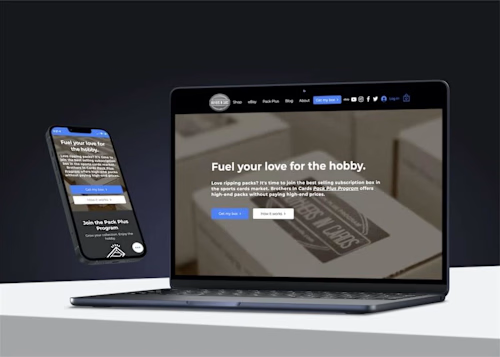

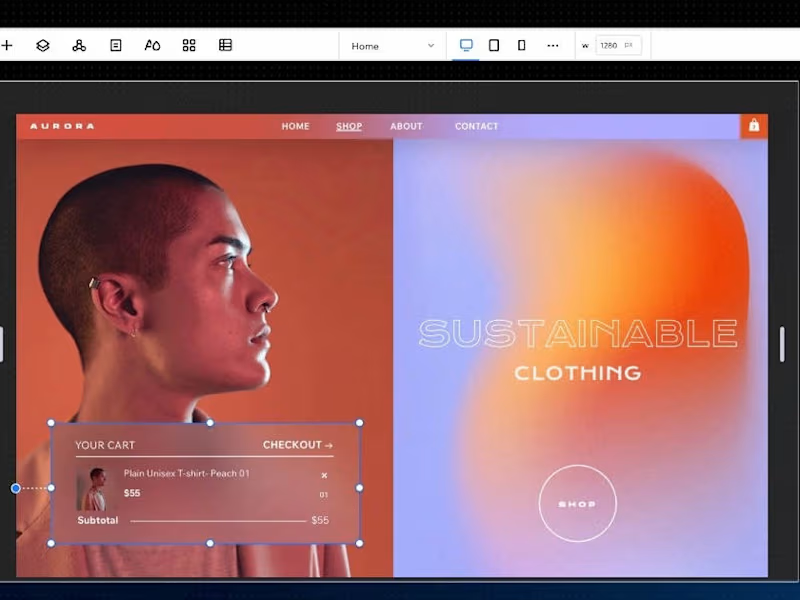
Contact for pricing
Tags
Circle

Squarespace

SquareUp

WixVibe
Wix Studio

Brand Strategist
Business Consultant
Wix Studio Designer
Service provided by
Matt Cici Minneapolis, USA
- 1
- Paid projects
- 3
- Followers
Build and Manage Your Own Wix Website with Expert TrainingMatt Cici
Contact for pricing
Tags
Circle
Squarespace
SquareUp
WixVibe
Wix Studio
Brand Strategist
Business Consultant
Wix Studio Designer
Empower yourself to manage your own professional Wix website. With Wix Joy Training, you'll learn the skills you need to build, optimize, and maintain your website independently. Perfect for entrepreneurs who want control over their online presence with expert guidance at every step.
What's included
Customized training sessions tailored to your website needs
Async 1:1 or small-group sessions focused on your actual Wix site, covering the features, workflows, and best practices that match your goals. Includes a recorded session, action items, and answers to your specific questions.
A step-by-step guide for building and managing your Wix site
A simple, visual walkthrough that covers setup, page creation, design settings, apps, blog, store, and ongoing management. Includes checklists, screenshots, and quick fixes so you can maintain your site with confidence.
SEO basics and tips for ongoing site optimization
A practical SEO starter pack with keyword guidance, on-page best practices, meta titles/descriptions, alt text, URL structure, and a on-demand maintenance checklist to help your site stay visible in search.
Access to exclusive resources and support materials
A curated toolkit with templates, swipe files, video tutorials, and FAQs. Plus, priority email support for quick questions after launch.
Post-launch review and performance tune-up
A 30-day check-in to review analytics, speed, SEO health, and user flows. You’ll receive a short report with findings, quick wins, and recommendations for the next phase.
FAQs
Example work
Contact for pricing