
Functional MVP Build: Interactive PrototypeAmy Frank
Prototype Overview
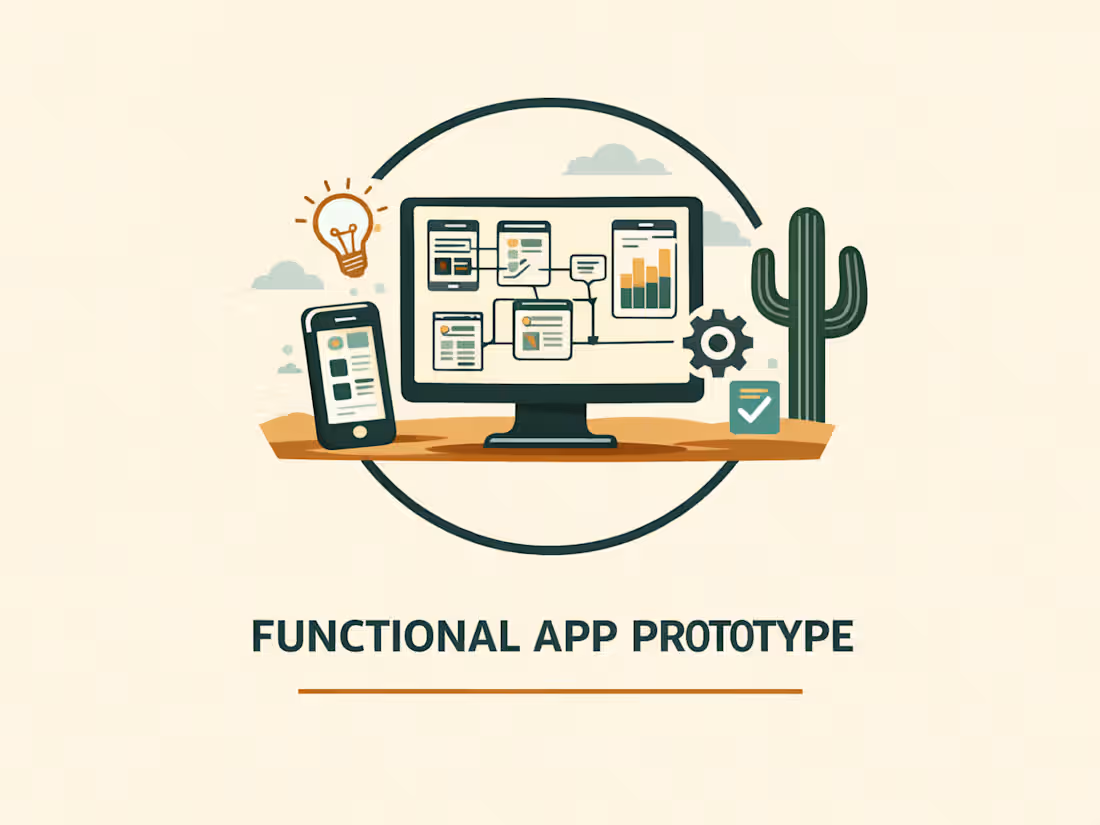
A functional, clickable app prototype designed to demonstrate how a product, internal tool, or workflow would work in practice before committing to full development.
This offering goes beyond initial concept validation by creating a more complete, demo-ready experience with realistic interaction logic, allowing you to clearly see how the core product functions.
Before building begins, the concept, primary user flow, and key screens are defined and locked so the prototype stays focused, structured, and aligned with the intended outcome.
You receive a working prototype you can demo, share with stakeholders, and use for feedback, pitching, or decision-making.
This approach helps validate ideas, communicate functionality, and reduce risk before investing in a full product build.
What’s Included in the Prototype Build
Defined Scope and Core Experience
The prototype is scoped around a single, focused experience before development begins, including the primary user flow and the key screens required to demonstrate the concept.
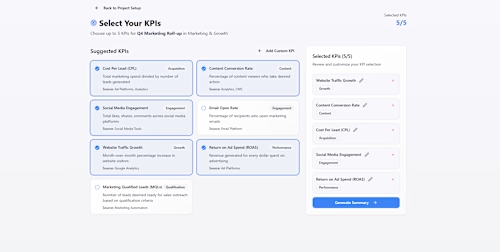
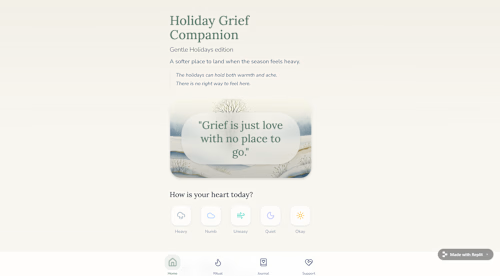
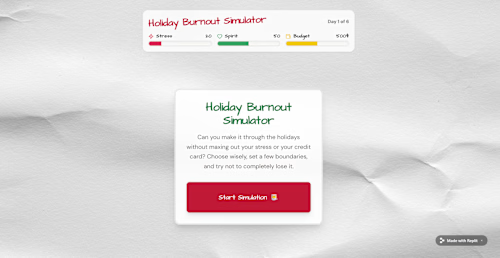
The prototype typically includes up to five key screens that clearly represent the core experience. Scope is confirmed upfront to ensure the prototype remains efficient, structured, and aligned with your goals.
The focus is on demonstrating a complete, usable experience rather than covering every possible feature or edge case.
Functional Prototype Delivered
A working, browser-based prototype is delivered for review and validation.
You’ll receive:
• A shareable prototype link for testing and demonstration
• Screenshots of key screens
• A short demo video walking through the experience
The prototype can be viewed on desktop and mobile browsers. It is designed for demonstration and validation, not as a fully optimized or production-ready application.
The build may include simple to moderate interaction logic to support the core experience, but does not include complex backend systems, authentication, multi-user roles, integrations, or production infrastructure.
Refinements and Build Summary
One round of refinements to the defined core experience is included.
You’ll also receive a product validation summary outlining:
• the prototype flow
• key assumptions
• limitations
• recommended next steps
Note: This builds on the Prototype Sprint by expanding a validated idea into a more complete, multi-screen, demo-ready experience. If you need a smaller, faster validation step, a Prototype Sprint may be a better starting point.
FAQs
Example work
Starting at$2,500
Duration2 weeks
Tags
Figma Make

Glide

Lovable

Replit

Business Analyst
Low-Code/No-Code Developer
Product Analyst
Service provided by
Amy Frank Phoenix, USA
- 34
- Followers
Functional MVP Build: Interactive PrototypeAmy Frank
Starting at$2,500
Duration2 weeks
Tags
Figma Make
Glide
Lovable
Replit
Business Analyst
Low-Code/No-Code Developer
Product Analyst
Prototype Overview
A functional, clickable app prototype designed to demonstrate how a product, internal tool, or workflow would work in practice before committing to full development.
This offering goes beyond initial concept validation by creating a more complete, demo-ready experience with realistic interaction logic, allowing you to clearly see how the core product functions.
Before building begins, the concept, primary user flow, and key screens are defined and locked so the prototype stays focused, structured, and aligned with the intended outcome.
You receive a working prototype you can demo, share with stakeholders, and use for feedback, pitching, or decision-making.
This approach helps validate ideas, communicate functionality, and reduce risk before investing in a full product build.
What’s Included in the Prototype Build
Defined Scope and Core Experience
The prototype is scoped around a single, focused experience before development begins, including the primary user flow and the key screens required to demonstrate the concept.
The prototype typically includes up to five key screens that clearly represent the core experience. Scope is confirmed upfront to ensure the prototype remains efficient, structured, and aligned with your goals.
The focus is on demonstrating a complete, usable experience rather than covering every possible feature or edge case.
Functional Prototype Delivered
A working, browser-based prototype is delivered for review and validation.
You’ll receive:
• A shareable prototype link for testing and demonstration
• Screenshots of key screens
• A short demo video walking through the experience
The prototype can be viewed on desktop and mobile browsers. It is designed for demonstration and validation, not as a fully optimized or production-ready application.
The build may include simple to moderate interaction logic to support the core experience, but does not include complex backend systems, authentication, multi-user roles, integrations, or production infrastructure.
Refinements and Build Summary
One round of refinements to the defined core experience is included.
You’ll also receive a product validation summary outlining:
• the prototype flow
• key assumptions
• limitations
• recommended next steps
Note: This builds on the Prototype Sprint by expanding a validated idea into a more complete, multi-screen, demo-ready experience. If you need a smaller, faster validation step, a Prototype Sprint may be a better starting point.
FAQs
Example work
$2,500