
renaldy dermawan
Graphic Designer & Builder with AI



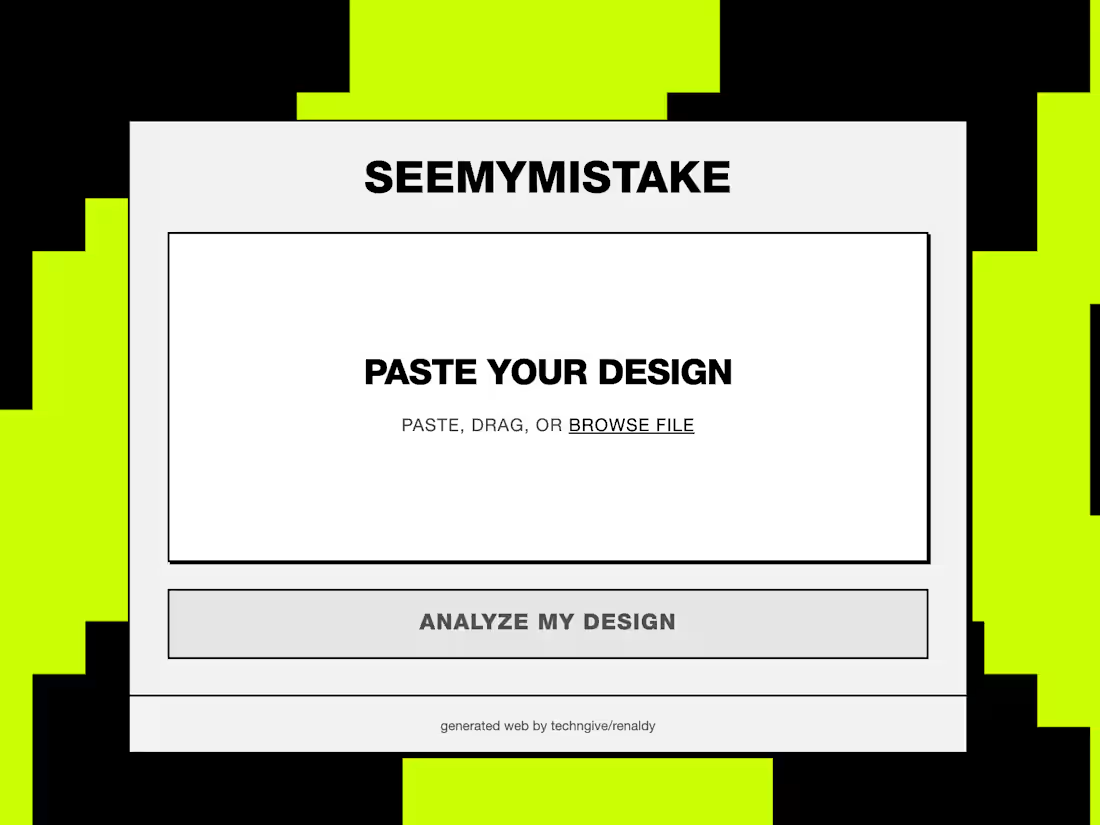
Level Up Your UI with seemymistake
Hey Figma community! We are incredibly excited to introduce our submission for the Figma Makeathon: meet seemymistake.
Every designer knows the struggle of staring at a screen for hours, losing perspective on what actually works. Sometimes, you just need a fresh pair of eyes. That is exactly why we built seemymistake—your ultimate design partner, engineered to help you level up your game.
Think of it as your most brutally honest, yet entirely supportive, design critic.
Here is what seemymistake brings to your canvas:
The Honest Reviewer: It specializes in UI. It will scan your layouts and give you the straightforward, objective feedback you need to refine your pixels.
Actionable Solutions: We do not just point out the problems; we help you fix them. seemymistake breaks down exactly "what would work, and what would not work," providing clear pathways to improve your design's usability and aesthetics.
Deep Technical Analysis: It is equipped with advanced design token integration. It analyzes the technical specs of your design and automatically suggests the absolute best setup to maximize and maintain your style guidelines.
Whether you are fine-tuning a complex design system or just trying to nail down a landing page, seemymistake is here to make sure your final handoff is flawless.
We would love for you to give it a spin. Let us know your thoughts, feedback, and—of course—your mistakes.
Check it out here! (https://wave-boil-31865391.figma.site/)
1
84
Hi guys! although late for Figma Makeathon, here's my #late Submission
a node-based architect for PC building. Instead of scrolling through endless lists on PCPartPicker, you literally map out your components like a logic flow. It’s super clean.
The best part? It has a live analytics dashboard. It validates your power draw, total cost, and performance bottlenecks in real-time. You can even run a side-by-side comparison of different builds on a single canvas to see which one actually scales better for your budget.
Once you’ve optimized the configuration, you just export the blueprint and you're good to go. It’s basically the Figma of PC building, total game changer for custom rigs.
find NEXUS PC Here!
https://www.figma.com/community/file/1610635637433571646/nexus-pc-build
3
12
668