
Quzmo Studios
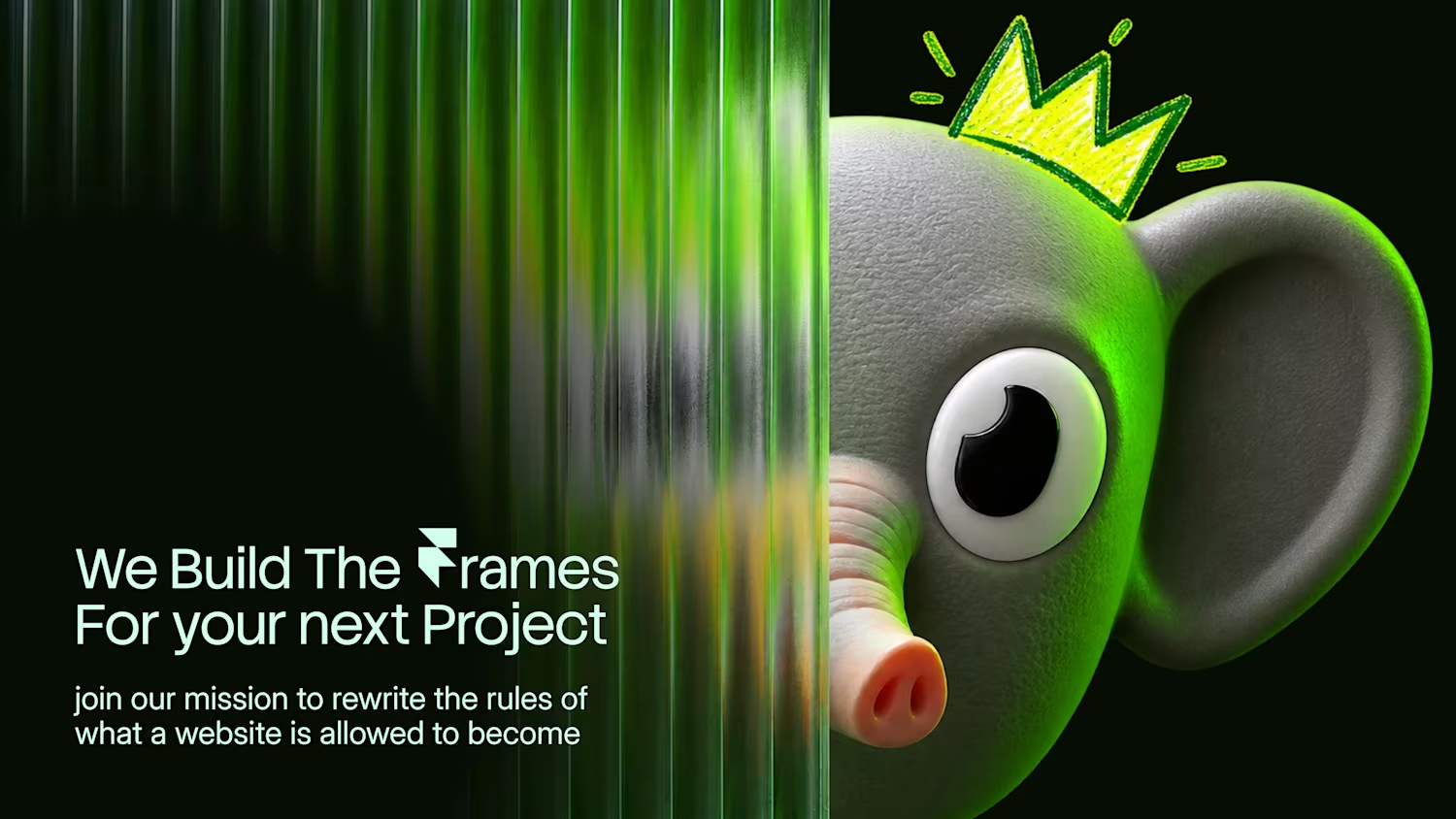
✱ We Build the Frames For your Next Project ✱


Ember Museum is a WebGL carousel where the cards on either side burn away as you move through the deck. Edges char and glow, holes open, and ash and sparks drift off the paper, while the active card stays clean and sharp. The fire is rendered on the GPU, so the burn looks and moves like the real thing. It also responds to how fast you drag, spreading and intensifying with your motion.
It works with images or with your own Framer frames through Connected Slots, so tickets, cards, posters and full layouts can all burn. You can choose from four ember palettes or set a custom tint, add one of eight card textures such as paper, metal, wood or leather, and pick from four entrance burns. Three presets give you a quick starting point, and every detail of the burn, ash and stage can be tuned by hand.
Interaction covers drag, swipe, side clicks, arrow keys and optional autoplay. The component sleeps when idle, pauses offscreen, adapts ash density to keep frame rates steady, respects reduced motion, and renders a clean static frame for exports and thumbnails.
4
3
63
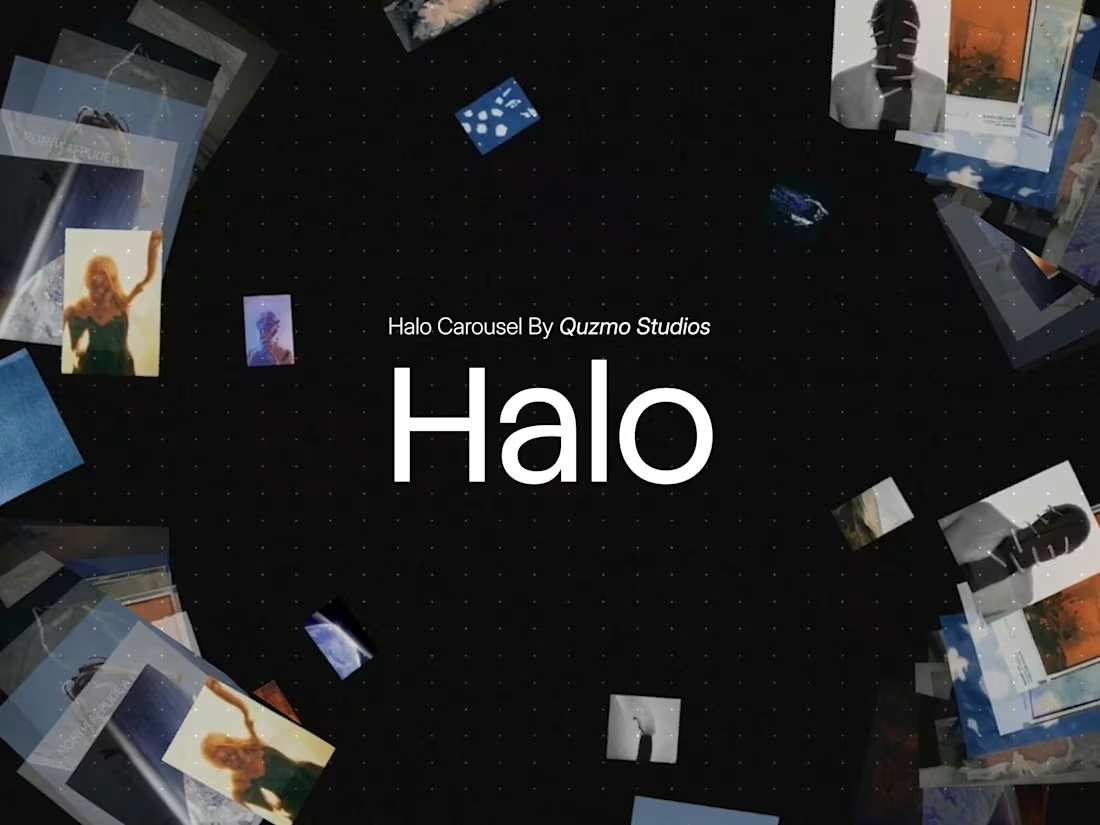
✱ Halo Gallery
Your images, suspended in a ring of light.
✱ The Teaser
A curved halo of glass cards orbits in 3D. Drag it, fling it, and watch it settle. The glow follows your cursor and the backdrop shifts to the colors of the card in front.
✱ How It Works
Your images wrap around a true curved ring, so every card bends with the wall instead of sitting flat. The card facing you lifts and glows. The ones behind soften and fade into depth. Spin it fast and the ring blurs and desaturates with speed, then sharpens as it settles. The backdrop reads the front image and blends its palette into the stage in real time.
✱ Highlights
✦ Curved ring with a smooth 3D orbit
✦ Drag, fling inertia, tap to bring any card front
✦ Cursor glow that traces card edges
✦ Speed-based blur, grey, and fade
✦ Backdrop that adapts to the front image
✦ Grain, dot grid, glass tint, edge fade
✦ Auto spin, scroll zoom, axis lock, keyboard control
✦ Pauses offscreen and respects reduced motion
✱ Interactions
✦ Preview URL
(https://halo-gallery.framer.website/?editSite)
2
0
79
Every drink brand site has the same problem. The can looks great in the packshot and dead on the page.
So I built Bever. Drop in your label art and get a 3D aluminum can with brushed metal, cold dew drops that refract your label, and a pull tab you can open.
Grab it, spin it, flip it, and watch the light slide across the label.
Pick Soft Studio, Spotlight, Golden Hour or Neon Night. Go Silver, Steel or Gold. Choose whether it drops in, orbits in or rises in. The mood is set before anyone reads a word.
No 3D file needed. Just your label image, and the can can size itself to your artwork.
Made for drink brands, ecommerce product pages, merch drops and launches that want a hero people actually play with.
✱ Preview URL
(https://bever-studio.framer.website/)✱ Grab it Now (https://contra.com/payment-link/lH0buu3N-bever-studio-3-d-beverage-can-mockup)
0
75
A match cut is a film technique where one scene transitions into the next by matching a shape, motion, or composition, so two different moments feel like one continuous flow. It's the reason some edits feel seamless instead of abrupt.
On the web, it usually takes custom animation work and a lot of timing tweaks. "Match Cut Effect" Framer component lets you drop that kind of transition into your UI and control it from the property panel, so your pages feel more cinematic without extra code.
2
1
168