
Priyanka peeju
Pdf converting,Resume design,Form creation,Typing
New to Contra
Priyanka is ready for their next project!
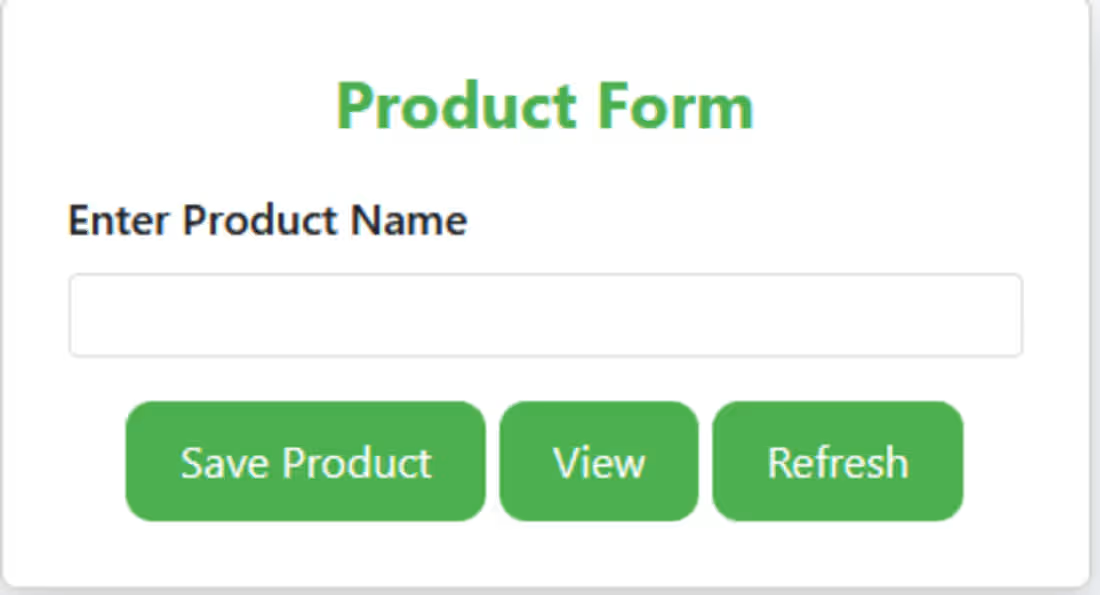
The Product Master Form is designed to manage core product information in an inventory or billing system. This form acts as the central module for storing and maintaining product-related data.
🔹 Key Functionalities
Add New Product – Allows users to enter and save new product details into the database.
Update Existing Product – Supports editing already stored product information.
Delete Product – Enables safe deletion of unwanted or inactive product entries.
Reset Form – Clears all input fields for fresh data entry.
0
55
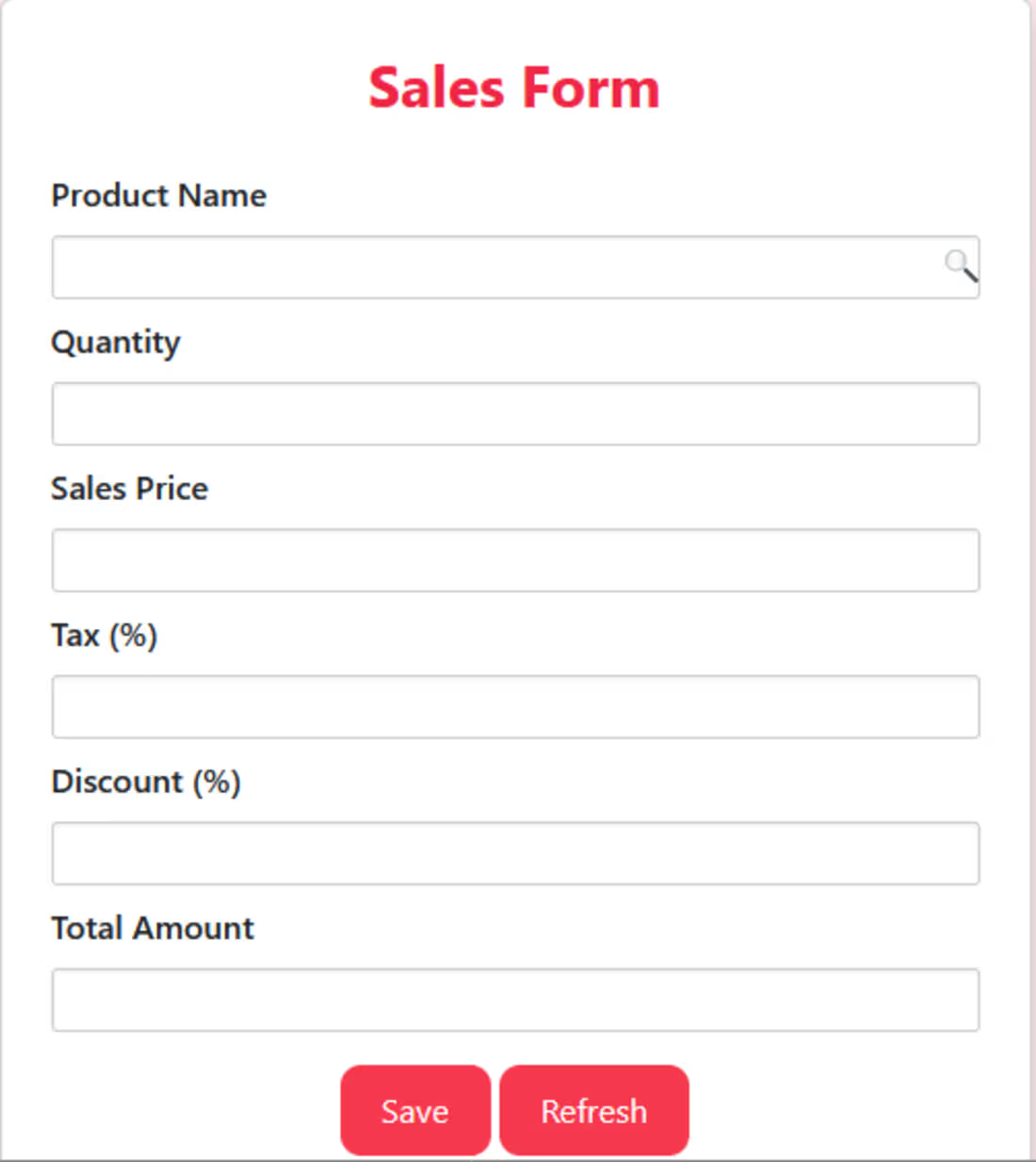
Sales Form – Modern & Responsive Input Interface
I designed a clean and structured Sales Form interface to streamline the process of adding sales entries. The form includes:
Product Name with search icon
Quantity, Sales Price, Tax%, Discount% fields
Automatic Total Amount calculation
Well-aligned input fields for readability
Stylish Save & Refresh buttons with a soft red theme
This UI is ideal for billing systems, POS applications, inventory tools, or any business dashboard needing accurate sales entry management.
1
105
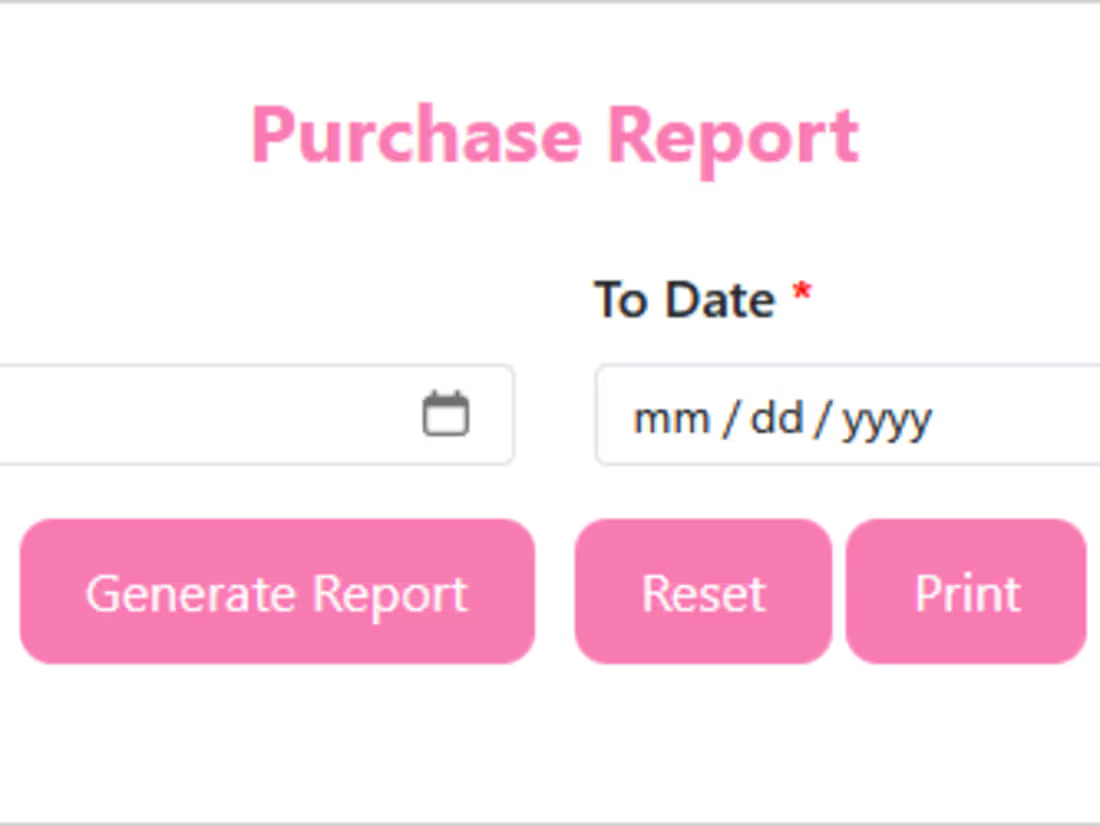
Purchase Report Module – Smart Date Range Filtering
I built a professional and user-friendly Purchase Report section that allows users to quickly generate reports using a simple date range filter. The layout includes:
Intuitive From Date / To Date selectors
Clearly styled Generate, Reset, and Print buttons
Clean pink-themed UI with smooth alignment
Suitable for billing software, POS systems, admin dashboards, and business tools
This feature helps businesses access purchase data instantly and improves accuracy, speed, and usability across workflows.
1
63
Hi, I'm Priyanka!🚀
I build clean and user-friendly Java applications, desktop forms, and simple web interfaces.
I specialize in creating small tools, product entry forms, CRUD operations, and beginner-friendly UI apps.
I deliver fast, neat, and reliable work for small businesses and students 💯 .
0
66