Communication Dashboard Design for Team Unification

Cansaas Agency

Overview
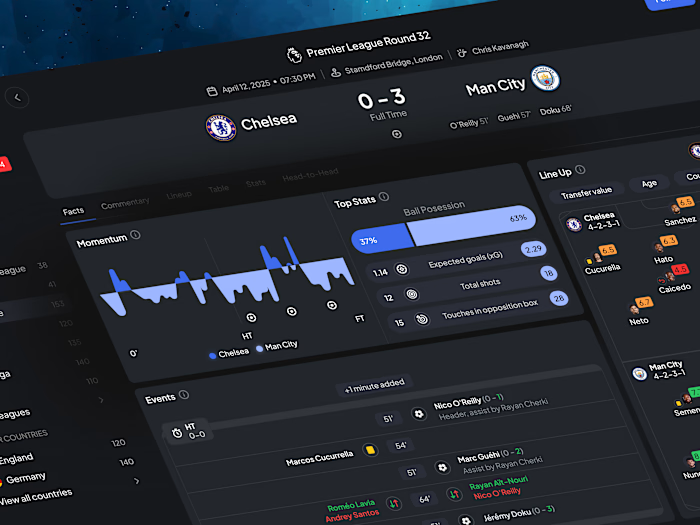
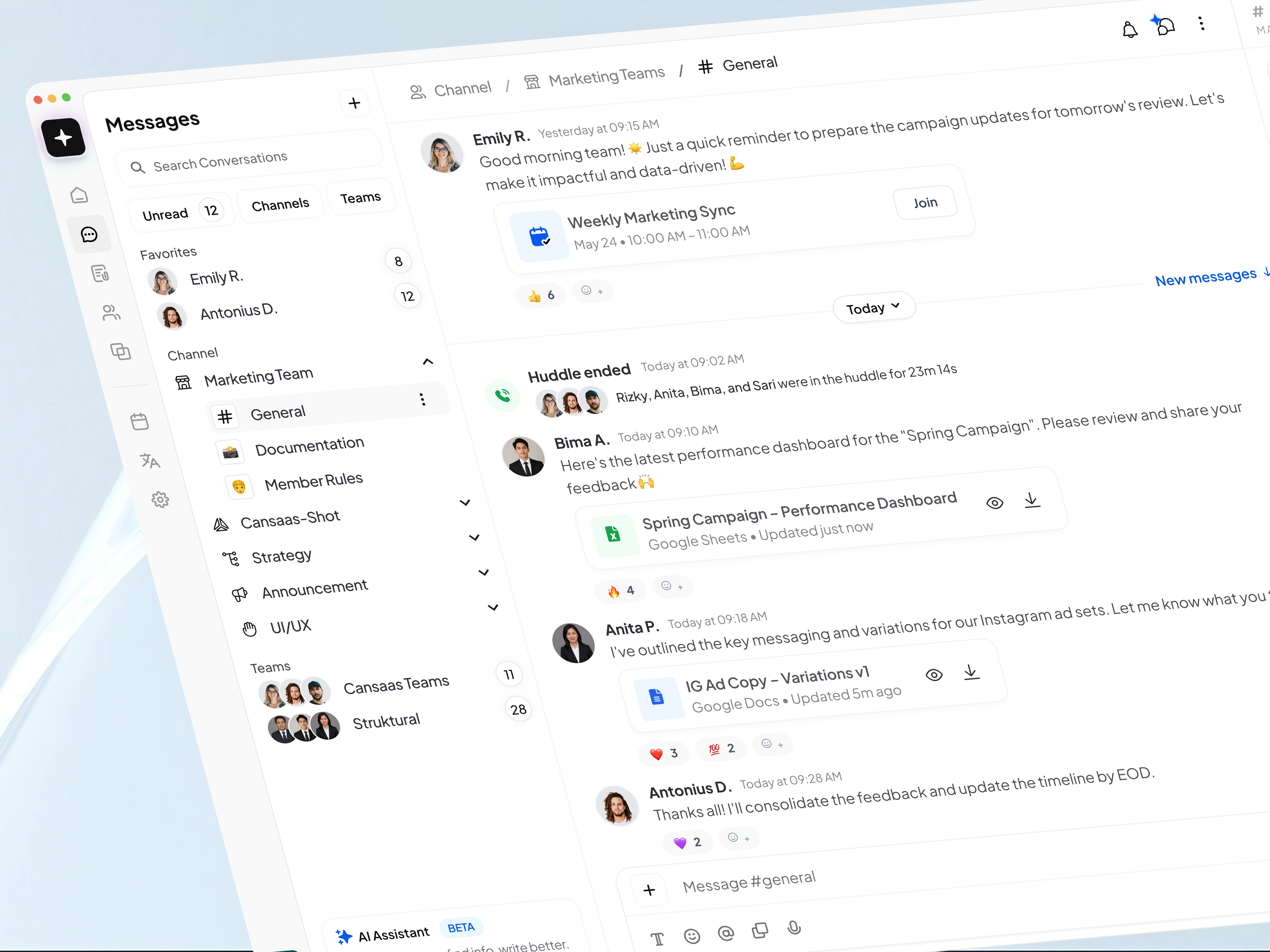
Communication tools are often packed with features, but many struggle to maintain clarity as teams grow. For this concept, we designed a modern Communication Dashboard that unifies team conversations, channels, meetings, files, collaboration spaces, and AI-powered assistance into a single workspace. The goal was to create a platform that feels organized, approachable, and efficient without overwhelming users with information.
The design embraces a clean visual language, generous spacing, and intuitive navigation patterns to help teams focus on communication rather than interface complexity.
The Challenge
Most collaboration platforms suffer from one common issue: information fragmentation.
Messages live in one place, files in another, meetings in a separate tool, and team information is often hidden behind multiple layers of navigation. As communication scales, users spend more time searching and switching contexts than actually collaborating.
The challenge was to design a dashboard that could handle multiple communication workflows while maintaining visual simplicity and reducing cognitive load.
Research & Design Direction
Our approach focused on three key principles:
Visibility – Important conversations, meetings, and shared resources should always be easy to access.
Context – Users should be able to understand who, what, and where information belongs without additional clicks.
Efficiency – Common actions such as messaging, joining meetings, reviewing files, and checking channel activity should require minimal effort.
To support these goals, we adopted a minimal and highly structured interface inspired by modern productivity tools while introducing a more refined visual hierarchy.
Solution
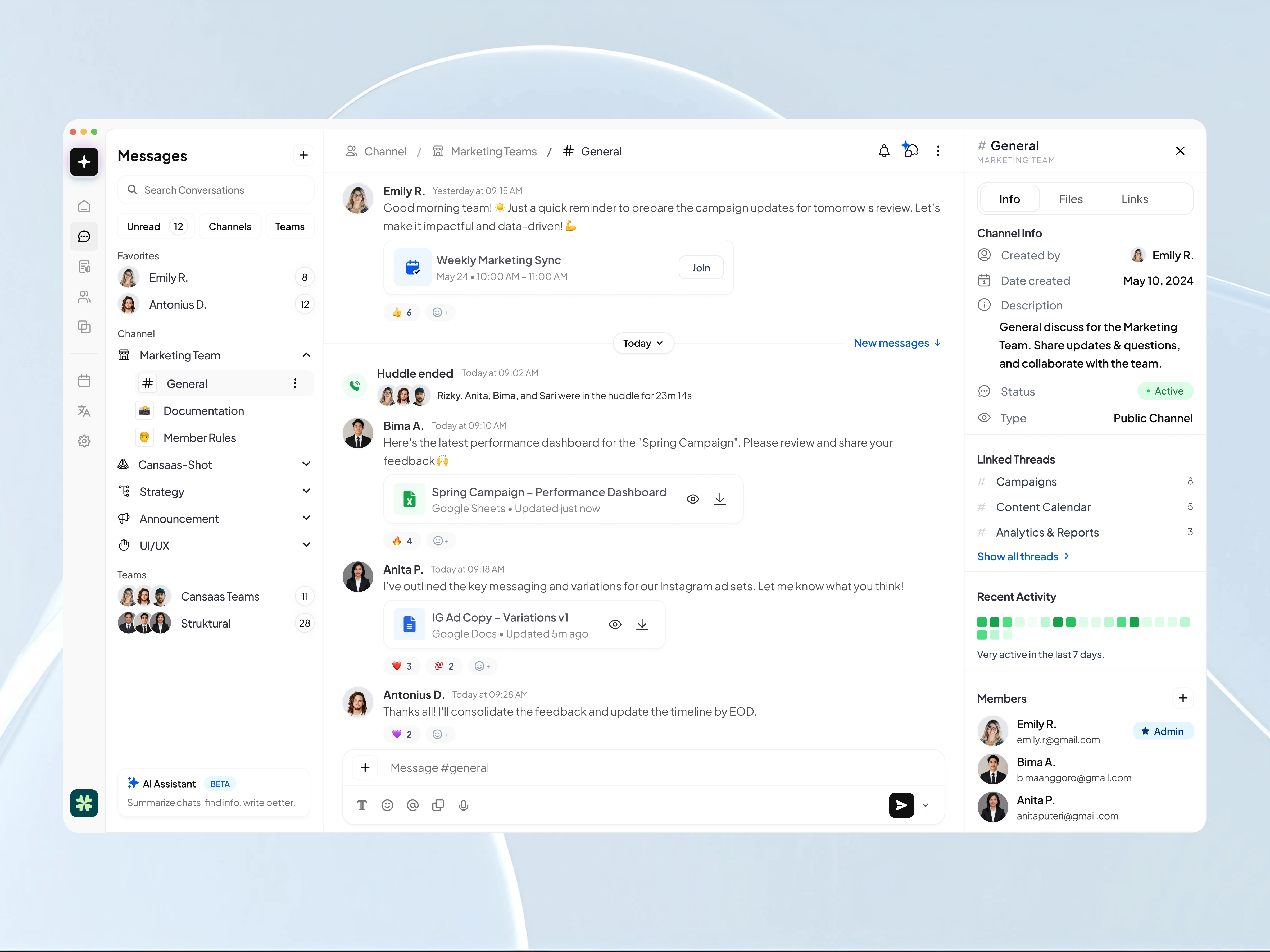
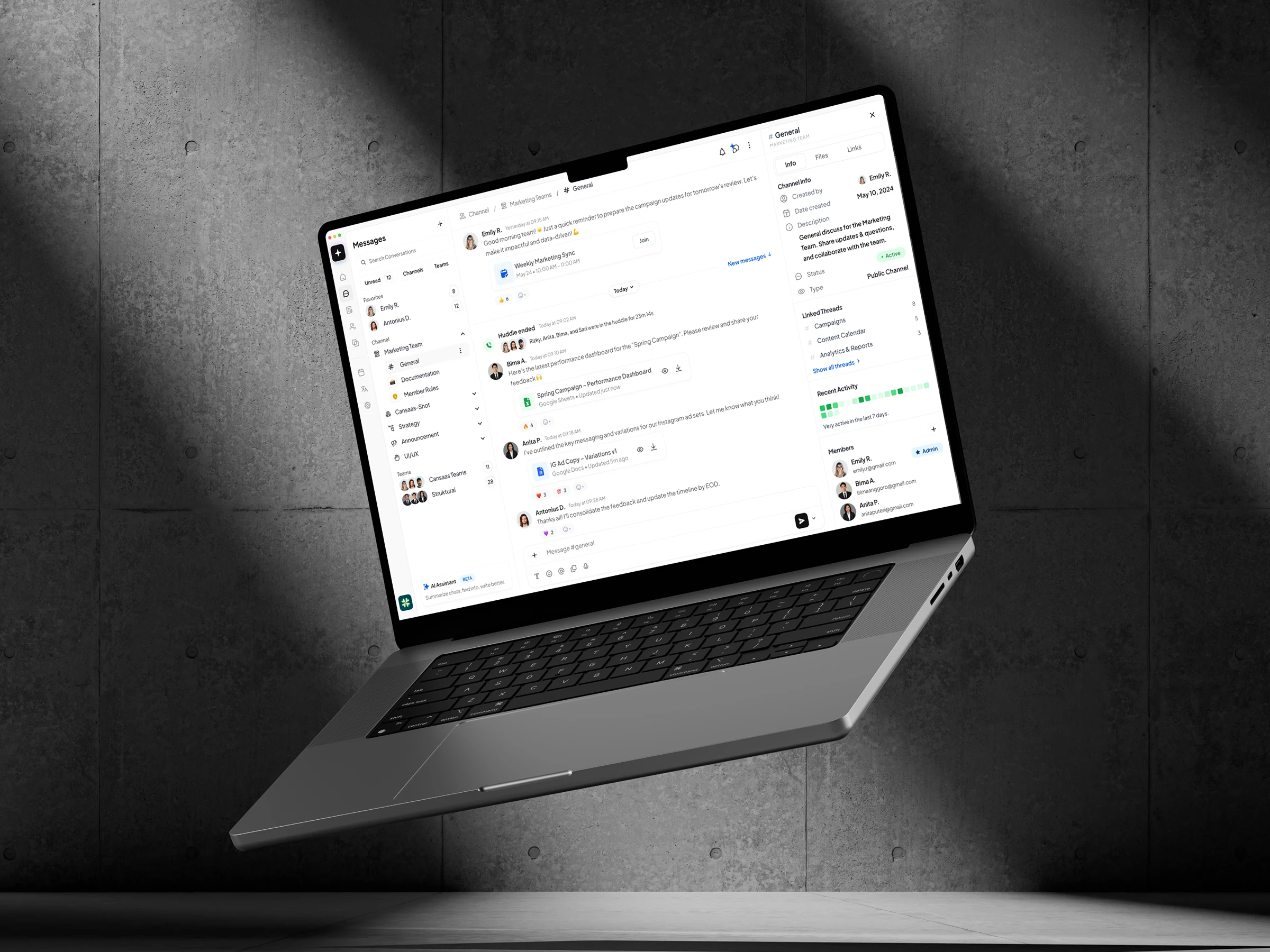
The dashboard is organized into three primary areas:
Navigation & Workspace Management
The left sidebar provides quick access to conversations, channels, teams, and workspace settings. Clear categorization helps users switch between projects and departments without losing context.
Central Communication Hub
The main content area functions as a real-time collaboration feed where users can view messages, shared documents, meeting updates, reactions, and announcements in a single stream.
By combining communication and content sharing within the same environment, teams can collaborate without constantly changing tools.
Context Panel
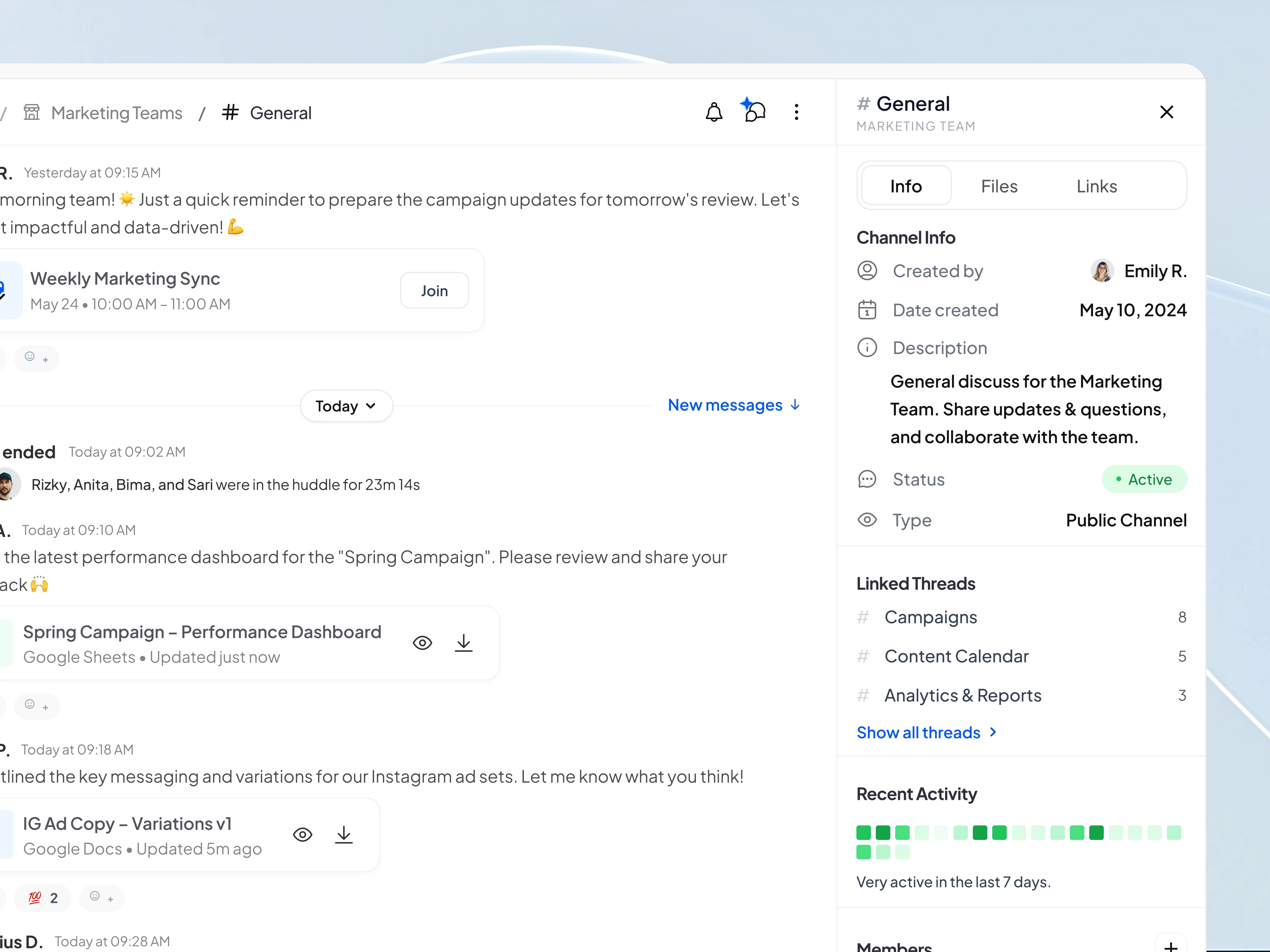
The right panel delivers contextual information including channel details, activity insights, linked threads, member information, and engagement metrics.
This allows users to stay informed while keeping the primary conversation area clean and focused.
Like this project
Posted Jun 17, 2026
Designed a modern Communication Dashboard to unify team interactions efficiently.
Likes
1
Views
3