Beyond Sight: Accessible Digital Art for Audio Reliant Users

Smridhi Gupta

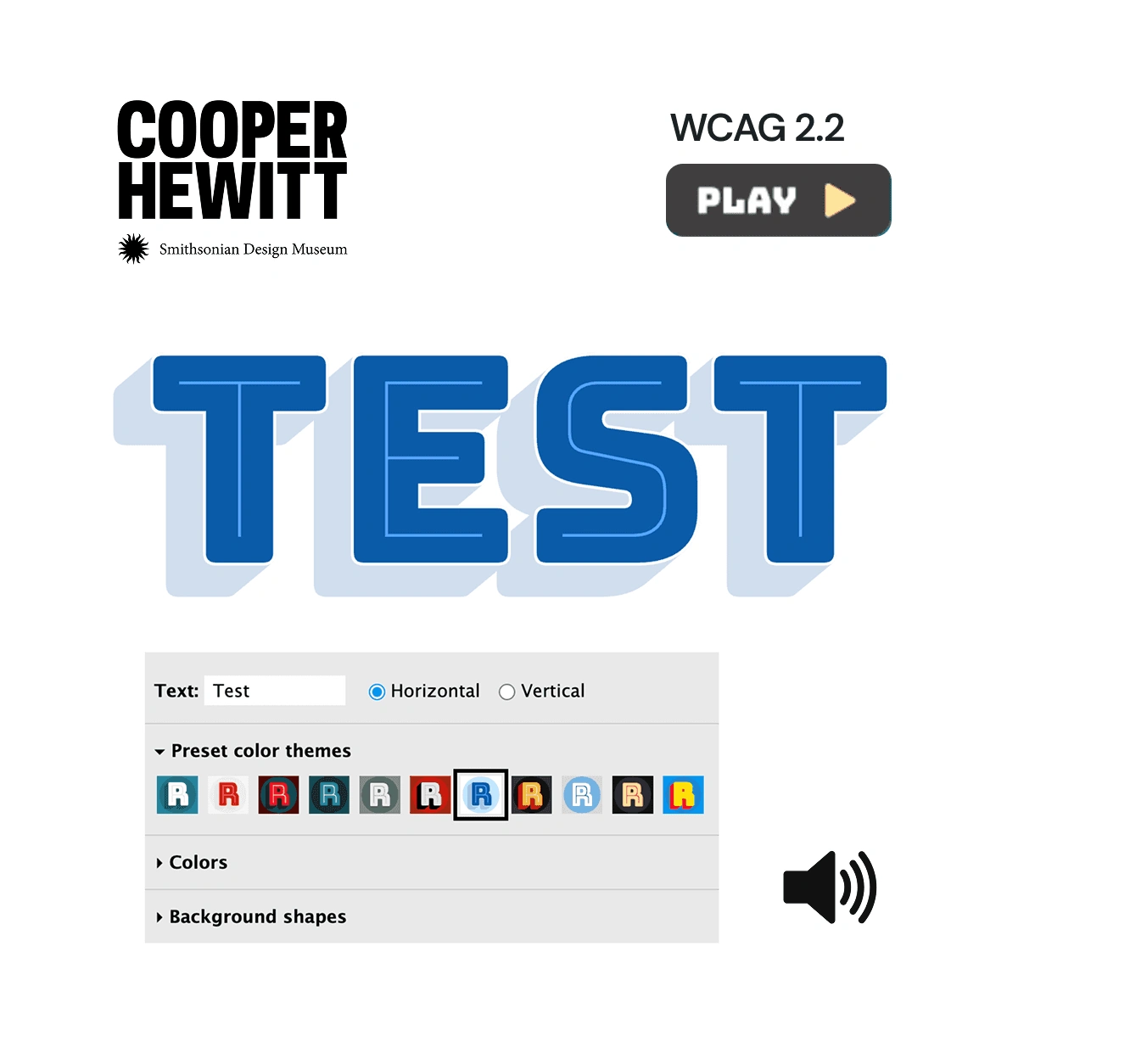
Beyond Sight: Making Experiential Digital Art Accessible for Audio Reliant Users
This project explores how a visual-only digital artwork can be reimagined to be accessible and enjoyable for non-visual users, focusing on inclusivity and meaningful sensory engagement.
This project reimagines the Bungee Font Tester - an interactive, visually dynamic digital artwork by David Jonathan Ross, as an inclusive experience for non-visual users. Originally designed as a bold, visual exploration of the Bungee typeface, the interface presented accessibility challenges for individuals relying on non-visual modes of interaction. To address this, we studied approaches to inclusive digital art and developed an auditory reinterpretation of the original experience. Through screen reader-friendly interface redesign and the use of AI-generated audio, we created a fully auditory version of the artwork. The result is a multisensory interface that can be enjoyed by users of all abilities, expanding access to typographic art beyond the visual domain.
Jump to sections
Designed by David Jonathan Ross, with contributions from Roel Nieskens, Rod Sheeter, Just van Rossum and Marte Verhaegen; Bungee is a digital font. The work is a punchy, fun and colorful sans-serif font inspired by vintage urban signage.
It comes together like a kit of parts. Letterforms in chromatic shades, inlines, outlines, hairlines, and ornaments are available for layering, as are separate glyphs, kerning, and spacing in both horizontal and vertical orientations in order to build text.
The font tester includes text, horizontal or vertical orientation, preset color themes, colors, and background shapes.
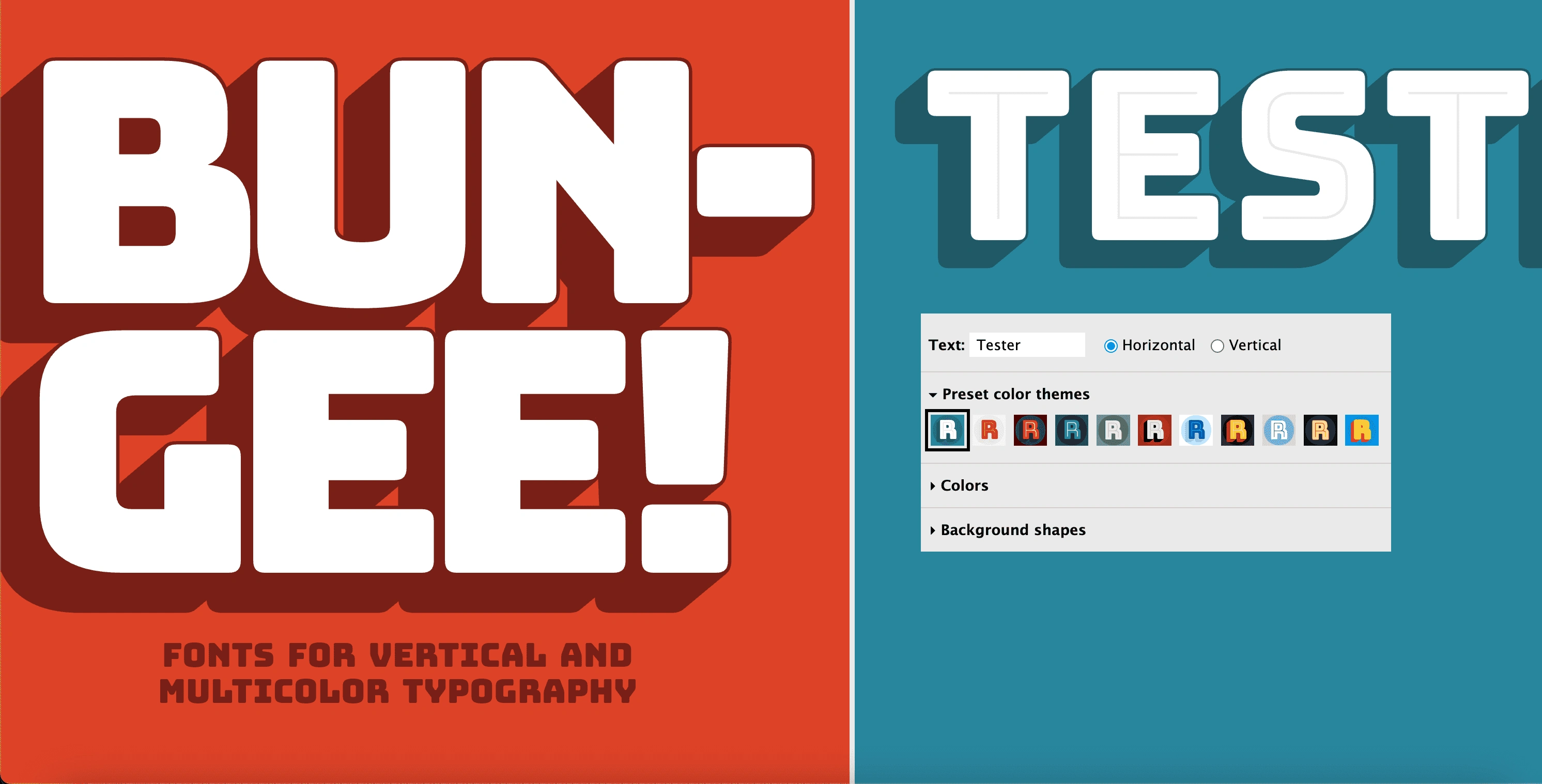
Bungee Font Tester
Cooper Hewitt approached us with a unique problem:
How can we make a visual font tester accessible and meaningful for users who don't rely on sight only?
The World Health Organization (WHO) estimates that over 15% of the world's population—or 1.3 billion people—self-identify as having a disability, making this group the largest minority group globally.
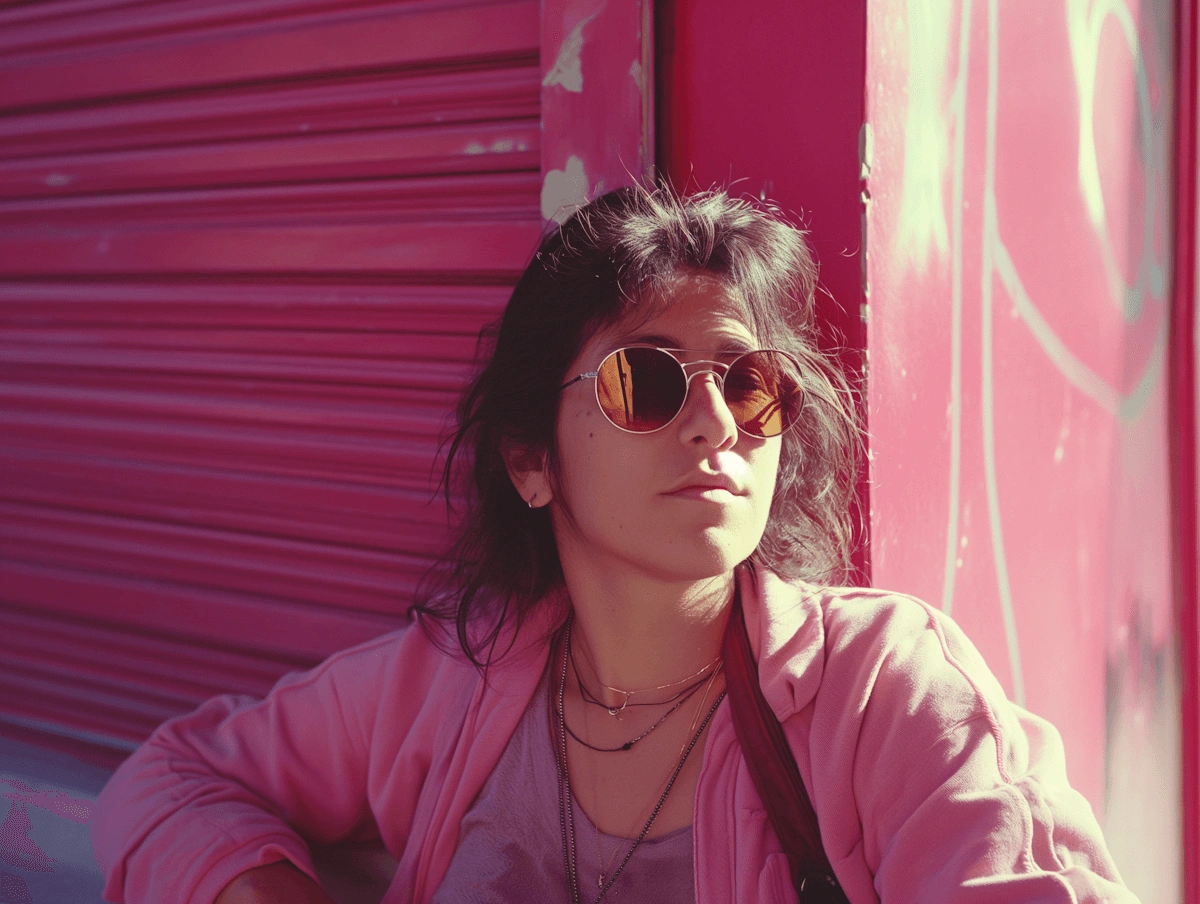
Amina is legally blind, but she loves art and museums.
Especially digital installations that are sound based.
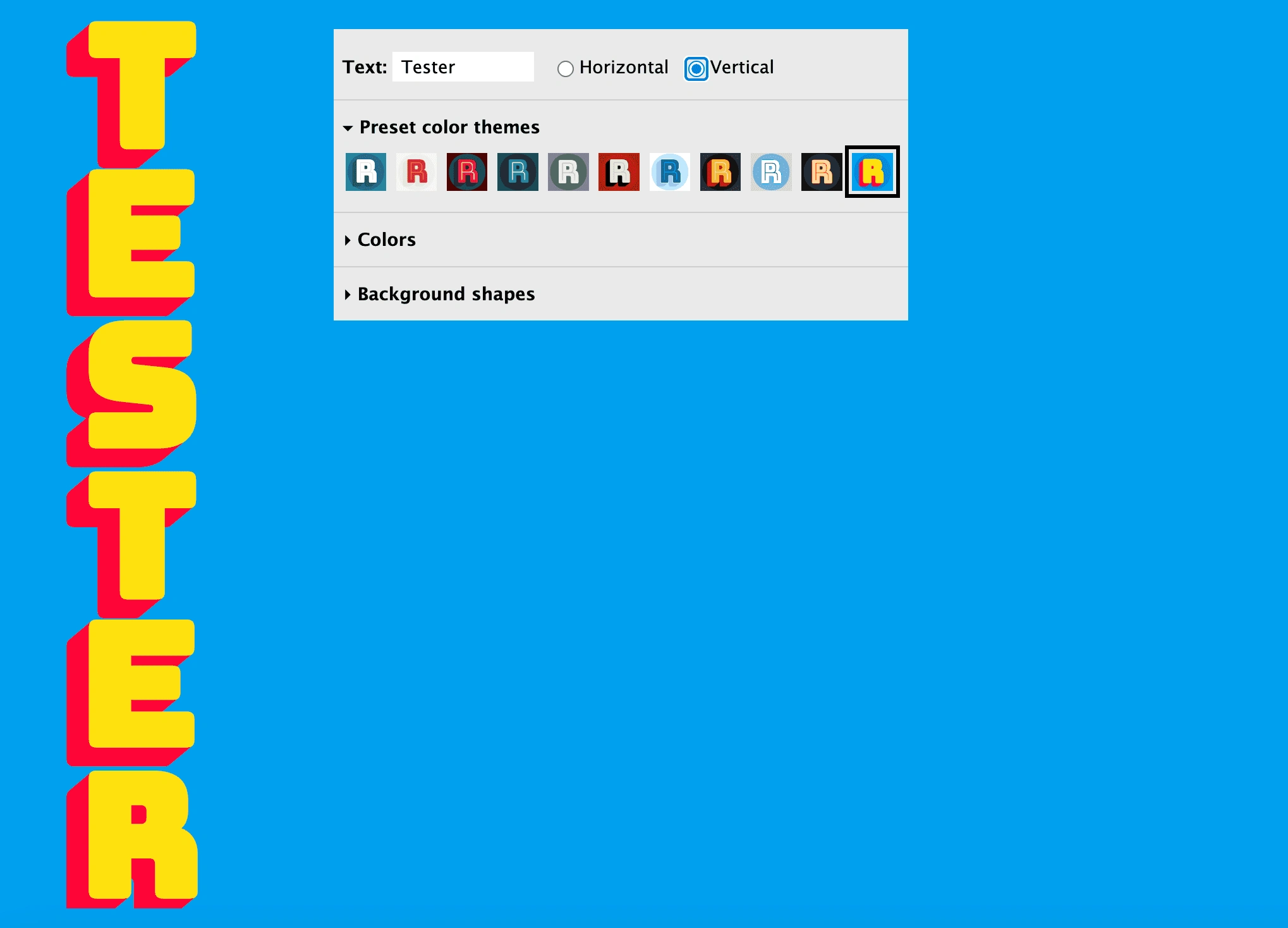
The interface of the Tester
Typically, for users with low-vision or blindness, navigating a webpage is done through a screen reader.
A screen reader is a technology that helps people who have difficulties seeing to access and interact with digital content, like websites or applications via audio or touch.
The technology reads out loud what is on the screen and users can adapt them to their needs like shortcut keys and touch gestures.
To ensure that a webpage is easily accessible for screen reader users, certain criteria must be fulfilled. These are also a part of the Web Content Accessibility Guidelines (WCAG) guidelines.
● Information and Relationships: Information, structure, and relationships conveyed through visual presentation must be programmatically determined or available in the text; this enables screen readers to understand page organization.
● Meaningful Sequence: Content must have a logical reading order to make sense when read serially by a screen reader.
● Sensory Characteristics: Instructions should not depend solely on sensory details like shape, color, or position, which a screen reader user cannot perceive.
● Color: Color should not be used as the only way to convey meaning, such as errors or required form fields. Messages must be understandable when all color is removed.
people worldwide have visual impairments, which means over 27% of the global population can benefit from using screen readers to navigate the web.
Making the interface screen reader friendly
Adding guided tutorials and play button
Improve Accessibility with Simplified Controls
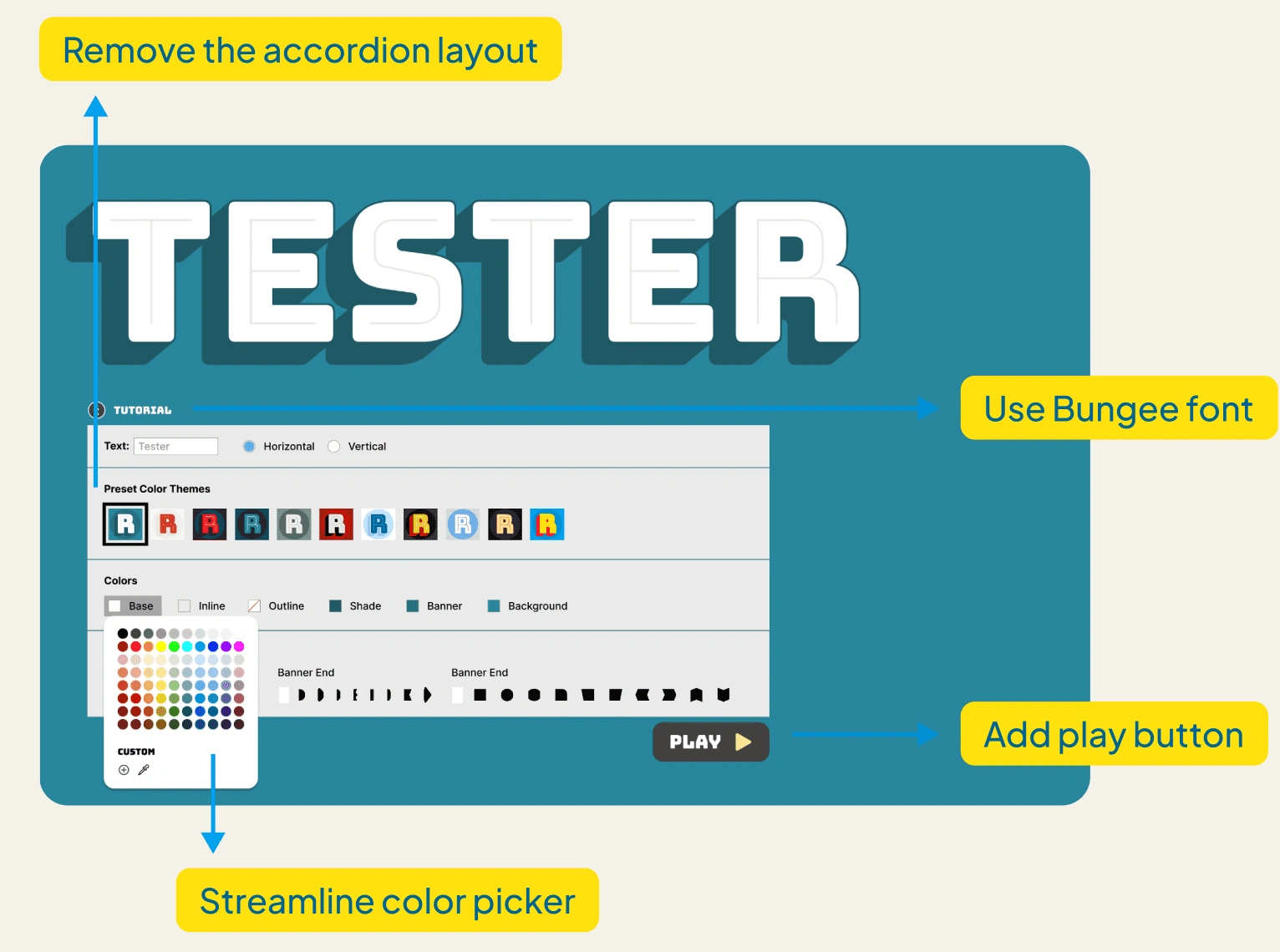
Simple changes can make a big impact on screenreader accessibility. Our recommendations included:
A fully visible interface rather than having an accordion menu (each section of the tester needed to be clicked on to view options). This removes the need to perform an extra step for the users
The color picker should contain pre set colors for easier use, with the option to pick custom colors if needed by users
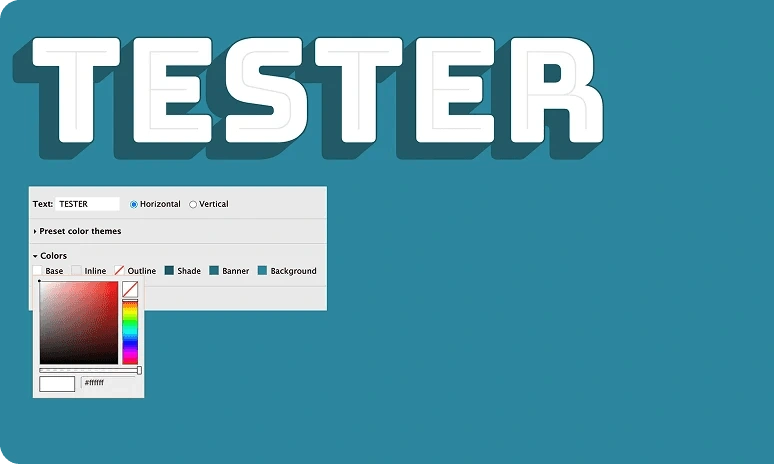
Make Interactive Elements Keyboard Focusable
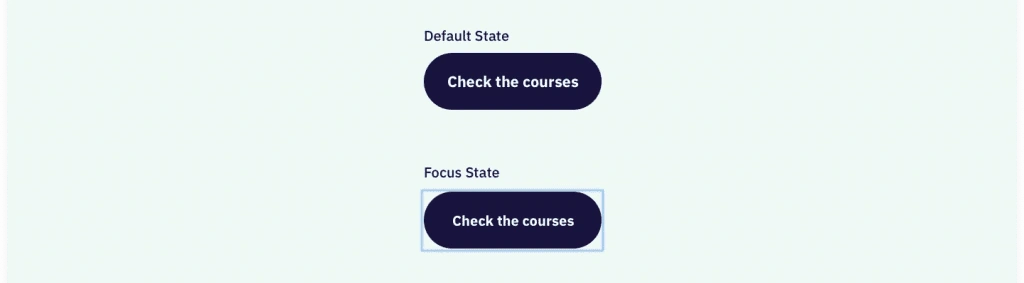
Default vs focused state
A unique challenge:
To express the quality of the visual art for audio-reliant users.
Font testers are not well served by screenreaders.
There is currently no visual description included within the framing of the work.
Make this web-based interactive exploration of the Bungee font accessible to users who will be relying on visual description – rather than visual information – to understand the work.
Are there any other examples of accessible digital art?
Shannon Lin is an abstract artist whose work explores the intersection of sound and visual art, translating auditory experiences into tactile, expressive forms.
Audio can guide, narrate, and describe visual content in meaningful ways
When paired intentionally, sound can evoke the mood, rhythm, and form of visual work
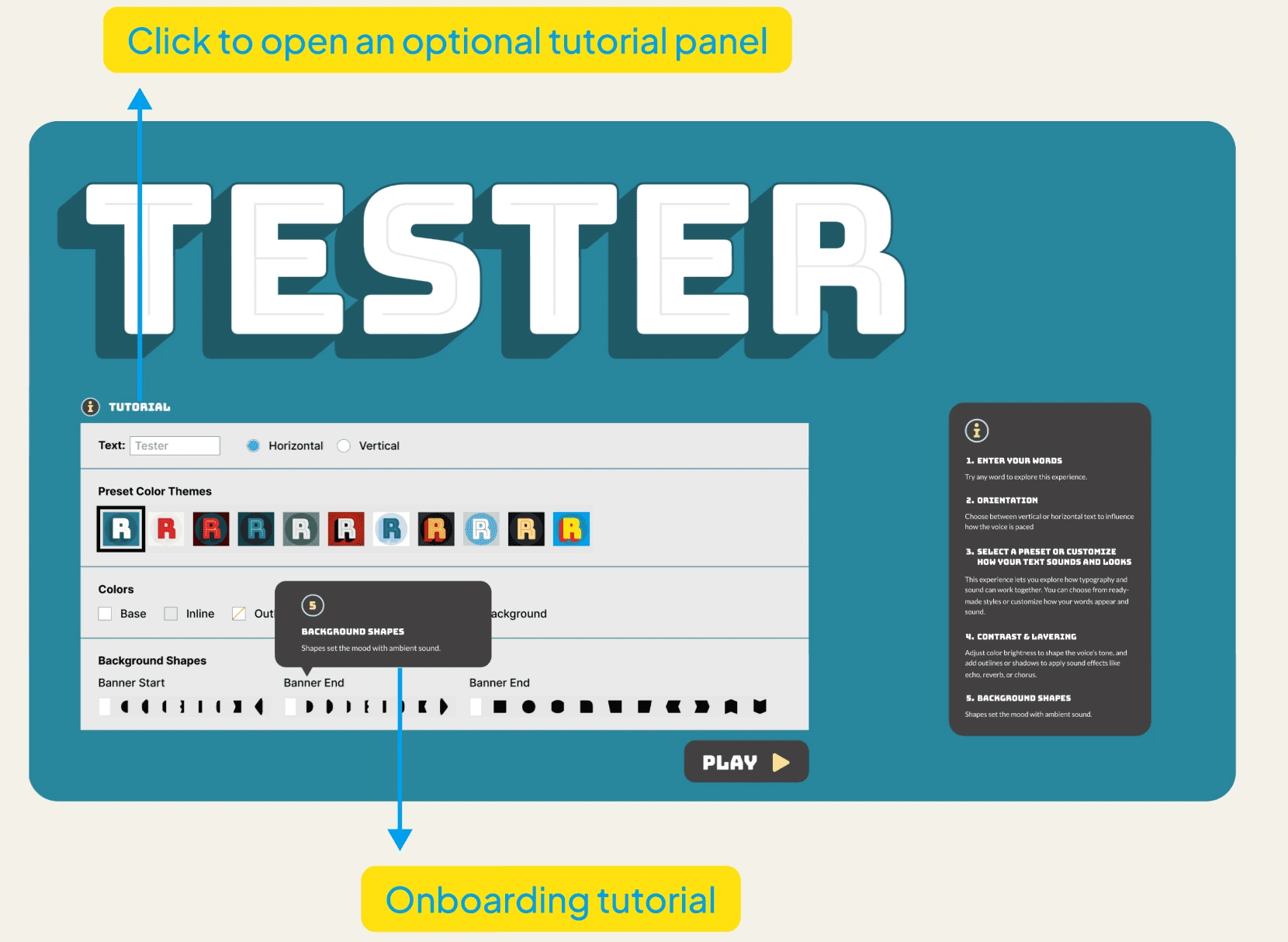

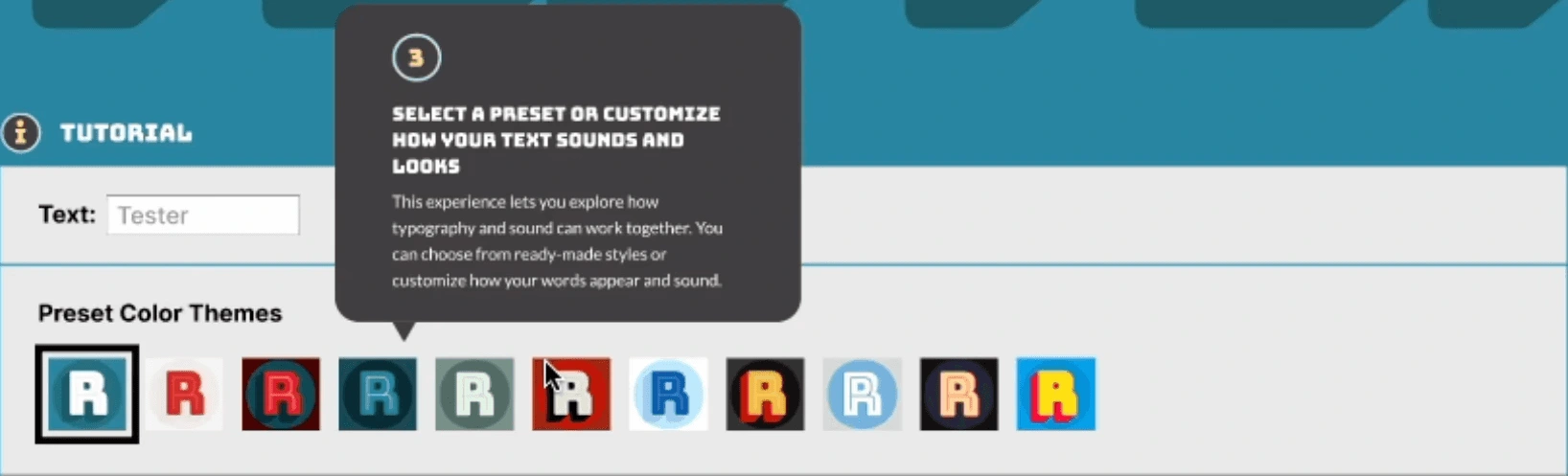
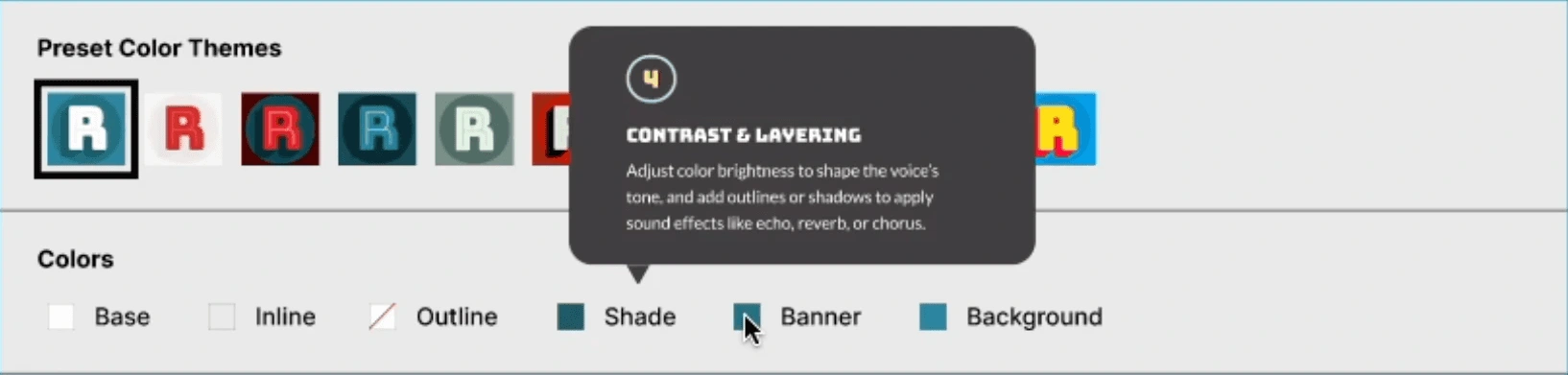
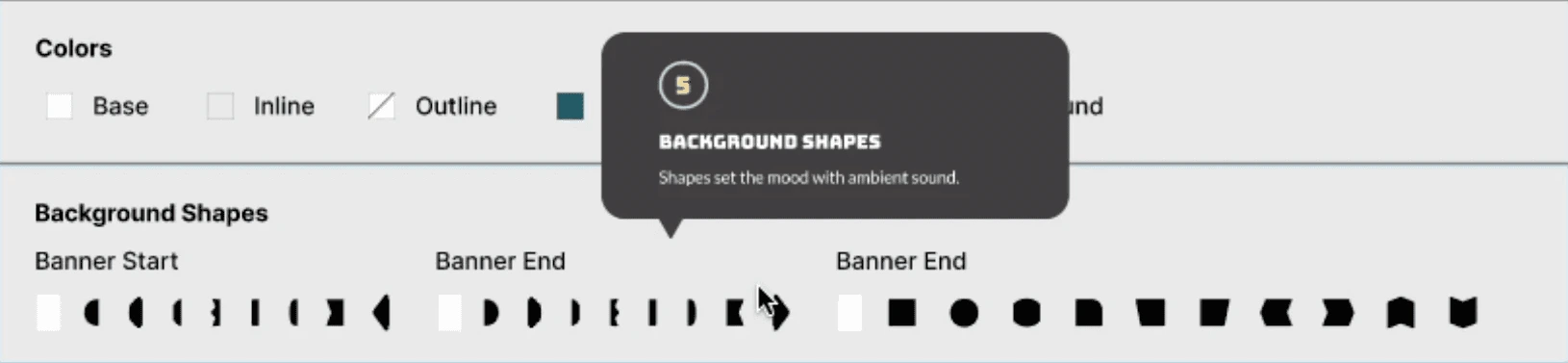
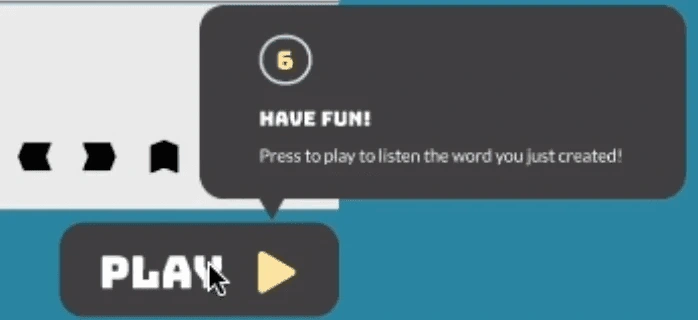
*Addition of a "Play" button for users to be able to control how often they want to hear the output
The guided tutorial help users especially those using screen readers and keyboard to understand a nontraditional interaction model and navigate with confidence.
Sound expression of changes made by users
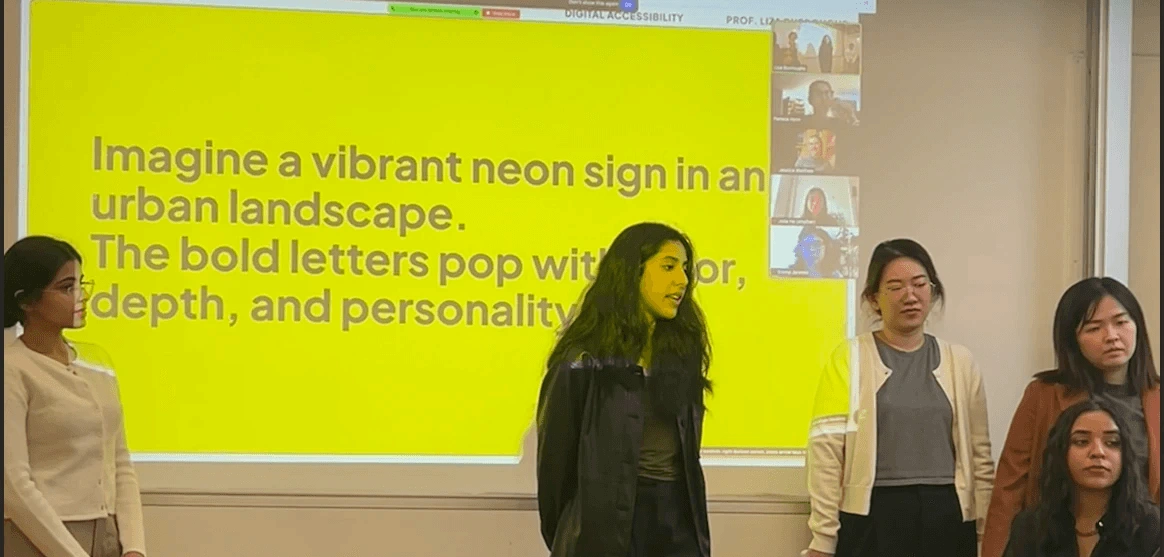
"The artist created unusual names within the code for colors such as "Banana swirl" which is something that could be interesting for screen reader users."
In conclusion
By transforming the Bungee Font Tester into an auditory experience, this project demonstrates that digital art need not be limited to visual perception. Through careful research, accessible design practices, and the creative use of AI-generated audio, we were able to reinterpret a highly visual interface into a multisensory one. This not only broadens access for non-visual users but also challenges conventional assumptions about how digital art can be experienced. The project underscores the importance of inclusivity in digital design and highlights the potential for technology to make artistic expression more universally accessible.
Like this project
Posted Sep 11, 2025
Reimagined Bungee Font Tester for low vision / blind users with AI-generated audio.
Likes
0
Views
8
Timeline
Jan 26, 2025 - May 16, 2025
Clients
Cooper Hewitt