ContentFlow — Intelligent Content

Ahmed Ramadan


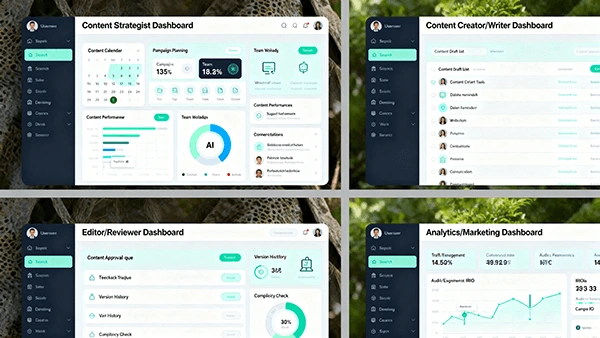
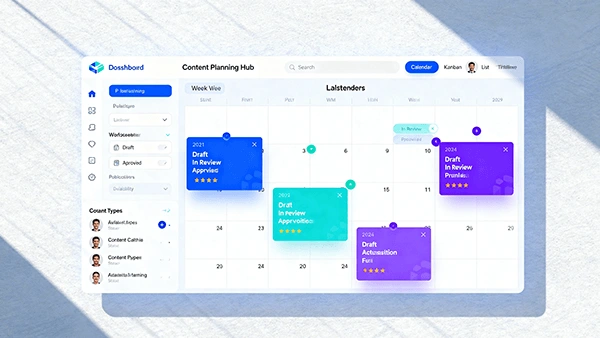
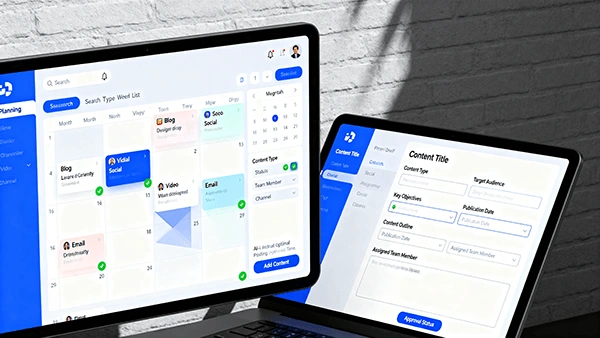
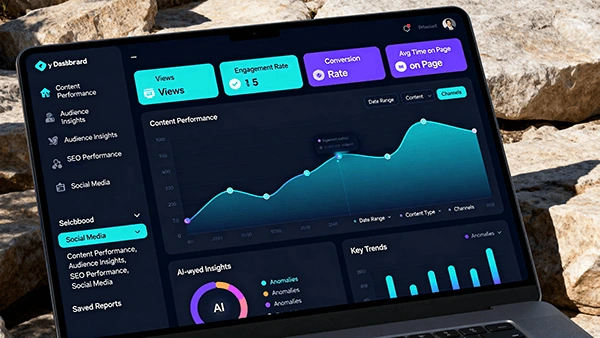
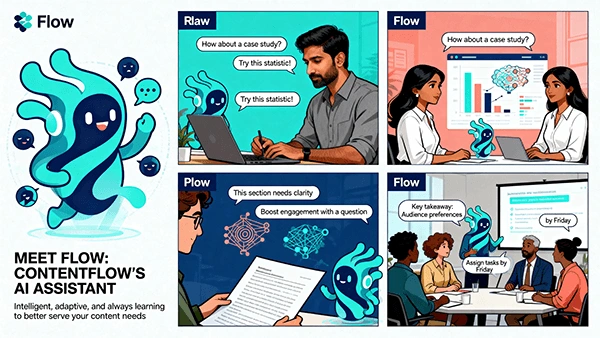
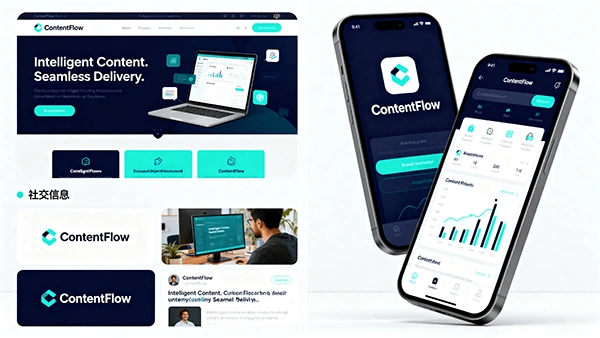

ContentFlow Documentation
Version: 1.0
Status: Draft
Owner: Product & Design
Product Owner: Ahmed Essam
Last Updated: Monday, 20 October 2025, 8:57 AM Africa/Cairo
1) Executive Summary
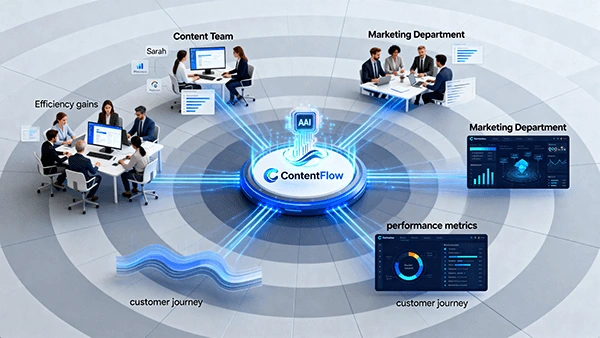
ContentFlow is an AI-powered content creation management platform that guides teams from ideation to analytics with a unified workflow, intelligent assistance, and multi-channel publishing. It standardizes how content is planned, produced, reviewed, distributed, and measured—reducing friction, increasing quality, and improving ROI.
Core value:
Intelligent Content. Seamless Delivery.
Human-AI collaboration, not replacement
End-to-end visibility and optimization
2) Product Overview
Problem: Fragmented tools, inconsistent brand voice, slow production cycles, weak performance visibility.
Solution: A single platform that centralizes workflow, assets, collaboration, scheduling, and analytics with AI copilots embedded in every stage.
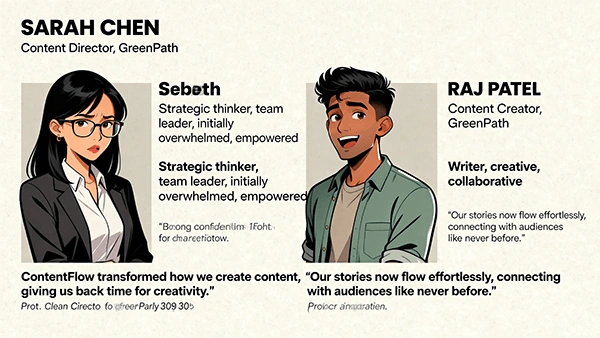
Target Users: Content Strategists, Writers, Designers, Editors, Publishers, Analysts, and Marketing Managers.
Use Cases:
Multi-platform campaigns
Always-on content engines
Thought leadership & SEO
Product launches & promotions
Social media publishing & reporting
3) System Architecture (Conceptual)
Frontend: Web app (responsive), Mobile app (iOS/Android)
Backend Services:
Workflow & Tasks Service
Content Editor & Versioning Service
Asset Library (DAM) Service
Publishing Orchestrator
Analytics & Insights Engine
Notification & Collaboration Service
AI Layer:
Brand Voice Modeling
Ideation & Brief Generation
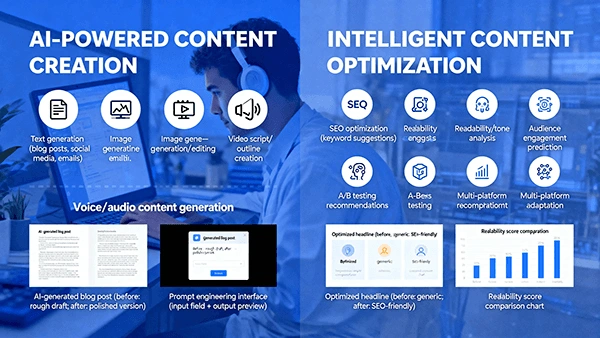
Drafting & Optimization (SEO, tone, readability)
Workflow recommendations & bottleneck detection
Performance insights & forecasting
Data Layer:
PostgreSQL/SQL for metadata
Object storage (assets, media)
Event streams (publishing, engagement)
Integrations:
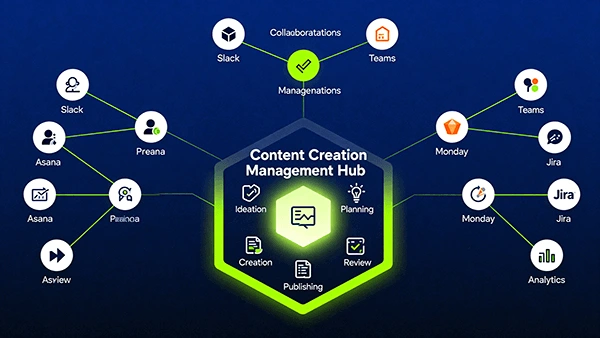
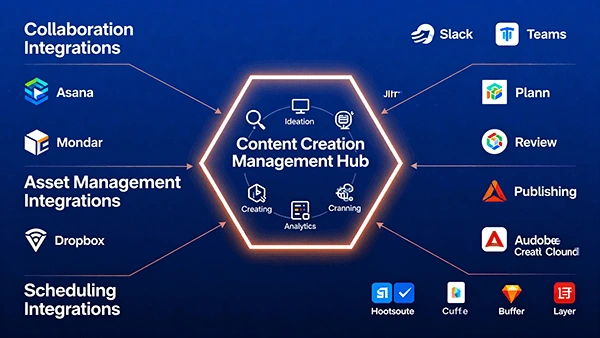
Collaboration (Slack, Teams)
Design tools (Figma, Adobe)
Cloud storage (Drive, Dropbox)
Social schedulers/APIs (Meta, X, LinkedIn, YouTube, TikTok, Pinterest)
Web analytics (GA4), SEO tools
Security: SSO/OAuth2, role-based access control, audit logs, encryption at rest/in transit
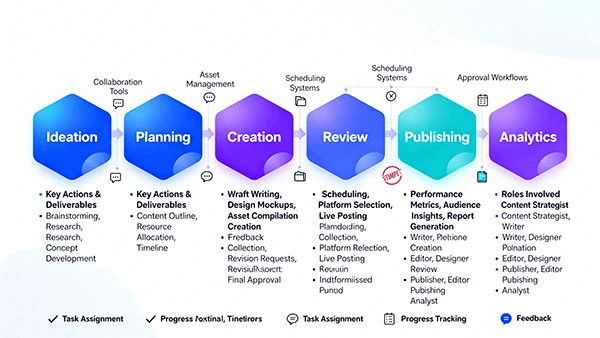
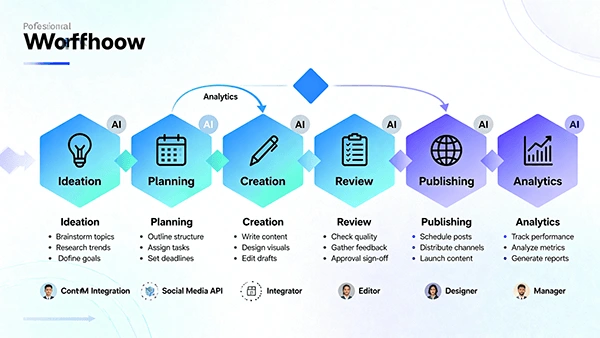
4) Core Workflow
Stages and transitions:
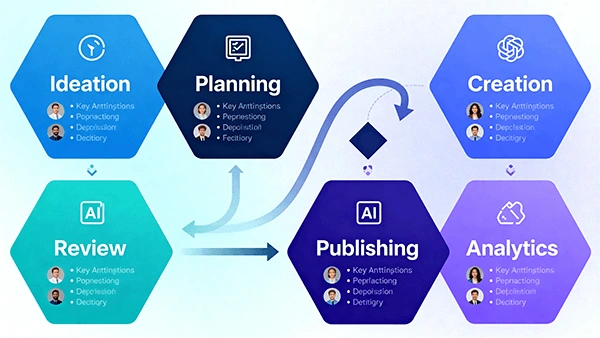
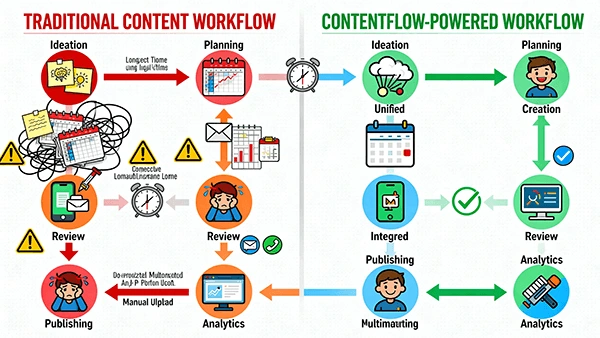
Ideation → 2. Planning → 3. Creation → 4. Review → 5. Publishing → 6. Analytics
Feedback loops:
Review ↔ Creation (revisions)
Analytics → Ideation/Planning (insight-driven topics)
Gates:
Brief completeness check
Brand voice & compliance check
Legal/Stakeholder approval
Automation:
Task assignment by role/capacity
Scheduling by optimal time windows
Cross-posting & UTM tagging
Performance reporting cadence
5) Feature Specifications
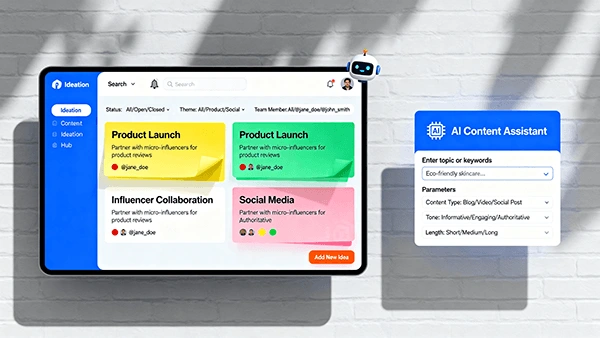
5.1 Ideation Hub
Idea board with labels, topics, audience segments
AI brainstorm: prompts, trends, gap analysis
Voting, priority scoring, conversion potential estimates
Deliverables: Idea Cards → Draft Briefs
5.2 Planning & Briefs
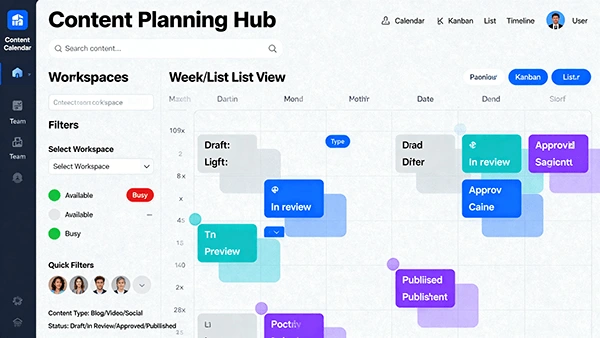
Campaigns and content calendar (drag-and-drop)
Brief templates (goals, audience, keywords, CTA, assets)
Resource & timeline allocations, dependencies
Deliverables: Approved Briefs → Tasks & Assignments
5.3 Creation Studio
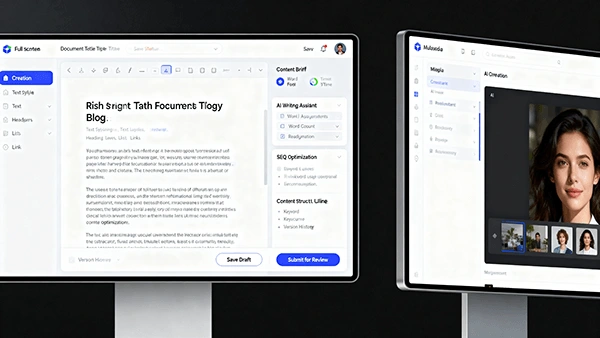
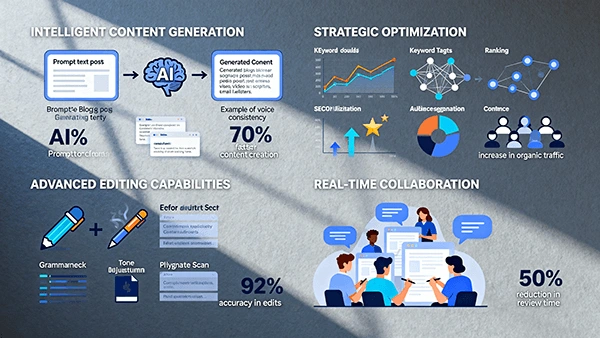
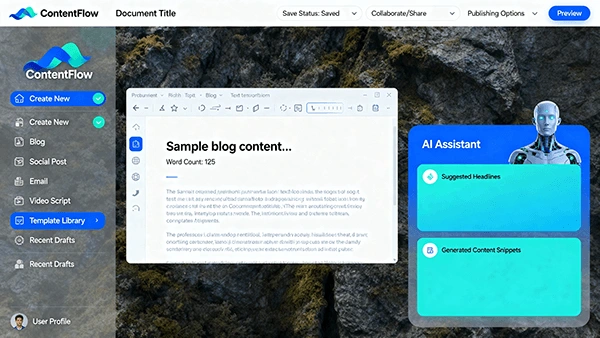
Rich text editor with side-by-side brief and AI panel
Brand Voice Guardrails: tone, terminology, style consistency
SEO optimization: headings, keyword density, internal links
Media tools: asset library, AI image prompts, metadata
Versioning: compare, diff highlights, rollback
Deliverables: Drafts → Review-ready Content
5.4 Review & Approval
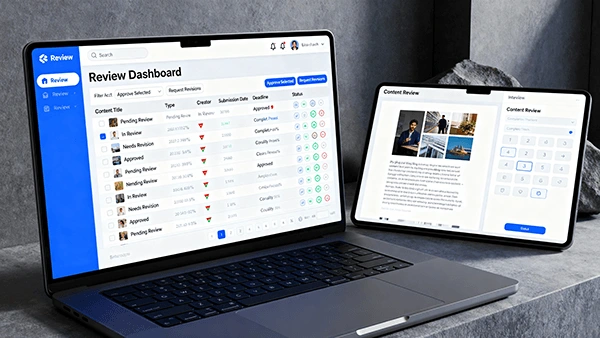
Review queue with SLA timers and priority flags
Inline comments, suggested edits, criteria checklist
Multi-step workflows (editor → legal → stakeholder)
Audit trail and decision history
Deliverables: Approved Content → Publishing-ready Items
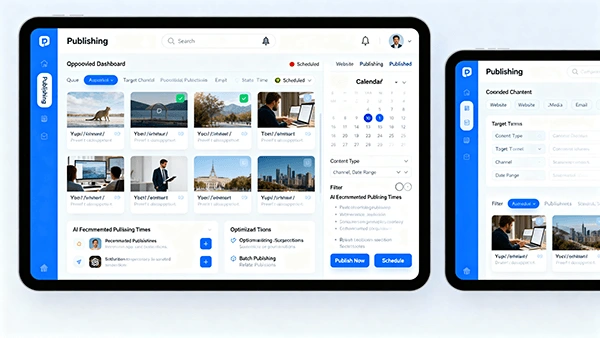
5.5 Publishing Orchestrator
Channel-specific formatting and previews
Scheduling: optimal time recommendations
Multi-channel distribution (platform APIs)
Link management: UTM templates, tracking
Deliverables: Published Content + Posting Logs
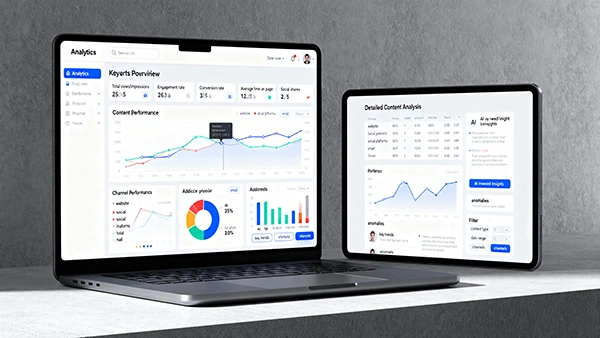
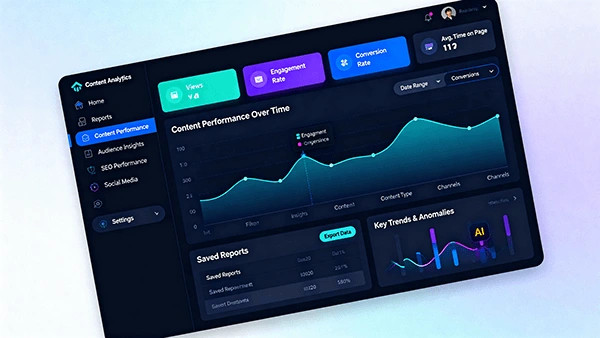
5.6 Analytics & Insights
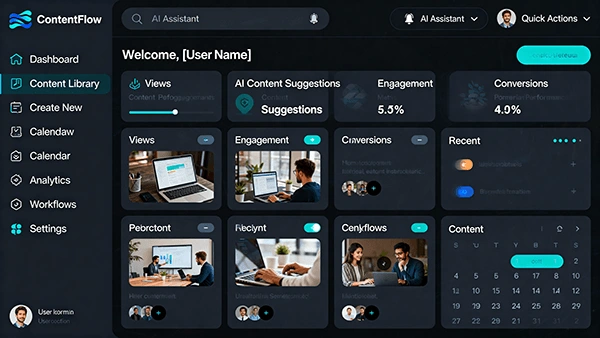
Overview dashboard: reach, engagement, CTR, conversions
Content-level analytics: performance vs. benchmarks
Audience insights: demographics, interests, behavior
Source/Channel breakdown; funnel views
AI recommendations: next topics, timing, formats
Deliverables: Reports, insights back to Ideation/Planning
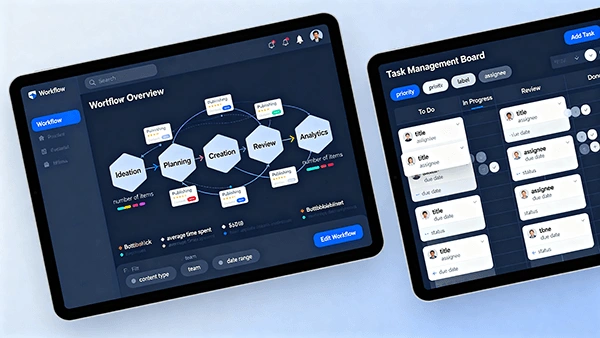
5.7 Workflow & Task Management
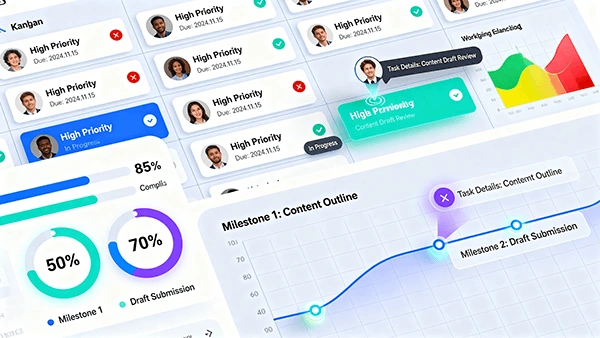
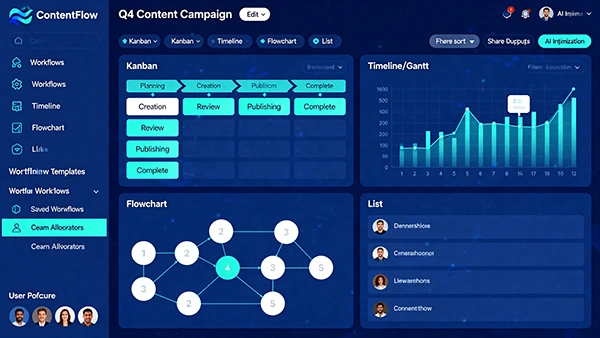
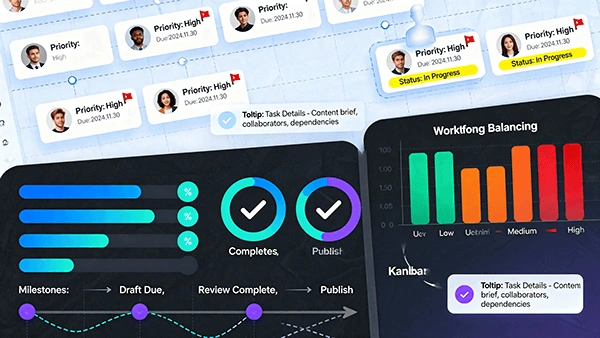
Kanban board: Status swimlanes
Capacity visualization: workload, deadlines
SLA & alerting: delays, blockers, reassignment
Automation: recurring tasks, templates
6) Roles & Permissions
Content Strategist: create campaigns, briefs, calendars; approve plans
Writer: author drafts; request assets; collaborate with AI
Designer: produce visual assets; manage DAM metadata
Editor: enforce standards; finalize content; manage revisions
Publisher: configure channels; schedule posts; ensure compliance
Analyst: report performance; generate insights; inform strategy
Admin: manage users, roles, integrations, governance
RBAC examples:
Edit rights scoped by project/campaign
Approval chains require specific roles
Publishing restricted to approved items only
7) Integrations
Collaboration: Slack/Teams (notifications, status updates)
Asset Management: Drive, Dropbox, Adobe CC libraries
Design: Figma components import; export thumbnails
Social APIs: Meta (FB/IG), X, LinkedIn, YouTube, TikTok, Pinterest
Web & SEO: GA4, Search Console, SEO tool connectors
Calendars: Google/Outlook sync
Auth: Google/Microsoft SSO
Integration behaviors:
Webhooks for publish events
Rate limits handling and retry queues
OAuth token refresh and encryption
8) Data Model (High-Level)
Entities:
Idea, Brief, ContentItem, Asset, Task, Review, Approval, PublishEvent, Channel, Campaign, User, Role, Team, Report
Key relationships:
Campaign 1—N ContentItem
ContentItem 1—N Version
ContentItem N—M Asset
ContentItem 1—N Review/Approval
ContentItem 1—N PublishEvent
User N—M Role, N—M Team
Channel 1—N PublishEvent
Critical fields:
ContentItem: id, type, status, owner, due_date, brief_id, brand_voice_score
PublishEvent: id, content_id, channel_id, scheduled_at, published_at, url, utm_params
Analytics: content_id, impressions, clicks, ctr, conversions, engagement_score
9) Security, Privacy & Compliance
Authentication: OAuth2/SSO, MFA optional
Authorization: RBAC, scoped project access
Data Security: TLS in transit; AES-256 at rest; KMS-managed keys
Auditability: immutable logs of edits, approvals, publishing
Privacy: GDPR/CCPA alignment; consent-driven analytics; data retention policies
Backups & DR: daily backups; RPO/RTO targets; regional redundancy
10) UI/UX Specifications
Design language:
Dark + light themes
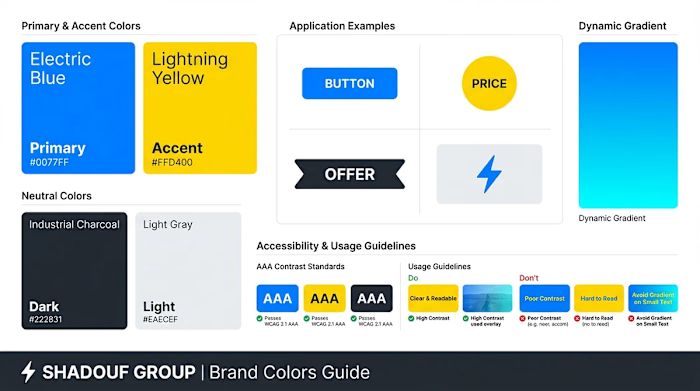
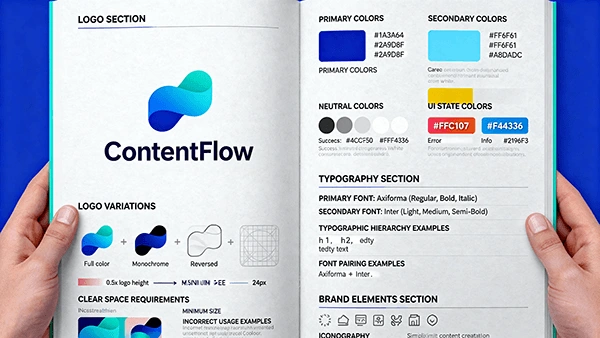
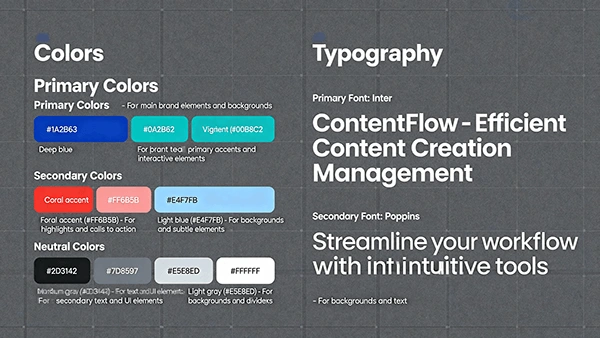
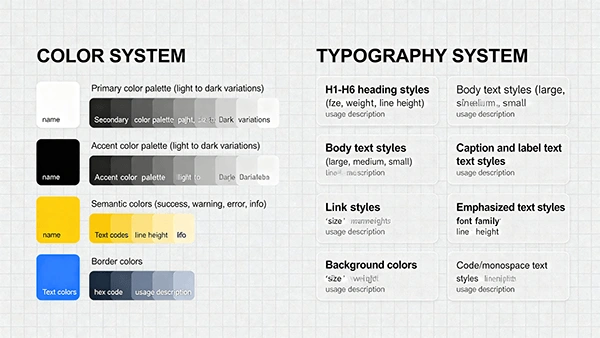
Primary colors: Deep Blue (#1A2B63), Teal (#00B8C2), Coral (#FF6B5B), Light Blue (#E4F7FB), Neutrals
Typography: Axiforma (display), Inter (UI/body)
Key screens:
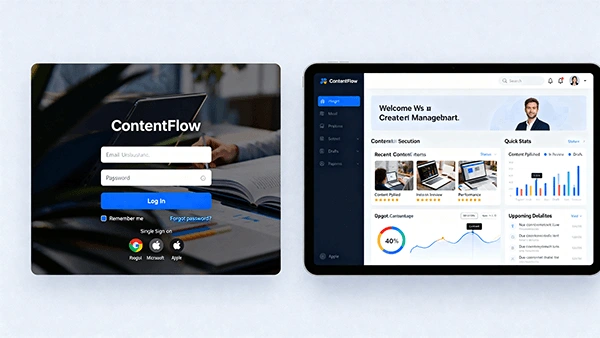
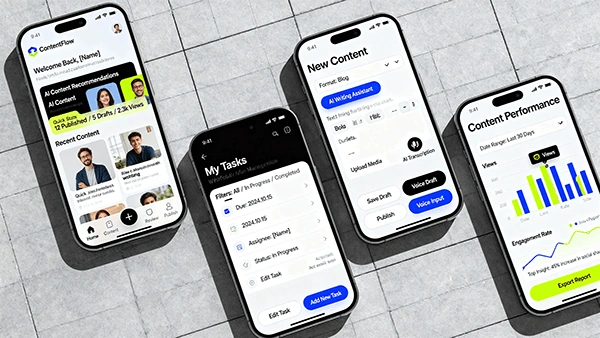
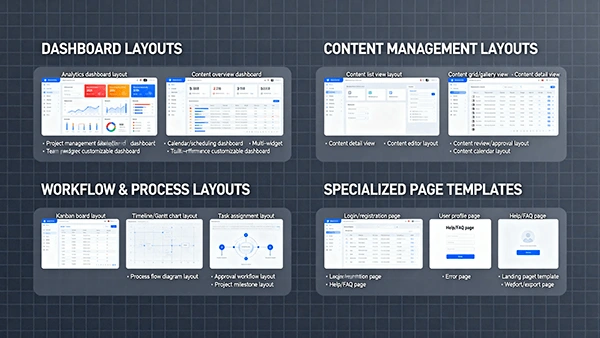
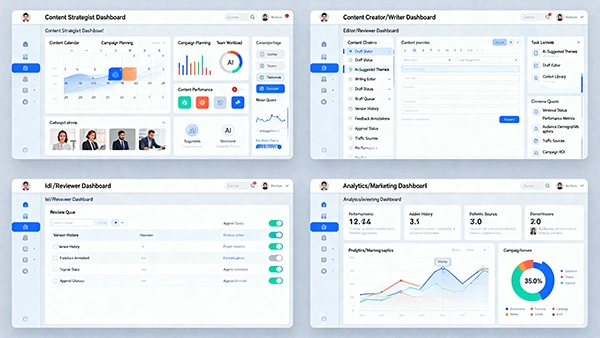
Login & Personalized Dashboard (widgets: pipeline, deadlines, insights)
Ideation Hub (sticky notes board, trends panel, votes)
Calendar & Brief Builder (timeline, dependencies)
Creation Studio (editor, AI panel, SEO panel, assets dock)
Review Interface (split view, criteria checklist, version diff)
Publishing Dashboard (channel config, previews, schedule grid)
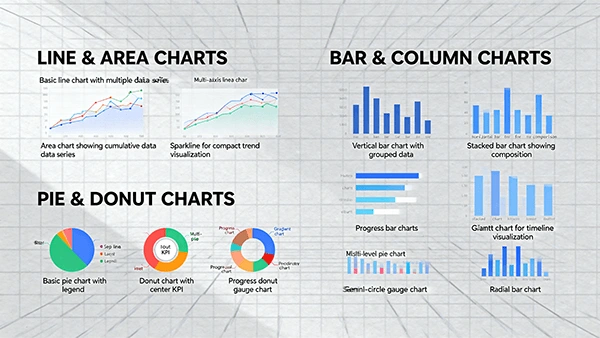
Analytics Overview (KPIs, charts, comparisons, recommendations)
Workflow Board (kanban, workload heatmap)
Accessibility:
WCAG 2.1 AA contrast ratios
Keyboard navigation; ARIA labels
Motion-reduced modes; alt text for assets
11) Branding & Messaging
Name: ContentFlow
Slogan: Intelligent Content. Seamless Delivery.
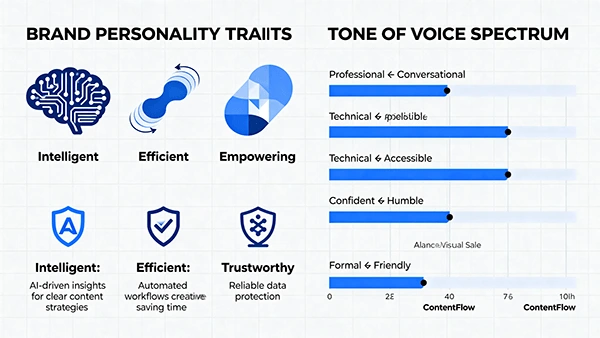
Personality: Intelligent, Efficient, Empowering, Trustworthy
Voice & Tone: Professional, approachable, clear, helpful
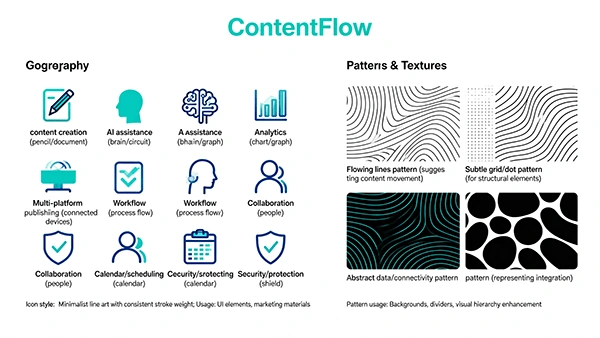
Visual elements: flowing line motifs, connectivity patterns, cohesive iconography
Usage guidelines:
Logo clear-space and minimum size
Color usage hierarchy; accent constraints
Do’s/Don’ts for brand voice in UI copy
12) Asset Library (Design System)
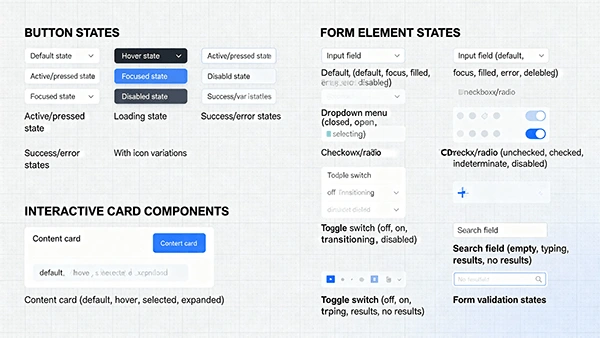
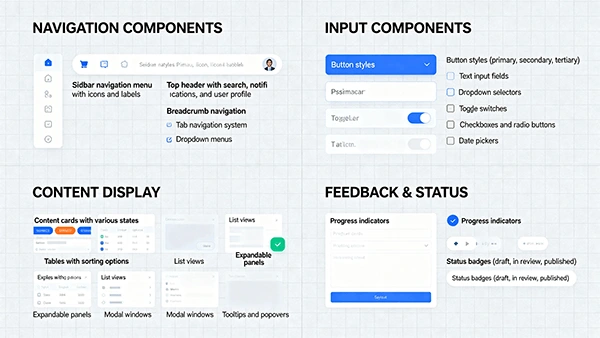
UI Components: nav, buttons, inputs, cards, tables, modals, tooltips
States: default/hover/active/focus/disabled/loading
Data viz: line/area/bar/pie/donut, funnels, heatmaps
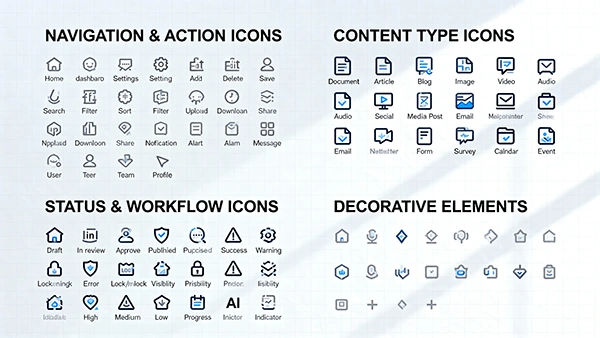
Icons: actions, statuses, content types, workflow stages
Layout patterns: dashboard, detail view, editor, review, publishing
Design tokens: colors, spacing, radius, shadows, motion presets
Export formats:
Figma components, SVG/PNG, JSON tokens, CSS variables
13) Social Media Templates
Platform packs:
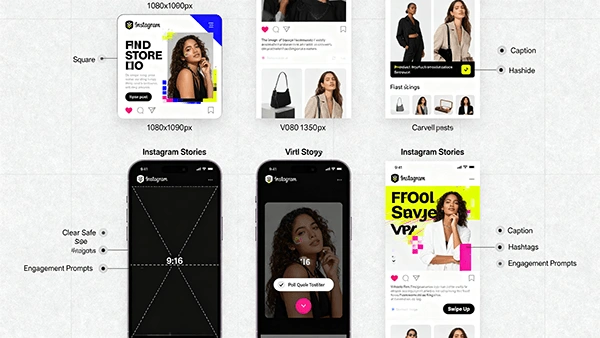
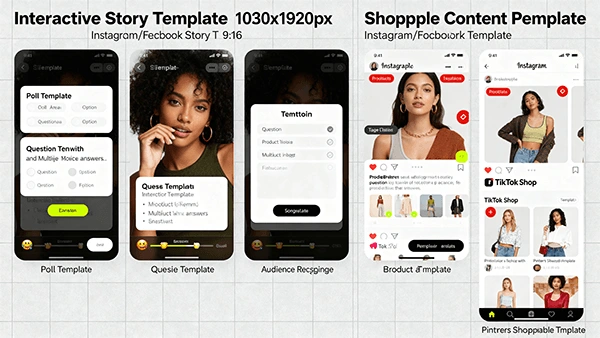
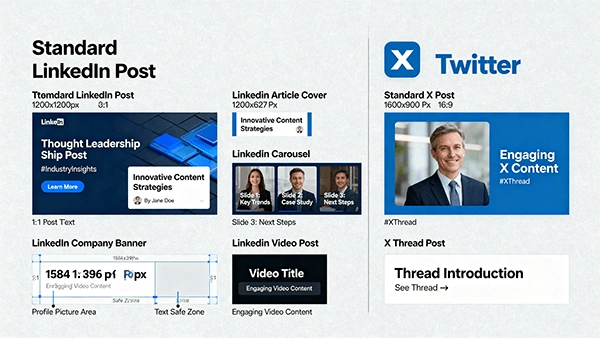
Instagram: feed (1080×1080, 1080×1350), stories (1080×1920), reels overlays
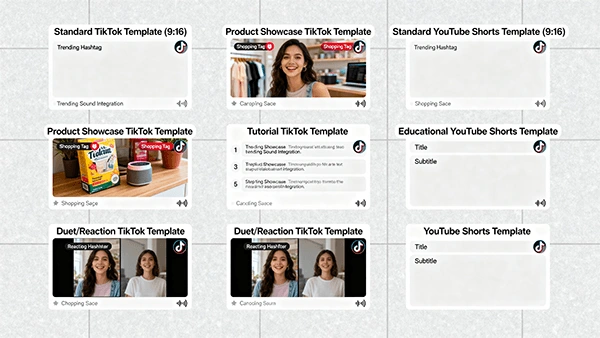
TikTok/Shorts: 1080×1920 video overlays, tutorial layouts, CTA frames
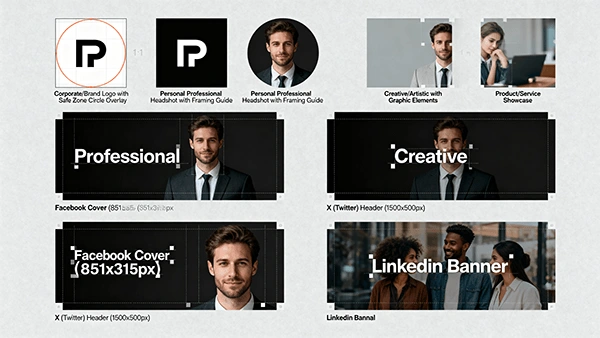
LinkedIn/X: post cards, threads, carousels, banners
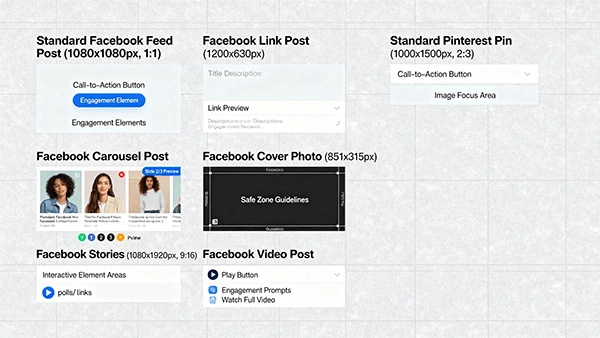
Facebook/Pinterest: posts, covers, pins, idea pins, infographics
Guidelines:
Safe zones; text size minimums
Platform-specific CTA and caption best practices
UTM and link shortener conventions
14) Content Governance
Policies:
Brand voice guardrails (terminology, tone)
SEO standards (structure, metadata)
Legal & compliance checks (claims, licensing, privacy)
Accessibility checks (alt text, captions)
Review SLAs (response time targets per stage)
Publishing rules (approved-only, embargo management)
Quality KPIs:
Brand voice score ≥ 85/100
Readability (target grade/score)
Turnaround time per stage
Error rate post-publish
Content ROI per campaign
15) Analytics & Reporting
Dashboards:
Executive: reach, engagement, conversion, ROI
Channel: platform-specific performance
Content: best/worst performers, lifecycle impact
Workflow: throughput, bottlenecks, SLA compliance
Team: capacity, productivity, review cycles
Reports:
Weekly performance digest (auto)
Campaign retrospectives (templated)
Content recommendations (AI-generated)
Forecasting (seasonality, topic impact)
16) Implementation Plan
Phases:
Discovery & Setup: integrations, brand voice training, role mapping
Pilot Workflows: select campaign, iterate on stages
Full Rollout: expand templates, automate tasks, train team
Optimization: analytics-driven improvements, governance tightening
Scale: mobile adoption, advanced personalization, multi-region teams
Training:
Role-based sessions; quick-start guides
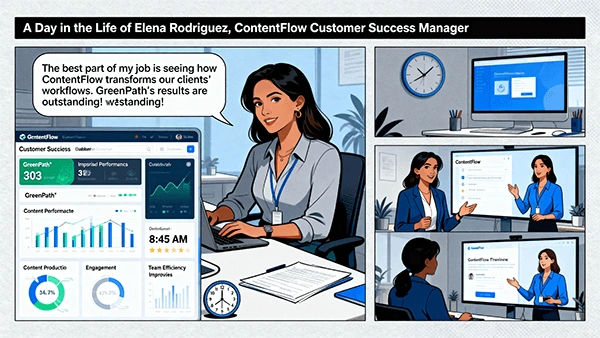
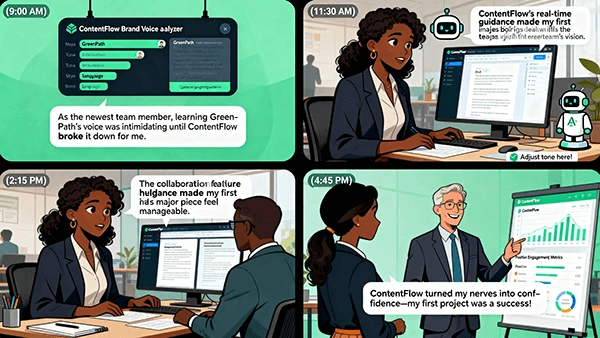
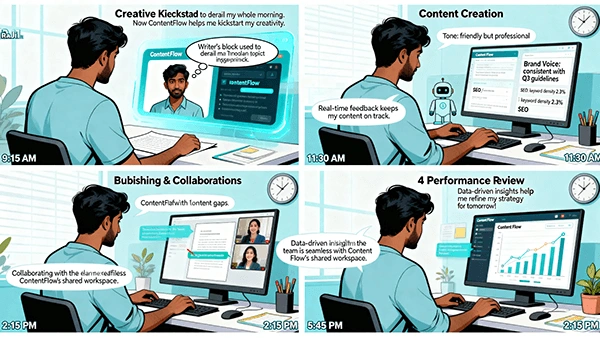
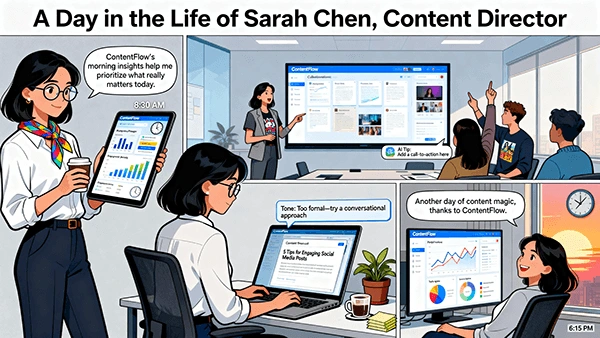
“Day in the Life” playbooks for each role
Help center with videos and checklists
Change Management:
Champions per team
Feedback loops to product
Bi-weekly improvements cadence
17) Risk & Mitigation
Platform API changes → Use abstraction layer and resilient retry queues
Brand drift via AI → Continuous brand voice audits and human approvals
Low adoption → Champions, training, productivity benchmarks, quick wins
Data quality issues → UTM standards, source validation, schema checks
Security incidents → RBAC discipline, audit logs, regular pen tests
18) Roadmap (Next 6–12 Months)
Advanced personalization (audience micro-segmentation)
Predictive topic modeling & seasonal calendars
AR/3D content templates & pipelines
In-platform A/B testing and auto-optimization
Partner ecosystem (certified integrations, marketplace)
Multilingual brand voice and translation memory
19) KPIs & Success Metrics
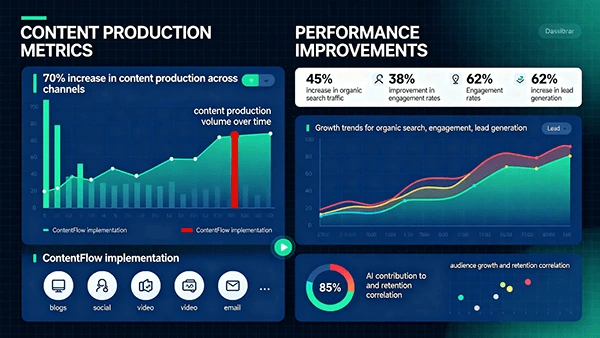
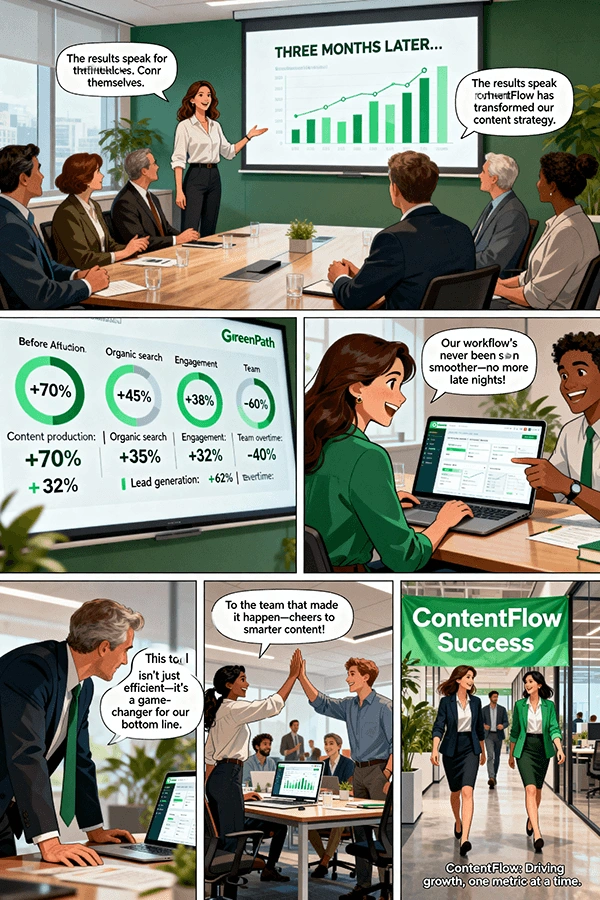
Production velocity (+50–70%)
Engagement rate (+30–40%)
Organic traffic (+40–50%)
Lead gen from content (+50–60%)
Team overtime (−30–40%)
Approval cycle time (−25–35%)
20) Appendices
A. Sample Templates
Brief template
Review checklist
Publishing checklist
Campaign retrospective template
B. Sample Processes
Incident response (publishing errors)
Content rollback procedure
Legal approval pathway
C. Glossary
Brand Voice Score, UTM, CTR, SLA, DAM, Orchestrator
21) Quick-Start Checklists
Setup
Connect social and analytics accounts
Import brand guidelines and high-performing content
Configure roles and approval workflows
First Campaign
Ideate 10 ideas with AI
Approve 3 briefs; assign tasks
Produce drafts; hit voice score targets
Review & publish across 4 channels
Gather insights; plan iteration 2
Weekly Ops
Review dashboard KPIs
Address bottlenecks & overdue items
Approve upcoming schedules
Log wins & learnings
22) Contact & Ownership
Product Owner: Ahmed Essam
Phone Number: +201008547934
E-Mail: mohamed.essam3008@gmail.com
Like this project
Posted Apr 16, 2026
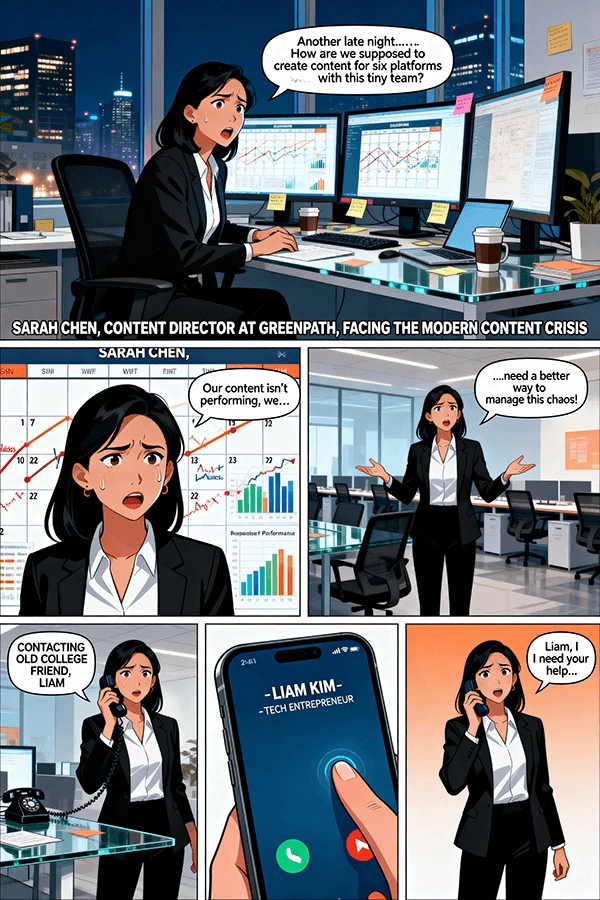
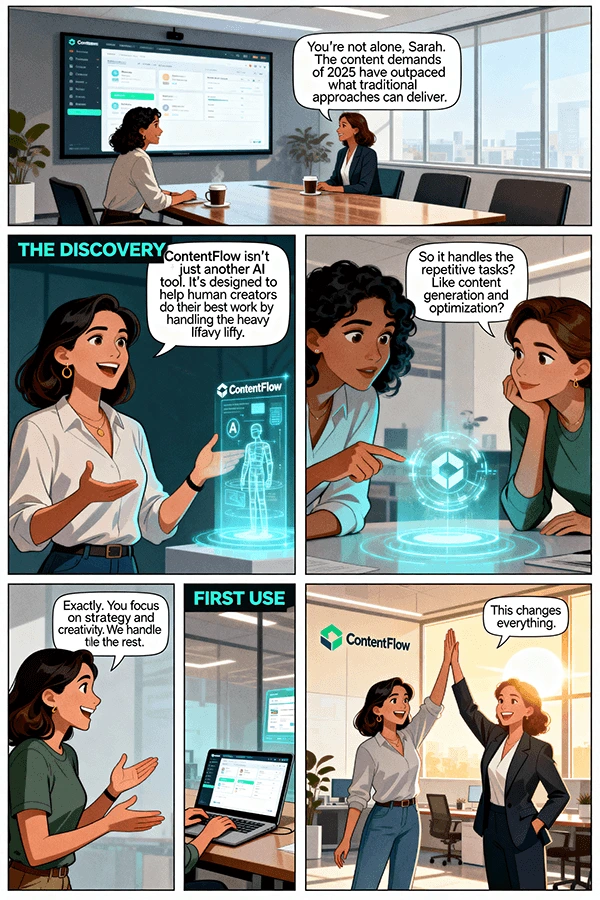
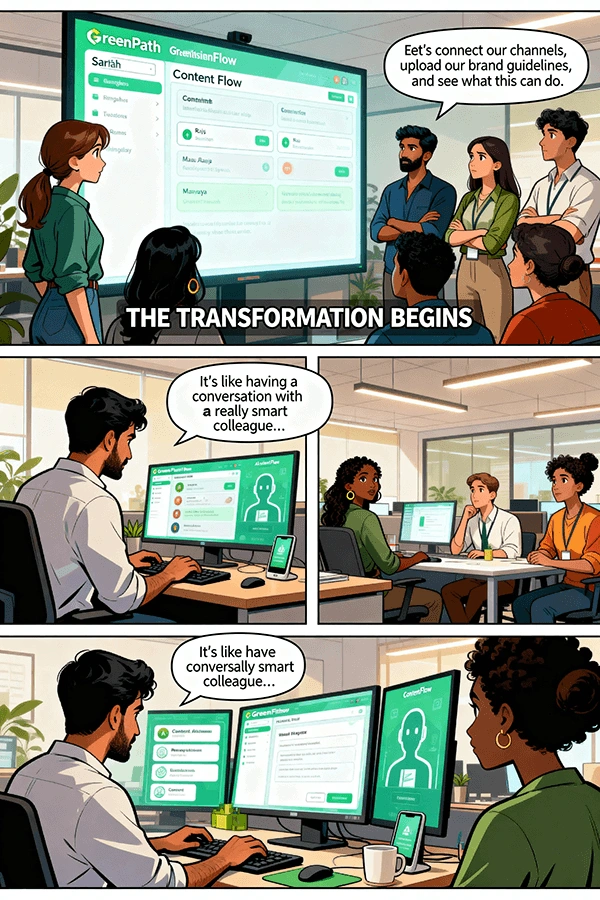
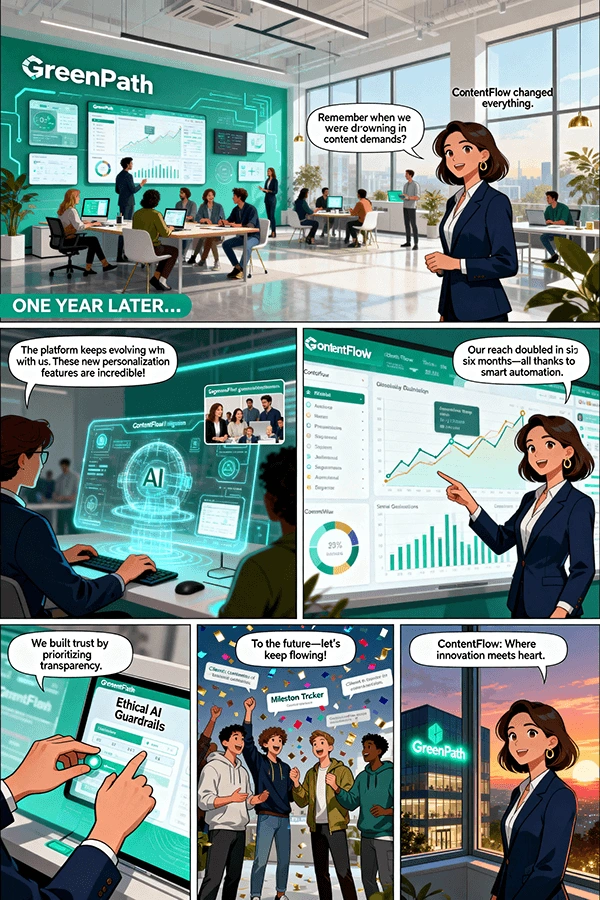
AI-powered content workflow — ideation to analytics. Built end-to-end content pipelines using AI tools, automating planning and scheduling for brand clients.