UI Development for Microsoft Learn

Trang Le



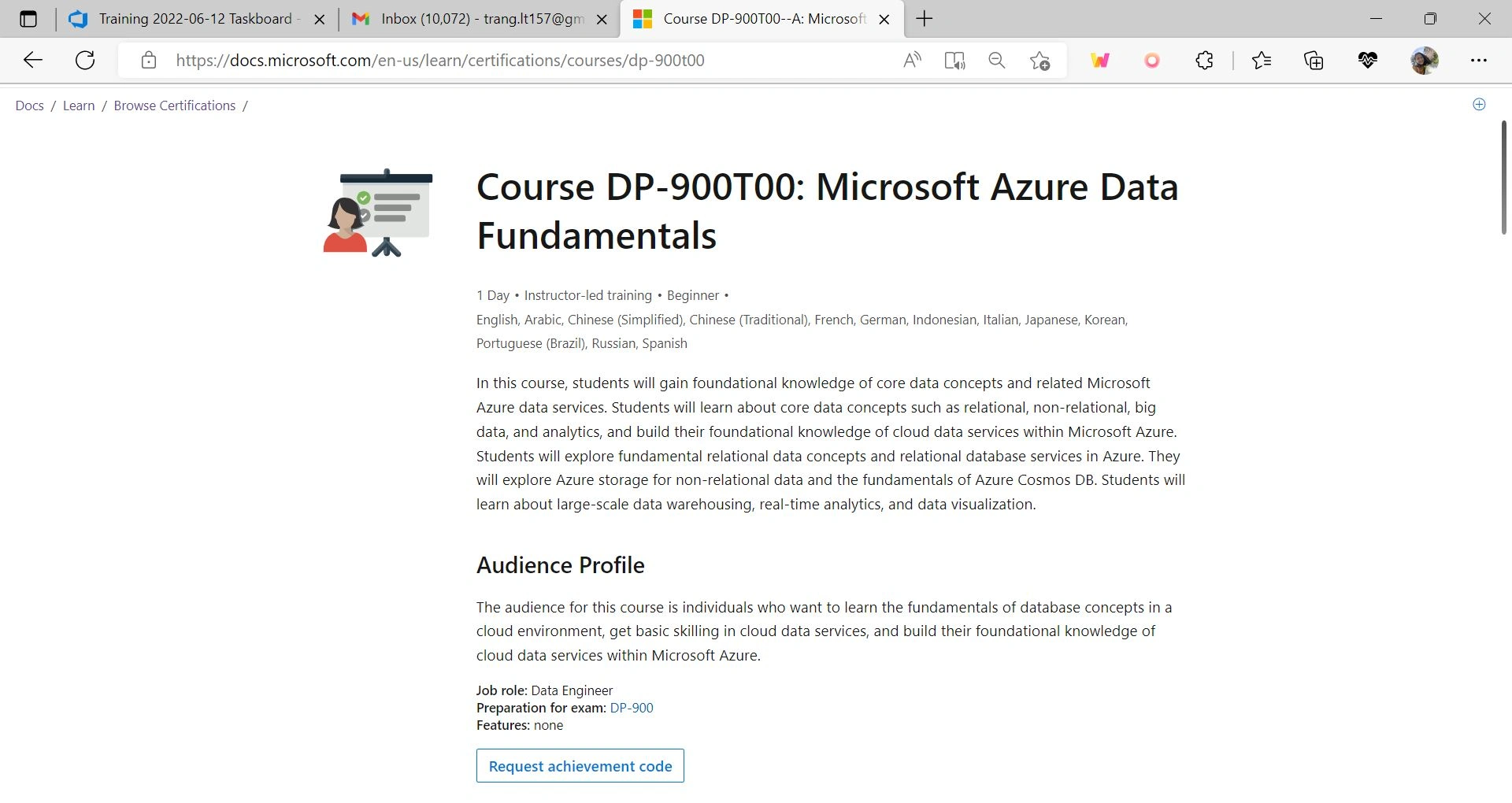
Microsoft Learn is a platform for users to learn about Microsoft's technologies and products. To make it easier for individual learners and organizations to acquire new skills, try out APIs, and get rewarded for their learning progress, my work as a UI developer focuses on design components, minimalist design and accessibility.
When I entered the team, we have been migrating from Fluent Design to Atlas Design system. Atlas focuses on simplicity in design, class-based styling components that enables fast iterations.
With my extensive experiences designing, researching and creating user interfaces, I contributed to the team proactively in the design front. Using UX design principles and heuristics, I worked extensively with product managers and designers to improve usability, visual design and accessibility.
As a liaison between designers, backend engineers and UX engineers, I worked with UX engineers on code quality and consistency of visual design systems.
A11y has always been my interest since joining the UX field, and being at Microsoft is a valuable experience to gain experience in and contribute to a11y work. I actively contributed to the design iteration to better reflect system status through clearer error messages and accessible features (e.g. using a popover component instead of hovering, and label text with clear instructions).
Tech stacks and tools
Figma
Mustache templating system, Fast Components, Atlas Design System
TypeScript, HTML/CSS, SCSS
Project 1: System-driven achievement
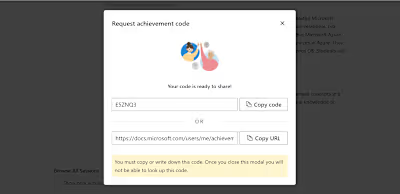
The first project I worked with was system-driven achievement. For users to engage more with course materials through in-person class activities and add more learning flexibility, we made a request-redemption system where instructors can give out achievement codes to students.
The project aims to let users try out the Azure APIs within a sandbox environment on learn. focuses on the user sign in flow, authentication scenarios for users with different Azure subscriptions and identity.
The challenge of the project was to make sure different scenarios are tested and tackled carefully, avoiding any infinite login redirection and testing the UI scenarios with Jest.
Responsiveness and themes is also taken care of in collaboration with the designer to ensure pixel-perfect modals, margins and reusable front-end code.
Through this valuable experience working at Microsoft, I was able to
The importance of communicating, asking questions and caring about your users. I actively talked to the designers, PMs and backend engineers to understand more thoroughly about the projects and the targeted users. I also utilized any UX/UI principles I usability, accessibility, and align with our business goals.
Working with designers and UX engineers on negotiating between the designer's aesthetics and design system utilization.
Working with the backend team on API testing, validating endpoints and work with different authentication scenarios.
Accessibility. As Microsoft values accessibility in all shipped products, the UI has to be tested to match the WCAG guidelines.
Accessibility has long been my interest, so I worked to push the products forward to inclusive design in any way I could. Working with any team and company that deeply care about accessibility is a wonderful collaboration.
Like this project
Posted Feb 20, 2026
Developed UI components and improved accessibility for Microsoft Learn.