Cross-Platform Desktop App Development with Electron

Umar Abdullah


Desktop Windows & macOS App Development (Electron)
Desktop apps still matter. Teams want tools that open instantly, work offline, and feel at home on Windows, macOS and Linux. This case study shows how I build cross-platform desktop apps with Electron, from first architecture to signed, auto-updating releases.
The Challenge
Building one app for three operating systems sounds simple, but it comes with real problems:
Keeping performance smooth so the app doesn't feel heavy or slow
Making the UI feel native on every platform, not like a web page in a box
Handling security properly between the app's UI and system-level code
Shipping installers, code signing and auto-updates for each OS
Supporting offline use and syncing data reliably once users are back online
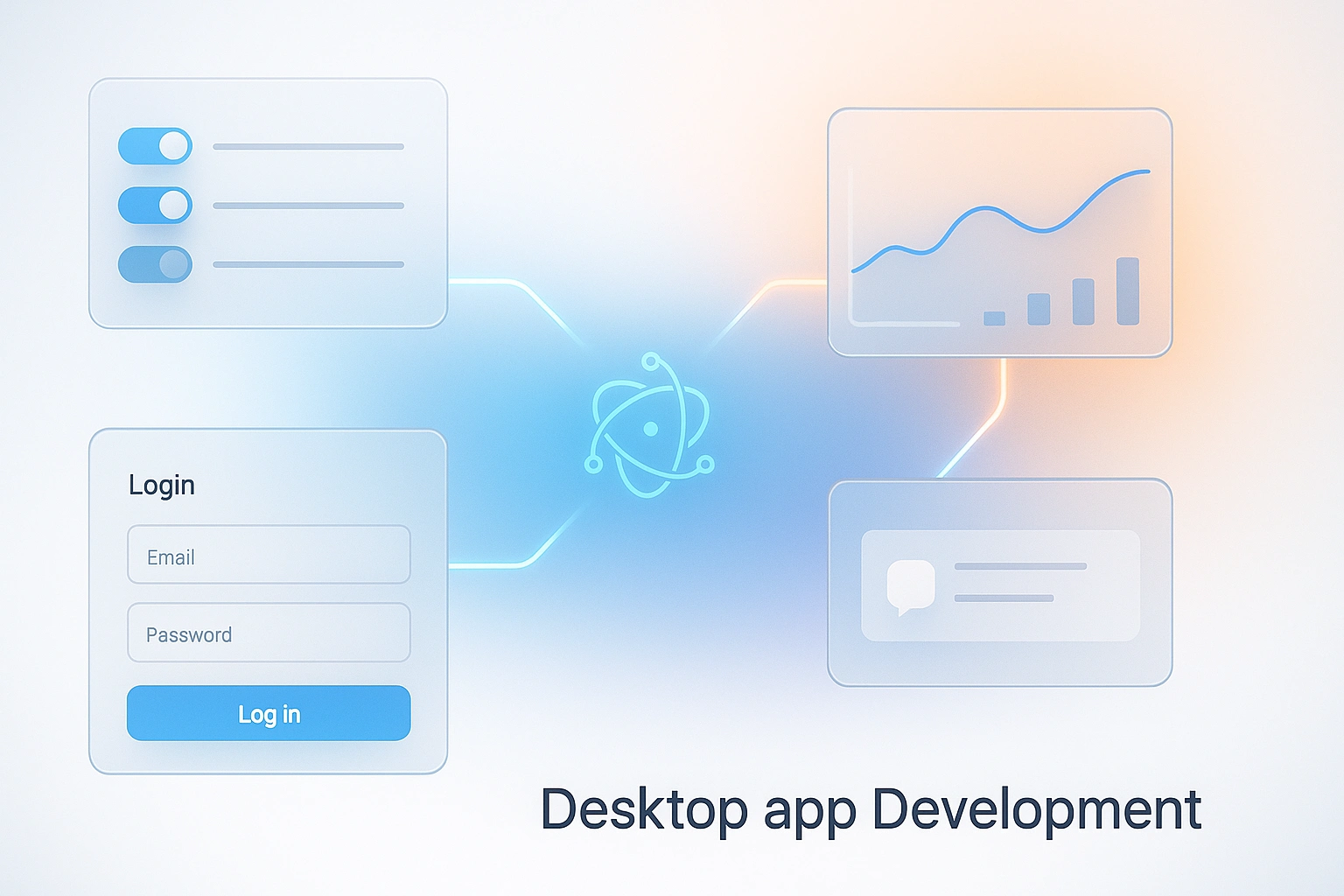
Electron App Development
Our Approach
Architecture first
Every project starts with a clean structure that separates the UI from system-level logic. This keeps the app secure, easier to test and simple to grow as new features are added.
Native-feeling UI
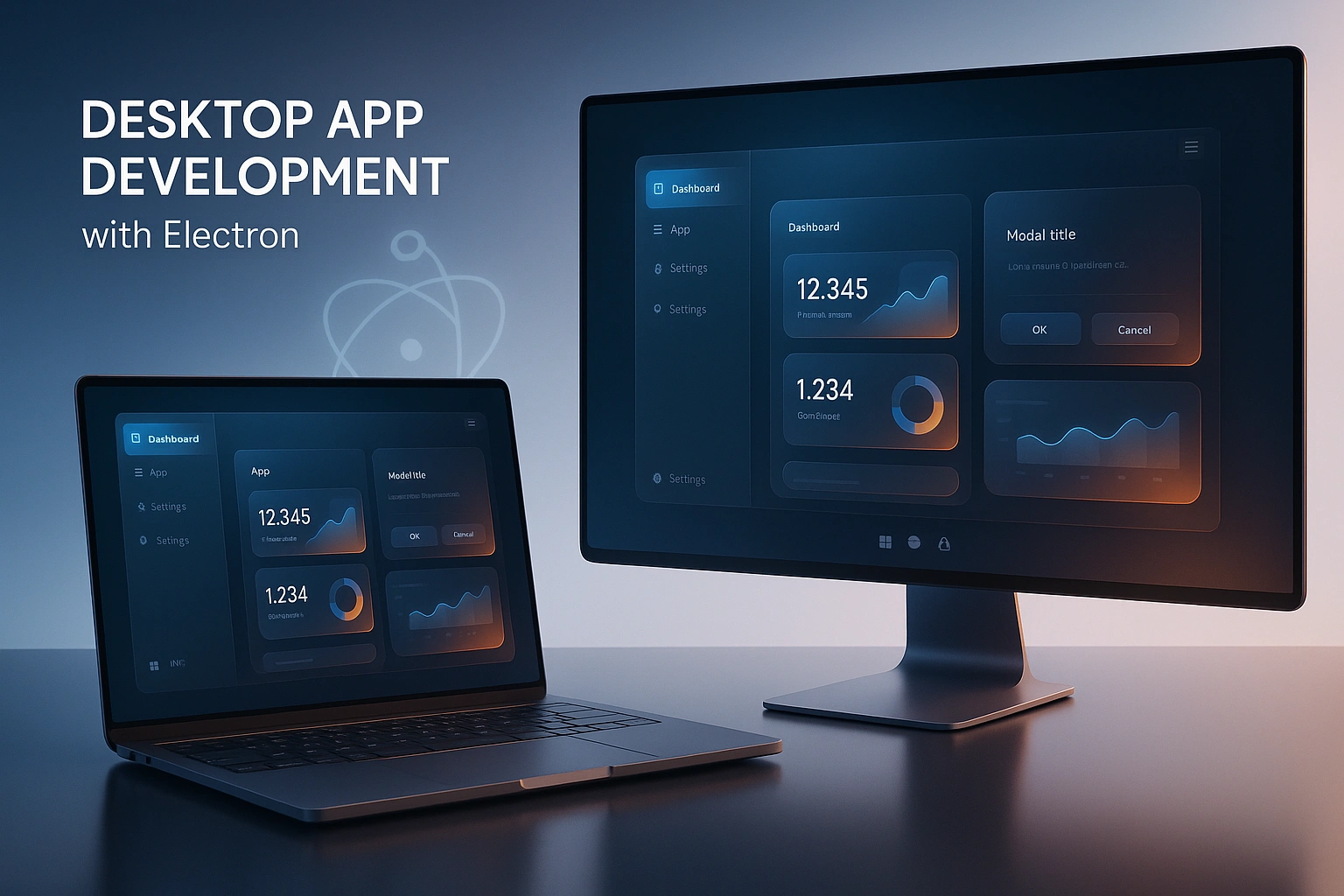
I design polished interfaces using React and TypeScript, with options for glassmorphism styles or system-native themes. The goal is an app that looks great and feels natural on each operating system.
Performance tuning
Startup time, memory use and rendering are tuned early, not at the end. Heavy work runs in the background so the interface stays fast and responsive.
Data, APIs and offline support
Apps connect securely to backends like Supabase, Firebase, REST or GraphQL APIs. Local storage and offline handling let users keep working without a connection, with data syncing once they're back online.
Packaging and release
I handle the full release setup: installers for each platform, code signing, auto-updates and version management, so new versions reach users smoothly.
Key Features
Cross-platform support – one codebase for Windows, macOS and Linux
Secure integrations – Supabase, Firebase, REST and GraphQL connections done the safe way
Auto-updates – users always get the latest version without manual downloads
Offline mode – local storage and sync for working without internet
Modern UI themes – glassmorphism or system-native designs
Signed installers – trusted, ready-to-ship builds for every OS
Tech Stack
Electron, Node.js, React, TypeScript, Supabase, Firebase, REST and GraphQL APIs, plus Electron packaging and auto-update tooling.
Results
Fast, stable desktop apps that run on Windows, macOS and Linux from one codebase
Clean, modern interfaces that users enjoy working in
Smooth release process with signed installers and automatic updates
Reliable offline support and secure data handling
A scalable base that works for MVPs and enterprise-grade software alike
The Outcome
Whether it's a productivity tool, an enterprise dashboard or a cross-platform SaaS app, the result is the same: a fast, secure and beautifully designed desktop app that just works, and is ready to grow with the business.
Like this project
Posted Oct 22, 2025
Build high-performance desktop apps for Windows, macOS, and Linux using Electron. I create modern, secure, and scalable applications.