Match-Ups Browser Development : A Multi-Streaming Browser

Umar Abdullah


Match-Ups Browser – A Sports-Focused Multi-Streaming Browser
When the MatchUps team reached out, they had a clear vision: "We want a browser made for sports fans — fast, custom, and built around streaming, stats and betting tools, all in one place."
Overview
Sports fans today jump between a dozen tabs and apps on game day — one for the stream, one for scores, one for stats and another for their sportsbook. MatchUps wanted to bring all of that into a single, dedicated browser. I built it from the ground up as a cross-platform desktop browser designed around how fans actually watch and follow sports.
The Challenge
Play several live streams at once without lag, stutter or high CPU use
Show live scores and stats in real time without cluttering the screen
Connect streams, stats and betting tools so switching between them feels instant
Deliver a fully branded experience that feels like MatchUps, not a generic browser
Run smoothly on both Windows and macOS
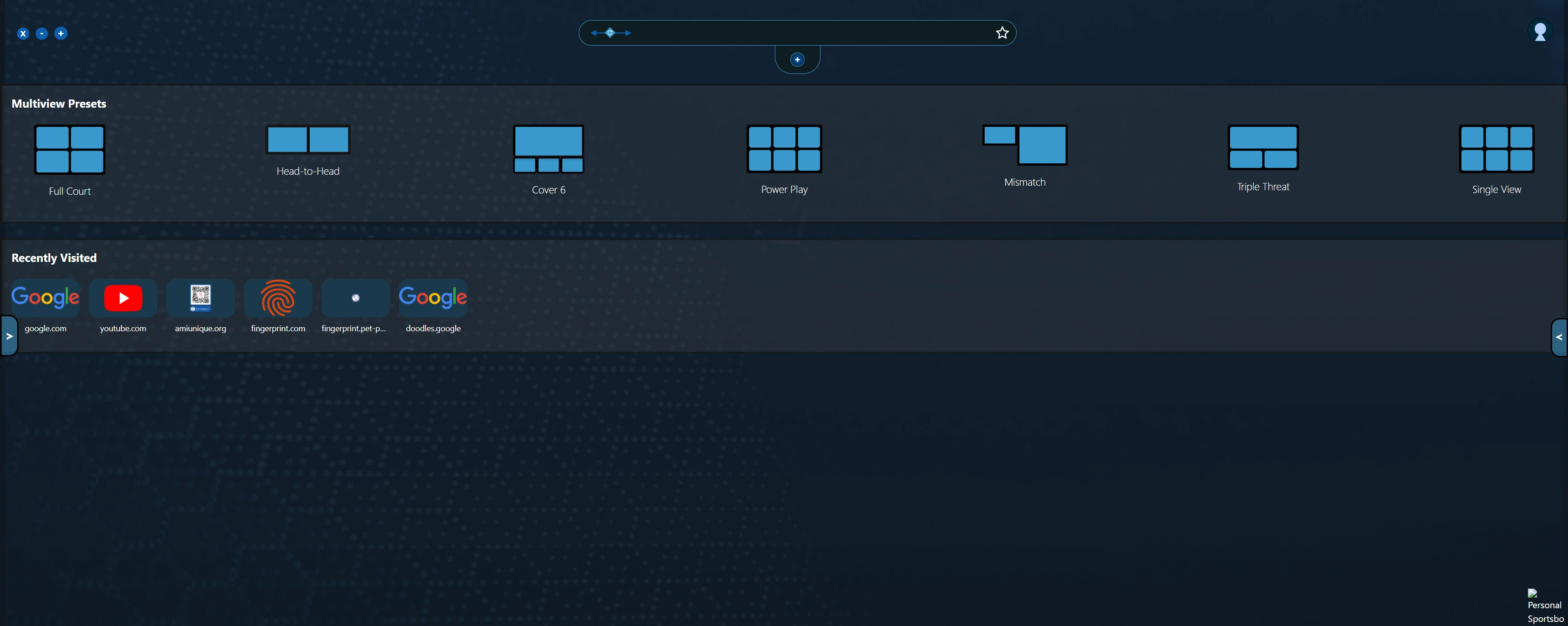
Main Screen
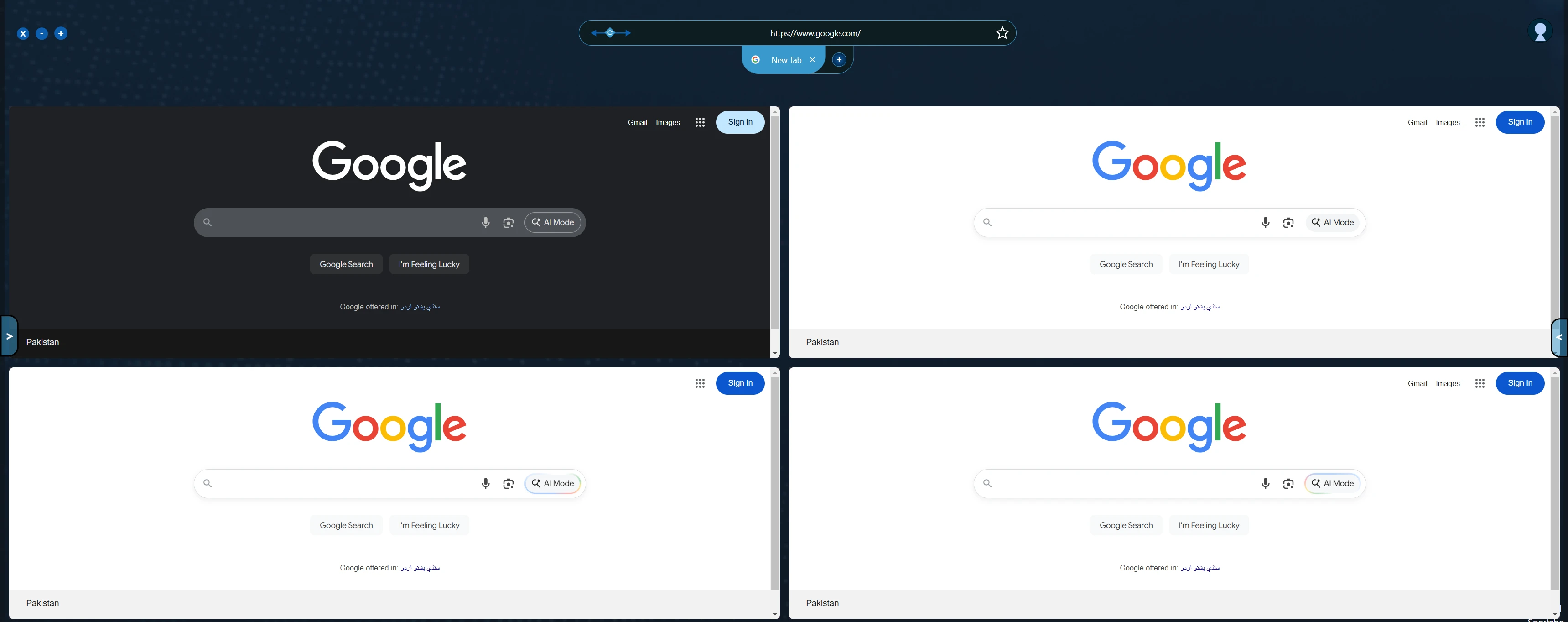
multiple screens
Here's how I built a browser made for game day.
Our Approach
Solid, modern core
I built the browser on Electron and CEF (Chromium Embedded Framework). This gave us a stable, modern web engine with full control over the interface, so every screen could be designed around sports instead of general browsing.
Multi-stream engine
The heart of the product is watching several games at once. I designed a tiled layout that lets users add, resize and rearrange streams, and tuned media handling so multiple live feeds play smoothly side by side.
Real-time data layer
Using WebSockets, live scores and player stats flow straight into the browser and update instantly. The data sits alongside the streams in a clean overlay, so fans never have to leave the game to check the numbers.
Integrated sportsbook tools
Betting features were built right into the experience, with quick, seamless movement between streams, stats and betting slips — no tab hunting needed.
Branded, immersive UI
The full interface was themed with MatchUps branding, logos and visuals, from the splash screen to every panel, so the product feels consistent and premium.
Performance tuning
Media-heavy sessions can push any machine hard. I optimized memory and CPU use so the browser stays responsive even with several live streams running.
Key Features
Multi-Stream Viewing – watch multiple games at once in a clean, tiled layout
Live Stats Integration – real-time scores and player stats right inside the browser
Sportsbook Tools – built-in betting features with smooth switching between streams, stats and slips
Smart Content Feed – personalized suggestions based on favorite teams and leagues, designed with future AI features in mind
Cross-Platform – runs on Windows and macOS
Branded Experience – fully themed MatchUps UI for an immersive feel
Tech Stack
Electron, CEF (Chromium), JavaScript, Node.js, WebSocket (live data), HTML/CSS, FFmpeg (stream handling)
Results
A dedicated sports browser with streaming, stats and betting in one place
Smooth multi-stream playback for media-heavy game-day sessions
Real-time scores and stats with no page refreshes
A consistent, fully branded MatchUps experience on Windows and macOS
The Outcome
The MatchUps Browser does one thing really well: it gives sports fans everything they want on game day, without the distractions. Whether it's catching multiple games live, tracking a fantasy league or placing a quick bet, it's all smooth, fast and in one place. It's a browser built for game day — and I'm proud to have built it from the ground up.
Like this project
Posted Oct 12, 2025
I developed a cross-platform browser using Electron and CEF (Chromium Embedded Framework) — giving us a modern, stable core with full control over the UI.