Built with Anything
Design Starter Kit App Development

Karina Slizova

Hey there! 👋
We’ve all been there, that moment before the first client call when you’re trying to figure out where to even start. What questions to ask? What do they really want? How do you estimate anything without guessing?
That’s why I built a quick app that helps designers get clarity from clients in just a minutes.
Overview
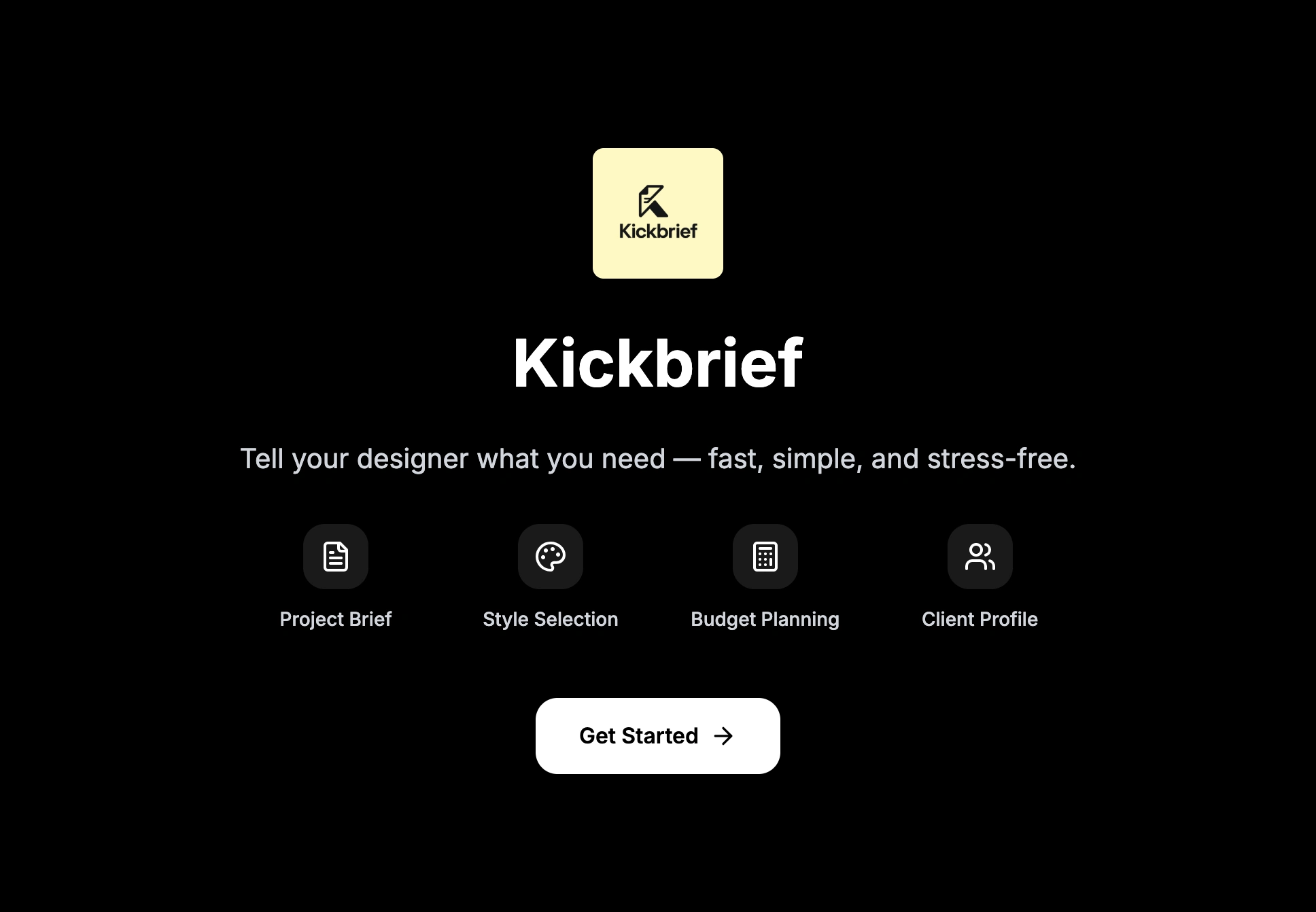
This tool is a simple way to “scan” a client before starting a project and turn their answers into a clear, visual summary for the designer. Instead of writing a long brief, the client just answers a series of focused questions: whether they already have a logo, images, and text, or if they are starting from scratch. Then they choose the kind of design style they like and the type of project they need.
The main purpose is not only to collect technical requirements, but also to understand the client’s mindset and psychology. By the end, both the client and the designer get a snapshot of who this client is, what they expect, and how the project should be approached.
Process
The client starts by answering basic questions about what is already prepared for the project. They indicate whether they have a logo, whether the content and images are ready, or if nothing exists yet and everything needs to be created. This immediately shows how “ready” the project is and how much work needs to be done from zero.
💡 Your client answers a few questions - what type of website they need (landing page, full site, or e-commerce), if they already have a logo or content, what style they prefer, their timeline.
Next, the client chooses a design style. They are shown six visual style options and pick the ones that feel closest to how they imagine their future website. This is not about technical language, but about intuitive visual choices. They also select a general style approach, for example minimal, creative, or professional.
📄 In 1–2 minutes, they get a PDF brief you can review before your first call.
Result
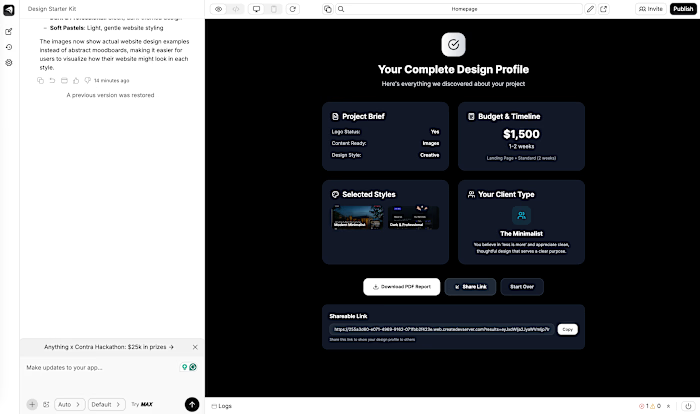
When the client finishes, the tool generates a compact summary that can be handed directly to a designer. This summary includes the project brief, whether a logo exists, whether content and images are ready or not, the selected design style, the budget and timeline, and the chosen style approaches. It also highlights which styles were selected and defines a “client type”, for example a minimalist client.
For the designer, this acts like a mini dashboard of the project and the person behind it. It shows how prepared the client is, what visual direction they are drawn to, how flexible the timeline is, and what kind of personality they bring into the collaboration. This makes it much easier to choose the right tone, process, and level of creativity for the project, and to start working with clear expectations from day one.
Anything is a visual app-building tool that brings design and development into one place. You can lay out screens, prototype flows, and ship complete React Native apps — all in a visual interface that still lets you plug in your own React components, logic, and animations. It’s made for designers and developers who want speed and fine-grained control.
Using its drag-and-drop canvas, live preview, and extendable code layer, Anything helps you turn rough ideas into polished, store-ready apps in no time.
Like this project
Posted Dec 9, 2025
Created an app to generate client briefs quickly for designers. Budget and timeline estimating. Client preferences. Sharing possibility.