
Overview
Nocomation is a SaaS website template for automation platforms, no-code studios and software companies. I designed it in Figma, then built production versions in Webflow and Framer. It ships 11 main pages with CMS collections for services, case studies and blog posts, plus a pricing toggle and a structured booking form.
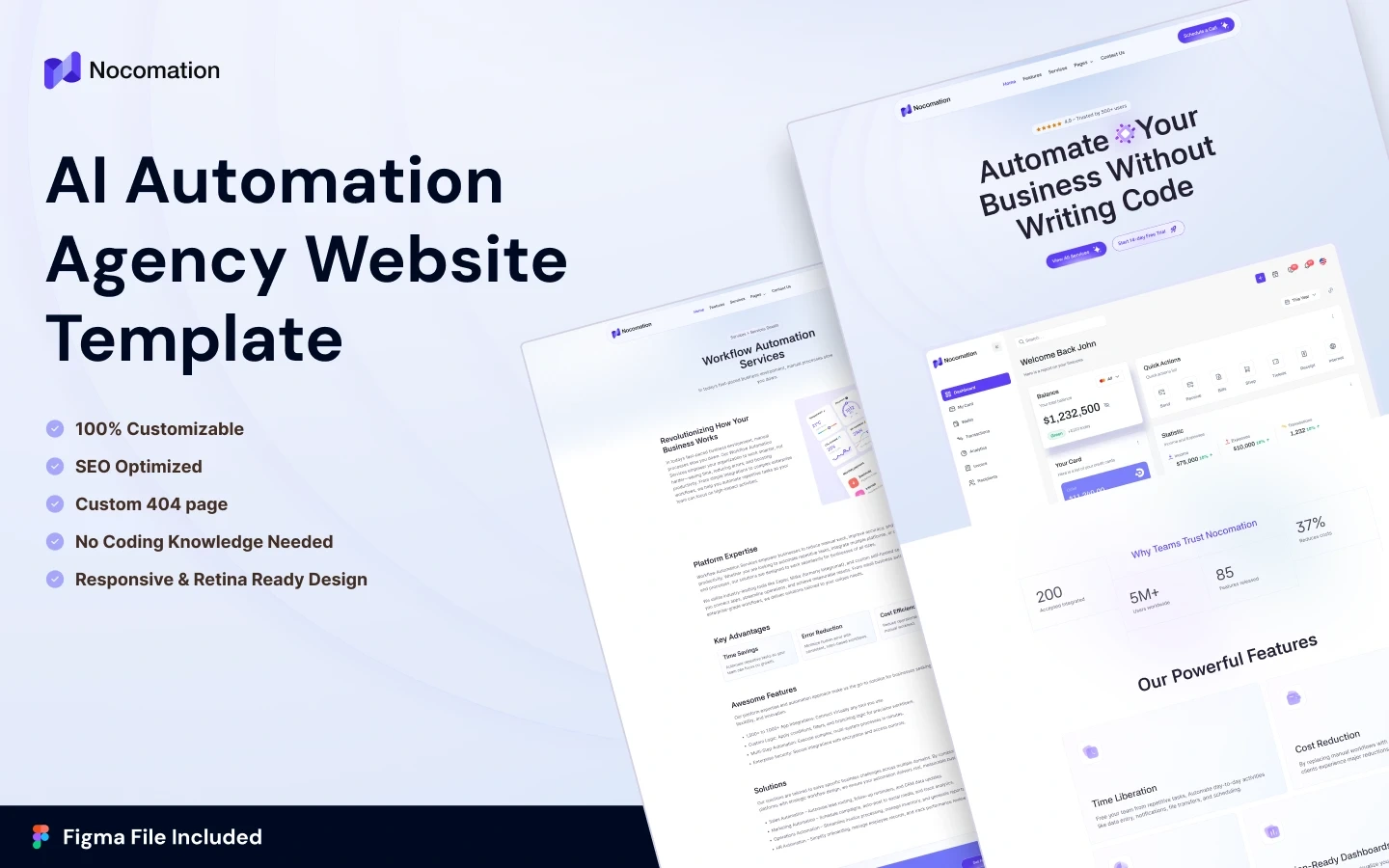
Nocomation homepage
The Challenge
Automation software is only bought once the buyer believes the time saving is real. Many SaaS sites try to compress that whole argument into a single hero section, which leaves prospects without the evidence they need: what gets automated, which tools it connects to, and who has already seen results.
The Approach
I gave each argument its own page. Services explain scope, the Integrations page shows the tool ecosystem, and Case Studies supply the proof. Because each has a dedicated URL, a sales team can send a prospect straight to the exact evidence they need.
Every page ends with a clear next step, either scheduling a call or starting a trial, so no visitor hits a dead end. For visitors who aren't ready yet, a Get Free Audit button in the header and a footer newsletter capture keep the conversation going.
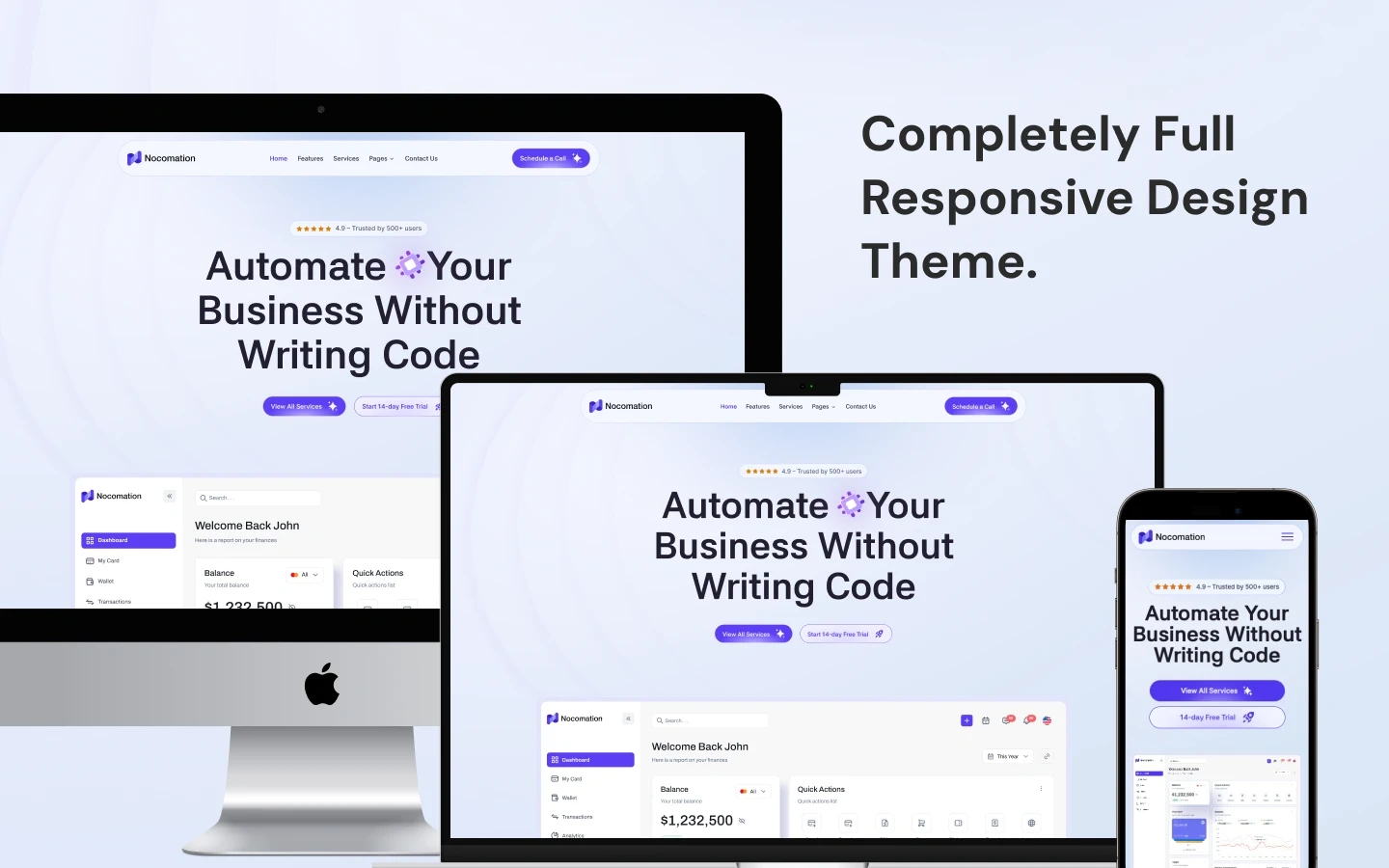
Nocomation services and integrations
Key Features
Automation positioning: copy framed around what gets automated and what it saves.
Services collection: workflow automation, custom solutions, training and optimization, each with a detail page.
Case studies: SaaS onboarding, ecommerce revenue, agency reporting and law firm intake.
Integrations page: a dedicated page that attracts branded search.
Pricing with billing toggle: three plans switching between monthly and annual rates.
Structured booking form: name, company, plan and package, so inquiries arrive pre-qualified.
Lightweight build: no heavy page builders, for a modest base payload.
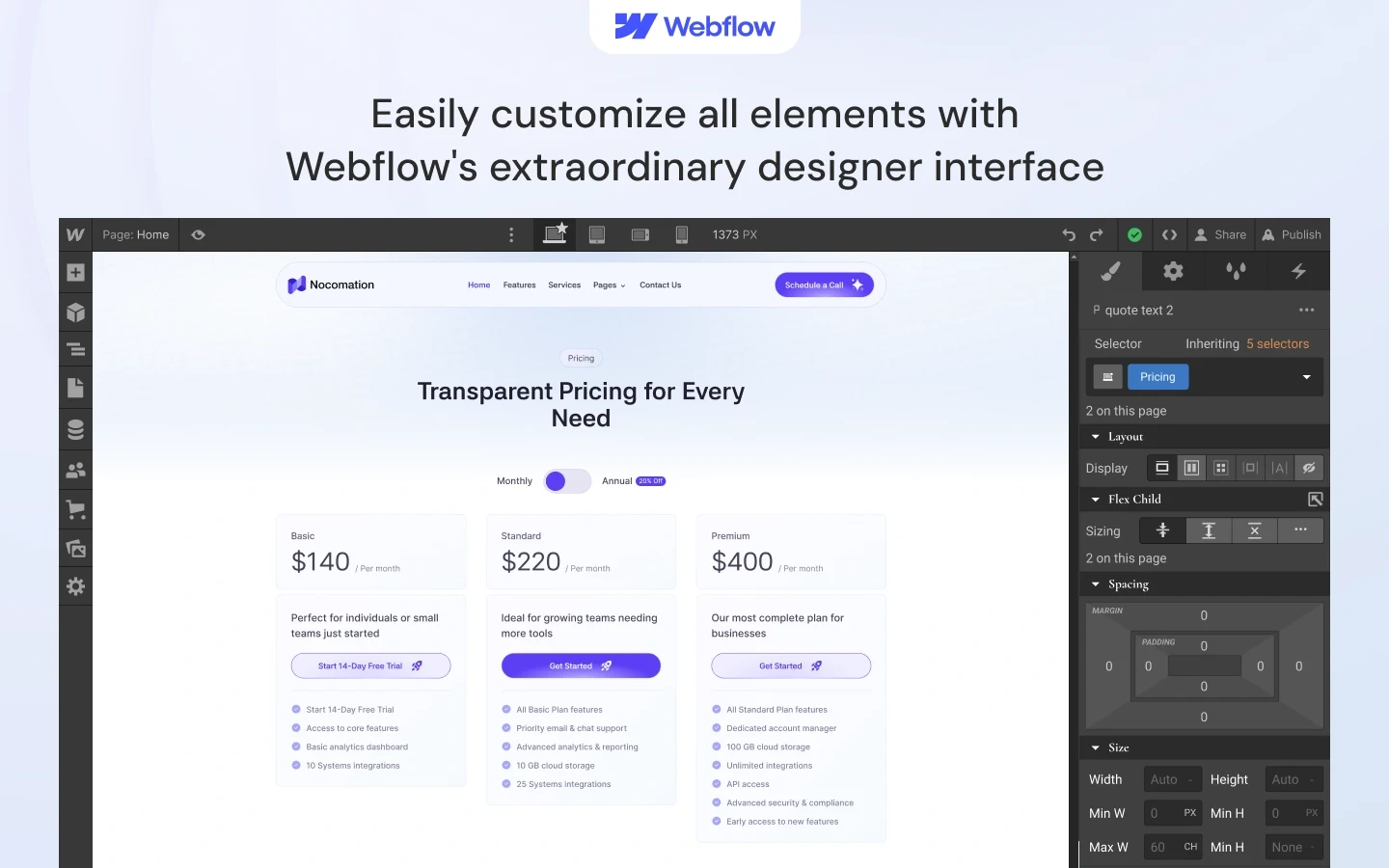
Nocomation pricing and case studies
Pages
Home, About Us, Services, Features, Integrations, Case Studies, Blog, Pricing, Booking, Schedule a Call and Contact Us, plus CMS templates for services, case studies and blog posts. Utility pages cover the style guide, changelog, license and a 404.
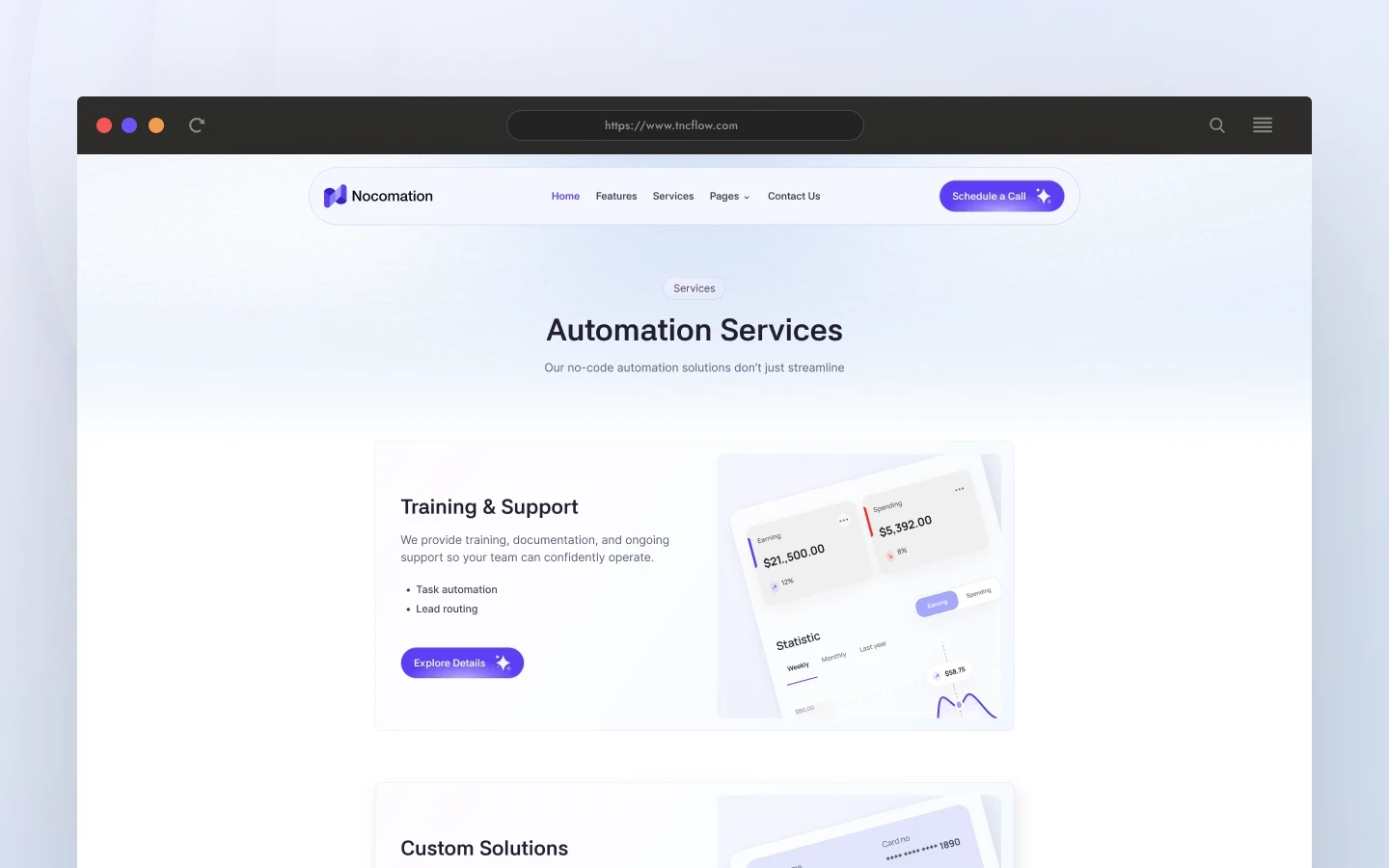
Nocomation inner pages
Build Notes
Global styles govern color and typography across the site, and a style guide page documents every token, so a rebrand takes minutes. The Framer version mirrors the same structure, and both are fully responsive.
Links
Webflow live preview: nocomation.webflow.io
Framer live preview: nocomation.framer.website
Get the template on Contra: Nocomation on Contra
0 likes · 12 views · Sep 26, 2026
Automation software sells only when buyers believe the time saving is real. I designed and built Nocomation in Webflow and Framer with dedicated pages for services, integrations and case studies, a pricing toggle and a pre-qualifying booking form.


