
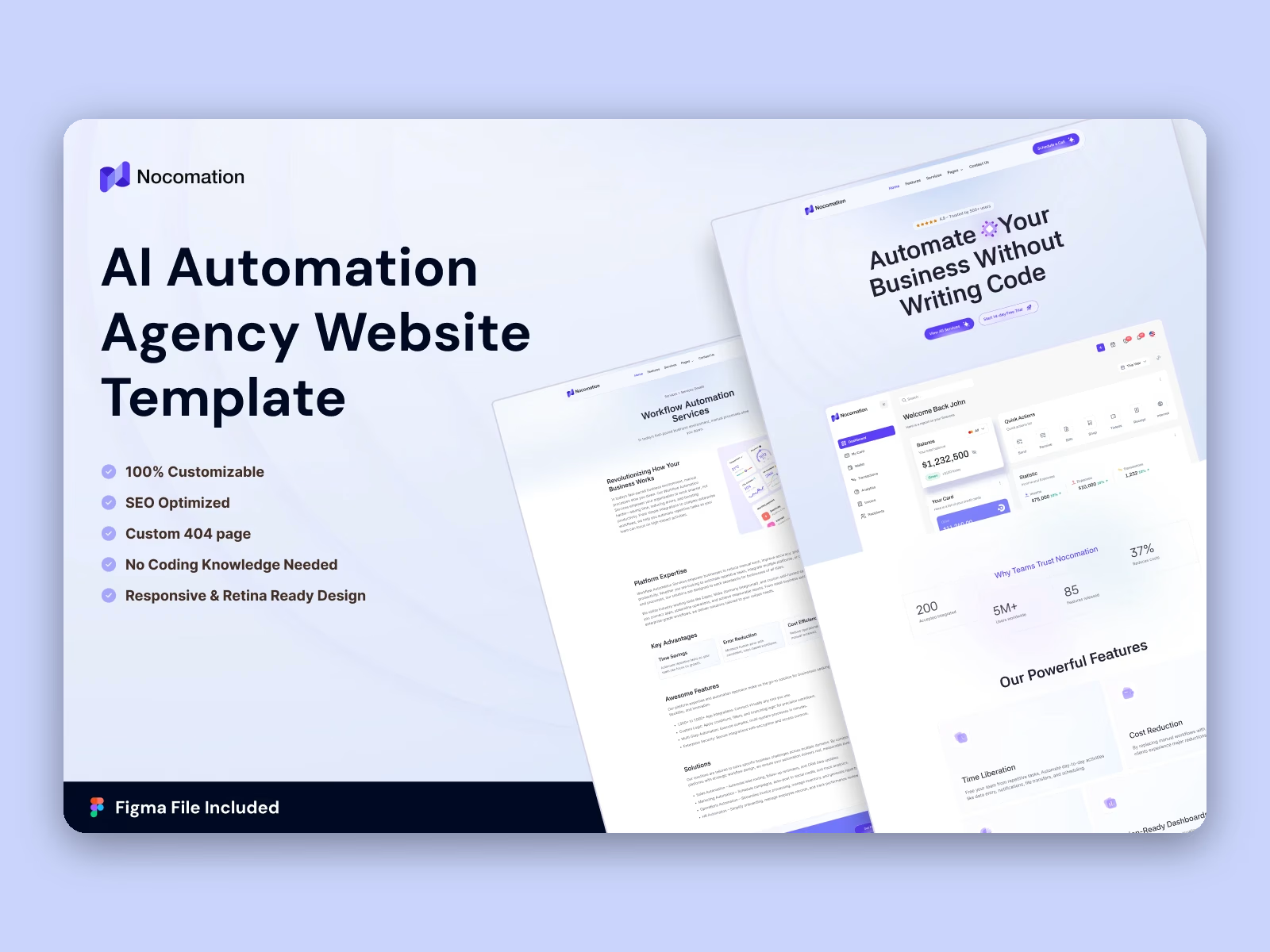
Available on Contra: Webflow version ($59) and Framer version ($59), delivered instantly after purchase. Want it launched for you? Choose Template + Quick Setup and we'll add your brand and content.
Live previews: Webflow https://nocomation.webflow.io/ | Framer https://nocomation.framer.website/
Nocomation is a SaaS website template for automation platforms, no code studios and software companies. It ships for Webflow, Framer, Astro, Figma and HTML.
Automation software is bought once the buyer believes the saving is real. So the site devotes whole pages to services, integrations and case studies rather than compressing everything into a hero. Because each argument has its own page, you can send a prospect straight to the relevant evidence.
Every section has one responsibility. The home page states the positioning. The services pages explain scope. Then the case studies supply the proof. Finally the pricing and booking pages ask for the commitment.
Explore the live preview now.
Nocomation at a Glance
Formats: Webflow, Framer, Astro, Figma and HTML
Best for: SaaS products, automation agencies, no code studios, software companies
Pages: 11 main pages plus 3 CMS templates and 4 utility pages
CMS: Webflow CMS with Blog, Services and Case Studies collections
Forms: Booking enquiry form, contact form, newsletter signup
Responsive: Yes, on desktop, tablet and mobile
Support: TNCFlow support plus free updates
Key Features of Nocomation
Clean and modern design. Nocomation keeps the composition professional and uncluttered. So your positioning and your product imagery remain the dominant elements. Navigation stays shallow, which suits a multi page site.
Automation positioning. The messaging is written for automation, no code and workflow tooling. Sections explain what gets automated and what that saves. Because the framing is concrete, prospects understand the offer quickly.
Lightweight build. The template ships without heavy page builders behind it. That keeps the base payload modest, although your own imagery and third party scripts still determine the final result.
Conversion oriented layout. Every page ends with a call to action, which is either scheduling a call or starting a trial. So a visitor always has a next step, whichever page they landed on.
Easy customization. Global styles govern colour and typography across the whole site. A dedicated style guide page lists the tokens, so a rebrand takes minutes rather than hours.
Services collection. A Services overview page feeds a Service detail template. The demo ships four services, which are workflow automation, custom solutions, training and support, and business optimization. Add or remove entries in the CMS.
Blog with categories. The Blog collection drives a listing page and a post template, and each post carries a category such as automation or tools. Because the blog is CMS driven, publishing does not touch the design.
Animation and responsive sliders. Subtle motion and sliders help you present services in sequence. However the animation stays light, so pages still load quickly.
Booking request page. A dedicated Booking page collects a name, an email, a company, a phone number, the chosen plan and the chosen package. It is a structured enquiry form rather than a calendar, so bookings arrive pre qualified and you confirm them yourself.
Pricing with a billing toggle. Three plan cards sit side by side, and a toggle switches the row between monthly and annual rates. The demo advertises a discount on annual billing, which is easy to edit or remove.
Case studies collection. A Case Studies listing feeds a case study detail template. The demo covers SaaS onboarding, ecommerce revenue, agency reporting and law firm intake. Use it for proof rather than for storytelling.
Integrations page. A separate page exists purely for the tools you connect to. That page tends to attract branded searches, so it is worth populating properly.
Newsletter and audit capture. The footer holds a newsletter form, and the header carries a Get Free Audit button. Together they catch visitors who are not ready to book.
Pages Included in Nocomation
Nocomation ships 11 main pages: Home, About Us, Services, Features, Integrations, Case Studies, Blog, Pricing, Booking, Schedule a Call and Contact Us.
On top of that you get 3 CMS collection templates, which cover a service, a case study and a blog post. There are also 4 utility pages, which are the style guide, the changelog, the licence page and a 404 page.
Nocomation Frequently Asked Questions
What formats are available here?
Webflow and Framer are available on Contra, each sold separately. Buy only the one you need, or choose Template + Quick Setup and we'll set it up for you.
Get it for$59.00
Webflow Template
$59.00
The complete Nocomation Webflow build with CMS, cloned straight into your Webflow workspace.
Tags
Product created by
Abdul Awal proDhaka, Bangladesh
- 7
- Followers
Abdul's other products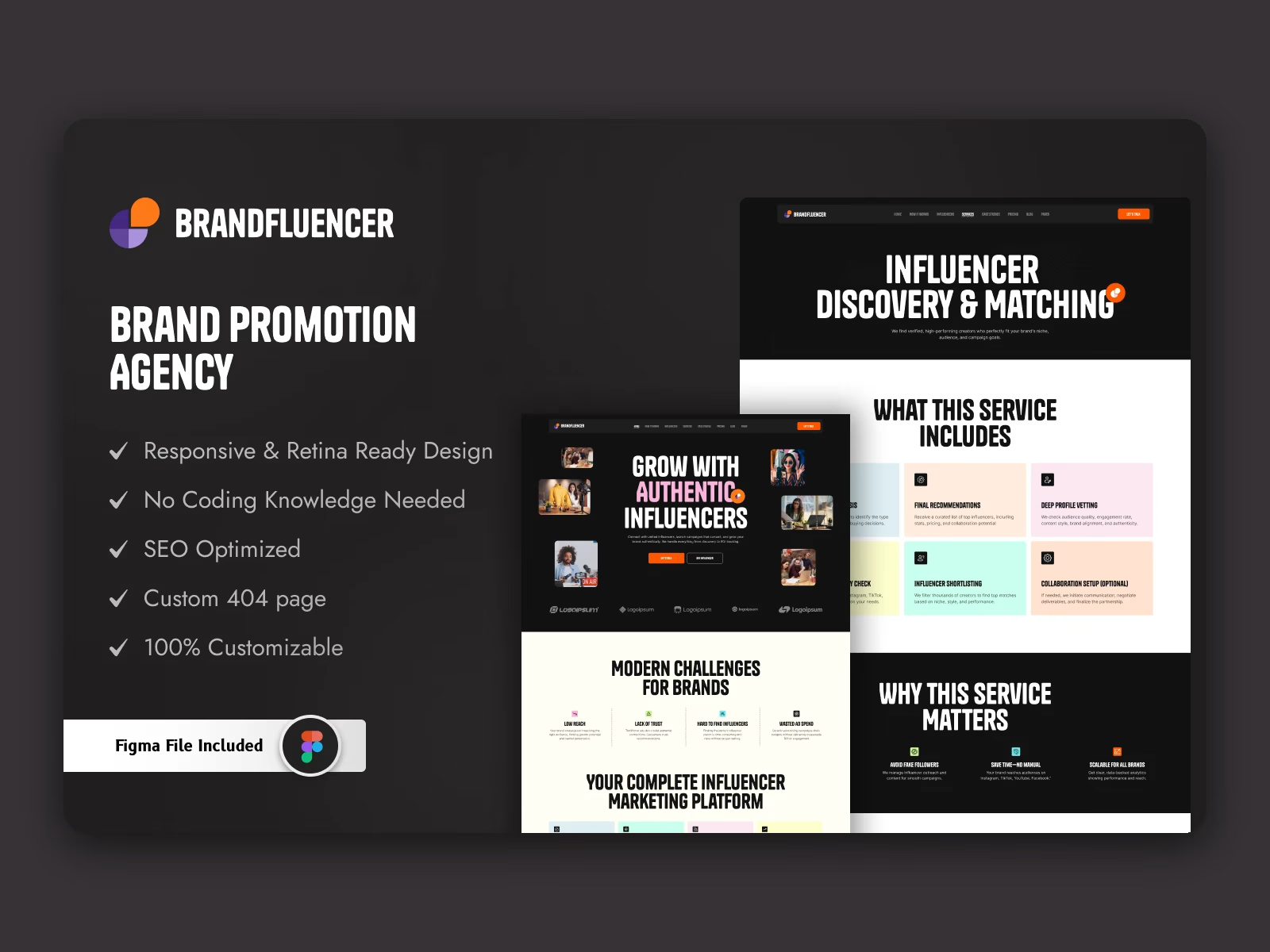
Brandfluencer: Webflow & Framer Influencer Agency Website Template
$129.00
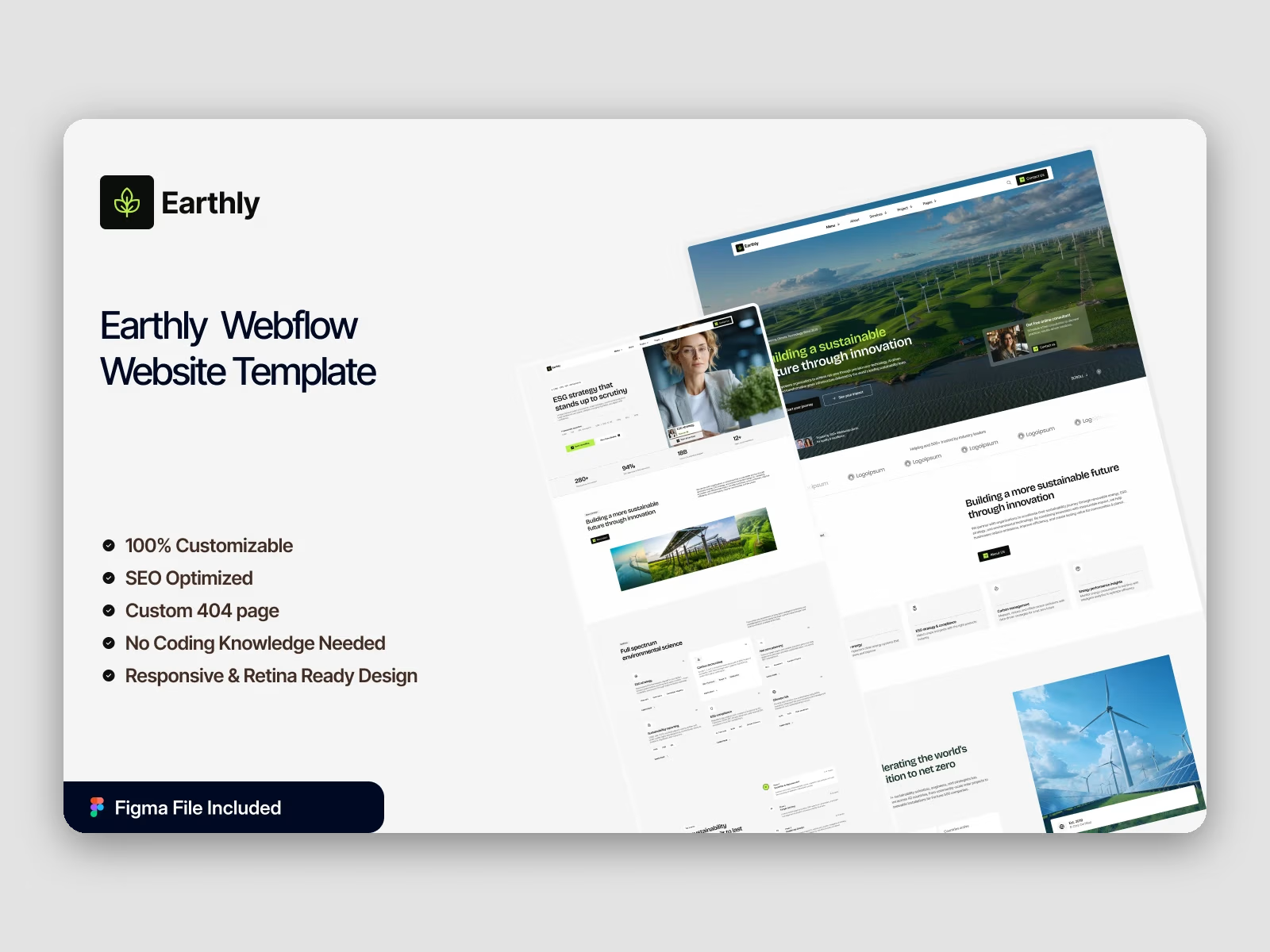
Earthly: Webflow Sustainability & Eco-Tech Multi-Layout Website Template
$129.00
Get it for$59.00
Webflow Template
$59.00
The complete Nocomation Webflow build with CMS, cloned straight into your Webflow workspace.
Tags
Available on Contra: Webflow version ($59) and Framer version ($59), delivered instantly after purchase. Want it launched for you? Choose Template + Quick Setup and we'll add your brand and content.
Live previews: Webflow https://nocomation.webflow.io/ | Framer https://nocomation.framer.website/
Nocomation is a SaaS website template for automation platforms, no code studios and software companies. It ships for Webflow, Framer, Astro, Figma and HTML.
Automation software is bought once the buyer believes the saving is real. So the site devotes whole pages to services, integrations and case studies rather than compressing everything into a hero. Because each argument has its own page, you can send a prospect straight to the relevant evidence.
Every section has one responsibility. The home page states the positioning. The services pages explain scope. Then the case studies supply the proof. Finally the pricing and booking pages ask for the commitment.
Explore the live preview now.
Nocomation at a Glance
Formats: Webflow, Framer, Astro, Figma and HTML
Best for: SaaS products, automation agencies, no code studios, software companies
Pages: 11 main pages plus 3 CMS templates and 4 utility pages
CMS: Webflow CMS with Blog, Services and Case Studies collections
Forms: Booking enquiry form, contact form, newsletter signup
Responsive: Yes, on desktop, tablet and mobile
Support: TNCFlow support plus free updates
Key Features of Nocomation
Clean and modern design. Nocomation keeps the composition professional and uncluttered. So your positioning and your product imagery remain the dominant elements. Navigation stays shallow, which suits a multi page site.
Automation positioning. The messaging is written for automation, no code and workflow tooling. Sections explain what gets automated and what that saves. Because the framing is concrete, prospects understand the offer quickly.
Lightweight build. The template ships without heavy page builders behind it. That keeps the base payload modest, although your own imagery and third party scripts still determine the final result.
Conversion oriented layout. Every page ends with a call to action, which is either scheduling a call or starting a trial. So a visitor always has a next step, whichever page they landed on.
Easy customization. Global styles govern colour and typography across the whole site. A dedicated style guide page lists the tokens, so a rebrand takes minutes rather than hours.
Services collection. A Services overview page feeds a Service detail template. The demo ships four services, which are workflow automation, custom solutions, training and support, and business optimization. Add or remove entries in the CMS.
Blog with categories. The Blog collection drives a listing page and a post template, and each post carries a category such as automation or tools. Because the blog is CMS driven, publishing does not touch the design.
Animation and responsive sliders. Subtle motion and sliders help you present services in sequence. However the animation stays light, so pages still load quickly.
Booking request page. A dedicated Booking page collects a name, an email, a company, a phone number, the chosen plan and the chosen package. It is a structured enquiry form rather than a calendar, so bookings arrive pre qualified and you confirm them yourself.
Pricing with a billing toggle. Three plan cards sit side by side, and a toggle switches the row between monthly and annual rates. The demo advertises a discount on annual billing, which is easy to edit or remove.
Case studies collection. A Case Studies listing feeds a case study detail template. The demo covers SaaS onboarding, ecommerce revenue, agency reporting and law firm intake. Use it for proof rather than for storytelling.
Integrations page. A separate page exists purely for the tools you connect to. That page tends to attract branded searches, so it is worth populating properly.
Newsletter and audit capture. The footer holds a newsletter form, and the header carries a Get Free Audit button. Together they catch visitors who are not ready to book.
Pages Included in Nocomation
Nocomation ships 11 main pages: Home, About Us, Services, Features, Integrations, Case Studies, Blog, Pricing, Booking, Schedule a Call and Contact Us.
On top of that you get 3 CMS collection templates, which cover a service, a case study and a blog post. There are also 4 utility pages, which are the style guide, the changelog, the licence page and a 404 page.
Nocomation Frequently Asked Questions
What formats are available here?
Webflow and Framer are available on Contra, each sold separately. Buy only the one you need, or choose Template + Quick Setup and we'll set it up for you.
Abdul's other products
Brandfluencer: Webflow & Framer Influencer Agency Website Template
$129.00
Earthly: Webflow Sustainability & Eco-Tech Multi-Layout Website Template
$129.00
$59.00