TaskFlow Email Onboarding & Activation Sequence

Nimra Khan

TASKFLOW
5-Email SaaS Welcome & Onboarding Sequence
B2B SaaS Email Copywriting
Activate → Engage → Convert
Spec Project
PROJECT BRIEF
TaskFlow is a B2B SaaS product designed for teams managing projects, deadlines, clients, and recurring workflows.
The goal of this sequence is to move new users from signup to activation, feature adoption, and eventually conversion.
THE CHALLENGE
New users can sign up with good intentions but never fully adopt a product.
The sequence needed to:
• Get users to take their first meaningful action
• Introduce a useful feature at the right time
• Build trust through relevant proof
• Reduce anxiety around switching tools
• Create a natural reason to consider upgrading
THE STRATEGY
Activation → Feature Adoption → Social Proof → Objection Handling → Conversion
Email 1
Send: Immediately after signup
Goal: Activation
Subject A: Don't let TaskFlow become another empty tab
Subject B: Your first TaskFlow project takes 4 minutes
Preview: Skip the tour. Let's get one thing set up.
Hi {{first_name}},
Welcome to TaskFlow.
You could spend the next ten minutes clicking around the app.
Or you could get something useful set up right now.
Let's start with one project.
Create a project you're actually working on.
Add three tasks you need to keep track of.
Invite one teammate.
That's it.
You don't need to set everything up today. The goal is simply to get your real work into TaskFlow.
Once you do, you'll have something useful to come back to instead of another empty tab.
[Create My First Project]
If you're not sure where to start, reply to this email and we'll help.
Maya
Customer Success, TaskFlow
P.S. No project in mind? Try the Client Onboarding template. It's ready to use.
Email 2
Send: Day 2, if the user hasn't created an automation
Goal: Feature Adoption
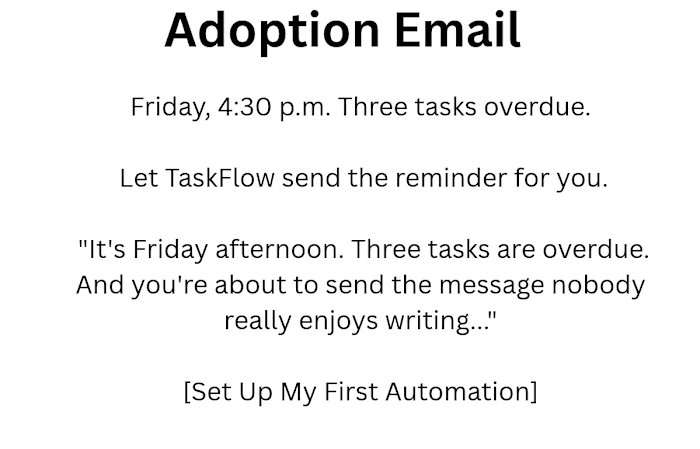
Subject A: Friday, 4:30 p.m. Three tasks overdue.
Subject B: Stop chasing overdue tasks
Preview: Let TaskFlow send the reminder for you.
Hi {{first_name}},
It's Friday afternoon.
Three tasks are overdue.
And you're about to send the message nobody really enjoys writing:
"Hey, just checking in on this..."
Instead, let TaskFlow handle it.
You can create a simple rule:
When a task is 1 day overdue → remind the assignee and notify me.
Here's how:
Open a project.
Click Automations.
Choose the Overdue Reminder template.
It takes about two minutes.
After that, TaskFlow can send the reminder for you instead of you having to remember who needs a follow-up.
[Set Up My First Automation]
Maya
Customer Success, TaskFlow
P.S. The free plan includes 3 automation rules. Start with the one that saves you the most follow-up work.
Email 3
Send: Day 3
Goal: Build trust through social proof
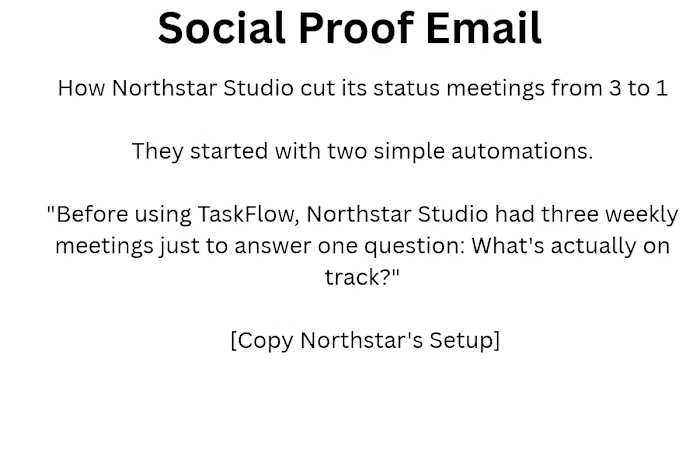
Subject: How Northstar Studio cut its status meetings from 3 to 1
Preview: They started with two simple automations.
Hi {{first_name}},
Before using TaskFlow, Northstar Studio had three weekly meetings just to answer one question:
What's actually on track?
Their operations lead, Dana, started with two simple automations:
Overdue tasks automatically notify the right people.
A project summary goes to the team every Friday.
The result?
Their weekly status meetings went from three to one.
Dana also spent less time chasing people for updates.
"I stopped being the person who chases. The tool does it, and nobody feels nagged."
— Dana Reyes, Operations Lead, Northstar Studio
They didn't rebuild their entire workflow.
They started with one overdue reminder.
You can do the same.
[Copy Northstar's Setup]
Maya
Customer Success, TaskFlow
P.S. Start with one automation. See what it removes from your day, then build from there.
Email 4
Send: Day 6, if the user has created a project but hasn't invited a teammate
Goal: Reduce Switching Anxiety
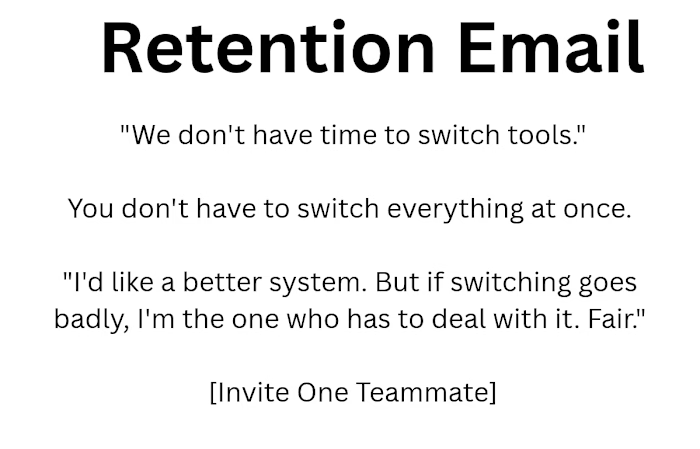
Subject: " We don't have time to switch tools."
Preview: You don't have to switch everything at once.
Hi {{first_name}},
"I'd like a better system. But if switching goes badly, I'm the one who has to deal with it."
Fair.
You don't need to move your whole team to TaskFlow overnight.
Start with one project.
Move one project. Leave everything else where it is.
Import your existing work. Don't spend hours rebuilding tasks.
Test it first. See how TaskFlow fits your workflow before committing to a paid plan.
Invite one teammate. Get their feedback before asking the whole team to change.
No migration weekend.
No big announcement.
Just one project and one teammate.
Give it a try and see whether it actually works for your team.
[Invite One Teammate]
Still unsure?
Reply and tell me what's holding you back. I'll help you work through it.
Maya
Customer Success, TaskFlow
P.S. You don't need your whole team on board to find out whether TaskFlow is right for you.
Email 5
Send: Day 9, when the user is approaching the free-plan storage limit
Goal: Conversion
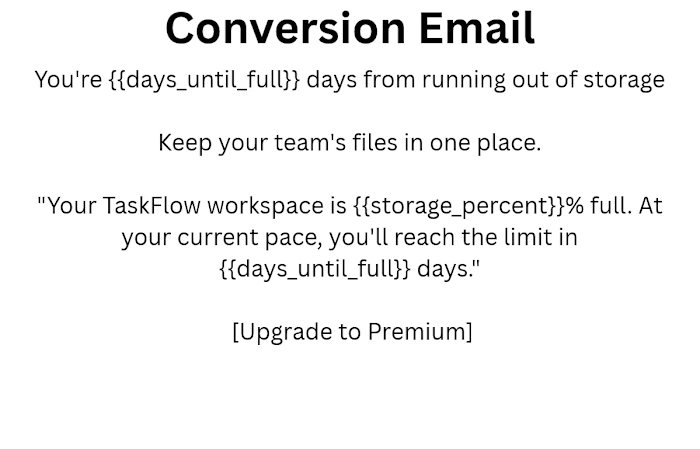
Subject: You're {{days_until_full}} days from running out of storage
Preview: Keep your team's files in one place.
Hi {{first_name}},
Your TaskFlow workspace is {{storage_percent}}% full.
At your current pace, you'll reach the limit in {{days_until_full}} days.
That might not sound like a big deal.
Until a client sends final files and there's nowhere to put them.
The designer saves them somewhere else.
Your PM asks, "Which version is current?"
And suddenly your team is working across three different places again.
You've already started building your workflow in TaskFlow.
Premium gives you more room to keep it there:
Unlimited storage — keep your project files together.
Unlimited automations — automate more of the follow-ups your team handles manually.
Client permissions — give clients access to the projects they need.
Priority support — get help when your team needs it.
[Upgrade to Premium]
You can try Premium for 30 days. If it isn't the right fit, you're covered by our money-back guarantee.
Maya
Customer Success, TaskFlow
P.S. You don't have to wait until you're out of storage to decide. Upgrade while everything is still running smoothly.
Like this project
Posted Oct 6, 2026
Developed onboarding email sequence for user activation and conversion.