
My AWS Samples
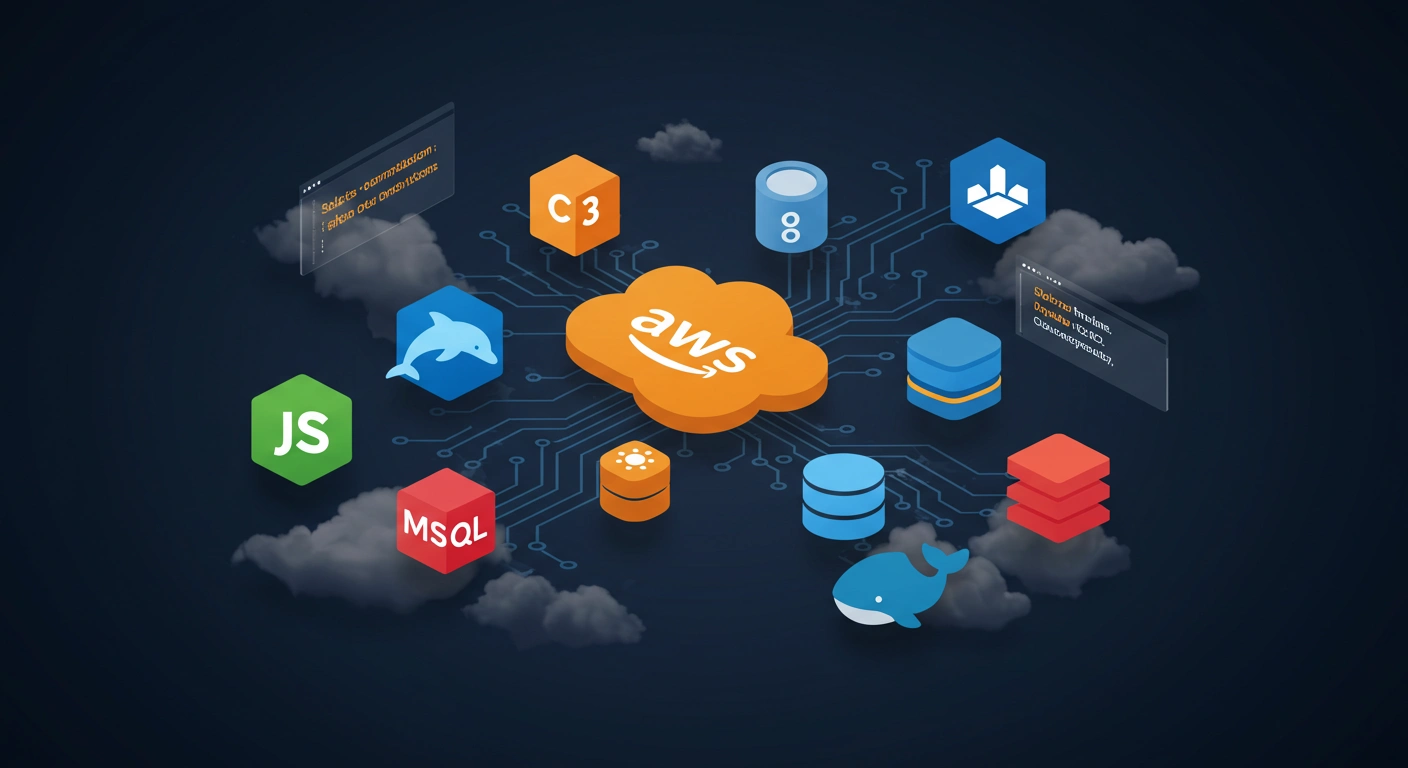
Welcome to My AWS Samples, a curated collection of code samples and projects showcasing my expertise in building scalable, secure, and efficient applications on Amazon Web Services (AWS). This repository demonstrates practical implementations of AWS services, focusing on backend development, database integration, and cloud-native solutions. As a software engineer and AI enthusiast, I’ve crafted these samples to illustrate real-world use cases, leveraging technologies like Node.js, MySQL, MSSQL, and AWS-managed services.
Purpose
This repository serves as a portfolio of AWS-based projects, highlighting my ability to design and deploy cloud solutions. Each sample is designed to be educational, reusable, and aligned with AWS best practices, making it valuable for developers, clients, or collaborators exploring cloud development or seeking inspiration for their own projects.
Features
Diverse AWS Integrations: Includes examples using AWS services like EC2, S3, Lambda, RDS, and CloudFormation, showcasing various cloud architectures.
Database Connectivity: Demonstrates robust database interactions with MySQL and MSSQL, inspired by my
ndbc library for secure and dynamic query building.Scalable Architectures: Showcases deployments of containerized applications, serverless functions, and infrastructure-as-code (IaC) setups.
Security Focus: Incorporates best practices like parameterized queries, IAM least privilege, and secure data handling to ensure production-ready solutions.
AI-Ready Foundations: Some samples lay the groundwork for AI-driven applications, integrating with services like Amazon Bedrock or SageMaker for data processing.
Getting Started
Prerequisites
An AWS account with appropriate IAM permissions. See AWS Free Tier for account setup.
Node.js and npm for running JavaScript-based samples.
AWS CLI configured with credentials. Refer to CLI Configuration Basics.
Optional: MySQL or MSSQL drivers for database-related samples (
npm install mysql mssql).Installation
Clone the repository to explore the samples:
Install dependencies for Node.js-based projects:
Follow the instructions in each sample’s subfolder for specific setup, deployment, and execution steps.
Sample Projects
Database-Driven Web App: A Node.js application using
ndbc to connect to RDS (MySQL/MSSQL), demonstrating dynamic query building and data validation.Serverless API: A Lambda-based REST API deployed with CloudFormation, showcasing serverless architecture for scalable endpoints.
S3 File Processor: A script to upload and process files in S3, with secure access controls and error handling.
Containerized Microservices: A sample deploying Docker containers on ECS with Fargate, using YAML-based CloudFormation templates.
Note: Each project includes a dedicated README with detailed instructions, prerequisites, and AWS cost considerations.
Usage
Each sample is self-contained with clear instructions. For example, to run a Node.js-based database sample:
Configure AWS credentials and database connection details in a
config.json file (see sample-specific README).Deploy any required AWS resources using provided CloudFormation templates or AWS CLI commands.
Run the sample:
Explore the repository’s subfolders for specific use cases, such as serverless deployments or AI data pipelines.
Contributing
Contributions are welcome! To contribute:
Fork the repository:
https://github.com/rjaskonis/my-aws-samplesCreate a feature branch:
git checkout -b feature/your-featureCommit your changes:
git commit -m "Add your feature"Push to the branch:
git push origin feature/your-featureOpen a pull request.
Please ensure your contributions align with AWS best practices and include clear documentation.
License
This project is licensed under the MIT License. See the LICENSE file for details.
Contact
For questions or collaboration opportunities, open an issue on the GitHub repository: https://github.com/rjaskonis/my-aws-samples or connect with me on Contra.
0 likes · 6 views · May 21, 2025
Curated AWS code samples showcasing scalable, secure cloud solutions.


