AI Operating System That Runs a Solo Consulting Business

Vanessa Jambois


AI INFRASTRUCTURE / INTERNAL BUILD
Building an AI Operating System to Run a Solo Consulting Business
Every time I opened a new Claude session, I started from scratch. Who are my prospects? What did I promise PPG last week? What does my brand voice actually sound like? All of that context lived in my head, or in disconnected documents I had to dig up manually. The AI was smart, but it had no idea what business it was working in.
I needed Claude to know my business. Not just answer questions about it. Know it. So I built a system that makes that possible.
What the AIOS is
AIOS stands for AI Operating System. The name is aspirational in the way that most startup names are aspirational. What it actually is: a layered infrastructure that gives Claude Code persistent access to everything relevant about my business, then automates the parts that don't need me.
Five layers:
Infrastructure: Python virtual environment,
.env for API keys, SQLite databases for metrics and search, and a CLAUDE.md file that is the single most important file in the system. It's the rules document Claude reads at the start of every session. Business description, three KPIs, workspace structure, critical rules, full command reference. The difference between starting a session cold and starting with a briefed colleague.Data collection: Scheduled Python scripts pull data from GA4, LinkedIn, Apollo, Google Calendar, and FX rates into SQLite. A daily brief script synthesizes this into a morning report pushed to Discord every day.
Intel layer: Makes meeting transcripts, Gmail, and Slack searchable via a dedicated database. When I need to know what a client said three weeks ago, I search the intel layer instead of digging through email.
Orchestration: n8n handles multi-step automation that runs without me.
Interface: Claude Code for desktop sessions. A Discord bot called CommandOS for mobile access. Both connect to the same underlying business context.
How Claude Code runs the business
Every session starts with
/prime. It loads full business context: current prospect status, open proposals, active client notes, today's metrics, GTD next actions. After running it, Claude knows who the active clients are, what the outstanding proposals say, what the brand voice rules are, and what the three KPIs are. The AI isn't a general assistant anymore. It's a briefed colleague who was there for the last conversation.14 slash commands, each triggering a structured workflow:
/prime (load context), /outreach (draft personalized outreach from prospect data), /process (GTD inbox to zero), /review (weekly review), /todo, /brainstorm, /task-audit, /create-plan, /implement, /explore, /install, /commit.These aren't just prompts. Each one is a full SKILL.md file that Claude Code reads and executes.
/create-plan generates a structured plan file, asks clarifying questions, then calls ExitPlanMode to get approval before touching anything. /commit follows a specific git safety protocol.The automation layer
The outreach pipeline is where the AIOS does its most independent work.
Stack: Apollo (prospect data) + Apify (LinkedIn post scraping) + Claude API (copy generation) + Instantly (email sequencing) + n8n (orchestration) + Discord (notifications).
The flow: manual trigger in n8n pulls a batch of prospects from Apollo, enriches with recent LinkedIn posts via Apify, loops through each prospect, calls Claude to generate personalized email copy and connection request text, adds the lead to Instantly with the generated copy, updates Apollo with the new stage. On errors: Discord error notification, loop back. When the batch is done: build summary, post to Discord.
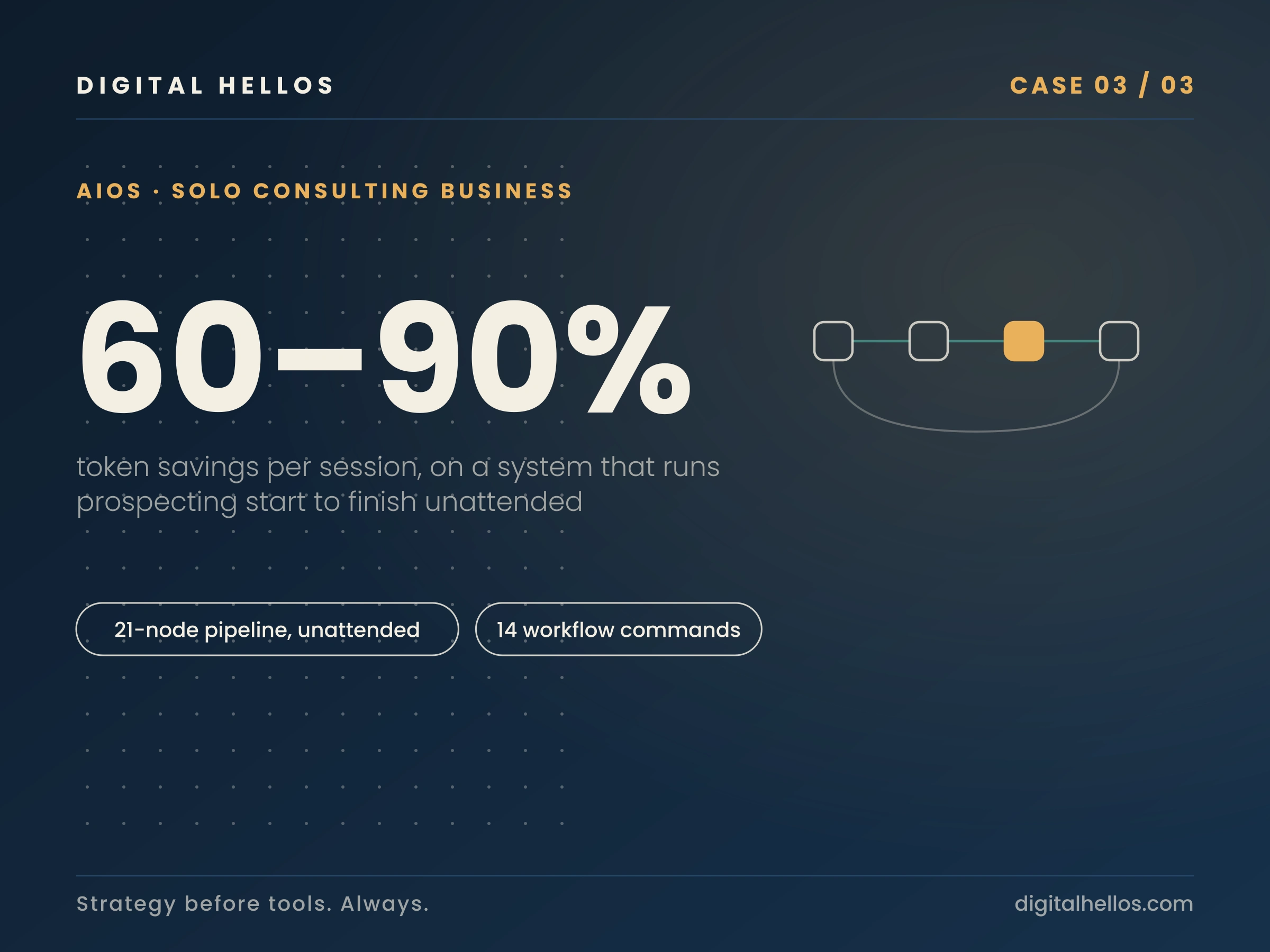
21 nodes. Runs without me. Fires a Discord message at the end: “Processed: 12 | Succeeded: 11 | Failed: 1.”
The copy system prompt went through at least six iterations. Each time, I ran a batch, evaluated the output, described what was off, and Claude rewrote the relevant section. That kind of rapid iteration on a live system is exactly what Claude Code is built for.
Keeping the context window clean
Claude Code has a context window. Everything you send it goes into that window. A single
git diff or API response could eat 56 KB of context. One bad command and the session gets sluggish or loses track of earlier instructions. So I built two systems to fix it.RTK (Rust Token Killer) sits in front of every shell command. Instead of running
git status, I run rtk git status. RTK intercepts the output and strips the noise before it hits the context window. Git diffs get 80% smaller. Test output drops by 90-99%. Only failures come through. It works because most command output is structural noise. You don't need 400 lines telling you which tests passed. You need the 3 lines telling you which ones failed.context-mode routes large outputs to a sandboxed subprocess with a full-text search index. Raw file contents, API responses, web pages, log files. They get indexed in the sandbox. Only my printed summary enters context. One call replaces what would otherwise be 30+ individual reads flooding the window.
Between the two systems, typical token savings run 60-90% per session. That translates directly to longer, more coherent sessions where Claude doesn't lose the thread halfway through a complex build.
What Claude Code actually makes possible
The honest answer: this system wouldn't exist without Claude Code. Not because the individual pieces are impossible to build, but because the iteration speed would have required a team.
I'm an Agile coach by background, not a developer. Claude Code let me build a Python async Discord bot, a multi-node n8n automation, a SQLite data pipeline, and a slash command system in the same four months I was building the consulting business. The 30+ Python scripts running on a schedule were written with Claude Code. The n8n workflows were designed in Claude Code sessions, exported as JSON, debugged node by node. Audit reports, SOWs, one-pagers — all generated and grounded in the same business context that lives in memory across sessions.
The actual point
The AIOS is both a product I'm selling and the system I'm using to sell it. When I show a prospective client what a workflow audit looks like, I'm running a workflow audit on my own business in real time. The PPG case study came out of an audit that ran through this system. The pipeline generates the outreach emails going to prospects right now.
The consulting business is the AIOS being used in public.
Ready to find out what's hiding in your workflows?
Every engagement starts with a diagnosis. No guessing, no generic recommendations.
Like this project
Posted Jun 12, 2026
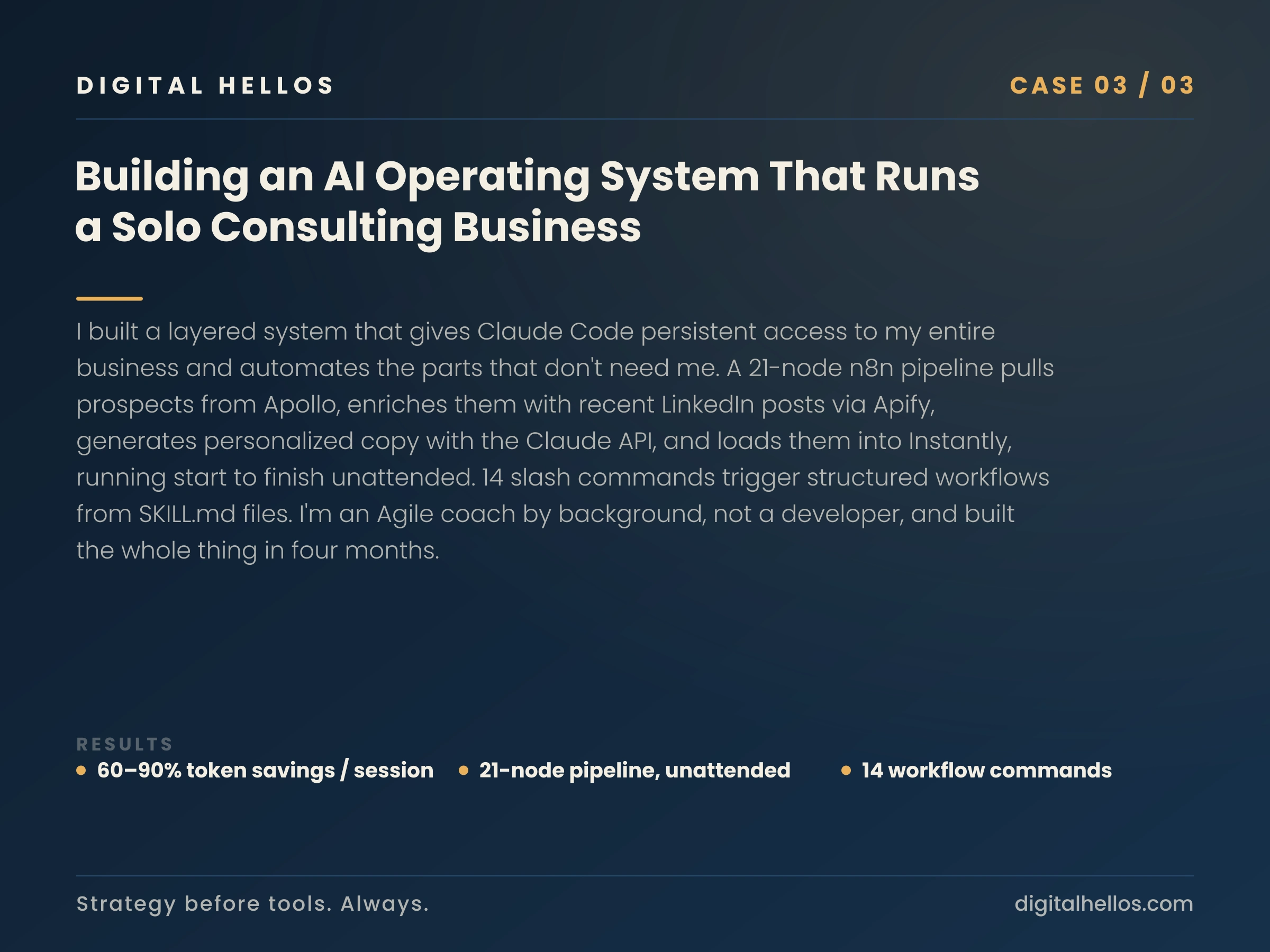
Built an AI operating system for my consulting business: a 21-node n8n pipeline that prospects unattended, with 60–90% token savings per session.