"J4E"- AI Mobile App Design

Sajal Patra


1. Understanding User Needs
Conducted research to understand the target users' needs, pain points, and expectations from an AI assistant, ensuring the app serves real user requirements.
2. Intuitive User Interface (UI)
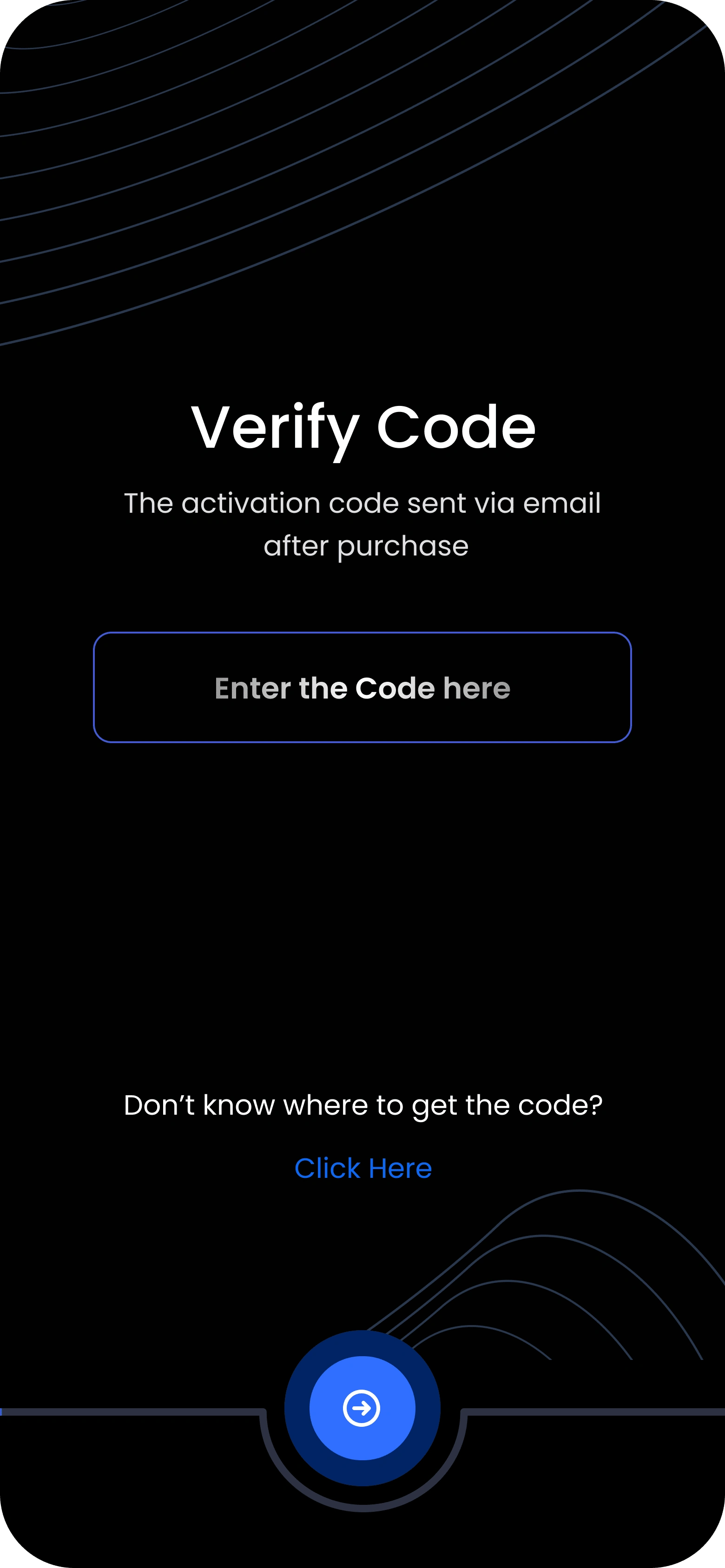
Designed a clean, minimalist UI with an easy-to-navigate interface, ensuring users can quickly interact with the AI assistant without complexity.
3. Smart & Personalized Interactions
Integrated voice and text-based communication features to allow users to easily ask questions or give commands, enhancing the AI’s usability and responsiveness.
4. User-Centric Experience (UX)
Focused on quick task execution, minimal loading time, and clear prompts to make the experience smooth and efficient, ensuring the AI assistant provides timely, relevant responses.
5. Modern Visual Design
Created a modern, professional aesthetic with vibrant accents and smooth animations to make the AI assistant feel more human-like and approachable.
6. AI Feedback Loop & Customization
Implemented personalized features where the assistant learns user preferences and adapts over time, enhancing long-term user engagement.
7. Mobile Optimization
Ensured the app design is fully responsive and optimized for mobile screens, providing a seamless experience on both smartphones and tablets.
Results:
Enhanced User Engagement: Intuitive design and smart features resulted in more frequent interactions with the AI assistant.
Efficient Task Execution: The app improved user productivity by offering personalized, quick, and accurate AI-powered responses.
Positive User Feedback: Users reported a smooth, enjoyable experience with clear, human-like AI interactions.

Like this project
Posted Nov 9, 2024
This approach focuses on ensuring the app is both functional and enjoyable, with an emphasis on simplicity, personalization, and mobile optimization.
Likes
0
Views
22