Clonify Figma Plugin Development

Kishor Kumar Mahato


Clonify Figma Plugin – Direct Design Import
Role: Full Stack Developer (Project Lead)
Plugin Link: Clonify Figma Plugin
Project Overview
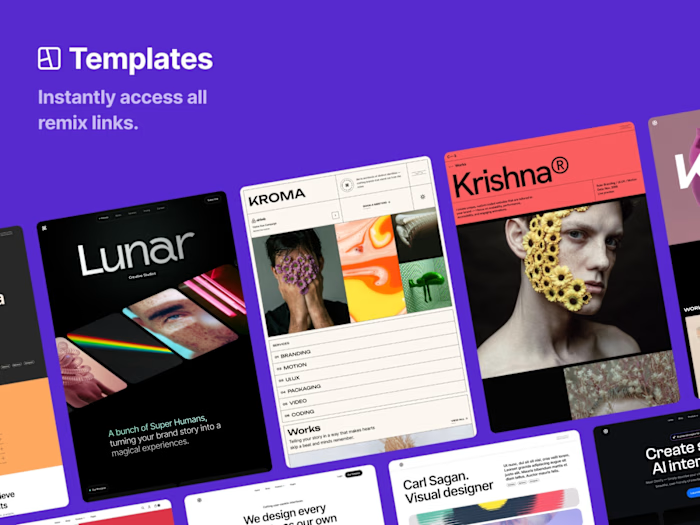
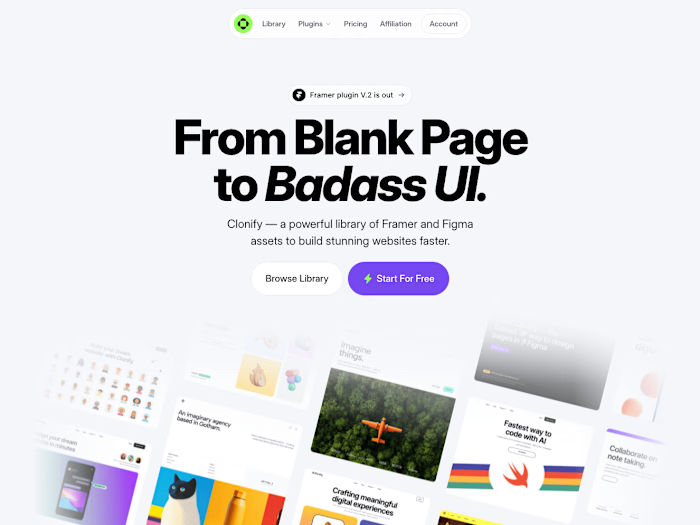
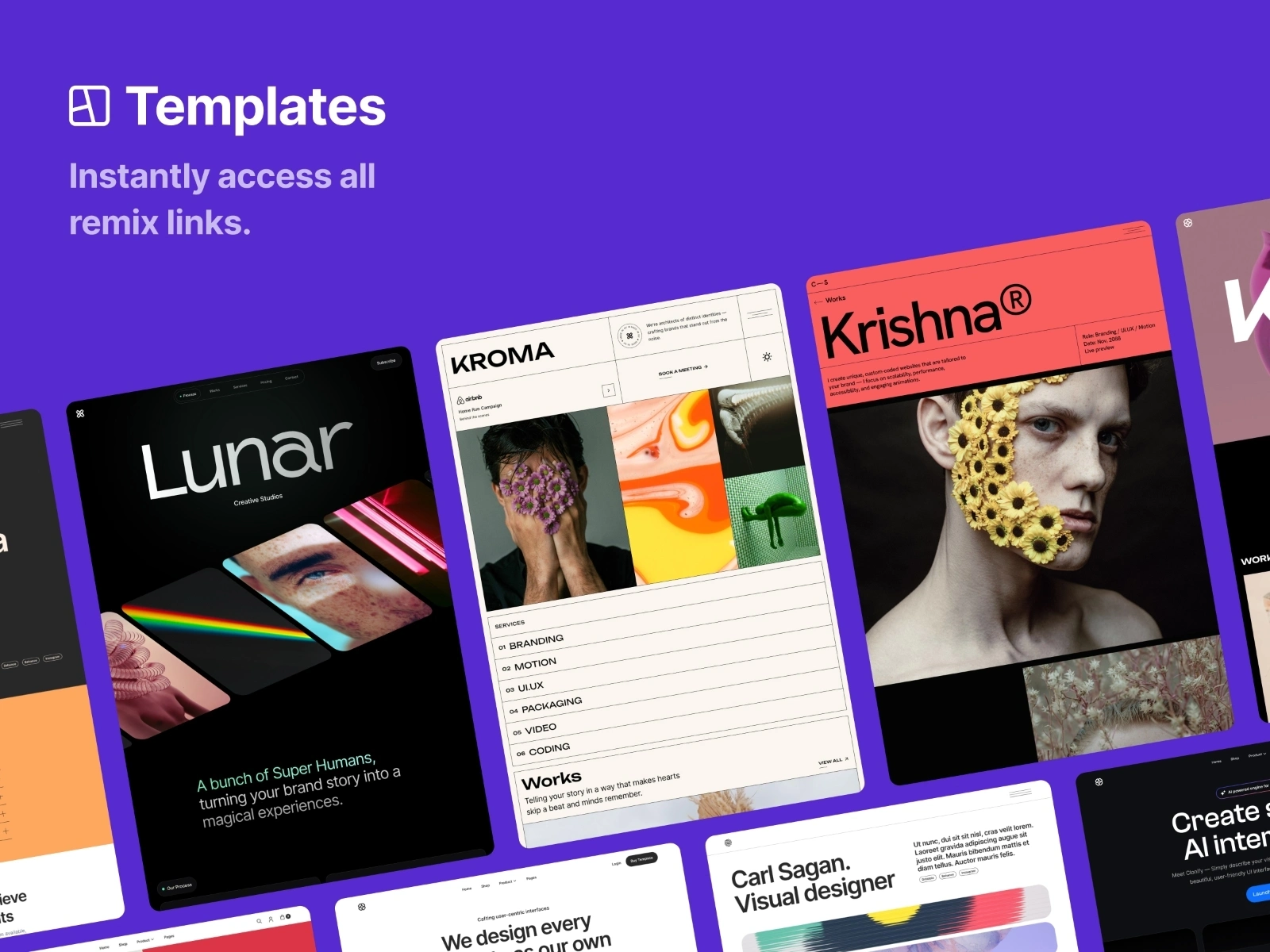
The Clonify Figma Plugin is a workflow automation tool that allows designers to import UI sections, templates, and components from Clonify directly into Figma. It eliminates manual asset downloads and layout rebuilding by giving designers direct, single-click access to the full Clonify library without ever leaving their workspace.
I led the project end-to-end—from initial UI design inside Figma to full-stack API integration, security enforcement, and production deployment on the Figma Community platform.
My Responsibilities
Product Leadership: Led UI development and defined the overall plugin experience within Figma’s compact panel constraints.
Architecture Design: Architected the end-to-end integration layer connecting the Figma API sandbox with Clonify’s backend REST services.
Authentication & Access Control: Implemented user auth and role-based access control (RBAC) to manage plan permissions.
Layout Parsing Engine: Built core translation logic to map external web design tokens into native Figma Auto Layout nodes.
Performance Engineering: Applied async chunking strategies to ensure smooth asset injection without freezing the main canvas thread.
Team Coordination: Collaborated with team members to maintain clean code, consistent API contracts, and scalable architecture.
Key Features
In-App Library Browsing: Search, filter, and preview Clonify templates directly inside Figma.
One-Click Native Import: Inject sections, templates, and UI components seamlessly with zero manual setup.
Auto Layout Preservation: Retains layout hierarchy, spacing, typography, and styling constraints upon import.
Subscription-Aware Access: Automatic role-based access control enforcing free vs. premium subscriber tiers.
Dynamic CMS Integration: Connected directly to Clonify’s backend CMS for real-time asset updates.
Responsive Plugin Interface: Sleek, lightweight dashboard optimized for Figma's compact iframe interface.
Challenges & Solutions
1. Complex Layout Translation
Importing web-based UI components without breaking Auto Layout structures or dropping styling constraints was difficult due to differences between CSS and Figma layout engines.
Solution: Engineered a custom schema mapping parser that translates CSS flexbox properties (
gap, padding, flex-direction) directly into native Figma Auto Layout frames and constraints.2. Canvas Thread Freezing During Large Imports
Injecting multi-section templates with dense vector structures caused the Figma UI thread to lock up and lag.
Solution: Implemented asynchronous chunking and lazy asset loading, processing heavy design nodes in micro-batches to maintain smooth 60 FPS canvas performance.
3. Subscription-Based Access Control
Safeguarding premium templates against client-side extraction while delivering instant previews to authorized users.
Solution: Designed a role- and plan-based permission system tightly integrated with Clonify JWT authentication, validating user entitlements before delivering high-resolution asset payloads.
4. Maximizing UX in a Compact Interface
Presenting a massive library of components within Figma’s narrow, docked plugin window without cluttering the view.
Solution: Led UI design focused on clean categorization, visual card thumbnails, and live search filtering to maximize screen real estate.
5. Team Execution & Code Consistency
Managing development timelines, maintaining code quality, and keeping API interactions consistent across the team.
Solution: Established clear API guidelines, modular TypeScript interfaces, and rigorous code review processes.
Tech Stack
Plugin Frontend: TypeScript, JavaScript, HTML/CSS, Figma Plugin API
Backend Integration: Clonify REST APIs, JWT Authentication, Role-Based Access Control (RBAC)
Architecture: Asynchronous API-driven architecture with native canvas node parsing
Impact
70% Faster Layout Setup: Reduced design setup times from minutes of manual recreating to a single 3-second import.
Frictionless Workflow: Eliminated the manual "download file → unzip → import" loop, creating a direct bridge to Clonify's ecosystem.
Production-Ready Success: Successfully published to the Figma Community, driving direct engagement and user conversion for Clonify.
Like this project
Posted Dec 16, 2025
Developed Clonify plugin enabling import of components into Figma.
Likes
0
Views
10
Clients
Clonify