Archseed — Project Planning CLI for AI-Assisted Development

Mateo Pérez Salazar


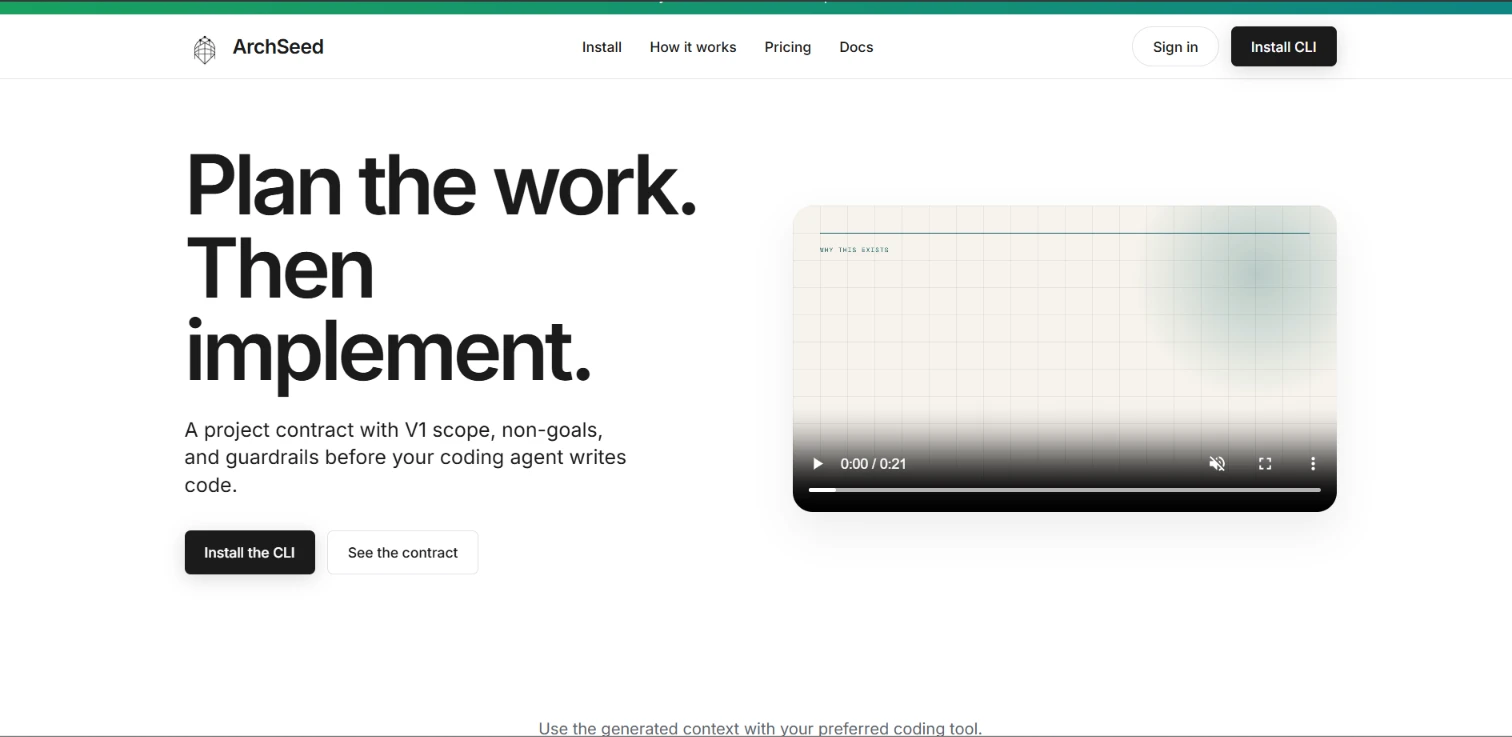
Archseed is a project-planning CLI for AI-assisted software development. It helps developers define what they want to build, set clear boundaries, and create a repository-based project contract before a coding agent starts implementing. Rather than generating application code, Archseed prepares the scope, instructions, and review documents that guide the coding tools developers already use. archseed
Overview
Archseed addresses a specific problem: starting an AI-assisted project without making the important decisions explicit. Its workflow focuses on defining the first shippable version, identifying features that should wait, documenting unresolved questions, and recording technical choices that should not change without approval. Those decisions stay in the repository so subsequent coding sessions can start from the same agreed scope. archseed
Its role is the planning and handoff layer between an initial idea and implementation. Archseed complements tools such as Cursor, Claude Code, Codex, Gemini CLI, and OpenCode by providing a shared reference for what the agent should—and should not—build. archseed
How it works
Archseed follows a four-step workflow: describe, bound, review, and implement. archseed
Describe the project. Run
archseed init, select the project type, and provide a short description of what you want to build.Set the boundaries. Confirm the V1 outcome, non-goals, open questions, and guardrails. Follow-up questions change according to the project.
Review the contract. Inspect the proposed project contract and approve it before Archseed writes the files.
Hand it to your coding agent. Open the generated
agent-context.md file and provide it to your preferred coding tool before asking it to plan or implement. archseedInstallation and initialization use:
The CLI works before creating an account, and the initialization workflow does not require Pro. archseed
What Archseed defines
V1 scope
The contract identifies one outcome that can be shipped, rather than leaving the first version open to interpretation. For example, a proposal application might focus on writing, sending, and tracking one proposal rather than immediately expanding into a marketplace, billing platform, or public API. archseed
Non-goals
Non-goals explicitly identify what is not being built yet. Depending on the project, these might include billing, mobile applications, team accounts, offline synchronization, or additional integrations. This makes exclusions part of the written plan instead of leaving them implicit. archseed
Open questions
The contract records decisions that remain unresolved before implementation. These questions stay visible alongside the agreed scope, rather than being silently resolved by the coding agent during development. archseed
Guardrails
Guardrails document choices and boundaries that the agent should not change without approval. Examples include preserving the chosen stack or authentication approach, avoiding third-party integrations, and not adding features beyond the stated V1 scope. archseed
Generated deliverables
Archseed writes four Markdown documents inside the repository’s
.archseed/ directory: archseedFile Role
project-contract.md Records the agreed project scope, boundaries, questions, and guardrails. agent-context.md Provides the handoff context to give your coding agent before implementation. implementation-plan.md Supplies a planning document alongside the contract. review-checklist.md Supplies a checklist for reviewing the work against the agreed direction.These files make the planning context available within the project instead of relying solely on a previous chat session. archseed
Project types
Archseed presents complete example contracts for six starting points: landing pages, APIs, SaaS applications, CRUD applications, mobile applications, and CLI tools. Its questions adapt to the project type, although the examples are not intended to provide a complete architecture for every category. archseed
The boundaries differ accordingly. A landing page might exclude accounts and checkout; an API might define a single consumer and settle authentication before adding routes; a mobile app might explicitly choose iOS and leave Android and offline synchronization outside V1. archseed
Archseed Pro for existing projects
Beyond planning new projects, Archseed Pro supports establishing a baseline and running supported checks in existing Next.js and TypeScript repositories. Its documented Pro commands include
adopt, adopt scan, and check. These record a baseline and evaluate supported changes; they do not refactor application source. archseedOne example is duplicate-component detection. If the baseline identifies a shared
Badge component, a newly introduced duplicate primitive can be reported as blocking, with instructions to reuse or compose the canonical component. Paths already recorded as inherited technical debt are not blocking in that example. archseedThe website currently lists Pro at $12 per month, with founder pricing remaining locked while the subscription stays active, and invites users to request Pro beta access. archseed
What Archseed does not do
Archseed’s positioning has several important limits:
It is not an IDE or a replacement for your coding agent.
init does not write application code; it writes planning and context files.Quick Start does not use AI to understand the project; it relies on your answers and confirmation.
The generated guardrails are instructions, not an enforcement mechanism that prevents an agent from drifting.
Pro checks do not automatically edit or refactor the source code. archseed
The distinction matters: Archseed makes project intent explicit and reviewable, but developers still need to check the agent’s plan and implementation against the contract. archseed
Who it is for
Archseed is positioned for developers who want structure before AI-assisted implementation without adopting a heavy planning process. Its initial workflow targets new and early-stage projects, including solo-developer work, while Pro extends the approach to supported existing repositories. The central value is a clear, reusable handoff: define the work first, preserve the decisions with the codebase, and then let the coding agent implement within that context. archseed
Like this project
Posted Oct 21, 2026
Archseed is a project-planning CLI that helps developers structure software projects for clearer, more organized AI-assisted development.
Likes
0
Views
1
Timeline
Sep 1, 2026 - Oct 2, 2026