To-Do List: Task Manager Mobile App UI Kit for Figma

DjectStudio

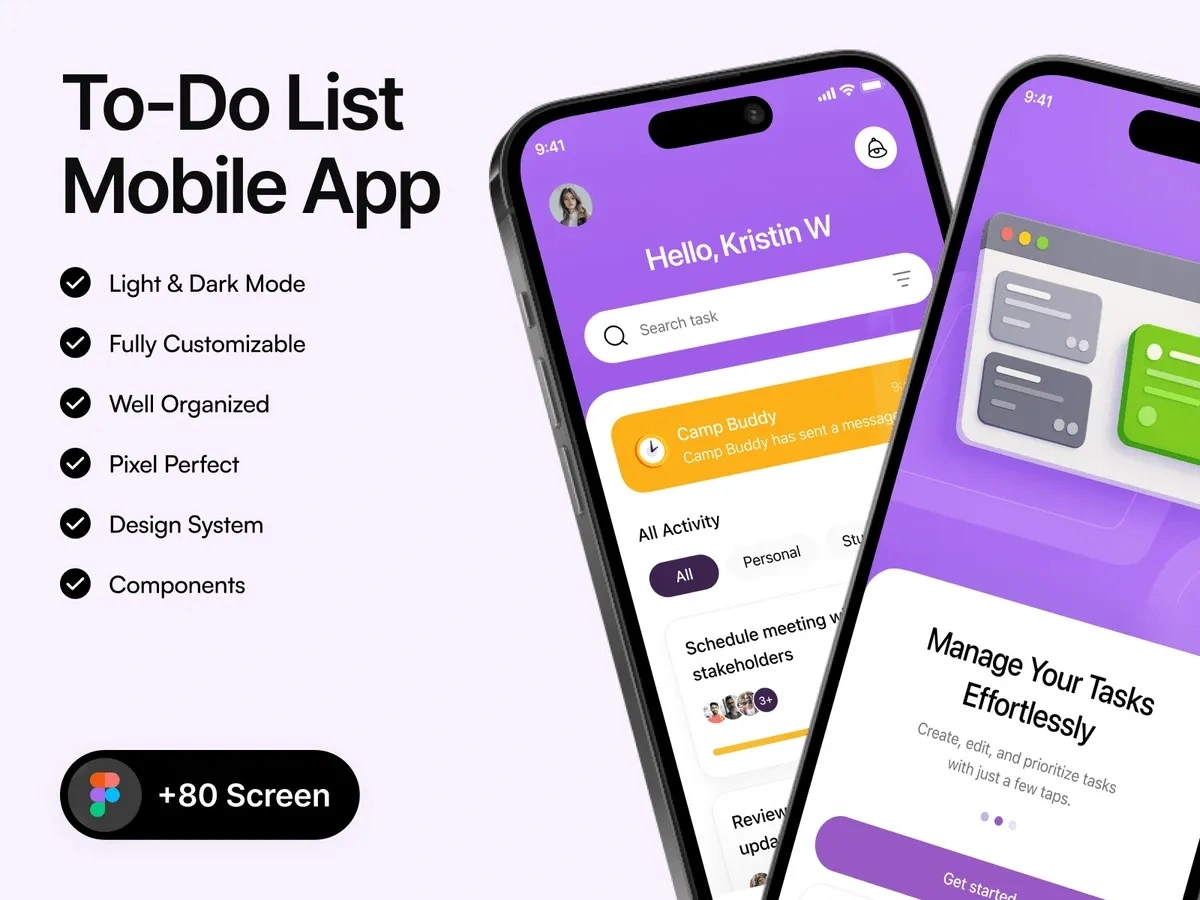
A Figma UI kit for to-do and task management apps. It covers onboarding, task lists with priorities, search, inbox, notifications and profile stats, in light and dark mode.
To-Do List - Mobile App UI Kit is a Figma kit for designers building a task or planner app for personal or team work. It uses a purple palette with yellow highlights.
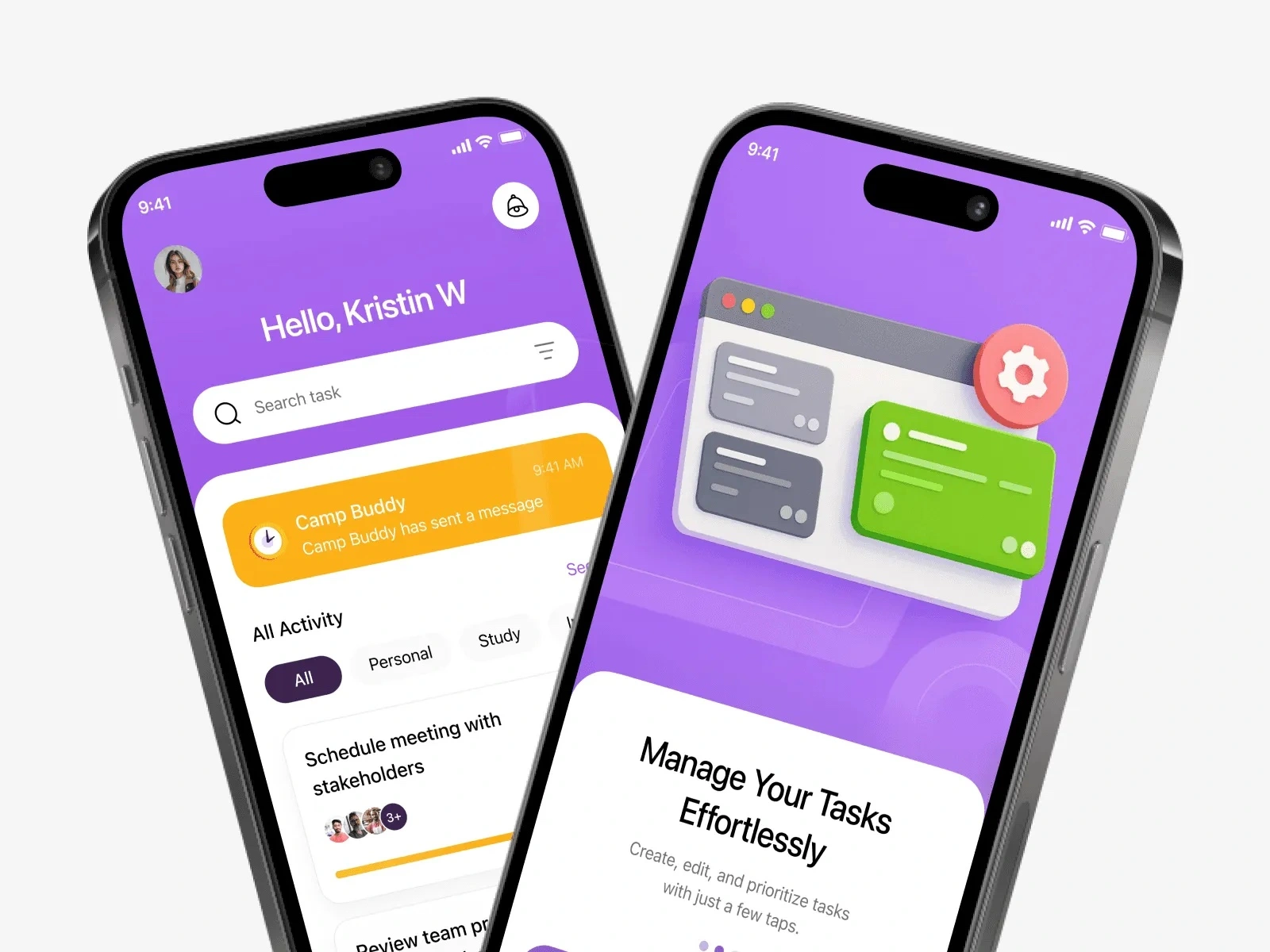
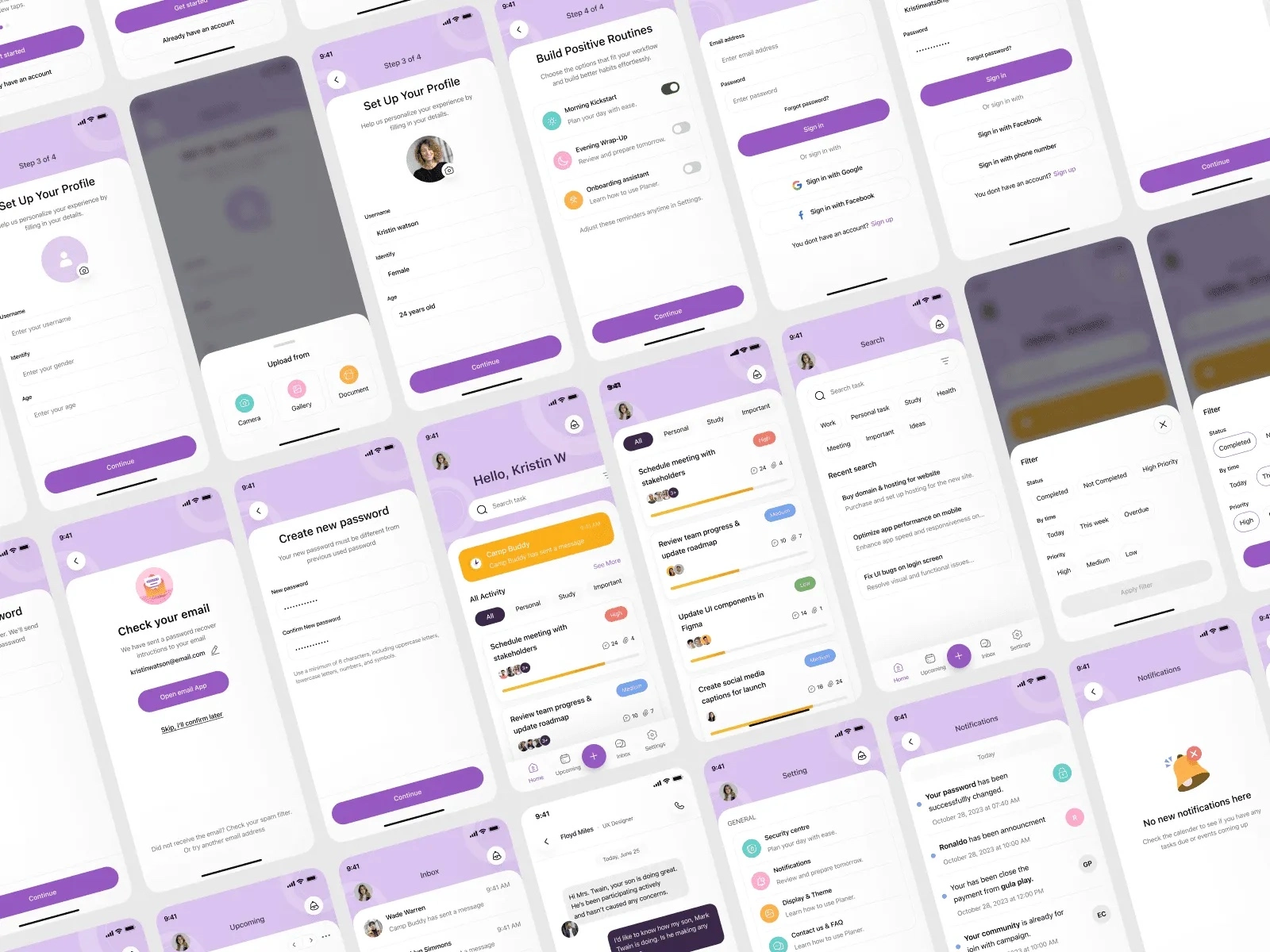
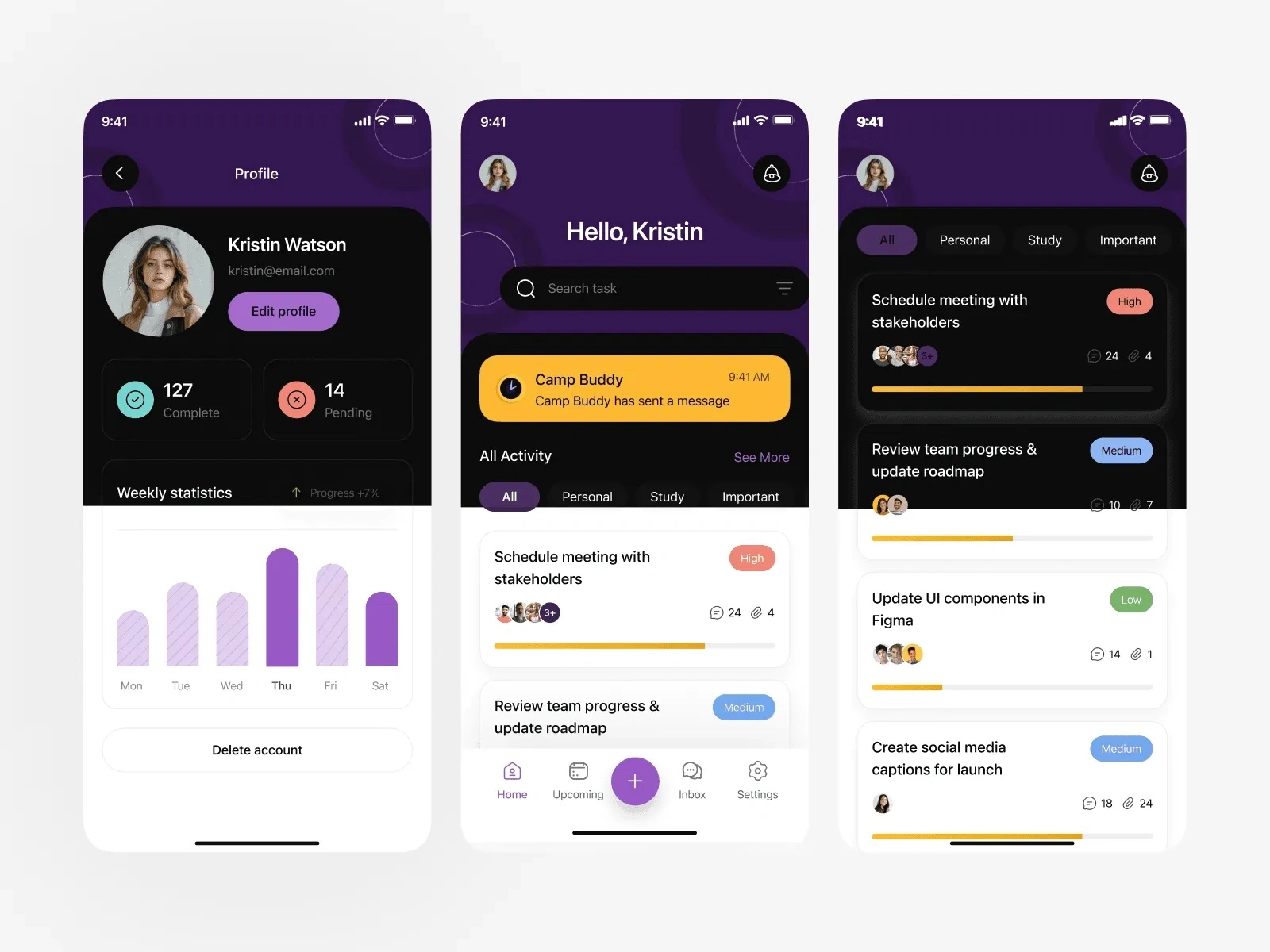
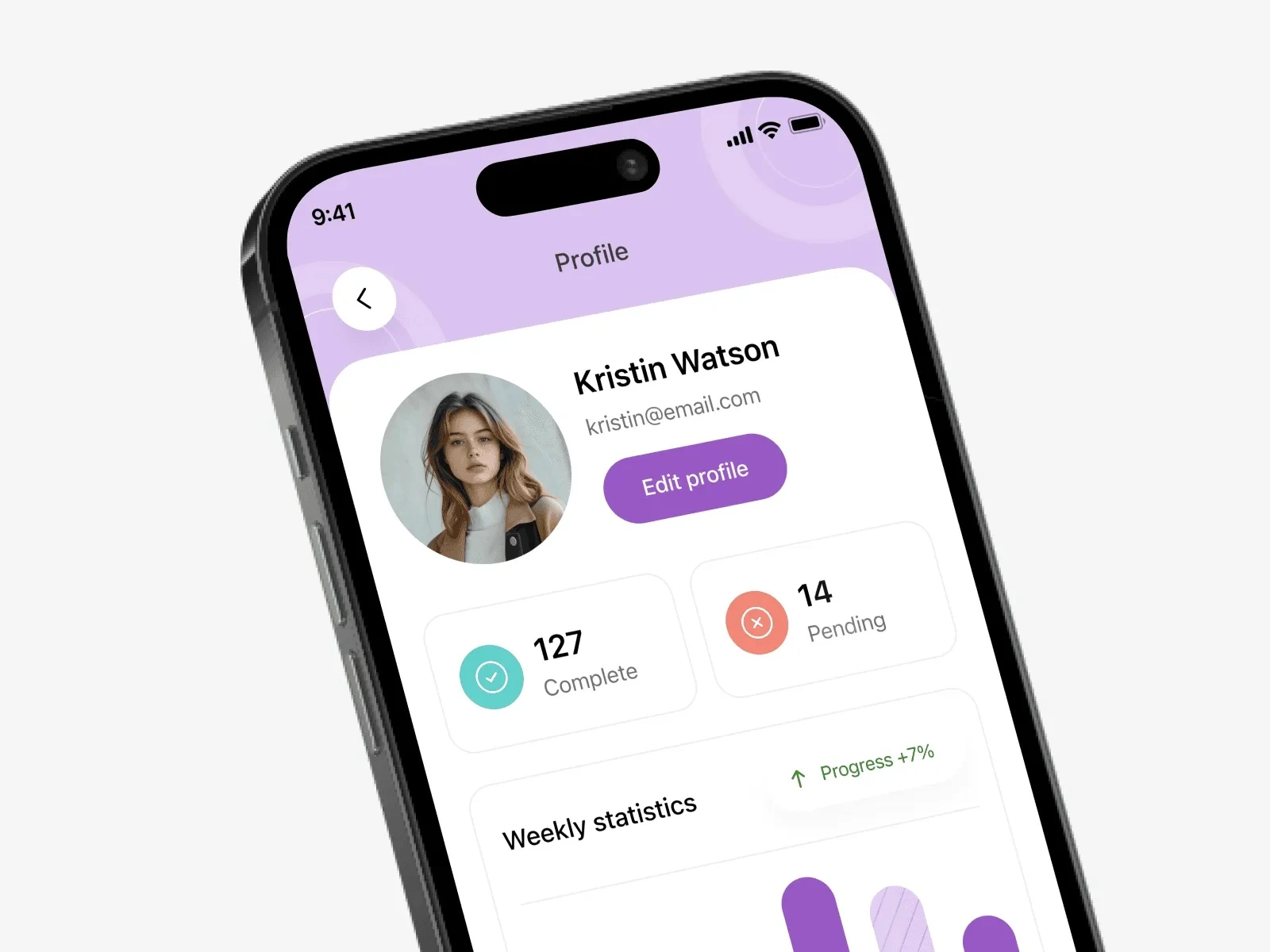
The preview shows onboarding, sign in (Google, Facebook, phone number), check your email and create new password screens, and a profile setup flow with photo upload and routine toggles. The home screen has task search, a notification banner, filters (All, Personal, Study, Important) and task cards with High, Medium or Low priority, assignees and a progress bar. You also get search with a filter sheet (status, time, priority), upcoming, inbox and chat, notifications with an empty state, settings, and a profile with completed and pending counts and a weekly statistics chart.
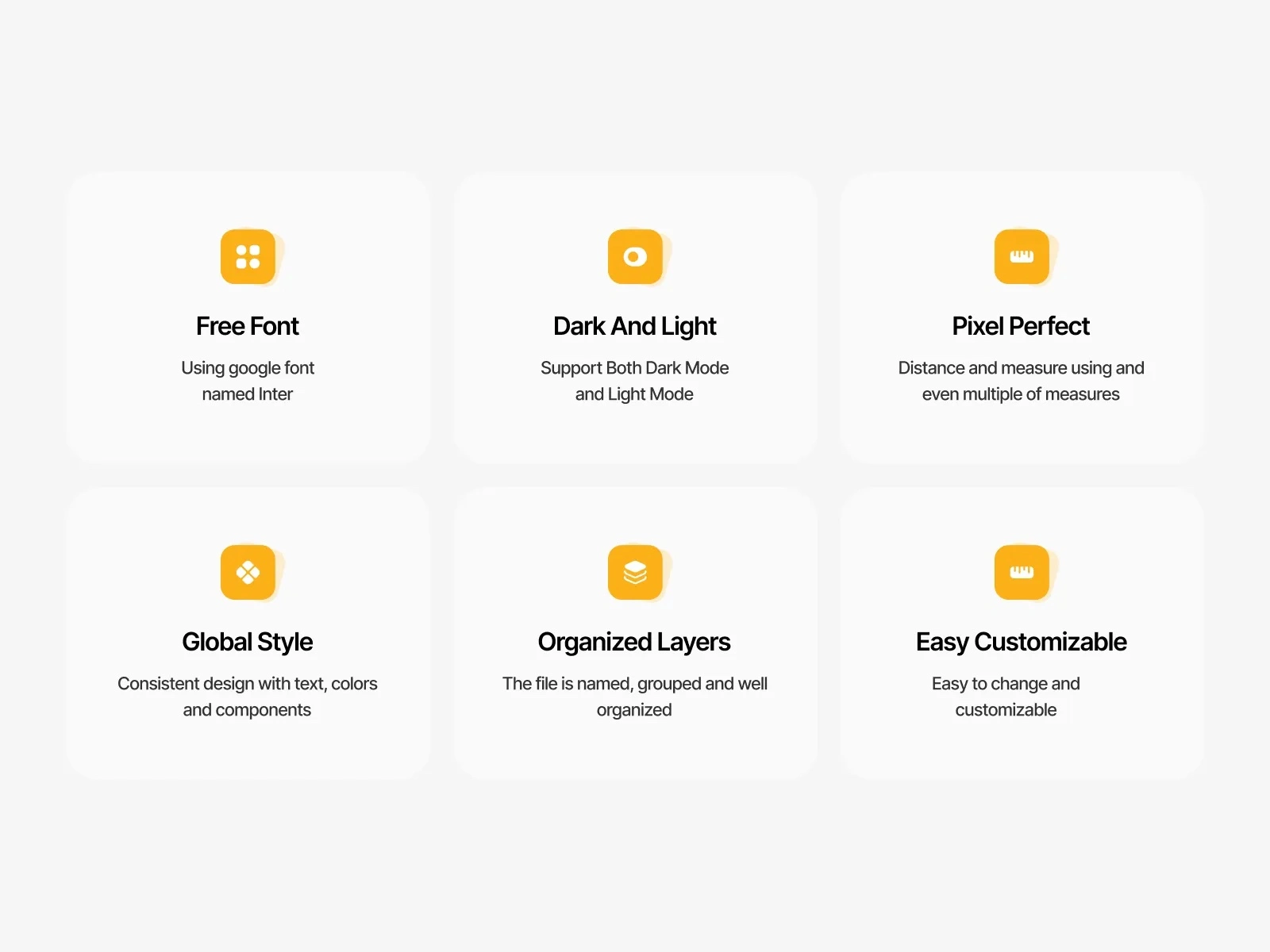
The kit supports dark and light mode and uses Inter, a free Google font. Text, colors and components use global styles, and the layers are named and grouped.
Highlights
Task cards with High, Medium and Low priority tags and progress bars
Profile setup flow with photo upload and routine toggles
Search with filters for status, time and priority
Inbox, chat and notifications with an empty state
Profile with completed and pending counts and weekly stats
Dark and light mode, Inter font, global styles
What's included
Figma source file
Light and dark mode screens
Global text, color and component styles
Named and grouped layers
Made by DjectStudio, a design studio for websites, apps and brands in English and Arabic. Get it on the DjectStudio store: djectstudio.com/store/to-do-list-mobile-app
Like this project
Posted Oct 10, 2026
A Figma UI kit for to-do and task apps. Onboarding, profile setup, task lists with priority tags, search filters, inbox and stats, in dark and light mode.