Custom stickers

Bashir Sulaiman Dahir

Skip to main content
Custom stickers
Easy to customizeFree delivery1k+ free templatesHappiness guarantee
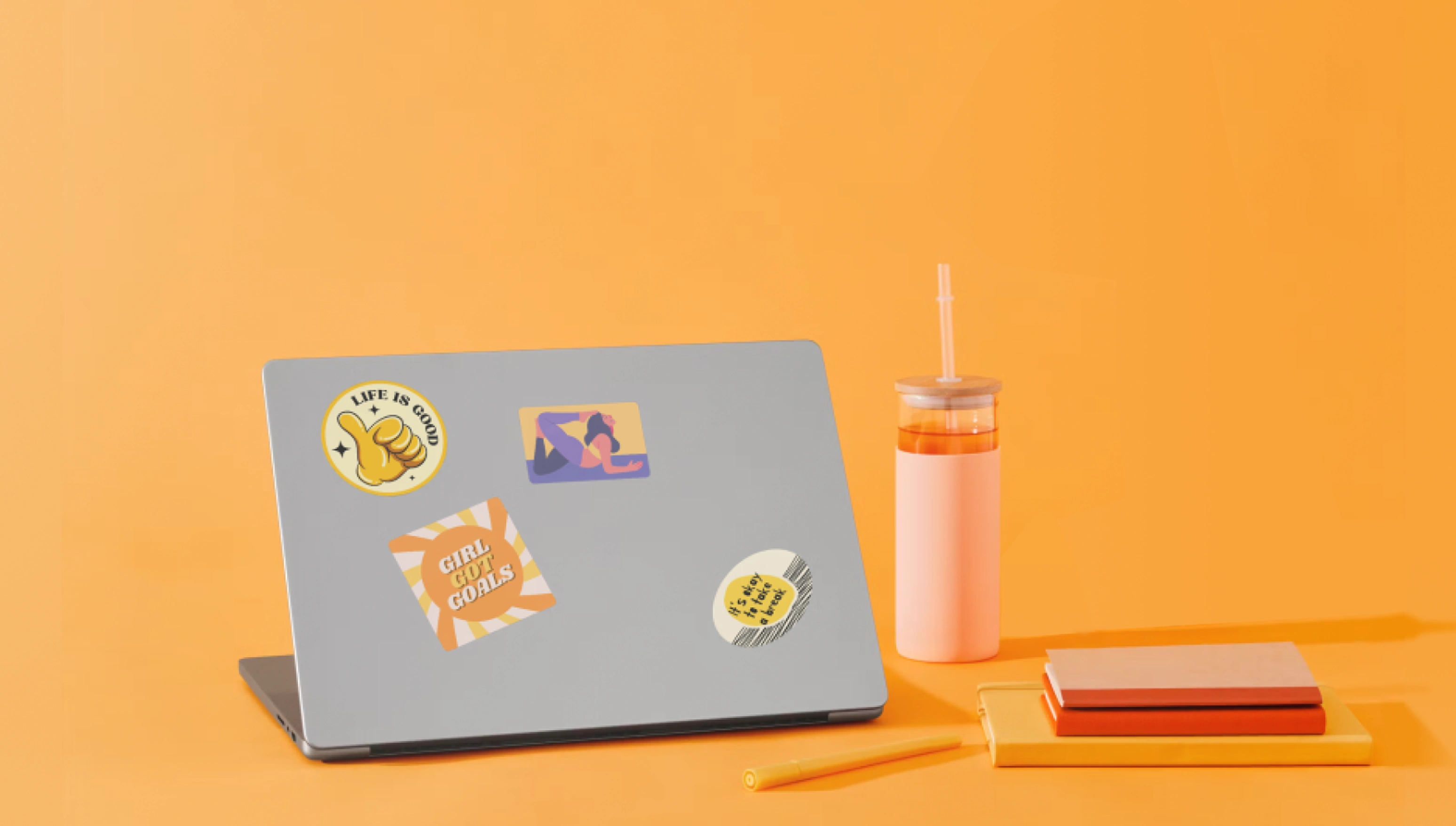
Add personality to anything with your own custom stickers
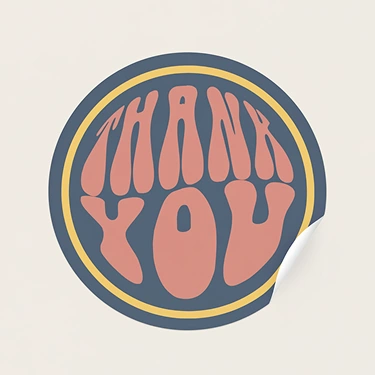
Sticker (Circle)
From $12 for 12
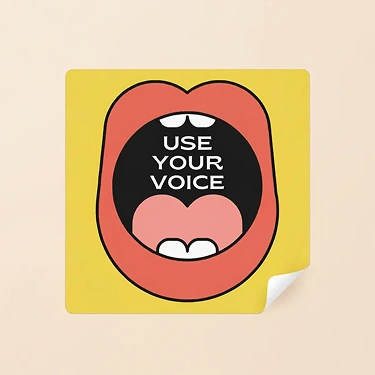
Sticker (Square)
From $12 for 12
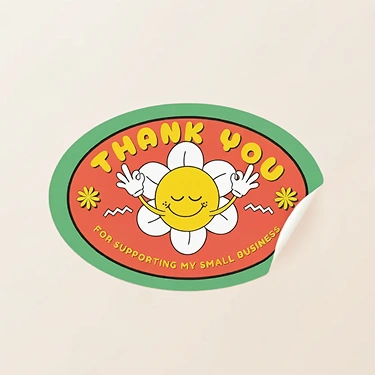
Sticker (Oval)
From $14 for 10
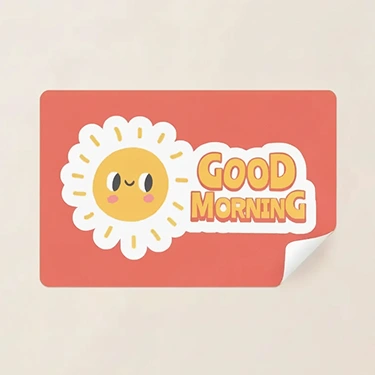
Sticker (Rectangle)
From $9.50 for 10
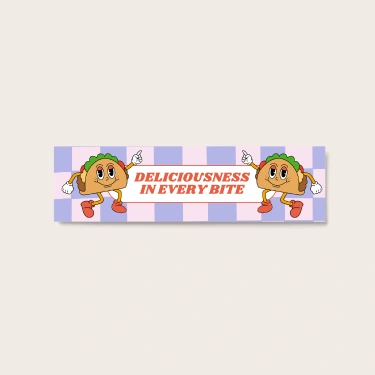
Bumper Sticker
From $9
Decorative or functional, get creative with your designs, then order them as high-quality, eco-concious prints.
Shop printable stickers
Discover hundreds of free sticker templates you can customize in a few clicks.

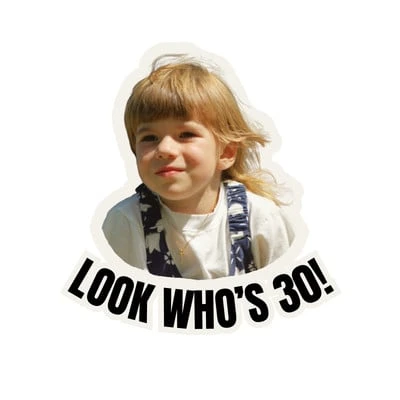
Pro
1 of 2
Print custom-made stickers and labels
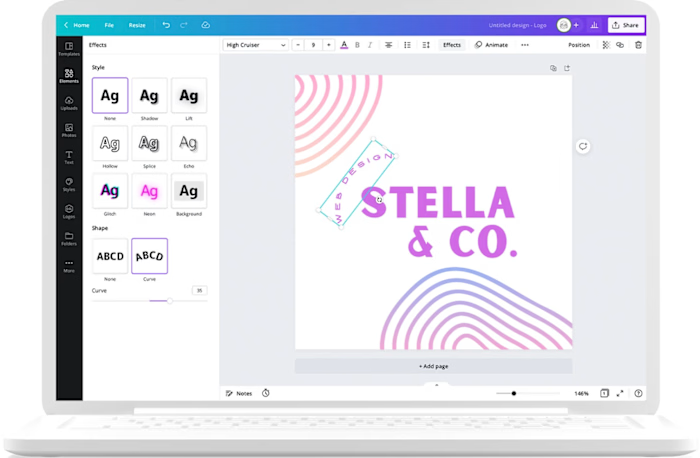
Design and print custom stickers in no time with Canva. You can start from scratch or find a template that fits your theme. Use the drag-and-drop editor to add graphic elements and text or upload your own photos. When you’re ready, just click “Print with Canva” to get your stickers delivered to your doorstep, with fast and flexible shipping options.
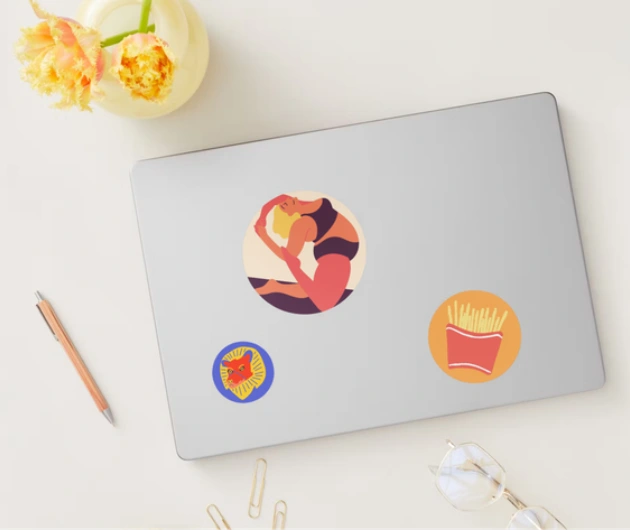
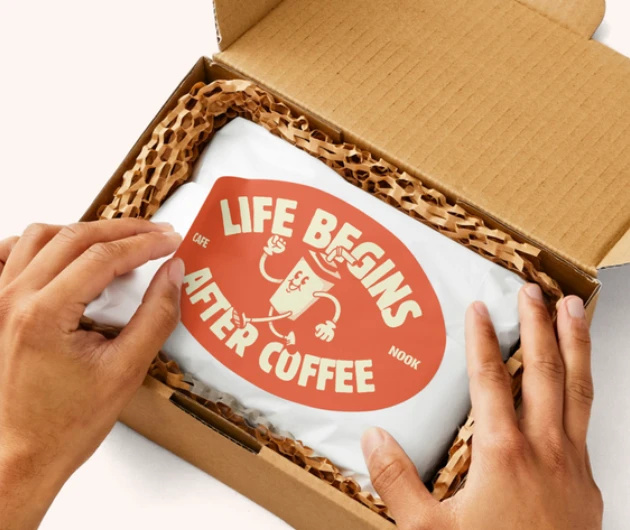
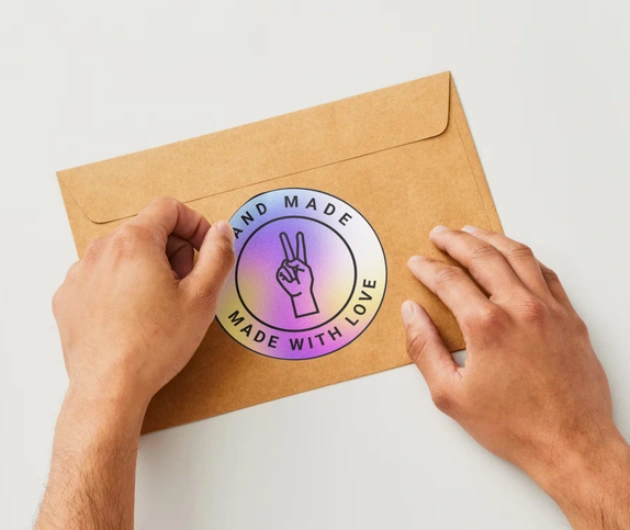
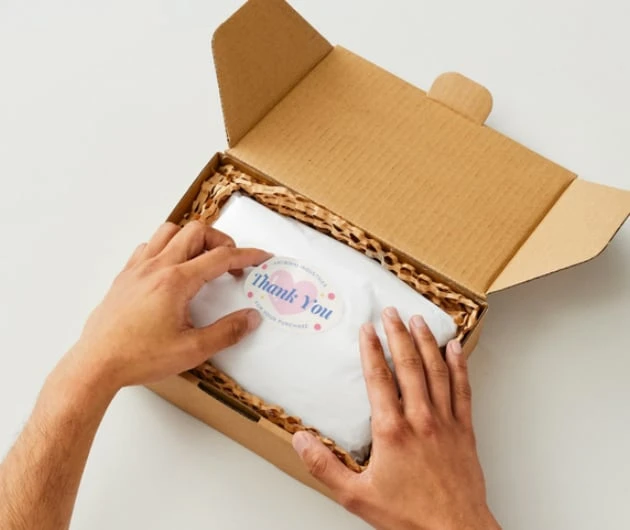
Creative sticker designs for every need
Spark conversations with personalized stickers
Flaunt what you’re most passionate about—important causes, your favorite TV shows, the pop group you stan the most—with a custom-made sticker.
Boost brand recognition on a budget
Stickers are a low-stakes, budget-friendly way to promote your business. When people stick your logo or branded designs on their laptops, tumblers, or bumpers, they’re essentially advertising for you, free of charge.
Stand out with custom packaging stickers
Say goodbye to generic and forgettable packaging. Use stickers to say thanks for the purchase, provide care instructions, and convey whether a product is homemade, organic, or vegan.
How to make stickers

Open Canva
Launch Canva to get started on your custom sticker design. Type “Sticker” in the search bar and explore our template selection.
Choose a template
Browse the templates library to find the right layout for the design you have in mind. Filter your search by style, theme, layout, and color.
Experiment with elements
Use the drag-and-drop editor to add graphic elements like shapes, illustrations, icons, text, and photos to your design.
Make it rain stickers
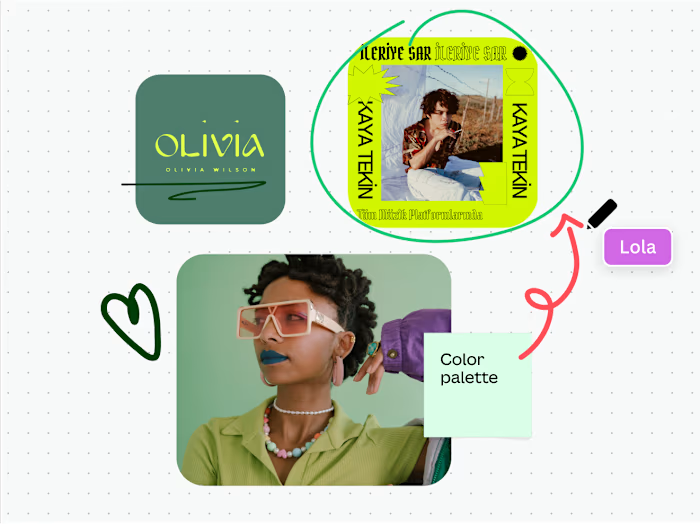
Add friends or teammates to your design and collaborate on a sticker pack. When you’re satisfied, download your designs in hi-res JPEG or PNG.
Order your custom sticker prints
Click “Print with Canva” to order sticker prints online. Choose a size, paper finish, and quantity, enter your shipping details, and simply wait for your order to arrive at your doorstep.
Design and print smarter with Canva
Generate stunning high-quality images for your prints
Start with a professional template
Remove backgrounds in one click for print-ready photos
Instantly resize designs for any print
Keep every design on-brand with Brand Kit
Print with purpose
One Print, One Tree
Every print plants a tree — bring your ideas to life while giving back to the planet.
Sustainably printed
Printed with trusted partners who prioritize quality, responsible materials, and less waste.
Get started with Canva Print
Unlock premium tools for smoother, print-ready designs
Explore everything you can print with Canva
Frequently asked questions
What is the thickness (mil) of your stickers?
Excluding the back liner, our stickers have a thickness of 2 mil for the face side plus 1 mil for the laminate side. Note: 1 mil is equivalent to 1/1000 of an inch.
How do you create a good sticker design?
It depends on what you’re designing a sticker for. If you’re designing a cute sticker for personal use, don’t be afraid to get creative—use vibrant, eye-catching colors and play around with illustrations and other design elements. If you’re designing for a brand, stay consistent with the brand’s signature color palette, typography, and overall brand messaging, and within those constraints, add something surprising to catch people’s attention.
Is it okay to use my own artwork for my stickers?
Absolutely! You can easily upload and use your designs and artwork for your stickers on our design platform. Just make sure your images are of at least 300 DPI resolution for the highest quality prints.
Can I write on these custom stickers?
If you specifically want to write on your sticker, we advise getting the matte finish as this particular finish absorbs ink easily without smudging. If you prefer the glossy finish but would still like to write on it, we advise using a smudge-proof pen or marker as the glossy finish does not absorb ink well due to its protective laminate.
How do you get stickers off glass?
The simplest way is to soak the glass in soapy hot water to soften the sticker glue before removing the label. If there is still some residue, you can rub a mixture of cooking oil and baking soda on it. You can also use a combination of white vinegar and citrus peel.
How do you make stickers with Cricut?
To make stickers with a Cricut cutting machine, you first need to design your sticker using a graphic design software like Canva. Make sure your sticker design size is within the maximum printable area of your Cricut machine. Then, export the sticker design as a PNG file and maintain your sticker design’s transparency. Next, upload your sticker design to Cricut Design Space. From there, follow the prompts to print and then cut your stickers using Cricut.
How do you make vinyl stickers?
The easiest and fastest way to make vinyl stickers is to use printable vinyl, instead of your regular sticker paper. With printable vinyl as your sticker medium, weeding and transfer tapes aren’t needed.
To make vinyl stickers, follow these steps:
Design your sticker using a graphic design software like Canva.
Export your sticker design in PNG format while making sure to follow all the border and bleed requirements for your cutting machine.
Next, launch your cutting machine’s design software.
Upload your sticker design into the software program and prep for printing and cutting.
Load your printable vinyl sheets into your cutting machine.
Follow your machine’s prompts to achieve the printing and cutting style you need.
Begin cutting your vinyl stickers or decals.
How soon can I get my custom stickers delivered?
At Canva Print, we strive to deliver your custom sticker orders as soon as possible. The shipment of your order depends on the selected delivery type chosen upon ordering.
Economy delivery: Up to fourteen (14) business days
Standard delivery: Up to eight (8) business days
Express delivery: Up to three (3) business days
Please note that shipping times vary between regions, and delivery to more rural areas may be slightly longer than to metro areas.
Check your print order status(opens in a new tab or window) to see which one you selected.
Tell me more about the One Print, One Tree campaign?
The One Print, One Tree initiative is just one of the ways we are making our printing solutions more sustainable, as part of doing the most good that we can through our Two-Step Plan(opens in a new tab or window) . So, how does it work? Simple: for every print order you make with us, we will plant one tree. For more information visit here(opens in a new tab or window) .
More tips and resources
Get inspired, and learn more about design
Explore the blog
57 genius print ads with brilliant design techniques
Learn more
50 insanely creative and stunning packaging designs
Learn more
Your ultimate guide to visual marketing strategy
Learn more
Discover more products
Invitations
Labels
Posters
Custom Mugs
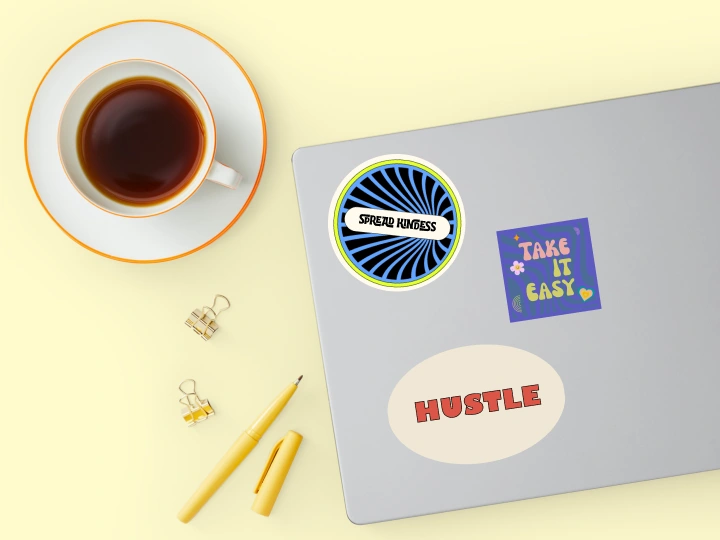
Laptop Stickers
Like this project
Posted Jul 3, 2026
Custom stickers: printable sticker templates, shapes, finishes, and print ordering with templates and design guidance.
Likes
0
Views
12
Tags