Built with FLORA
Flora AI Jewelry Product Shot Generator

Sina Nourmousavi

The Challenge
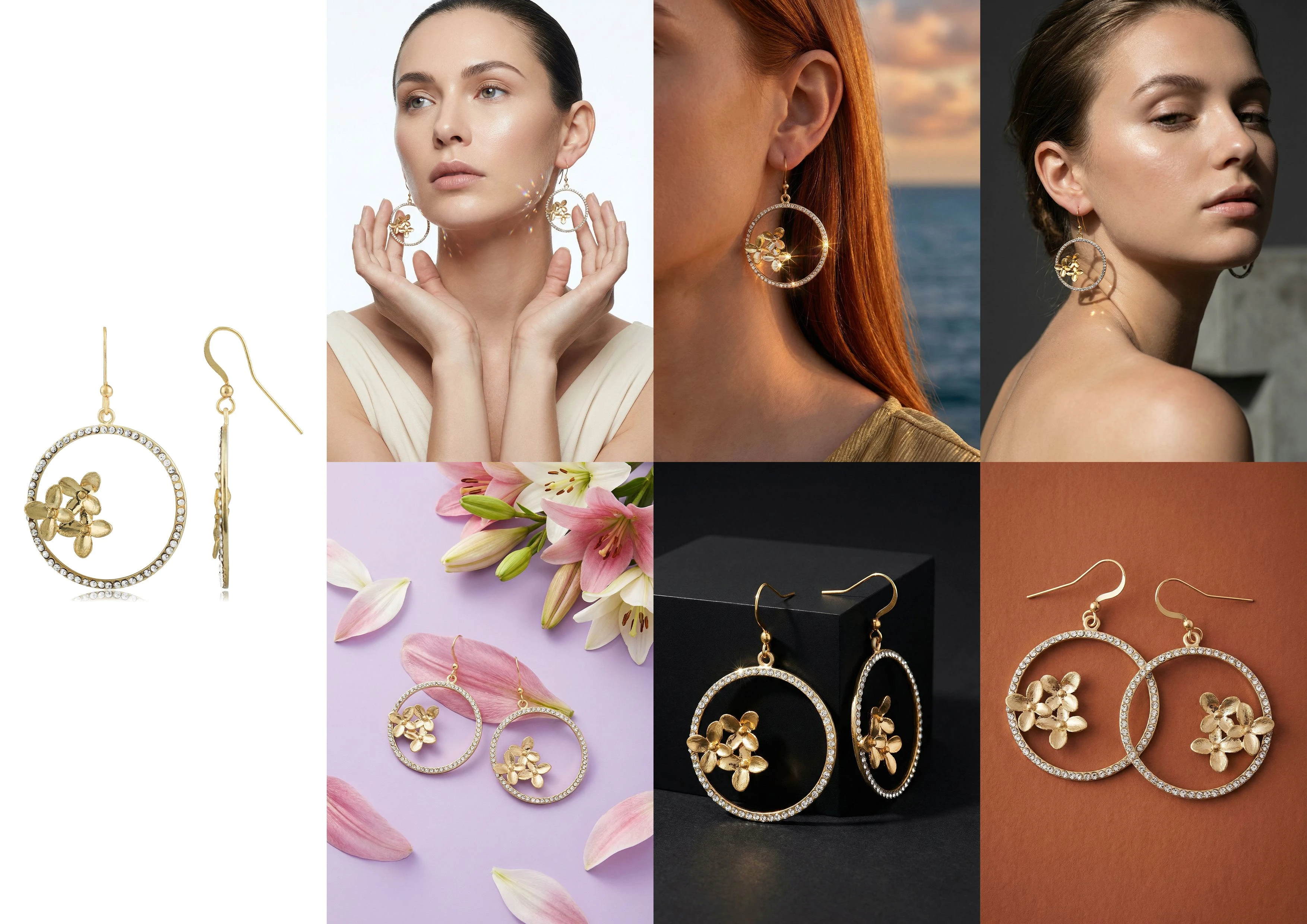
A while back, I submitted a jewelry product shot generator for the Flora technique challenge. The idea was simple: small jewelry brands often have product photos with bad lighting and awkward backgrounds, but they need editorial-quality shots for their stores, lookbooks, or social feeds. Hiring a studio isn't always realistic.
The Solution
I built a workflow where you feed in two things:
A raw product image (yes, even one with terrible lighting and a messy background works).
A short description: Either the desired theme or a length/style cue.
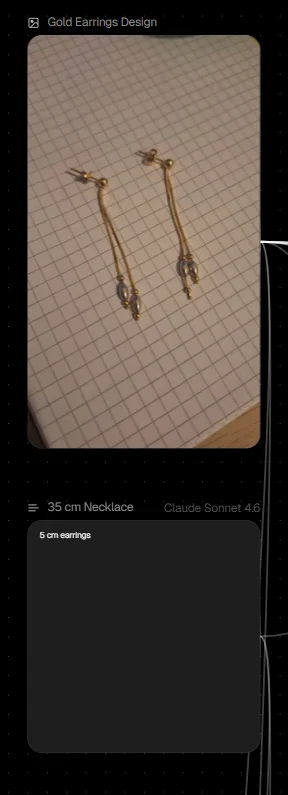
Look at the image I uploaded. Bad lighting on a notebook background.
How It Works
Upload your input. Drop in a product image (lighting and background quality don't matter) along with a short description of the theme or style you're after.
The AI picks the concepts. It pulls the most fitting photography concepts from a 110-idea library and builds multiple tailored prompts around your input.
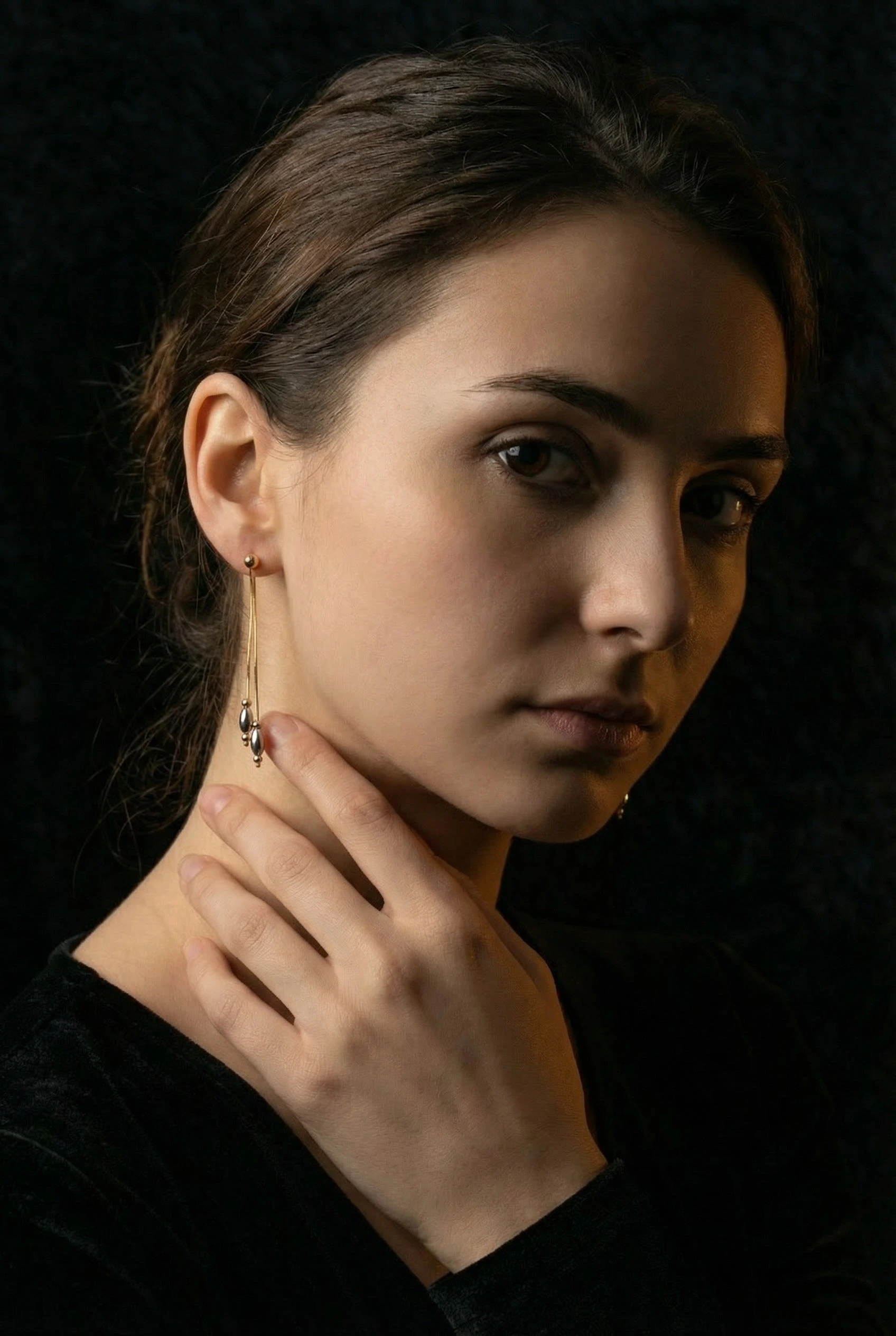
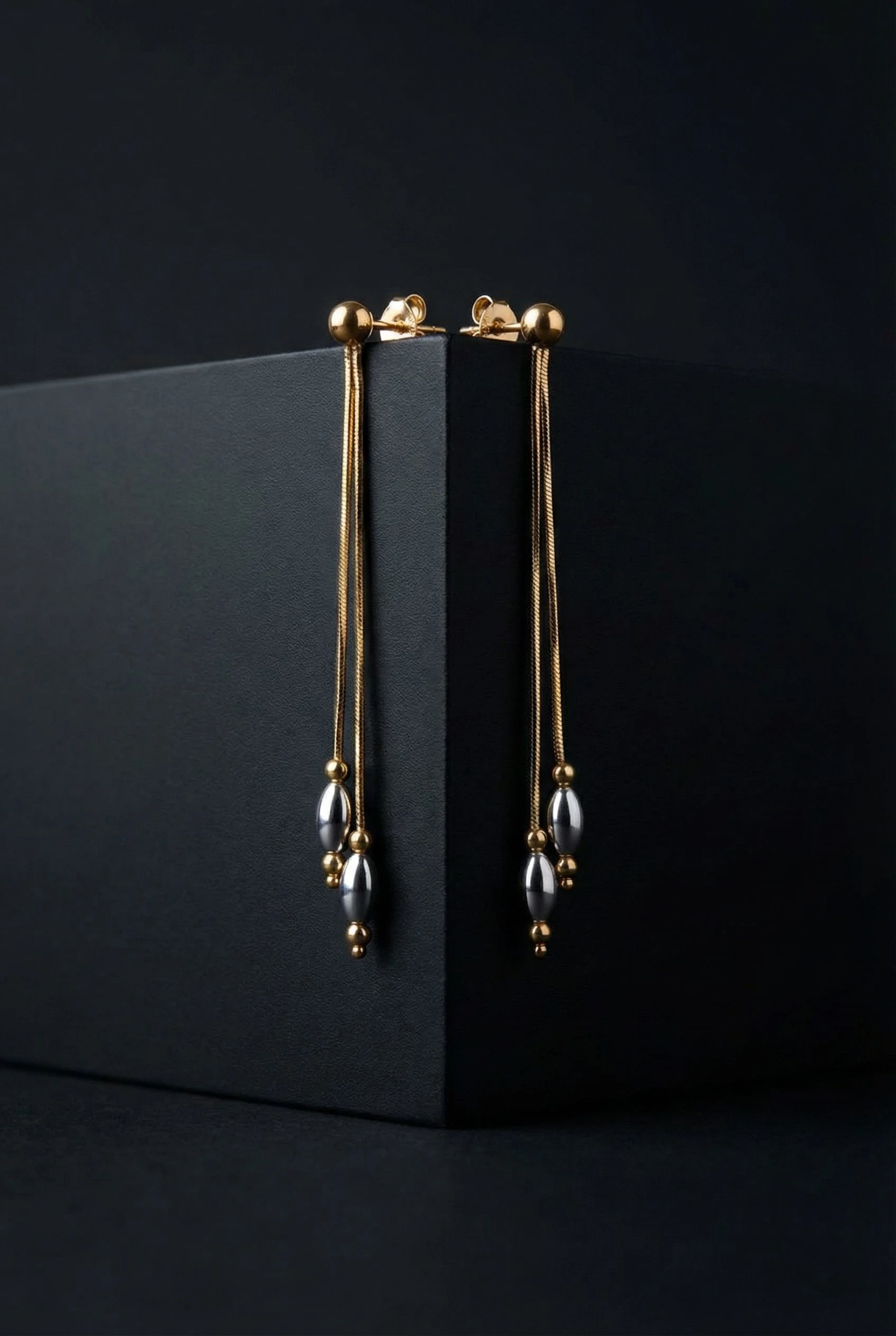
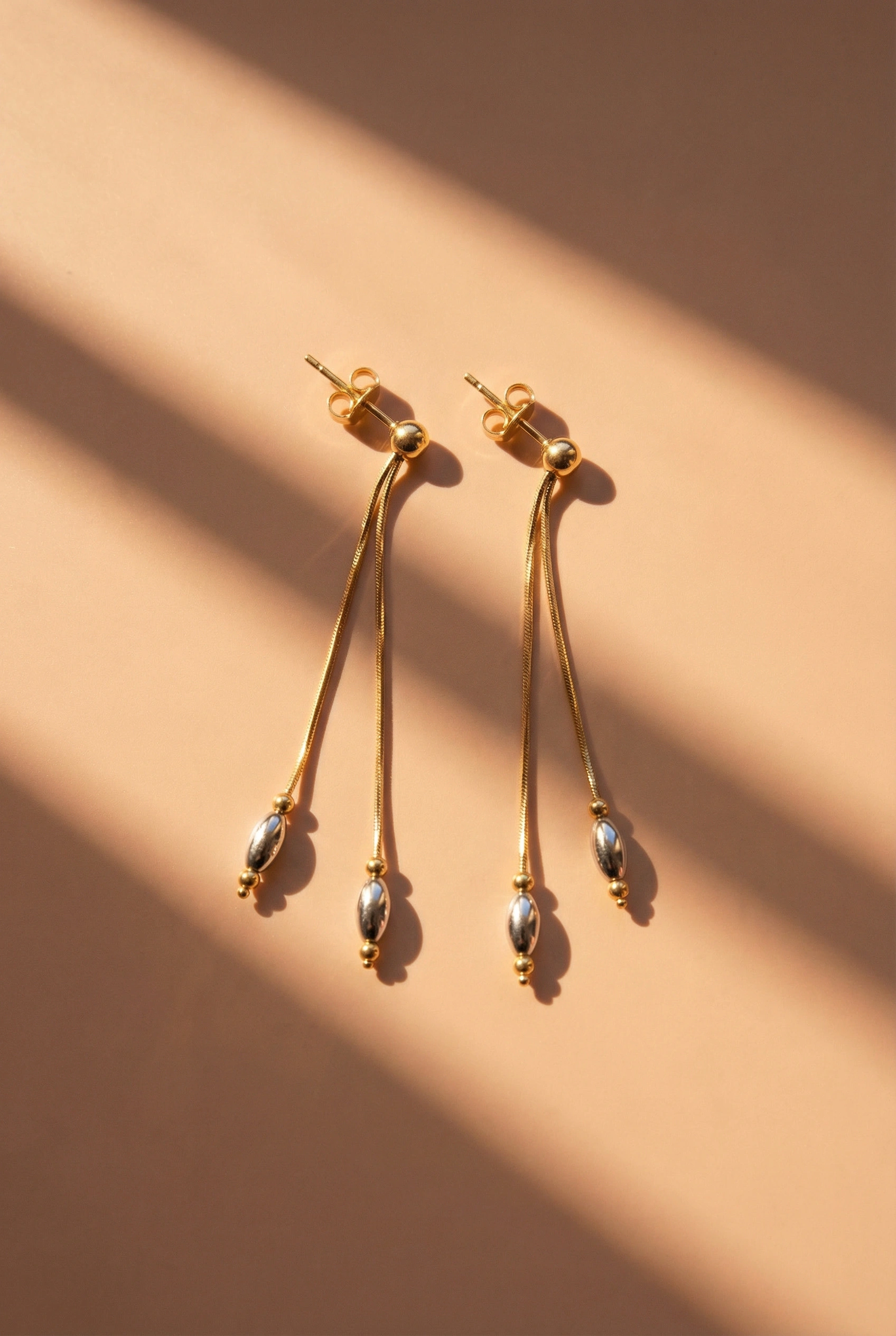
You get multiple variations. The output covers different compositions, lighting styles, and scene setups, ready to use as-is or refine further.
The output is a set of professional editorial-style shots, ready to drop into a campaign.
Revisiting the Workflow
Today I went back to the technique to see if anything needed tweaking after some time away from it. I ran fresh tests across different jewelry types to pressure-test the results.
The Results
The workflow held up well. A few observations from the new round of tests:
Output quality was consistently strong, though not all generations are flawless.
The product sometimes shifts slightly from the original, so it's worth generating a few variations or picking the bests from one batch of generation which would be more than enough.
Given the time and credits involved, the trade-off is genuinely worth it compared to a full reshoot.
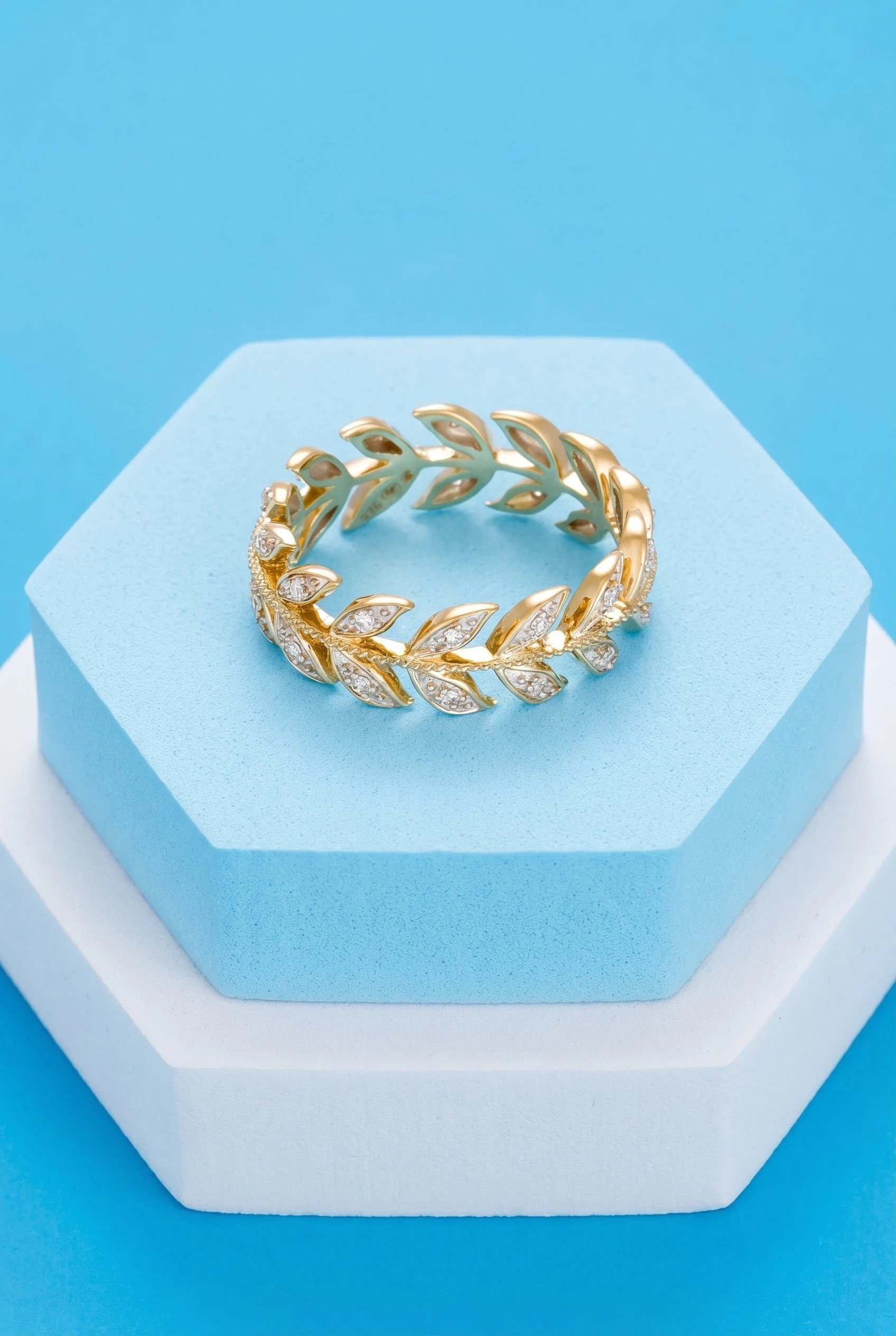
The Ring Test
I was most nervous about rings going in, because AI tends to produce strange hand gestures or distorted fingers when a ring needs to be worn. This turned out to be a non-issue. The ring shots came back clean, with natural hand posing, no weird fingers, no distorted knuckles.
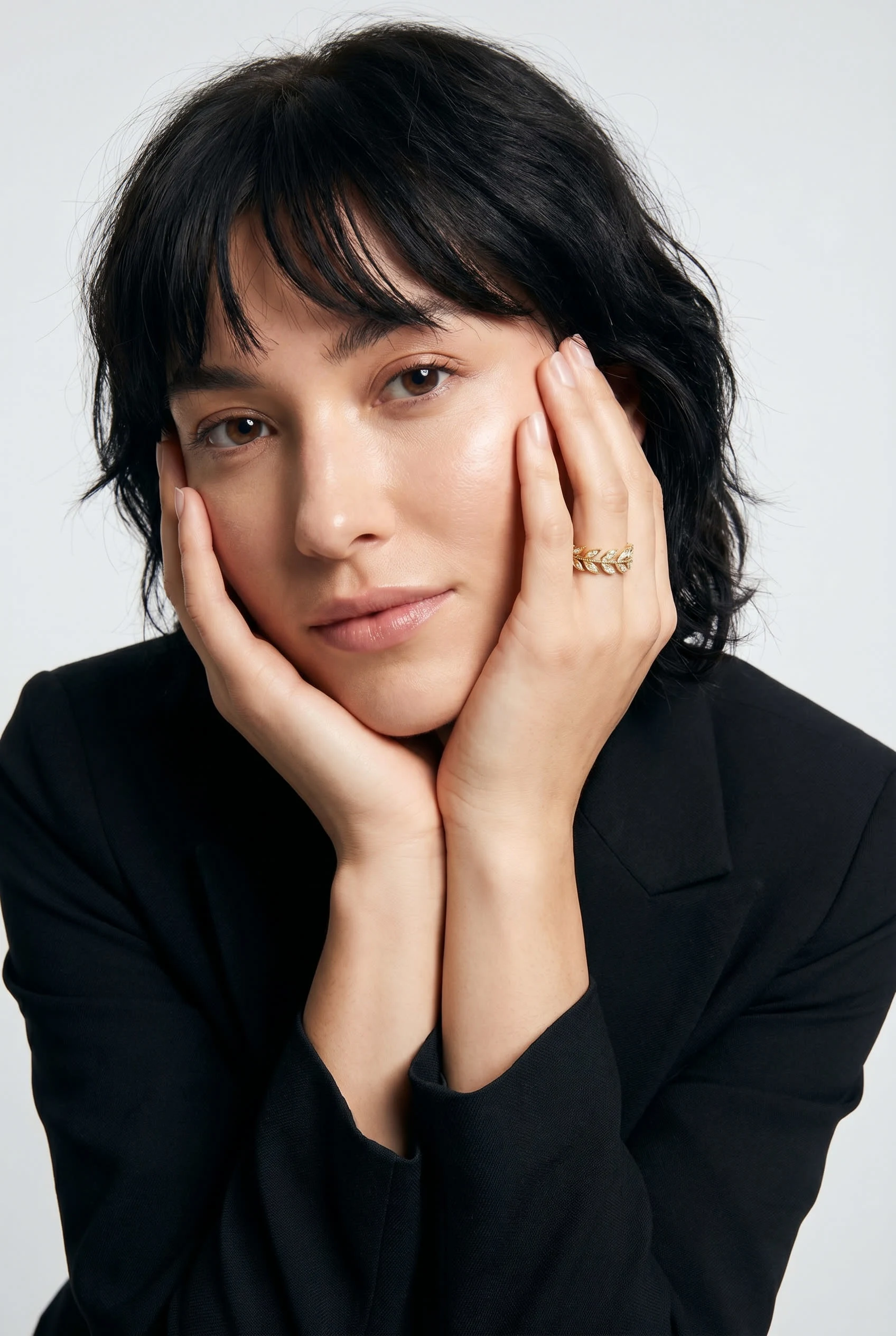
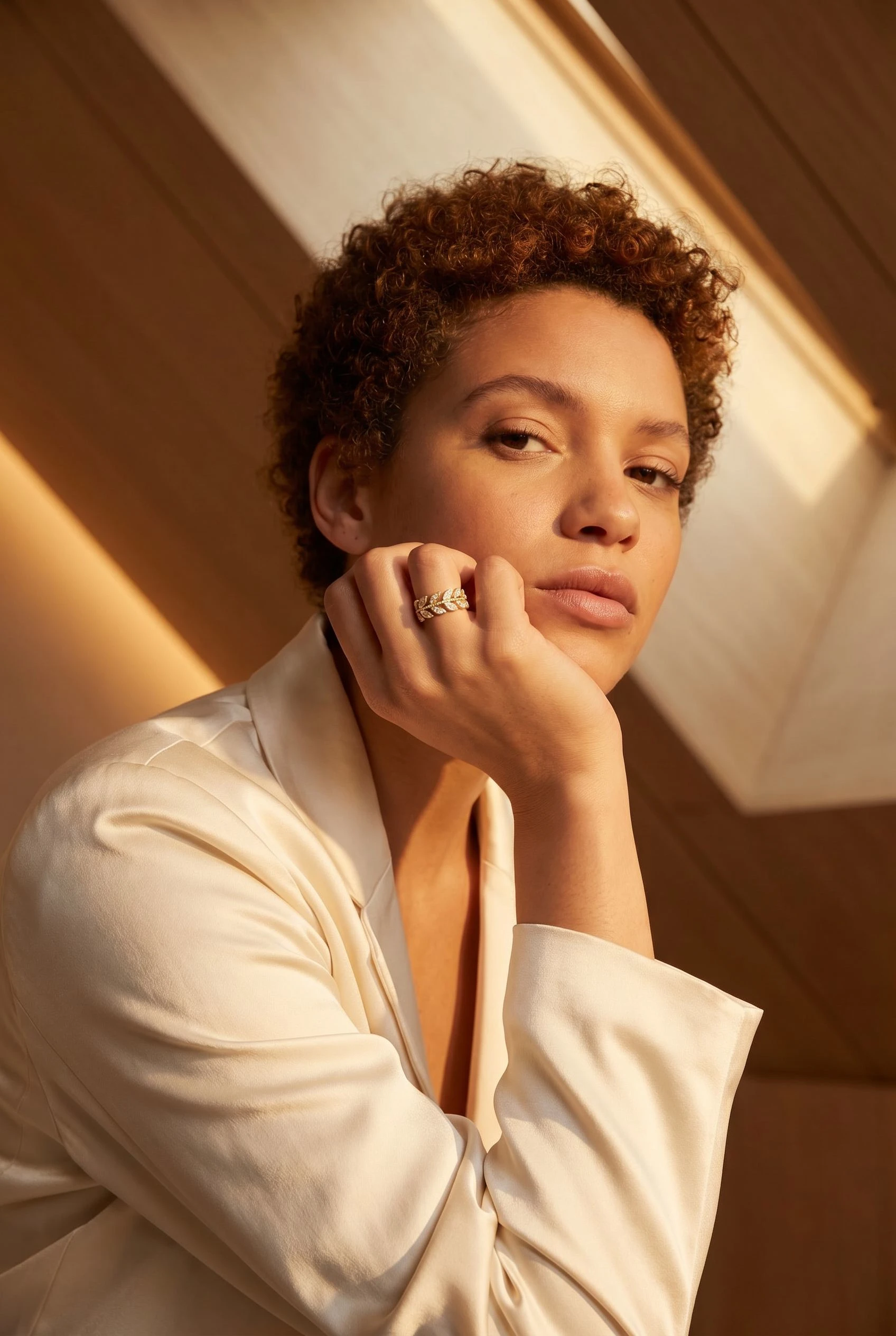
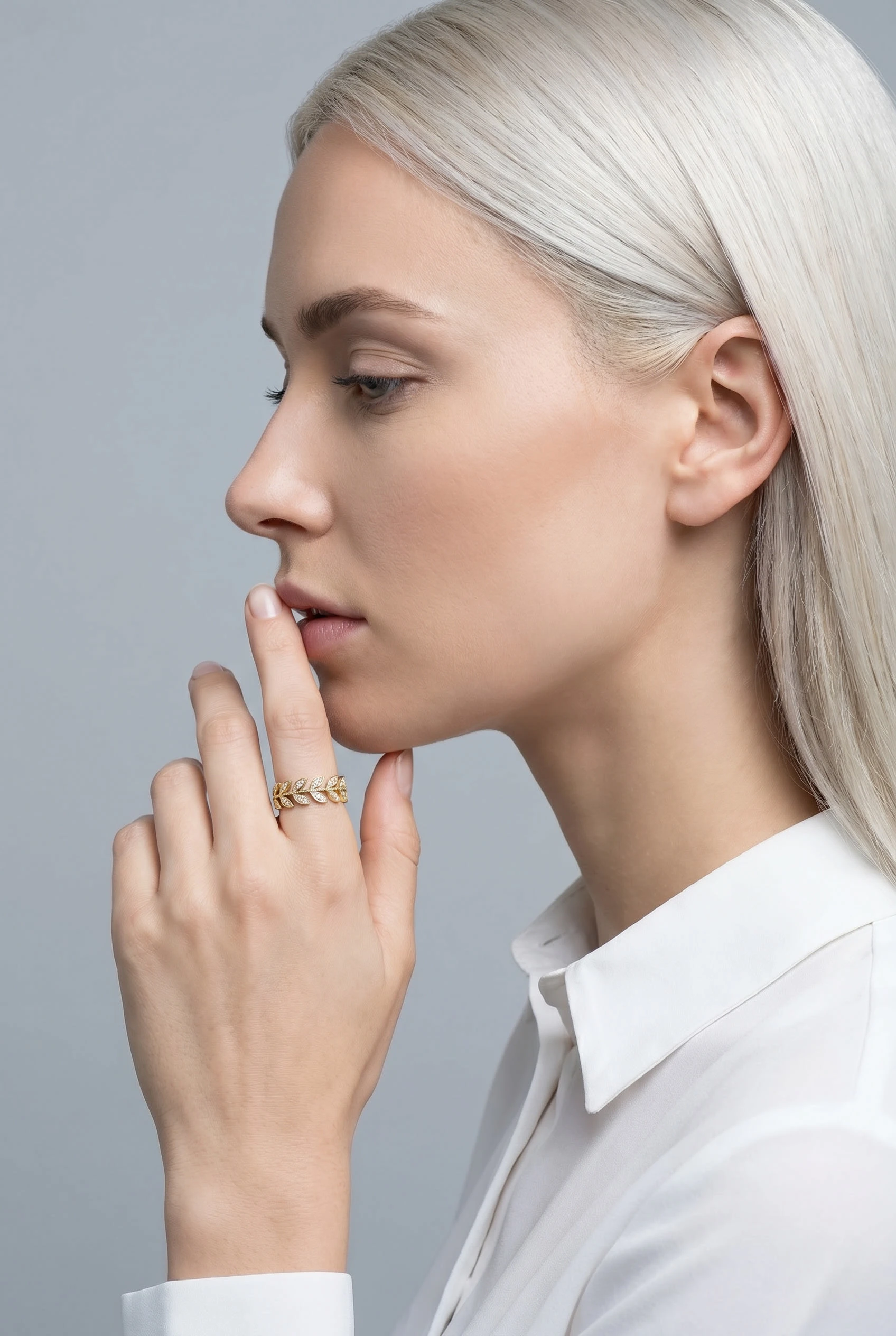
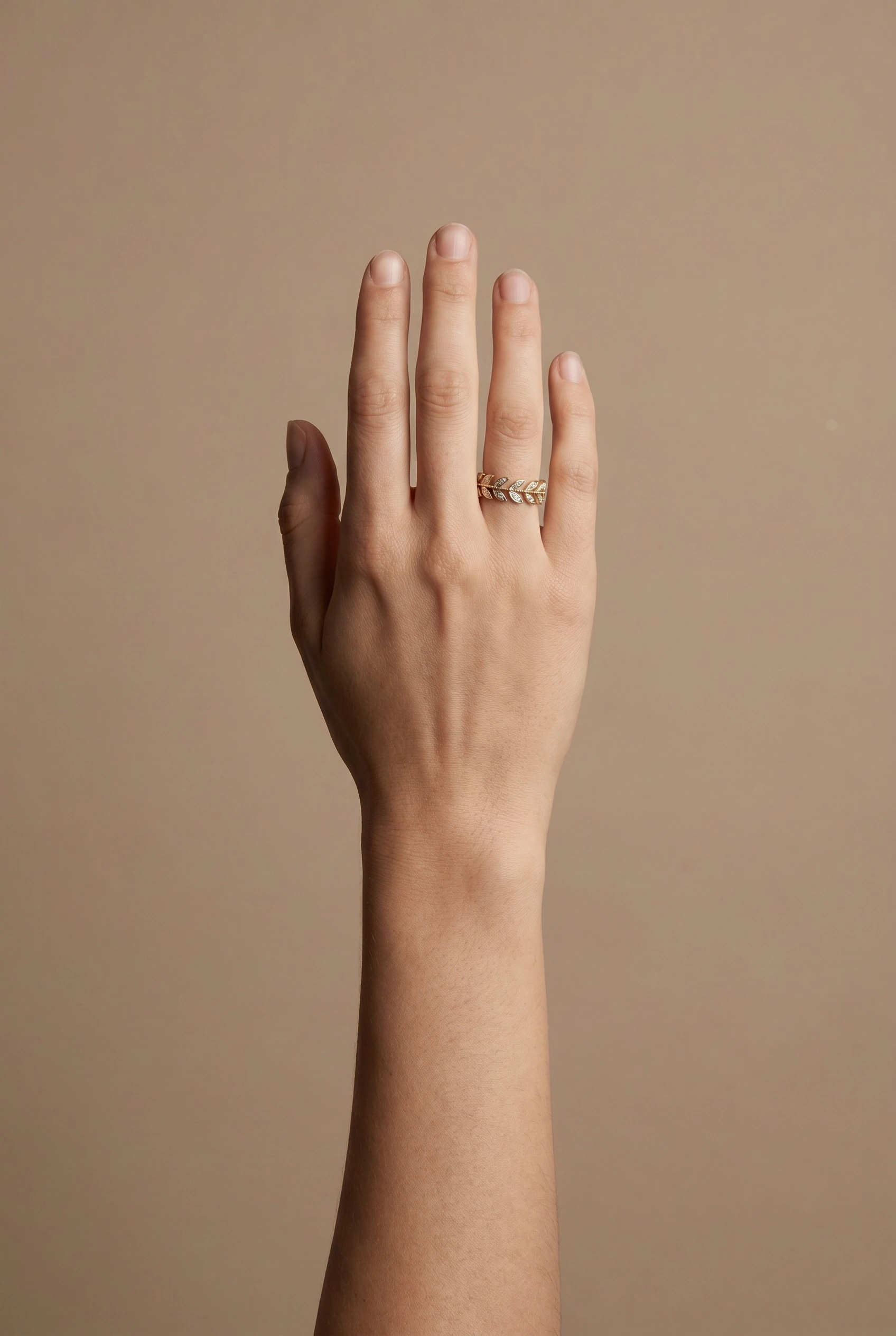
Takeaway
For the cost and effort, this is one of the most practical uses of Flora I've put together. Not a replacement for a high-end studio shoot, but a solid option when you need editorial-looking product shots fast.
Check out the technique in the link below.
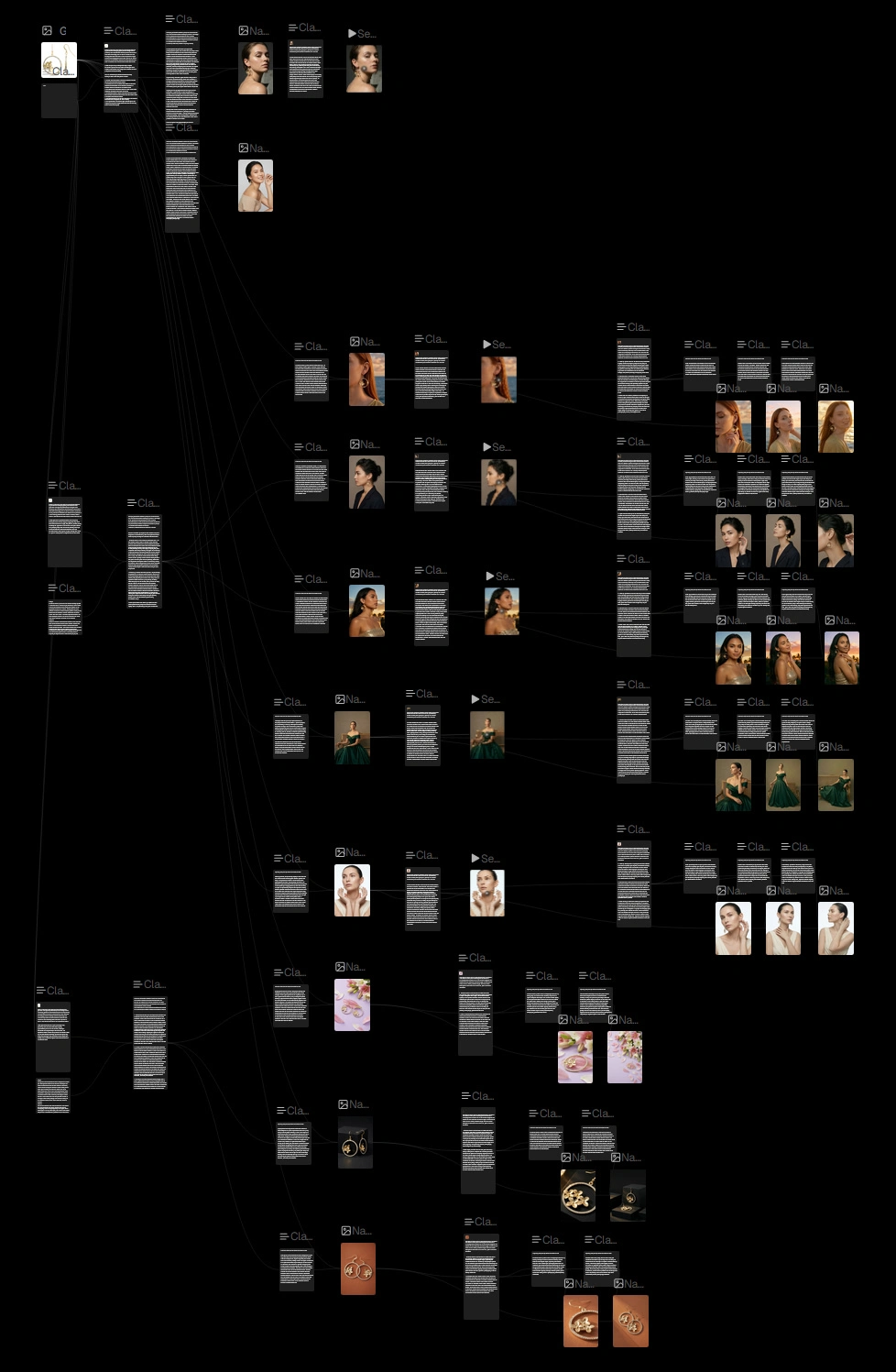
Behind the scene of the flow
P.S. As you might have noticed, there are some video components present in the flow. The AI meant to analyzed some of the produced images and come up with appropriate photoshoot prompts to use to generate a video accordingly.
Now, videos are not included in the technique because they are costly. They'll be available if there is going to be a Pro version of the technique.
Like this project
Posted Apr 23, 2026
For the Flora technique challenge, I made a jewelry product shot generator. You give it a rough product image and a short theme description.
Likes
3
Views
31