
pro
Sina Nourmousavi
Framer Expert • Web Designer • AI Digital Designer


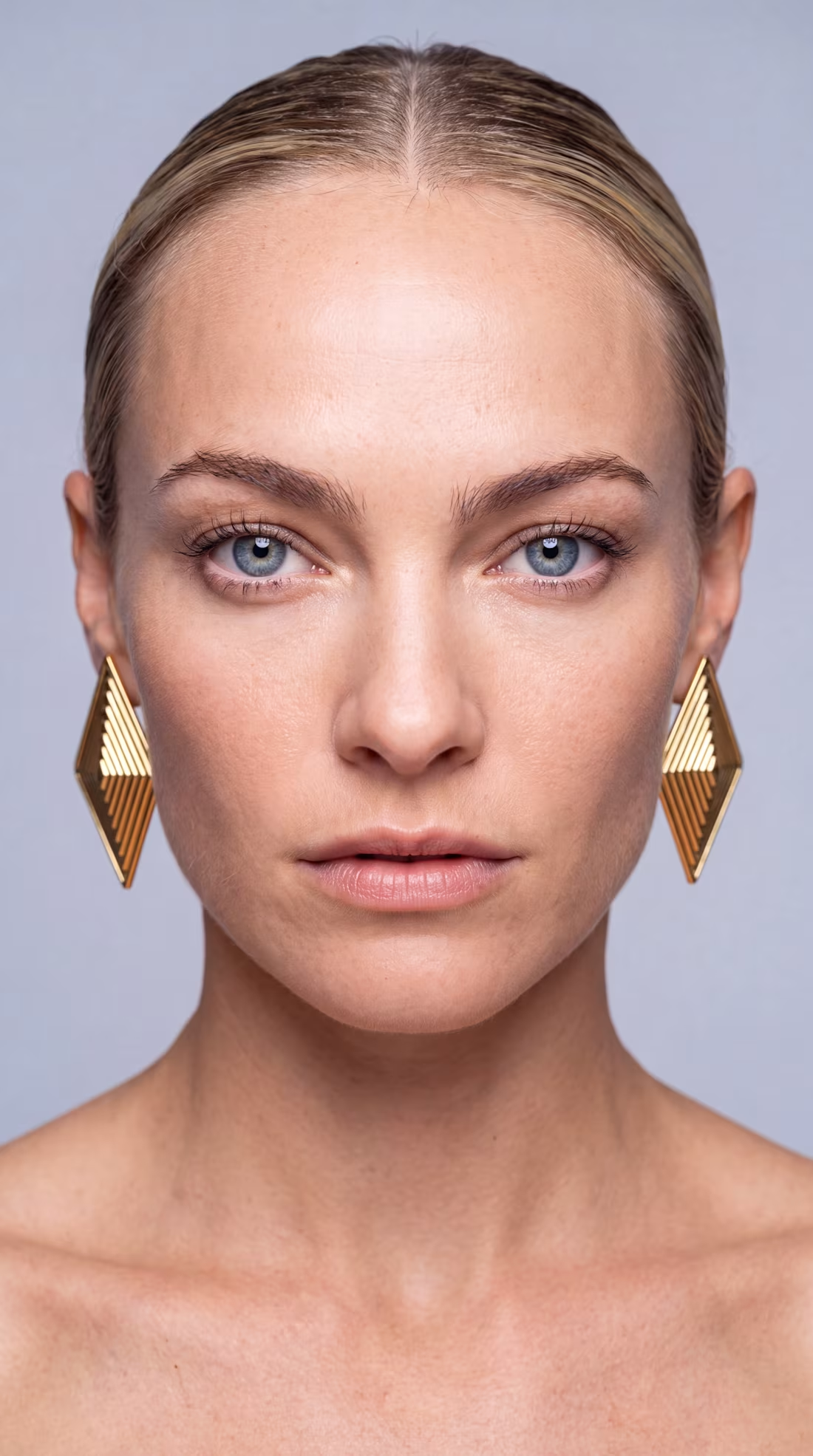
Gold geometric earrings under warm directional studio light. Profile, three-quarter, wind-blown hair, macro down to every wire. Grey backdrop, pore-level skin. Every frame generated through prompt engineering and creative direction.
4
4
431
New Framer template coming soon
6
13
563
Costume slider that loads from the CMS. WIP
3
292
I recently worked on a yoga studio website and had a great time exploring different tools to shape the visual atmosphere.
The light rays were recreated in @Unicorn Studio , which allowed me to play with different effects and properties. Everything else, from layout to interactions, was built in @Framer
This project was a good reminder of how combining the right tools can elevate even simple concepts. Experimenting, adjusting, and refining each detail made the process genuinely enjoyable.
10
15
629