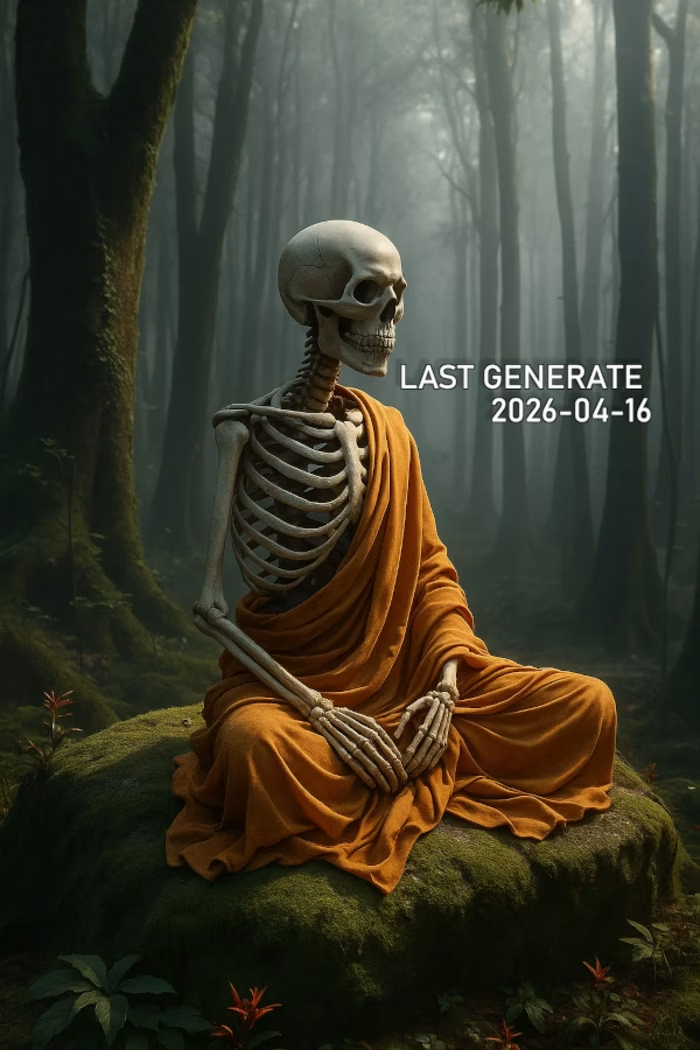
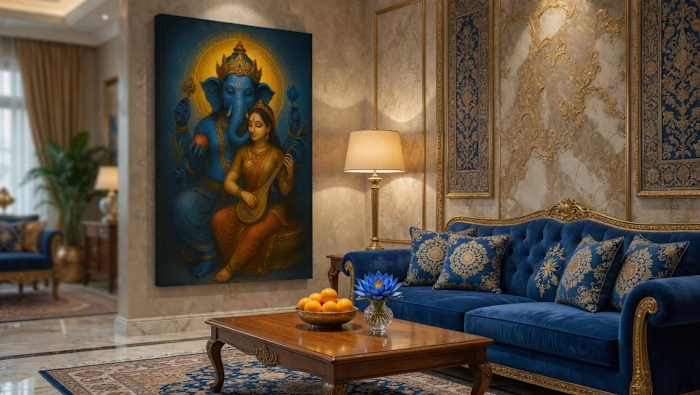
Avatar AI Character Identity: We are

Thai Devint

Avatar AI Character Identity:
We are designing the identity of an AI assistant, not the functionality of an AI assistant.
Concept : https://stitch.withgoogle.com/projects/7355420976670372892?node-id=9b6c924751304fc1b13287244d7cc3f3
Screen Design: https://stitch.withgoogle.com/projects/7355420976670372892
Prototype : https://stitch.withgoogle.com/preview/7355420976670372892?node-id=8a9ef6e7-a6e9-4415-9945-ab7d9bfaa1b3
Clip: https://www.loom.com/share/705c4b81948545f19377e6d433c655ec
------------
Issue : UX Navigation – Generated AI components lost on a massive canvas (Unable to locate despite using Command Menu/AI updates)
Description
The Problem
When requesting the AI to generate a new component or screen, the newly created assets are placed at coordinates very far away from the current viewport/focus area. Because the canvas is massive, it becomes completely impossible to locate where the AI put the work.
Despite multiple troubleshooting attempts, I could not find the generated assets:
Command Menu Search: Searching for the component or layer name via the Command Menu returns no results.
AI Coordinate Updates: Asking the AI to provide the location or coordinates of the newly created work results in incorrect or completely inaccurate coordinates.
Manual Search: I spent over 2 hours manually panning and searching around the canvas but still could not find the work.
This completely breaks the workflow as hours of generation effort are lost somewhere on the infinite canvas.
Steps to Reproduce
Open a project with a large canvas.
Use the AI prompt to generate a new screen or complex component.
The AI confirms generation is complete, but the viewport does not center on it, and the component is placed thousands of pixels away.
Try searching for the newly created element via the Command Menu (Fails to find it).
Ask the AI for the exact location or coordinates (AI provides wrong coordinates).
Suggested Solutions / Feature Requests
"Focus on Generated Asset" Action: Automatically center and zoom the viewport onto the newly generated asset as soon as the AI finishes creating it.
Go to Component Shortcut: Add a clickable "Go to component" or "View on canvas" button directly inside the AI chat interface or generation history.
Fix Command Menu Indexing: Ensure that newly generated AI components are immediately indexed and searchable via the Command Menu.
Accurate AI Navigation: Improve the AI's spatial awareness so it can accurately guide users or teleport the screen to the correct coordinates when asked.
-
Like this project
Posted Jun 4, 2026
Avatar AI Character Identity: We are designing the identity of an AI assistant, not the functionality of an AI assistant. Concept : https://stitch.withgoogle...
Likes
0
Views
4