Code Editing and Deployment Project

Jihed MECHI


Project info
How can I edit this code?
There are several ways of editing your application.
Use your preferred IDE
If you want to work locally using your own IDE, you can clone this repo and push changes.
The only requirement is having Node.js & npm installed - install with nvm
Follow these steps:
Edit a file directly in GitHub
Navigate to the desired file(s).
Click the "Edit" button (pencil icon) at the top right of the file view.
Make your changes and commit the changes.
Use GitHub Codespaces
Navigate to the main page of your repository.
Click on the "Code" button (green button) near the top right.
Select the "Codespaces" tab.
Click on "New codespace" to launch a new Codespace environment.
Edit files directly within the Codespace and commit and push your changes once you're done.
What technologies are used for this project?
This project is built with:
Vite
TypeScript
React
shadcn-ui
Tailwind CSS
How can I deploy this project?
Can I connect a custom domain to my project?
Yes, you can!
To connect a domain, navigate to Project > Settings > Domains and click Connect Domain.
Like this project
Posted Aug 22, 2025
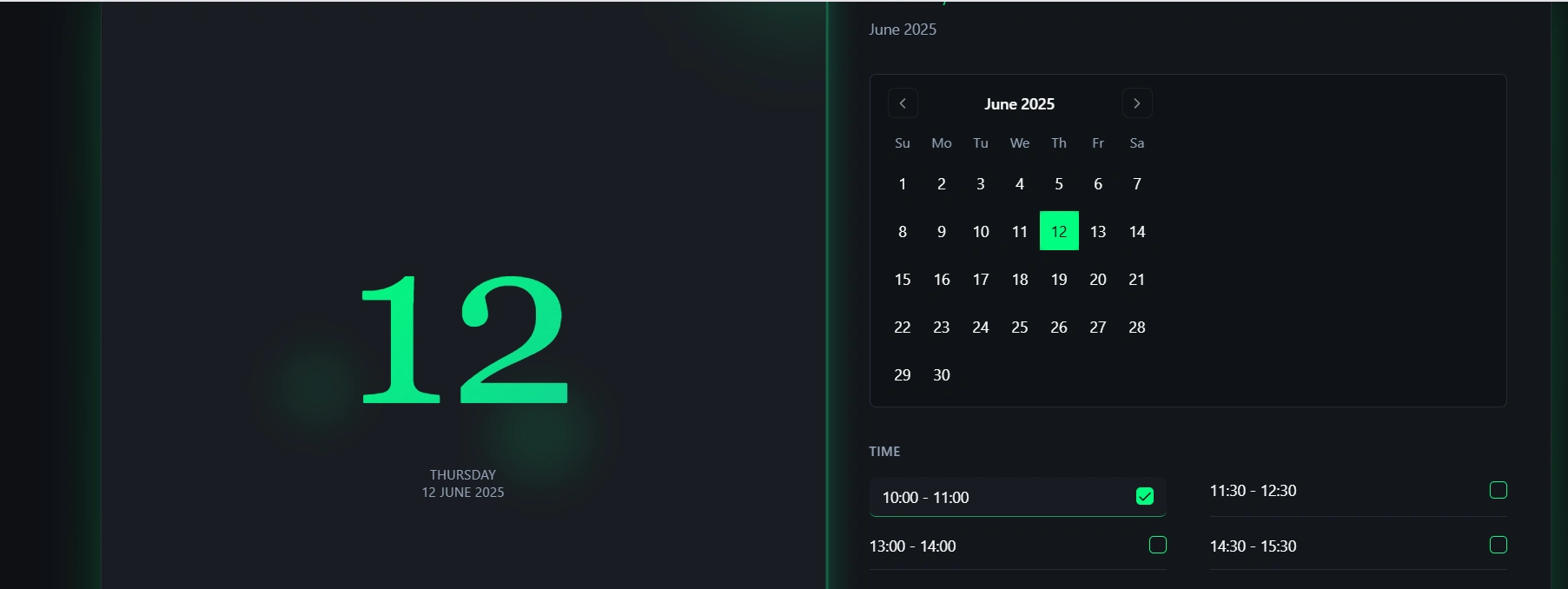
Edited code using IDE, GitHub, and Codespaces.
Likes
0
Views
8
Timeline
Aug 8, 2025 - Aug 9, 2025