Maximizing Productivity with Essential Tools

Ayushi Toppo

Too much work to do and track in recent times has led to an increase in productivity tools. Productivity tools are tools that help to create, organize, store, and schedule your work through websites and apps it has built-in docs, sheets, and calendars to do everything.
Do you remember the time when you had to send separate emails and messages to inform them about the work, files, or meetings? Now you no longer have to do that, it's not just about saving time it's about having more time to do what creates more impact and drives results.
For me -those 5 tools are quite important on a day-to-day basis to accomplish my task which consists of Notion, Word Doc, Google Sheets, Gamma, ChatGPT, or any other generative AI. Let's see in detail how these are helpful:
🔹 Tool 1: Notion
Notion is one hell of a website you can write a doc on this, create sheets, add team members, do project planning, and collaboration. I usually use it to write my articles, create rough drafts, and get tables made through its AI feature by prompting it. Create an idea dump, and plan my content ideas.
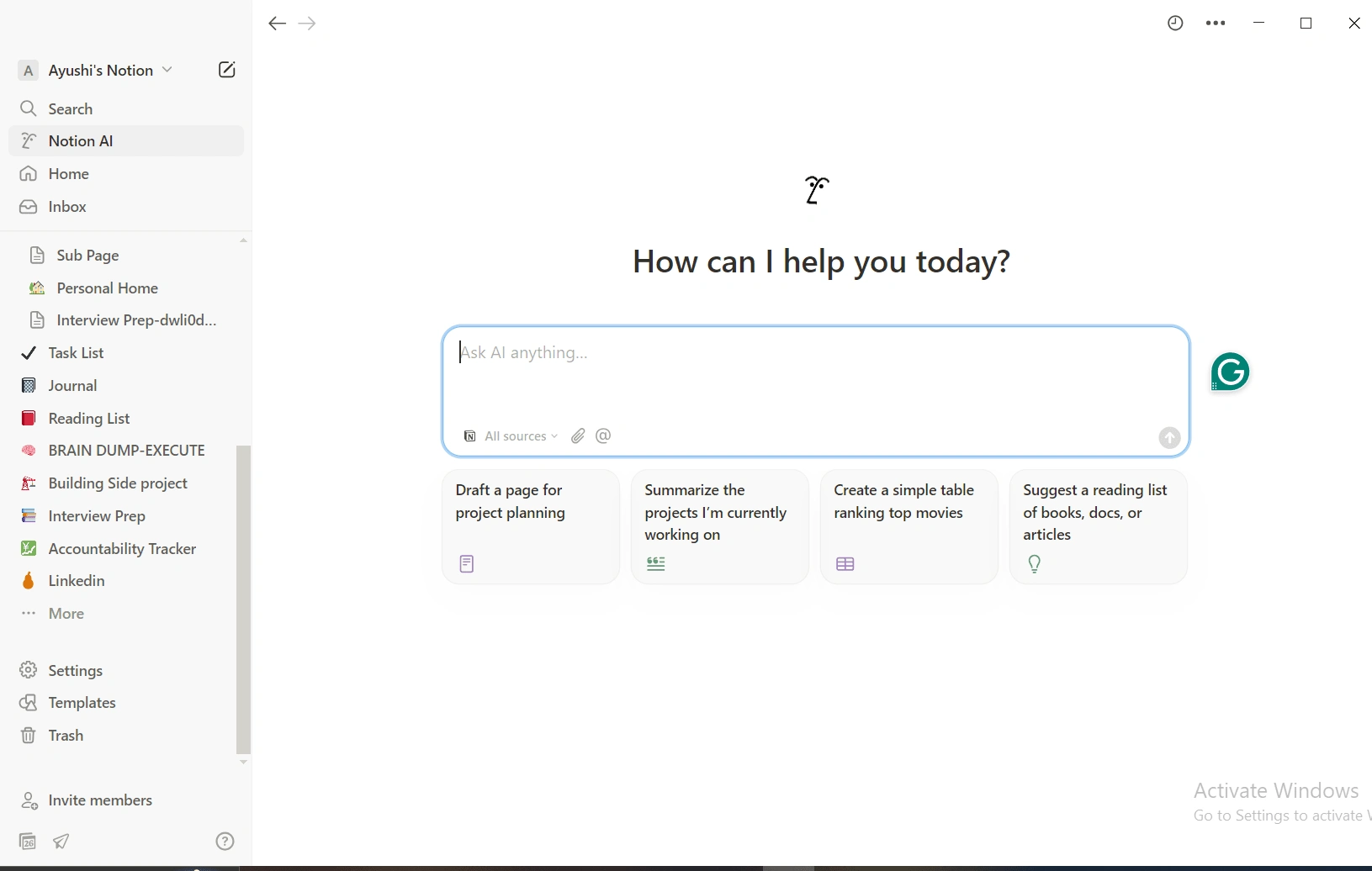
One feature that I love the most is that you can add multiple pages inside each page and that each page can have words written, or tables inside them and you don’t have to go on an app hoping from Word to Excel and etc. One Feature that I love is their AI assistant feature, if you are confused about what you want to create or too lazy to make that table-you just have to tell the AI what you want to do, and he’ll create that for you in seconds. I have created multiple tables and trackers using their AI feature.
🔹 Tool 2: MS Word
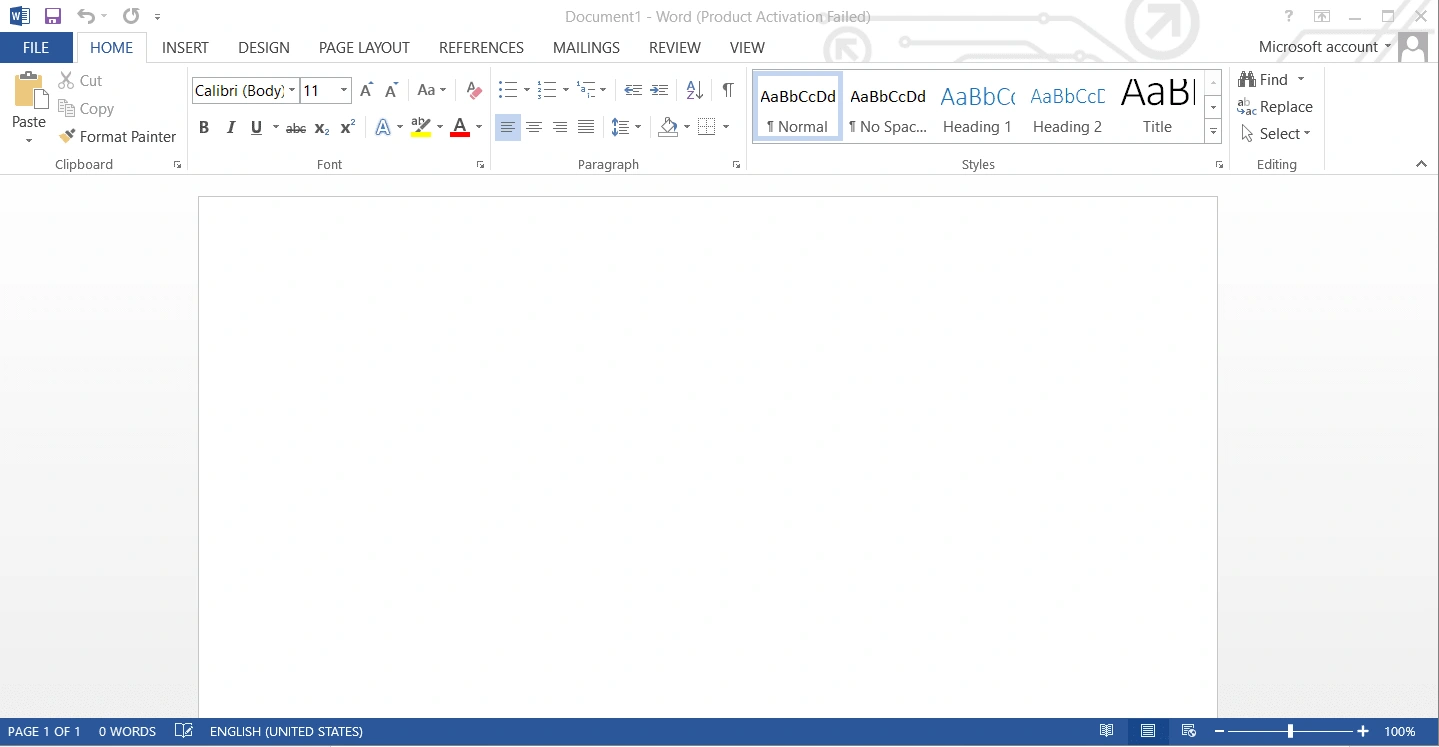
Our very old and trusted Word Docs where we have created countless projects and assignments in school and colleges. In a world where we are in need of the internet 2/x7 and some of our apps literally won’t work without them, it doesn't need the internet to work. Plus personally, I find it more efficient than any other app to create Word files. I mostly use it to draft articles and edit or re-read my last-minute messages or emails before sending them, which helps to avoid any potential mistakes.
🔹 Tool 3:Google Sheets
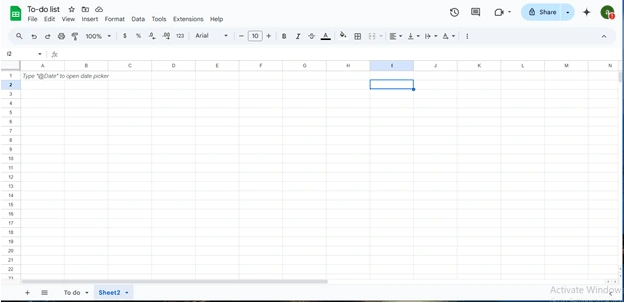
Google Sheets is an online version of MS Excel. I usually use it to track my finances and create trackers for my work. The Best thing is that it is online and can be accessed from anywhere, and changes are automatically saved. The Best feature is that it can be downloaded and shared across teams via any other app.
🔹 Tool 4: Gamma
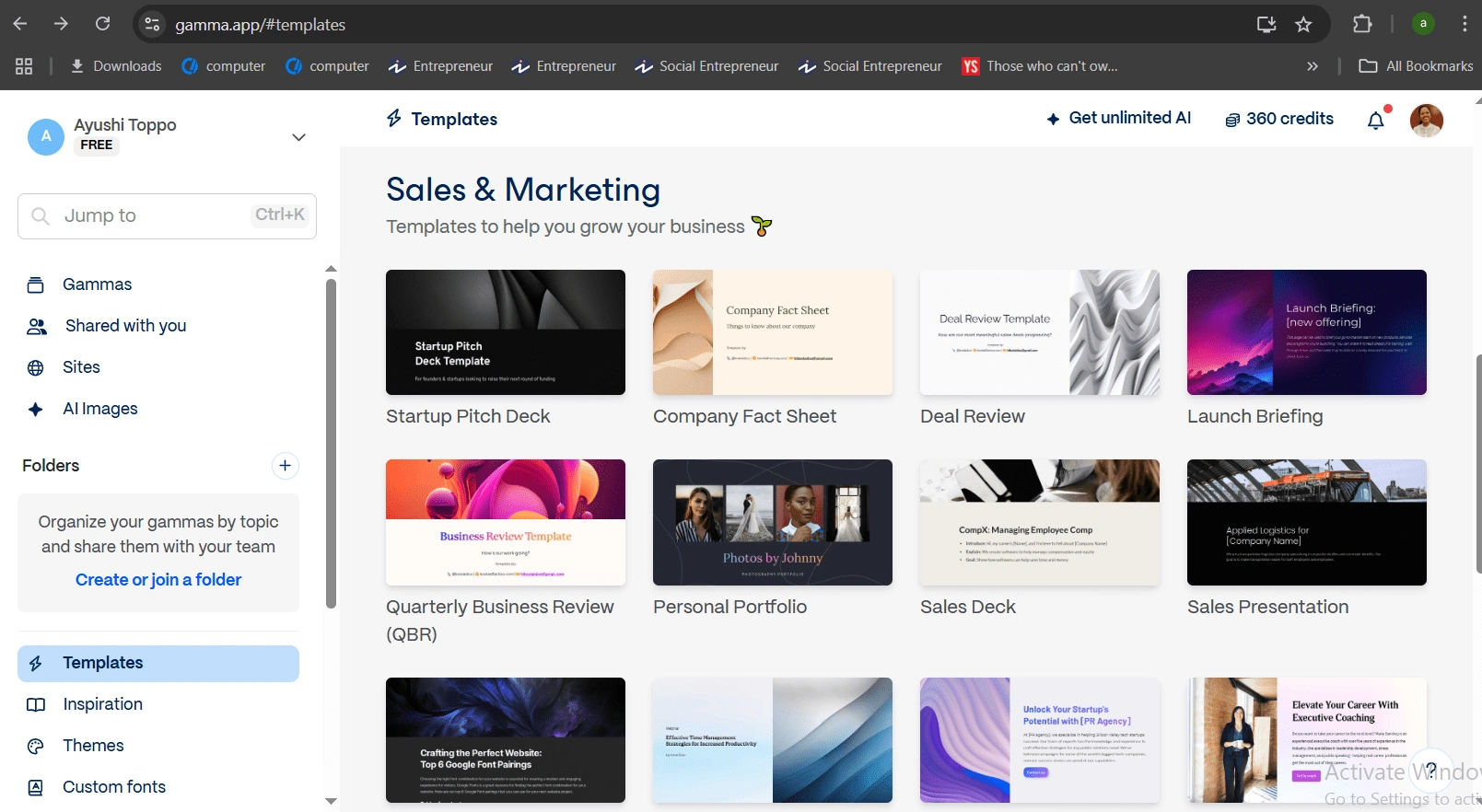
This is my second favorite tool that I use on day to day to create presentations. Gamma is a tool to make presentations that are way better than your regular PowerPoint presentations with basic themes and color. Gamma comes with different templates for different industries from sales and marketing to finance. I usually create my draft in Word and then import it to Gamma. One of the best features it has is of AI assistant, where you can just prompt your desired PPT and it will produce the PPT with content and visuals.
🔹 Tool 5: ChatGPT
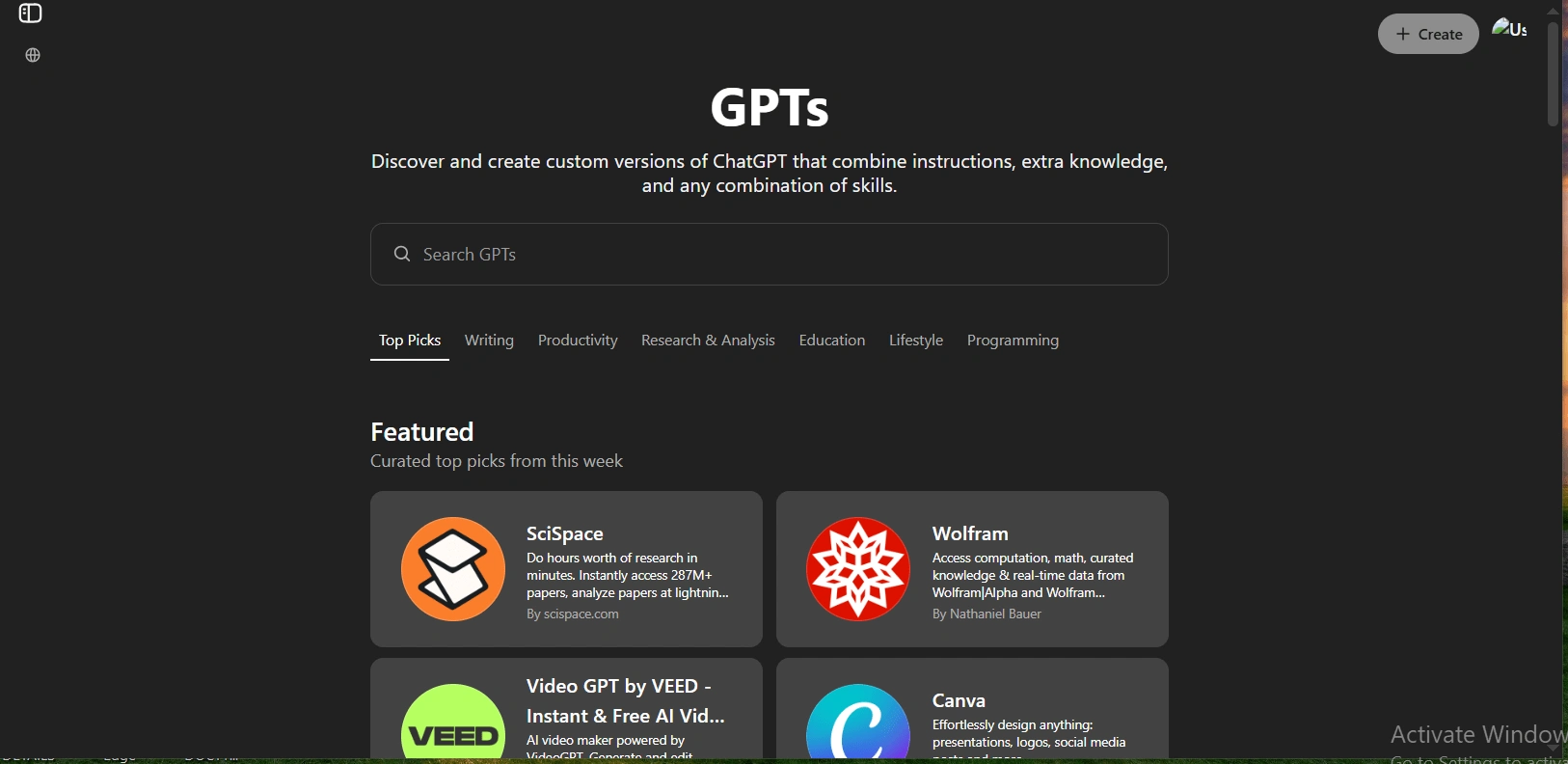
Well like anybody else it has become my favorite tool. I usually use it to plan my day and structure my work. The extreme level of breakdown it gives for every query is really good. My favorite prompt to feed in chatgpt is for feedback for my work as in how efficient I am.
Well, these were my top 5 tools for productivity, I’ll suggest anybody pick any 3-5 tools that can reduce your friction of work and help to have clarity in their thinking and master them by using them daily starting from easy work to begin with.
Like this project
Posted Apr 27, 2025
Utilize productivity tools to enhance daily task efficiency.
Likes
0
Views
4