
Overview
The Tech Tutor SaaS platform was designed to make learning accessible, efficient, and engaging for students, professionals, and organizations. This project focused on creating a seamless user experience through clear visual hierarchy, user-friendly navigation, and responsive layouts tailored to various devices. The design prioritizes accessibility, modern aesthetics, and functionality to support users on their educational journey.
1. Homepage Design
Purpose:
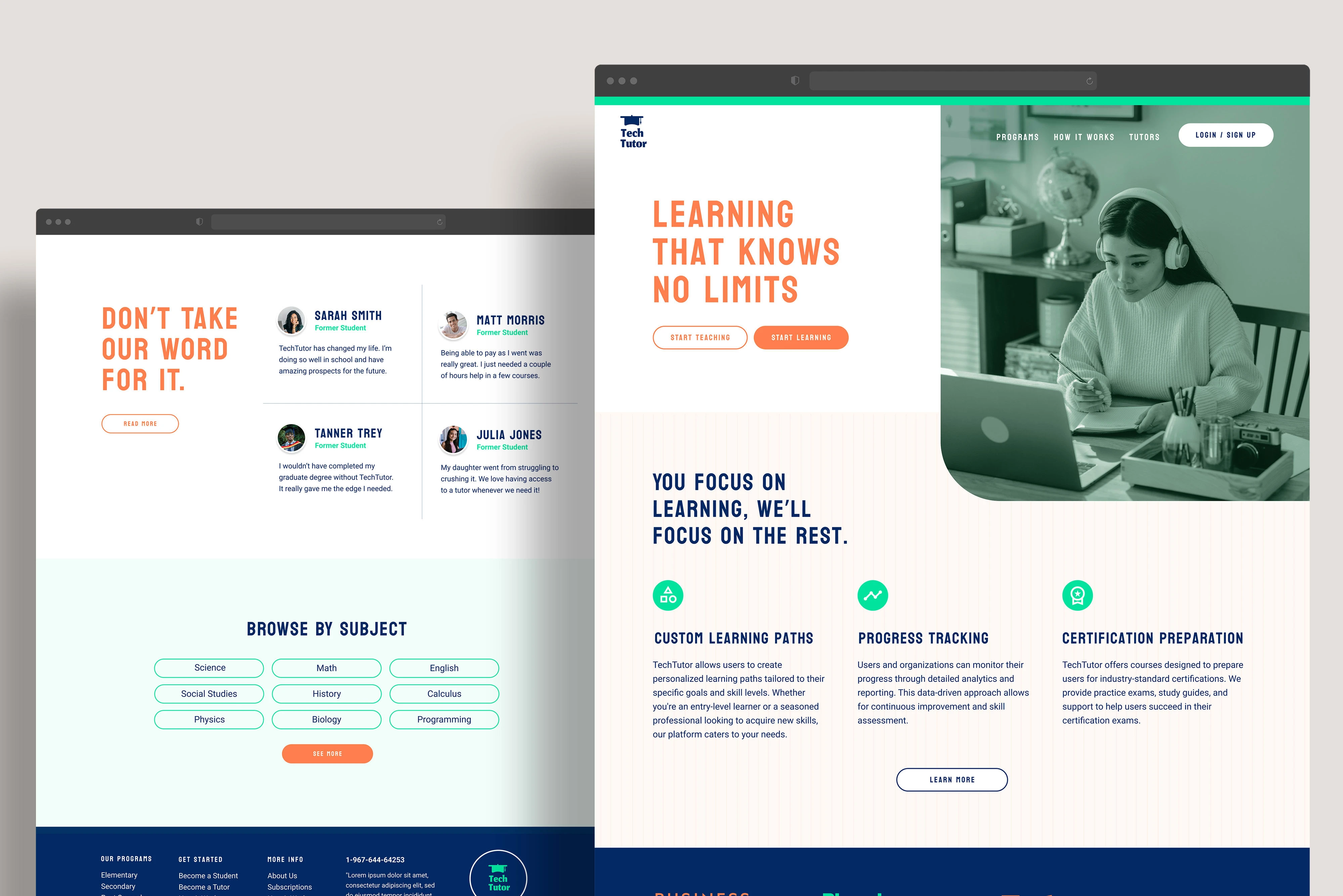
The homepage serves as the central hub for showcasing Tech Tutor's value proposition. Designed with a strong visual focus, it features bold typography, high-contrast colors, and clear calls-to-action (CTAs) to drive user engagement.
Key Features:
Hero Section: Highlights the core message, "Learning That Knows No Limits," accompanied by prominent CTAs for starting as a student or teacher.
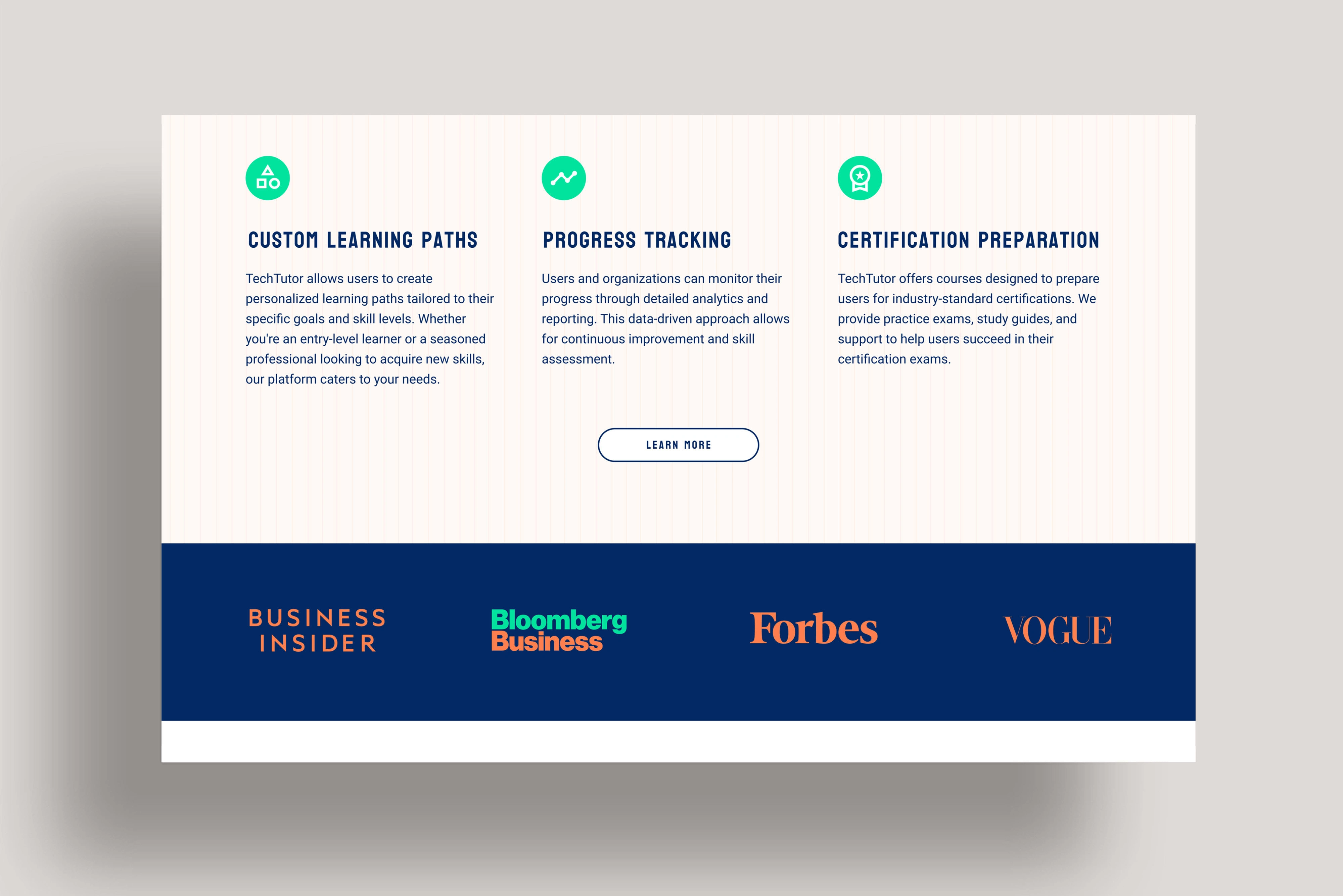
Key Offerings: Custom learning paths, progress tracking, and certification preparation are visually represented using icons and concise descriptions.
Testimonials: Real user reviews are presented in a clean, approachable format to build trust and credibility.
Browse by Subject: A categorized, interactive section enables users to quickly explore available subjects.
2. Navigation
Purpose:
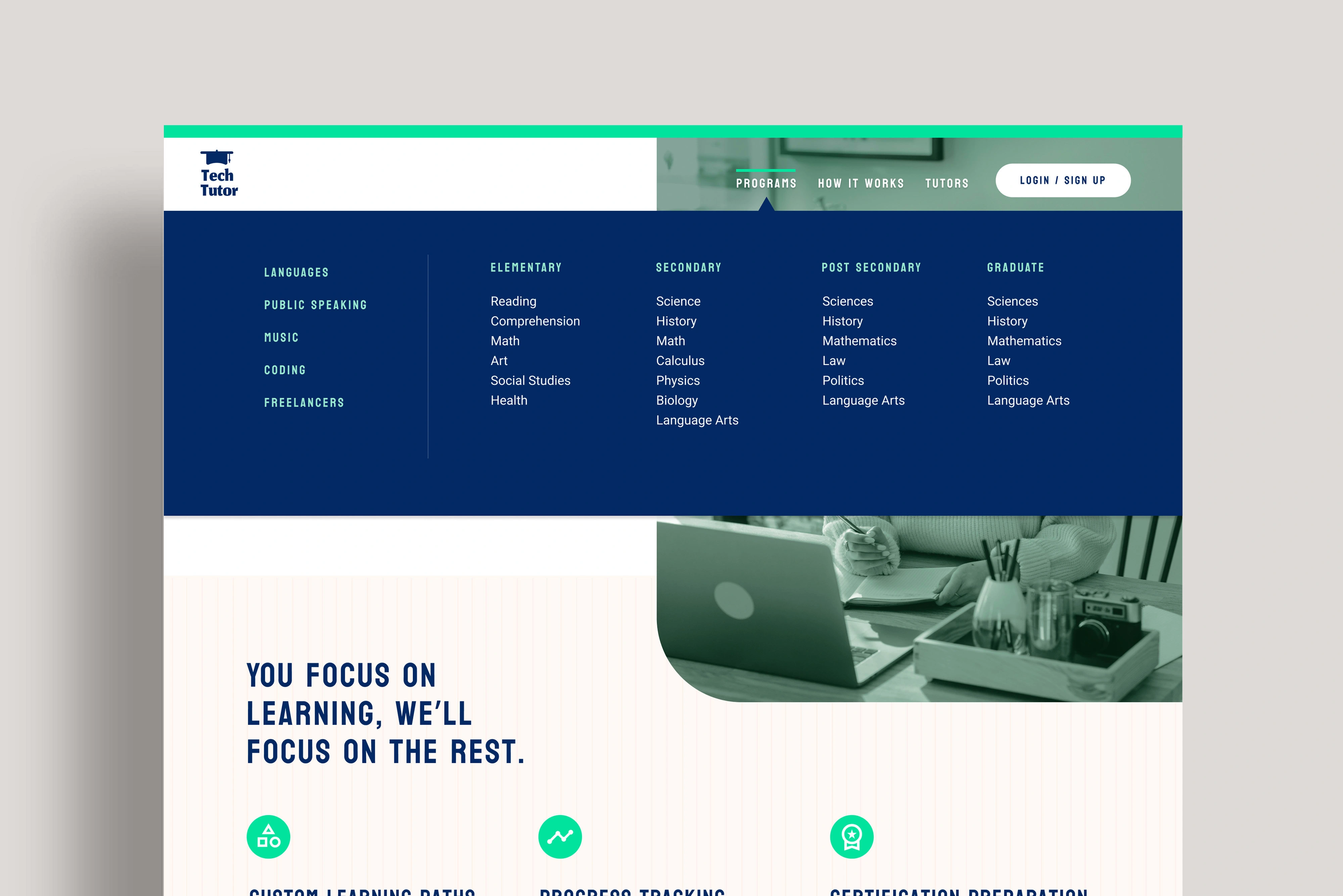
A structured, intuitive menu ensures easy access to core areas of the platform, such as programs, tutors, and how the service works.
Key Features:
Multi-level dropdowns for subject categorization (Elementary, Secondary, Post-Secondary, Graduate) to guide users efficiently.
A sticky header that maintains visibility as users scroll, ensuring navigation remains accessible at all times.

3. Team and Enterprise Solutions
Purpose:
This section targets organizations, showcasing Tech Tutor’s ability to upskill teams with tailored learning solutions.
Key Features:
Highlights enterprise-specific benefits like group subscriptions, progress tracking, and reporting tools.
Uses a clean, professional design with bold headers and engaging imagery to appeal to corporate clients.
6. Testimonials Section
Purpose:
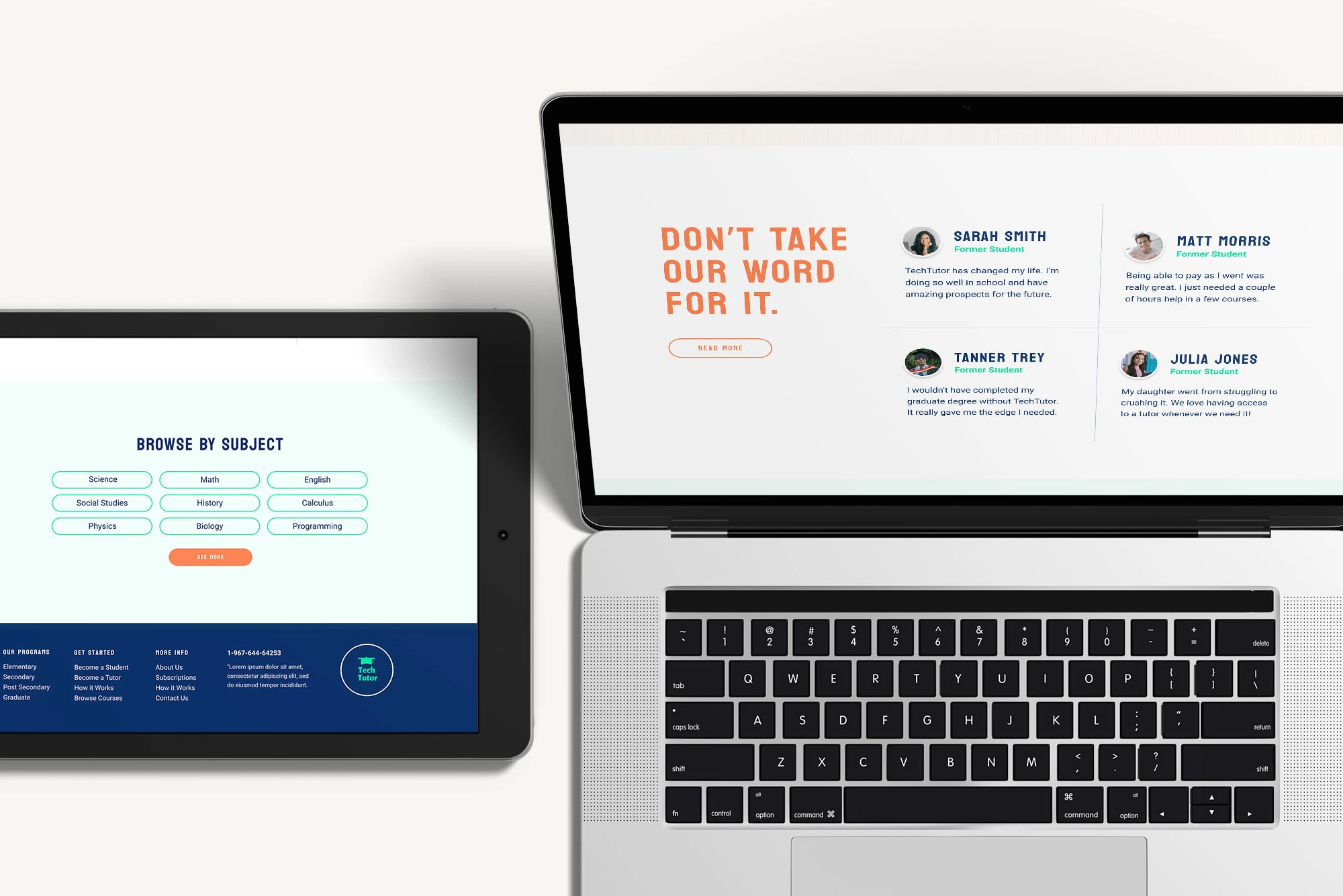
To establish trust and build user confidence, this section displays real stories from students and parents.
Key Features:
Simple, clean design with individual testimonials in a card format.
Highlighted names and roles (e.g., “Sarah Smith, Former Student”) for added authenticity.
The Tech Tutor platform combines an engaging aesthetic with functional design to deliver a superior educational experience. Its clear structure, thoughtful visuals, and focus on usability make it a standout example of SaaS UX/UI design.
0 likes · 26 views · Apr 19, 2024
A web design for an e-learning platform that combines a fun and engaging aesthetic with a sleek, uncluttered layout.
