Adaptive markup of a portfolio website based on Figma layout

Denis Efremov



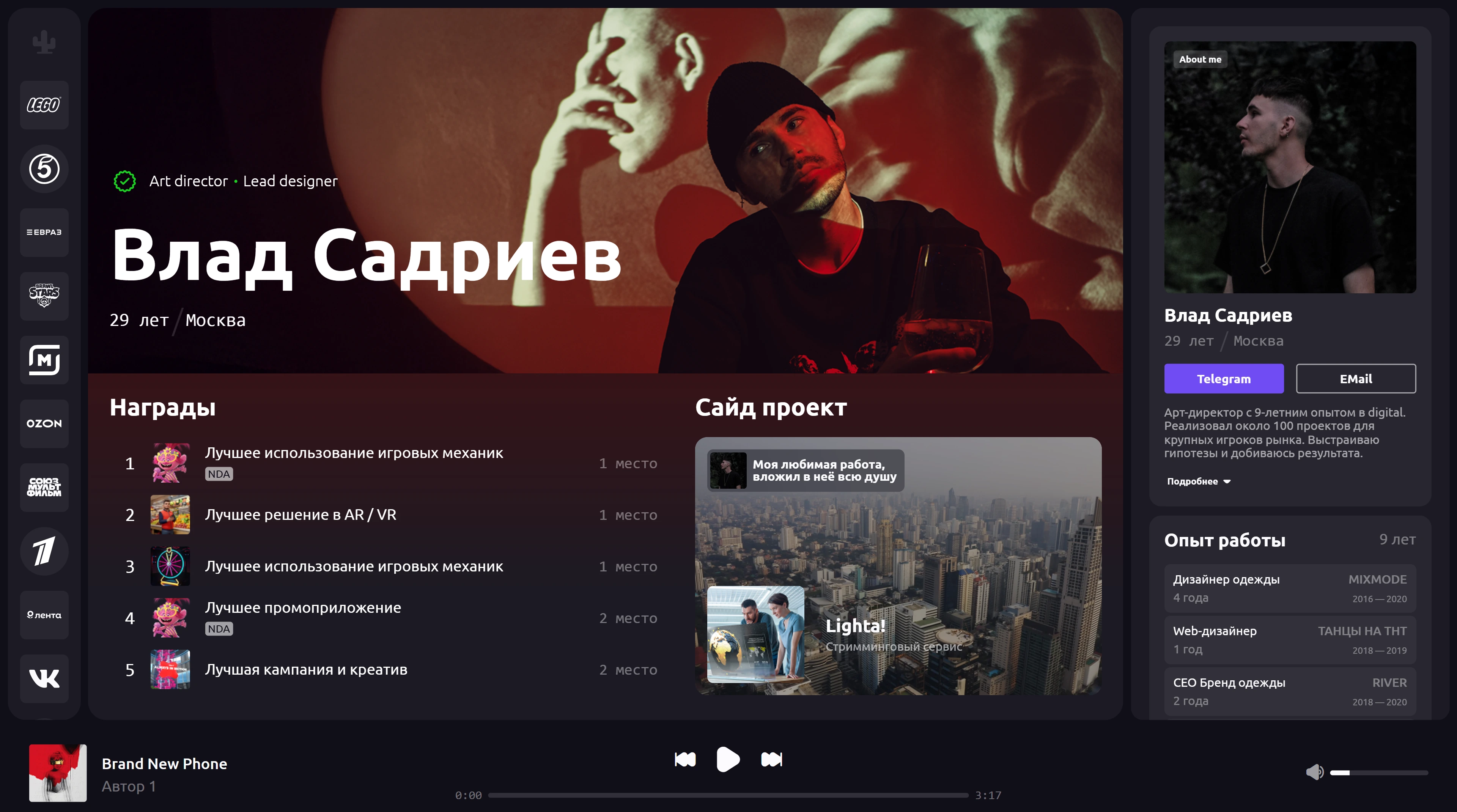
There was a task
There is a ready-made layout in Figma with all the adaptives. All the components, the logic of the adaptive state of the elements are also ready. It is necessary to make the markup of this layout perfectly precisely. A flexible markup is needed.
Project Description
The work was done in HTML, CSS, JS, Flexbox, Grid. The markup was done using the BEM methodology. The work turned out to be Pixel Perfect for all layout breakpoints. For all icons on the site, I generated an icon font using the Icomoon service. I made a custom audio player in pure JS with switching music and content, as well as a video player in JS with switching videos and content. I also made an interesting preloader with the output of the percentage of the site load.
We decided with the customer how he would edit the content on the site to suit his needs. I suggested making integration into the CMS, but the customer refused it because he wanted to edit the site himself through the code. As a result, I made small edits to the code to make it easier to edit the content on the site and add your own music and videos.
Project links:
Stages of development
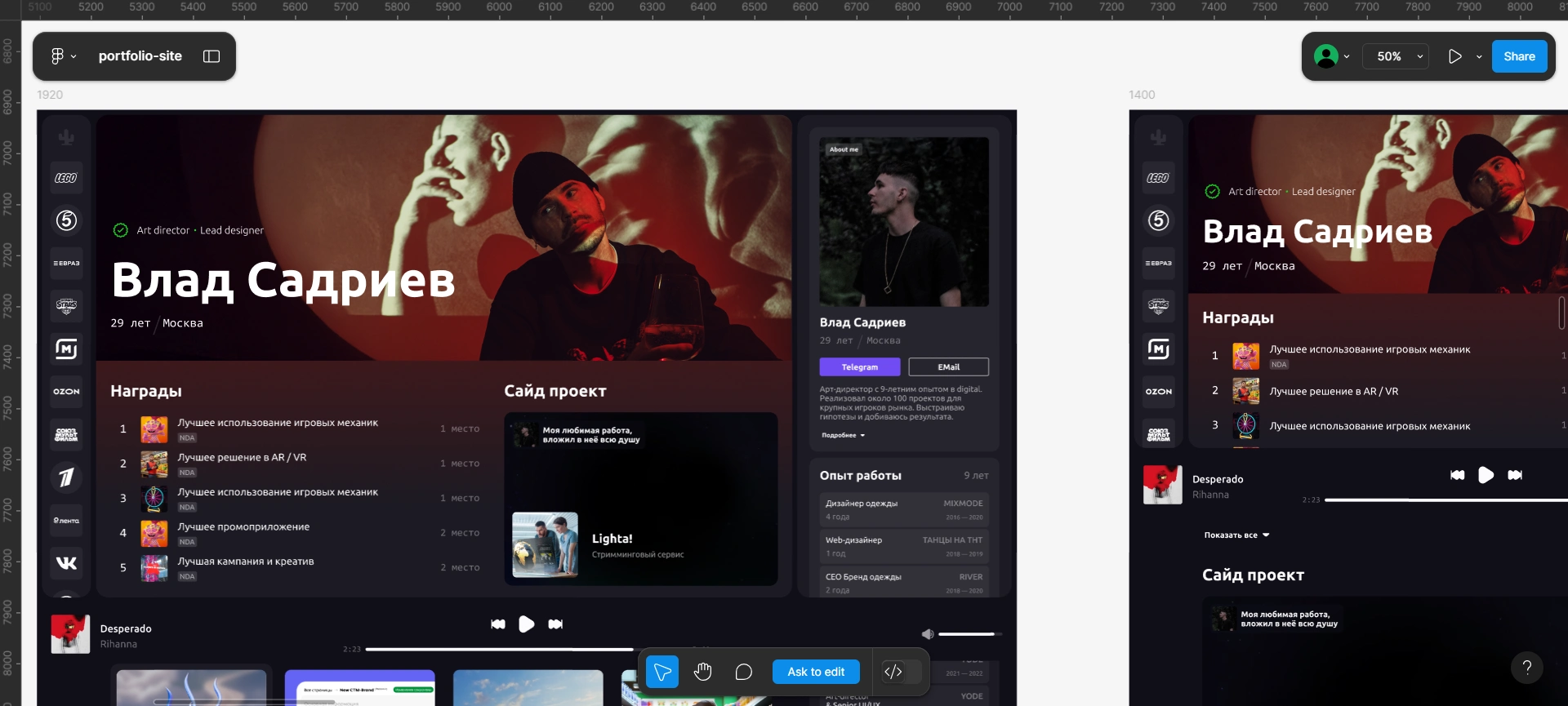
✅ I opened the design layout and generated a duplicate of the design layout in Figma.
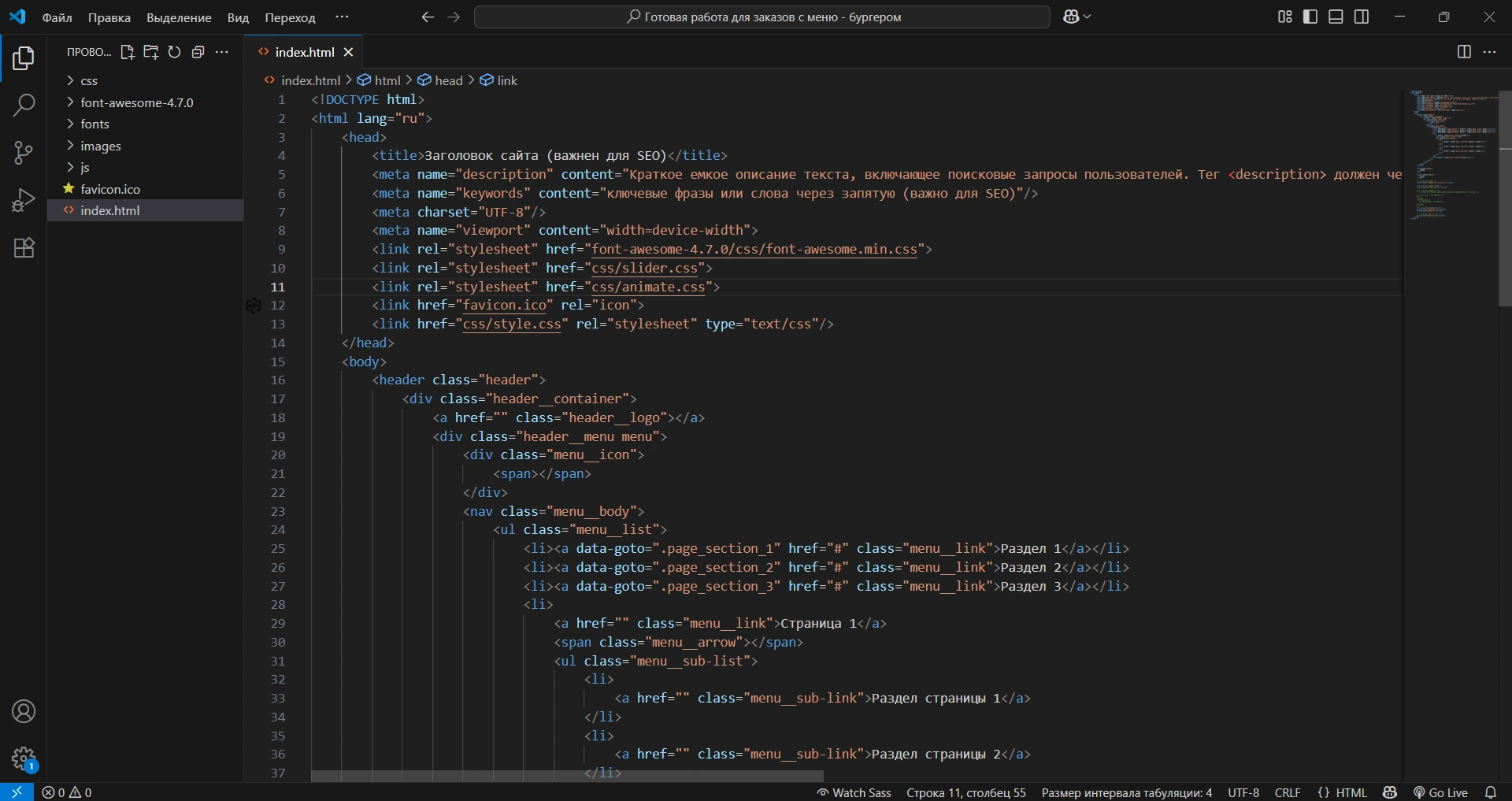
✅ I opened my starter template with CSS and JS files included to get started.
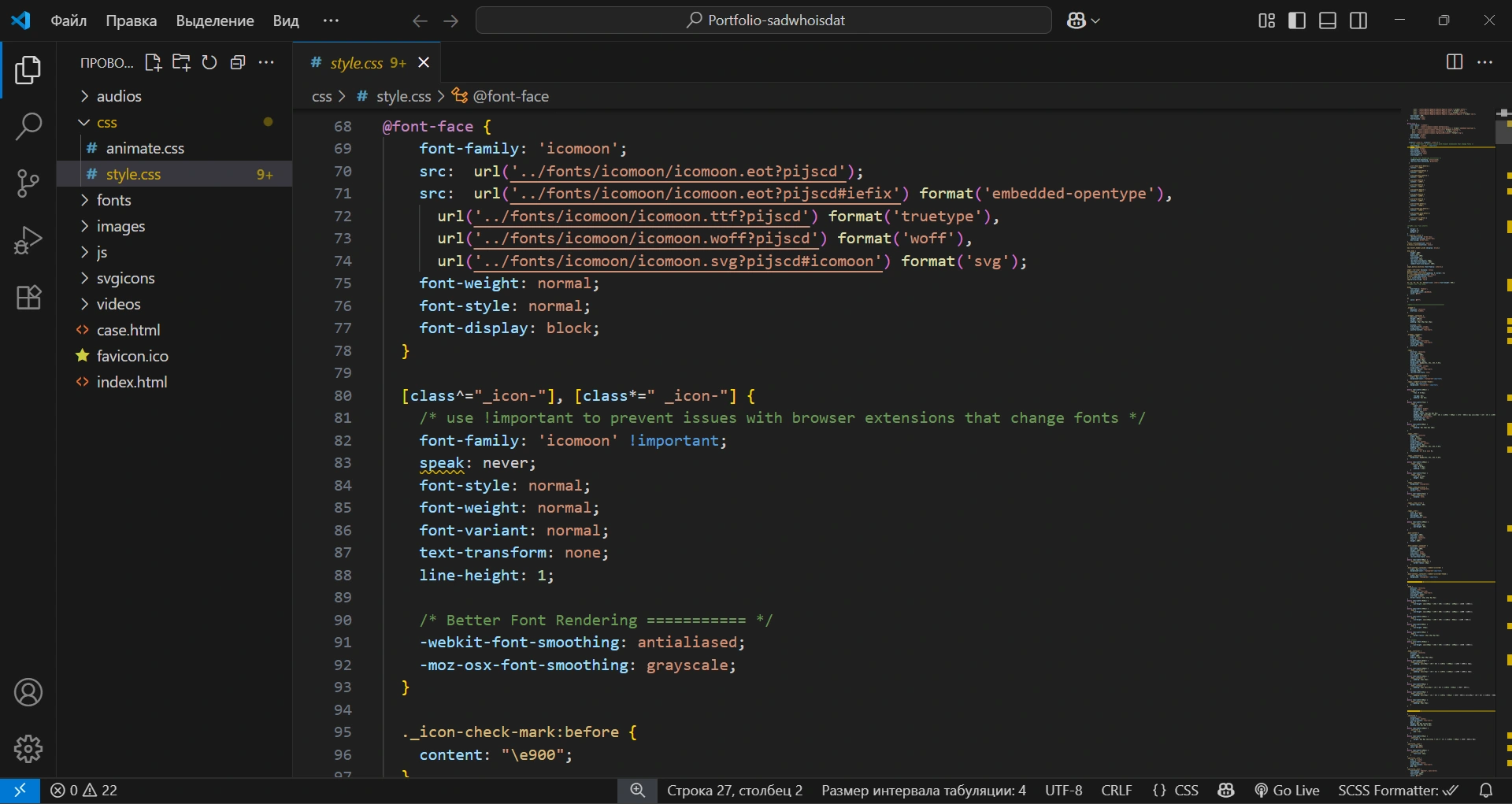
✅ Next, I downloaded all the icons from the design layout in SVG format and created an icon font from them using the icomoon.io service, and also included this font in my project.
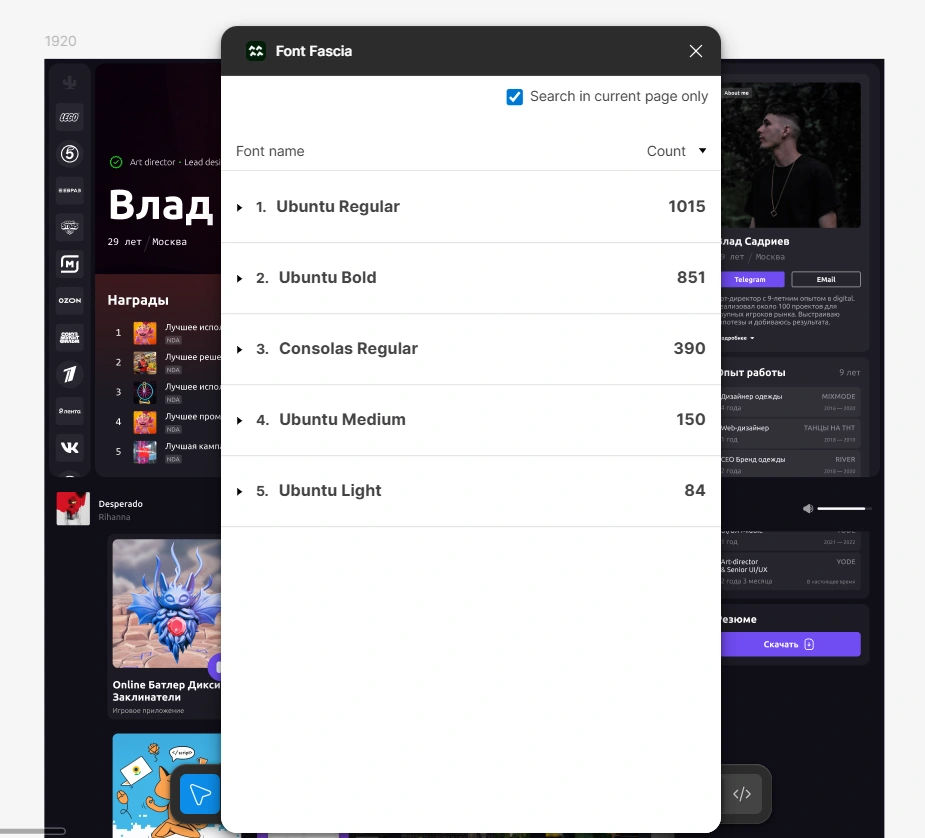
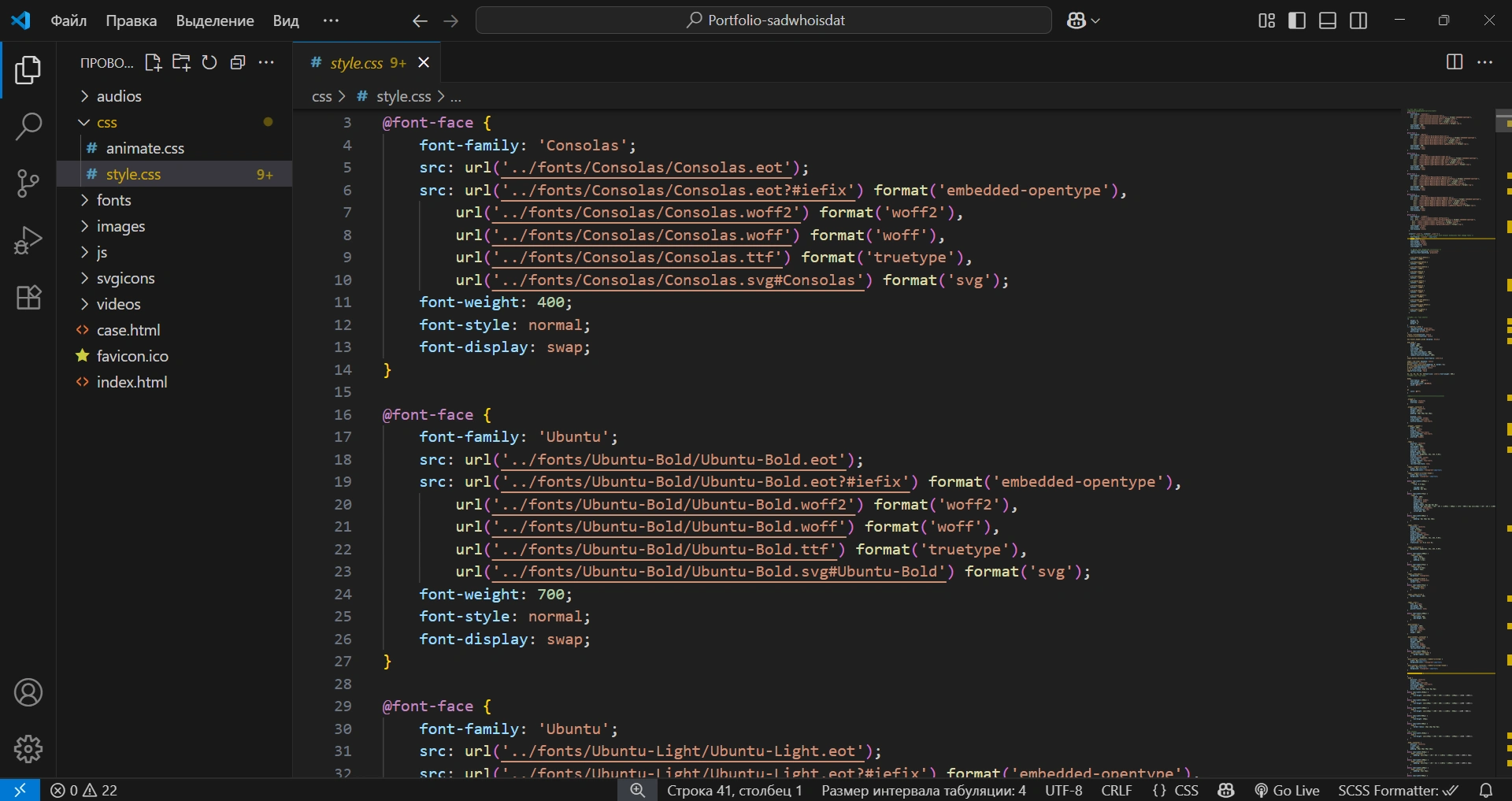
✅ Next, I used the Font Fascia plugin, which helped me identify the fonts used in the design layout. I included them in my project.
✅ Next, I started marking up the project itself.
Problems
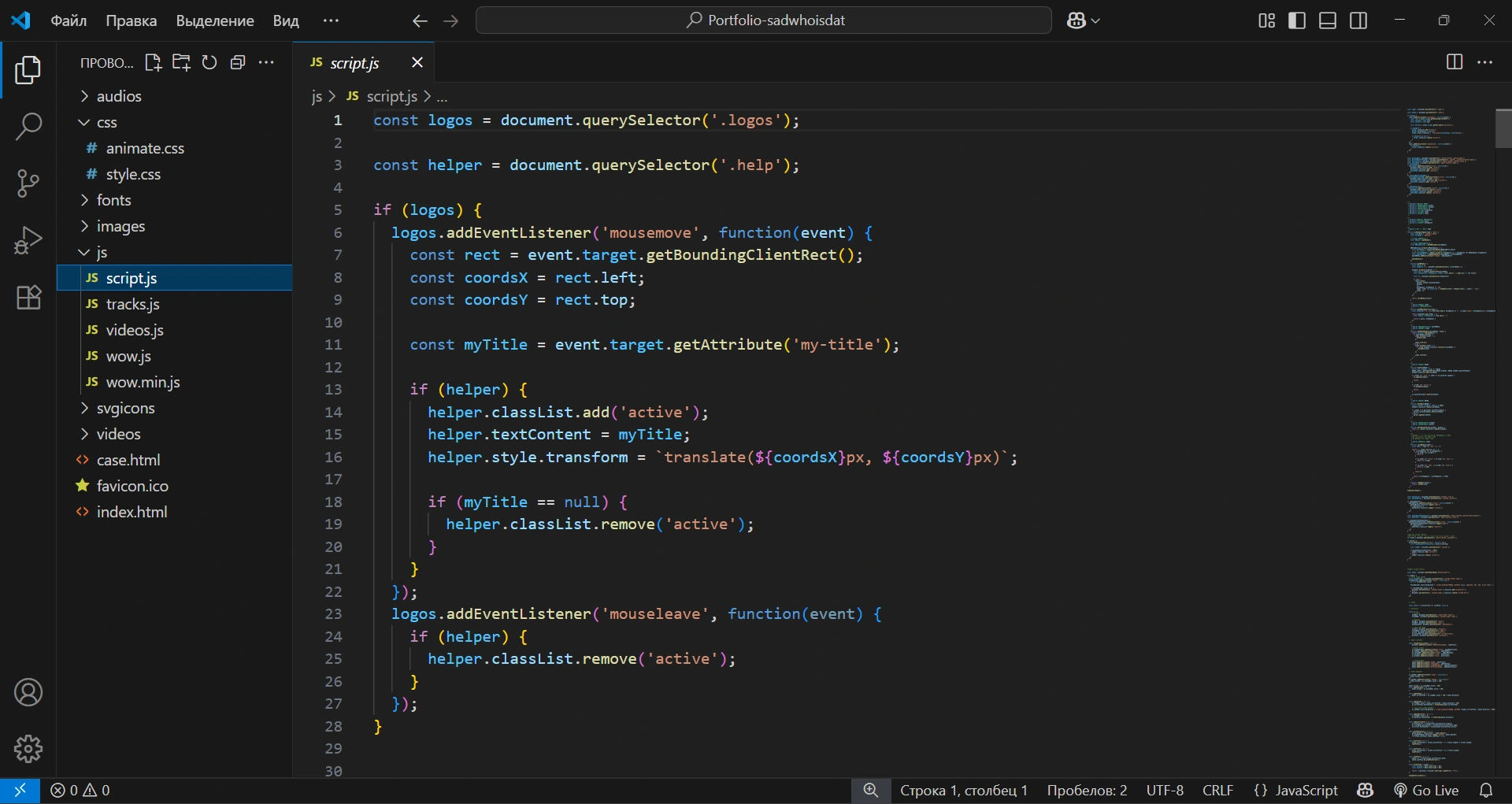
I needed to display custom tooltips for the user on company logos when hovering, but it turned out to be impossible to do this using CSS, since the logos themselves were inside a container that hides the content that goes beyond its boundaries. The tooltips were simply cut off by the boundaries of the container in which they are located.
In the end, the problem was solved using JavaScript. I began to position the tooltip itself absolutely, relative to the browser window using the coordinates of the element on which the mouse hover is triggered. The coordinates of the element are taken relative to the viewport. Naturally, I understand that JavaScript strains the browser a little more than CSS, but in the end, the problem was solved and solved well.
Results
The work was made to order together with the customer, since the customer was both the customer and the designer of this project. During the work, some aspects of the markup and design were corrected, and in the end the work was brought to perfection.
Thanks to the customer for the constructive criticism, since without it the project would not have been so cool. I have nothing more to add and nothing to find fault with, because when the developer and designer work together, the result is excellent.
The result is a reliable, adaptive, cross-browser portfolio site.
Like this project
Posted Sep 8, 2025
Developed a pixel-perfect, flexible portfolio website with custom media players using HTML, CSS, JS.