Diagnosing a Production API Timeout

Kellyn Li


Diagnosing a Production API Timeout
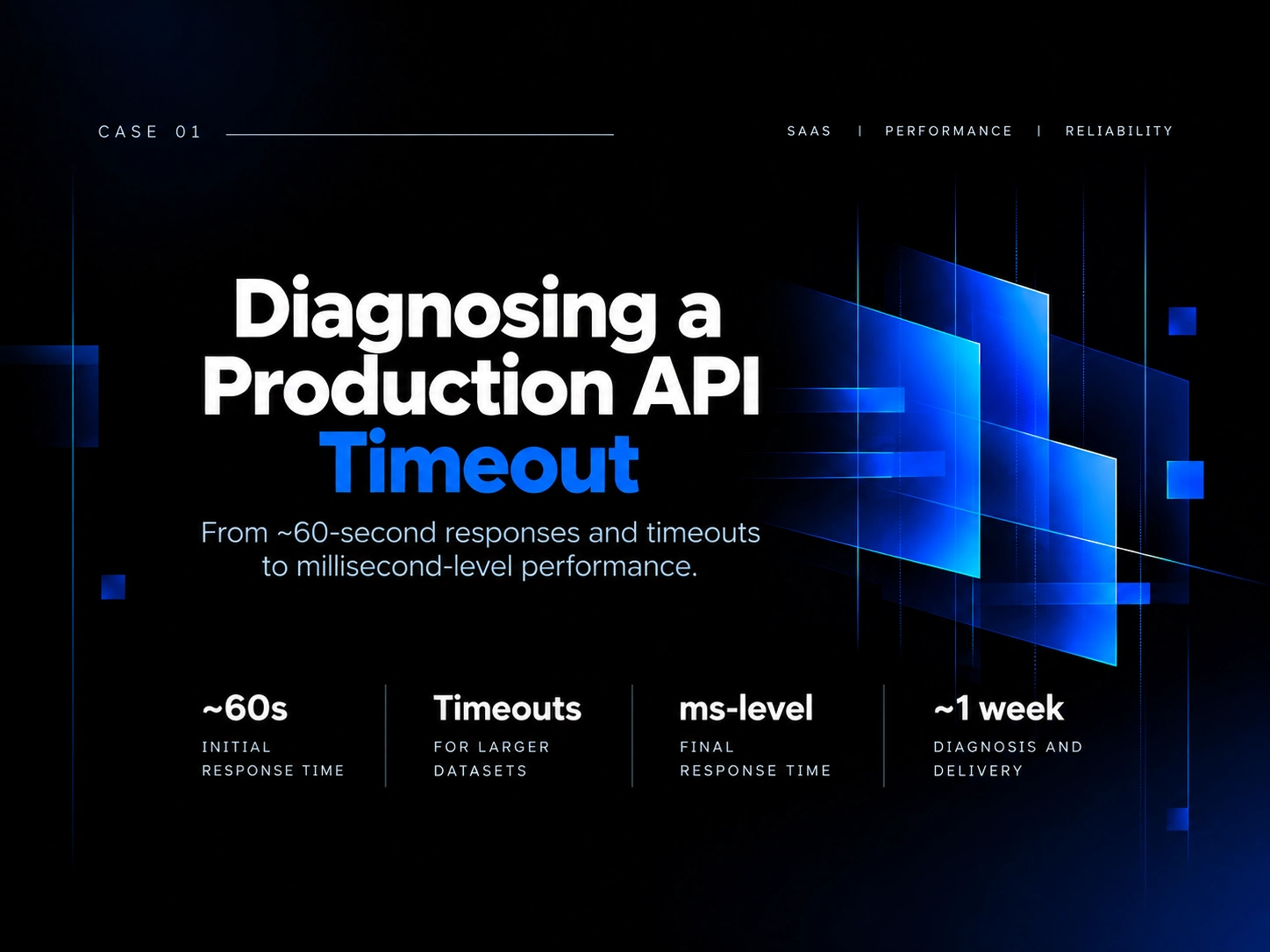
From ~60-second response times and production timeouts to millisecond-level performance.
The situation
A production API was becoming increasingly slow as the amount of data it processed grew. Smaller requests could take tens of seconds, while larger datasets could cause the endpoint to time out entirely.
At first glance, this looked like a typical data-volume or database performance problem. But before optimizing anything, I wanted to understand where the request was actually spending its time.
My role
I owned the investigation from diagnosis through implementation and verification.
My job was not simply to make the endpoint faster. It was to identify what was causing the degradation, determine the appropriate intervention, and make sure the change was safe to ship.
Investigation
I profiled the service using dotTrace and traced the execution path through the backend.
Instead of immediately optimizing queries or adding infrastructure, I followed the request through the application to understand how data was being retrieved and processed.
The profiling revealed that the expensive part of the request was not where we initially might have expected it to be.
What I found
A data-retrieval operation had been placed at the wrong abstraction level.
The same data was being fetched repeatedly inside a loop, causing unnecessary database reads to multiply as the dataset grew. What looked like a scaling problem was primarily a structural problem in the execution flow.
This explained why performance deteriorated so dramatically with larger datasets. Projects
What I changed
I restructured the flow so the required data was retrieved once and reused at the appropriate business-logic level, removing the repeated reads.
I also separated long-running file generation from the synchronous request path and moved it to asynchronous processing using a message queue.
The goal wasn't to patch the symptom. It was to remove the unnecessary work from the critical request path and make the execution model clearer.
Outcome
Response time dropped from roughly 60 seconds to millisecond-level performance, while requests that previously timed out on larger datasets could complete normally. Projects
The investigation, refactoring, testing, and delivery took approximately one week.
What this case demonstrates
The important part of this project wasn't simply the performance improvement.
It was the process:
Symptom → Measurement → Investigation → Finding → Targeted intervention → Verification
Rather than optimizing based on assumptions, I used profiling evidence to locate the actual bottleneck and changed the part of the system responsible for it.
Role: Software Engineer
Focus: Performance diagnosis · Backend systems · Profiling · Refactoring
Tools: .NET · C# · dotTrace · RabbitMQ
Like this project
Posted Sep 24, 2026
Diagnosed and optimized API performance, reducing response time dramatically.
Likes
0
Views
6