
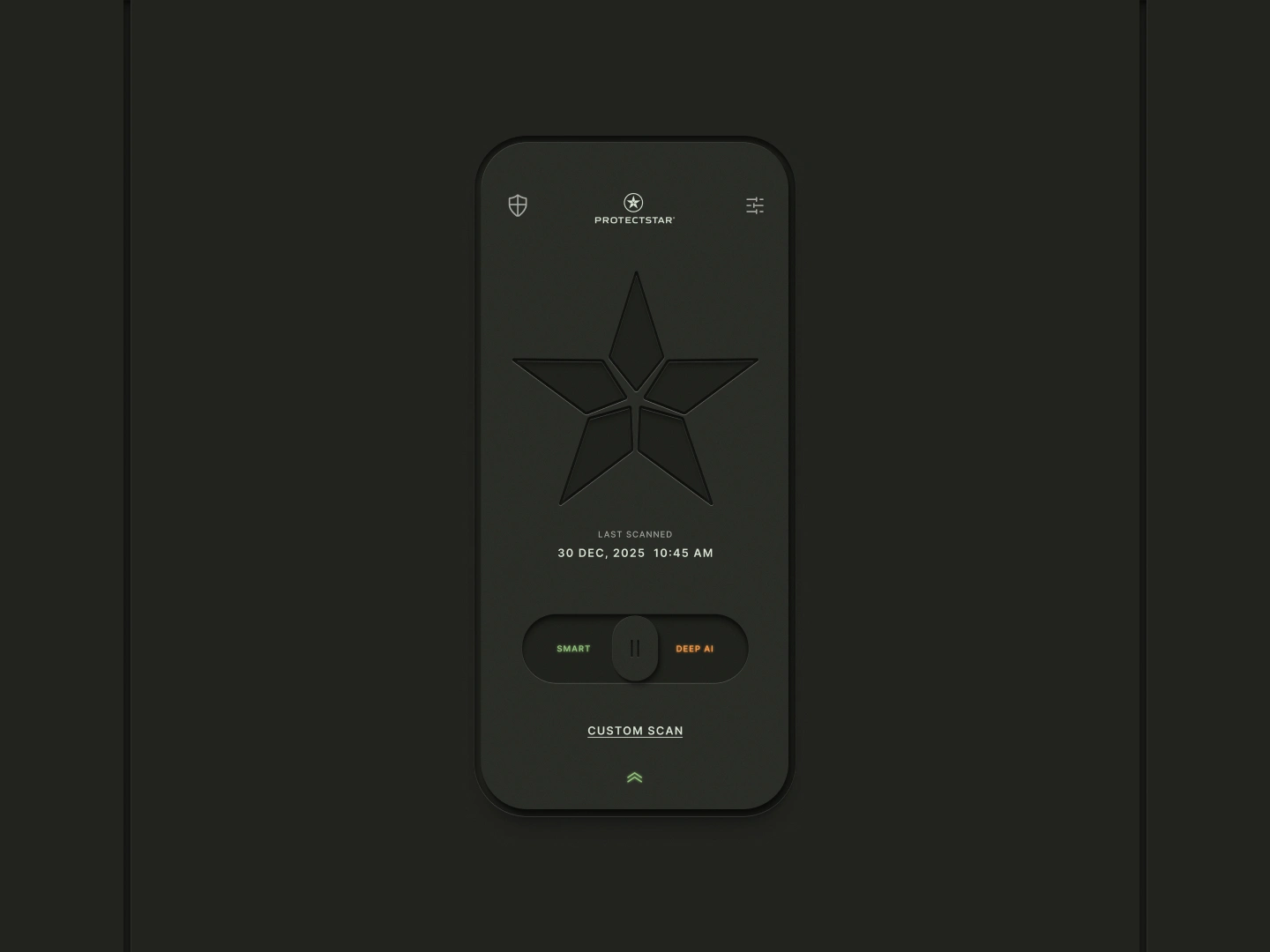
Security Dashboard & Scan Control
The main dashboard gives users a centralized view of their device's security status. The interface focuses on making security checks accessible through two scanning modes: Smart Scan and Deep AI Scan.
Key Features
Quick access to security settings and protection controls.
Smart and Deep AI scanning modes.
Last scan timestamp for tracking security activity.
Custom Scan option for more targeted security checks.
UX Approach
The interface uses a minimal, focused layout to reduce cognitive load. The prominent scanning control makes the primary action immediately recognizable, while secondary options remain accessible without competing for attention.
The dark visual language reinforces the product's security-focused identity.
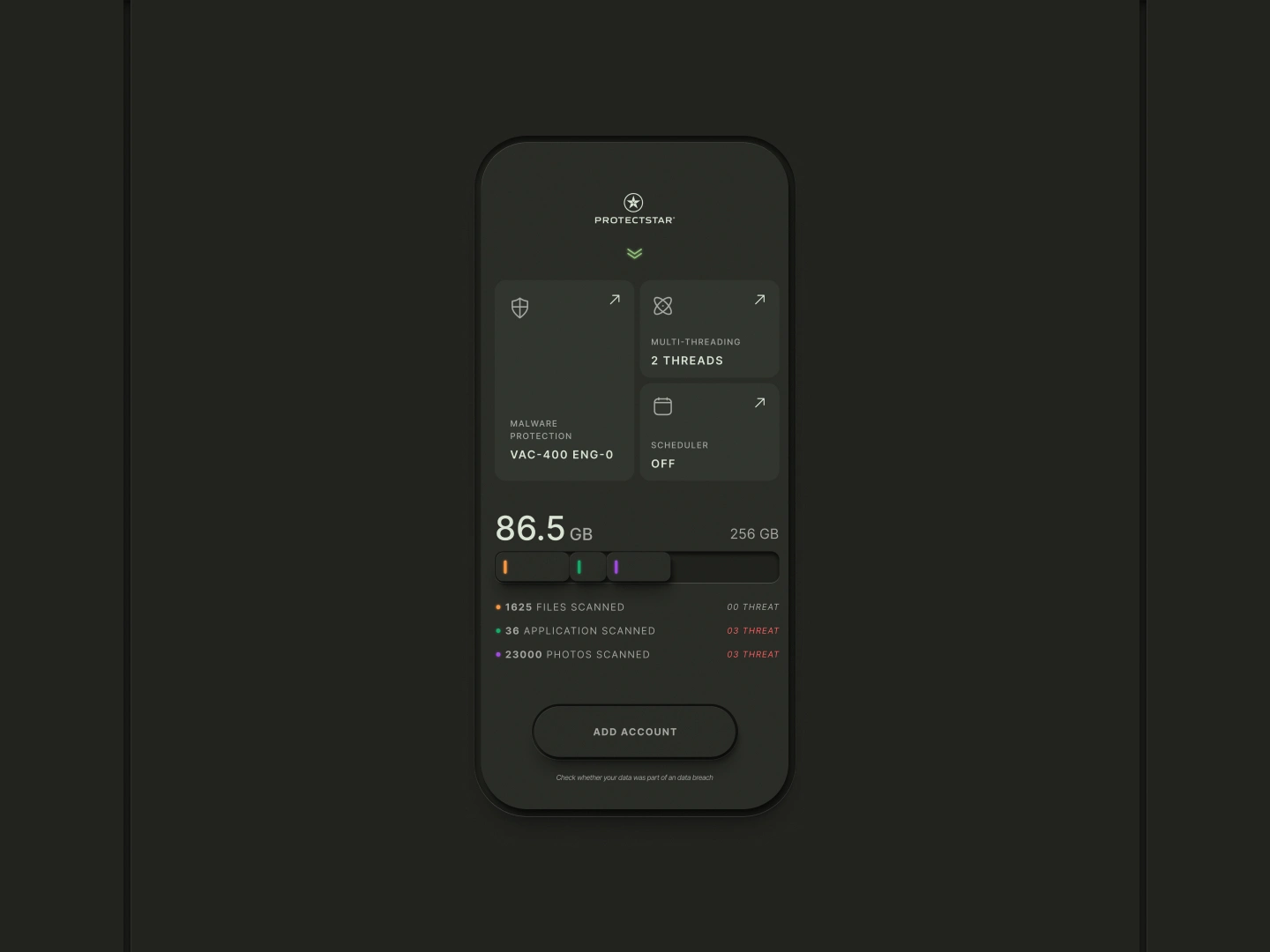
Advanced Security & Scan Analytics
This screen provides a deeper look into the application's scanning capabilities and device protection status. It organizes technical information into digestible sections.
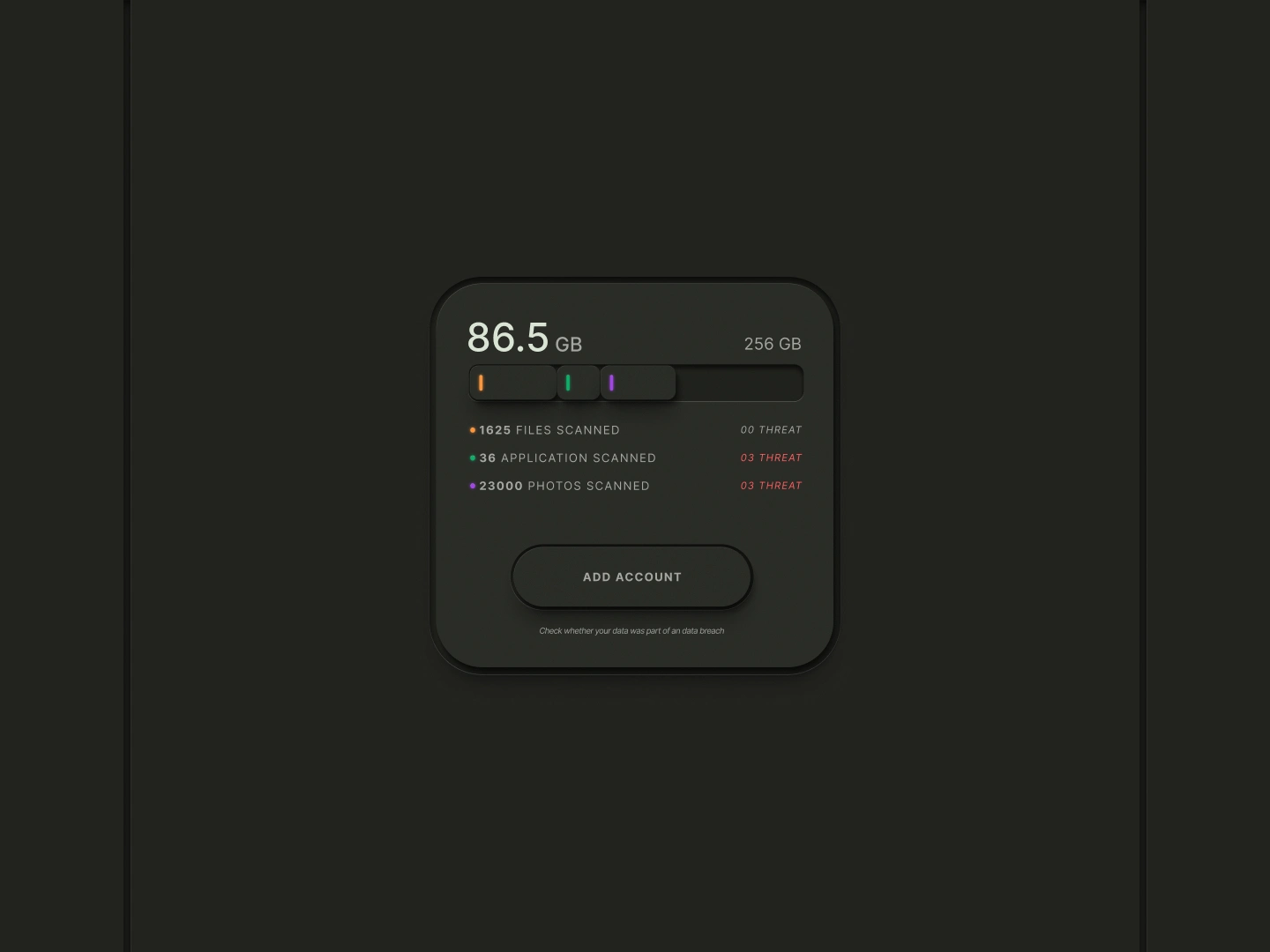
Storage & Threat Analysis
This screen focuses on presenting scan results through a simplified storage and threat overview. Users can quickly understand how much device content has been scanned and whether potential threats have been identified.
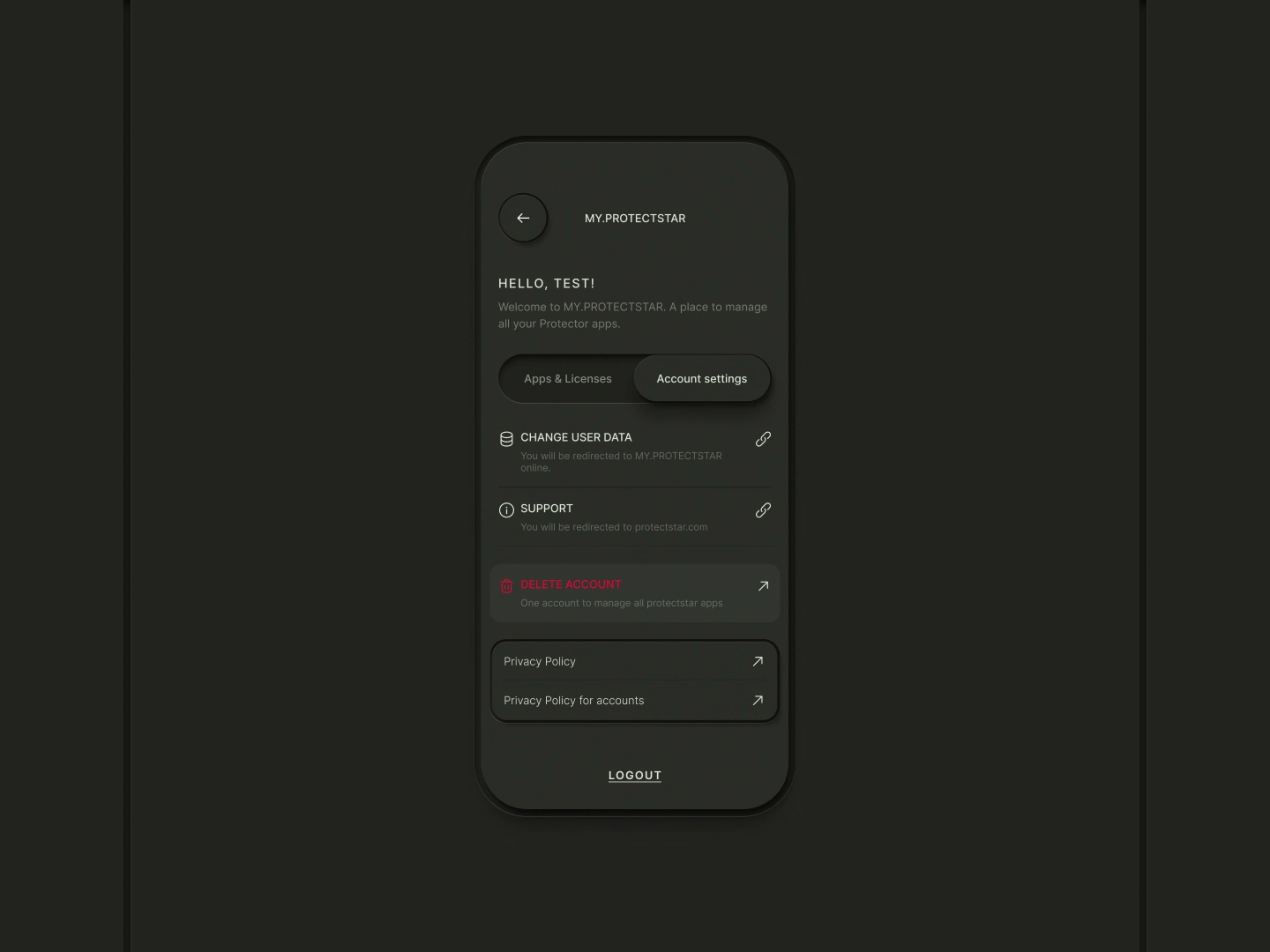
Account Management & Settings
The account management screen provides a centralized space for managing the user's Protectstar ecosystem. It brings account-related actions, application licenses, support resources, and privacy controls together.
0 likes · 0 views · Nov 27, 2026
Protectstar delivers advanced mobile security with AI-powered threat detection, malware protection, and privacy monitoring. A minimal, intuitive interface that

