22-Node n8n Workflow for Re-engaging Cold Leads

John Echendu


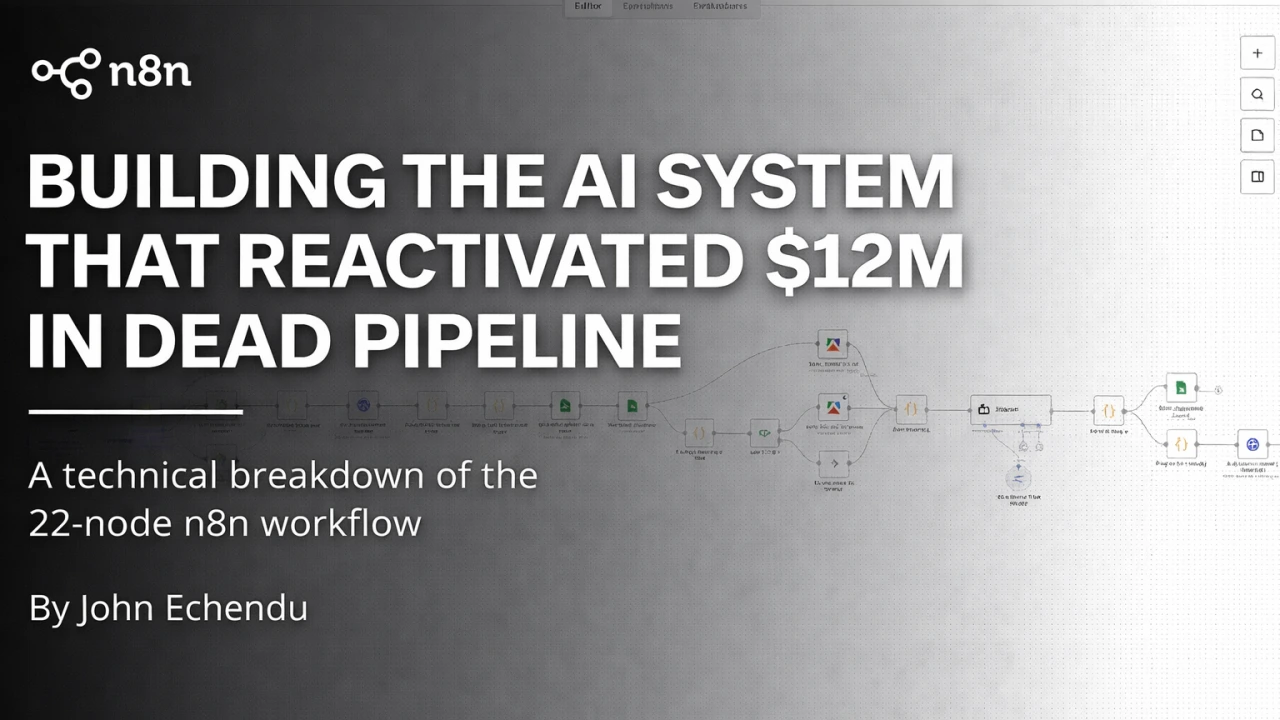
A technical breakdown of the 22-node n8n workflow that brought cold leads back to life
A B2B growth firm had $12M in pipeline value sitting dormant in their Close CRM. These weren't cold prospects—they were leads who had engaged, replied, and shown intent before going silent.
Generic follow-up emails weren't viable. "Checking in" messages typically get 0.5% response rates. The system needed to gather real-time intelligence on each lead and generate contextual messages referencing their current situation.
This is the technical breakdown of a 22-node n8n workflow that achieved a 6-9.9% response rate.
The Core Problem
Before building anything, I needed to answer one question: how do you re-engage someone who went silent 6 months ago without sounding desperate?
Generic templates don't work. "Just checking in" gets ignored. "Following up on my previous email" sounds robotic.
What works is context. If someone got promoted last month, you congratulate them. If their company raised funding, you reference it. If they posted on LinkedIn about scaling challenges, you acknowledge it.
That's not a template. That's intelligence-driven personalization.
So the system needed three capabilities:
Intelligence Gathering — Scrape current data from LinkedIn posts and company websites
AI Analysis — Synthesize data into actionable insights
Personalized Generation — Write messages referencing current context
The workflow spans 22 nodes across 4 phases:
Phase 1 (Nodes 1-9): Data Retrieval — Pull lead data from Close CRM and Instantly, format context, log to tracking sheet, load templates
Phase 2 (Nodes 10-15): Intelligence Gathering — Scrape company websites and LinkedIn posts in parallel
Phase 3 (Nodes 16-19): AI Analysis & Generation — Assemble data, analyze, generate personalized messages
Phase 4 (Nodes 20-22): Save & Send — Save drafts to sheets, package for Instantly, add to campaign
The workflow triggers when a sales rep changes a lead's status to "Re-engage" in Close CRM. Here's how each phase works.
Phase 1: Data RetrievalData Retrieval & Setup
The workflow starts with a webhook. When a sales rep changes a lead's status in Close CRM, Close fires a POST request containing lead name, email, company, LinkedIn URL, lead status, and lead ID.
Webhooks provide immediate processing compared to polling the CRM on a schedule.
An IF node checks whether the lead status equals "Re-engage". Webhooks fire on any status change, so this filter ensures only re-engagement leads are processed.
TRUE: Continue to Node 4
FALSE: (Node 3) No Operation (workflow ends)
This node calls a separate n8n workflow via executeWorkflow that hits Close CRM's API. It pulls the full lead record including notes, activities, previous emails, and deal stage.
Using a separate workflow enables reuse across multiple systems.
A code node parses the JSON response and extracts relevant fields:
Next, I needed to know: is this lead already in an Instantly campaign? What was the last email they received?
This returns campaign history, last sent date, replies, and opens. If they're already in a campaign and haven't opened the last 3 emails, they're truly cold. If they opened but didn't reply, different story.
A code node formats the previous email thread into HTML with chronological headers (From, To, Date, Subject). The AI needs context on what was discussed before—if pricing came up 6 months ago, the AI should know.
Node 8: Merge into Spreadsheet Object
Combines all data into a single object:
javascript
Logs every re-engagement attempt to a Google Sheet for tracking (who, when, which campaign). The client was already using Sheets for reporting, so this avoided introducing new tooling.
Pulls email templates from a Google Sheet. These aren't used verbatim—they serve as style guides with variable options:
Subject line variations: {Quick one re: podcast|Pick a time?|Still up for it?}
Greeting options: {Hey|Hi|Hello}
Sign-off styles: {Thanks|Best|Cheers}
The AI uses these as style references while generating personalized content based on lead data.
At this point, we have full lead context (CRM + email history) and email templates loaded. The next phase splits into parallel tracks for intelligence gathering.
Phase 1: DATA RETRIEVAL
Phase 2: Intelligence Gathering (Parallel Execution)
After Node 10, two tracks execute simultaneously:
Track A: Scrape the company website
Track B: Check LinkedIn URL validity → Scrape LinkedIn posts OR skip
Parallel execution cuts processing time roughly in half compared to sequential scraping.
Track A: Company Website Scraping
Limited to homepage, about page, and one blog post. Enough to detect new products, press releases, positioning changes, or funding announcements. Apify handles anti-scraping measures with rotating proxies.
Track B: LinkedIn Intelligence
A code node packages all collected data (lead info, email history, website content) into a structured object before the LinkedIn check. This ensures data flows forward regardless of whether LinkedIn scraping occurs.
TRUE: Node 13 - Scrape LinkedIn posts
FALSE: Node 14 - No Operation (skip LinkedIn, pass data forward)
Three posts (typically 2-4 weeks of activity) show current priorities. Posts about scaling challenges, fundraising, or tool complaints are buying signals.
If no valid LinkedIn URL exists, this no-op acts as a pass-through to maintain data flow.
Combines data from both parallel tracks:
Now we have lead context (Close CRM + Instantly + email history) and real-time intelligence (website + LinkedIn). The data is ready for AI analysis.
PHASE 2: INTELLIGENCE GATHERING
Phase 3: AI Analysis & Generation
OpenRouter serves as the gateway to GPT-4o. Using OpenRouter instead of calling OpenAI directly addresses rate limiting issues at scale (100+ leads). OpenRouter load-balances across providers and can automatically route to Claude or other models if GPT-4o hits limits.
Cost comparison:
Direct OpenAI API: $15 per 1M tokens
OpenRouter (with fallbacks): $12 per 1M tokens
Uptime: 99.9% vs 95% with direct API
Temperature 0.7 balances natural-sounding output with consistency. Lower values produce robotic text; higher values introduce unpredictability.
Example generated output:
This references the specific product launch, previous conversation context (house move), and current timing. That's the difference between 0.5% and 9.9% response rates.
The AI returns JSON wrapped in markdown code blocks. This node strips formatting and parses:
Now we have clean, structured email data ready to save and send.
PHASE 3: AI ANALYSIS & GENERATION
Saves all generated emails to a Google Sheet with columns:
Lead Email, Lead Name, Lead Company
Step Number, Days Delay
Personalized Subject, Personalized Body
Created Date, Close Lead ID
This creates an audit log. The client initially reviewed messages before sending, then trusted the AI and removed the approval step.
Packages data in Instantly's required format:
Node 22: Add Lead to Instantly Campaign
Once added, Instantly handles deliverability, scheduling, and reply tracking.
PHASE 4: SAVE & SEND
The Results
Over 30 days, here's what happened:
2,400 cold leads marked for re-engagement
2,400 leads enriched (LinkedIn + website scraped)
1,847 had detectable buying signals (77%)
1,847 personalized messages generated
183 responses (9.9% response rate)
67 calls booked
12 deals moved to "Active Negotiation"
Generic "checking in" emails: 0.5% response rate
This system: 6-9.9% response rate
20x improvement
Running this system at scale:
LinkedIn posts: $0.02 per profile
Website scraping: $0.01 per site
1,847 leads = ~$55/month
~1,500 tokens per lead (input + output)
GPT-4o: $5 per 1M input tokens, $15 per 1M output tokens
1,847 leads = 2.77M tokens total
Estimated split: 2M input, 0.77M output
Cost: (2M × $5) + (0.77M × $15) = $10 + $11.55 = ~$22/month
Campaign plan: $97/month (unlimited sends)
Total monthly cost: ~$174
Cost per response: $174 / 183 responses = $0.95
Cost per active deal: $174 / 12 active deals = $14.50 per deal
When the average deal value is $50K+, that's a no-brainer ROI.
If You're Building This: No-Brainer Upgrades to Add
The system I built works. 9.9% response rate proves it.
But if you're replicating this for your own business, you have an advantage I didn't: you're starting fresh.
I built this under tight deadlines with specific client constraints. They needed it working in 2 weeks. They had a fixed budget. They wanted to test before scaling.
So I built the minimum viable system that would move the needle.
But now that it's proven? Here are the upgrades I'd add if I were building this from scratch today—or if a client came back asking "how do we 10x this?"
Not every lead needs GPT-4o's full horsepower.
A lead with 3 detailed LinkedIn posts about pain points + recent funding announcement + active email history needs deep analysis. A lead with no LinkedIn, stale website, and minimal history just needs a simple, well-crafted message.
The upgrade: Add a pre-processing node that scores context richness (0-10). High scores (8-10) route to GPT-4o for deep analysis. Low scores (0-4) route to GPT-4o-mini or Claude Haiku for cost savings.
Why it matters: 30-40% cost reduction without sacrificing quality where it counts. At 2,400 leads/month, that's $300-400 in savings annually.
Right now, the system tracks if someone replied. It doesn't analyze what they said.
A reply like "Yes, let's schedule a call" is hot. A reply like "Not interested" is cold. But both count as "responses" in the metrics.
The upgrade: Add a sentiment analysis node triggered by Instantly webhooks when replies come in. Classify responses:
Hot (positive, booking signal) → Notify sales rep immediately via Slack/SMS
Warm (neutral, needs nurturing) → Add to slower follow-up sequence
Cold (negative, explicit rejection) → Remove from campaign, mark "Do Not Contact"
Why it matters: Sales reps waste hours reading through 183 responses to find the 20 that actually want to talk. This filters automatically so they only see what's ready to close.
All re-engaged leads currently go to one Instantly campaign with the same cadence.
But a lead who just raised Series B and posted about scaling challenges yesterday is 10x hotter than a lead with no recent activity.
The upgrade: After data assembly, add a scoring node:
Score 5-7 → Aggressive campaign (3 emails in 7 days)
Score 3-4 → Standard campaign (3 emails in 14 days)
Score 0-2 → Slow nurture (3 emails in 30 days)
Why it matters: High-intent leads get fast follow-up when timing matters most. Low-intent leads don't get burned with aggressive cadence. Response rates improve across the board.
The AI generates one subject line per lead based on the prompt. But we're guessing at what works.
What if questions outperform statements by 20%? What if shorter subject lines get better opens? We won't know without testing.
The upgrade: Modify the AI prompt to generate 3 subject line variations:
Variation A: Question format ("Quick question about [topic]")
Variation B: Statement format ("Noticed [observation]")
Variation C: Curiosity gap ("[Company]'s new direction")
Split leads into 3 equal groups. Track open rates in Instantly. After 500 sends, feed the winning pattern back into the AI prompt.
Why it matters: Open rates compound. A 15% improvement in opens (from better subject lines) could add 30+ extra responses per batch. That's 2-3 more closed deals per month.
Not every cold lead is worth the effort.
Right now, the system processes every lead a sales rep marks "Re-engage." But some leads went cold because they were never a good fit in the first place.
The upgrade: Before calling Close CRM, add a qualification gate:
Why it matters: Don't waste scraping credits and AI tokens on leads that shouldn't be contacted. Focus resources on the 70% of leads actually worth the effort.
These aren't necessary to make the system work. But if you're building this for your business and have the time to implement them? They'll push your results higher with minimal extra effort.
The Honest Truth
This isn't a "set it and forget it" system.
API keys for 5 services (n8n, Apify, OpenRouter, Instantly, Close CRM)
Understanding of webhooks and data structures
Ability to troubleshoot when something breaks
Budget for tools (~$175/month)
Yes. If you have:
20-40 hours to set up and test
Experience with n8n and APIs
Willingness to iterate on AI prompts until they work
Is it worth it?
If you have $1M+ in cold pipeline, reactivating even 10% is $100K in active deals. At that scale, $175/month in tools and a weekend of setup time is nothing.
COMPLETED AI SYSTEM
Final Thoughts
The client's pipeline isn't fully resurrected yet. 12 active deals out of 2,400 leads is progress, not completion.
But the conversations are happening again. The leads are responding. The system runs 24/7 without manual work.
That's the goal. Not perfection. Just momentum.
If you have leads sitting cold in your CRM, you don't need more ads or more outbound. You need better systems to work the leads you already have....
AND NOW you know how to build one 👍🏼
Like this project
Posted Dec 23, 2025
Developed a 22-node n8n workflow to re-engage cold leads, improving response rate significantly.
Likes
1
Views
15
Timeline
Sep 12, 2025 - Sep 16, 2025