Flow State Assistant: A Mobile Productivity Tool

Ismaeel Rabiu


Breakdown of The Flow state App
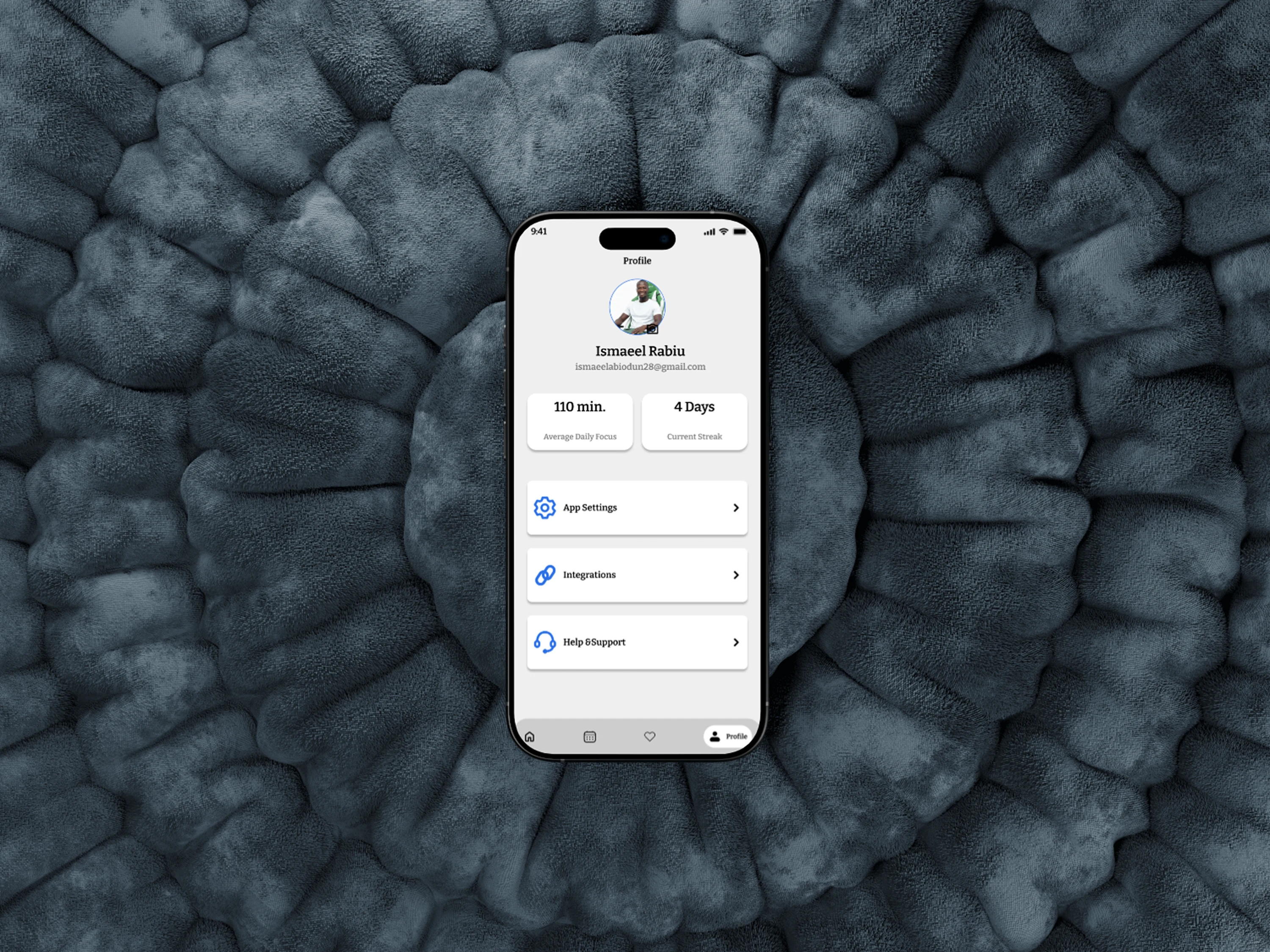
Flow State Assistant
Role: UI/UX Designer
Platform: Mobile (iOS)
Scope: Focus Dashboard · Focus Sessions · AI Insights · Gentle Interventions · Component System
Overview
This project focused on designing a mobile AI powered focus assistant that helps users enter and maintain deep work without pressure, noise, or productivity guilt. The goal was to create a calm, intelligent companion that understands attention as a fragile resource, not something to be forced or gamified.
Rather than acting as a task manager, the Flow State Assistant observes behavior, identifies focus patterns, and offers gentle guidance at the right moments. The interface prioritizes mental clarity, emotional safety, and minimal cognitive load.
The Challenge
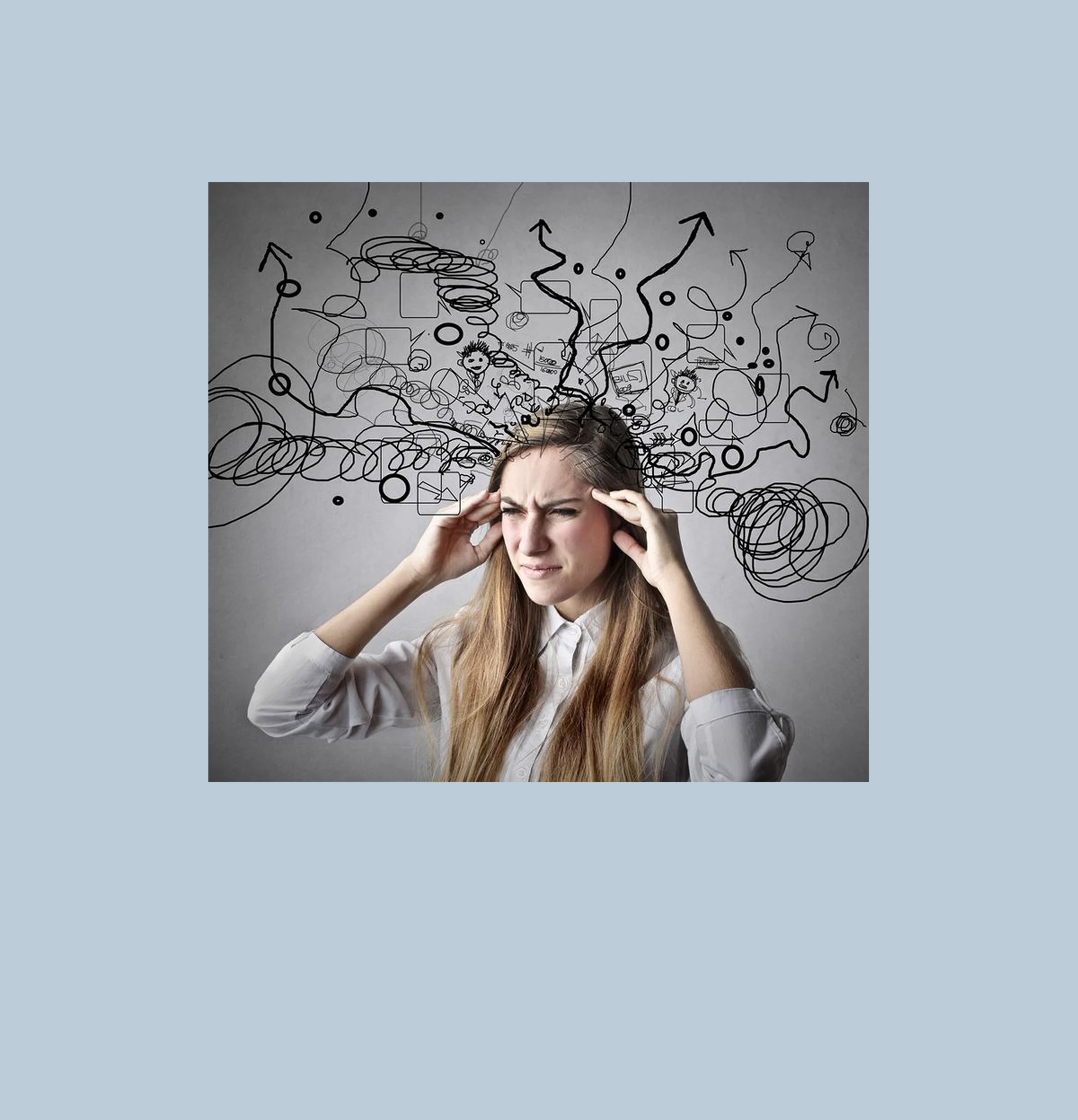
Most productivity apps actively compete for attention, the very thing they claim to protect.
Key challenges included:
Reducing visual and cognitive noise during focus
Presenting insights without overwhelming users with analytics
Designing AI interactions that feel supportive, not intrusive
Avoiding guilt-driven streaks, alerts, and pressure mechanics
Maintaining clarity and calm across long usage sessions
The core challenge was to design an experience that respects attention instead of consuming it.
Design Goals
Calm First → a quiet interface that fades into the background
Cognitive Lightness → minimal text, generous spacing, forgiving interactions
Timing-Aware Guidance → suggestions based on behavior, not rules
Trustworthy AI → insights that explain why, not just what
Scalability → a consistent component system for future expansion
01 Focus Dashboard
“Everything you need, nothing you don’t.”
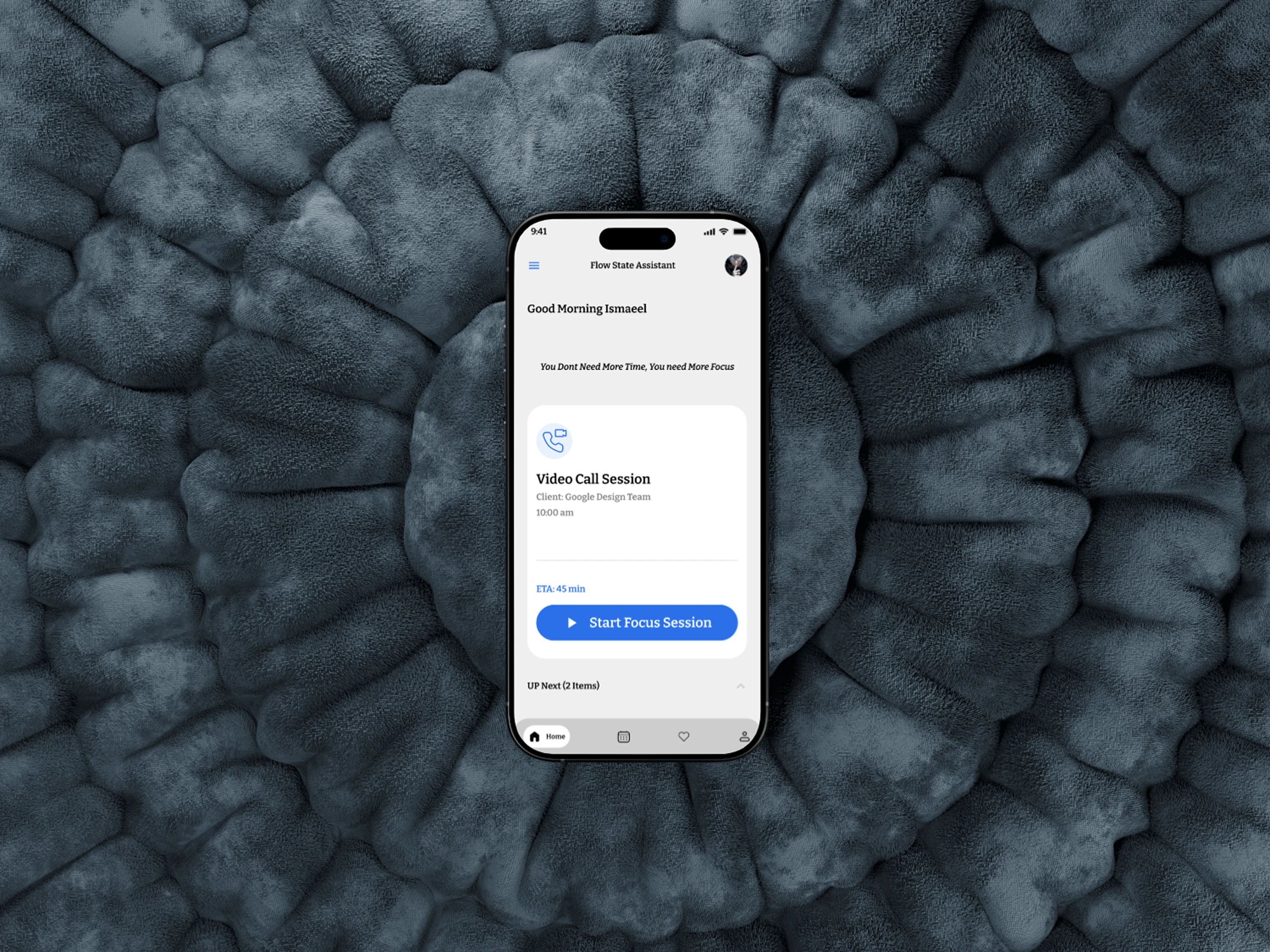
The dashboard acts as a soft entry point into focus. Instead of lists and charts, it presents only what matters right now ; current task, energy state, and a clear path to begin.
Key decisions:
Single primary action: Start Focus Session
Large typography with low contrast to reduce visual tension
Subtle greeting to humanize the experience
No visible timers or countdown pressure
Clear hierarchy: state first, controls second
This design allows users to begin working without mentally preparing to “use an app.”
02 Focus Sessions
“Protect flow once it begins.”
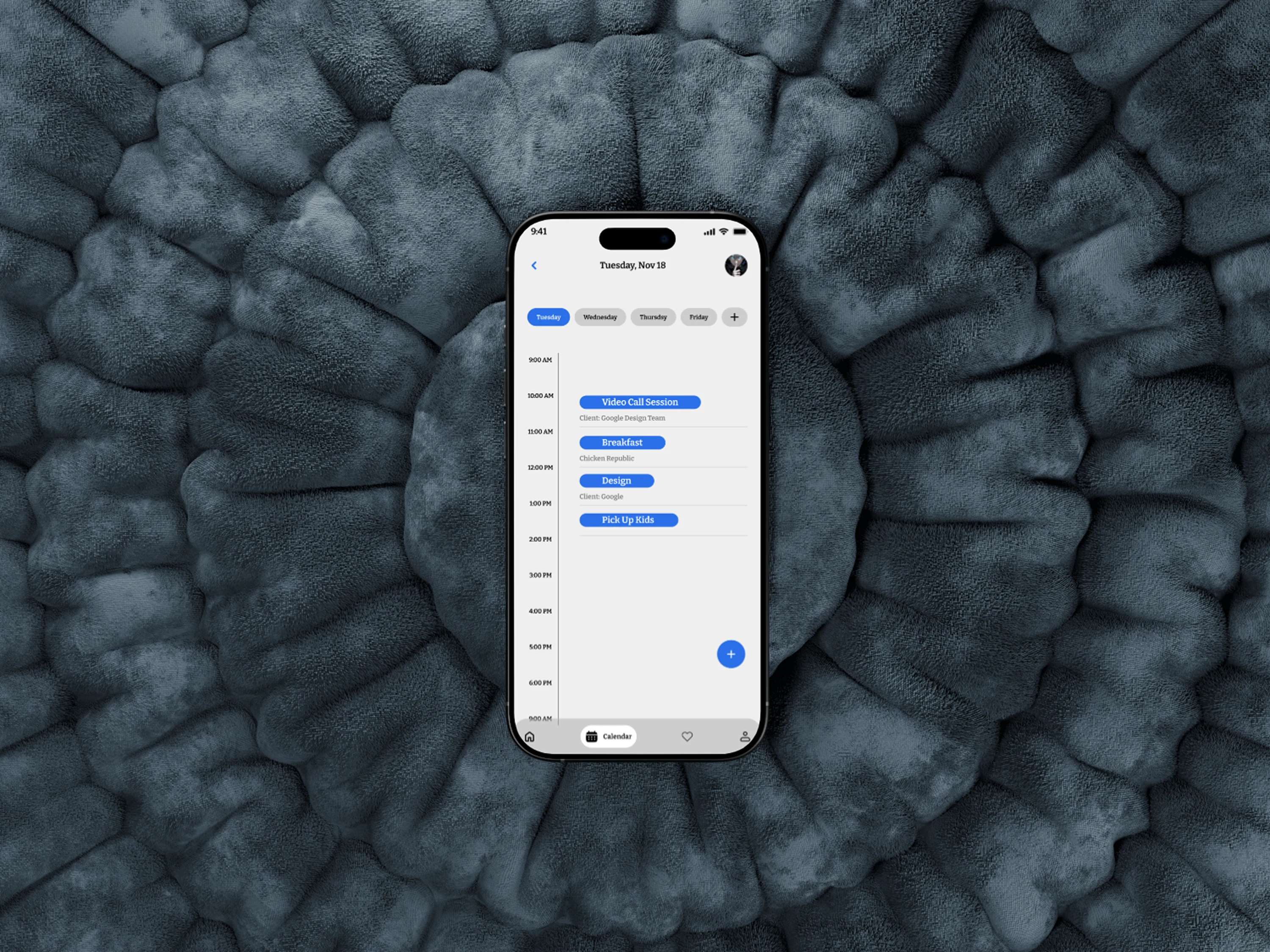
Focus sessions were designed to feel almost invisible.
Design highlights:
Minimal UI with one visible task anchor
Time recedes visually instead of counting down
No notifications unless absolutely necessary
Soft motion and subtle state changes to indicate progress
The interface intentionally avoids performance cues that could break concentration.
03 AI Flow Insights
“Understand your focus without being judged.”
Instead of raw metrics, the assistant surfaces pattern based insights written in human language.
Examples:
“You focus longer when you start with creative tasks.”
“Short breaks after 40 minutes help you sustain momentum.”
Key decisions:
Insight cards with clear hierarchy
Confidence indicators to build AI trust
Explanatory language (“Here’s why we noticed this”)
Dismissible, non-persistent insights
This approach builds confidence in the AI without overwhelming the user.
04 Gentle Interventions
“Guidance, not control.”
When focus begins to degrade, the assistant offers optional suggestions rather than alerts.
Examples:
“Would a 5-minute reset help right now?”
“You’ve switched tasks a few times want to simplify?”
Interaction principles:
Suggestions are non-blocking
Always skippable
No negative feedback or guilt language
The user remains fully in control at all times.
Visual Language & Components
Muted Neutrals: Reduce visual fatigue during long sessions
Rounded Surfaces: Communicate softness and approachability
Minimal Icons: Only where guidance is necessary
Generous Spacing: Prevent cognitive crowding
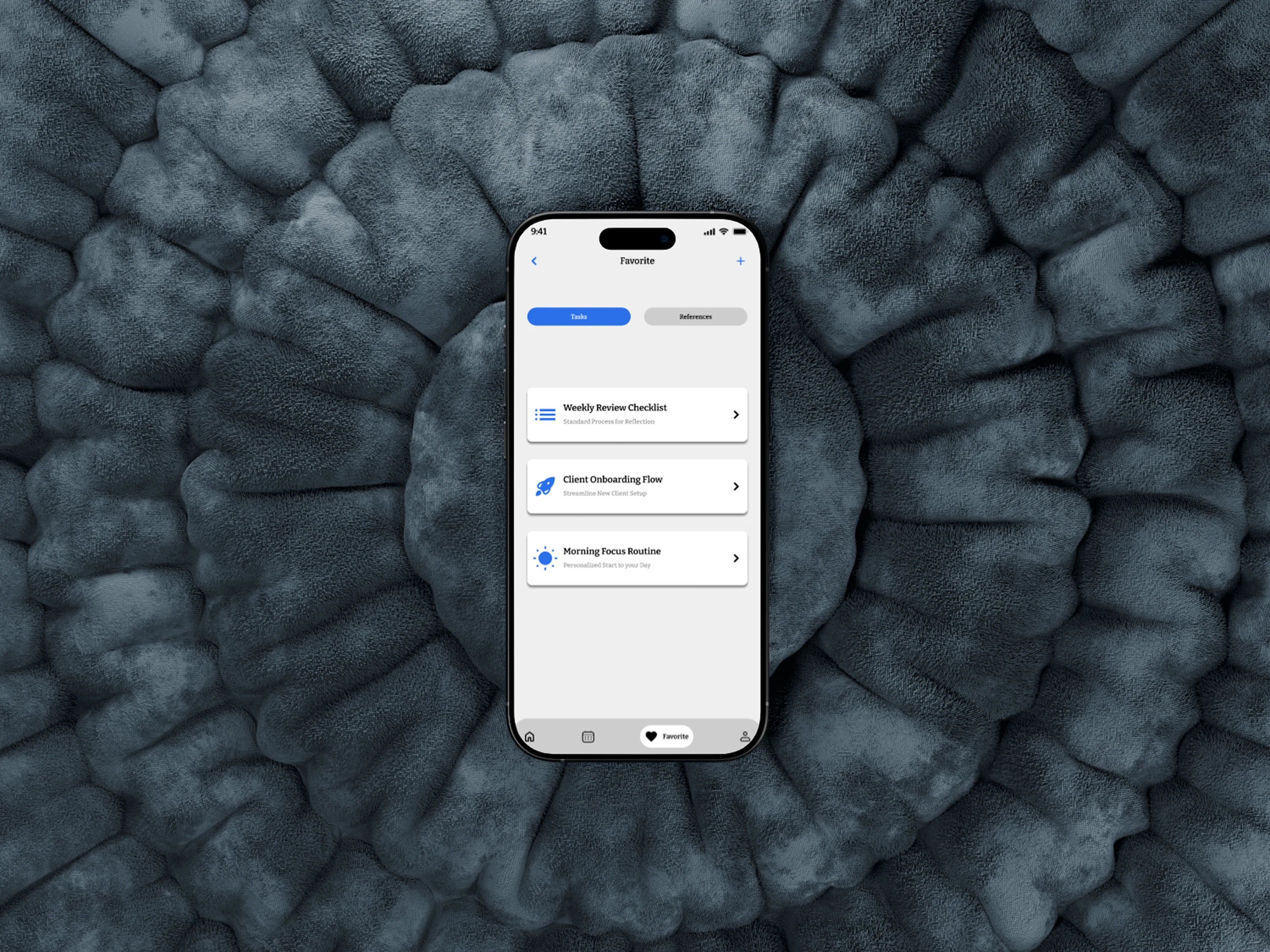
Reusable Components: Cards, prompts, buttons designed for scale
The system was built to support long-term use without visual exhaustion.
Final Outcome
The Flow State Assistant reimagines productivity as alignment, not output.
Users can:
✅ Enter focus quickly without mental setup
✅ Stay in flow without interruption
✅ Understand their attention patterns clearly
✅ Work without pressure or guilt
✅ Trust AI guidance without feeling monitored
Next Steps (Future Enhancements)
Cross device focus continuity
Passive energy state detection
Adaptive task suggestions
Calm-mode accessibility options
Long-term focus pattern visualization
Want a landing page that drives action? Let’s work together.
Like this project
Posted Nov 19, 2025
Built Flow State Assistant, helping users enter deep focus faster and sustain productive work periods, improving efficiency by 45%