Café à Lyon: A Sweet and Interactive App/Website

Ciro


Café à Lyon — Creating a Simple App
Paris always carries that nostalgic air, a sound that can evoke echoes of a distant autumn and, at the same time, of a surprising summer. Buenos Aires has it too. Rome as well. However, on this occasion, we move to another French region, to Lyon.
Choosing Lyon for this project was not a random decision, but rather rooted in a distant souvenir, while at the same time imbued with fantastic qualities. It is perhaps a postcard of what might have been, but never was. It is what did not continue, and what ended without a concrete conclusion.
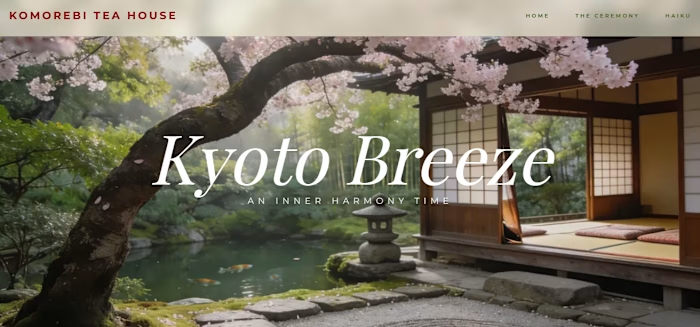
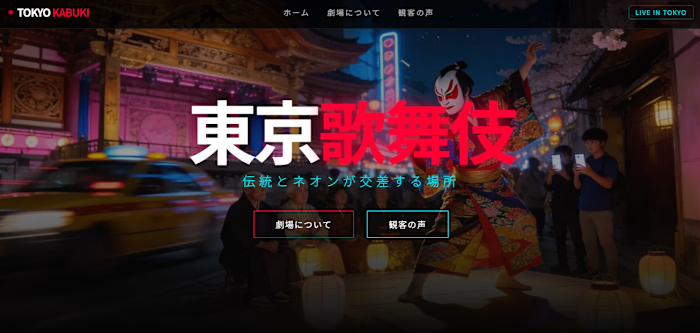
As for the theme of envisioning a café, I believe it is a central piece of a traveler’s imagination in France. Sitting in a café, eating a croissant, or drinking a cup of coffee. Unlike my previous project, set in Kyoto, Japan, in this case we take a step forward in the creation of an application that, in addition to having a visual listing of the different products found in the café, also includes interaction by building a small game in one of the project’s sections.
Design and Tools
To build this application, I used my main stack of tools: Node, Next, TypeScript, JavaScript, Tailwind CSS, and of course VS Code. For the images, I once again worked with Lummi.
Regarding the design, the application is composed of four sections:
Accueil (the main section, with access to the different parts)
À propos (about the café, with images and reviews)
Produits (featuring the 23 products available in the café)
Jeu (a small card-flipping game with a timer)
The color palette is classic for a café: shades of brown and cream (in contrast to my Festival à Normandie project, which shone with the colors of France).
After that, I deployed it using Git and Vercel.
Accueil
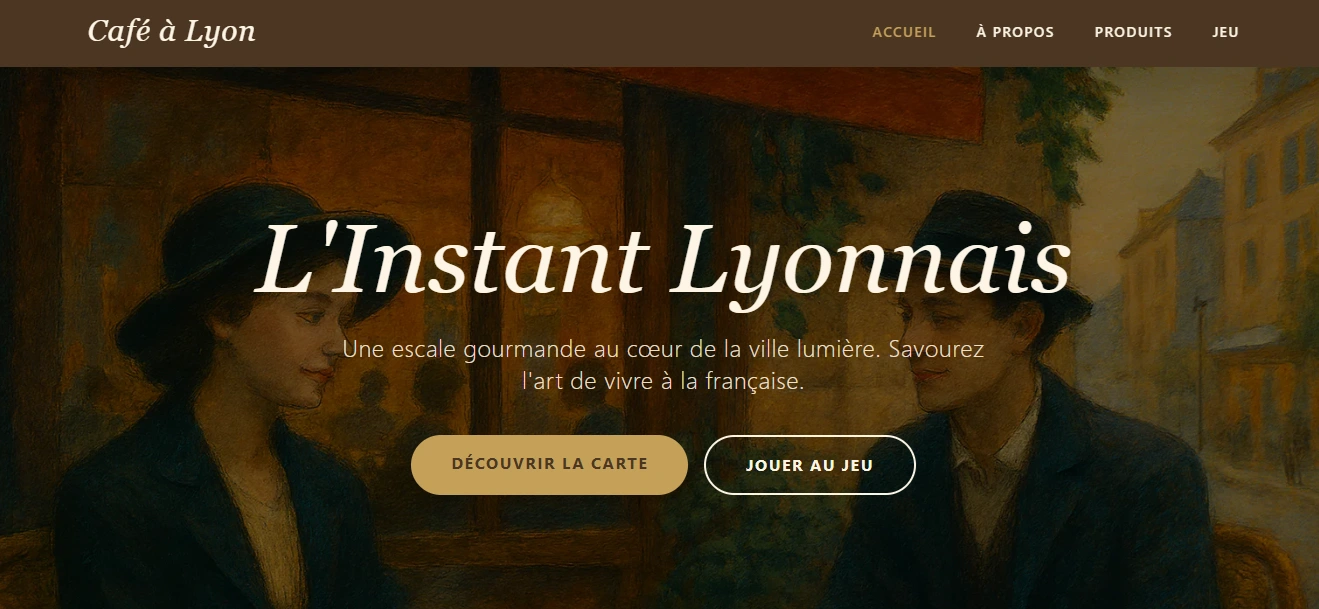
In our main section, we can see the principal image, generated using Lummi, along with the navigation bar and a section highlighting the café’s features. The typography is elegant and nostalgic.
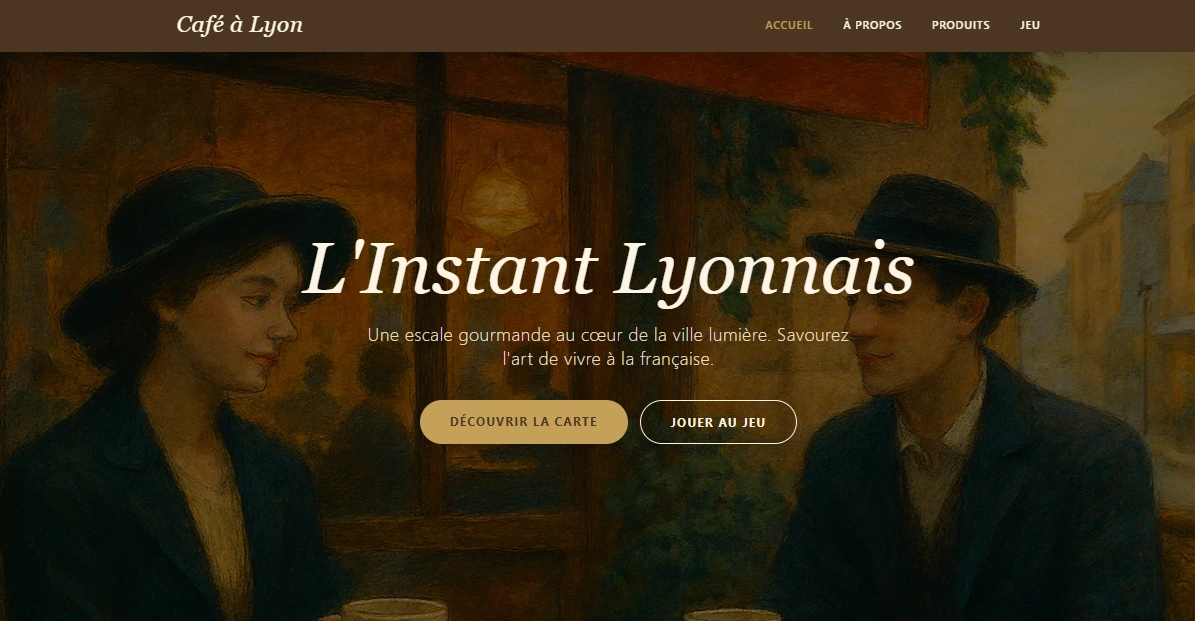
Hero Section — Nice image, with text, buttons and Navigation bar
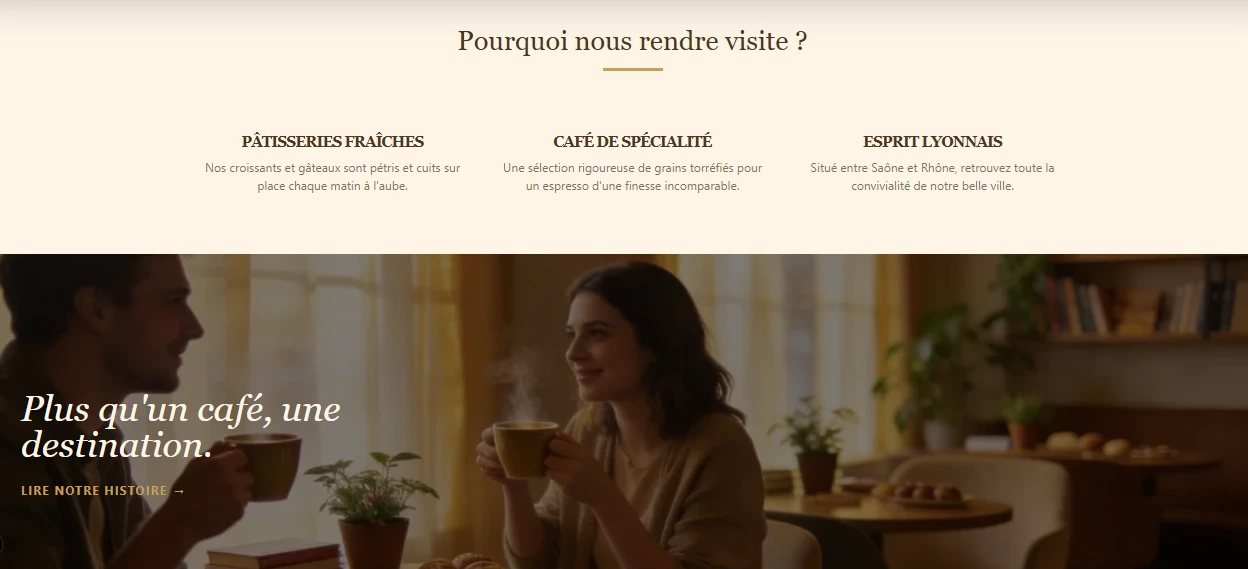
Reasons why to visit this café — Nice visuals and palette
The footer contains the necessary information, presented with a suitable color palette.
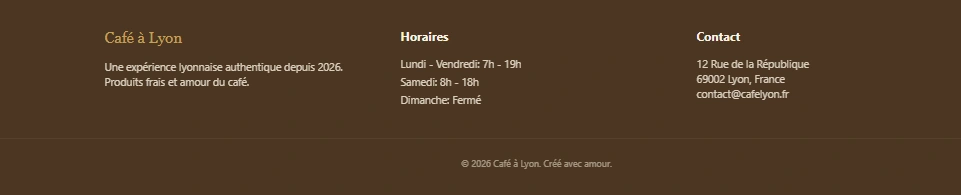
Footer — Classic Café Palette
À Propos
In this section, we have basic information about the café, with key visualizations.
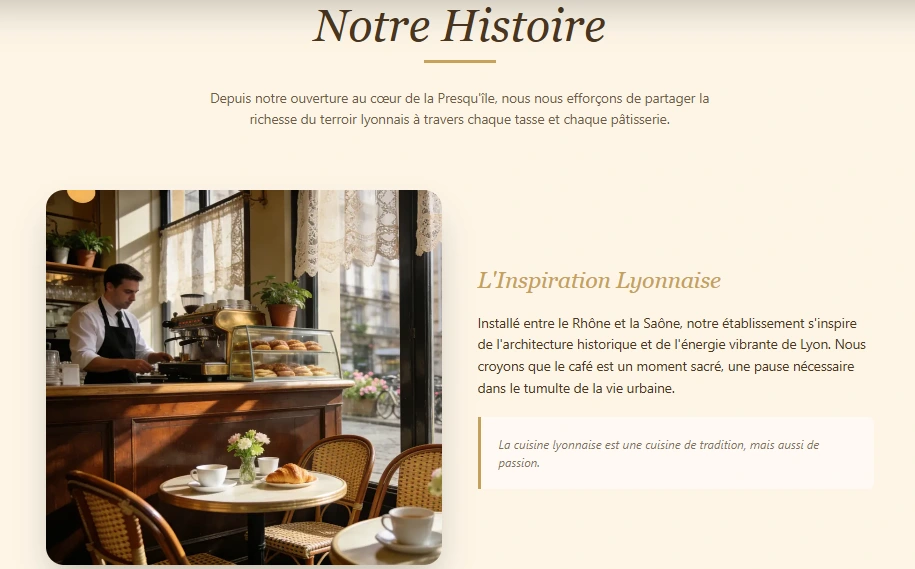
A bit about the café — Nice visuals, palette and typography
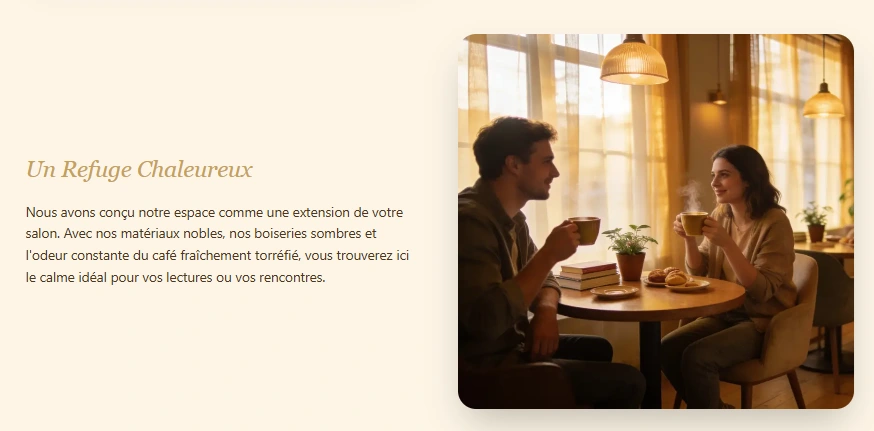
A bit about the café — Nice visuals, palette and typography
We also include a few reviews.
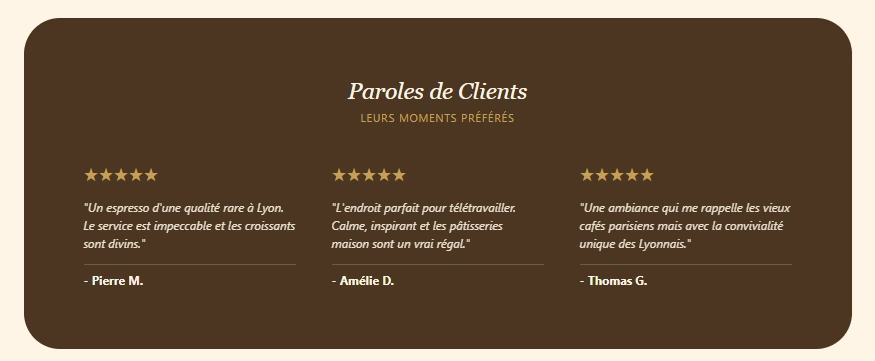
Some reviews — À Propos section
Produits
In this section, we see the 23 café products, divided into three groups: Boissons (Drinks), Petit-Déjeuner (Breakfast), and Desserts (Pastries/Desserts). Here are some of those products:
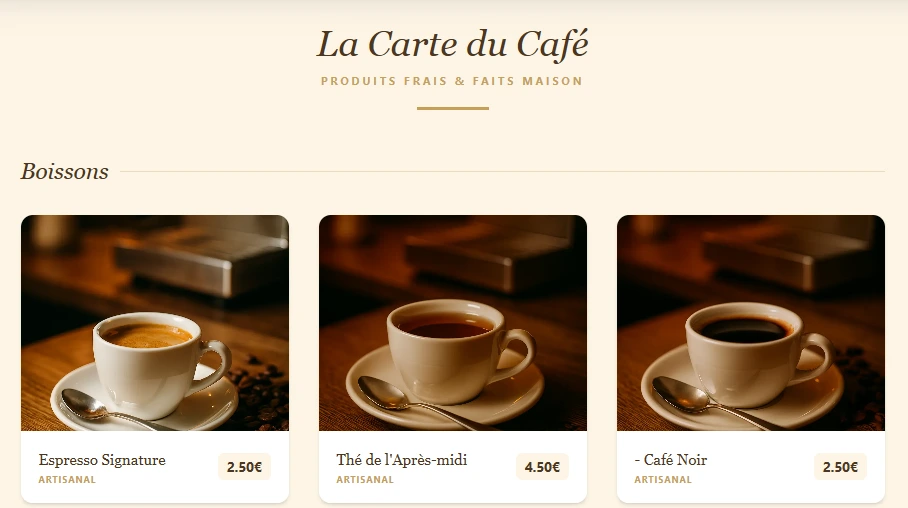
Some drinks served in the Café — Nice images and with price!
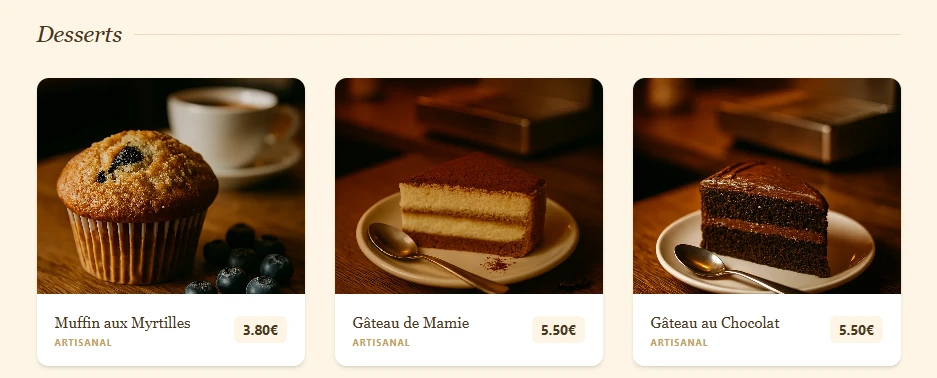
Some desserts served in the Café — Nice images and with price!
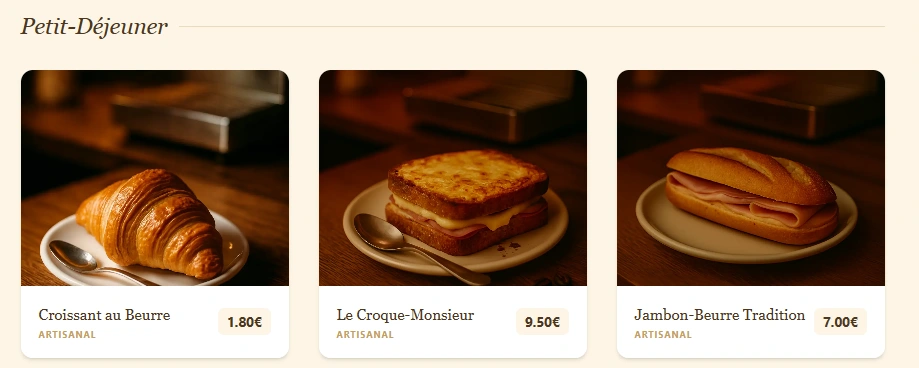
What to eat on Breakfast? — Nice images and with price!
Jeu
Finally, we have a small game to match the cards corresponding to the café’s products. A timer is included to measure our time. Once we finish, we can play again.
Card-Flipping Game - Jeu Section
Final Comment
This has been a fun project, especially by incorporating greater interactivity with the final game. A pleasant, nostalgic way to close out this month. In addition, it has been a good way to practice my French while building the application.
Check it out!
https://l-instant-lyonnais.vercel.app/
Like this project
Posted Feb 27, 2026
Developed an interactive app/website for a virtual café using TypeScript, React and Lummi.
Likes
4
Views
20
Timeline
Feb 25, 2026 - Feb 27, 2026