Rung Timer - Designing a Native iOS App

Ivo Ivanov


Rung Timer - Designing and shipping a native iOS app from scratch
This one's personal project. I'm a hobby chef, but my wife is a pastry chef, and every kitchen timer app she tried was either too simple or too ugly.
Cooking - especially baking - is sequential. You're not managing one timer; you're moving through a series of steps, each with its own countdown. She needed something that could handle that gracefully.
I've been vibe-coding for quite some time, but this was a good opportunity to actually build something native and launching on the App Store.
Platform: iOS (native SwiftUI)
Tools: Figma, Claude Code, Xcode
Status: Available on the App Store 👉 Rung - Chef's Kitchen Timer
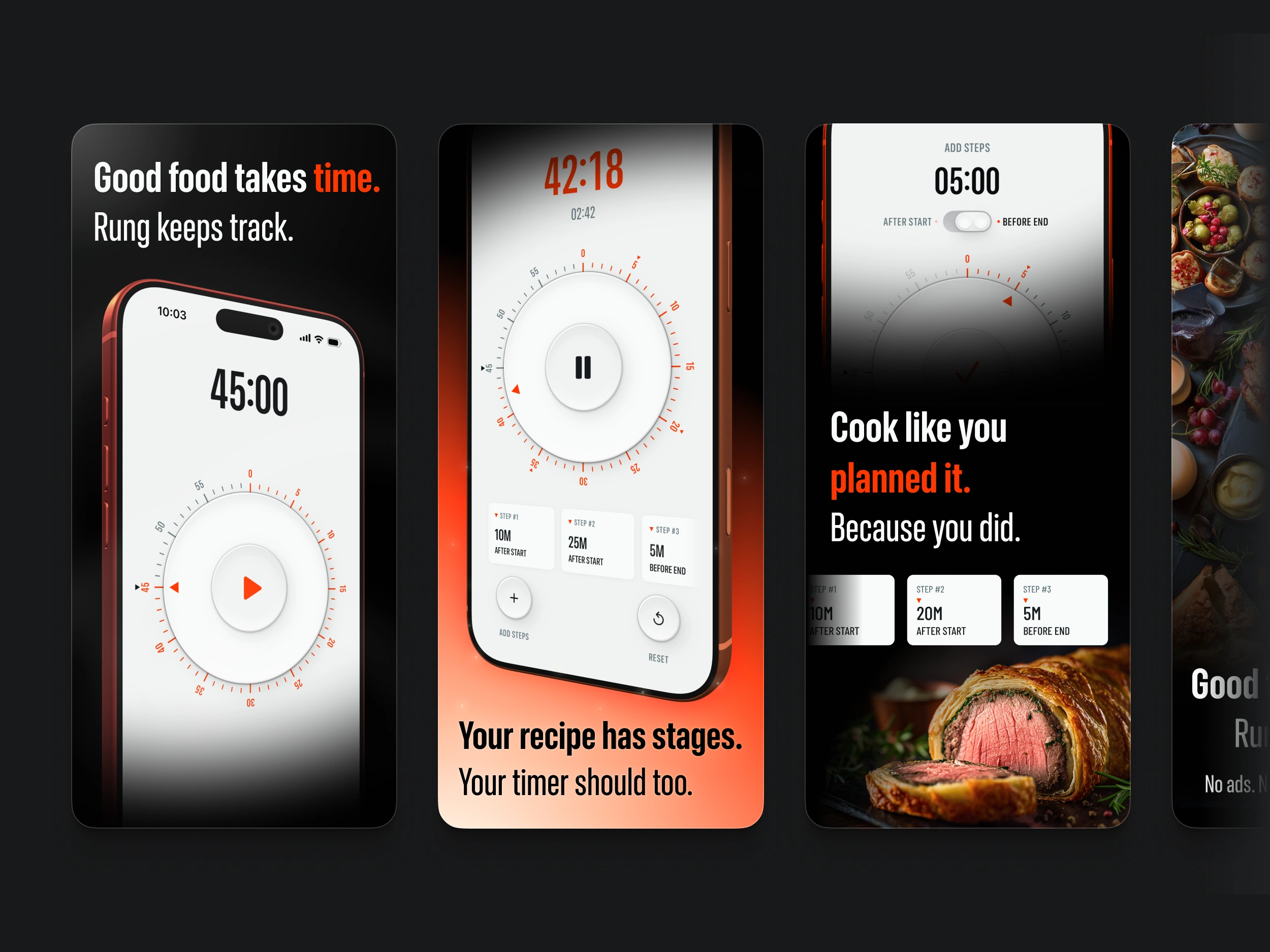
Rung Timer - App Store Screenshots
The problem
Most timer apps are built around a single-timer mental model. Fine for boiling pasta. Useless for anything more complex — a custard resting while your caramel is reducing while your oven is preheating.
My wife was labelling multiple alarms in the default clock app. Every cook I've seen do this has the same workaround. There was a real gap.
The design
I went to the Braun archive for reference — the T3 pocket radio, the KT kitchen timer. Objects with a rightness to them. That became the aesthetic direction: a rotary dial as the core interaction, signal orange as the only accent, everything else quiet.
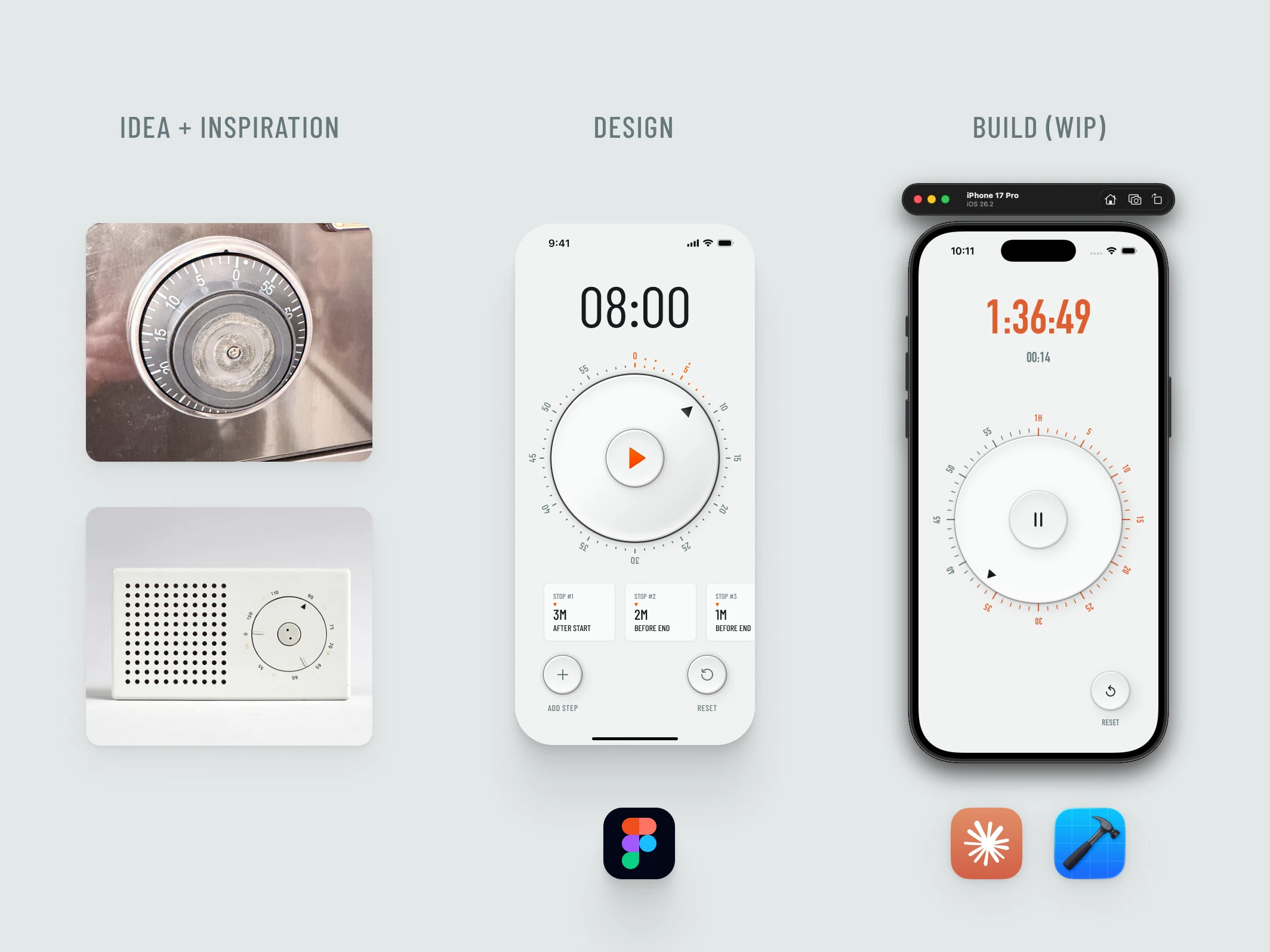
Rung Timer WIP
Building it
I'm a designer, not a developer. I used Claude Code as my implementation partner — design the component in Figma, write a tight prompt, run it, evaluate, iterate. Closer to art direction than writing code.
What I learned: AI tooling amplifies your taste — or your lack of it. The Figma work still had to be right first.
Building the app
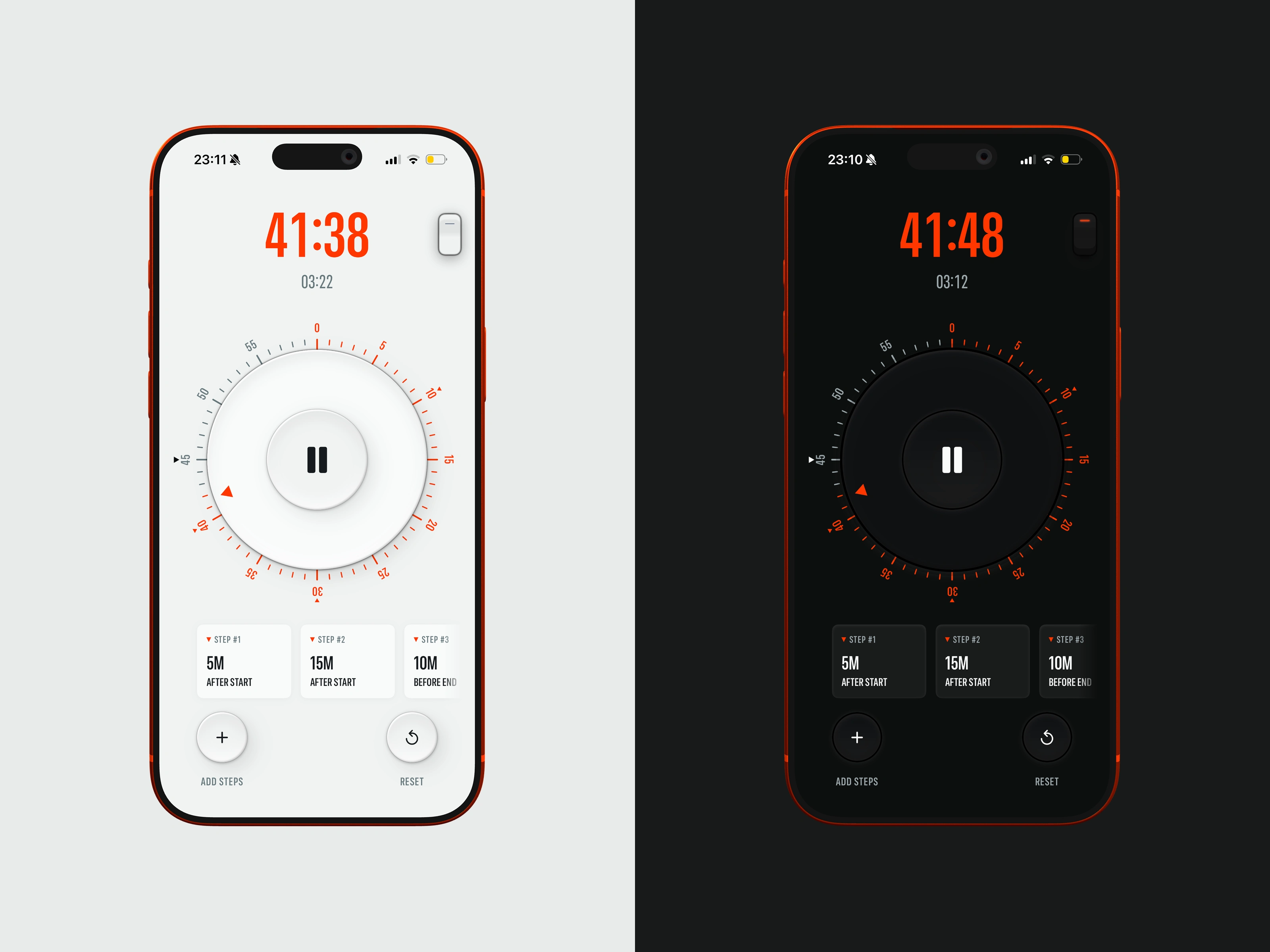
Light vs Dark mode
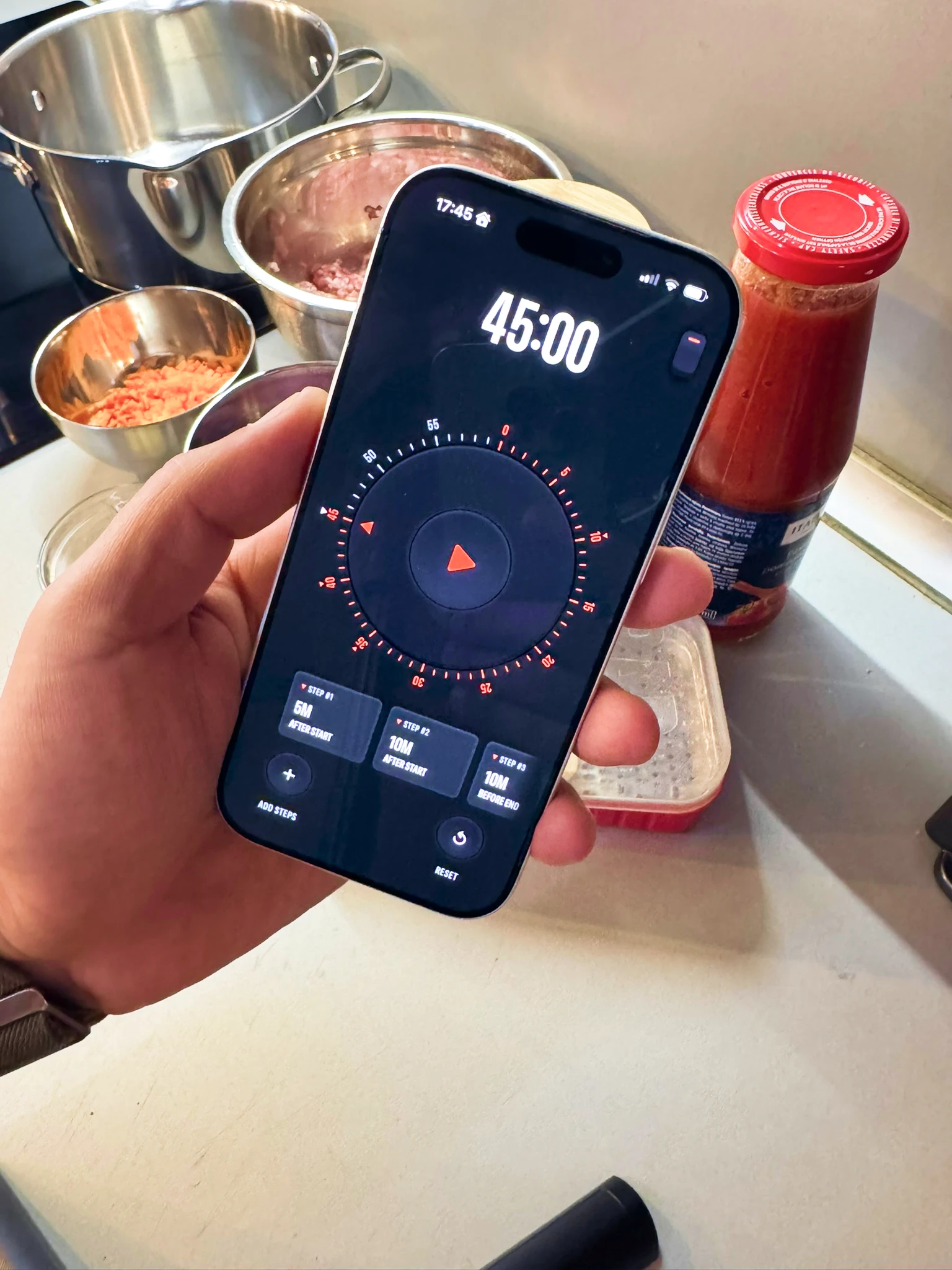
Real world testing
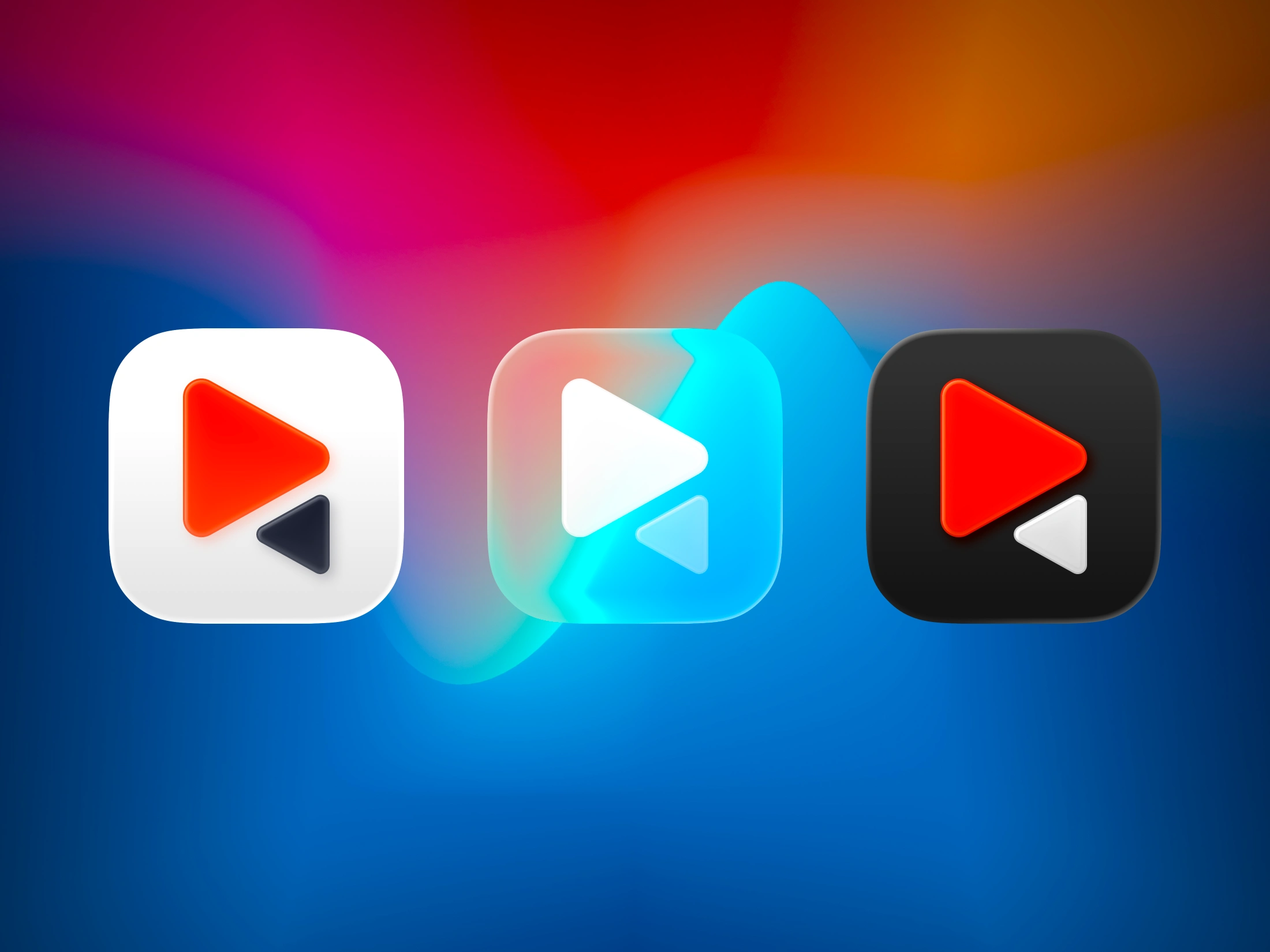
Rung Timer App Icon
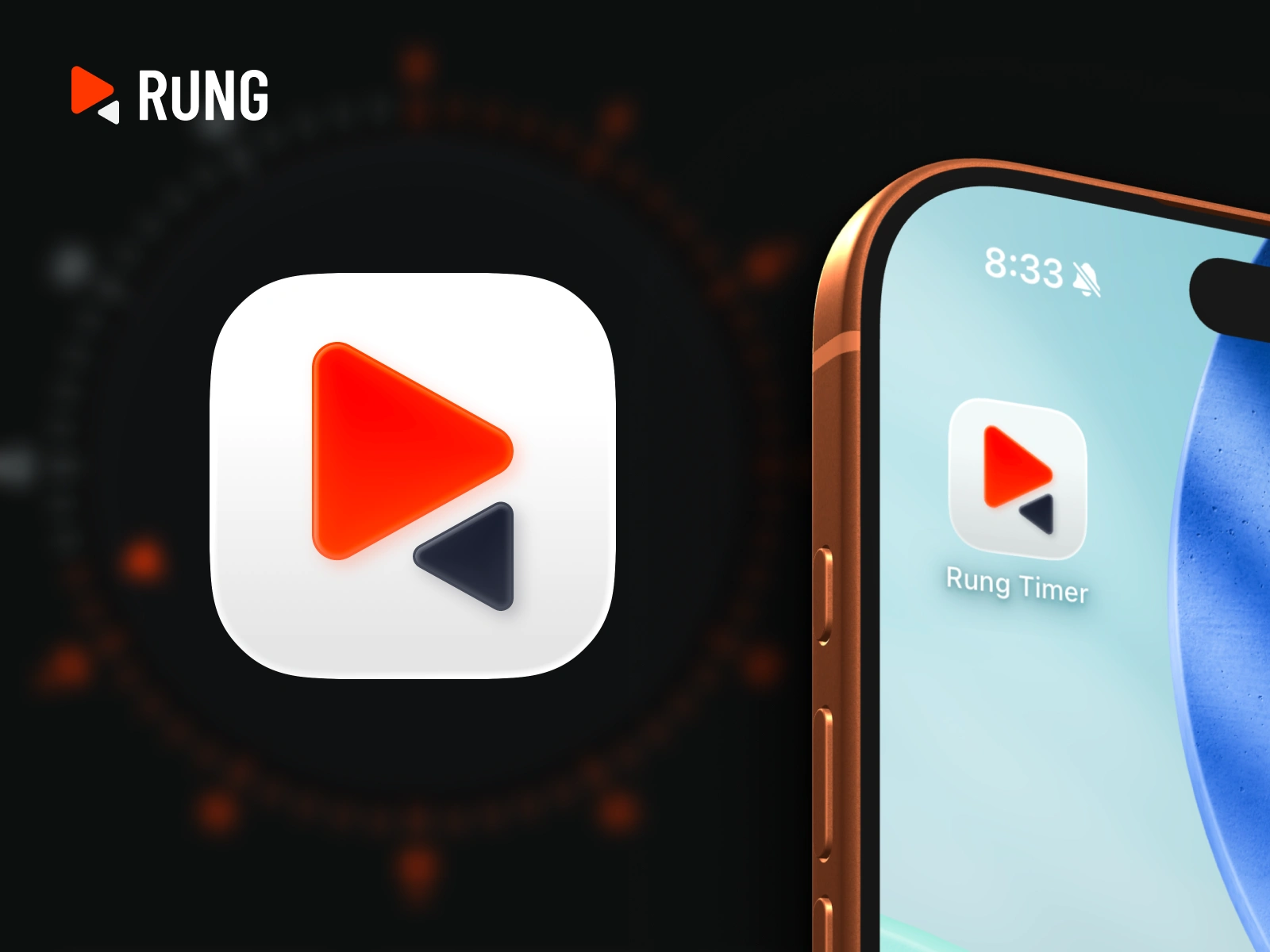
Rung Timer Logo and Icon
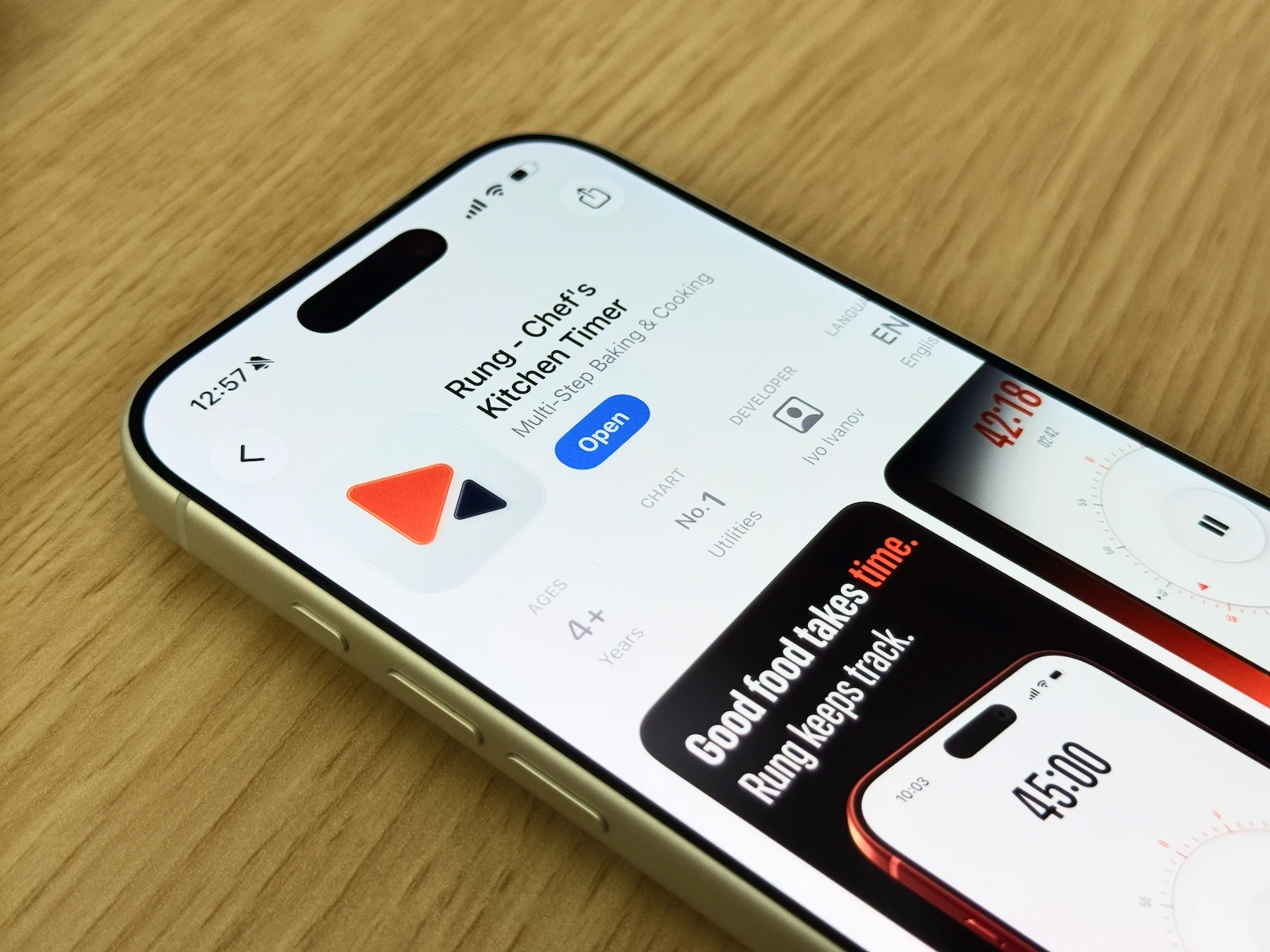
Rung Timer No.1 Paid Utility App
Looking for a senior design partner?
I work with a small number of SaaS, AI, and Fintech startups on monthly retainer. Let's talk
Like this project
Posted May 24, 2026
Designed and shipped a native iOS kitchen timer app — built for cooks who work in steps, not single countdowns. Solo project, zero dev background.
Likes
4
Views
122
Timeline
Mar 13, 2026 - Apr 3, 2026
Clients
UI Flip