Blur Photo Editor App Development

Jagwinder Singh


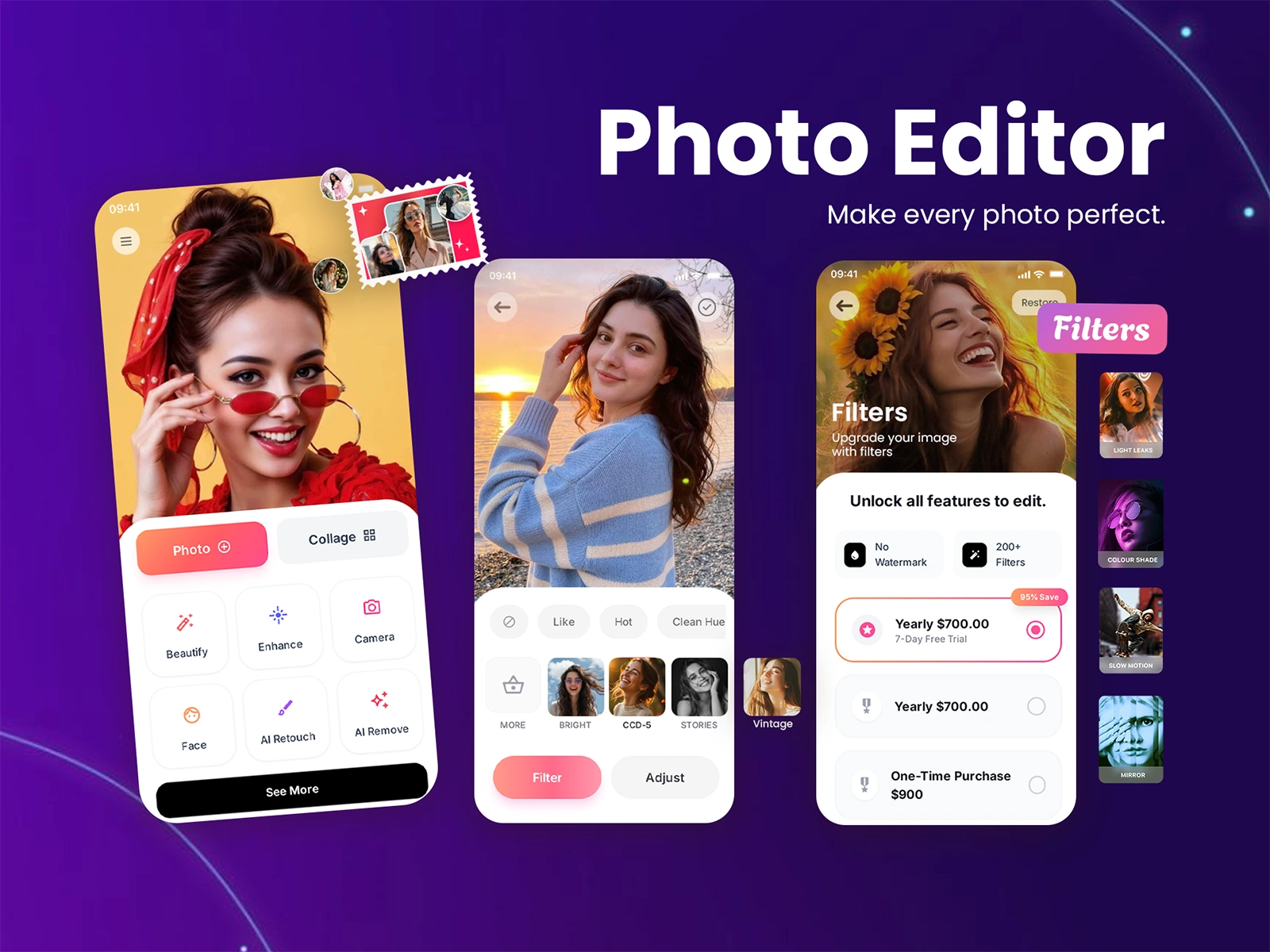
Blur Photo Editor App
Problem Statement
A lot of users want to blur backgrounds, hide sensitive details, or create portrait-style depth effects but most desktop tools are too complex.
Goal: Create a powerful yet beginner-friendly blur editor that works beautifully on mobile.
Objectives
- Provide precise background and object blur, adjustable by users
- Offer easy controls so even beginners can edit photos fast
- Support sharing to social platforms
- Deliver a smooth, responsive UI on iPhone/iPad
Core Features Implemented
Depth & Blur Tool: users can blur background regions with adjustable intensity and zoom focus, simulating depth-of-field effects like a professional camera.
Selective Blur Brush: brush over areas to blur specific parts (background, objects, etc.) with precision.
Photo Frames & Effects: stylish frames and editing effects to enhance aesthetics around the blurred image.
Export & Share: direct sharing to Instagram, TikTok, and other social platforms to showcase edited photos.
Architecture & Tech Stack
iOS Platform: Swift & SwiftUI for native performance
Image Processing: Core Image & Metal for real-time blur rendering
UI Design: Custom touch controls (brush, sliders) for blur intensity
Storage & Sharing: iOS Photos integration + share sheet support
UX Highlights
Simple workflows: One-tap blur + intuitive brush tools
Interactive sliders: Users adjust blur strength/precision without confusion
Preview before export: Real-time previews before saving
Outcome
A user-friendly mobile editor that helps anyone turn ordinary photos into professional-style portraits or privacy-protected images without steep learning curves.
Smooth performance even with high-resolution photos due to optimized Core Image pipelines.
Challenges & Solutions
Balancing performance & quality: Used Metal shaders for blur to keep UI responsive.
Precise masking: Developed custom brush logic to ensure accurate blur regions tailored by user touch.
Learnings
Controls matter: Users prefer visual blur results over technical settings.
Social sharing increases engagement: Smooth sharing boosted usage flow.
Like this project
Posted Feb 25, 2026
Blur Photo Editor Pro helps users easily add professional effects to photos, adjust focus and depth, and enhance images for sharing on social platforms.