Educational Video and Text Content | Blitzit

Danil Tkachenko
Verified
1 collaborator



Context
Blitzit is a productivity app designed to help users plan, prioritize, and focus on tasks through a structured, gamified system. I was invited to create educational content that would help users understand the product’s functionality and use it effectively in their daily workflows.
My work covered both video tutorials and Help Center documentation.
For video content, I managed the entire production process, including feature research, script writing, voice-over recording, and editing. The goal was to explain features clearly while maintaining a tone that feels practical and approachable.
For written content, I emphasized accuracy, clarity, and logical structure, helping users quickly find answers and understand how different parts of the product work together, with screenshots used to support key steps.
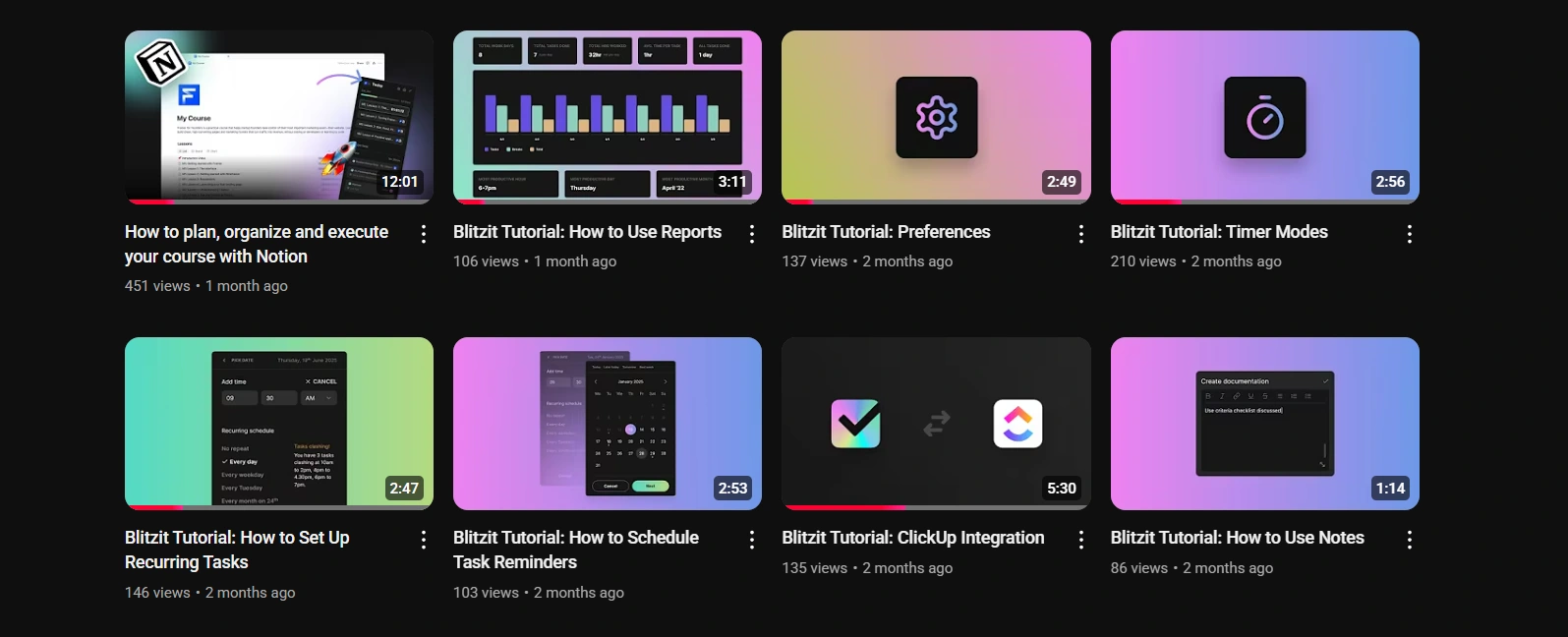
Blitzit's YouTube channel
Video examples
In “How to Sync Notion with Blitzit,” I guide users through setting up the integration and understanding how it works, translating a complex feature into clear, actionable steps while addressing key Notion and Blitzit nuances.
In the “Blitzit Mobile App Overview” video, I create an onboarding-style walkthrough of the Blitzit mobile app, introducing the core workflow step by step. The video explains task creation, prioritization, and focus modes in a clear sequence, helping new users quickly understand how to plan,and execute their work on the go while highlighting key differences from the desktop experience.
In the “Blitzy AI Agent” video, I introduce a newly released feature—an integrated AI agent. I tested the feature and structured the video around its current capabilities, presenting them in a clear, linear flow so users know what to expect and how to use it.
In the "How to Manage Multiple Google Calendars Without Losing Your Mind" video, I created value-driven content aimed at attracting organic traffic from people looking for guidance on using Google Calendar effectively. At the end of the video, I introduced the Blitzit app as a natural next step to encourage viewers to explore it.
In “How to Sync All Your Productivity Apps into Blitzit,” I demonstrate how different productivity tools can be connected using Google Calendar as a central layer. This required researching several third-party integrations and translating technical constraints into a straightforward, step-by-step process.
You can explore more of my work by visiting the YouTube channel.
Help Center articles
I planned and wrote Blitzit’s Help Center using Framer, creating feature guides and practical walkthroughs that support day-to-day use of the app. Alongside written explanations, I added visuals to make the content easier to follow, especially for first-time users.
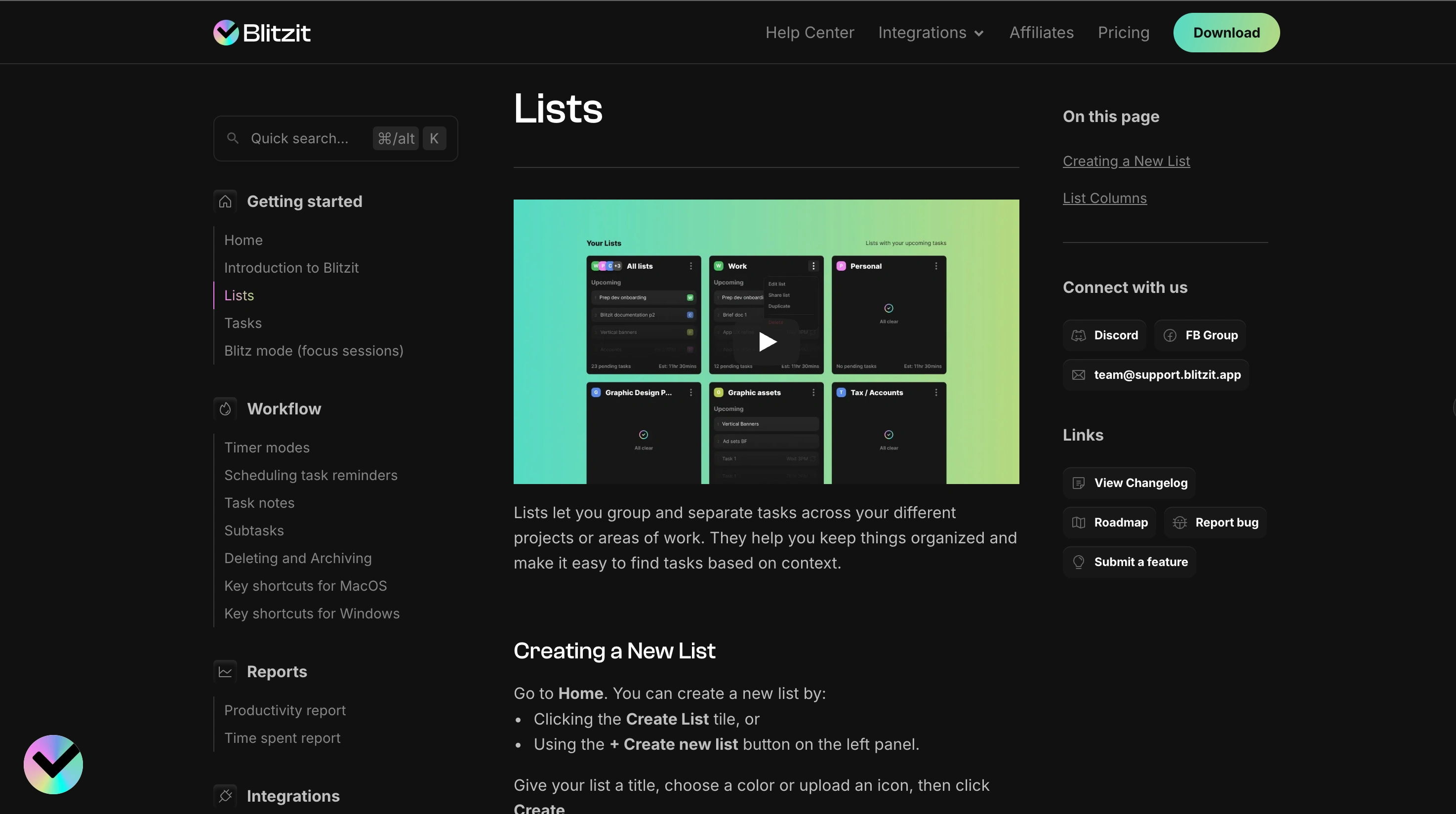
Blitzit's Help Center
This combination of video education and structured documentation helped create a cohesive onboarding experience for new users, making complex workflows approachable and actionable.
Like this project
Posted Sep 3, 2025
I created educational content for Blitzit, including video tutorials and Help Center articles.
Likes
0
Views
13
Timeline
Apr 16, 2025 - Ongoing
Clients
Blitzit
Collaborators