To do List Application

Sahil S


TaskFlow: Reimagining the Humble To-Do List
Overview
Project: TaskFlow a minimalist, cross-platform task management app
Role: Product Design & Development
Duration: 12 weeks (Discovery → Launch)
Platforms: iOS, Android, Web
Team: 1 Product Designer, 2 Engineers, 1 PM
TaskFlow set out to answer a deceptively simple question: why do most people abandon to-do list apps within two weeks of downloading them? The result is a task manager built around behavioral psychology rather than feature bloat — prioritizing habit formation, low-friction capture, and a design language that rewards completion instead of shaming procrastination.
The Problem
Task management apps are one of the most saturated categories in the App Store, yet churn rates are brutal. Our discovery research surfaced three recurring pain points:
Setup fatigue — Users abandoned apps that required extensive configuration (projects, tags, priorities) before they could add a single task.
Guilt-driven UX — Overdue task counters, red badges, and aggressive notifications made users avoid opening the app rather than engage with it.
Context switching cost — Capturing a task took too many taps, so users defaulted back to sticky notes and native reminders.
Research Snapshot
We interviewed 24 users across three segments (students, freelancers, and corporate professionals) and ran a 2-week diary study with 40 participants tracking their existing task-management habits.
Goals & Success Metrics
We defined success not by feature count, but by retention and emotional sentiment:
Reduce time-to-first-task from an industry-average ~90 seconds to under 10 seconds.
Increase 30-day retention above the category benchmark of ~15%.
Design a "forgiving" system — one that doesn't punish users for missed tasks.
Ship a lightweight MVP in 12 weeks without sacrificing polish.
Design Process
1. Information Architecture
Rather than starting with lists and projects, we started with capture. The entire IA was restructured around a single global "Add Task" affordance available from any screen, with natural-language parsing (e.g., typing "call mom tomorrow at 5pm" auto-populates the due date and time).
2. Wireframing & Prototyping
We ran three rounds of low-fidelity prototypes in Figma, tested with 8 users per round using a think-aloud protocol. Key pivot: early versions used a folder-based project system; usability testing showed users found this to be the single biggest source of setup fatigue, so we replaced it with flexible, optional tags applied after task creation.
3. Visual Design
The visual language leans on:
A calm, muted palette (soft blues and greens) instead of alarm-red overdue states
Micro-animations on task completion (a satisfying checkmark "settle" motion) to reinforce positive reinforcement loops
Progressive disclosure — advanced features (recurring tasks, subtasks, priority levels) are tucked behind a single "..." menu, invisible until needed
4. Interaction Details
Swipe-to-complete and swipe-to-snooze gestures reduce task management to single-hand, single-motion actions
Overdue tasks are gently "rolled forward" to today rather than displayed as a shameful backlog
A weekly digest (not a daily nag) surfaces patterns like "You complete 80% of tasks added before noon"
Technical Approach
Frontend: React Native for shared iOS/Android codebase; React + TypeScript for web, sharing a common design-system component library
Backend: Node.js with a lightweight sync engine supporting offline-first capture and conflict resolution
Natural Language Processing: A lightweight on-device parser for date/time extraction, avoiding server round-trips for the core capture flow
Notifications: Redesigned around a "single daily digest" model by default, with granular opt-in for real-time reminders — directly addressing the guilt-driven UX pain point
Challenges & Trade-offs
Challenge: Simplicity vs. Power Users
Early beta feedback from power users demanded robust project hierarchies and Gantt-style views. Rather than compromise the core simplicity, we scoped these into a clearly separated "Pro" mode accessible via settings, keeping the default experience untouched.
Challenge: Natural Language Parsing Accuracy
Our first parser misinterpreted ambiguous phrases roughly 30% of the time (e.g., "next Friday" during a Friday session). We solved this with an inline confirmation chip showing the parsed date/time before final save, cutting misfires to under 5%.
Challenge: Cross-Platform Sync Reliability
Offline-first architecture introduced sync conflicts when users edited the same task on two devices. We implemented a last-write-wins strategy with a visible "merged" toast, prioritizing simplicity over full operational-transform complexity given the MVP timeline.
Like this project
Posted Sep 6, 2026
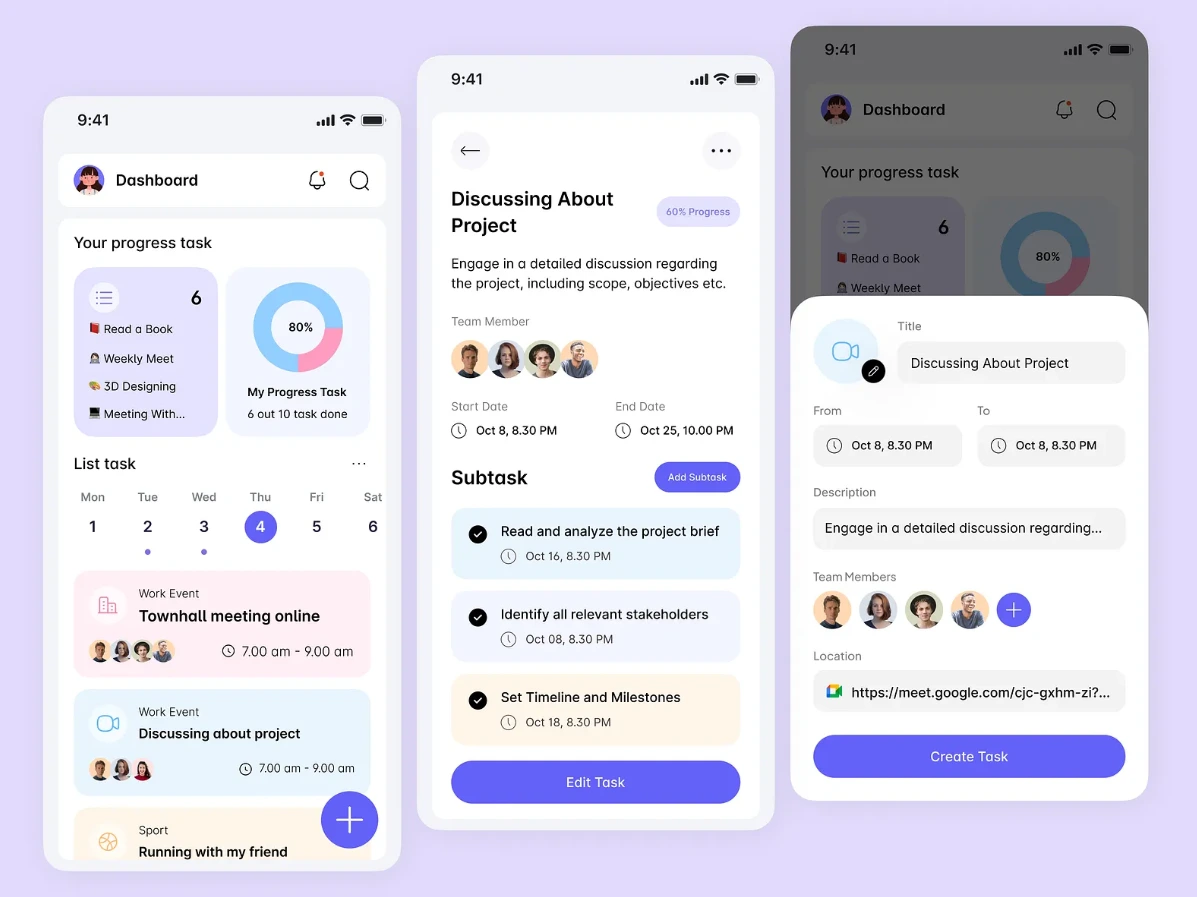
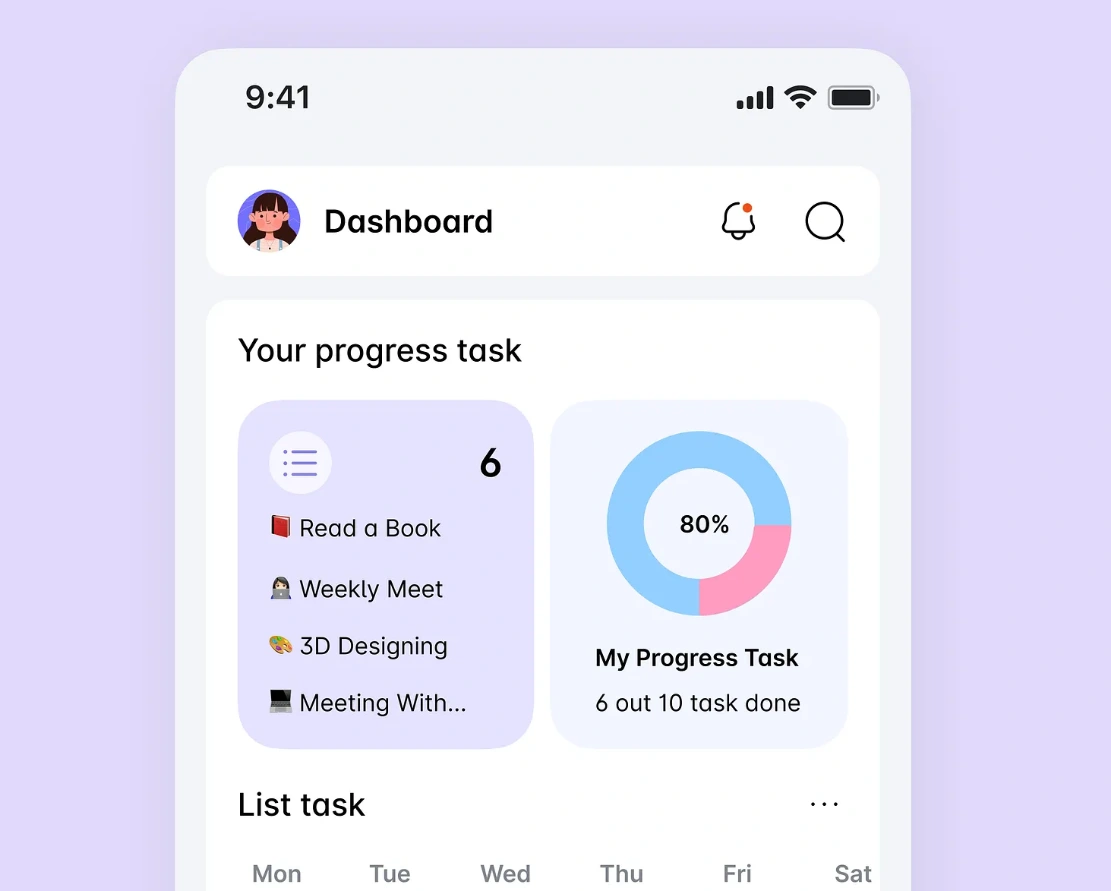
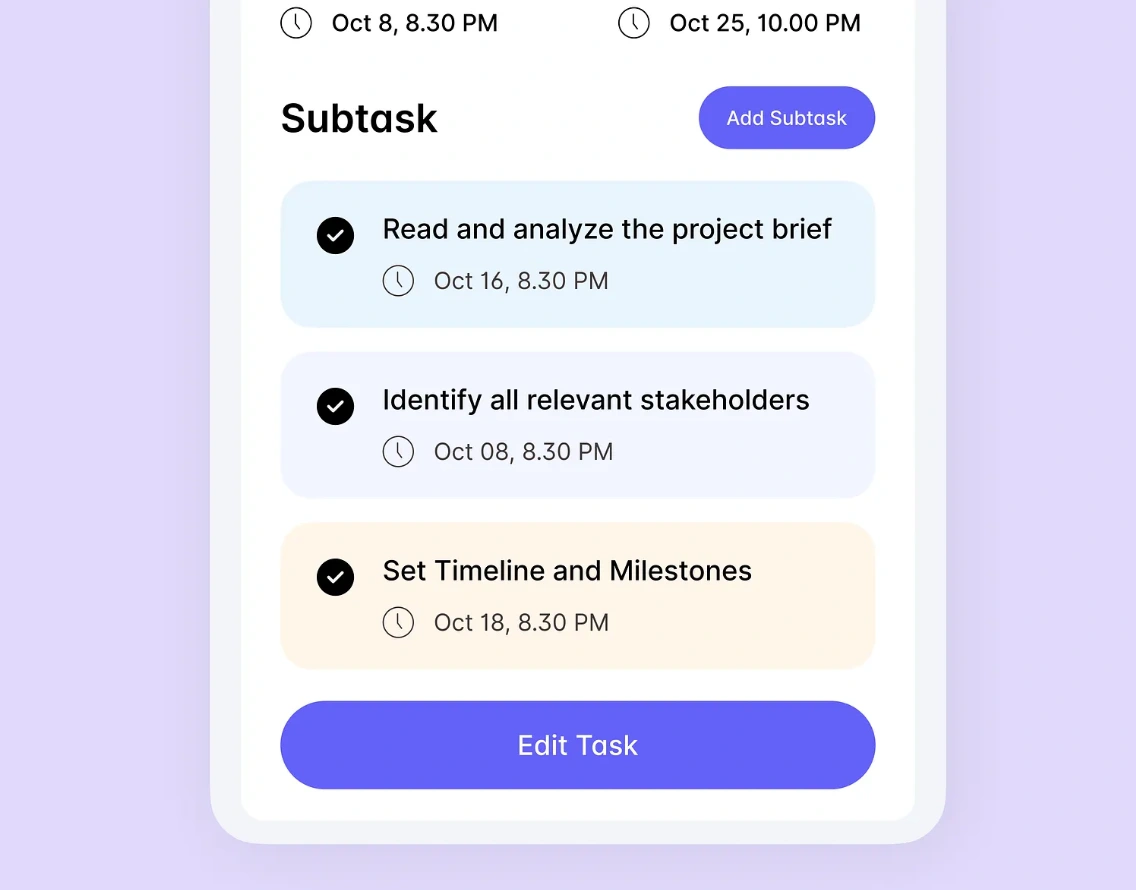
TaskFlow application for managing daily tasks. User can create account set daily reminders, view tasks and can manage their daily activities via application.
Likes
0
Views
24