Glean — Private, On-Device iPhone Document Scanner

Zahid Hussain


Overview
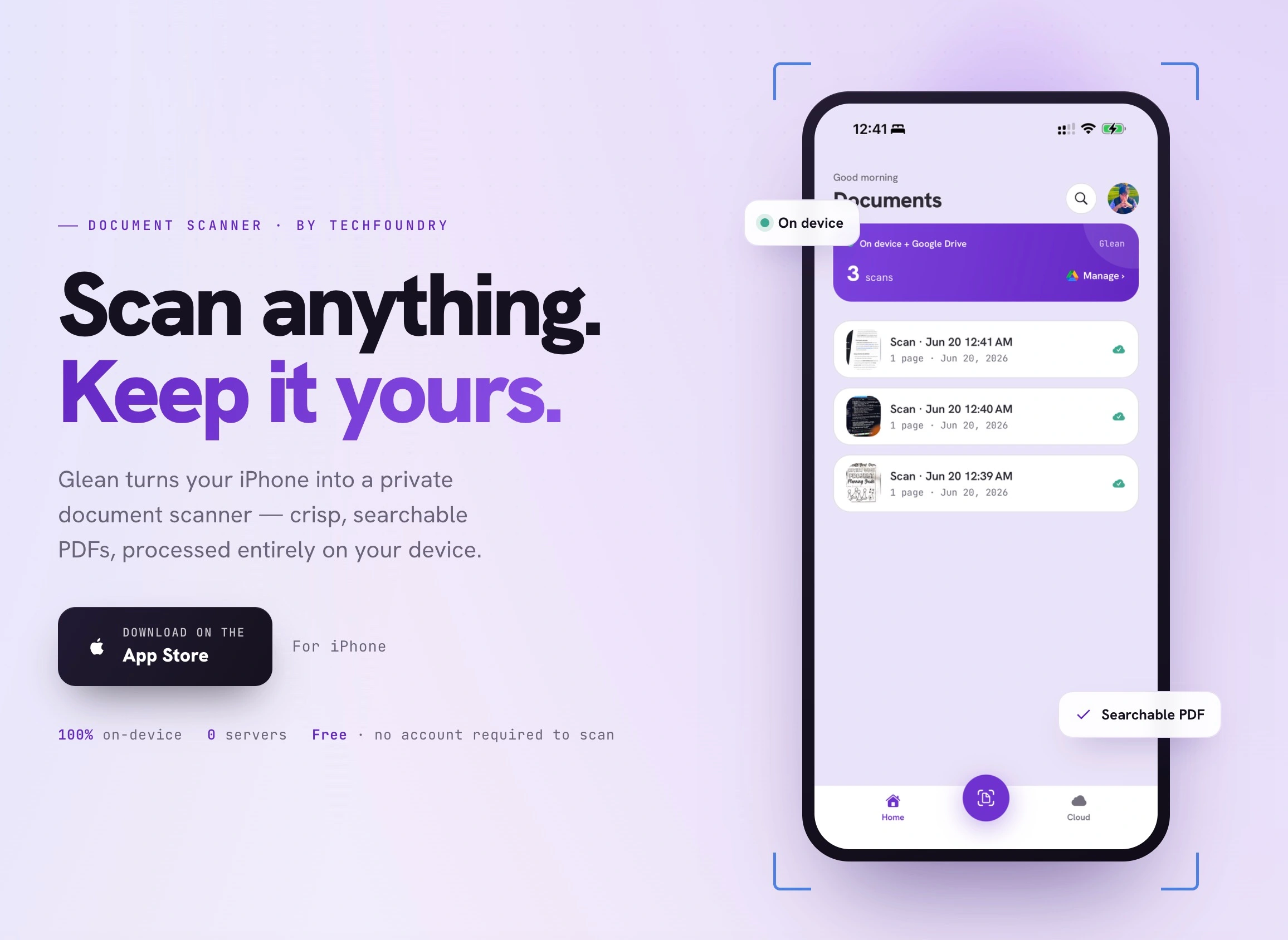
Glean turns an iPhone into a private document scanner — capture anything and get a crisp, searchable PDF, created entirely on the device. I designed and built it end to end: product, UI/UX, and engineering, under my studio TechFoundry, and shipped it to the App Store.
The problem
Most scanner apps route your private documents — IDs, contracts, financial paperwork — through someone else's servers to process, store, and recognize text. The gap in the market was a scanner that is genuinely private by architecture, not just in its marketing.
The approach: private by design
Every sensitive operation runs entirely on the device. Scanning, edge detection, clean-up, and text recognition all happen on the iPhone — no servers ever see the documents, and there is no analytics or tracking. Cloud sync is opt-in and points to the user's own Google Drive folder, so they keep control of where scans live.
What it does
Scan and clean up — automatic edge detection and perspective correction; one-tap Clean up removes shadows and glare, whitens the page, and sharpens the text. Searchable PDFs — on-device text recognition makes every scan searchable and copyable, with no internet required. Your storage, your choice — every scan is saved on the device and is even visible in the Files app; connect Google Drive only if you want a cloud copy in a folder you control, and turn it off anytime.
How it works
Three taps from a stack of paper to a tidy PDF: Scan — Glean finds the edges, straightens the page, and captures multiple pages in a row. Recognize — text is read on-device and layered into the PDF, so it is searchable the moment it is made. Save — keep it on the iPhone, share it, or send a copy to a Google Drive folder.
Google Drive sync
Connect a Google Drive account and Glean saves each scan straight into a folder you choose — so it's on your computer the moment you finish scanning. No cables, no emailing a PDF to yourself, no AirDrop, no manual copying from phone to laptop: the file is simply already there. Sync is optional and off by default, so you turn it on only when you want a cloud copy on your terms, and you can disconnect anytime.
Tech
React Native (Expo) with native iOS scanning and on-device text recognition (OCR). Sign in with Apple or Google; delete account and data anytime.
Live on the App Store: https://apps.apple.com/app/id6782263456
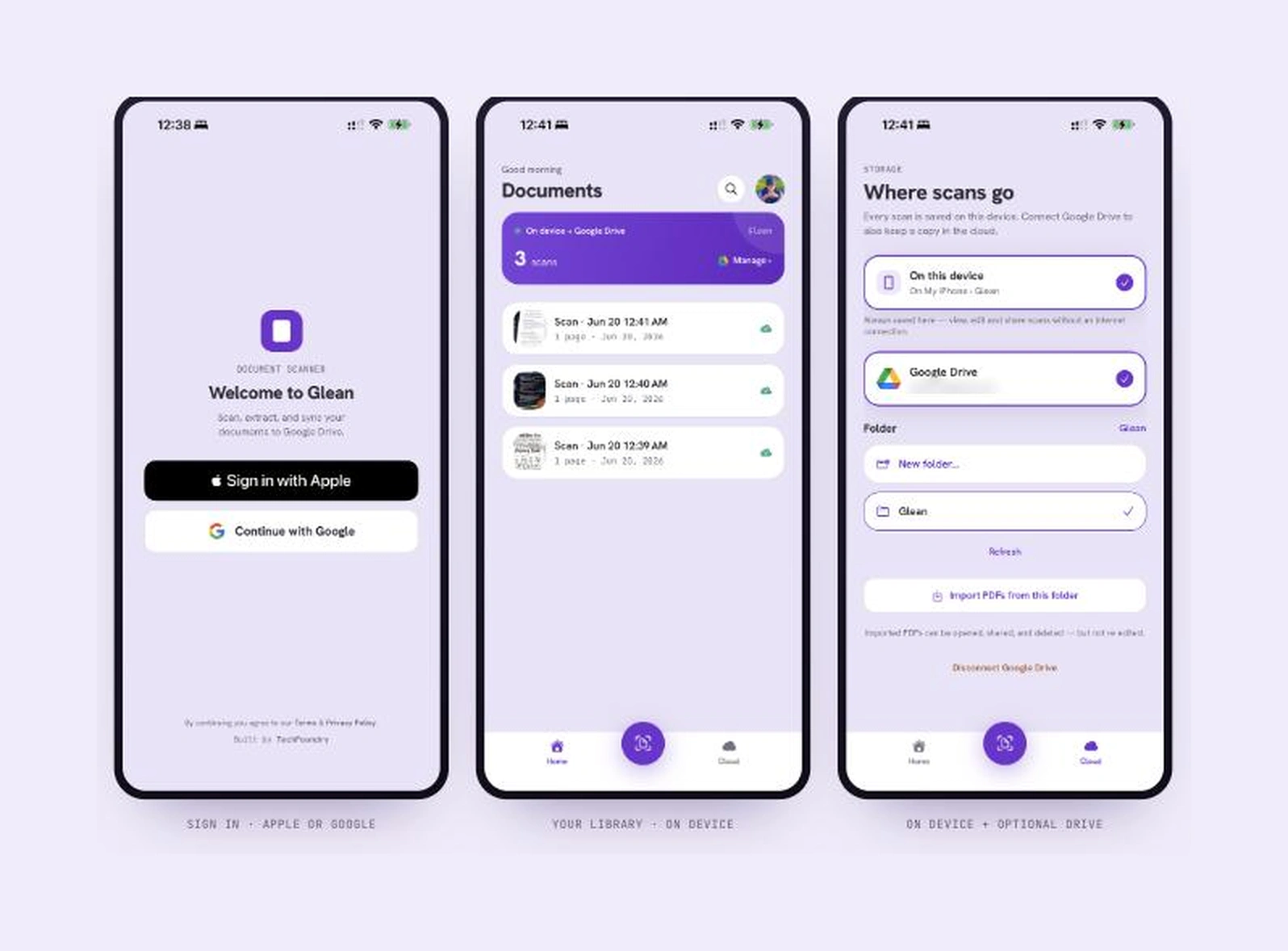
Sign in with Apple or Google, a scan library kept on the device, and optional Google Drive sync to a folder you choose.
Like this project
Posted Aug 12, 2026
iOS scanner that turns paper into crisp, searchable PDFs entirely on-device — no servers, fully offline. Designed and built end to end. Live on the App Store.
Likes
2
Views
33