Professional Bussiness card creation

padma ram


It is important for you to know various aspects involved in designing a professional business card to ensure that it best represents you and your business. The following are the indispensable steps and tips on how to create a professional business card.
1. Define its Purpose and Audience
Purpose: What do you hope to get out of your business cards? Are you selling a product, service or promoting yourself?
Audience: Who will receive this card? Thus, make sure that the design and information appeals to your target audience.

2. Choose what Information to Include
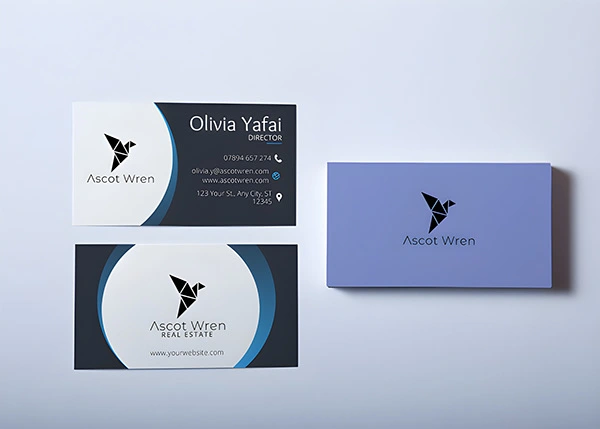
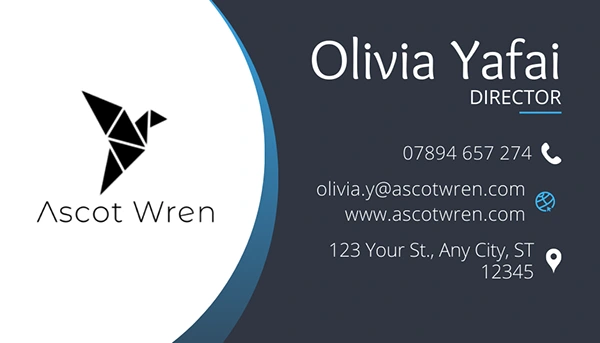
Must-have details:
Name: Your full name or nickname as commonly known.
Job Title: The position or role one plays within an organization.
Company Name: This is simply the title of your association/enterprise.
Contact Information: Telephone number(s), email address(es), physical address (es) if applicable etc…
Website: What’s your company website or personal portfolio for example?
Social Media Handles: LinkedIn among other social media platforms would be very appropriate for finding professionals in such arenas.
3. Design Elements
Logo: One should have their own company’s logo which must be high resolution.
Brand Colors: Use colors that resonate with your brand's color scheme.
Typography- It is advisable to select professional fonts that are easy to read; usually, 1 – 2 font types are enough and they work just fine.
Layout – Keep the layout clean and organized; avoid cramming text together while balancing it with white space.
4. Quality Material and Finish
Paper Quality: Use only durable high-quality cardstock that feels professional.
Finish: Choose between matte, glossy, or textured finishes to create different impressions.
Special Touches: There is the option of embossing, foil-stamping or spot UVing your
card to make it a standout
5. Digital Considerations
Print-Ready Format: Design file should be print-ready (normally CMYK color mode and 300 dpi resolution).
Bleed Area: To avoid having white edges after trimming, you need a bleed area in your design.
6. Review and Proofread
All information has to be re-examined for accuracy.
Make sure there are no misspelled words or grammar mistakes.
Get someone else’s opinion on the design or even have it reviewed by another person.
7. Printing and Distribution
Choose a reputable printing company with excellent printing services.
Start by ordering a small quantity just to be certain that the quality is as expected before doing large-scale production runs.


Like this project
Posted May 9, 2026