
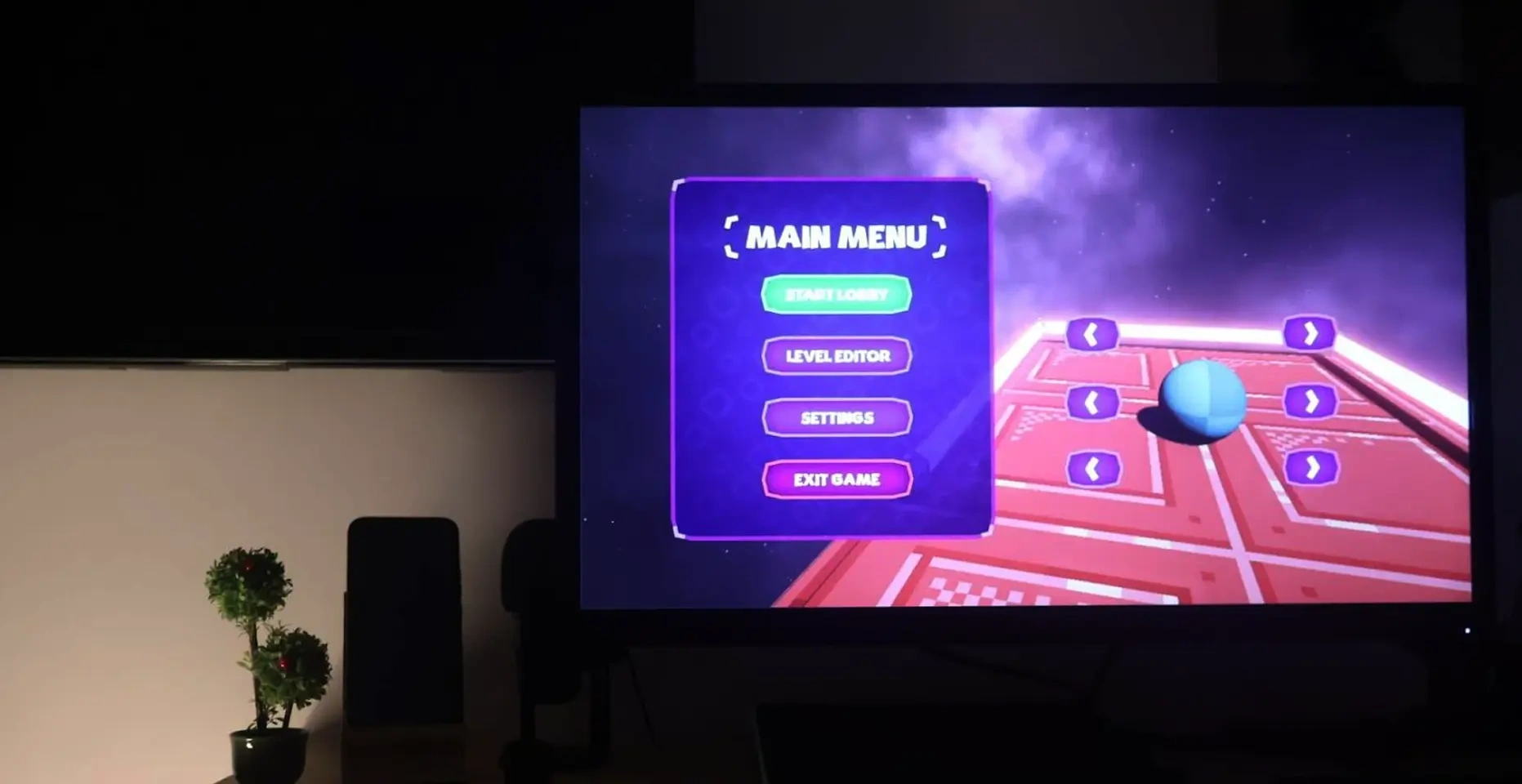
Astroball: A New Spin on Spatial 3D UI
Astroball is a 3D arcade game that challenges players to navigate a futuristic landscape with spatial UI elements.
At Cluxio, I handled the complete UI/UX design, creating dynamic, spatial interfaces for settings, pause screens, player lobbies, and level editors.
The objective was to craft a cohesive experience using 3D UI elements to maintain immersion while ensuring clarity across all screens.
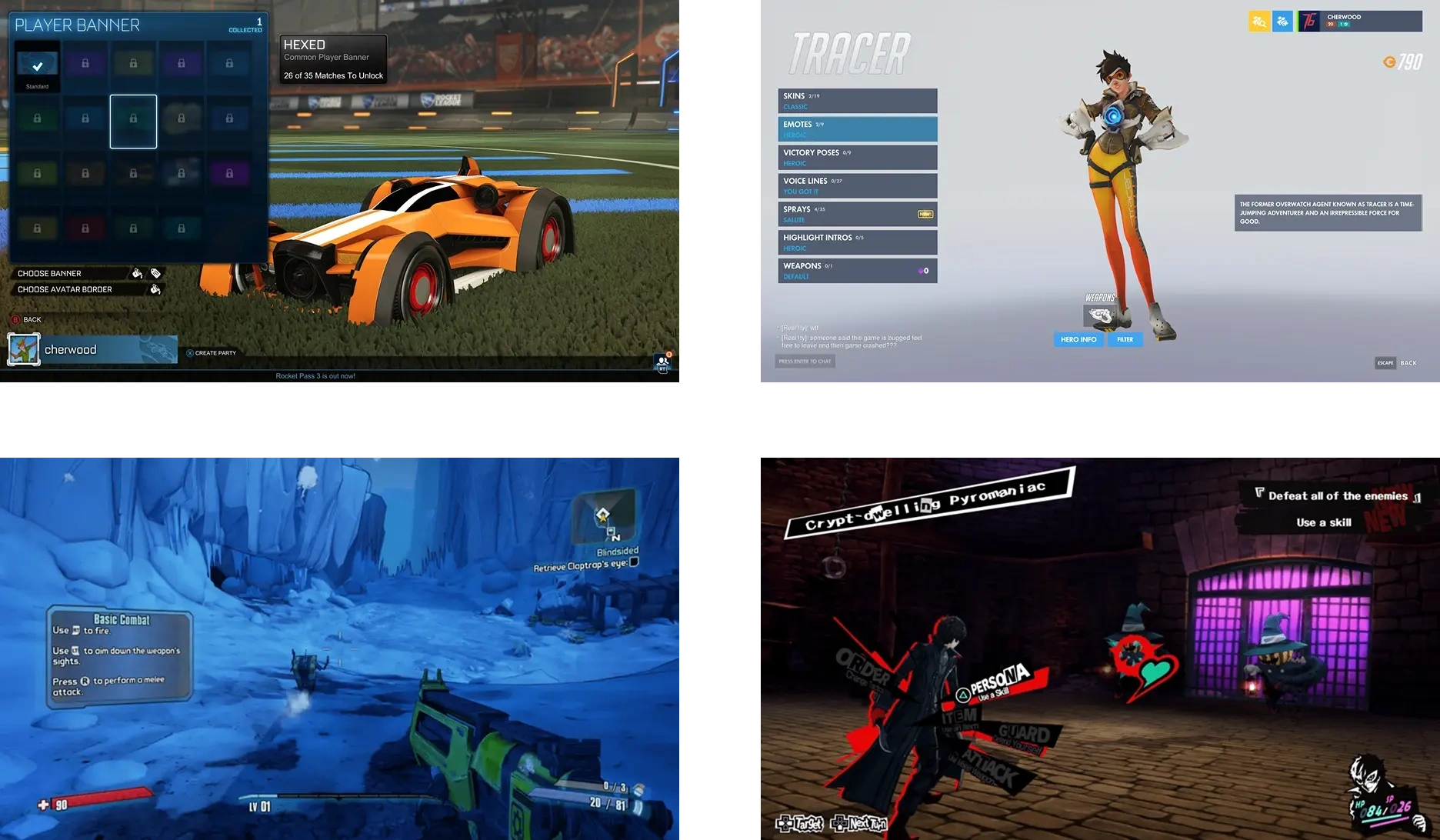
Crafting a Spatial UI for a Futuristic Arcade Game
When the client approached me, they had some initial screens in place, but the style felt inconsistent and disjointed.
Why Spatial UI: A 3D spatial approach could elevate the arcade feel while keeping focus on readability and quick decisions.
Goal: Build a cohesive, futuristic visual language that ties menus, lobby, settings, pause, and the level editor into one immersive experience.
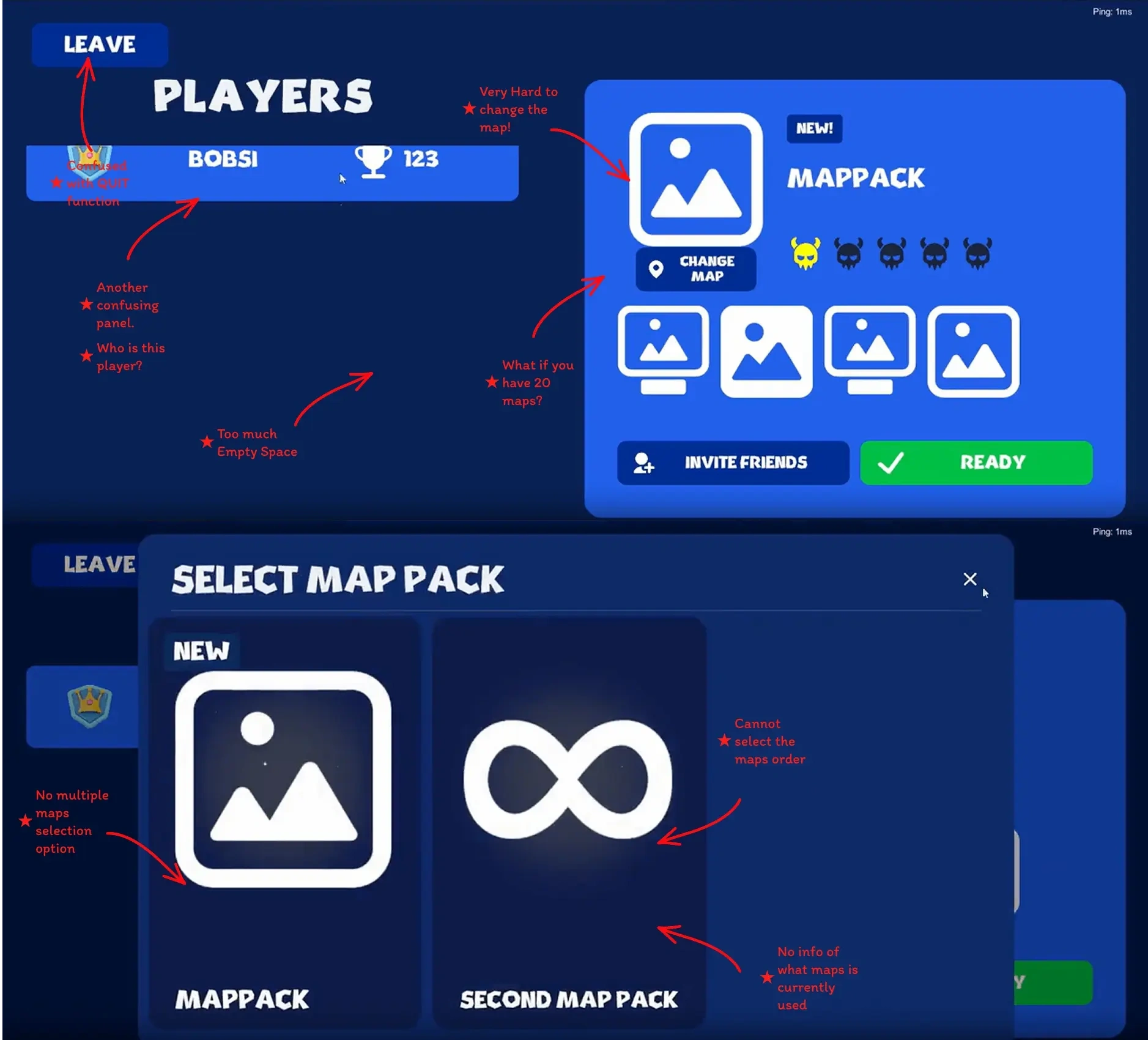
Transforming Old Interfaces into 3D Spatial Experiences
The client’s initial Player Lobby and Level Editor used mixed styles and lacked a shared system.
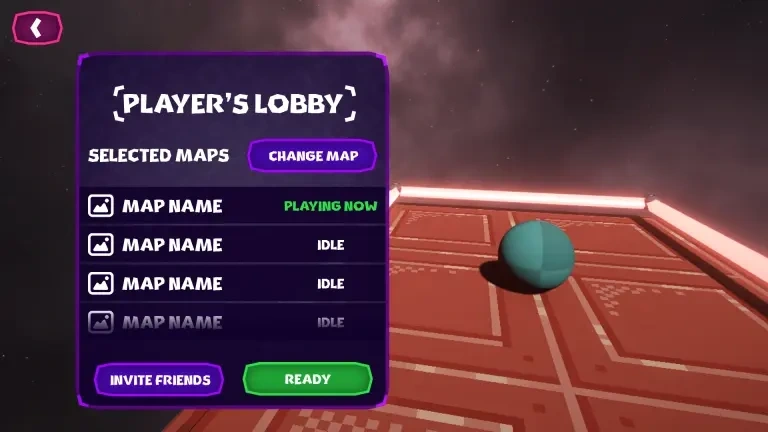
Player Lobby: Redesign match setup to feel futuristic yet instantly scannable for party state, slots, and readiness.
Level Editor: Reduce clutter and organize creation tools in a spatial layout that reads at a glance and works with controllers/mouse.
Consistency: Unify Main Menu, Pause, Quit, and Settings without losing the 3D depth and atmosphere.
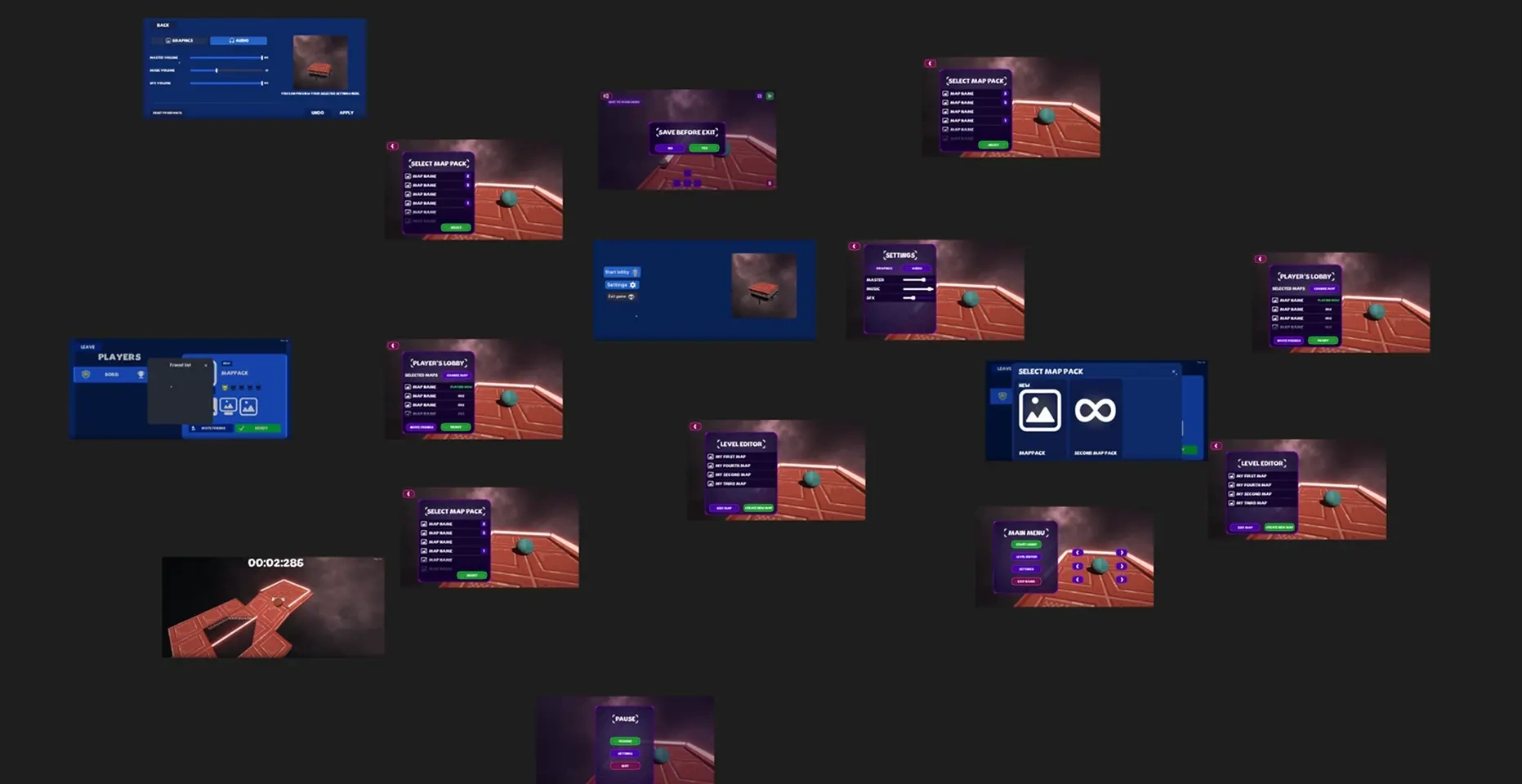
Rebuilding Astroball’s Interface from Scratch
Starting from the client’s initial screens, I proposed a ground-up rebuild using a consistent spatial UI system.
Initial Screens: Audited layout and flow; documented inconsistencies and friction points.
3D Spatial Approach: Introduced panel depth, parallax groupings, and in-world framing to maintain immersion across screens.
Pixel-Perfect Detailing: Calibrated typography scale, icon weight, and spacing to balance futurism with legibility.
Screens That Define Astroball
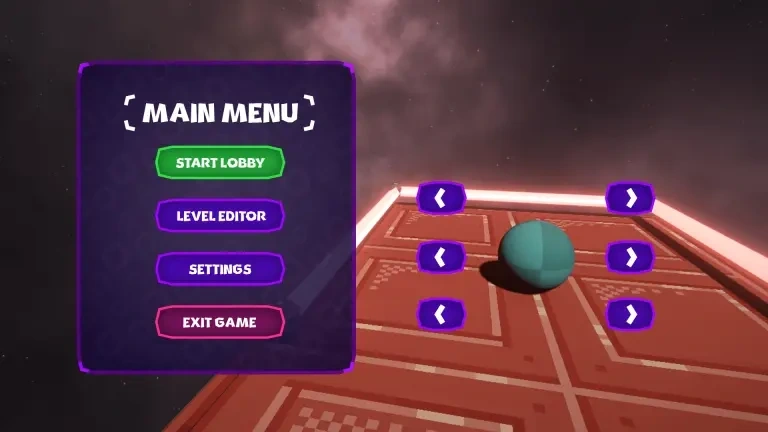
Main Menu
Entry point to the game with 3D spatial buttons and animated transitions.
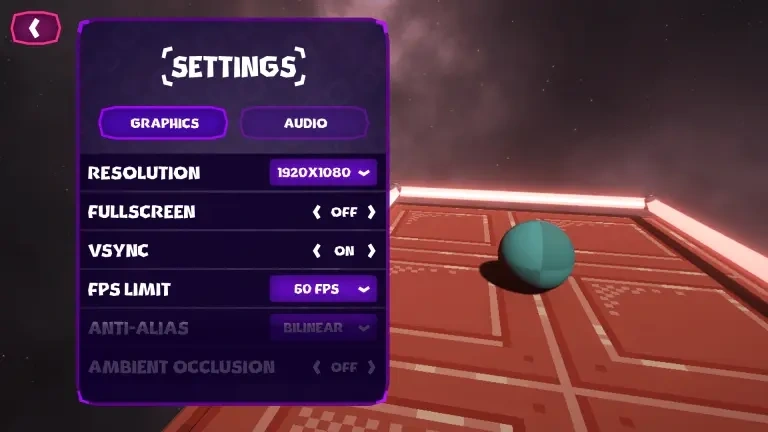
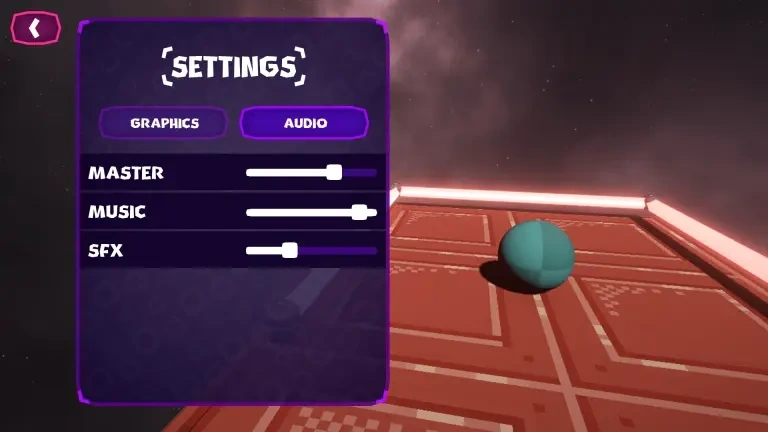
Settings
Two screens showcasing audio and graphics settings in a spatial layout.
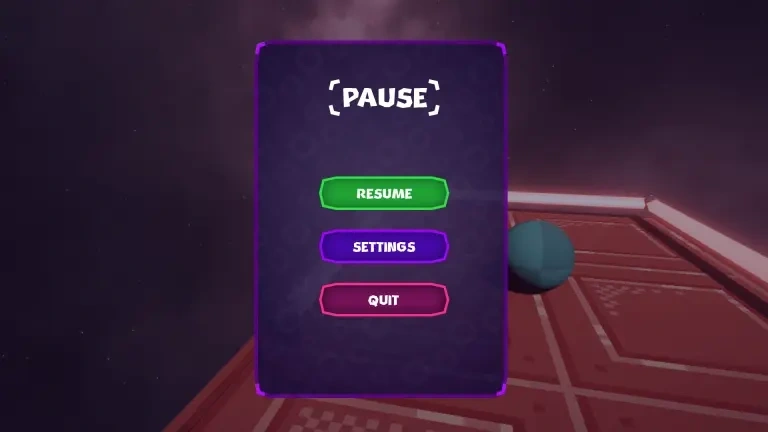
Pause Screen
Single screen overlay with resume and quit options, maintaining the 3D theme.
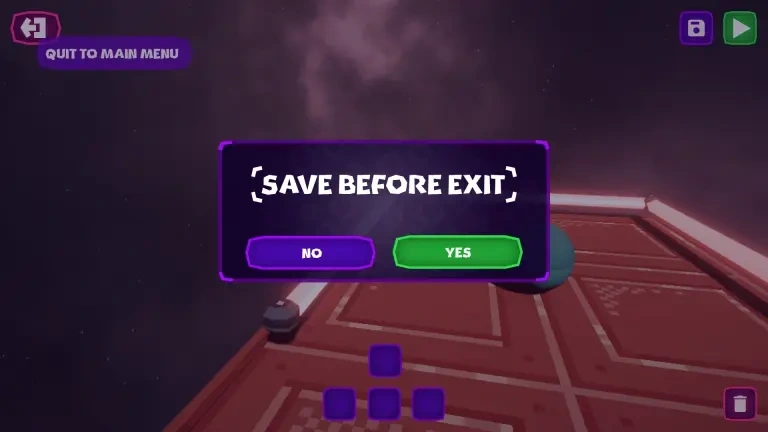
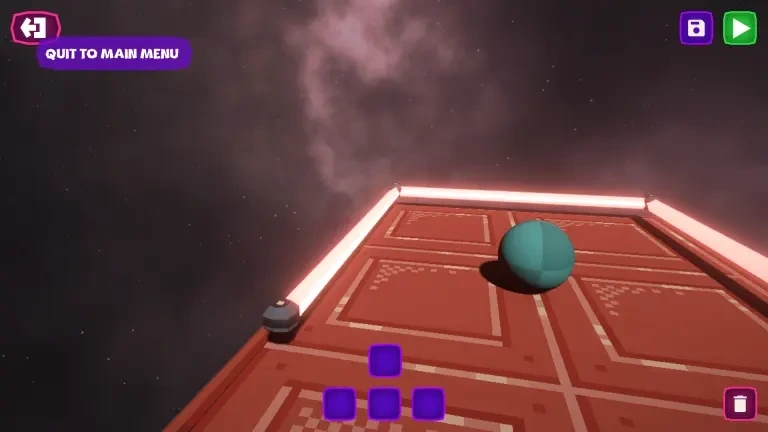
Quit Confirmation
A two-screen carousel confirming quit action with spatial UI elements.
Player Lobby
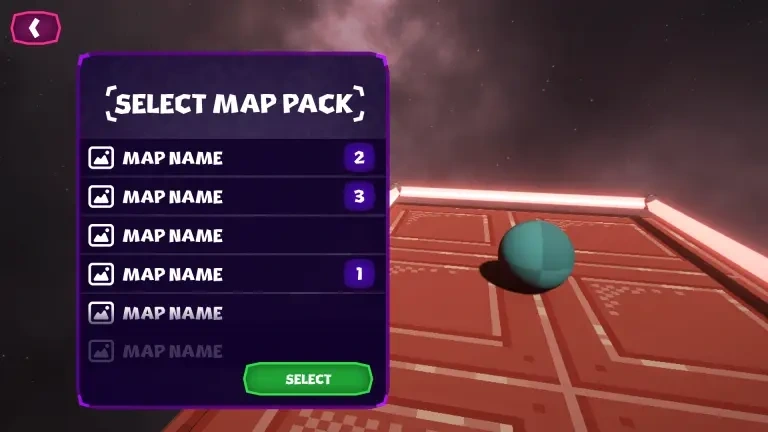
Player Lobby UI for joining or creating matches, aligned with the futuristic theme.
Level Editor
Single screen demonstrating level setup and testing within the 3D spatial interface.
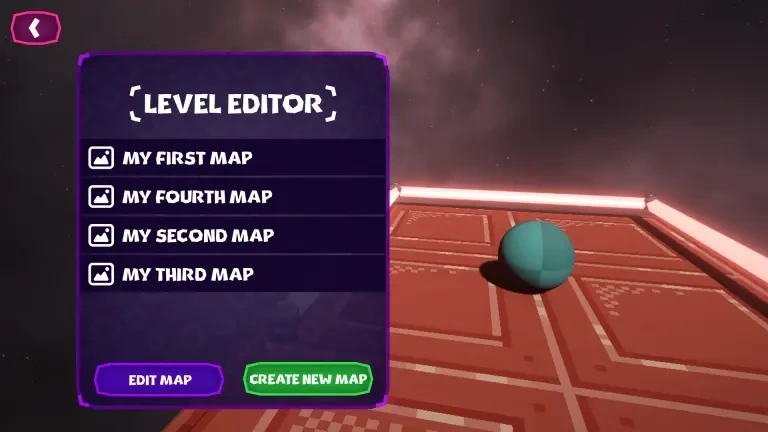
A Seamless 3D Experience
Implementing the 3D spatial UI brought Astroball’s futuristic concept to life and made the interface feel consistent across contexts.
Immersion + Clarity: Spatial panels, depth cues, and controlled blur created presence without sacrificing readability.
Quicker Orientation: Users could identify primary actions faster thanks to a stable layout grid and predictable panel hierarchy.
Implementation-Friendly: Reusable patterns (card modules, tabs, confirmation flows) reduced dev effort and UI fragmentation.
Cohesive Look & Feel: From Main Menu to Level Editor, the same spatial rules, motion timings, and type scales reinforced brand identity.
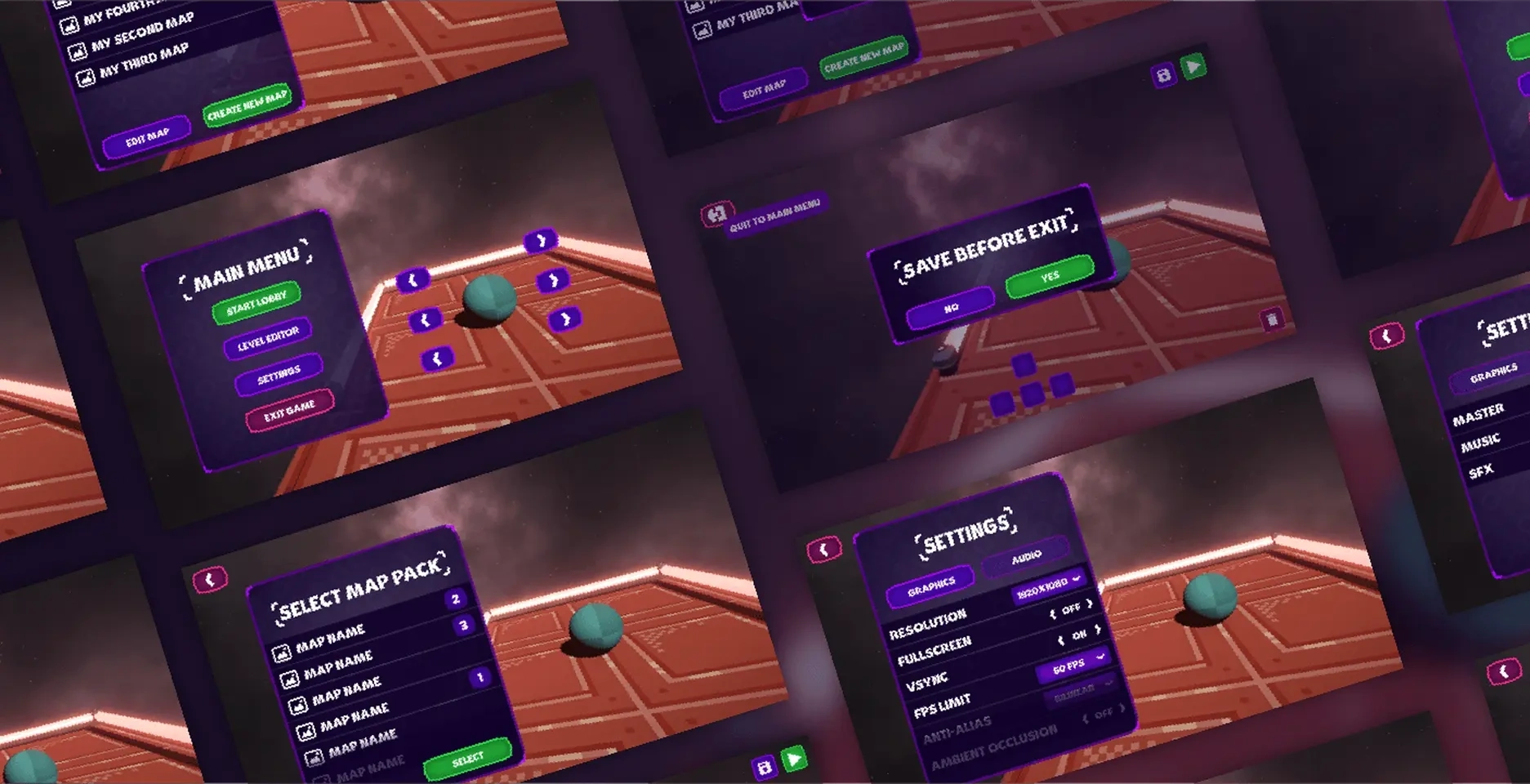
From Concept to Playable Reality
Astroball now ships with a cohesive spatial 3D UI that guides players through setup, gameplay, and creation without visual whiplash.
Streamlined Navigation: Main Menu, Lobby, and Pause screens share a common structure, so players always know where they are and what’s next.
Creator-Ready Tools: The Level Editor organizes controls into logical groups, making building and testing feel fluid instead of fiddly.
Production-Ready System: A consistent component set and motion guidelines make adding new screens faster and safer for the team.
0 likes · 36 views · May 28, 2024
Delivered spatial interfaces and immersive lobbies that make futuristic arcade gameplay feel seamless and easy to navigate.

