
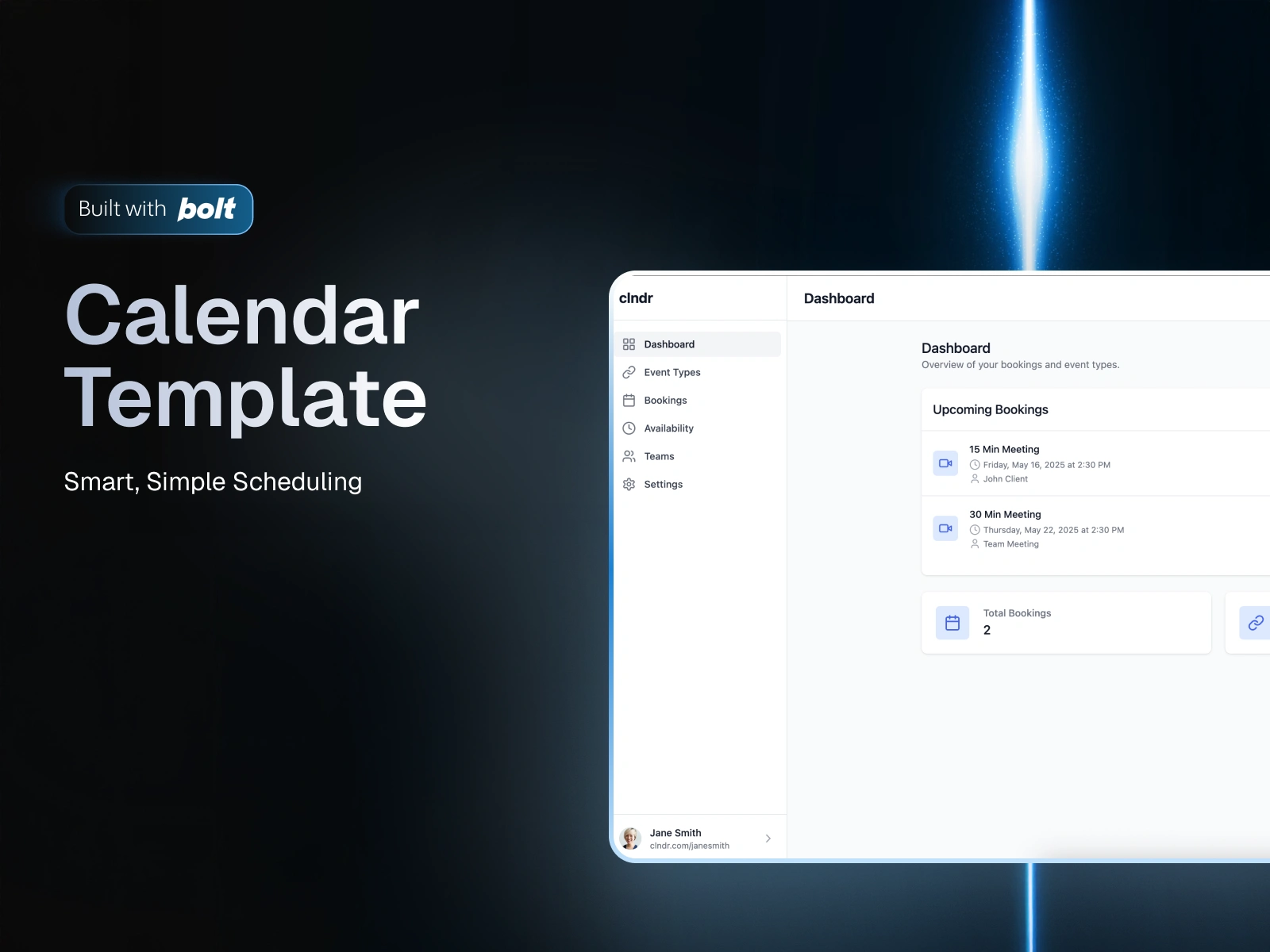
Template Name
CLNDR – Your Personal Meeting Scheduler
Smart, simple scheduling - now with notifications and powerful booking actions.
Purpose / Use Case
CLNDR is a sleek, no-fuss scheduling app designed to make booking meetings feel frictionless. Whether you’re coordinating quick calls or managing a team’s calendar, CLNDR gives you control over your availability, booking links, and reminders — all wrapped in a clean, modern UI.
Now with real-time notifications and booking actions, CLNDR helps you stay on top of your schedule with confidence.
Bolt Generation Prompt
Build a responsive meeting scheduler with:
Dashboard for upcoming meetings and quick actions
Event Types for reusable links (e.g., 15-min call, 30-min consult)
Booking Flow: calendar view → time slots → booking form → confirmation
Availability Settings with time zone and hour config
Mock integrations (Google/Outlook calendars)
Reminders: toggle email/SMS
Notifications System with bell icon, unread count, dropdown, and actions
Booking Actions: reschedule modal, cancel with confirmation, live status feedback
Teams Foundation: types, context, and components ready for multi-user support
Design:
Inter font, #f7f9fc background, #3b82f6 primary, #10b981 green
Sidebar nav, mobile-friendly cards and modals
Tech: React, React Router, TailwindCSS, Context API, modular /components, /pages, /services
Overview
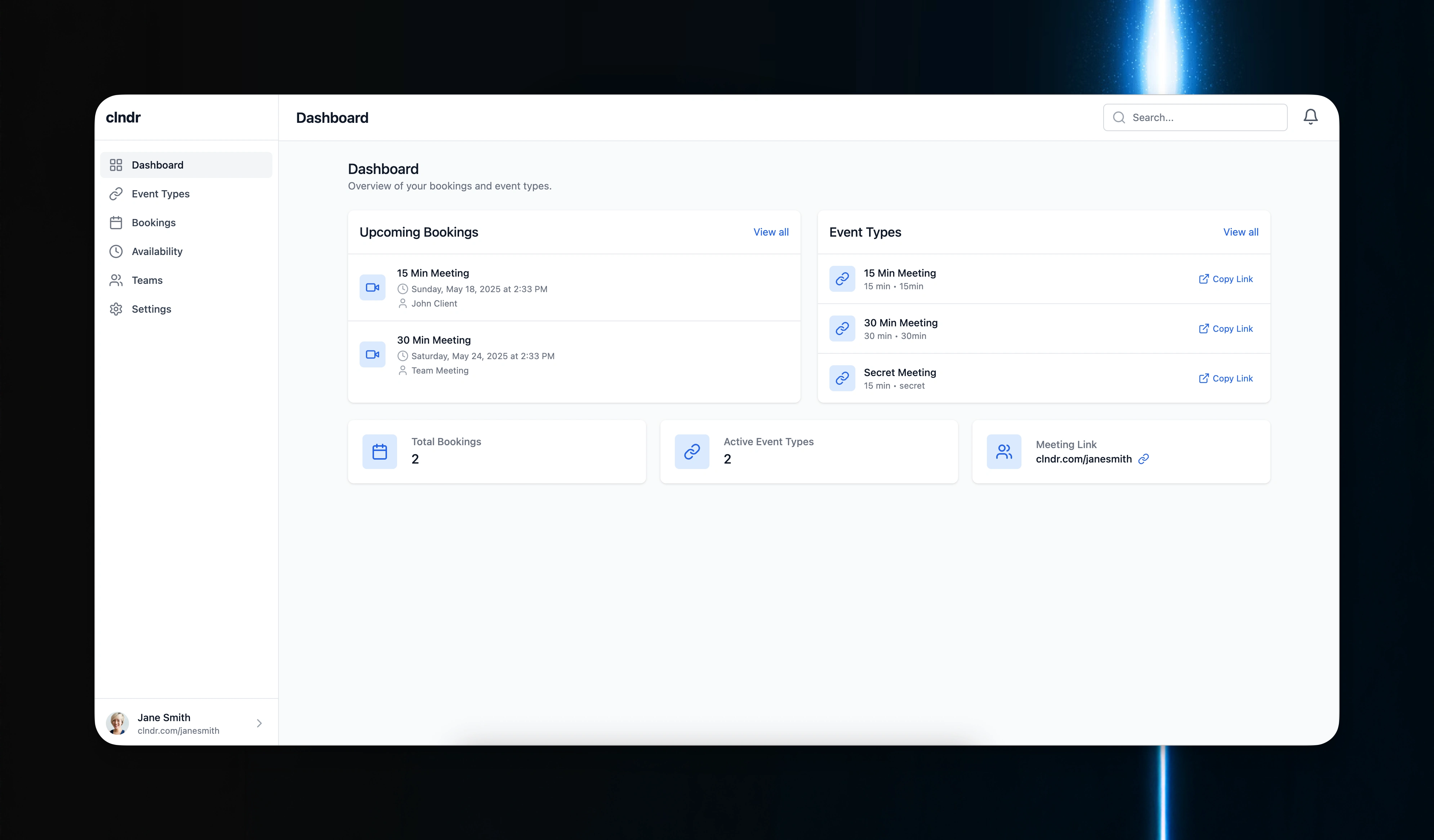
Dashboard
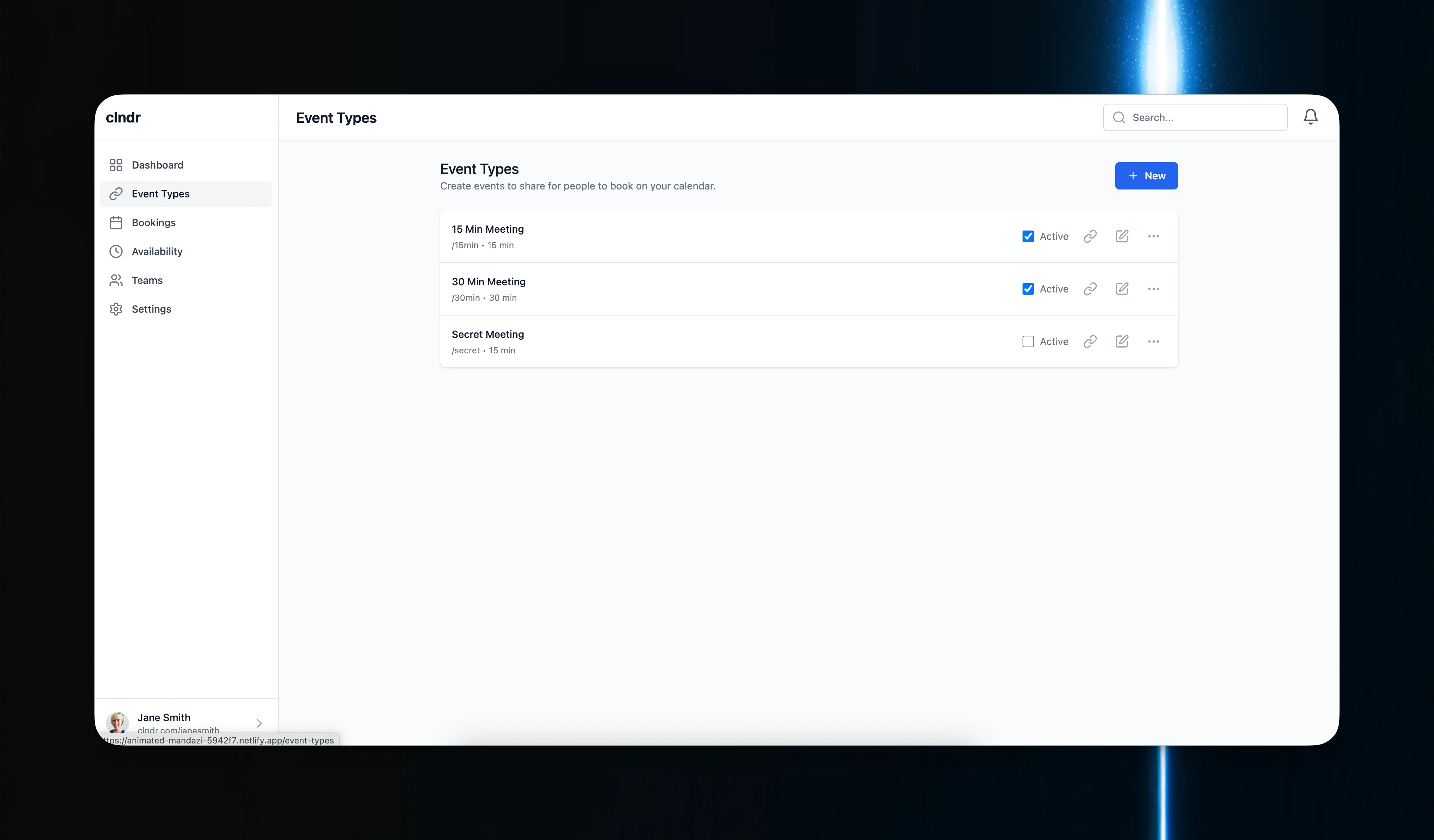
Events
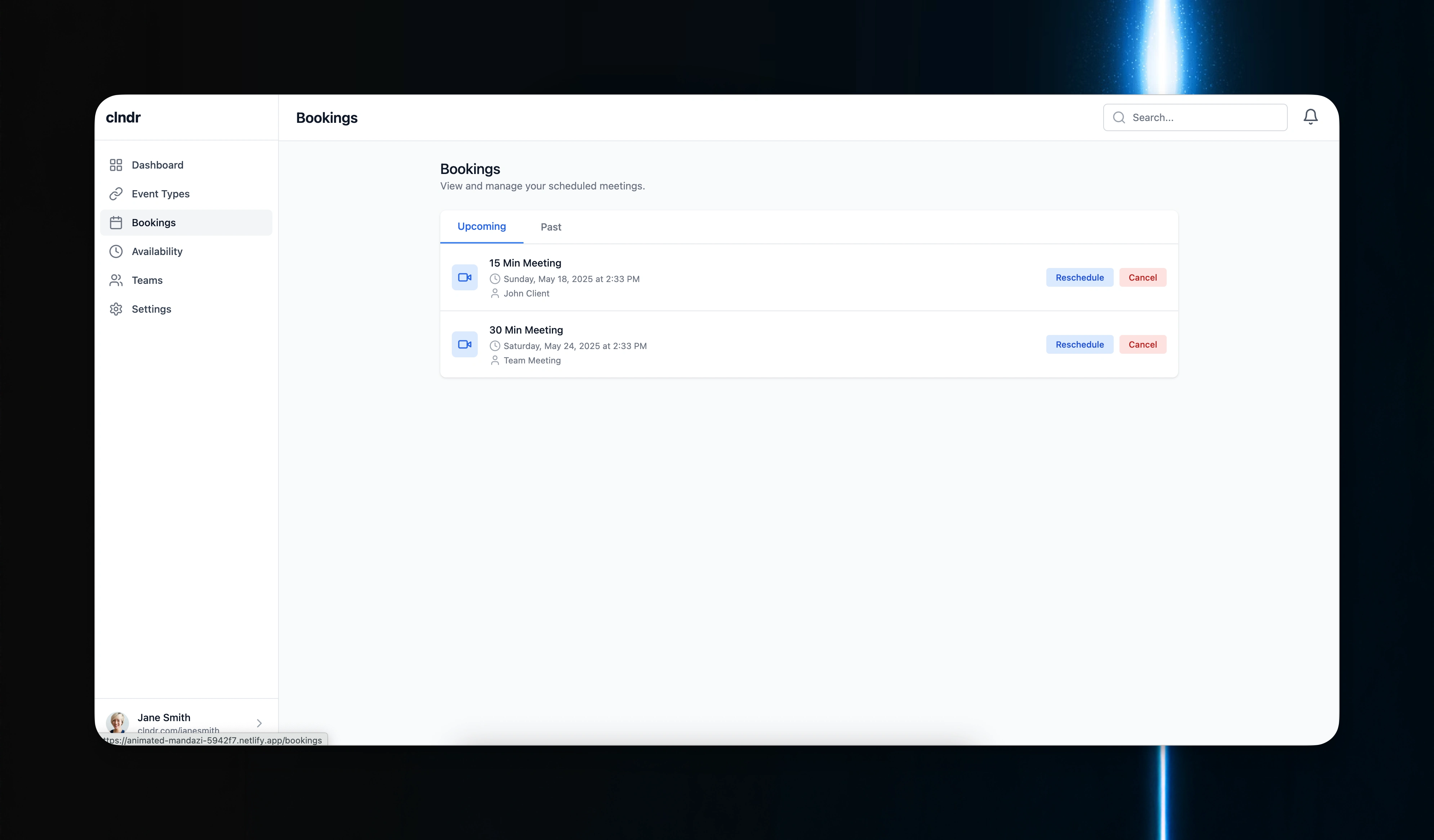
Bookings
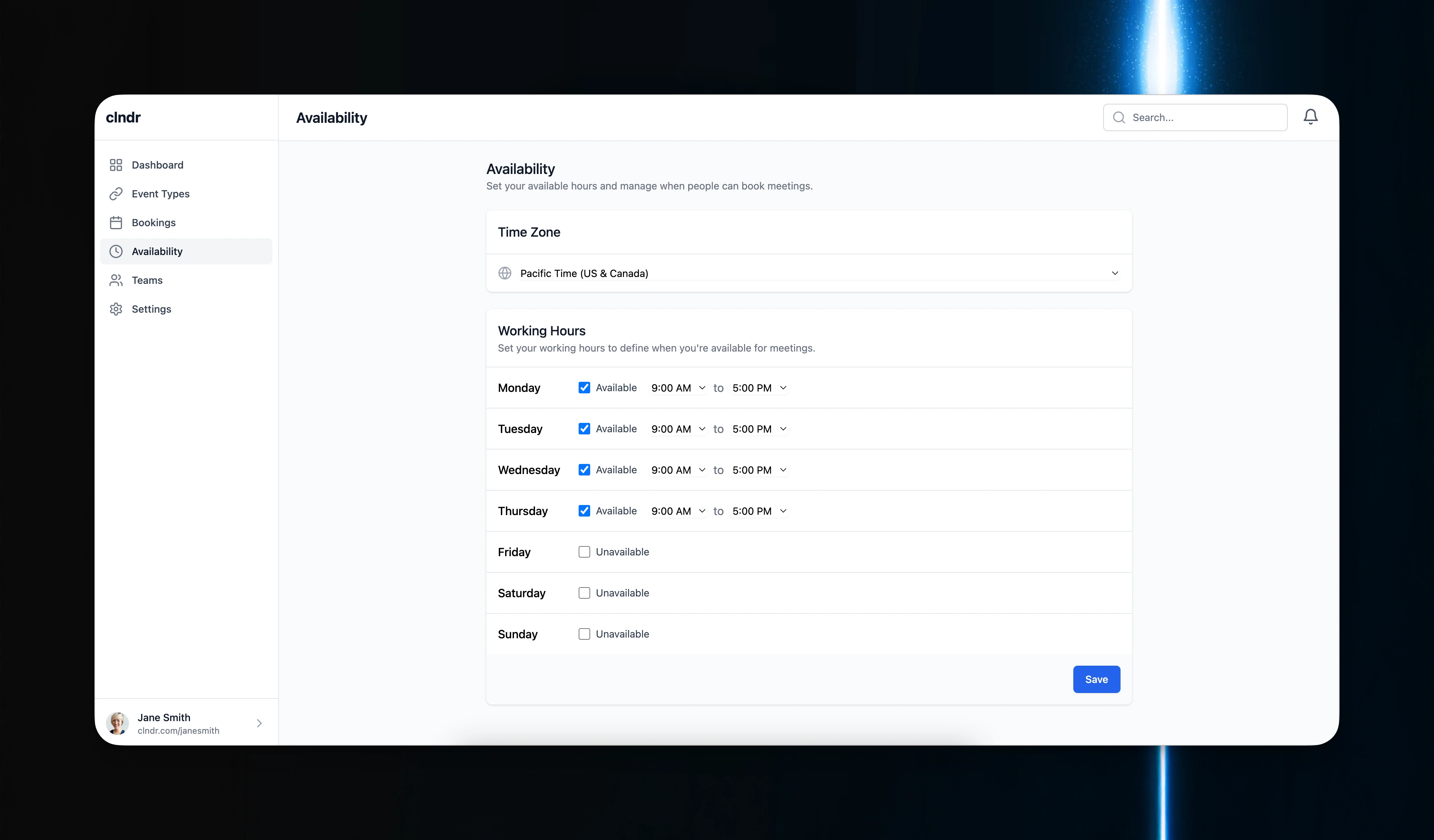
Availability
Key Features
Notifications System
Notification Bell with unread count
Dropdown Feed of new bookings, cancellations, reschedules
Mark notifications as read
One-click “Clear All”
Booking Actions
Reschedule via modal with date/time picker
Cancel bookings with a confirmation step
Live status tracking (e.g., Confirmed, Rescheduled, Canceled)
Visual feedback with toasts and status labels
Teams Foundation
Team-related types and logic structured
Context for managing team data
Components ready to support multi-user features
Design Notes
The UI continues to follow a light, minimal aesthetic with intuitive flows.
All new features were implemented to match the existing UX patterns — ensuring consistency in spacing, typography, and interaction styles.
Notifications feel native and non-intrusive, with instant feedback across booking events.
Troubleshooting & Enhancements
Dynamic status UI: Bookings update reactively with minimal DOM churn
Reschedule validation: Prevents same-slot or past-time changes
Context performance: Notifications and bookings handled through isolated contexts for better scalability
1 like · 29 views · May 15, 2025
Smart, simple scheduling with notifications and powerful booking actions.
Tags


Collaborators
