Pik App: Animated Explainer Video

Omar Jabr


Pik App
Animated explainer video for Pik App
Overview
Using style frames supplied by Tele Towns, I created the final motion for this animated explainer video for Pik App.
The visual challenge was making key storefront moments feel dimensional while preserving the project’s graphic 2D look. I used 3D references to guide the animation, then built the finished motion in After Effects.
My role
Motion design and animation
Scene transitions
2D animation with 3D reference
Timing and visual continuity
Final explainer-video assembly
The Challenge
The revolving door and storefront awning needed believable motion and perspective. Simple scale, rotation, or flat transitions would have made those objects feel disconnected from the scene
The approach
I created a Blender blockout for the revolving door to establish the correct perspective and movement. That reference then guided the After Effects animation, allowing the finished shot to feel dimensional without changing the visual language of the supplied style frames..
Matched motion in After Effects. I brought that render into AE and matched my animation path precisely to the 3D reference, so the final motion held its dimensionality even once it was styled flat.
Style Frames


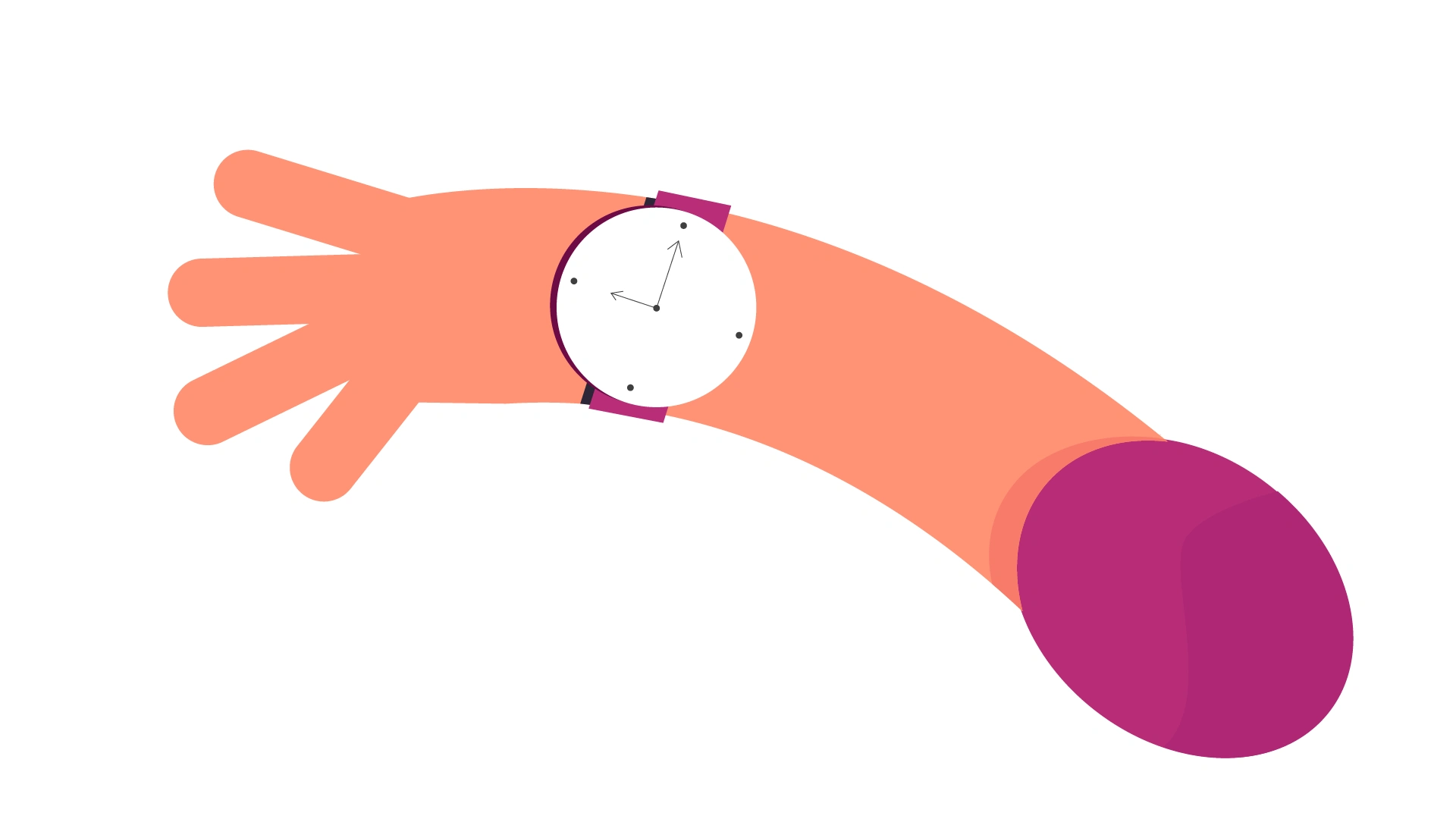
Behind the scenes
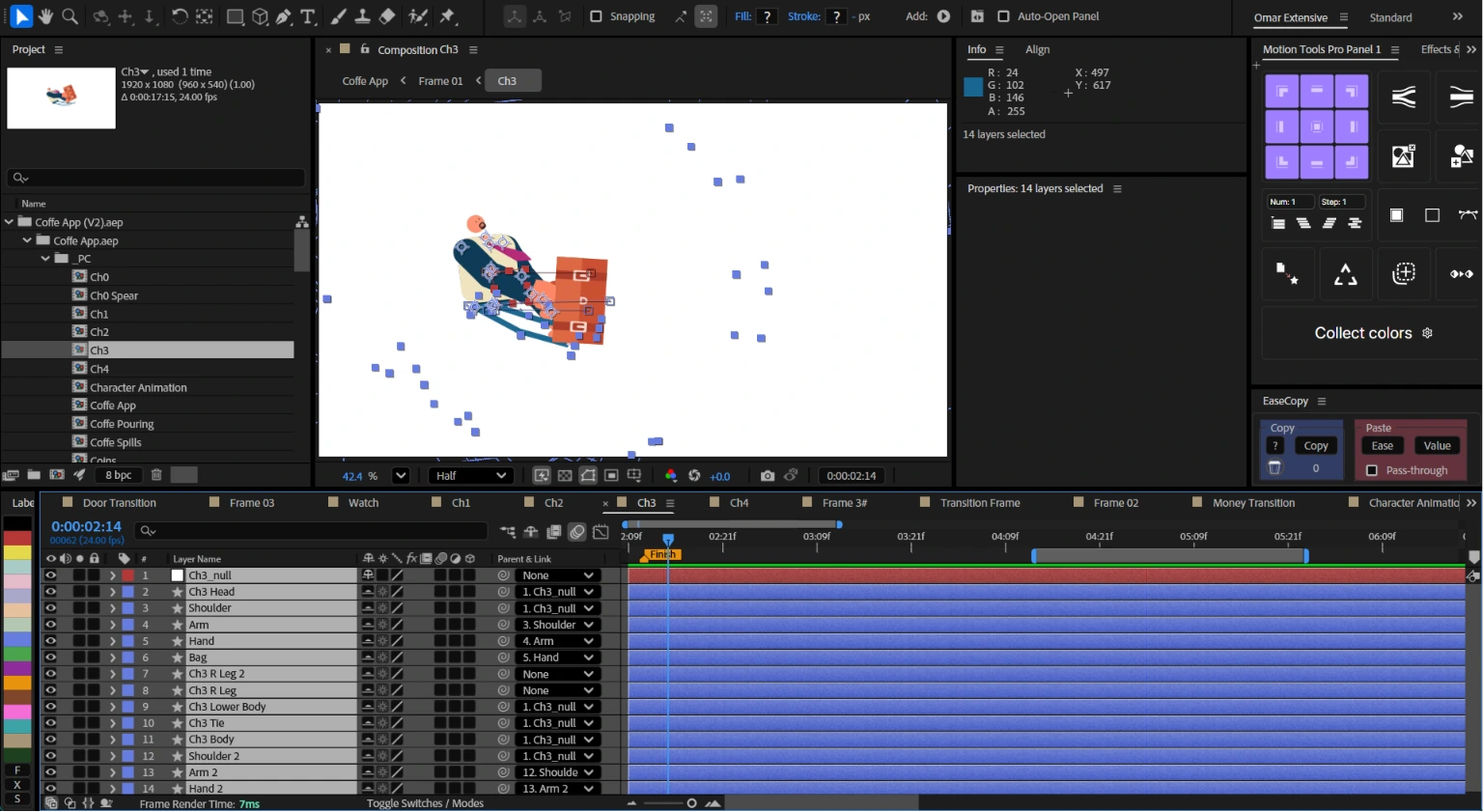
Inside After Effects
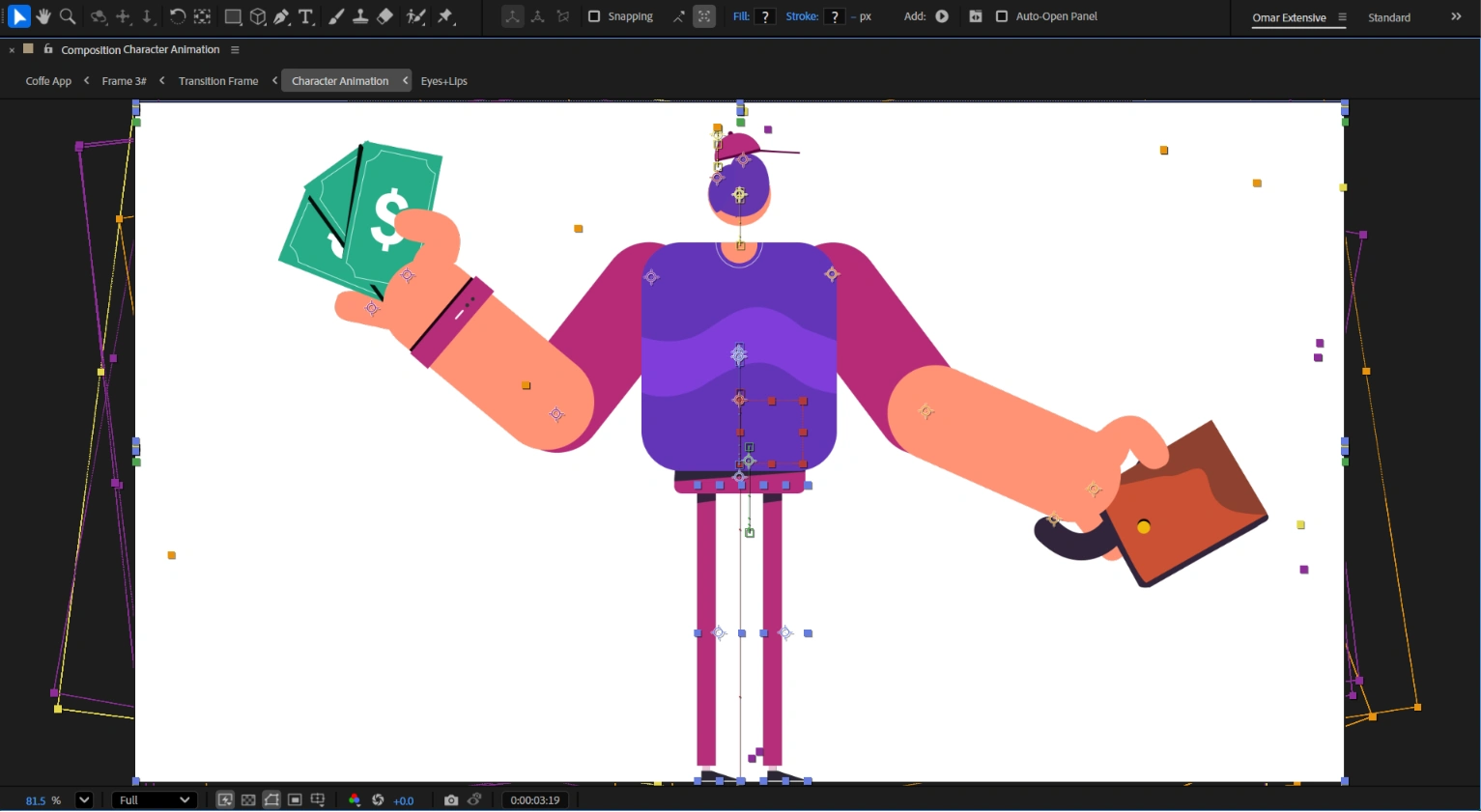
Character raising its head
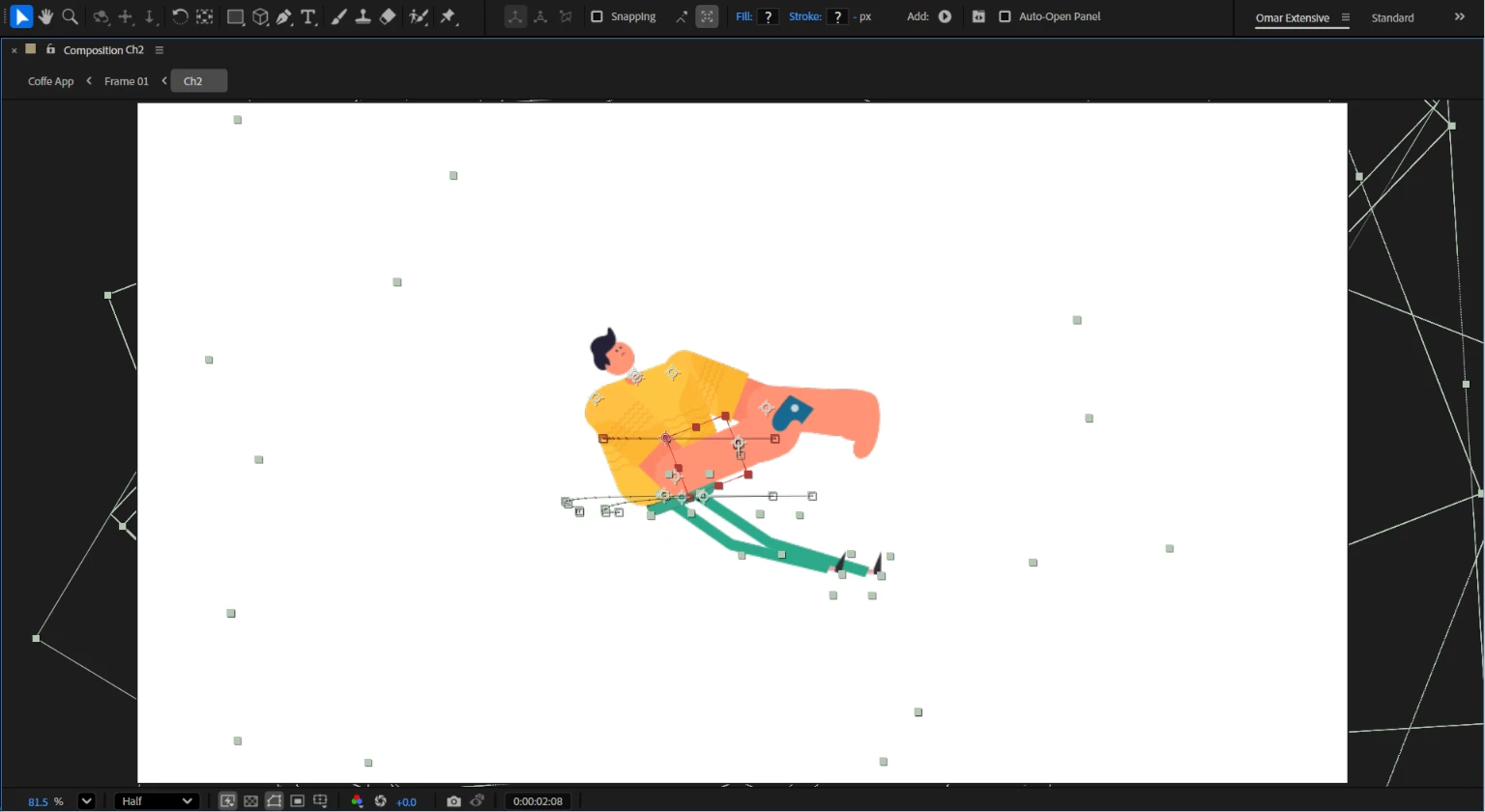
Character Intro
Credits
Motion Designer
2D Animator
Explainer Video Animator
Tools: After Effects, Illustrator, and Blender
Like this project
Posted Jul 11, 2026
An animated explainer video for Pik App, created from style frames using a 2D motion pipeline and Blender for dimensional movement.
Likes
3
Views
31
Timeline
Jul 12, 2024 - Aug 1, 2024