Mangan — Cooking App UI Kit & Design System

Faiz Ansori

Mangan: a cooking experience designed as a reusable UI kit
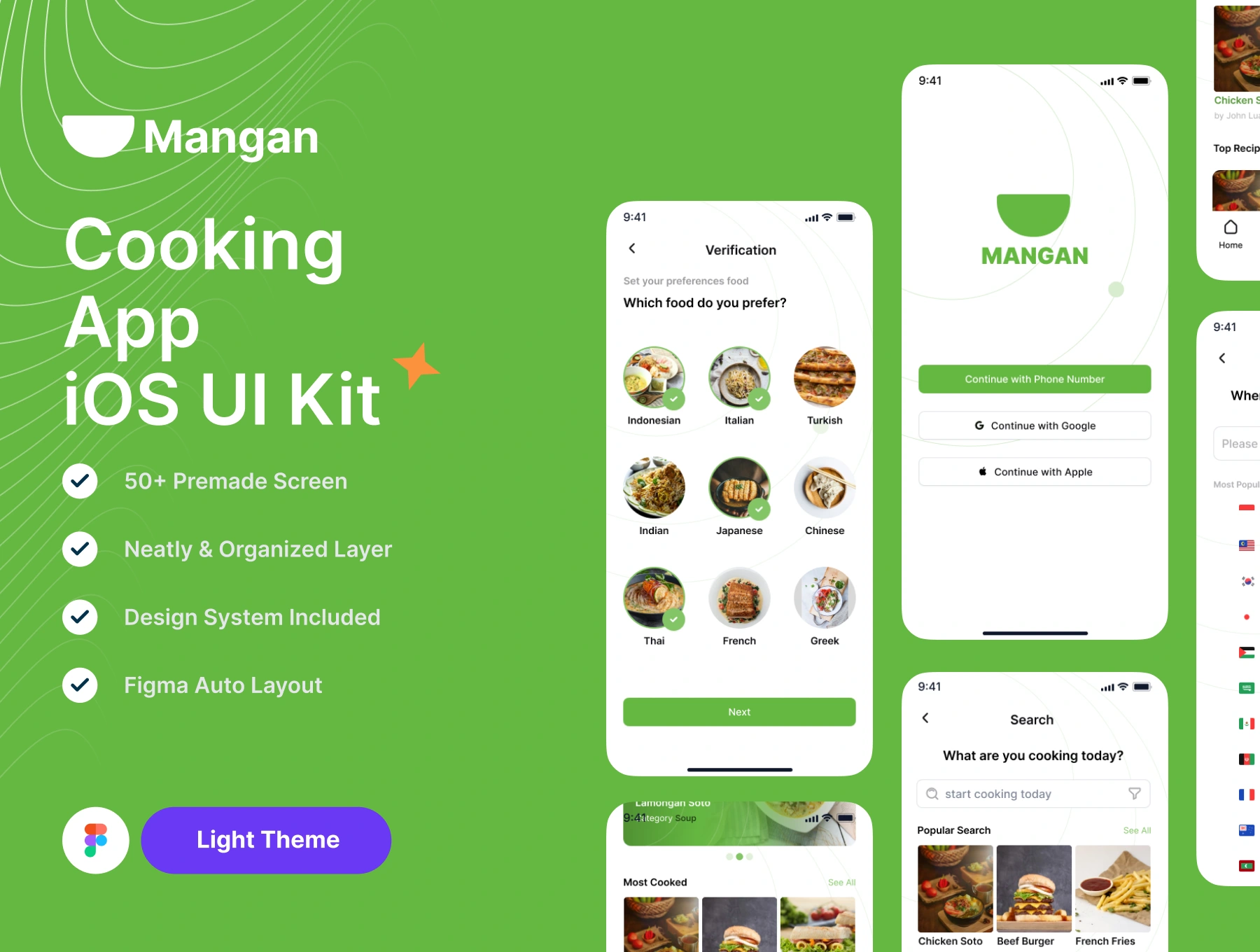
Mangan is a light-theme iOS cooking app UI kit created in Figma. The project brings together more than 50 premade screens, organized layers, Auto Layout, and a shared design system. It presents a visual foundation for a recipe product, covering the journey from choosing food preferences to finding a recipe and following its cooking steps.
The design challenge
A cooking interface combines very different types of information: appetizing photography, recipe summaries, ingredient quantities, and detailed instructions. The design needs to make browsing inviting while keeping practical information easy to scan. As a UI kit, it also needs consistent patterns that designers can adapt across multiple screens.
From onboarding to recipe discovery
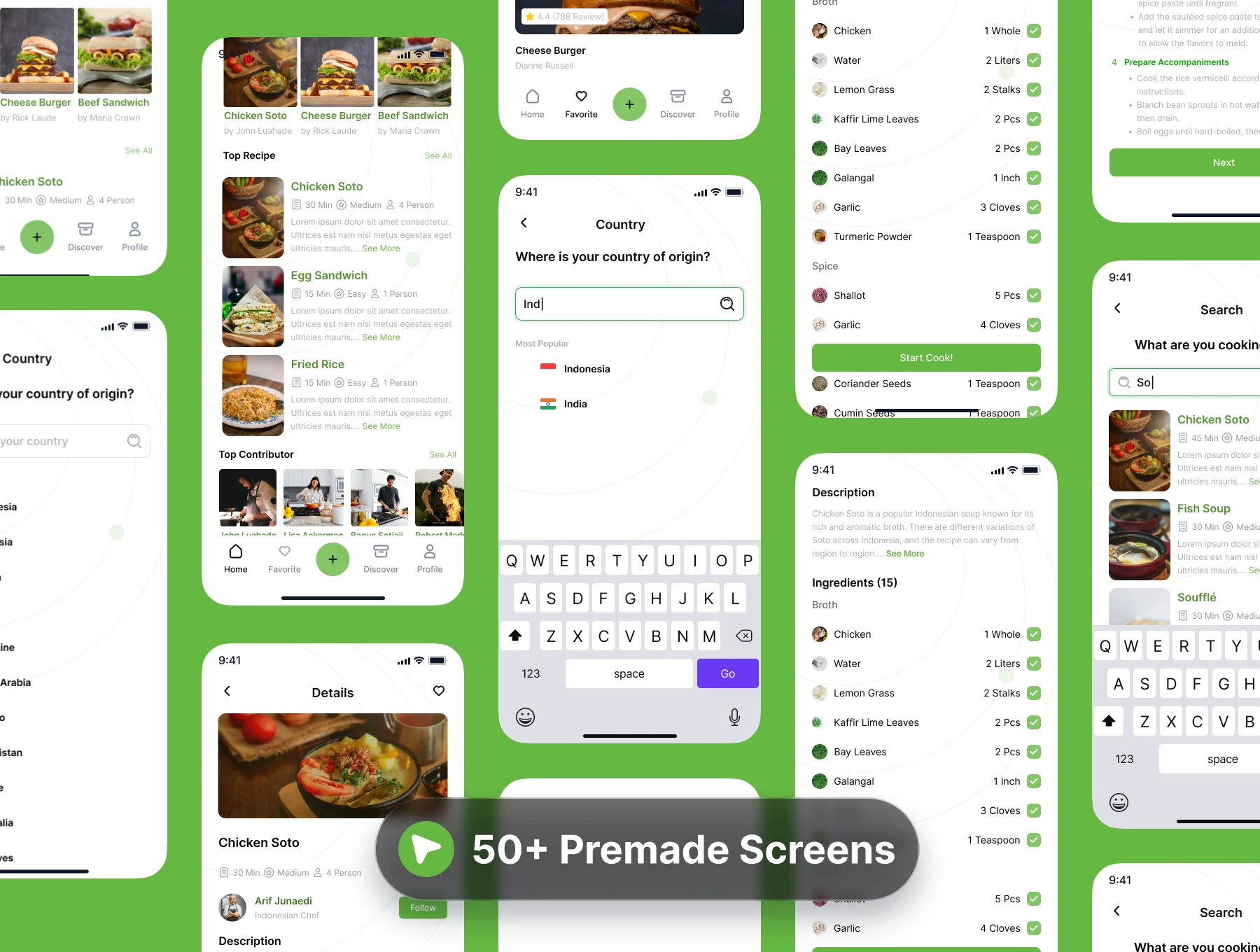
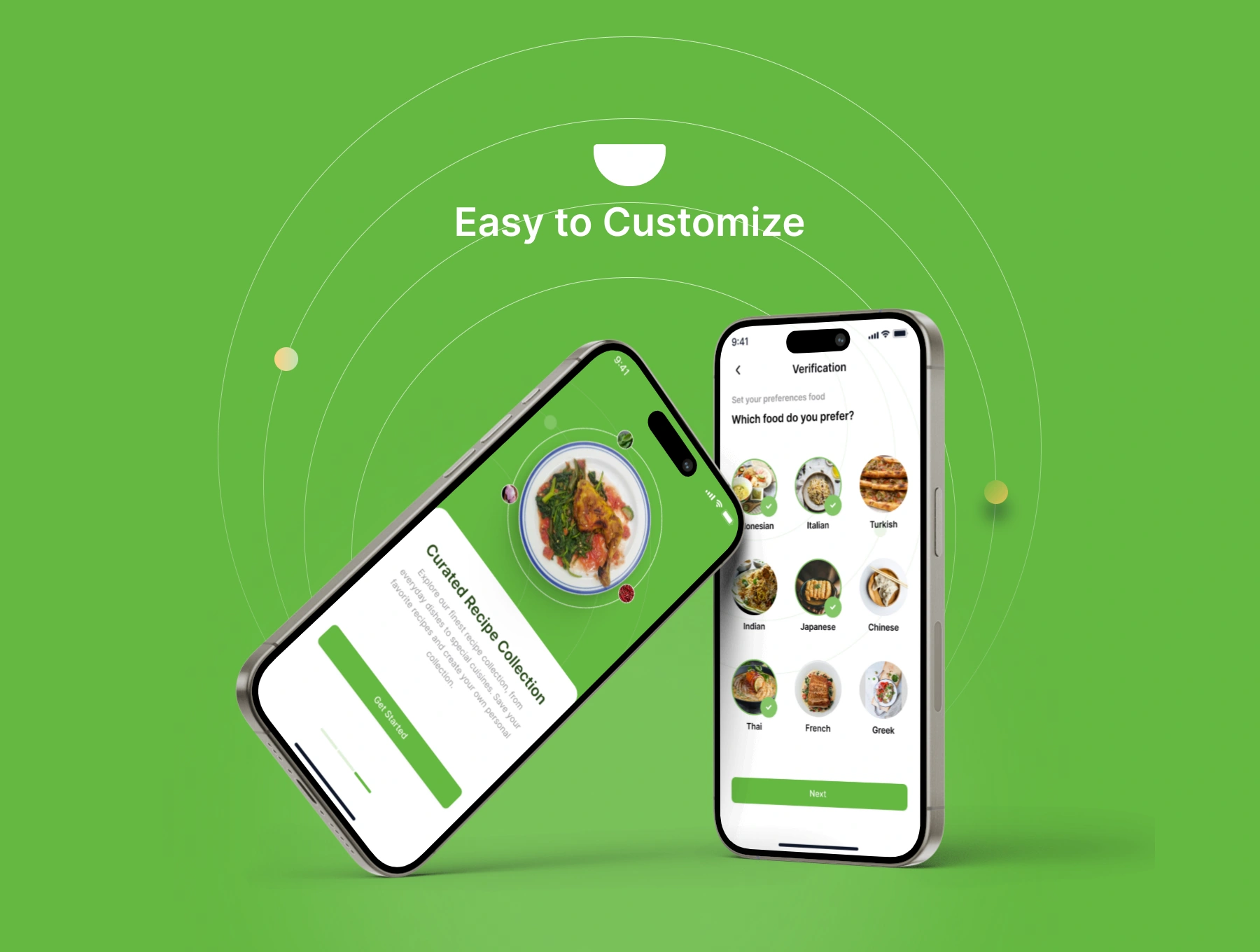
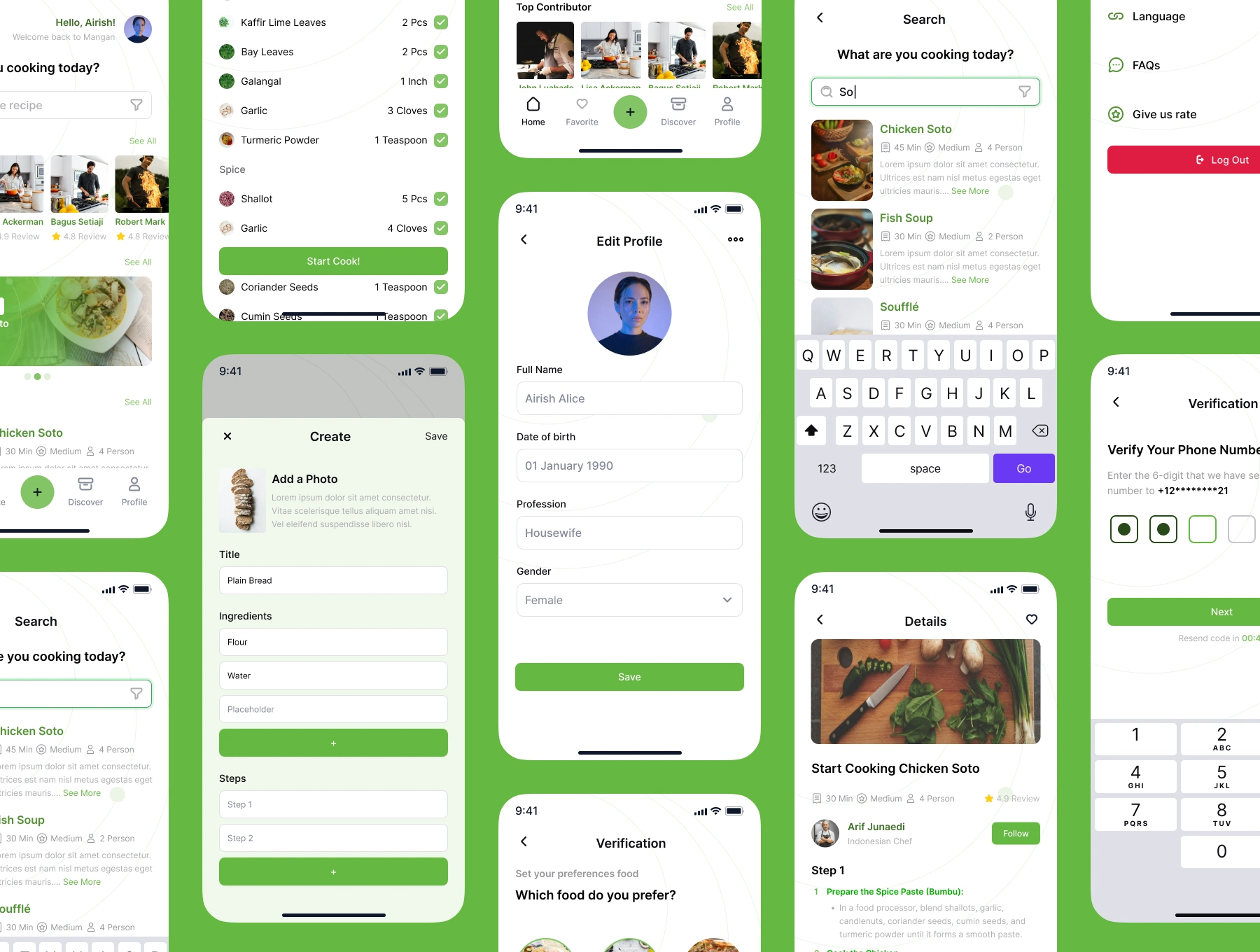
The onboarding screens introduce the product and show sign-in options, phone verification, country selection, and cuisine preferences. Image-based cuisine choices give the setup flow a visual, food-focused character. The home screen combines featured dishes, recipe collections, and contributors, while the search screens pair food imagery with short recipe summaries.
Recipe cards surface details such as cooking time, difficulty, and serving count alongside the dish name. The bottom navigation provides recurring destinations for Home, Favorite, Discover, and Profile, with a prominent central creation action. These repeated patterns connect the screens into a coherent product direction.
From a recipe to the cooking task
The detail screens move from a large dish image into the recipe description and ingredient list. Ingredient names, quantities, and check indicators are arranged in rows, making each item easy to locate. A clear cooking action leads into instruction screens. The presentation also includes recipe creation, profile editing, and settings screens, extending the kit beyond the core browsing journey.
Visual language and reusable foundations
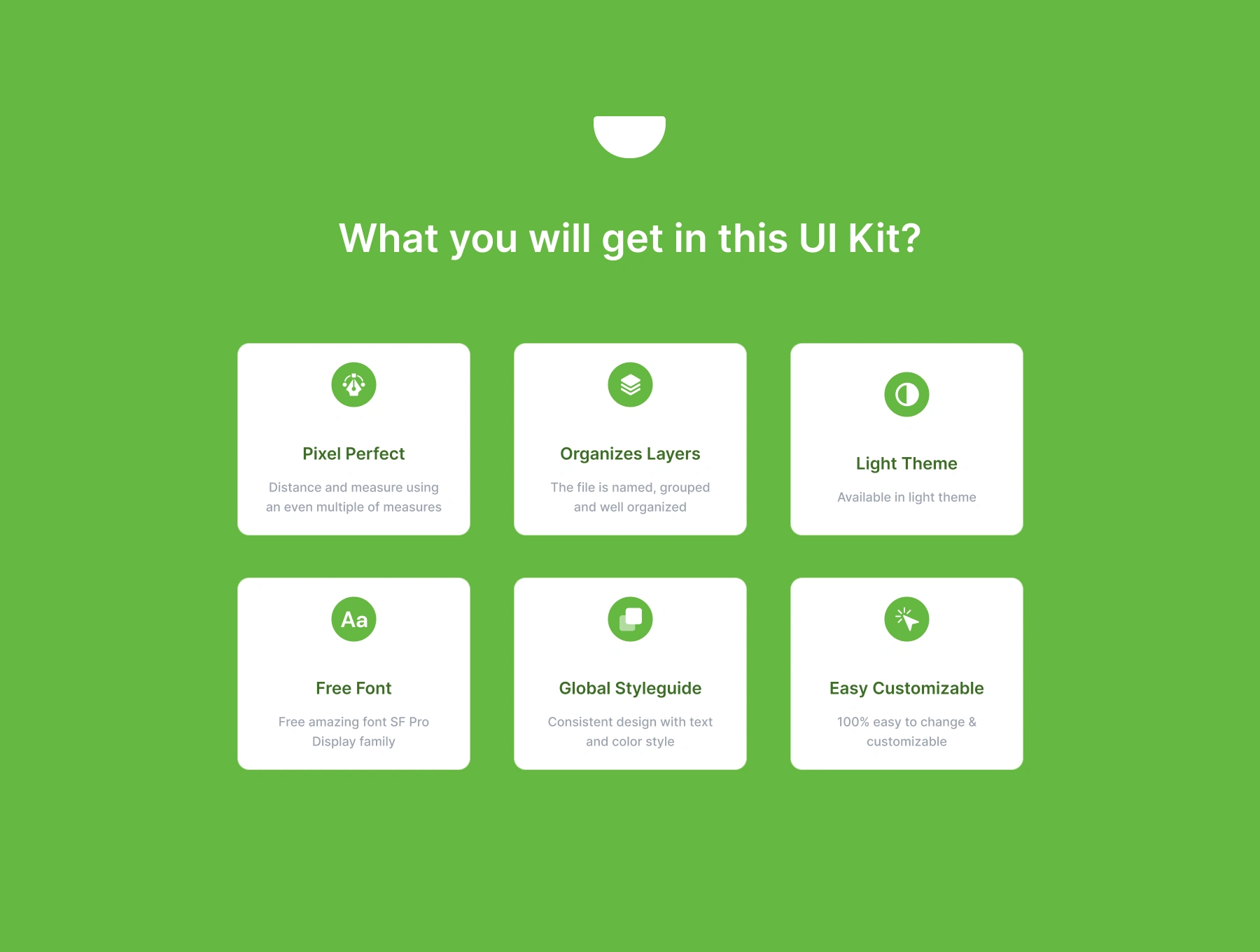
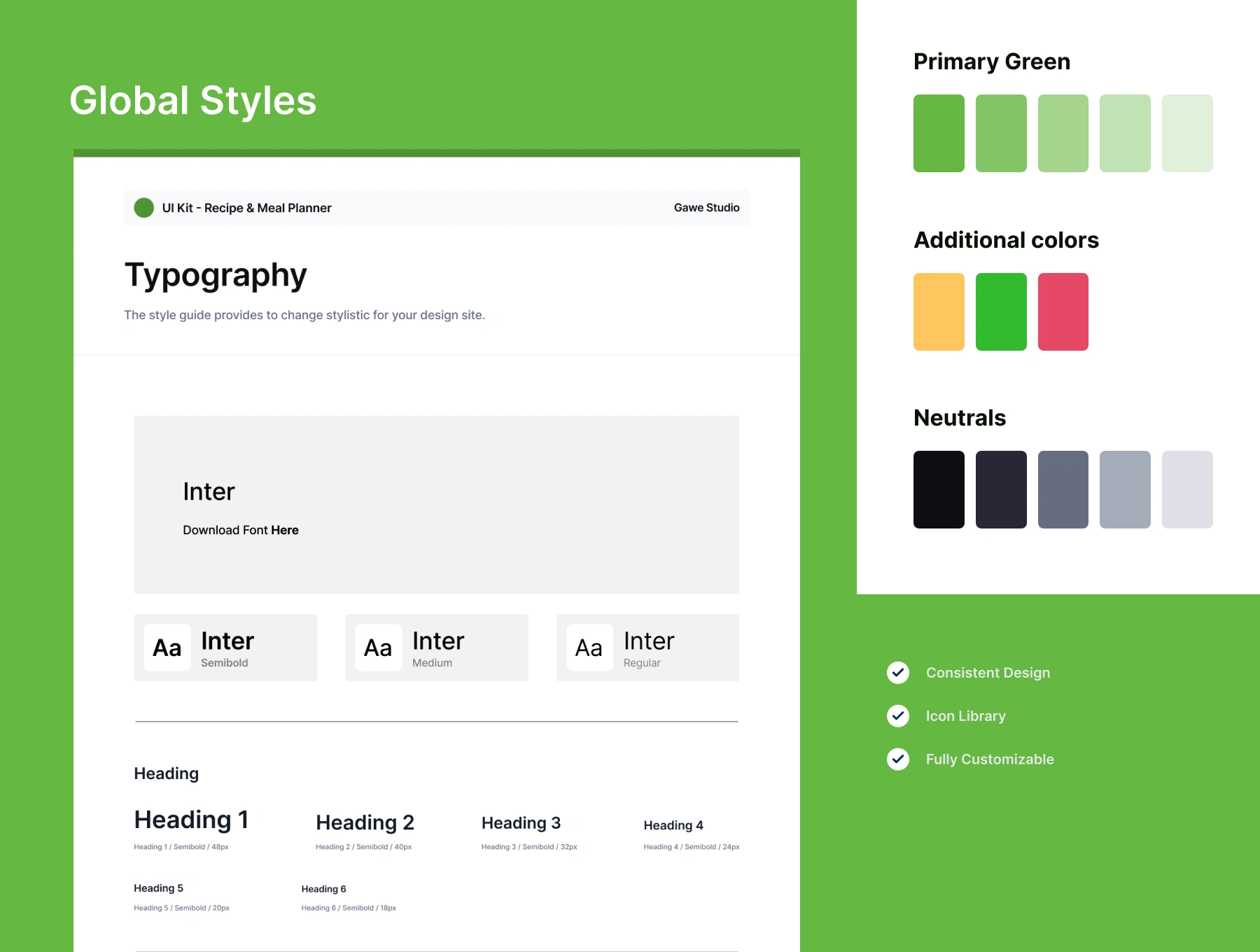
A fresh green palette anchors the interface, with white surfaces, neutral text colors, rounded controls, and food photography. Green highlights primary actions and selected states, while the style guide groups primary shades, additional colors, neutrals, and typography into a shared reference. The kit includes organized layers and Figma Auto Layout to support customization and consistent screen composition.
Project outcome
The result is a coordinated collection of 50+ mobile interface screens supported by reusable visual styles. The work demonstrates UI design, screen hierarchy, and design-system thinking across onboarding, discovery, recipe details, cooking instructions, and account flows. This case study presents the interface kit and its design direction; the screens shown are design assets for building and adapting a cooking-app experience.
Like this project
Posted Sep 19, 2026
A Figma UI kit with 50+ iOS cooking app screens, from recipe discovery to cooking steps, with Auto Layout, organized layers, and a shared design system.
Likes
1
Views
13