ONYX Game Launcher

Dylan Yu


ONYX Game Launcher
Project
Role
UX UI Designer
Company
Personal Project
Tools
Figma, Figjam, and Illustrator
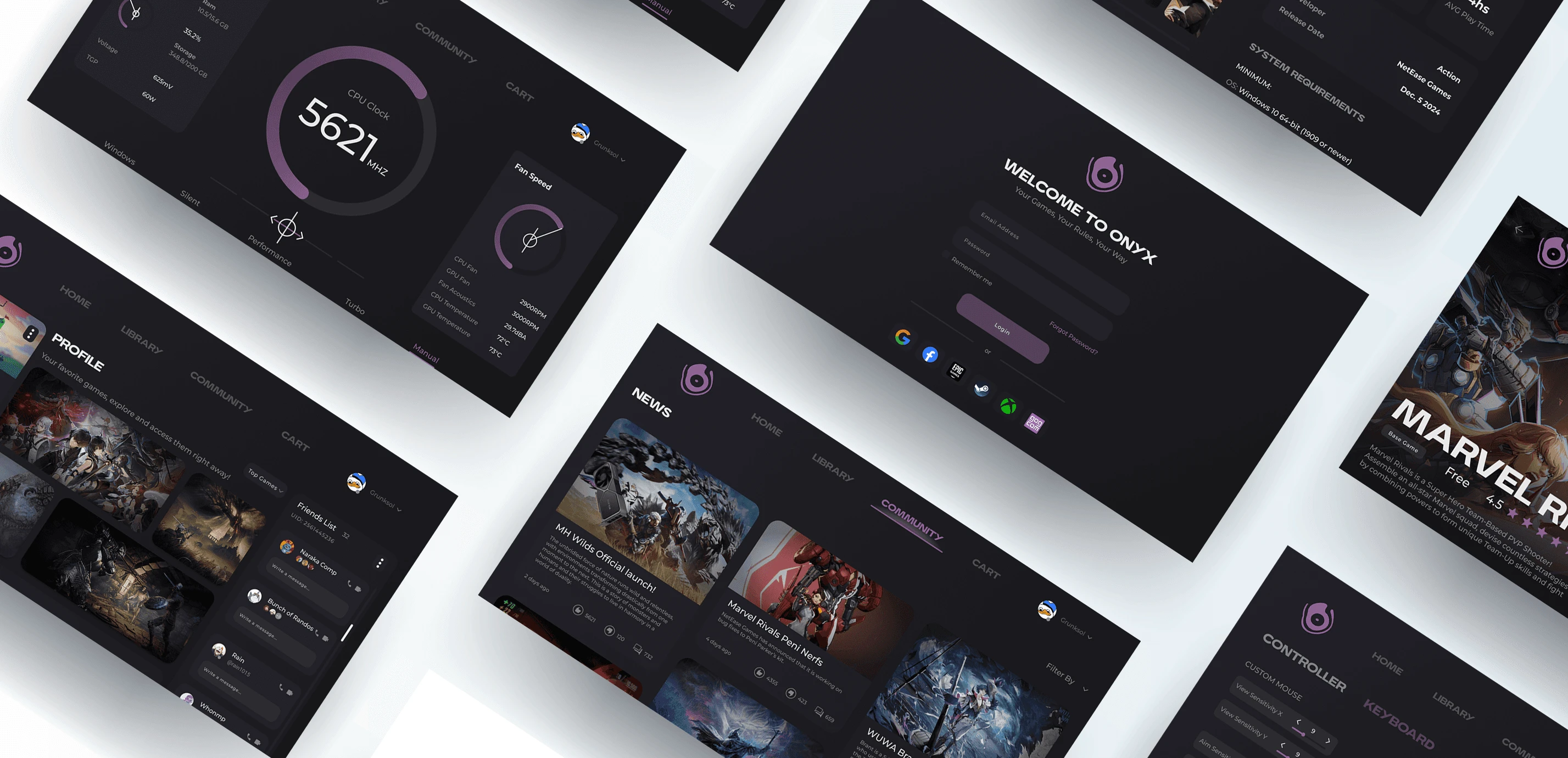
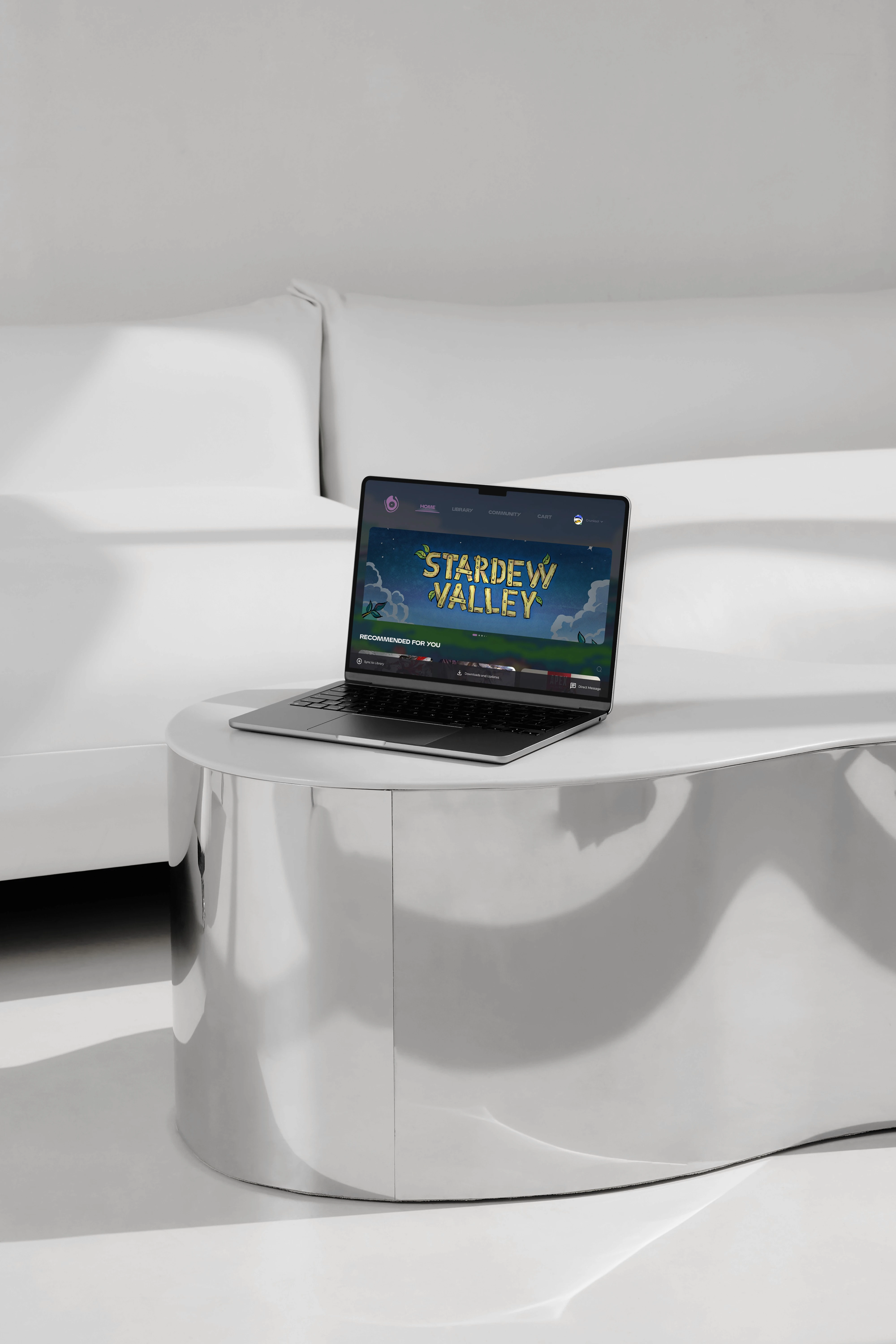
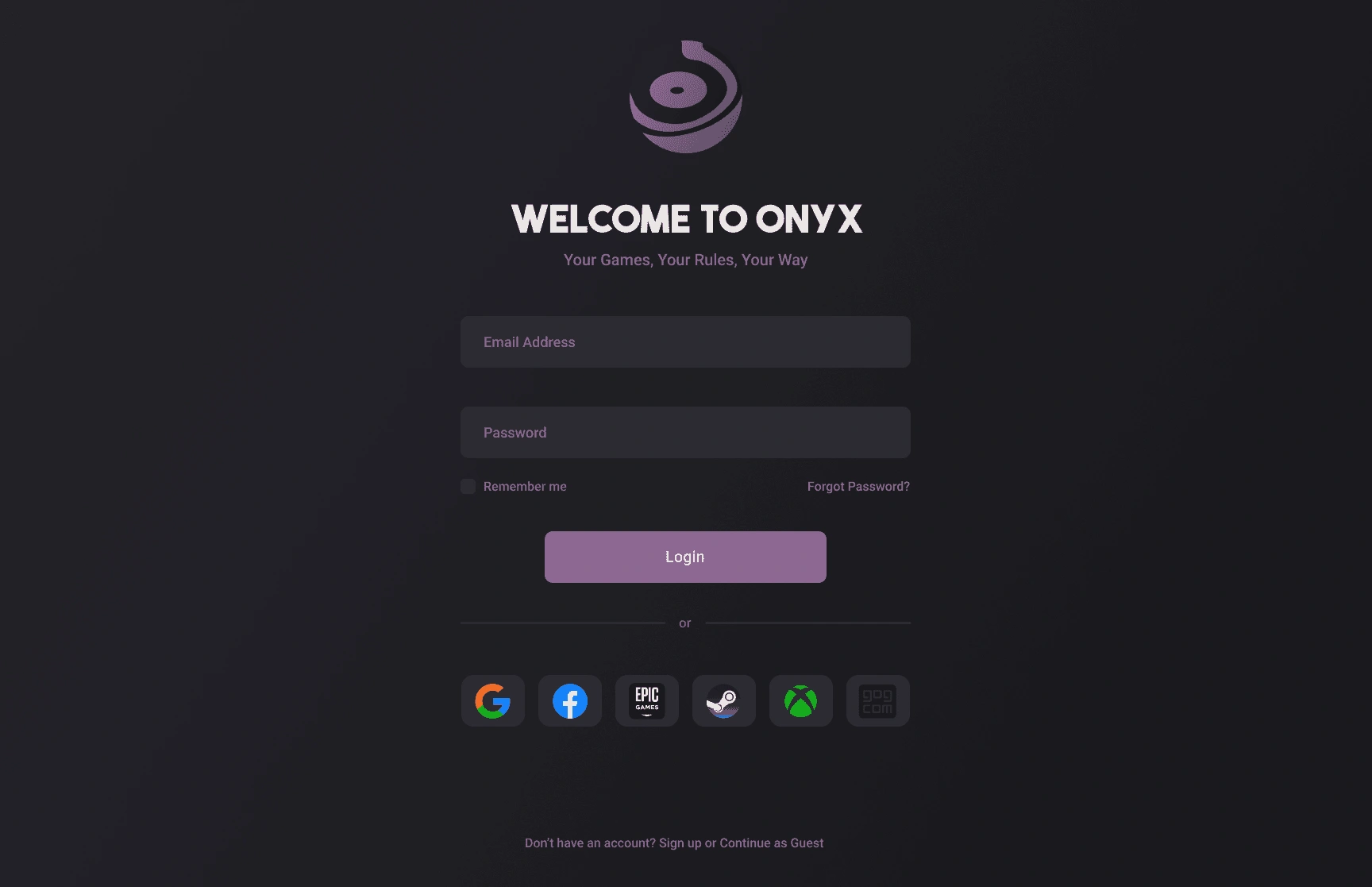
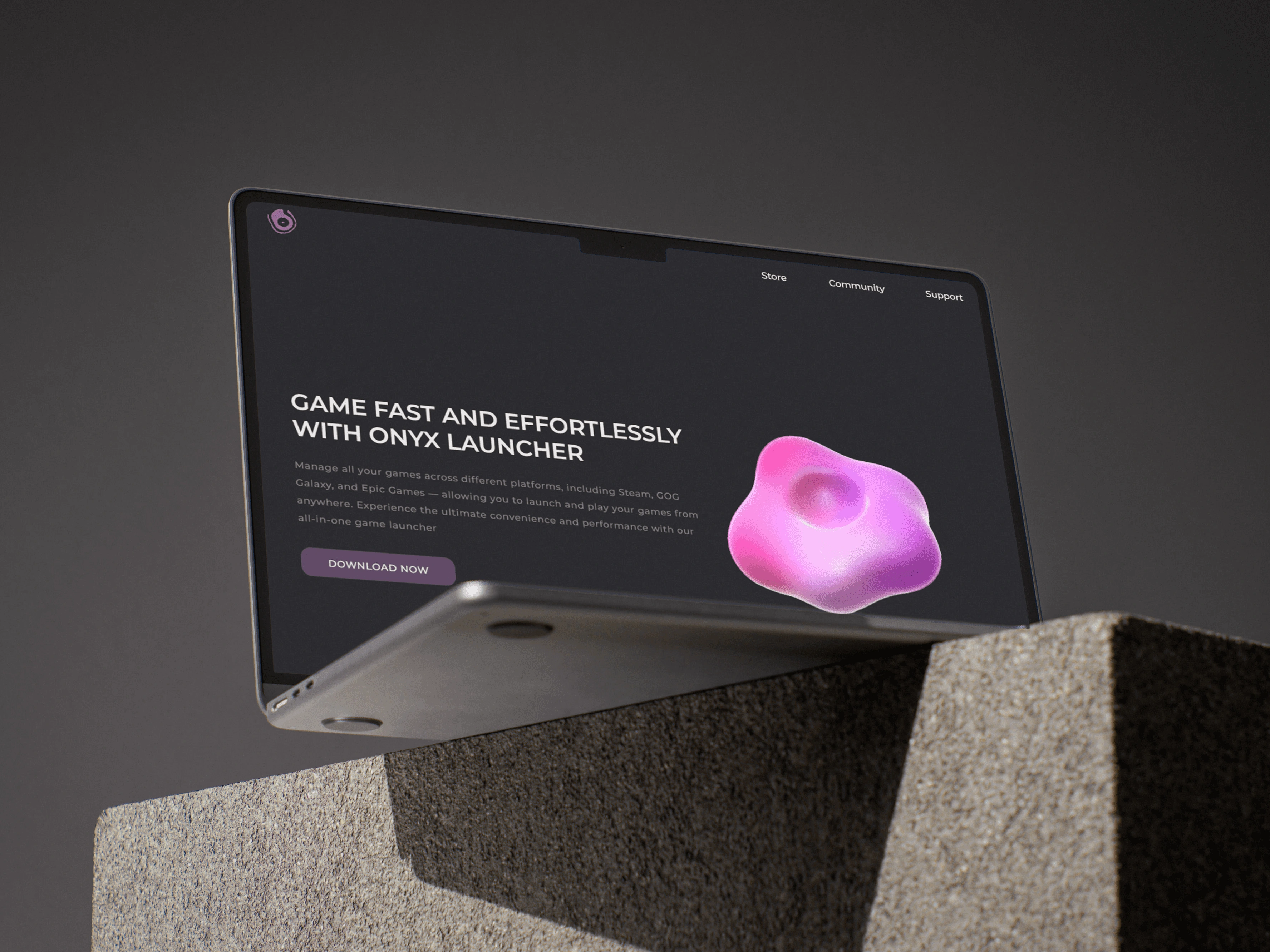
Onyx is a unified game launcher designed to streamline and personalize your gaming experience. It brings together titles from multiple platforms into a single, customizable space.
Problem
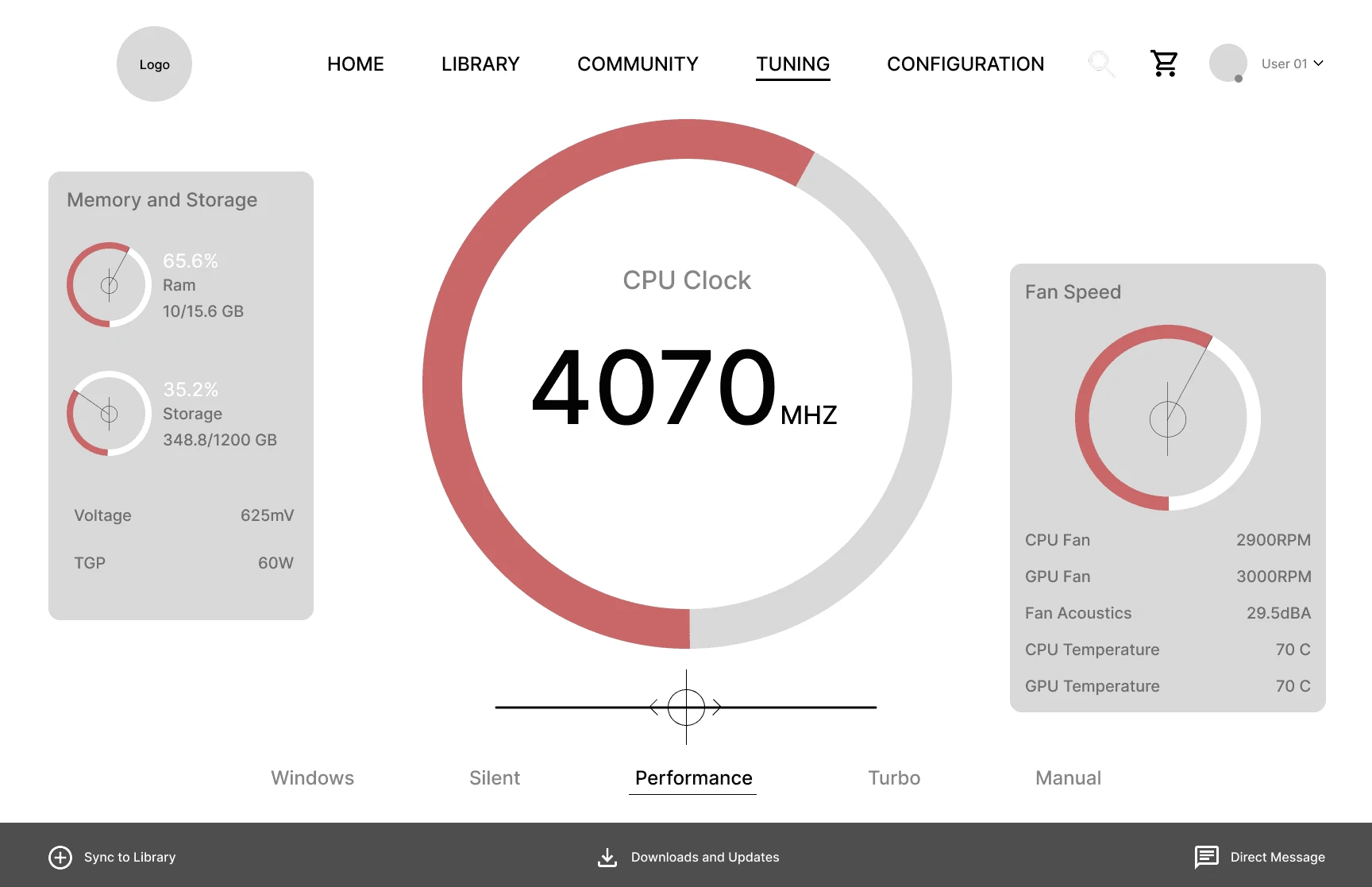
Playing games today can feel frustrating and disjointed. With multiple launchers to keep track of, settings that vary from game to game, and hardware that needs constant tuning and readjusting, the experience quickly becomes tiring instead of enjoyable. There’s a real need for a way to bring everything together and make gaming simpler, more personalized.
Resources
Throughout the project, I referenced a variety of platforms and tools to guide design decisions. These included existing game launchers like Steam, Epic Games, GOG Galaxy, and Battle.net, as well as customization tools such as Razer Synapse, Logitech G HUB, and NVIDIA GeForce Experience. Design inspiration was also drawn from UI libraries, icon sets, and modern dashboard layouts. Prototyping and design were done using Figma, with additional research gathered from gaming forums, UX case studies, and user feedback threads.
01 UX & Structure
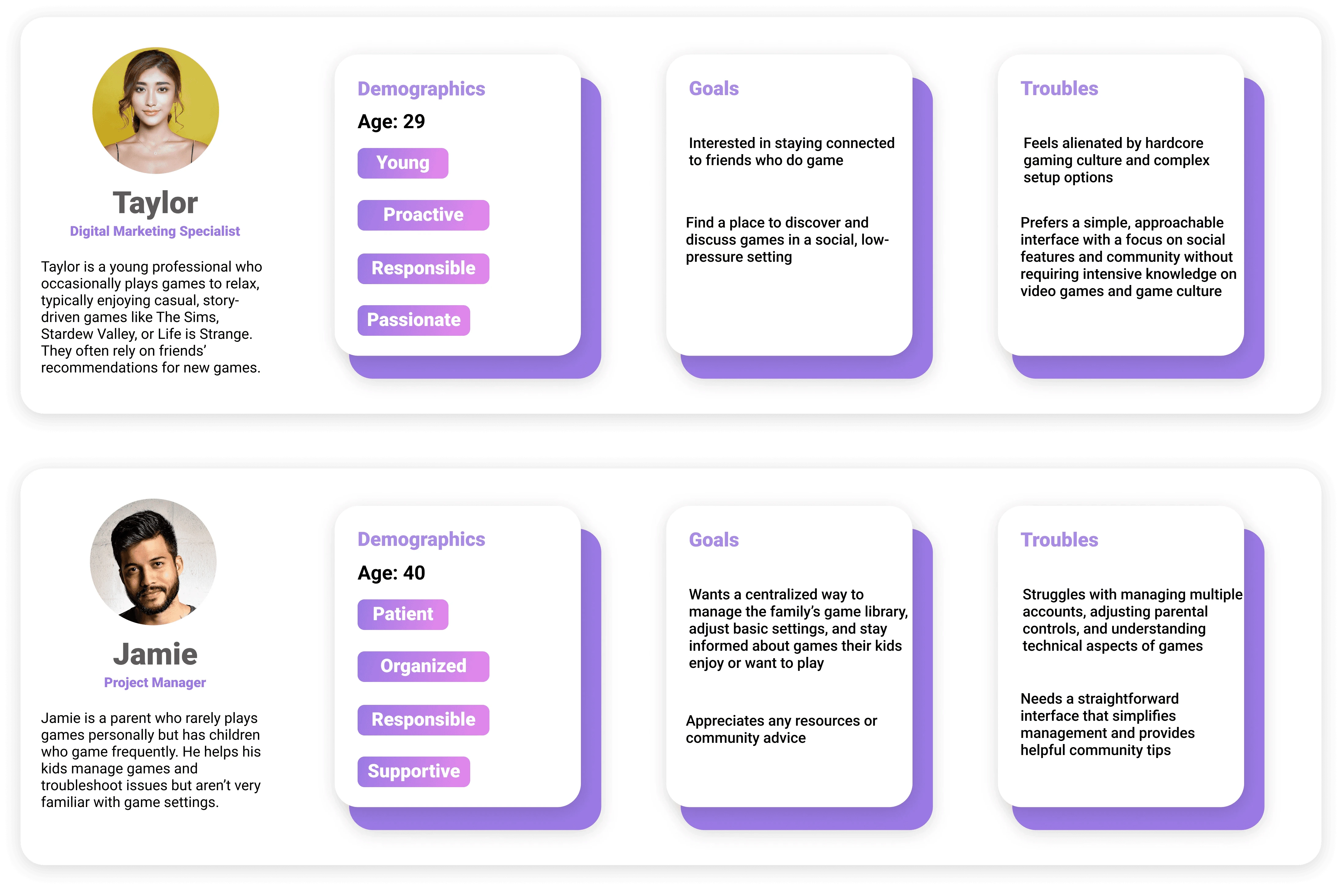
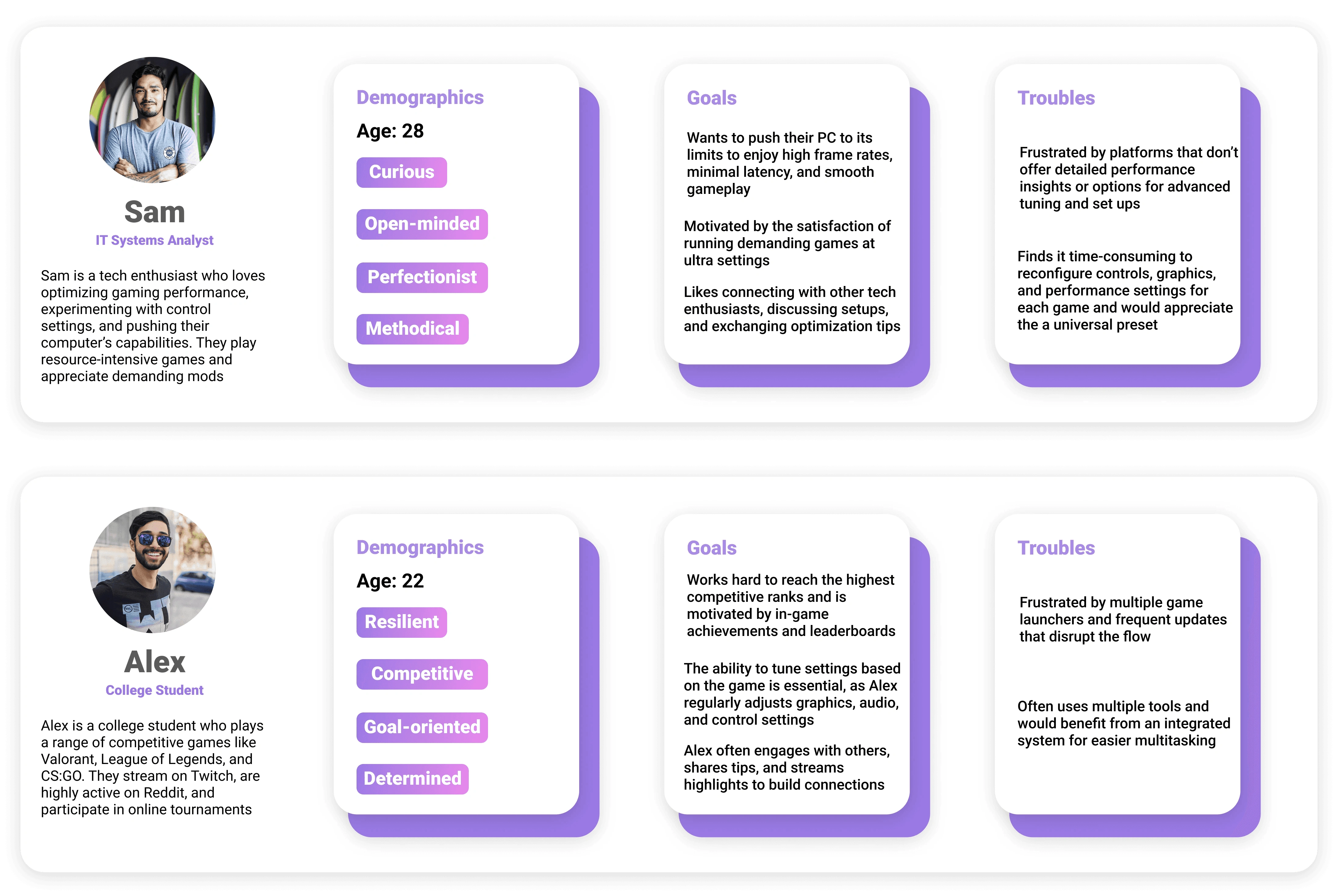
To make sure Onyx was designed with players’ needs in mind, I started by creating personas that represented different types of gamers. This helped me think through their goals, preferences, and pain points. From there, I used information architecture to organize the platform’s content and structure, ensuring that everything feels logical, easy to navigate, and tailored to the way people actually play games.

02 Wireframes
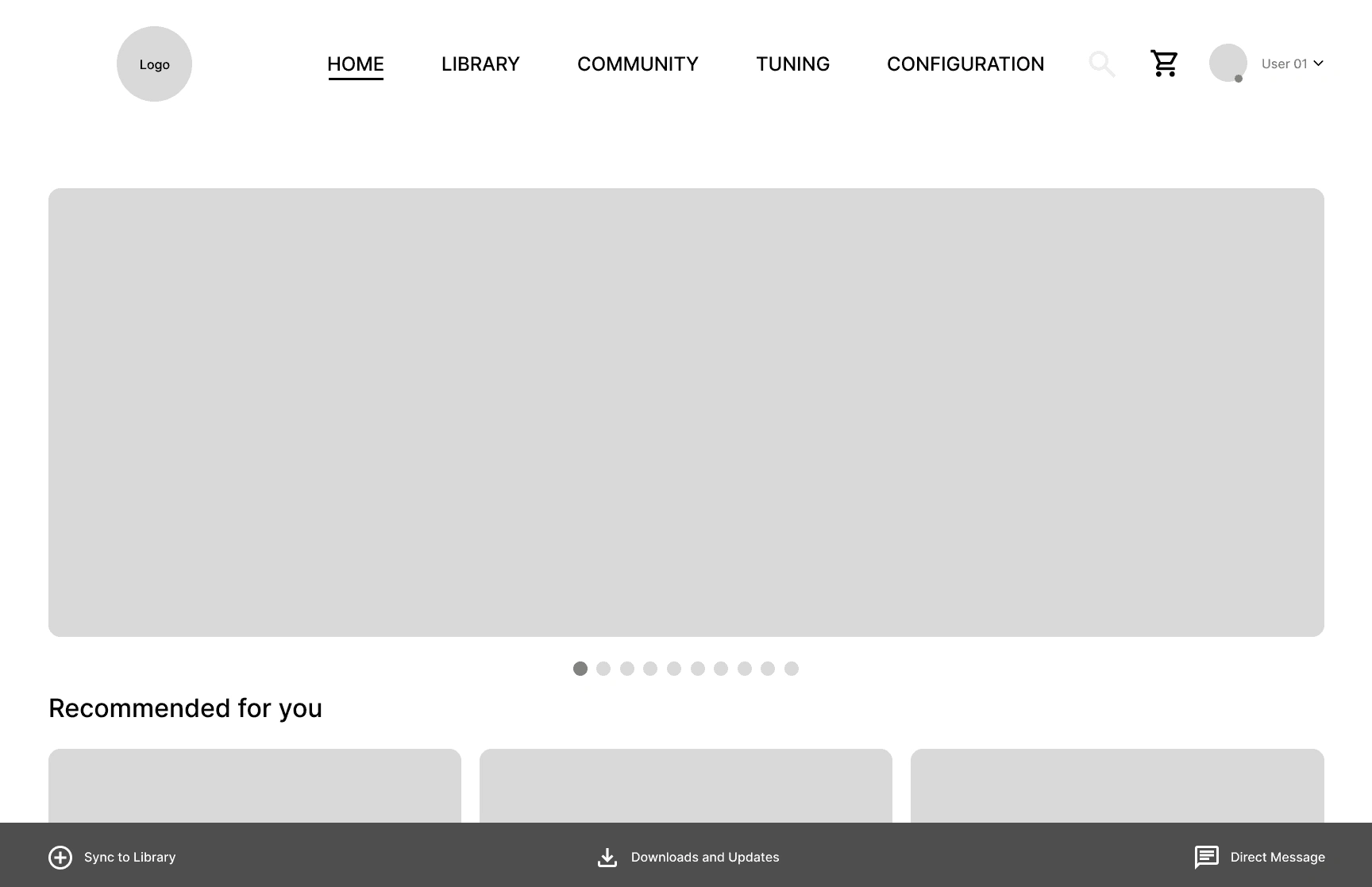
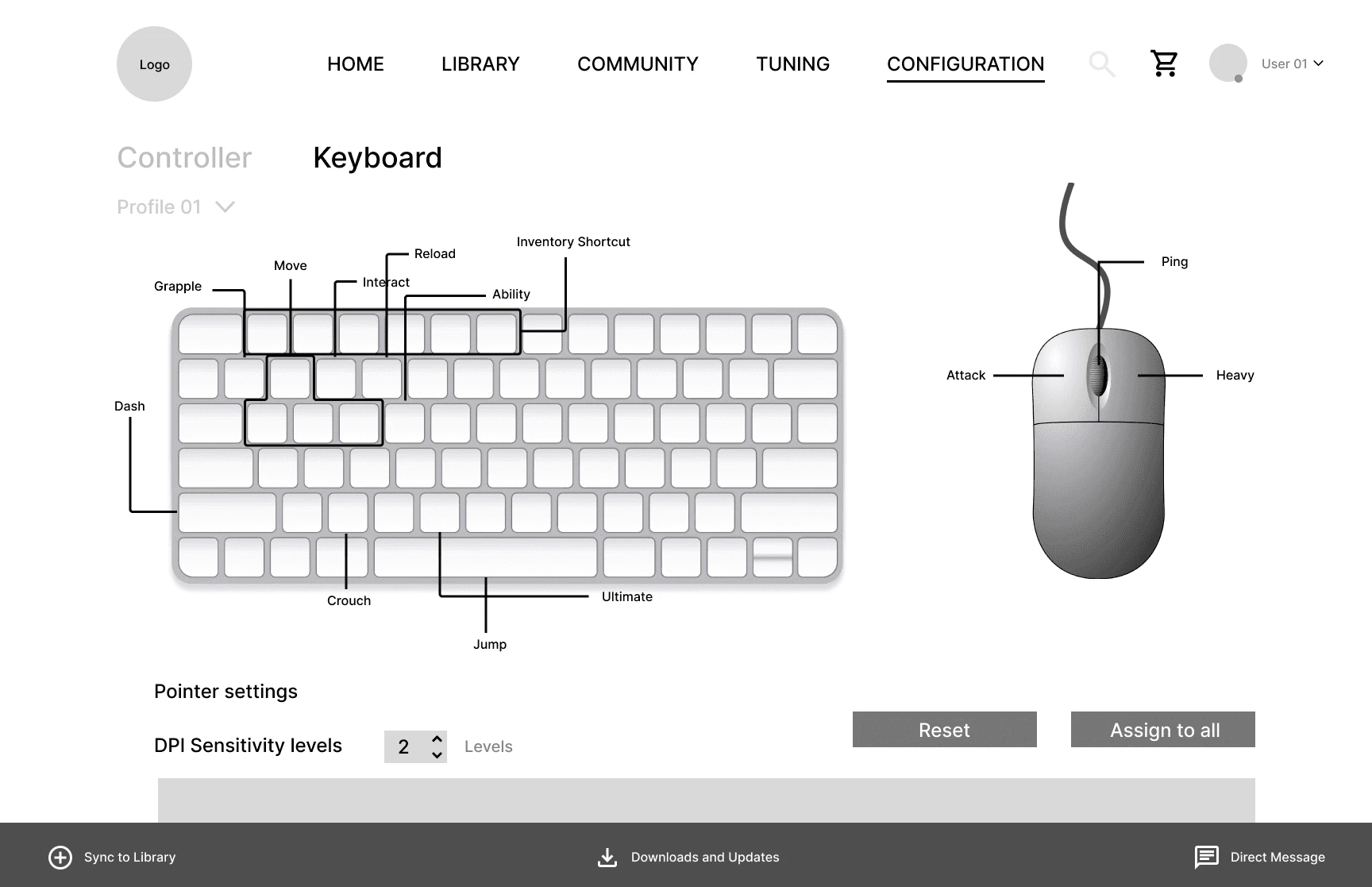
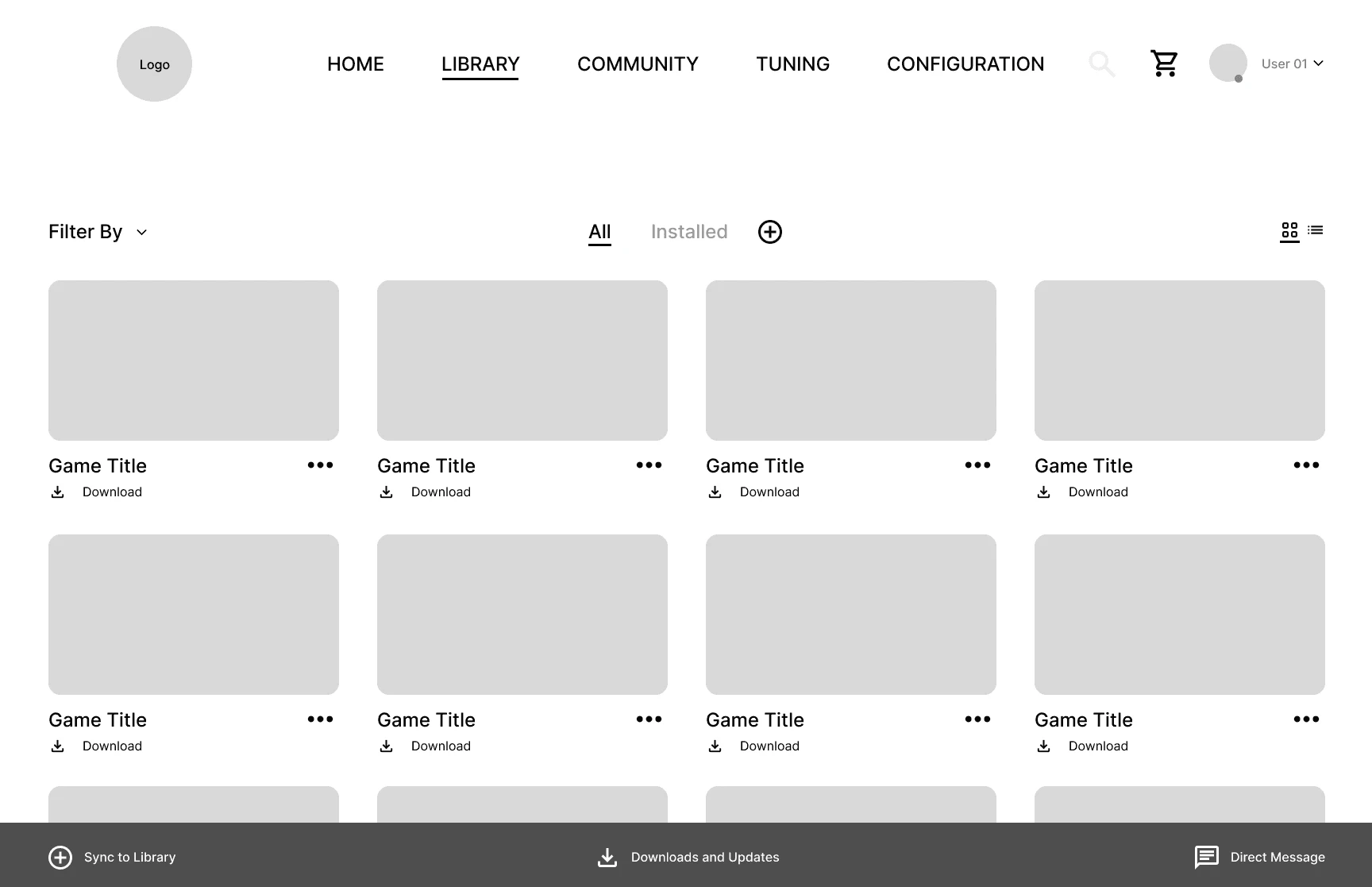
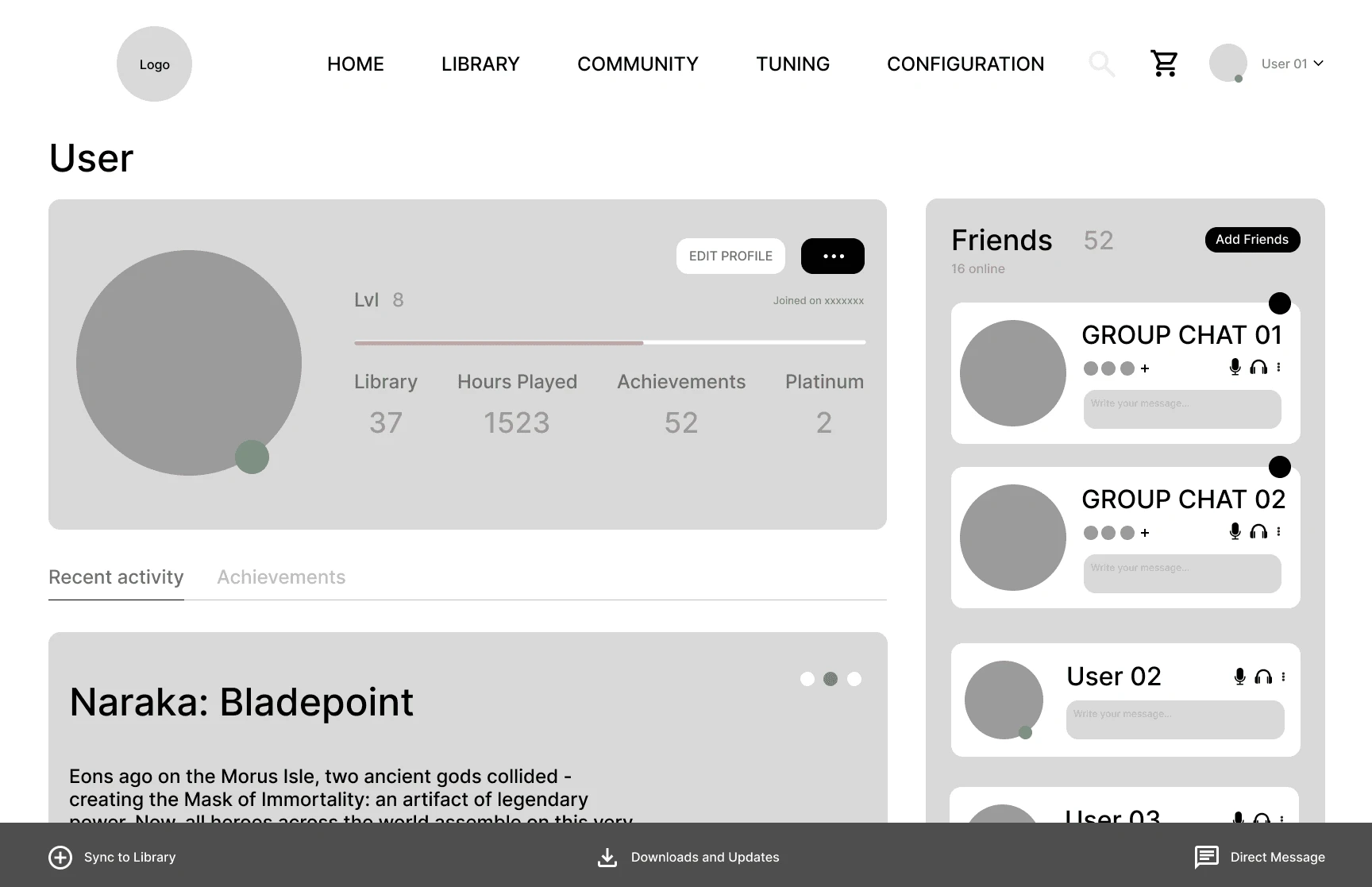
After defining the structure, I created wireframes to map out the layout and flow of the Onyx launcher. These early sketches helped me focus on how users would move through the app, making sure key features were easy to find and use. The wireframes acted as a blueprint to guide the visual design and ensure a smooth, intuitive experience.

03 Testing & Iteration
I had people use the app and observed how they navigated through it. Listening to their feedback helped me spot confusing areas and understand what worked well. Based on their input, I made improvements to the layout and features to make the experience smoother and more user-friendly.

04 Visual Guide
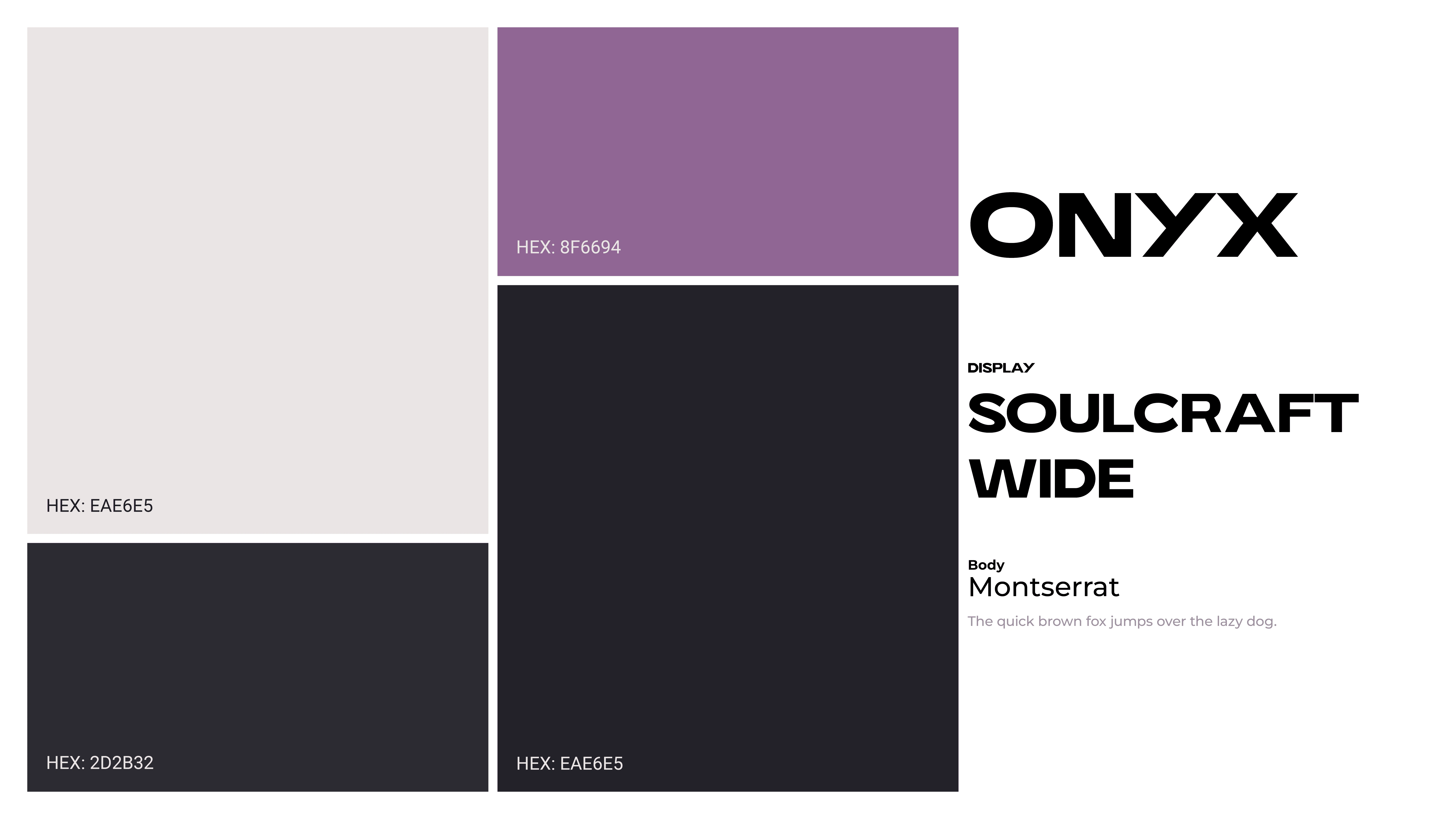
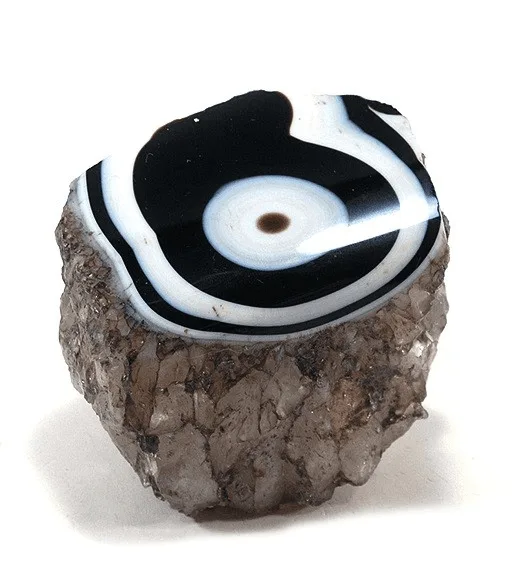
ONYX's logo is based off the actual onyx mineral. Its smooth, polished appearance complements the sleek, modern aesthetic of the brand while symbolizing a solid and reliable hub for gamers.
The visual identity of Onyx is centered around a purple-based palette, chosen for its futuristic tone, emotional depth, and distinctiveness. Purple evokes a sense of creativity, mystery, and technology, qualities that align with Onyx’s goal of redefining and unifying the gaming experience. It also helps the brand stand out visually, making it more memorable while still feeling sleek and modern.
05 Outcomes
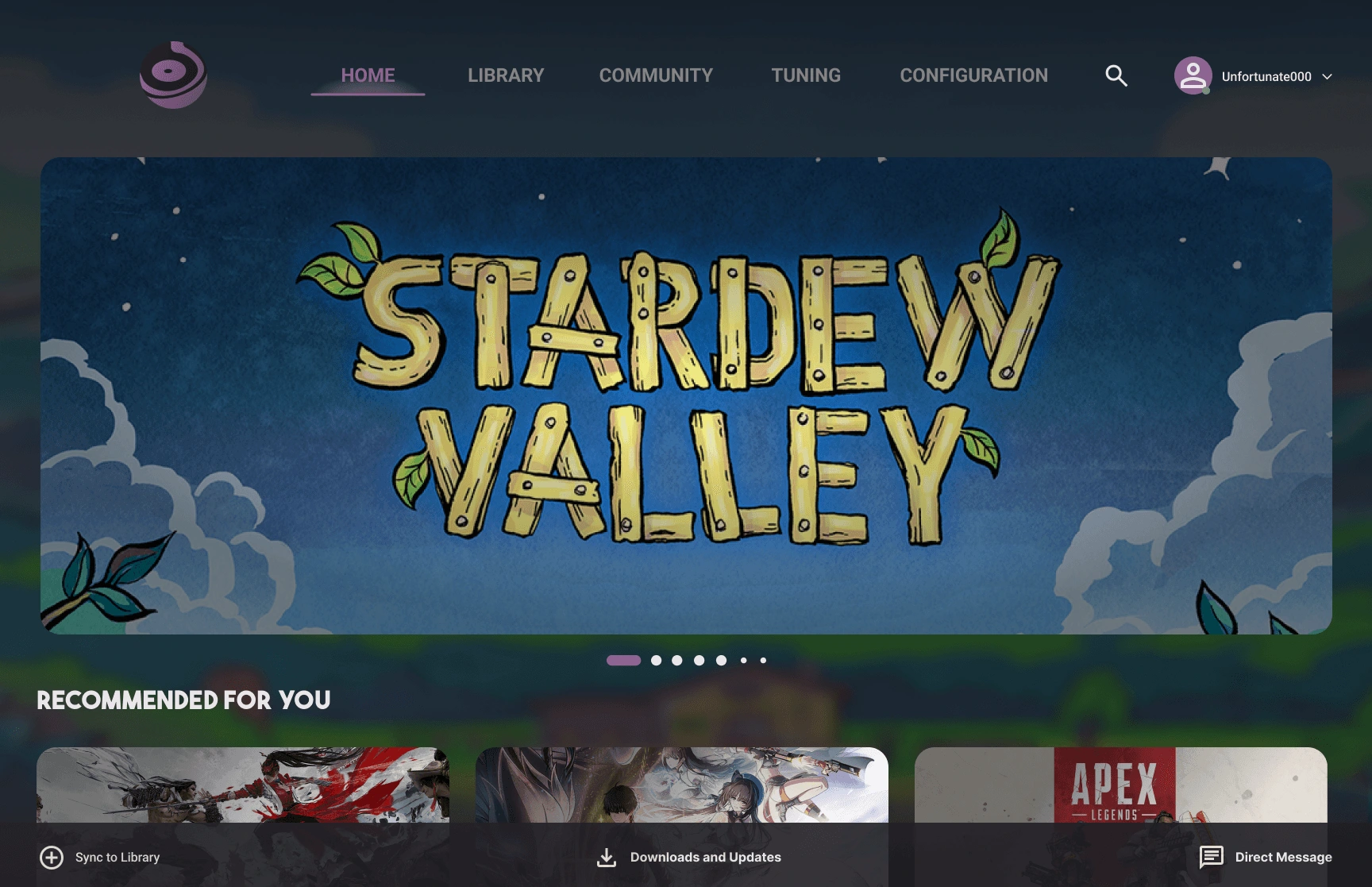
The final product is a unified game launcher that brings together multiple platforms into one easy-to-use interface. Users can manage their game libraries, track playtime, and customize controls all in one place. The app simplifies the gaming experience, reduces frustration, and makes it easier to jump into games quickly and enjoyably.
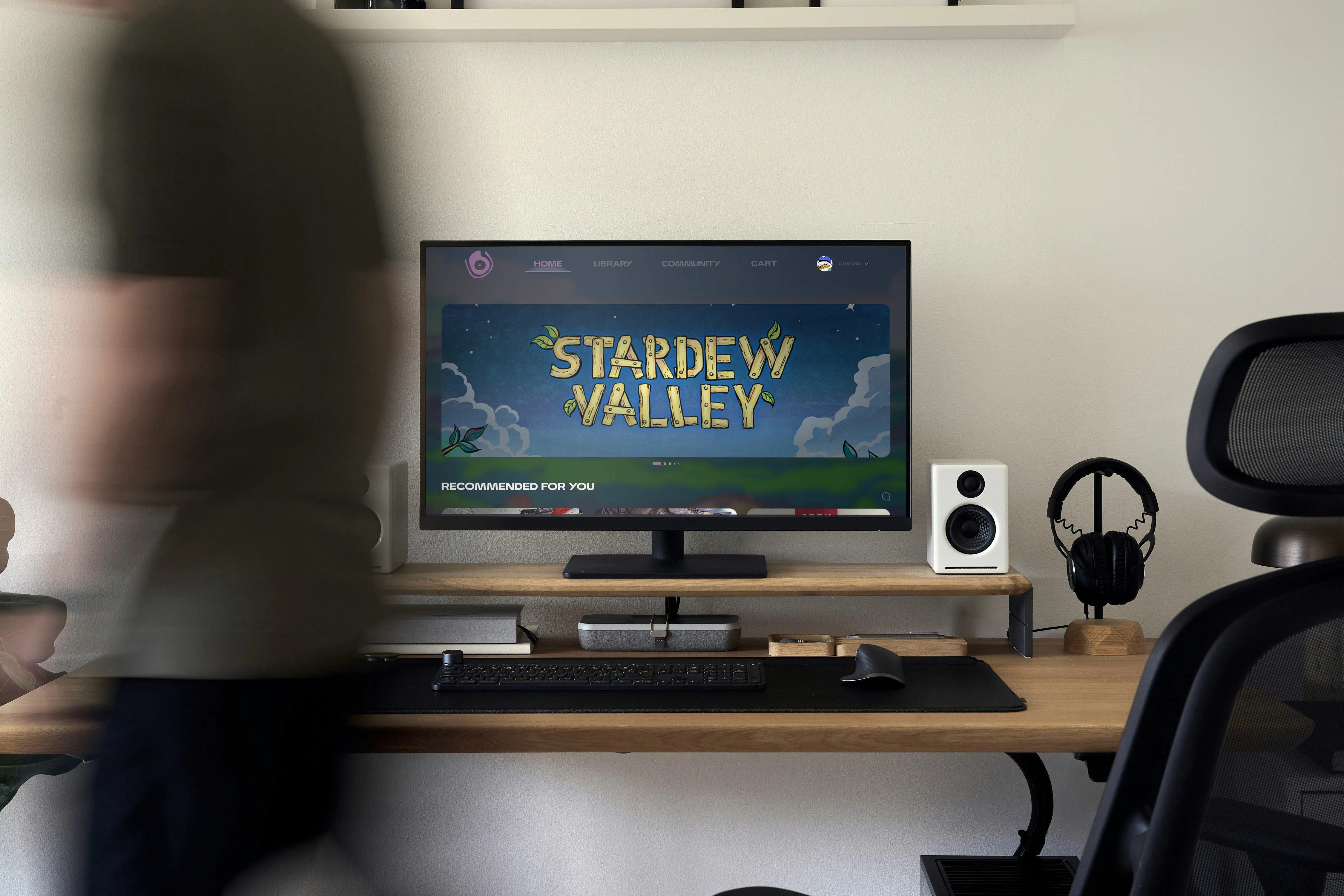
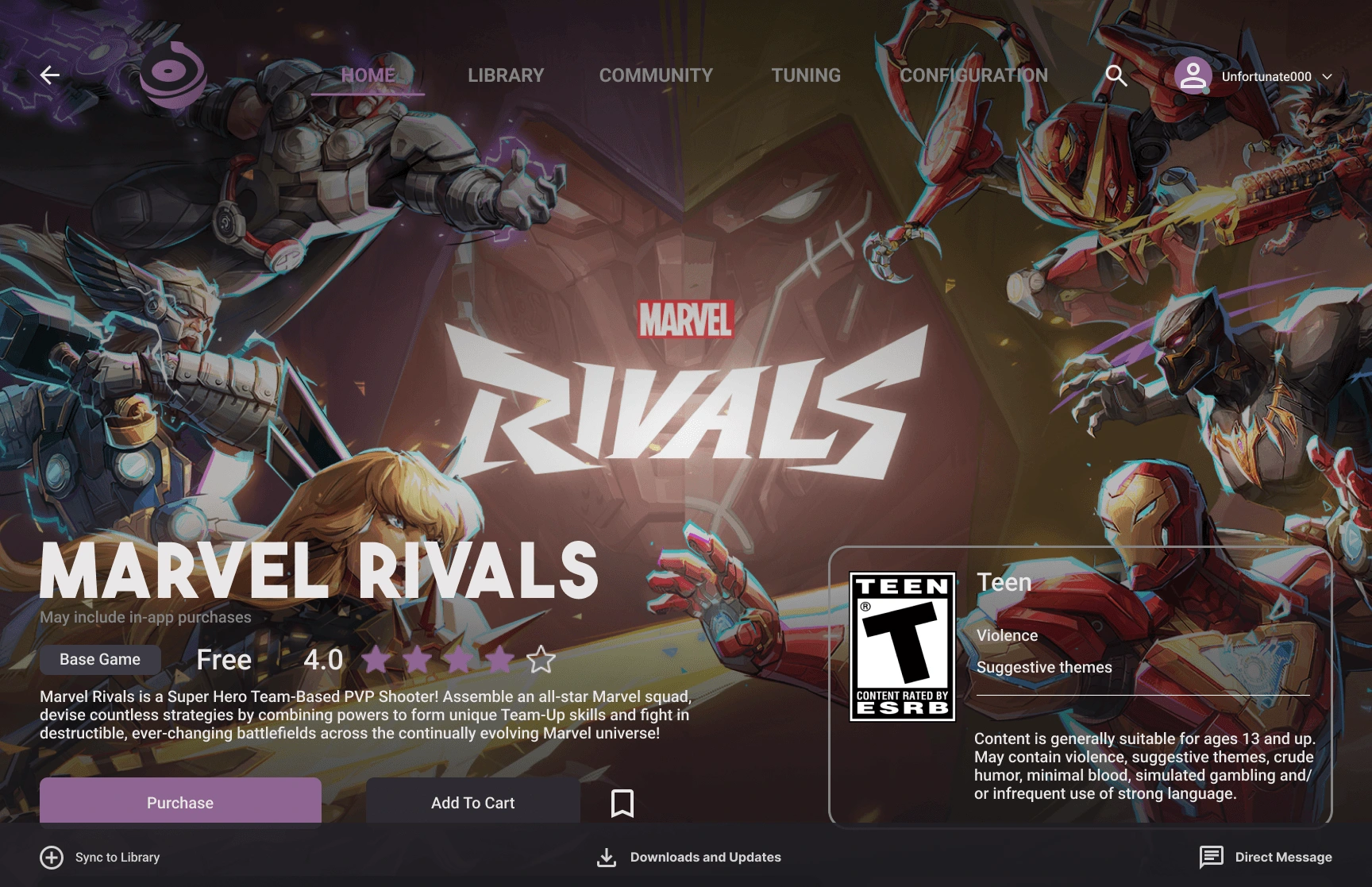
Purchase
One key feature of the launcher is the ability to browse and purchase games directly within the app. This makes it simple and convenient for users to find new titles without switching between multiple stores or platforms. Integrating the purchase process streamlines the experience and keeps everything in one place, helping gamers discover and add new games effortlessly.

Library
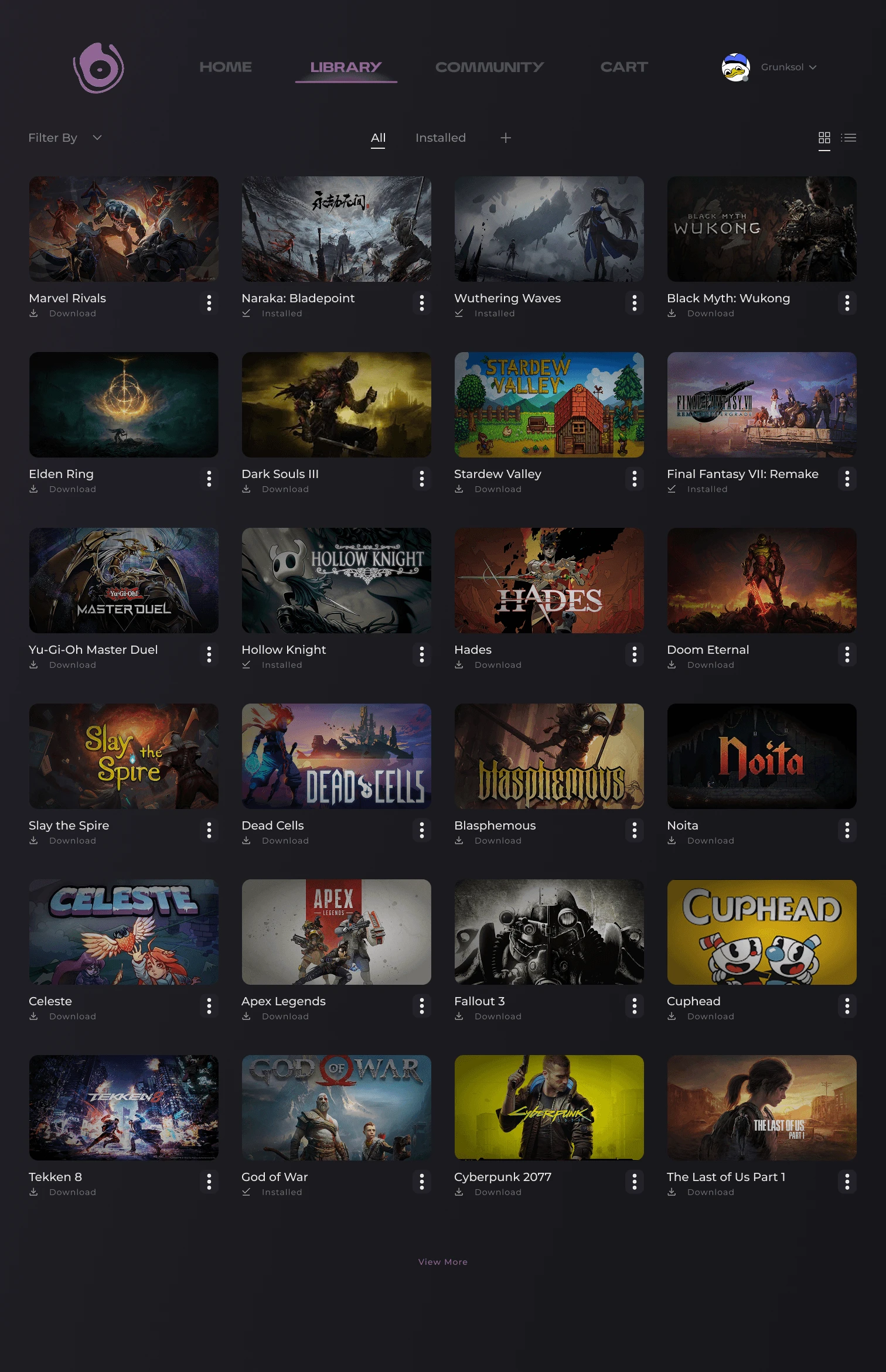
Onyx organizes all your games from different platforms into one easy-to-navigate library. It helps you keep track of what you own, what you’re playing, and what’s next on your list—all without juggling multiple apps. The clean layout and customizable options make managing your collection simple and enjoyable.
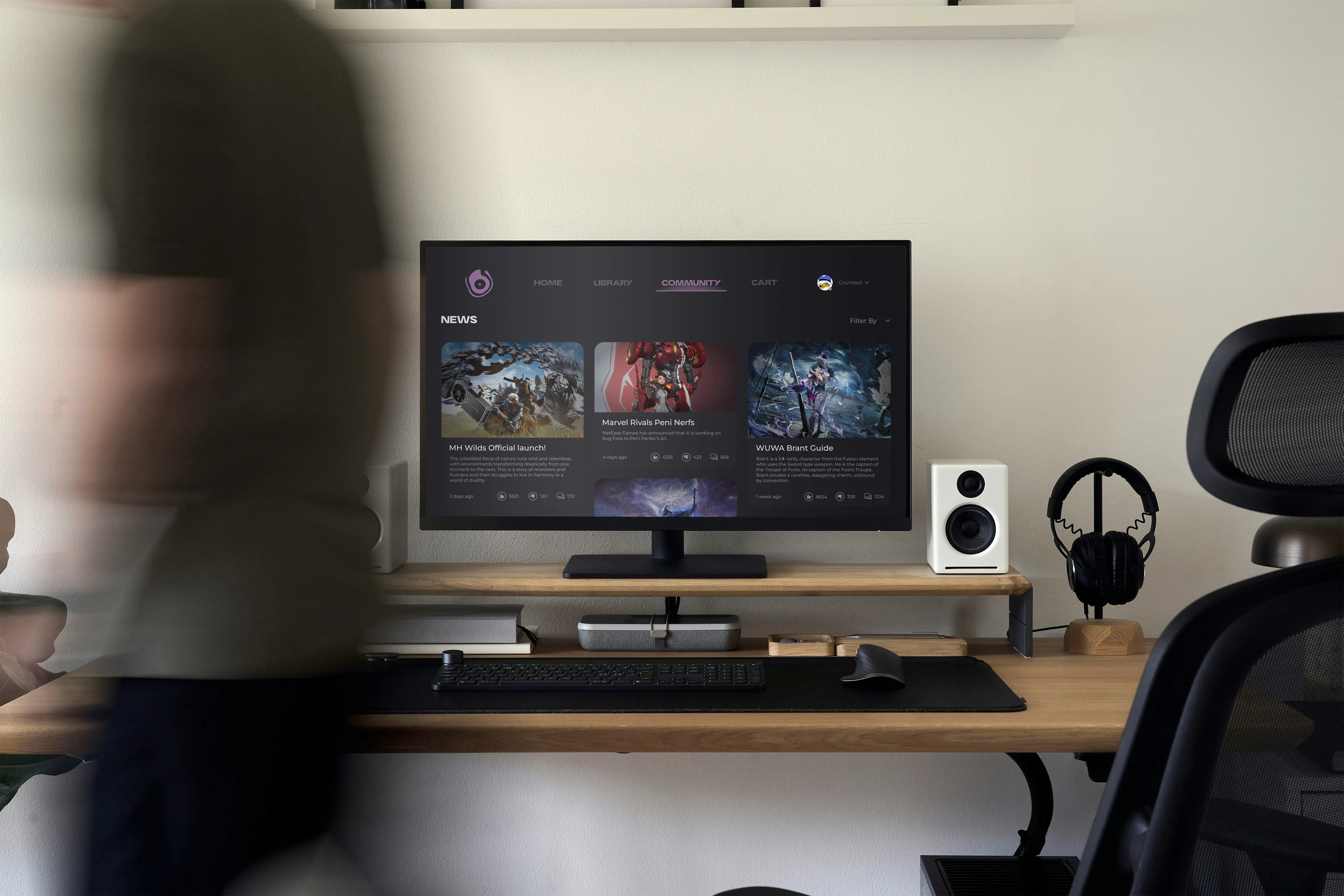
Community
Onyx keeps you up to date with the latest gaming news, updates, and announcements all in one place. The built-in forums let you join conversations, share tips, and connect with other players who love the same games. This makes staying informed and being part of the gaming community easy and interactive.
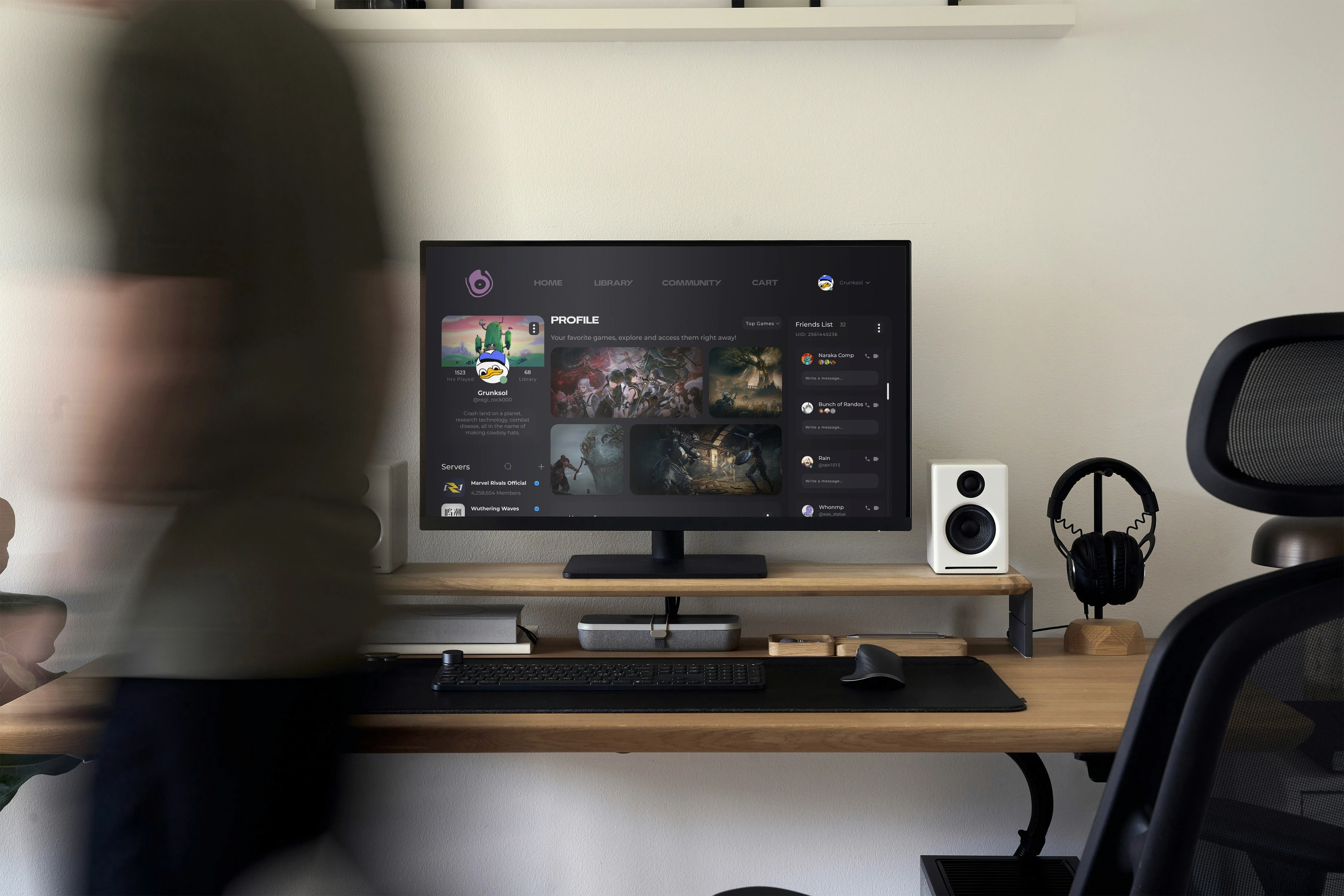
Profile
Onyx connects you with friends and fellow gamers by bringing social features into the launcher. You can see what your friends are playing, share achievements, and join gaming sessions more easily. It helps build a stronger gaming community right within the app, making the experience more social and fun.
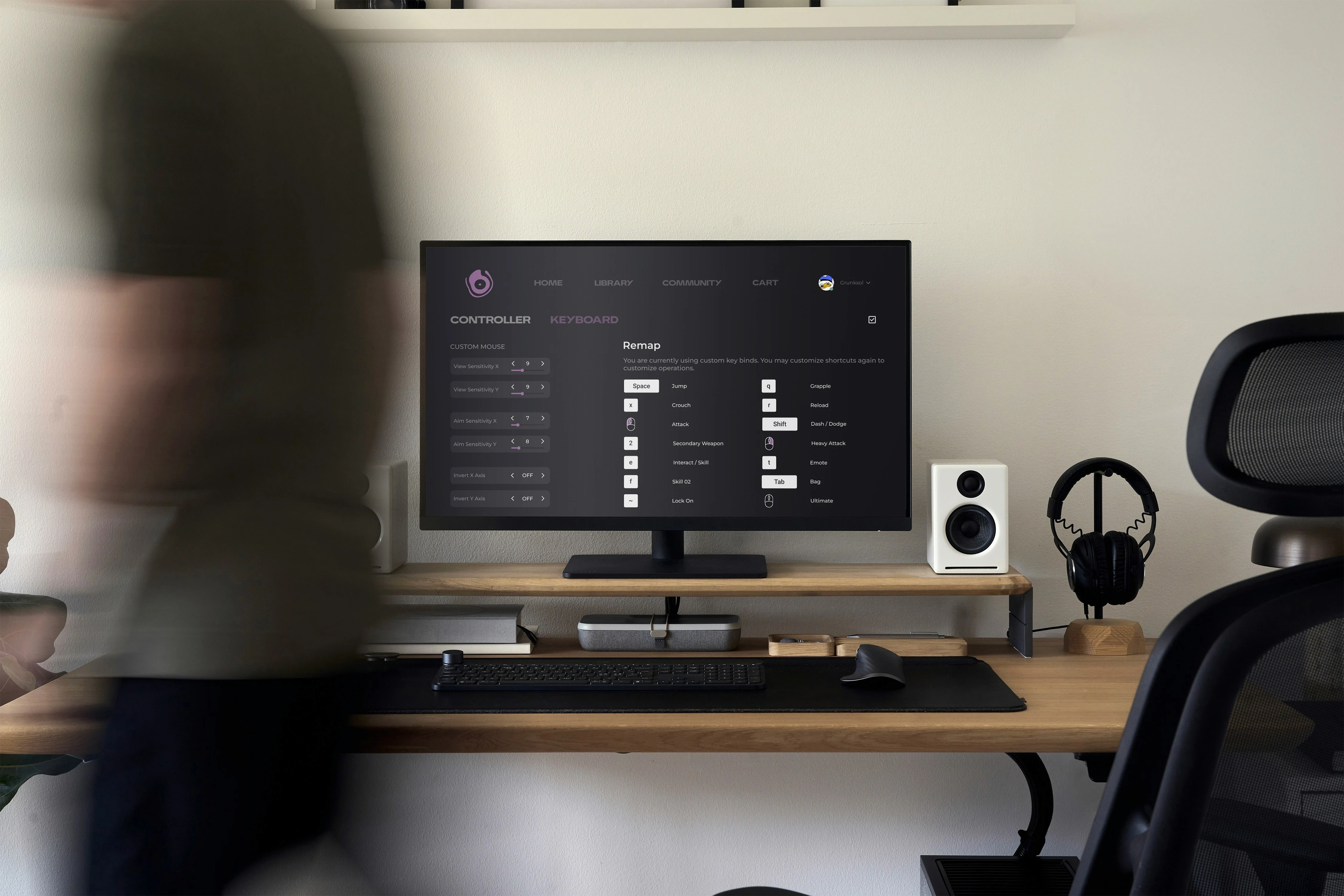
Keybinds
Onyx lets you customize both keyboard/mouse and controller settings for each game. You can set up the controls exactly how you like and save your preferences, so switching between games is smooth without having to readjust every time.
MORE WORK
Like this project
Posted Jun 22, 2025
Developed Onyx, a unified game launcher for a streamlined gaming experience.
Likes
0
Views
11