Free Online Photo Editor

Bashir Sulaiman Dahir


Free Online Photo Editor
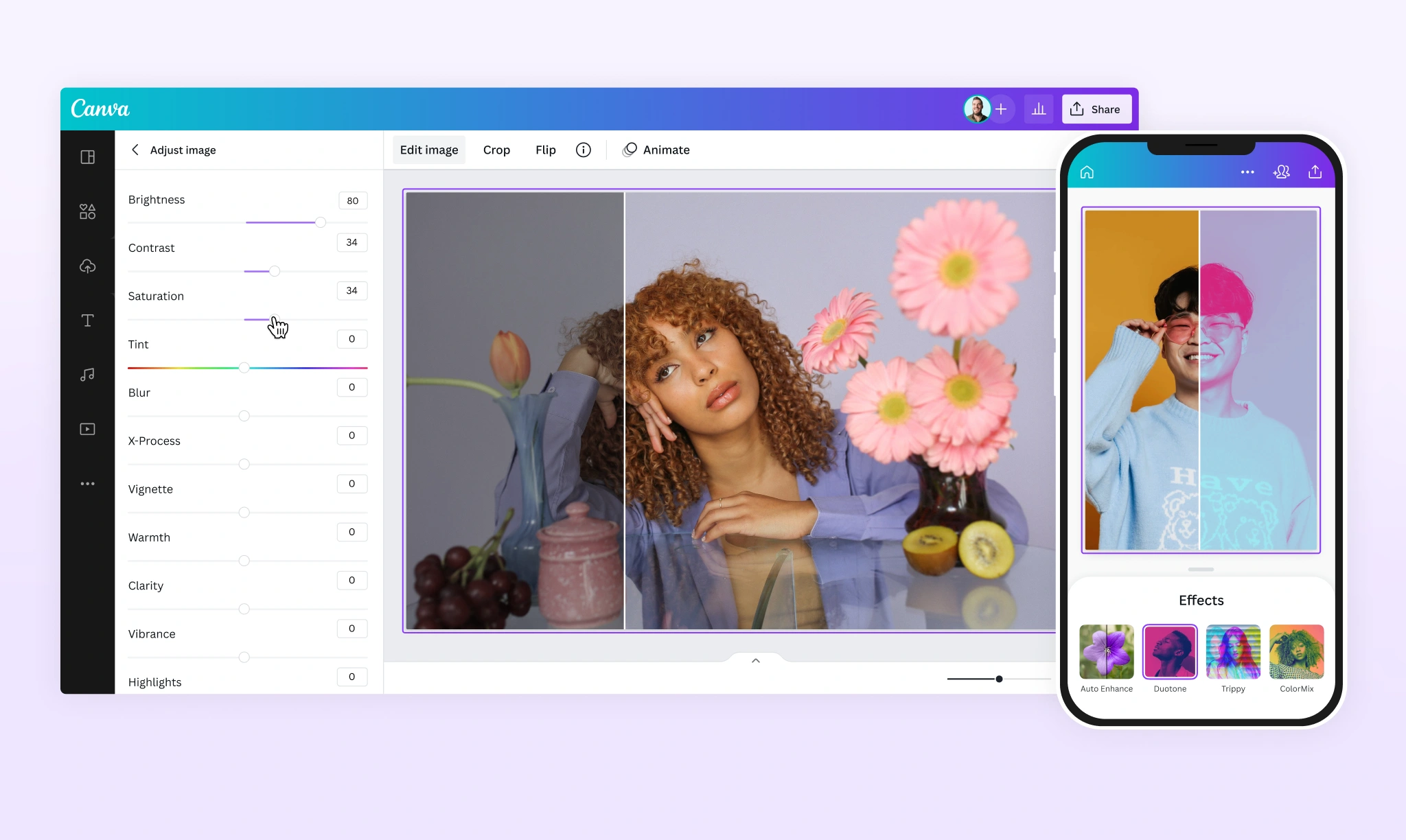
Take your photos further with Canva's free photo editor. Upload, edit, and share instantly from one place.
Upload your image
Learn about Canva’s upload formats and requirements. See how we use your content in our Privacy Policy .
Drop file to upload
Edit your photo in seconds with Canva's free photo editor

Start editing in a snap
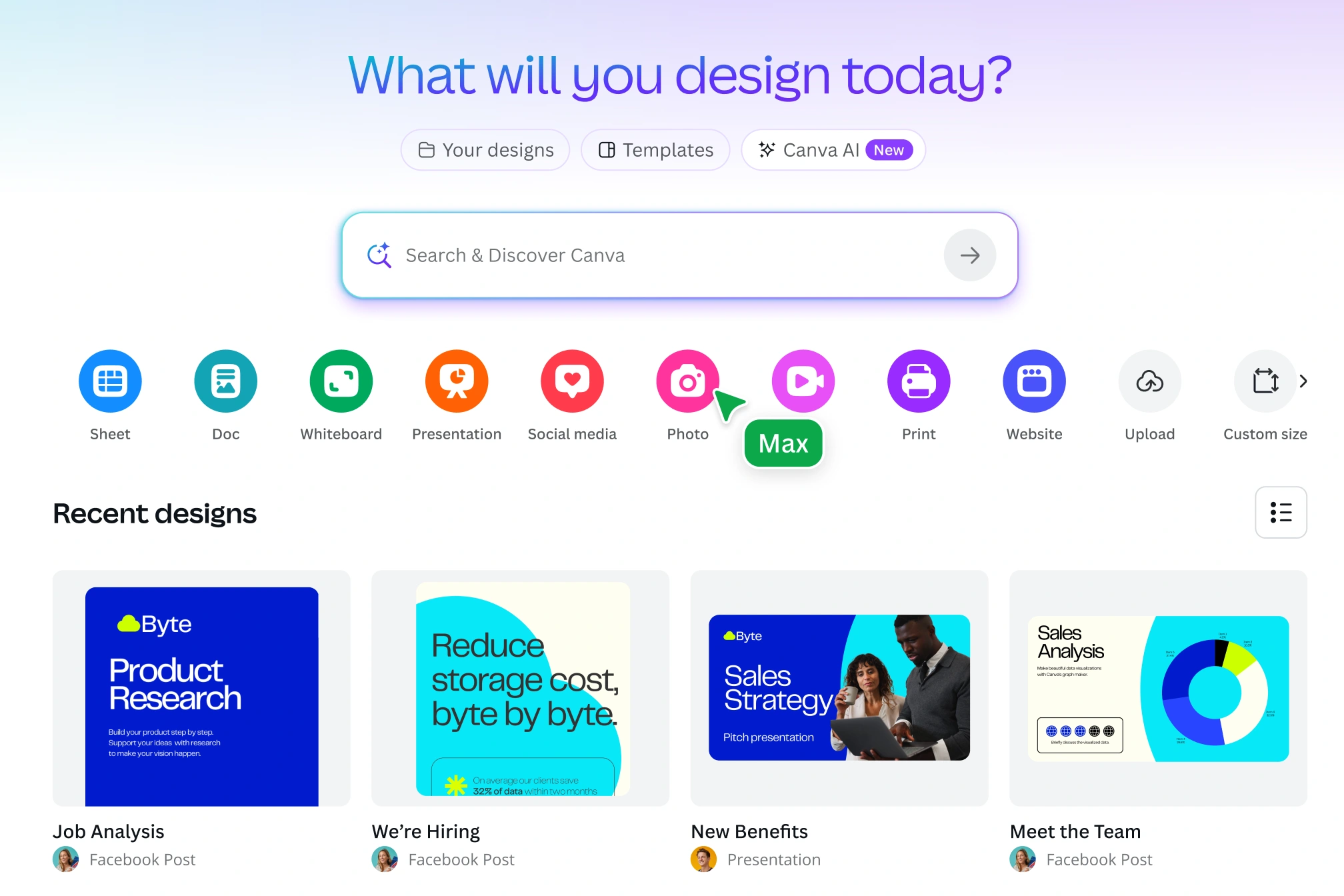
Access your camera roll and uploads straight from the Canva homepage to make instant edits to any photo. Whether you’re on desktop or mobile, it only takes a few taps to upload, adjust, and post your photos.
Polish your pictures
Rotate your images with precision and crop them to any aspect ratio .
Drag and drop design elements to your image
Elevate your photo with millions of icons, stickers, frames , text , and stock images from our free design library.
Upload your image
Add stunning effects and filters and adjust any part of your image

Beautiful effects, filters, and adjustments
Choose from a range of stunning, adjustable filters for a style that sets your photo apart. Try the trendiest looks, add shadows, or blur the background to instantly add depth to your image.
Refine your photos with precision
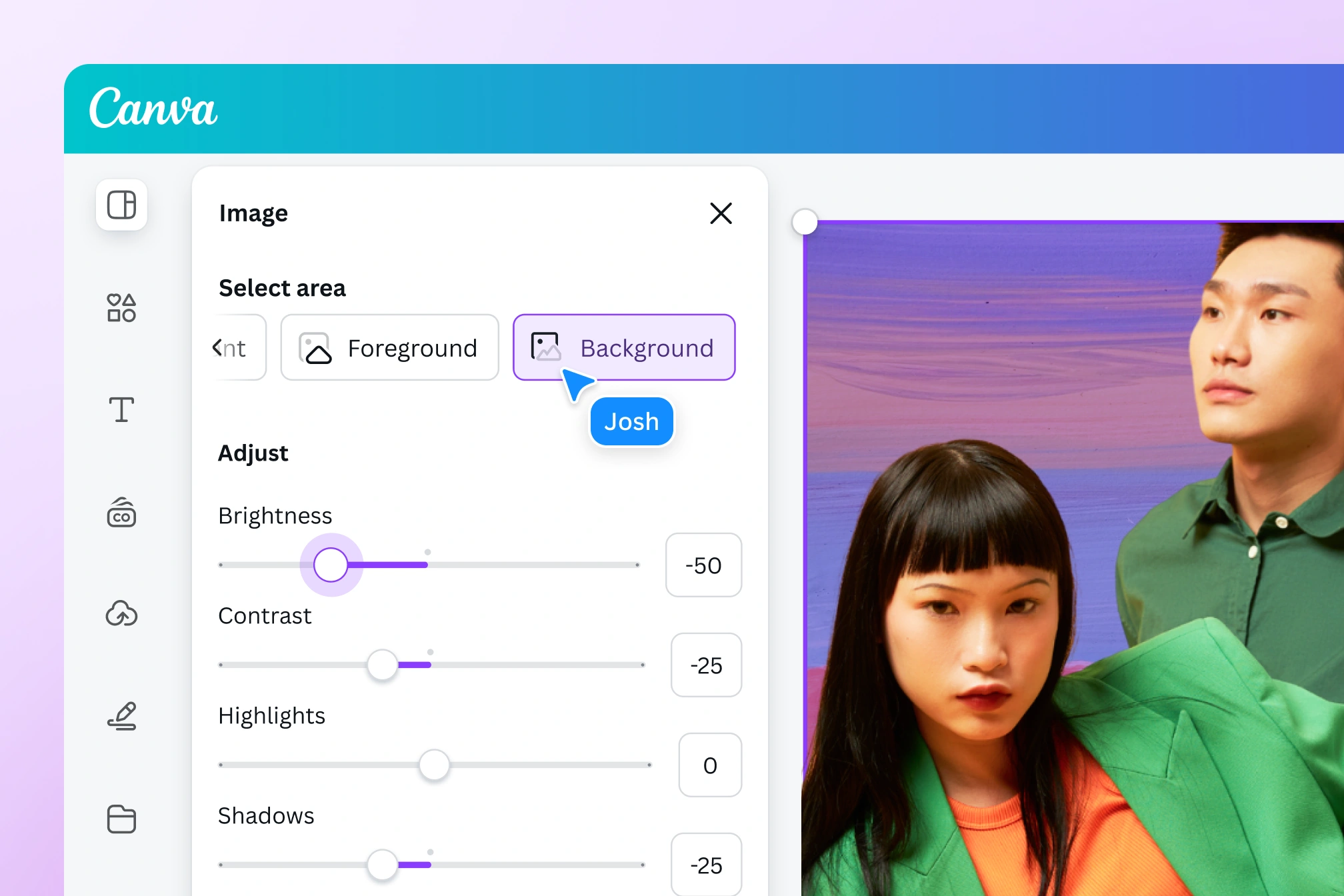
Every image is now fully designable. Point and click on key elements to adjust their warmth, brightness, texture, and even color using simple adjustment sliders. Use the color inverter to create photo negatives in an instant, then crop to standard ratios. Use Smart Crop to find the ideal composition, and fix wonky perspectives by adjusting your image’s tilt angle.
Enhance your photos instantly
Strapped for time? Use Auto-adjust to enhance your image with a tap. With Canva’s free photo editor, you can choose to adjust the whole image, the foreground, or the background independently.
Upload your image
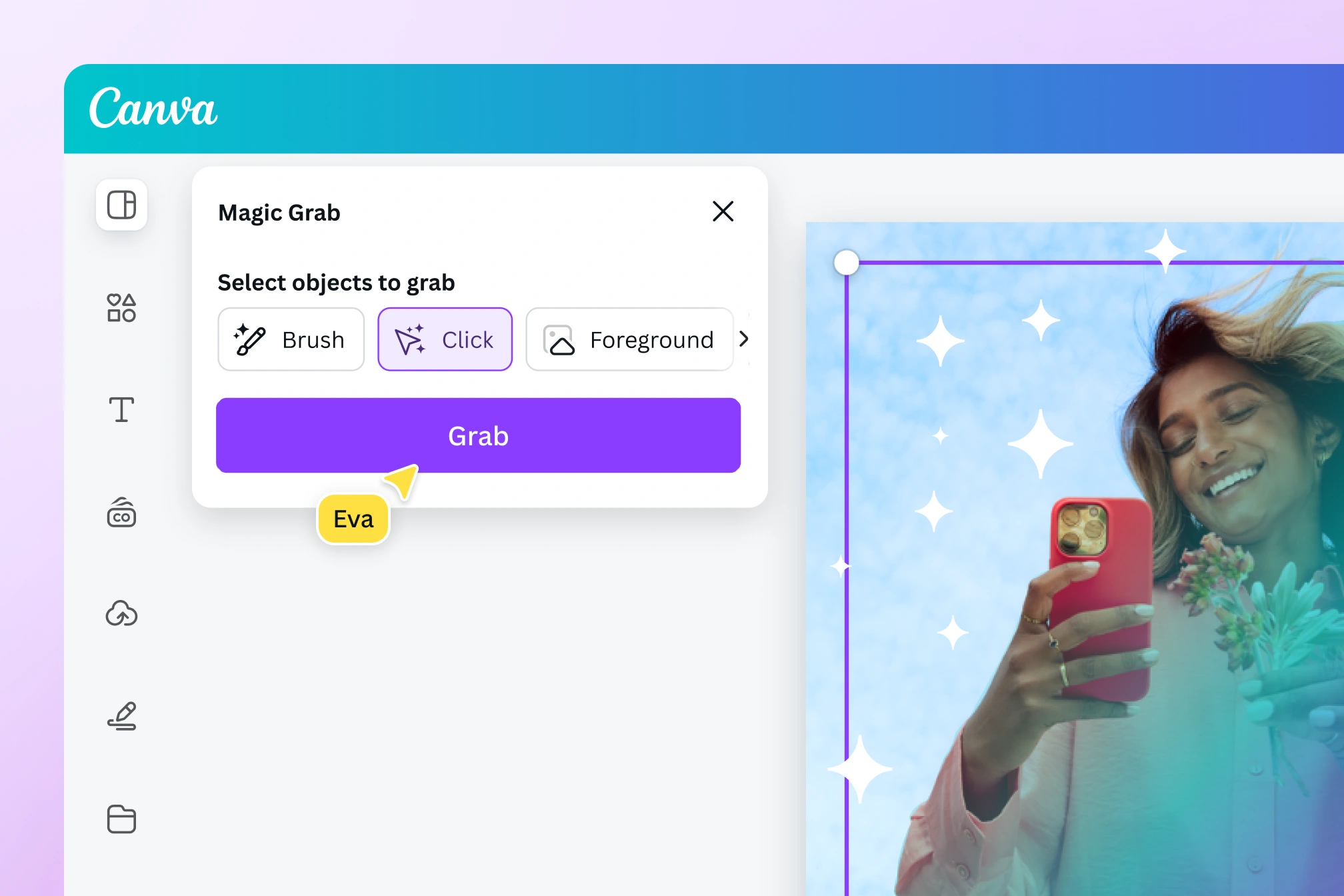
As easy as editing a Canva template

Designable images you can transform in a few clicks
Say hello to playful, intuitive, point-and-click editing. The photo editor detects text, backgrounds, and foreground elements, so you can rework each image with ease and speed. Click anywhere on a photo to grab, move, remove, replace, or make adjustments to any subject or text—just like you would on a template.

Clean up clutter, fast
Remove unwanted distractions with Magic Eraser (Pro). Just click on a subject or use the adjustable brush to brush over and delete details—big or small. Clear out entire backdrops in one go—our one-click Background Remover (Pro) creates a clean, blank canvas in seconds. Need to make precise edits? Use Pixel Eraser to remove or cut around elements with precision. Adjust the brush size, pore over the finest details, erase distractions, and highlight what truly matters.

Generate the right background
Got the perfect idea for a background? Bring it to life with our Background Generator (Pro). Simply describe the scene with a text prompt and watch it spring to life. Now, with just one click, you can seamlessly blend objects with each new scene and set the lighting and mood perfectly with AI.
Upload your image
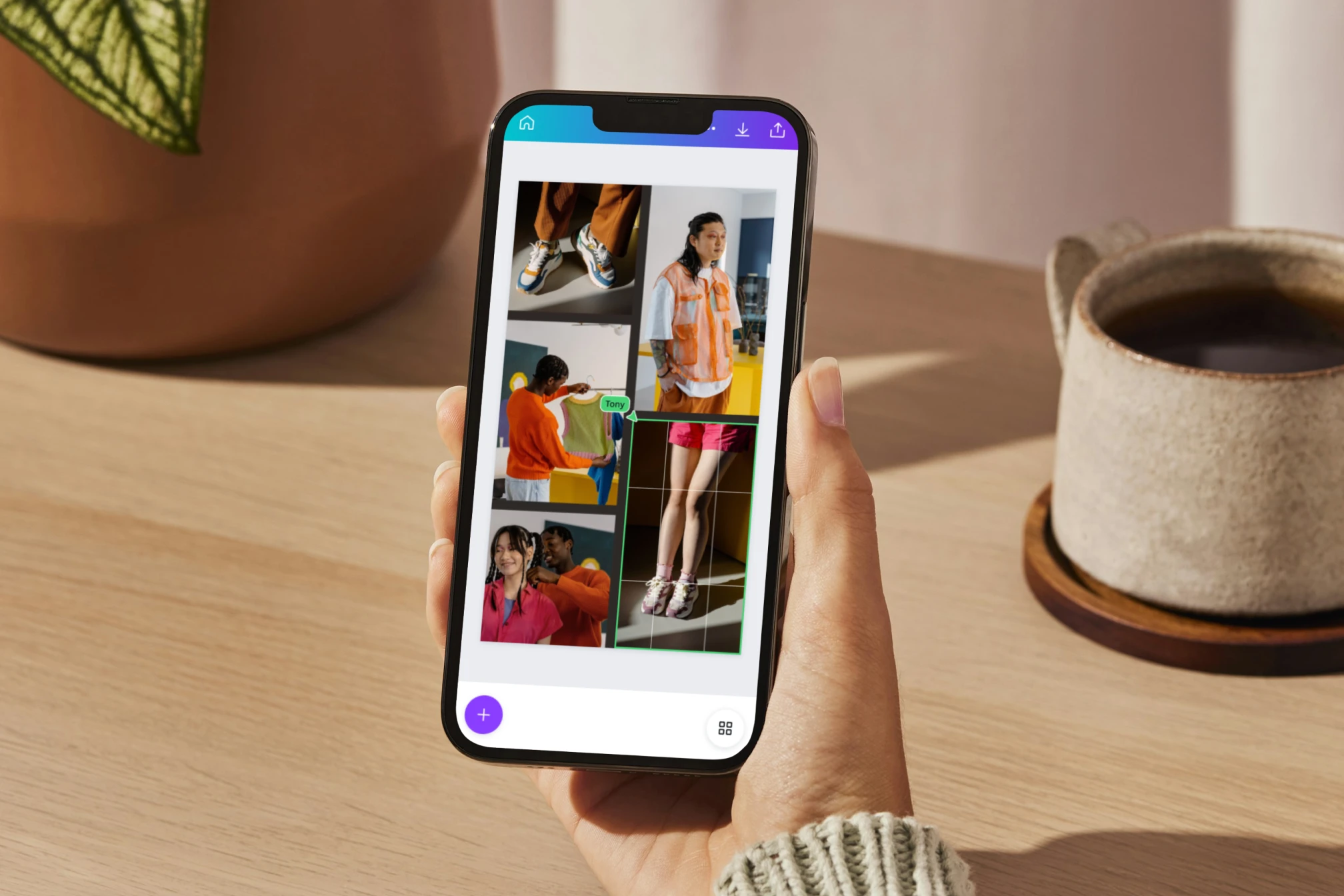
Edit photos, design and print, all from one place
Thousands of ready-made templates
Add your photo straight to any design. Whether that's a photobook you want to print, a profile picture, or an Instagram post, Canva has thousands of templates ready to customize.

Quick product mockups
Imagine how photos can leave a lasting impression in a real-life setting. Simply select from a range of templates to create professional mockups instantly. With the power of AI, Mockups can analyze your images and identify ideal surfaces for product placement, so that you can turn any branded photo into a custom mockup template in seconds.

All the space you need to collaborate
Collaborate with your team in real-time—leave comments and tag members in your designs. If you need more room to develop big ideas, just click Expand to Whiteboard. This turns presentations and social media designs into a whiteboard with infinite space, customizable shapes and connectors, and a handy Draw tool for quickly scribbling notes and ideas whenever inspiration strikes.
Upload your image
How to edit your photos in 3 easy steps
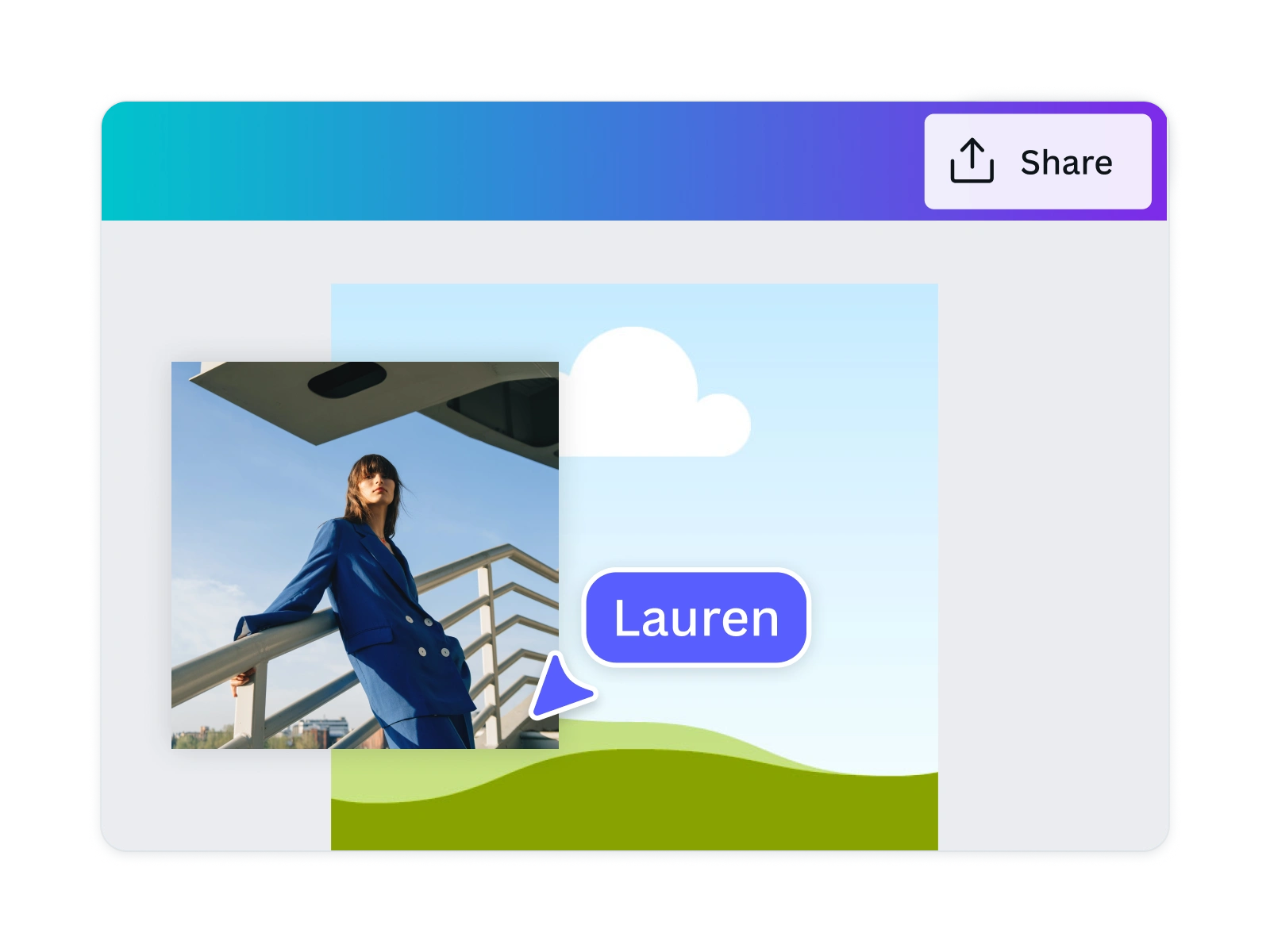
1. Upload your image
On the home page, click Photo editor to upload and edit your photo straight away. Or, open a new or existing design project.
2. Edit your photo
Add filters, effects, adjustments, or customize with frames, text, or stickers.
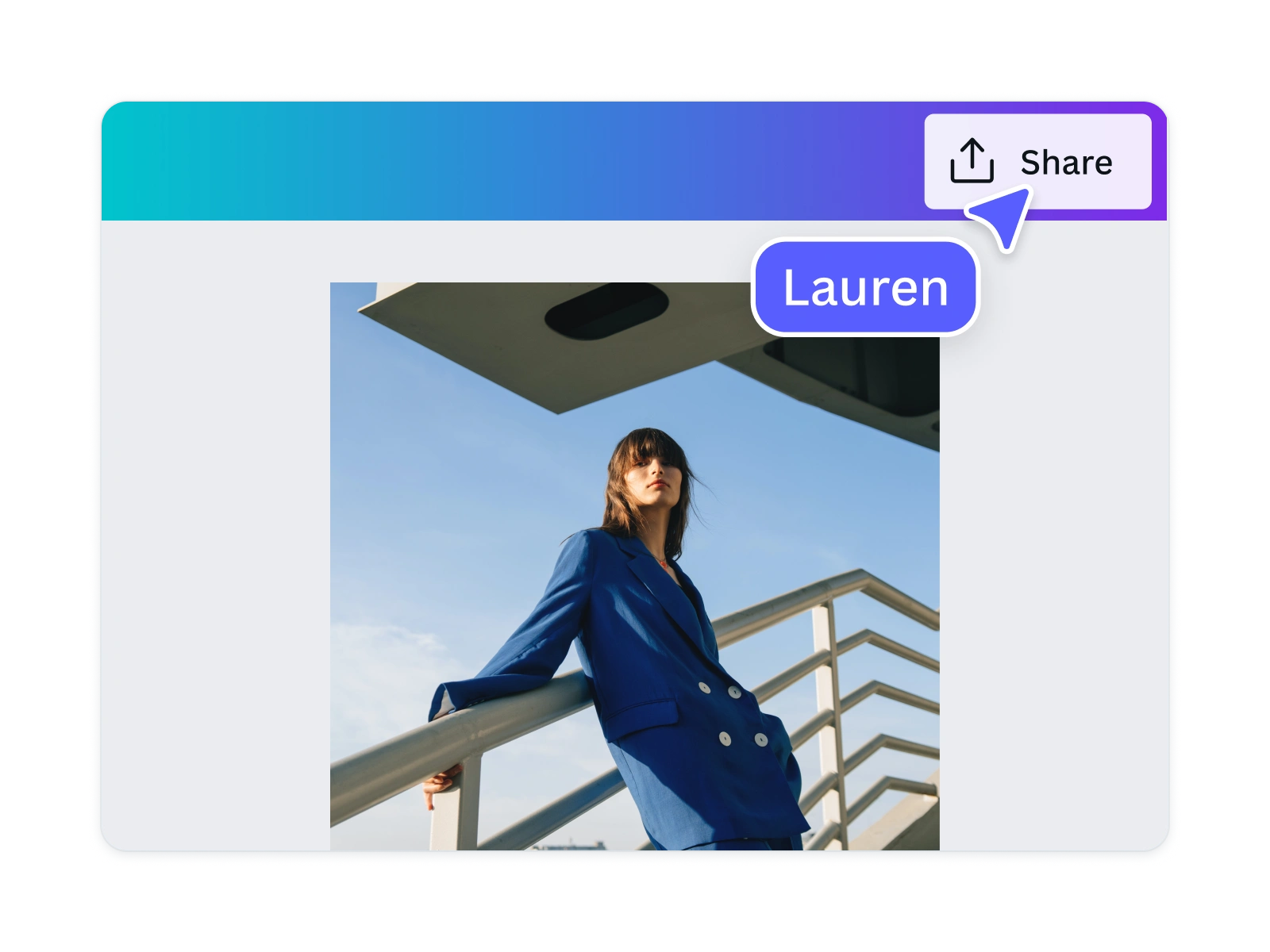
3. Download and share
Download and share your photos instantly to your favorite platforms or save for later.
All the photo editing features you need
Our online photo editor’s drag-and-drop design tools make it easy to edit images and create any design, fast!

AI-powered photo editor
Click on any object and AI will detect key subjects in your images. Instantly recolor, adjust, replace, duplicate, remove, or reposition the elements in your photo.
Background Generator (Pro)
Generate stunning backdrops with the BG Generator in Magic Studio . Describe a new background and watch as your subject blends seamlessly into the new scene.

Perspective correction
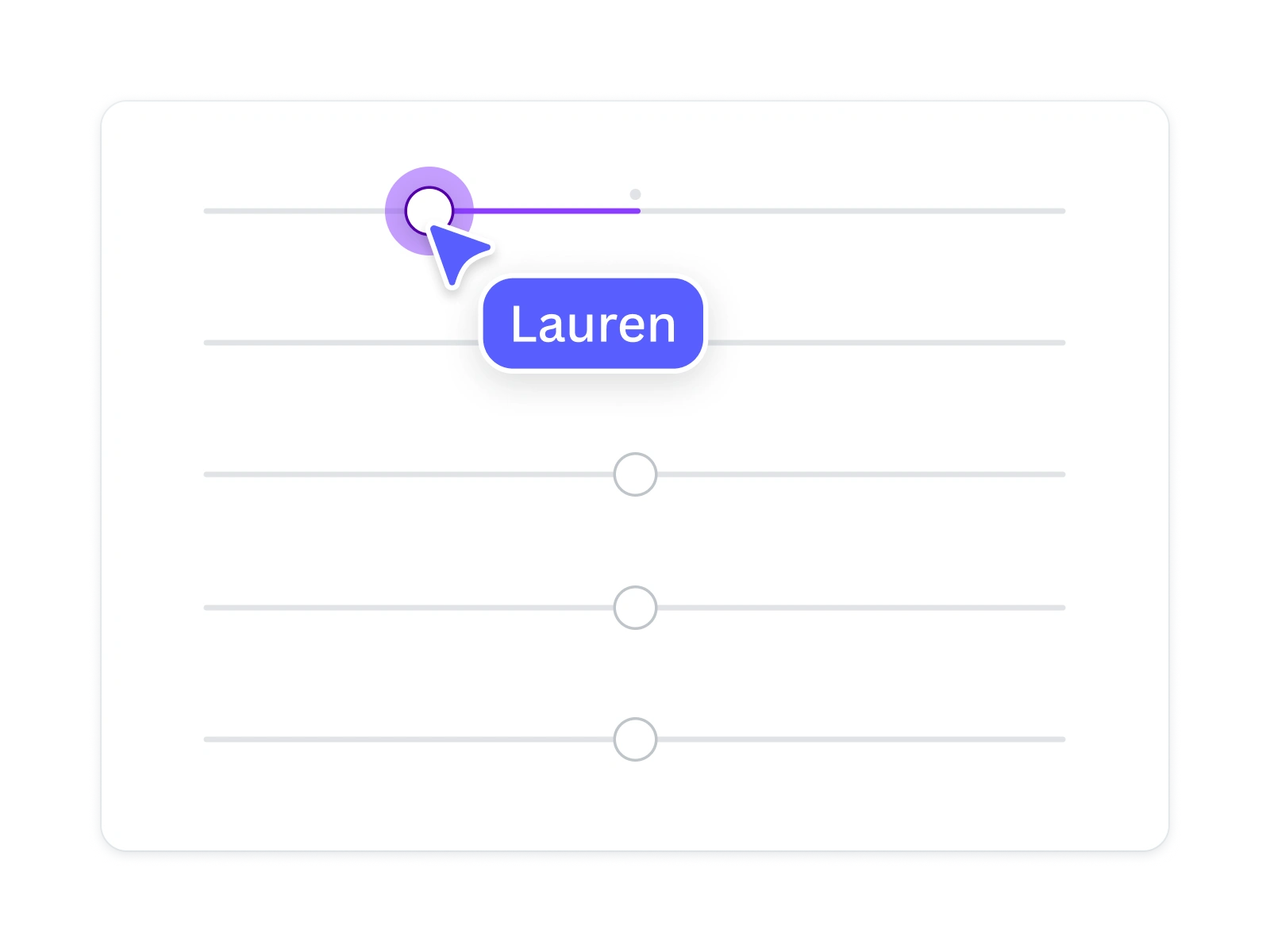
Adjust your image’s perspective horizontally or vertically with easy-to-use perspective sliders.
Quick & easy adjustments
Tweak white balance, light, color, and texture in close detail with adjustment sliders.

Photo effects & filters
Choose from our selection of adjustable color filters and fun photo effects to remix your photo.

Photo editing apps
Elevate your photo with AI-powered apps from the Apps Marketplace. Increase photo resolutions, go from black and white to colored, or even convert pictures into sketches.

Magic Eraser
Magic Eraser
Instantly clean up your image and remove any unwanted distractions with Magic Eraser —no manual editing needed.
Magic Edit
Magic Edit
Want to change the color or texture of an object? Or swap the background for something else? Magic Edit lets you add to, replace, or edit your image with a short written prompt.
Add depth with shadows
Add life to your flat image with a 3D shadow effect, so it stands out in your designs.
Draw
Draw
Draw, sketch, collaborate in real-time using Draw in Canva. Use our freehand drawing and Shape Assist tool to mindmap and connect ideas, fast!

AI Photo Editing
Quickly erase, add to, edit, and enhance your photos using AI-powered photo editing tools (Pro) .

Magic Media™
Dream it up, then add it to your design. Watch your words transform into beautiful images and videos with Magic Media.
Focus your image
Adjust your photo's focal point so you can blur out backgrounds and foregrounds easily.
Blur effect
Add a blur effect to your images. Control the intensity with an easy-to-use slider.
Crop to perfect ratios
Crop your image to a preset size or drag-and-drop its corners to a custom aspect ratio.
Precise rotation
Quickly rotate your images to exact degrees with a slider and number input.
Thousands of free photo templates
Use your image in a photo collage, postcard, or any other design, with thousands of templates available.

Millions of free graphics, icons, and images
Embellish your image with stunning graphics and images from our free content library.
Add Text to Photo
Easily add text to your photo or image to tell a story. Font combinations, colors, and styles available.
Automatically translate your design
Automatically translate your design
With Translate (Pro) , quickly change the language of your existing design, with over 100 languages to choose from.

Image Converter
Convert your image to any format, for free.
Use your photo in a design
Discover how much more you can do with your photos.
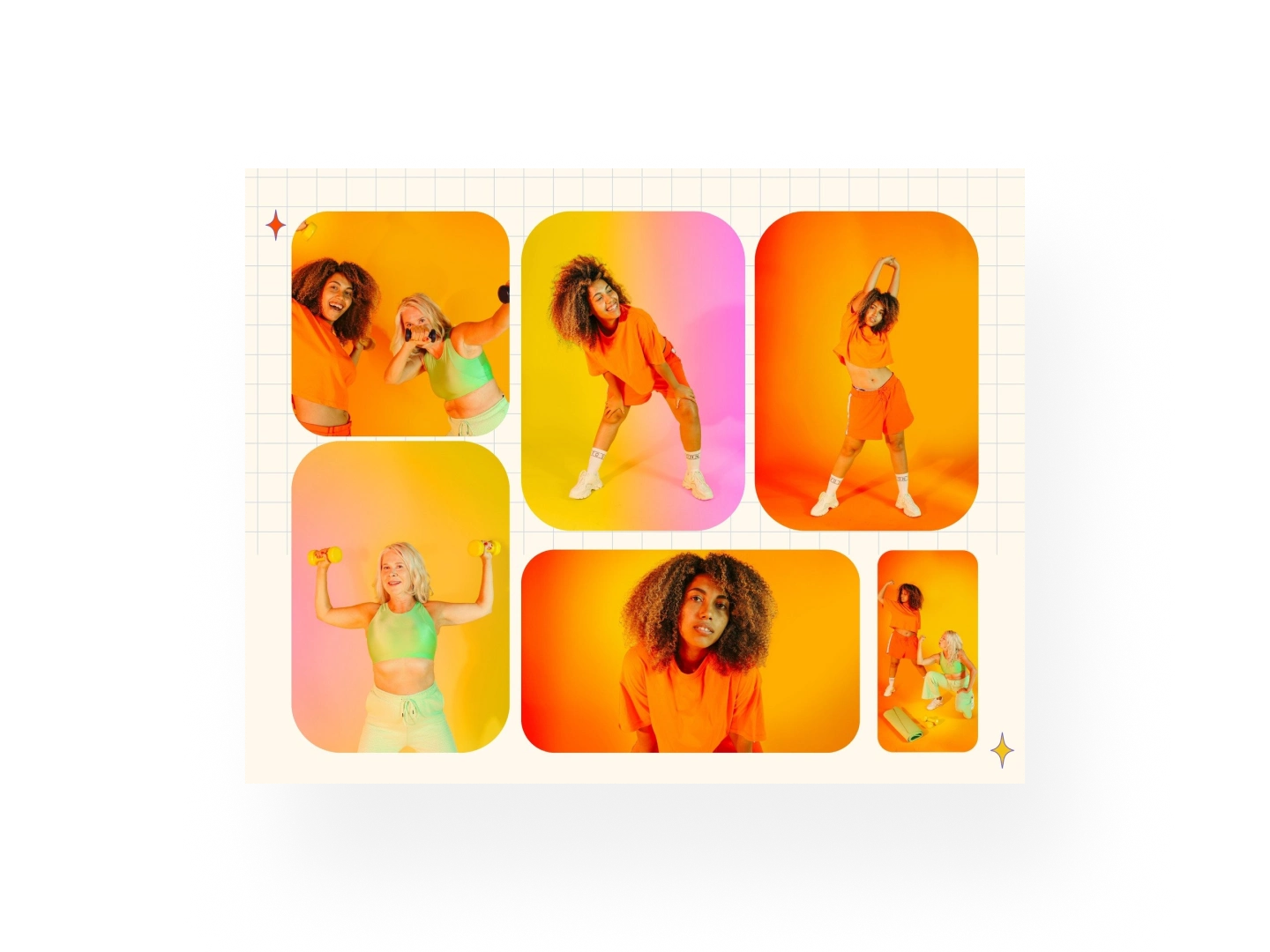
Photo Collages
Tell captivating stories with images
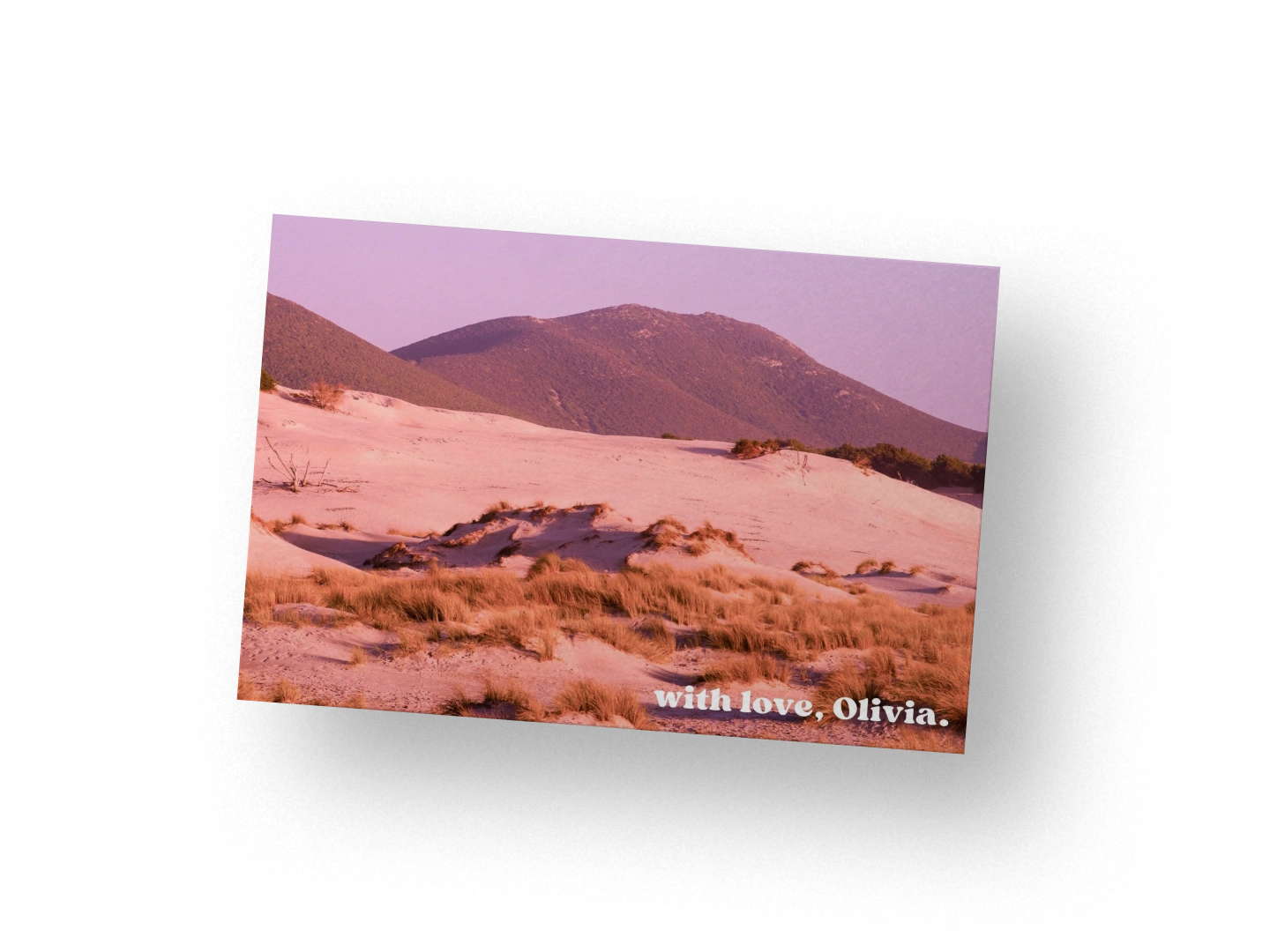
Photo Postcards
Share the places you’ve been to with loved ones
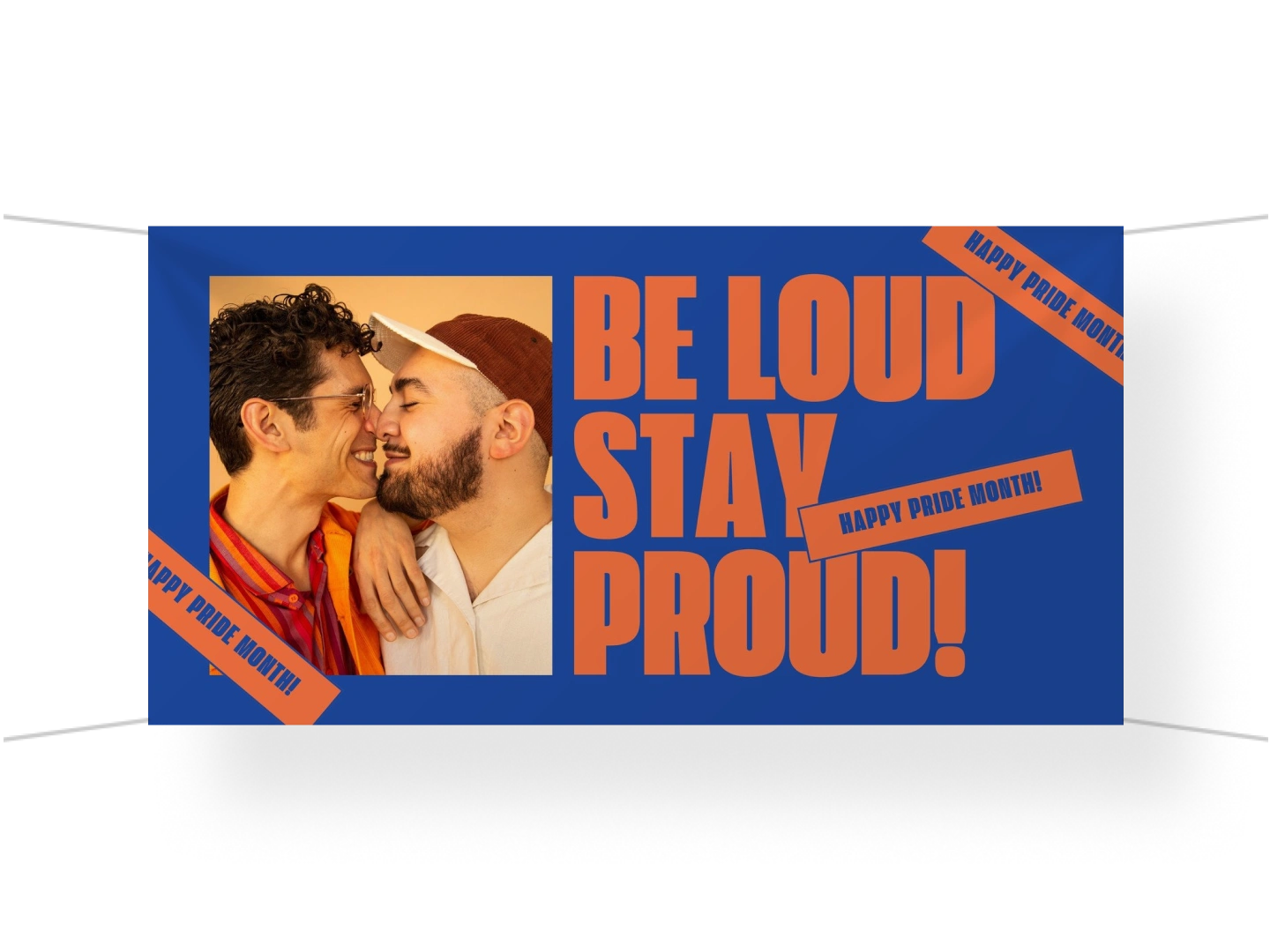
Banners
Build your online brand with matching headers
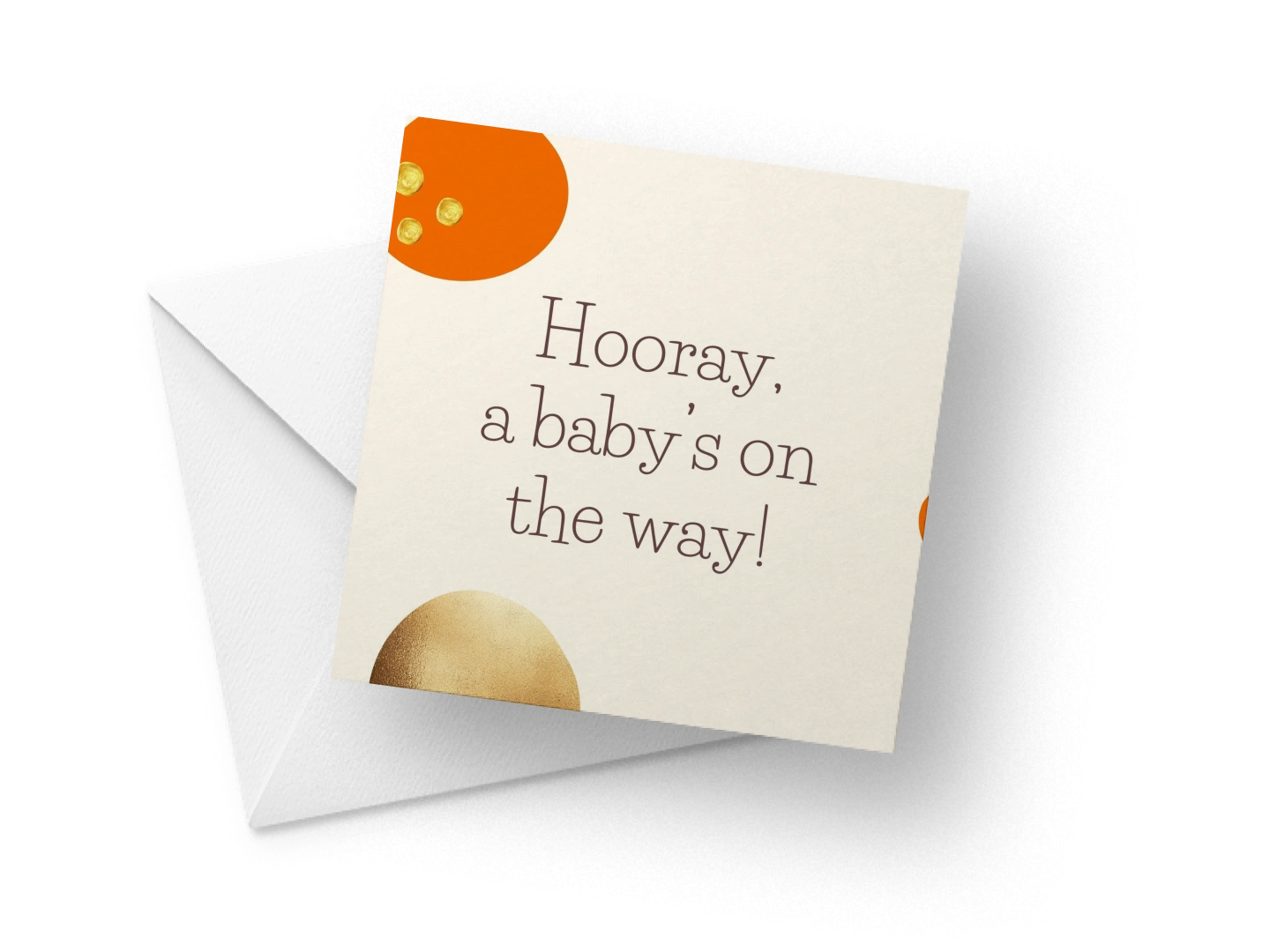
Cards
Pair your letters and gifts with a nice photo card
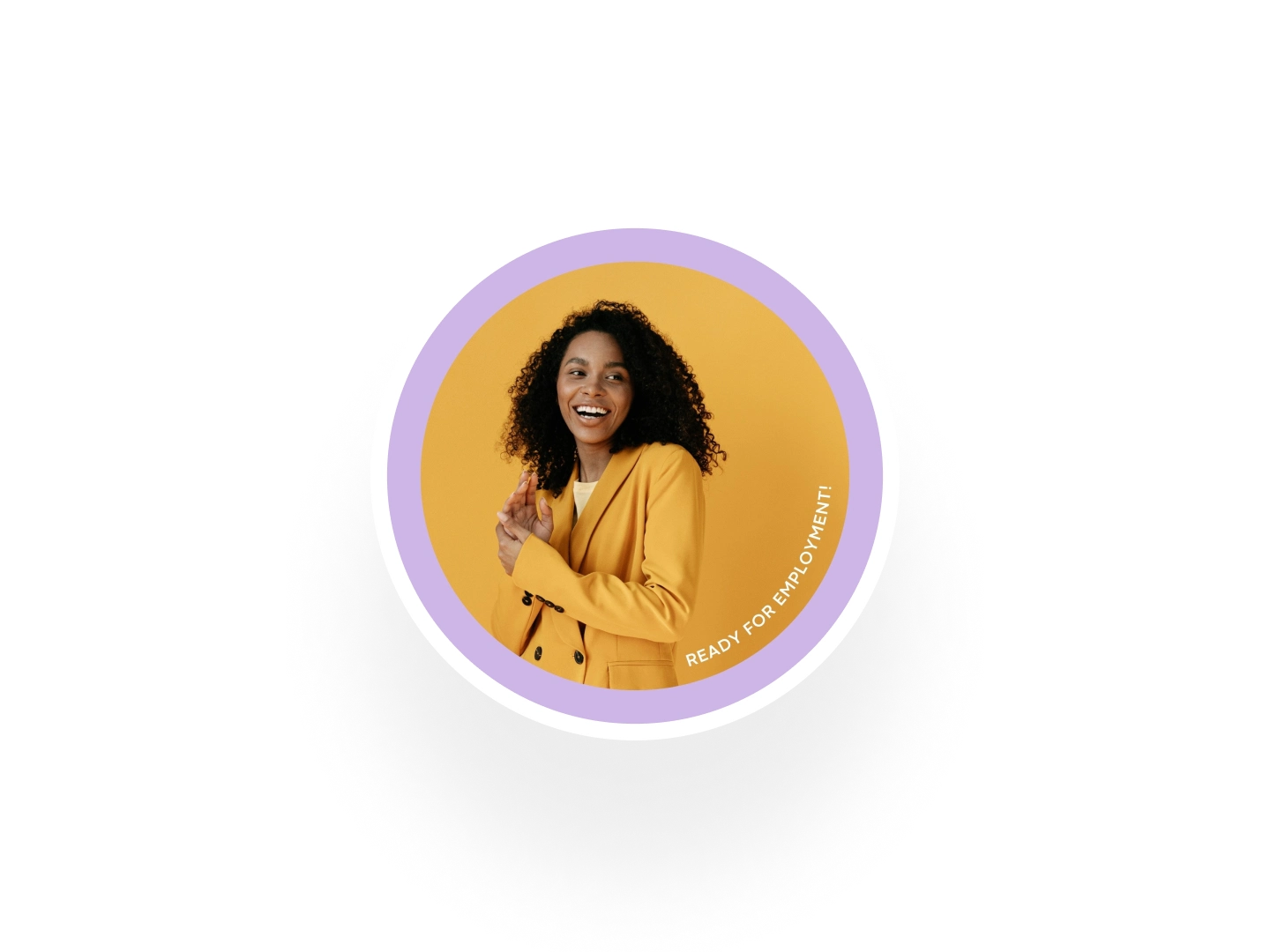
Profile Pictures
Create unforgettable display photos
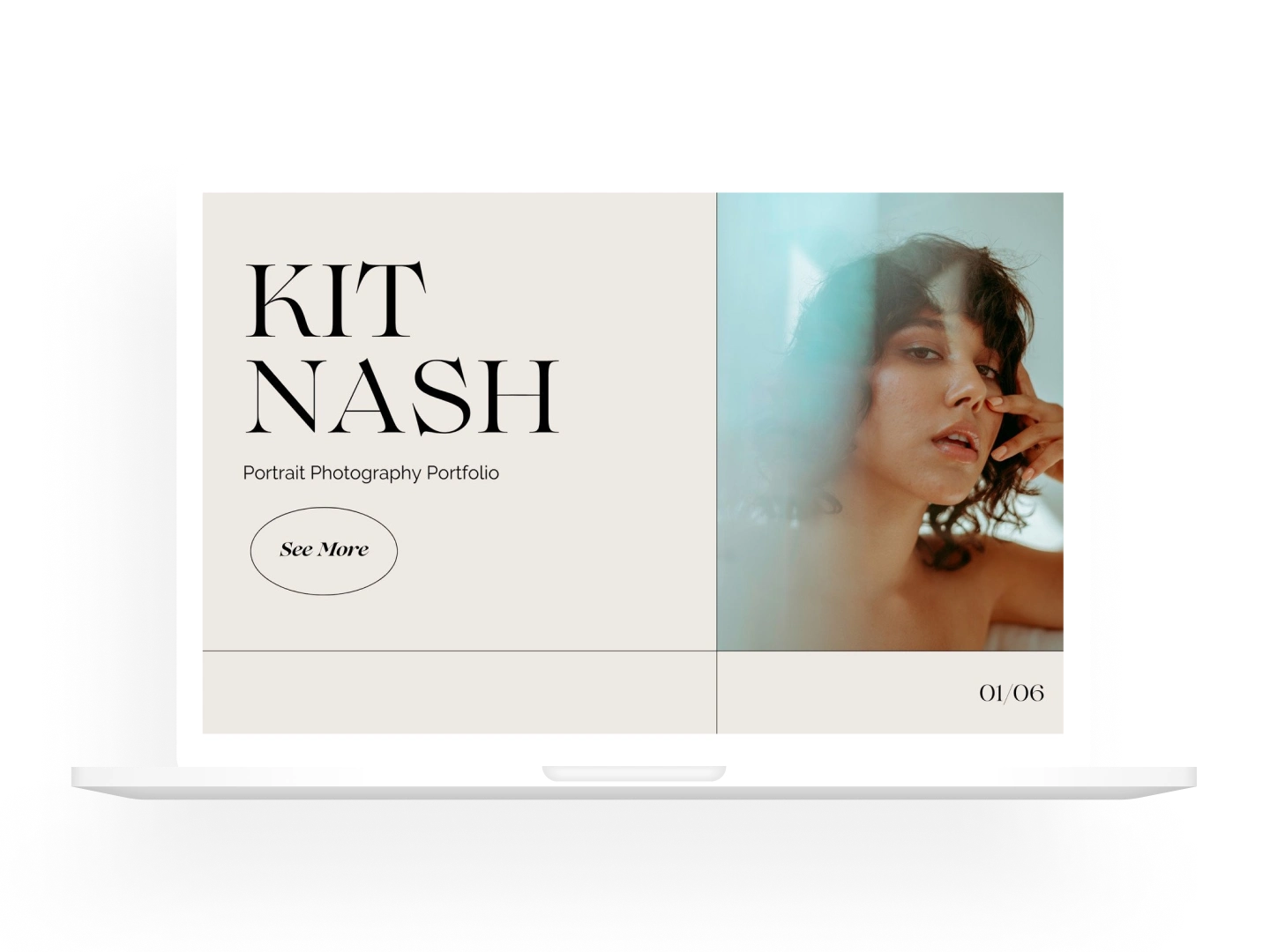
Portfolios
Compile your best work into a stunning portfolio
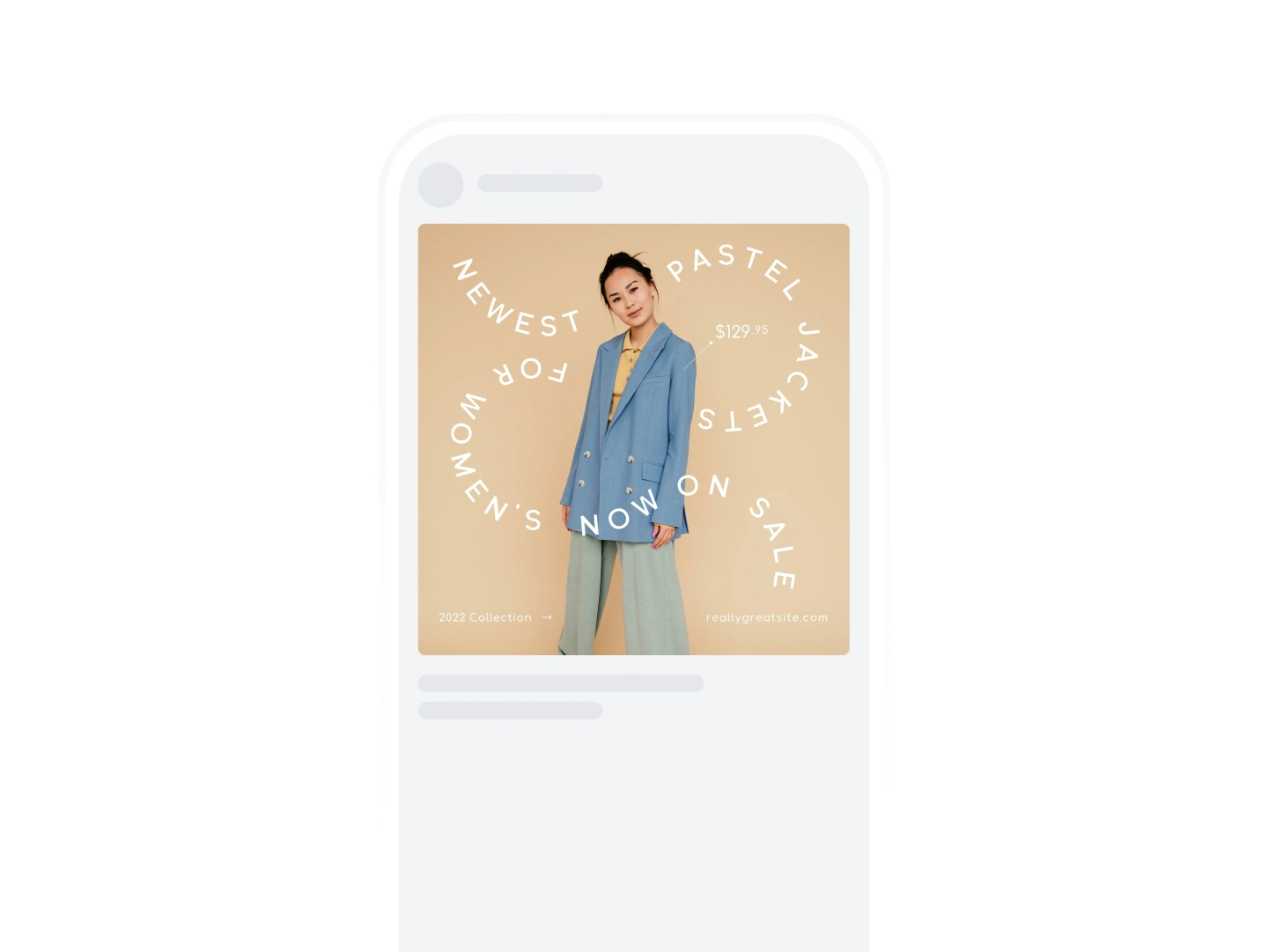
Instagram Posts
Polish your social media content for maximum engagement
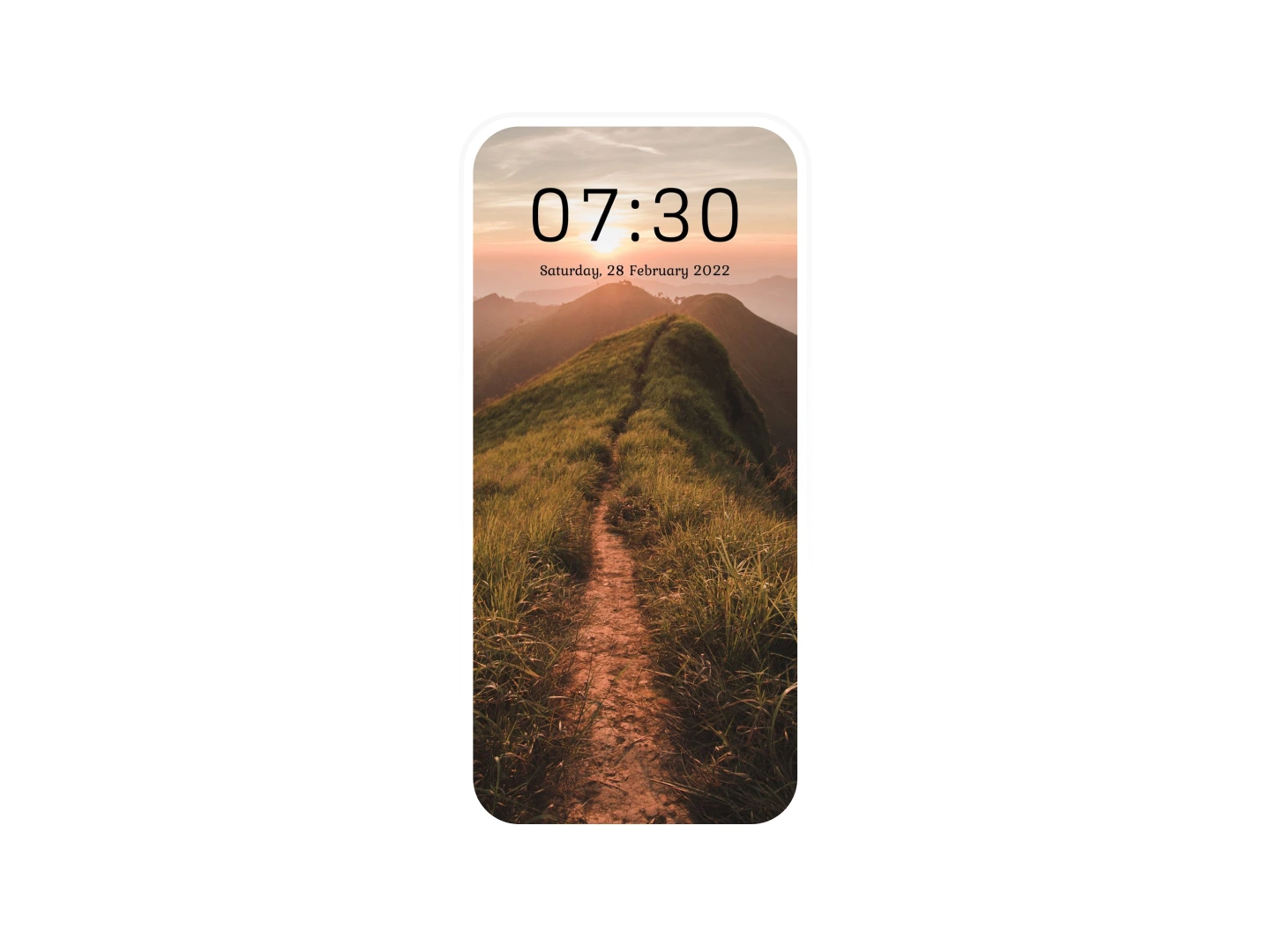
Wallpapers
Decorate your virtual space with beautiful photos
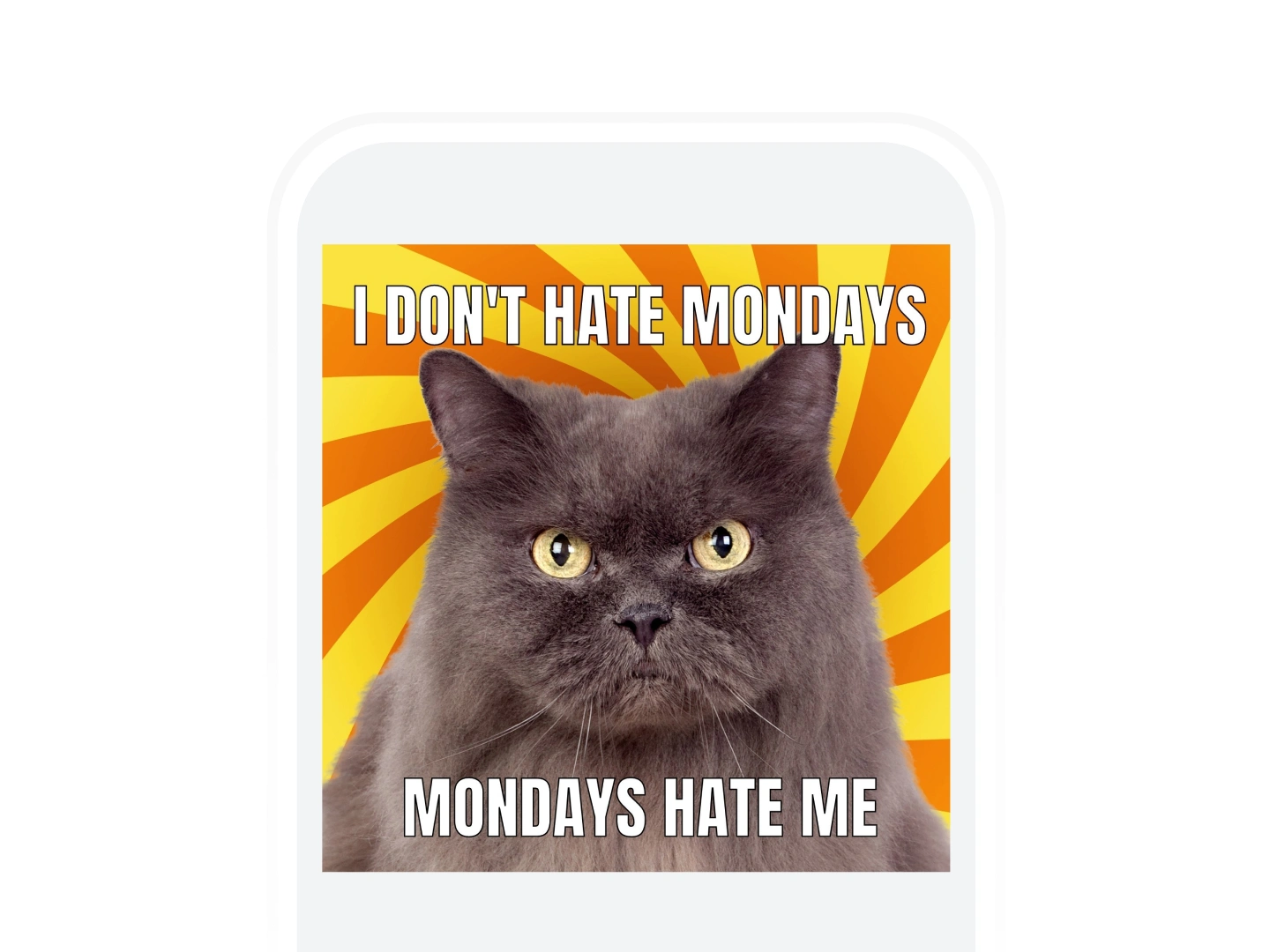
Memes
Funny images to spread joy and laughter
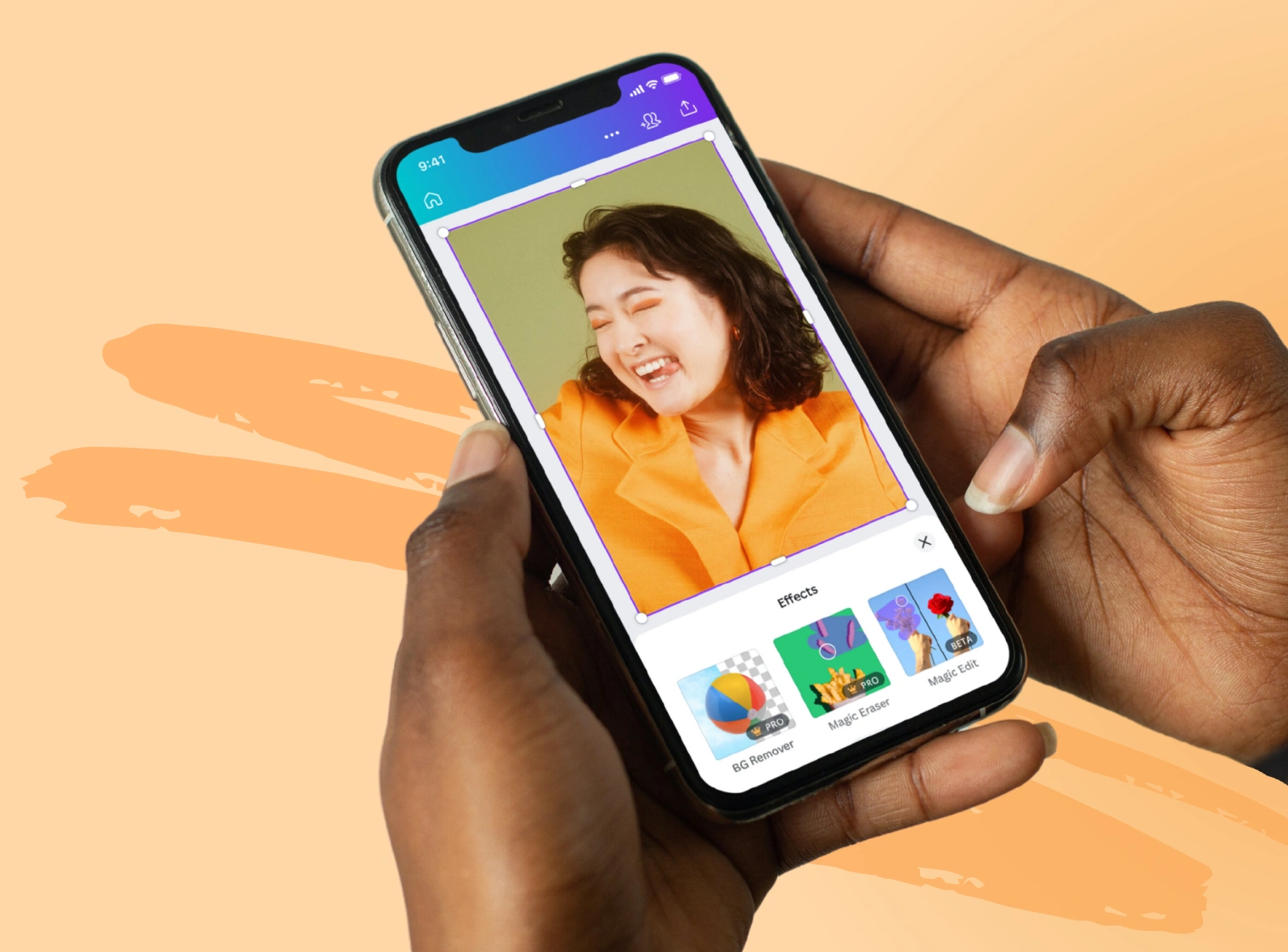
Design on the go from any device
Download the app to design, edit, review, and share your work from any device, any time, anywhere.
Your questions, answered
Does the Canva photo editor leave a watermark?
No. Unlike other photo editors, we don’t leave a watermark on your photo after you’ve edited it. The Canva photo editor is free to use — and there’s no catch.
Can I use the photo editor on desktop and mobile?
Yes, you can use our free photo editor on your desktop and the mobile app. Simply upload your photo to get started editing online. When your photo opens in the editor, select it to view all our photo editing tools. To use the photo editor:
From your homepage, click Create a design on your desktop. On mobile, tap the + button.
Select Edit photo and upload an image straight from your device.
You can choose to edit the photo or use it in a design.
Your photo will open in the editor.
Select your image and hit Edit image to see our variety of editing options.
What image file types can I upload?
You can upload JPEG/JPG, PNG, WEBP, HEIC, and SVG image formats to our free online photo editor. You can also upload your PSD (Photoshop) files and continue working on them. When you’re done, retain your photo’s format or easily convert it to another with our Image Converter.
What formats can I export my image as?
You can export your image as JPEG/JPG, PNG, WEBP, HEIC, and SVG after editing them on our photo editor online for free.
Do I have to pay to use the photo editor?
No. Our photo editor is free. You can use it as many times as you like. Some features, like Background Remover and Magic Eraser, are only available on Canva Pro, Teams, and Education.
How can I make a photo collage?
To make a photo collage, use our free photo editor and design tool. It’s the easiest design tool you’ll ever use – we have thousands of photo collage templates to choose from, and you can easily add your own photos. Best of all, it’s free!
How do I edit the background of photos?
With our best free photo editor, here are a couple of ways to edit photo backgrounds:
You can add depth of field to your image by blurring out backgrounds and foregrounds with our Auto Focus tool.
You can also use our Background Remover tool on Canva Pro to explore a new look or change your photo’s scenery.
What is the best free photo editor?
The best free photo editing software is feature-rich and easy to use just like our own online photo editor. With our intuitive and user-friendly interface, editing photos by adding effects, filters, text, or other image adjustments is a breeze. It’s available as a free browser-based app or you can download the free desktop and mobile apps to edit your photos anytime, anywhere, and on any device.
More resources
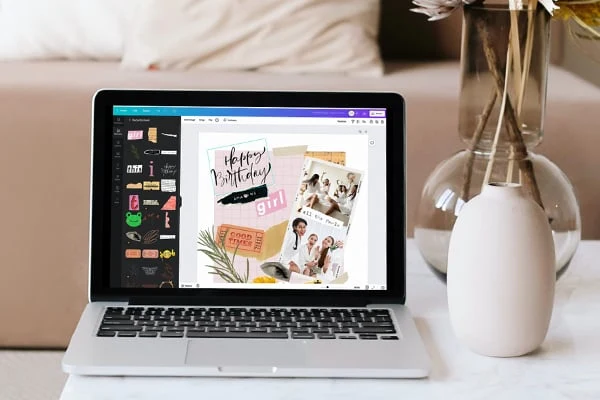
Master, create, and wow with unique photo collages.
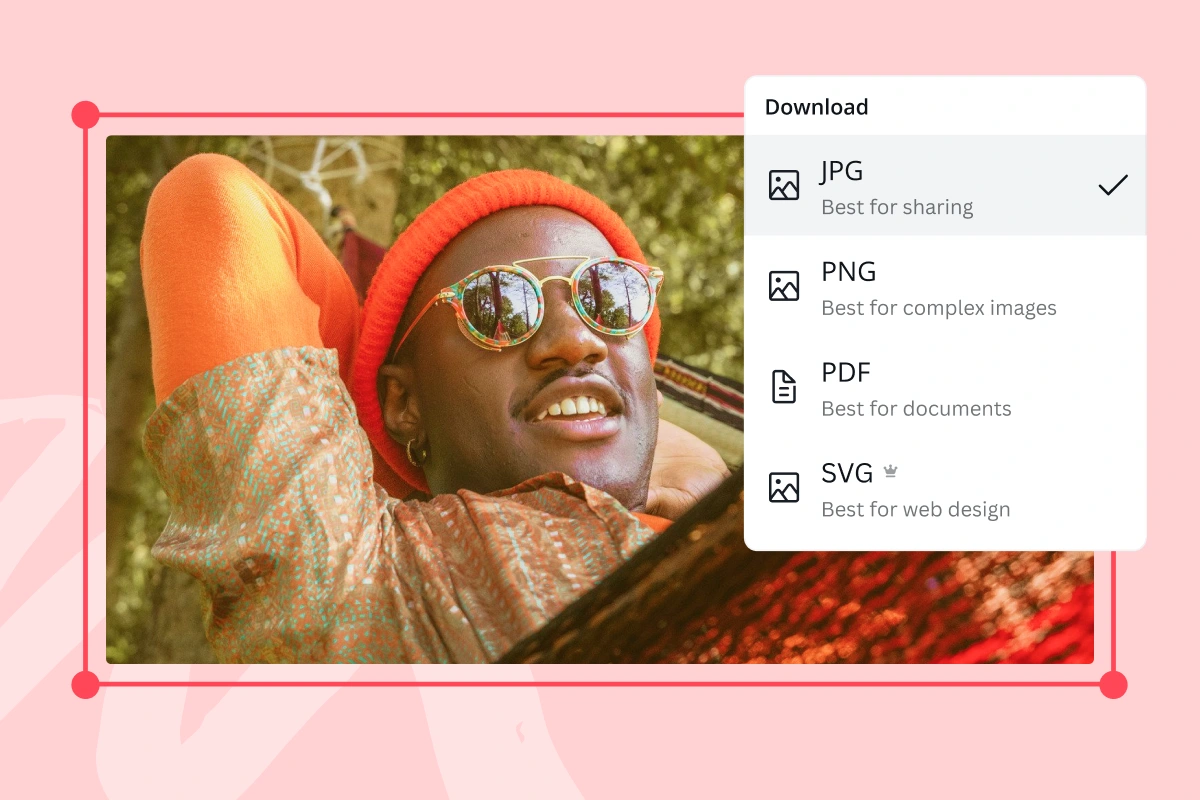
Convert images to any format for free.
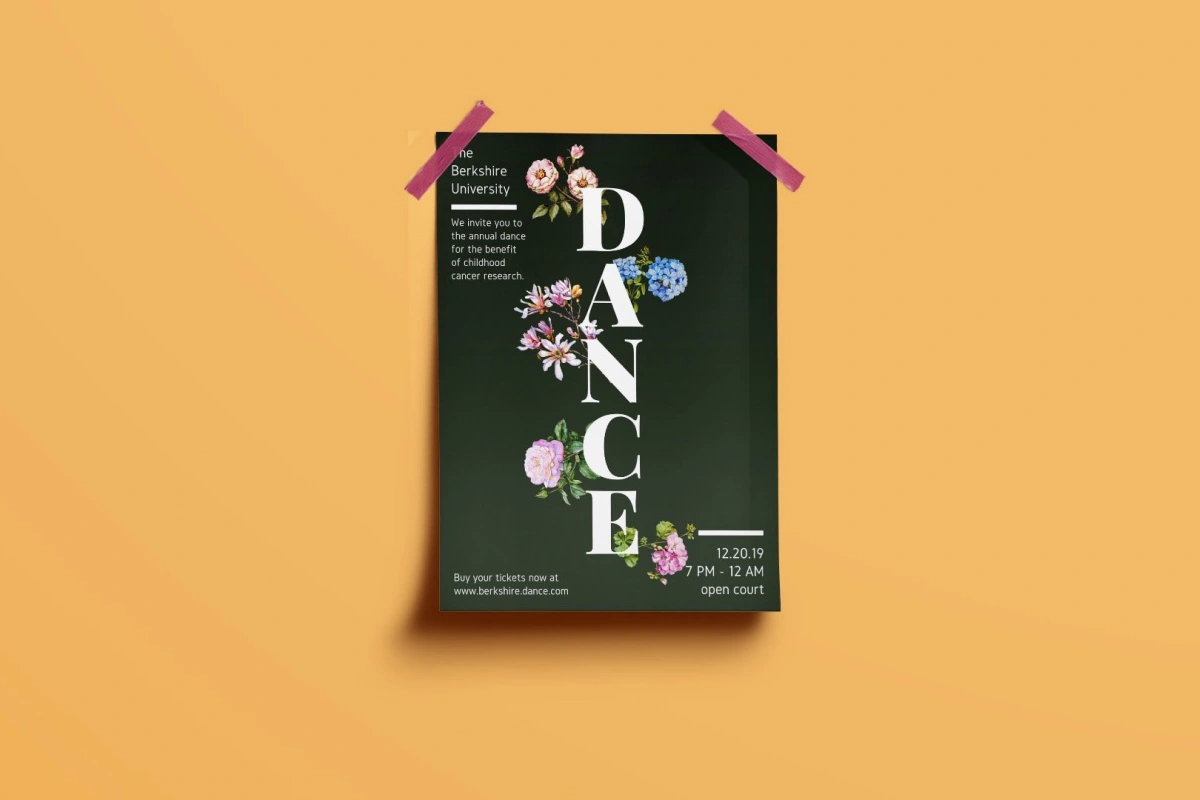
Explore how to combine text and images in your designs.
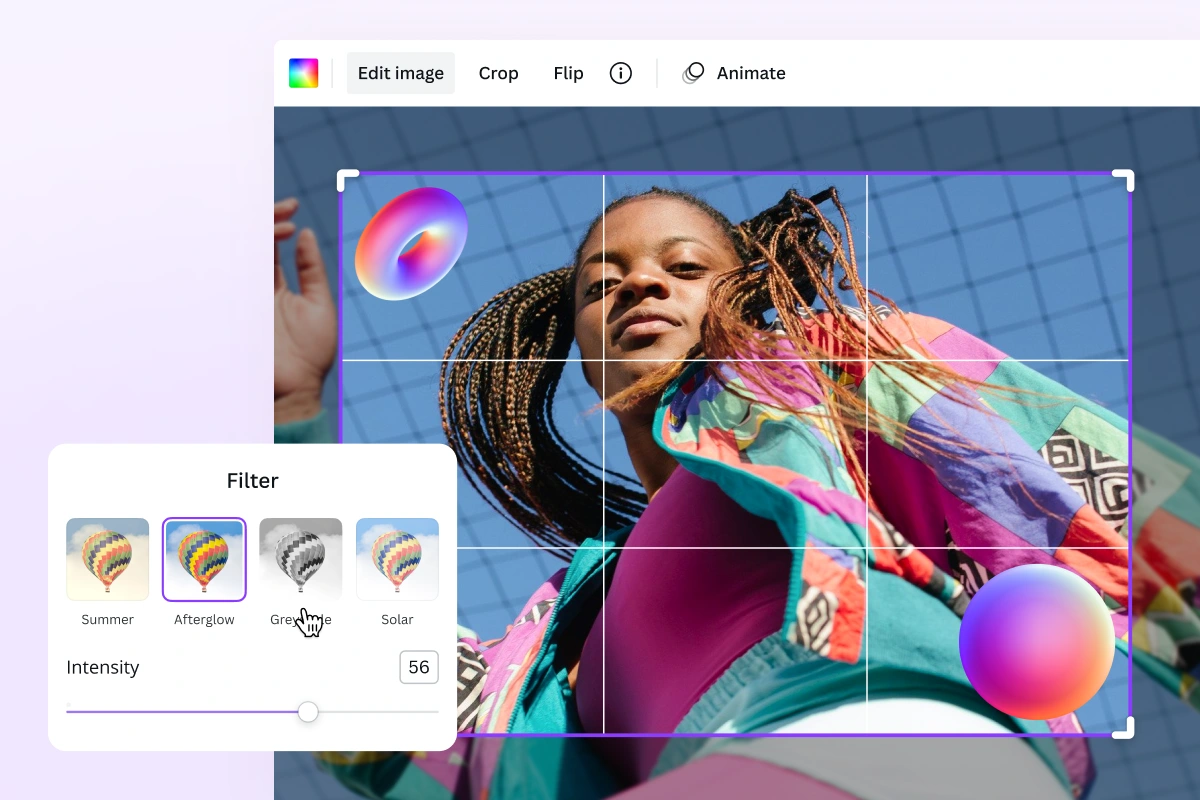
Add free photo effects and filters to images with ease.
Discover more products
Draw
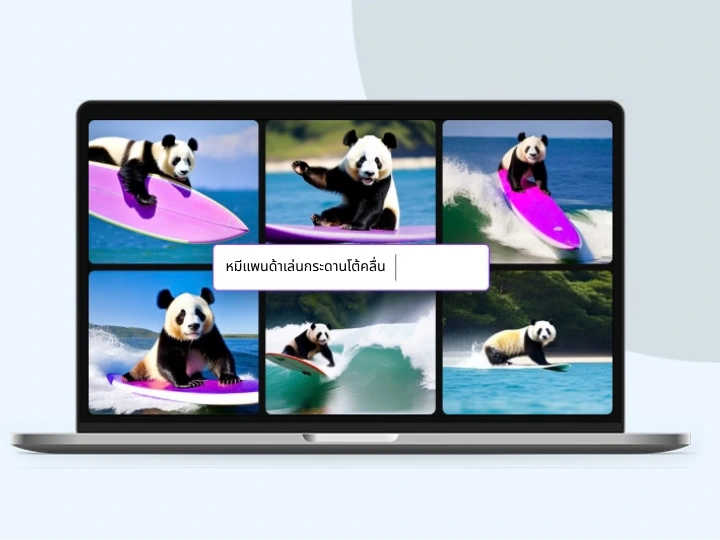
Text to Image
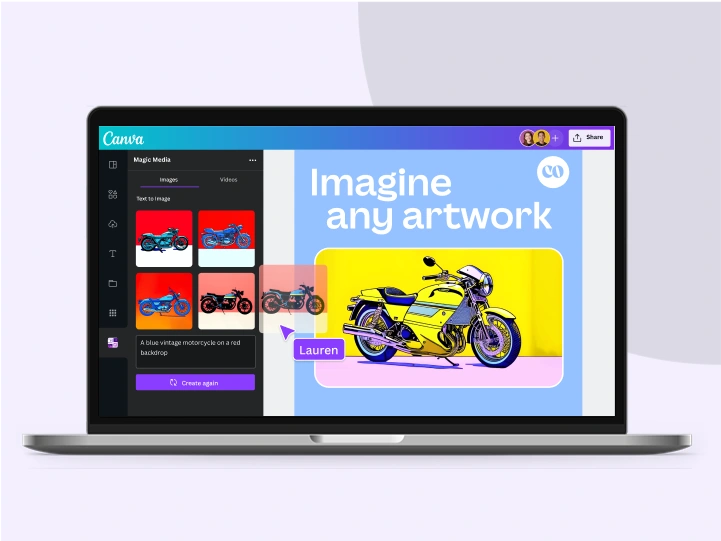
AI Art Generator
Magic Write
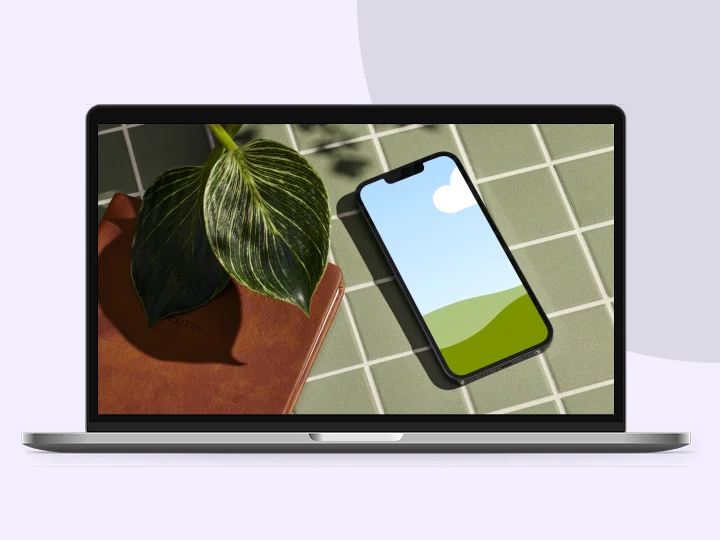
Mockups
Video Editor
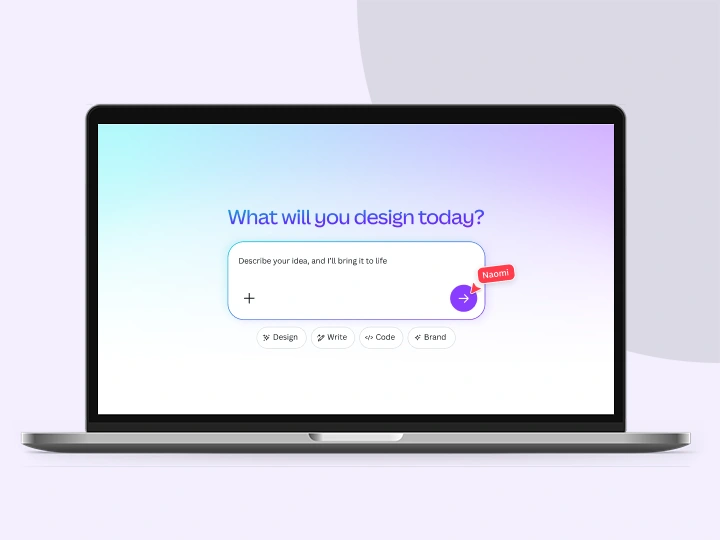
Canva AI
Free Online Photo Editor
Take your photos further with Canva’s free photo editor. Upload, edit, and share instantly from one place.
Upload your image
Like this project
Posted Jul 3, 2026
Free Online Photo Editor: upload and polish photos with AI tools, filters, smart crop, background generation, and template-ready output.
Likes
0
Views
16