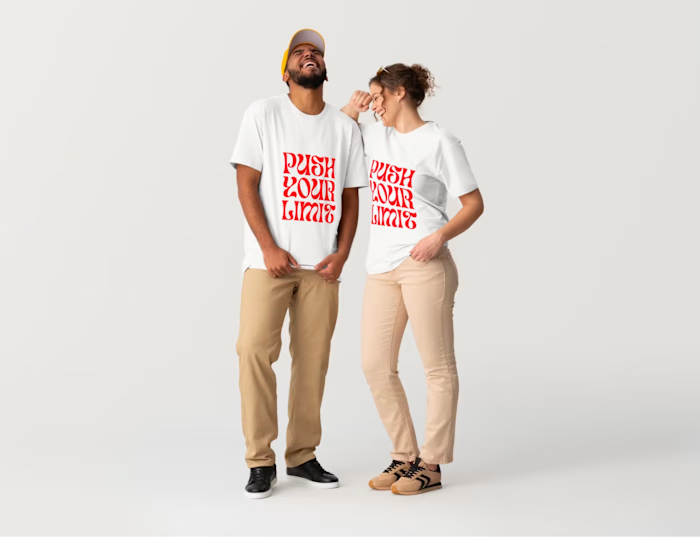
A website builder for scroll-stopping sites

Bashir Sulaiman Dahir


A website builder for scroll-stopping sites
Design fast and launch instantly with Canva Websites.
Design and launch a professional, no-code website in minutes with Canva’s free website builder.
Publish in moments, not months
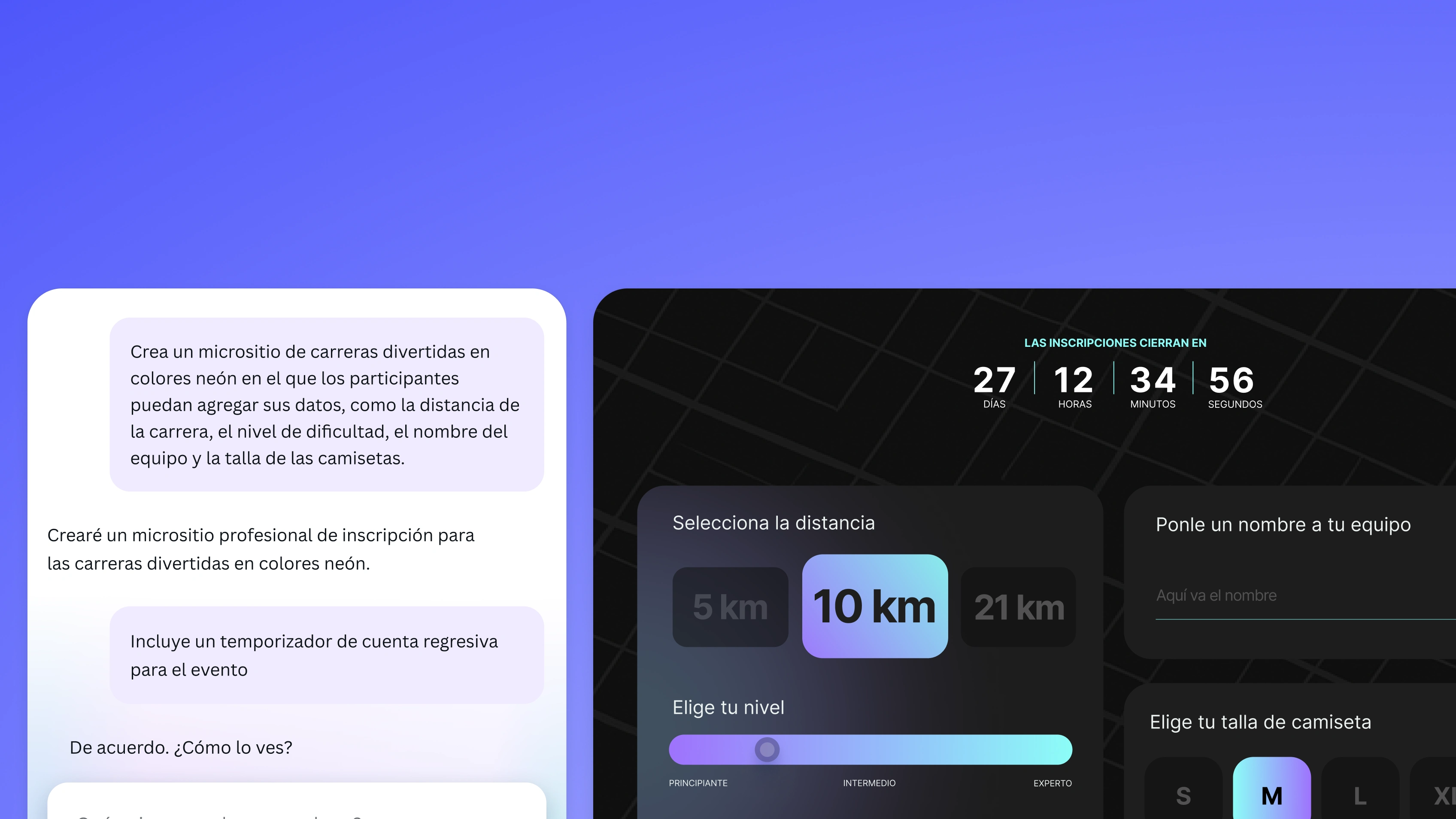
Add interactivity, no coding required
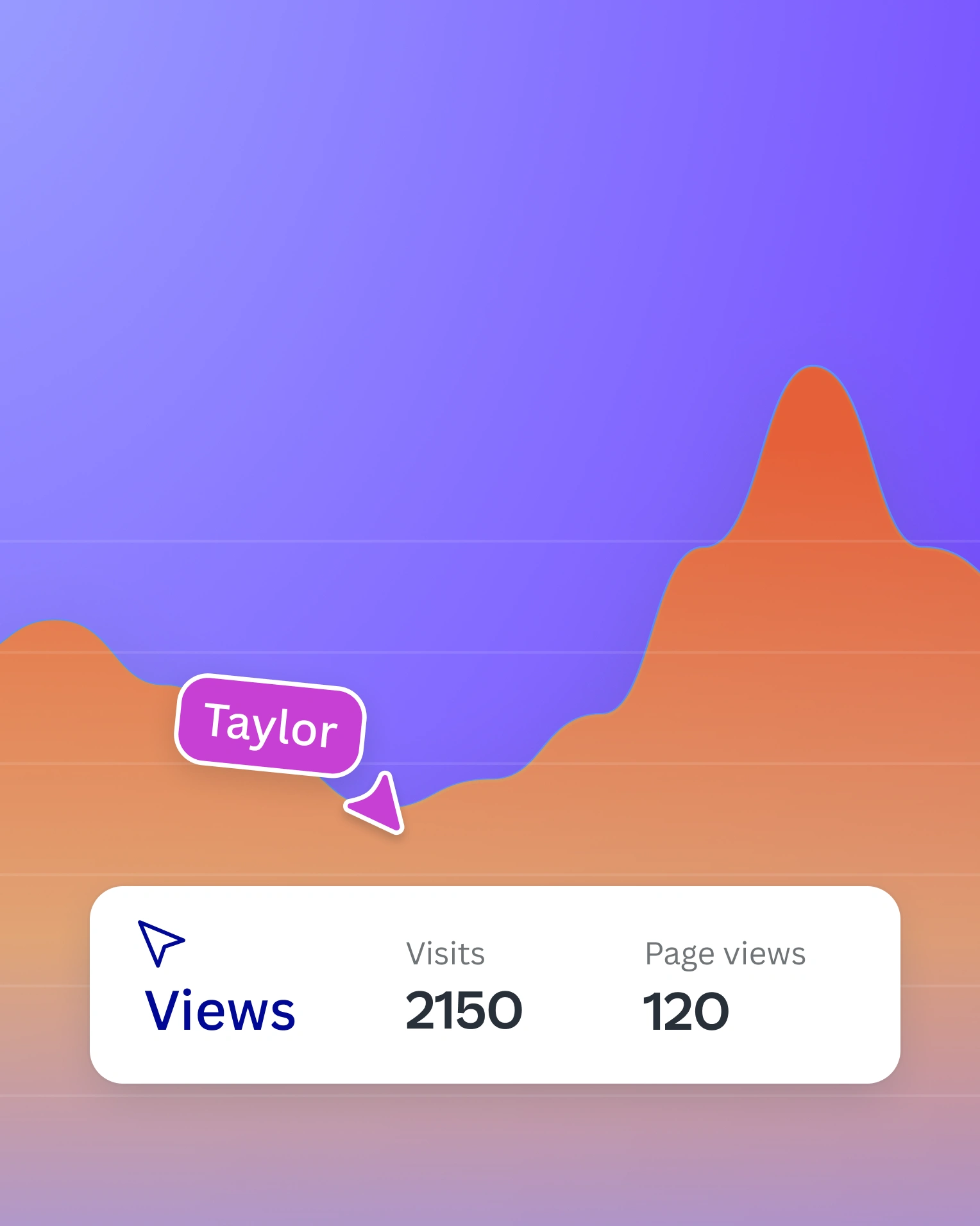
Publish & track insights
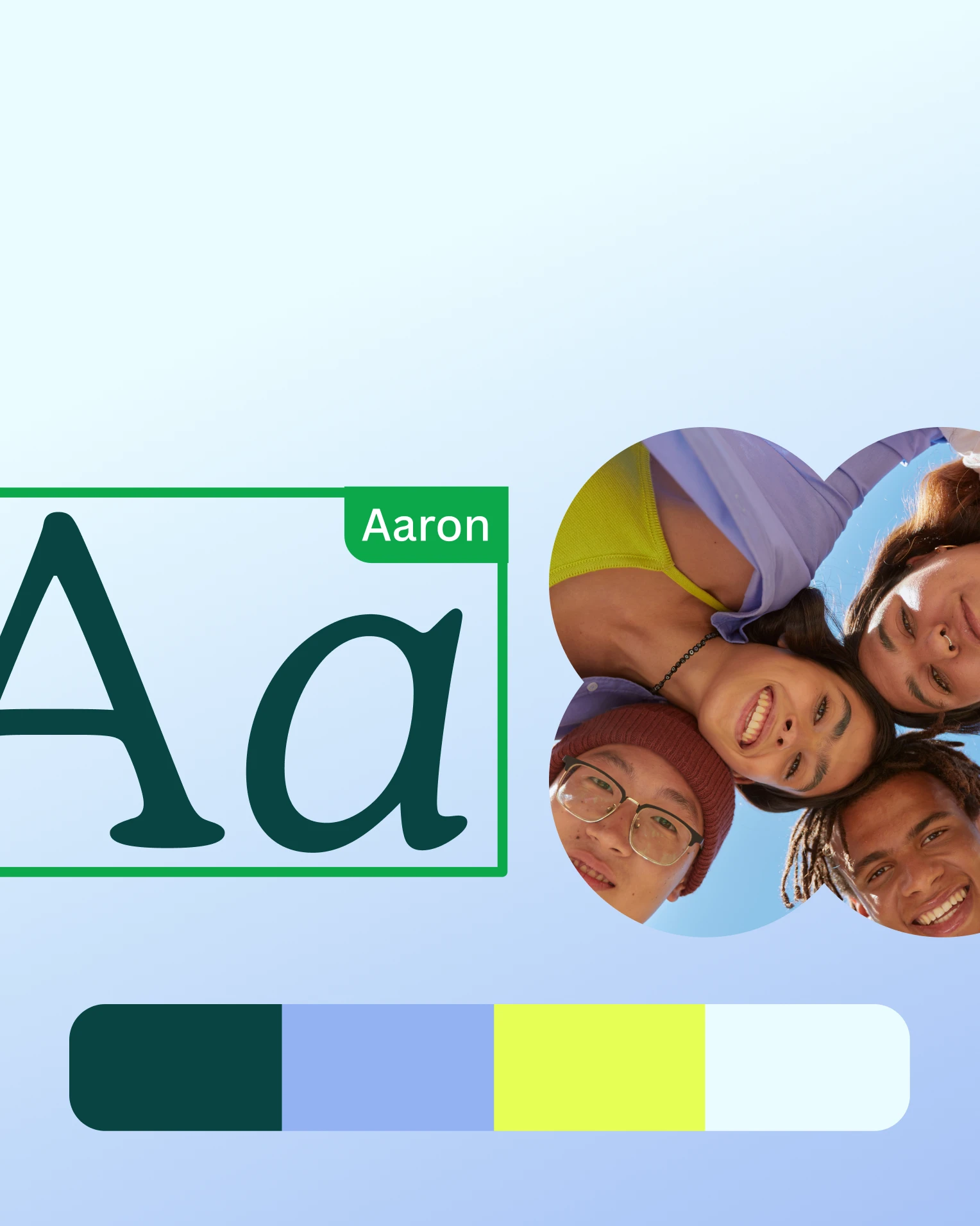
Apply your brand’s colors and fonts
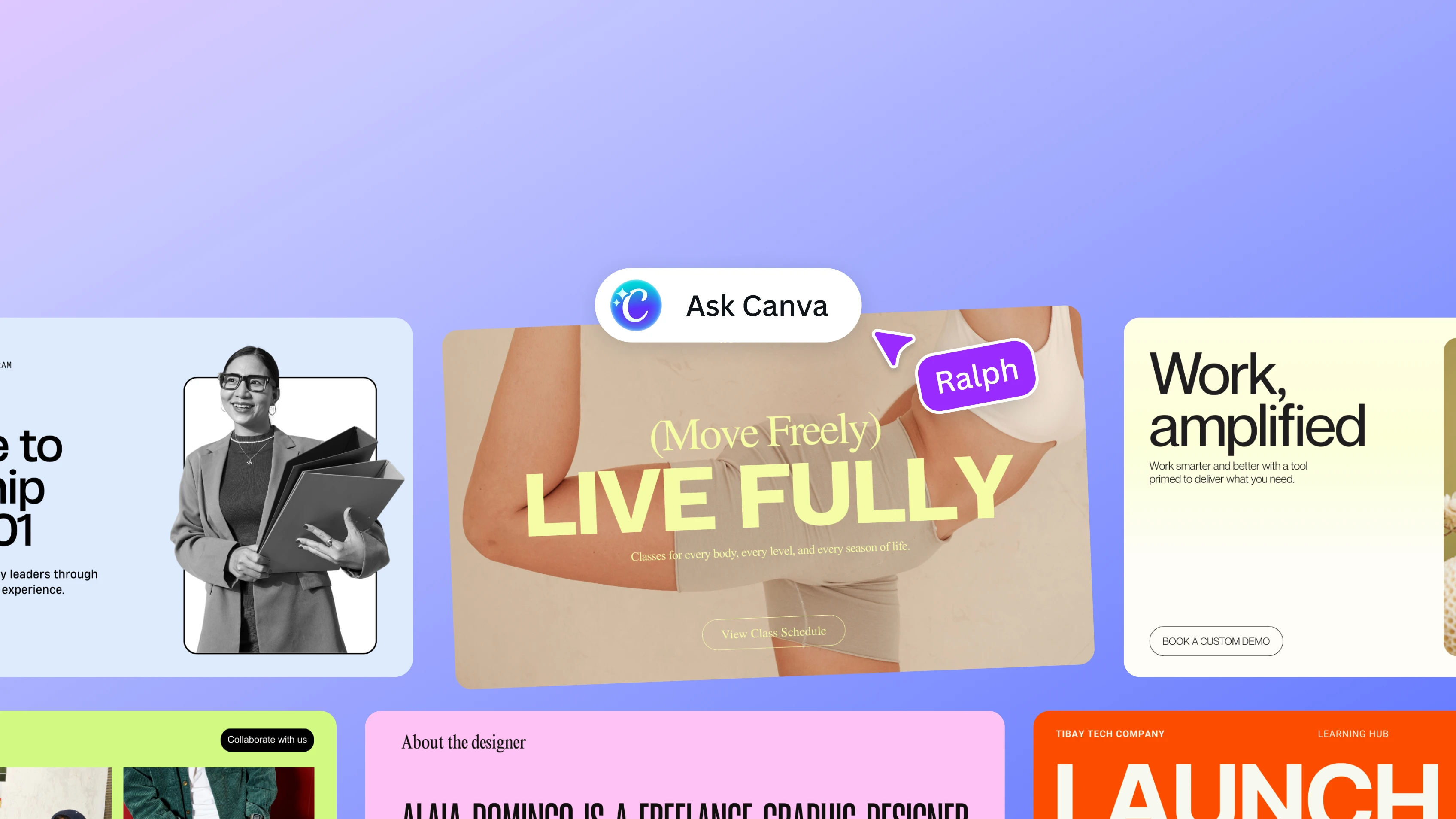
Free customizable templates
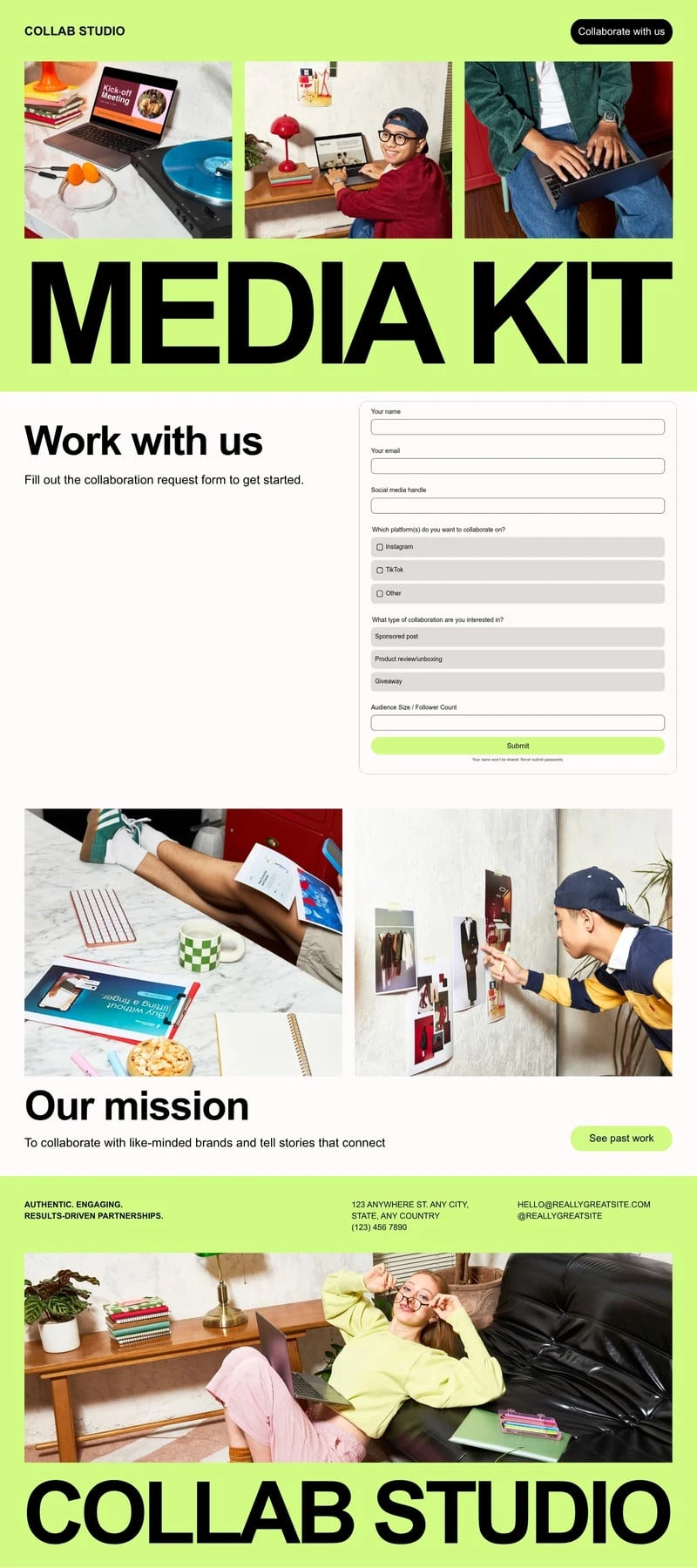
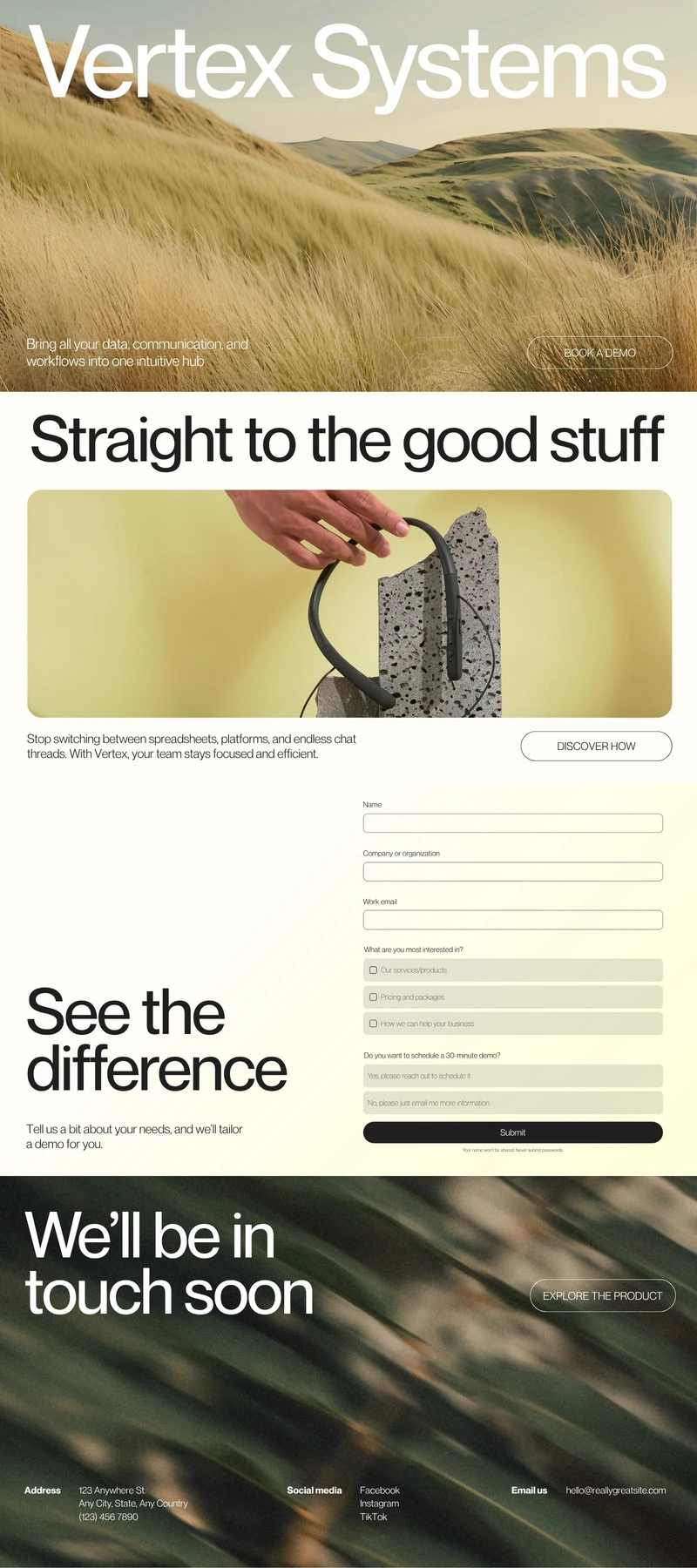
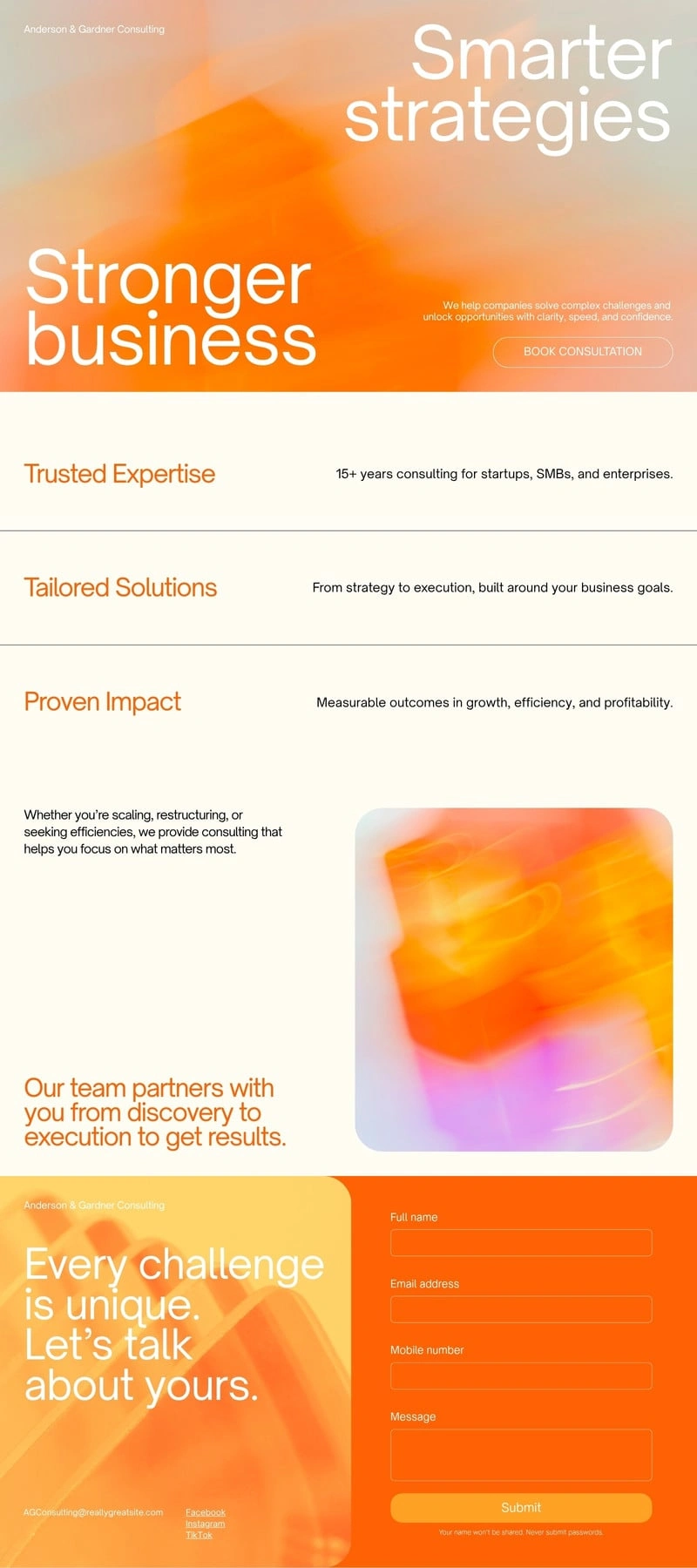
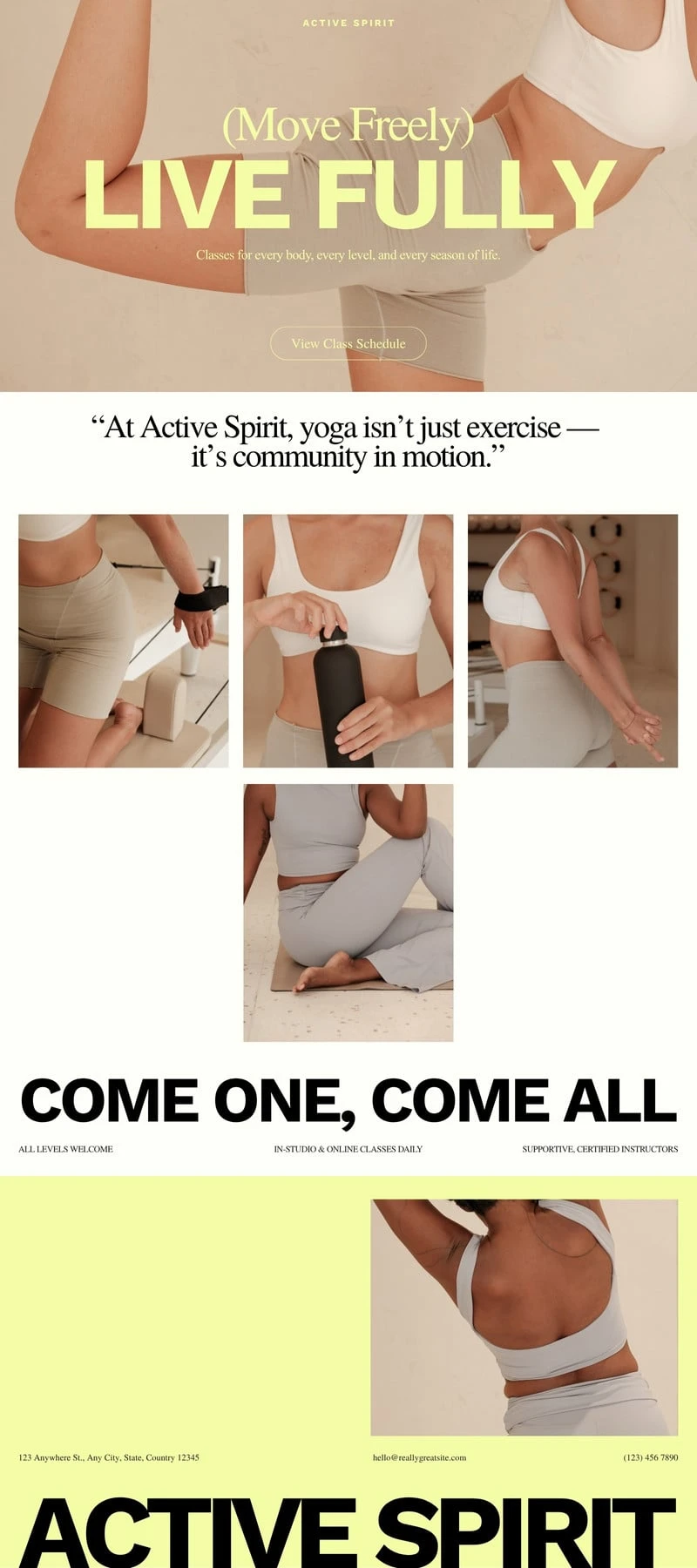
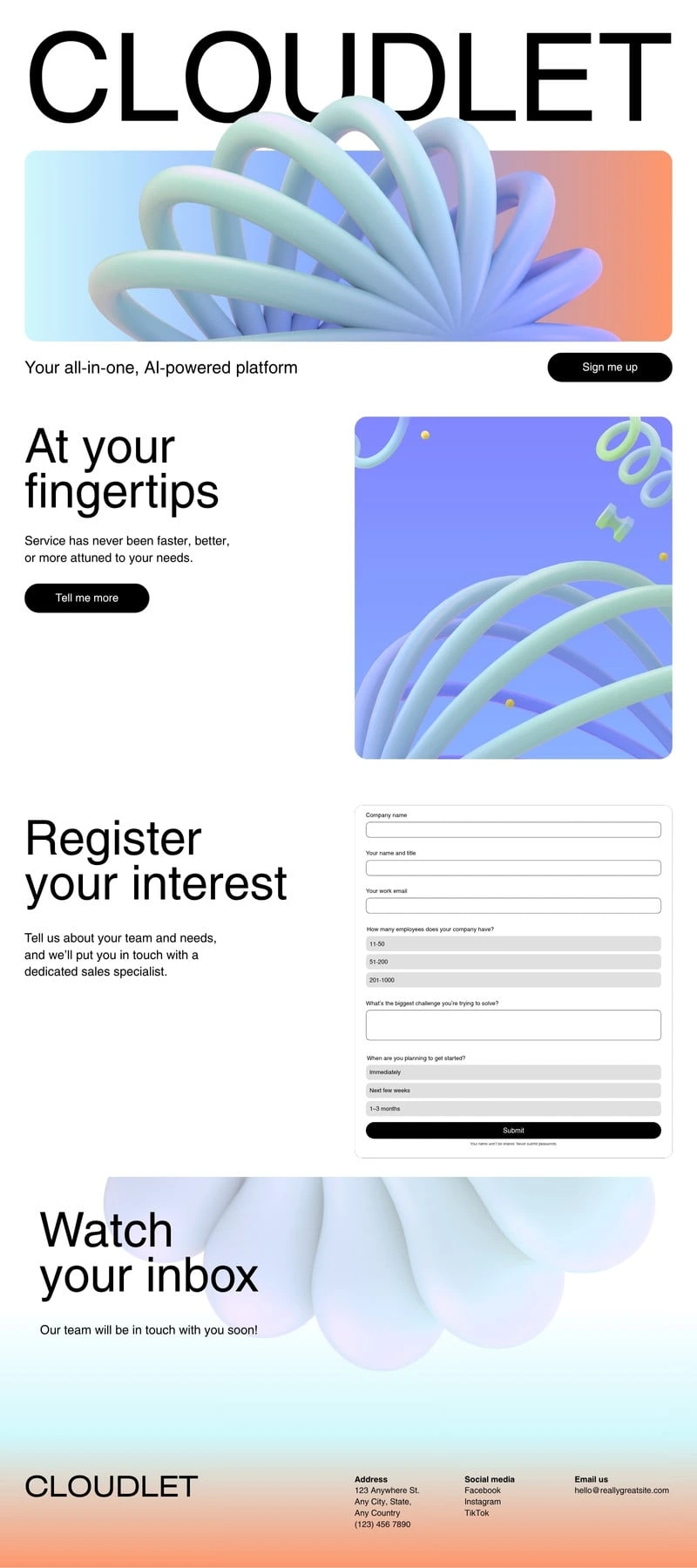
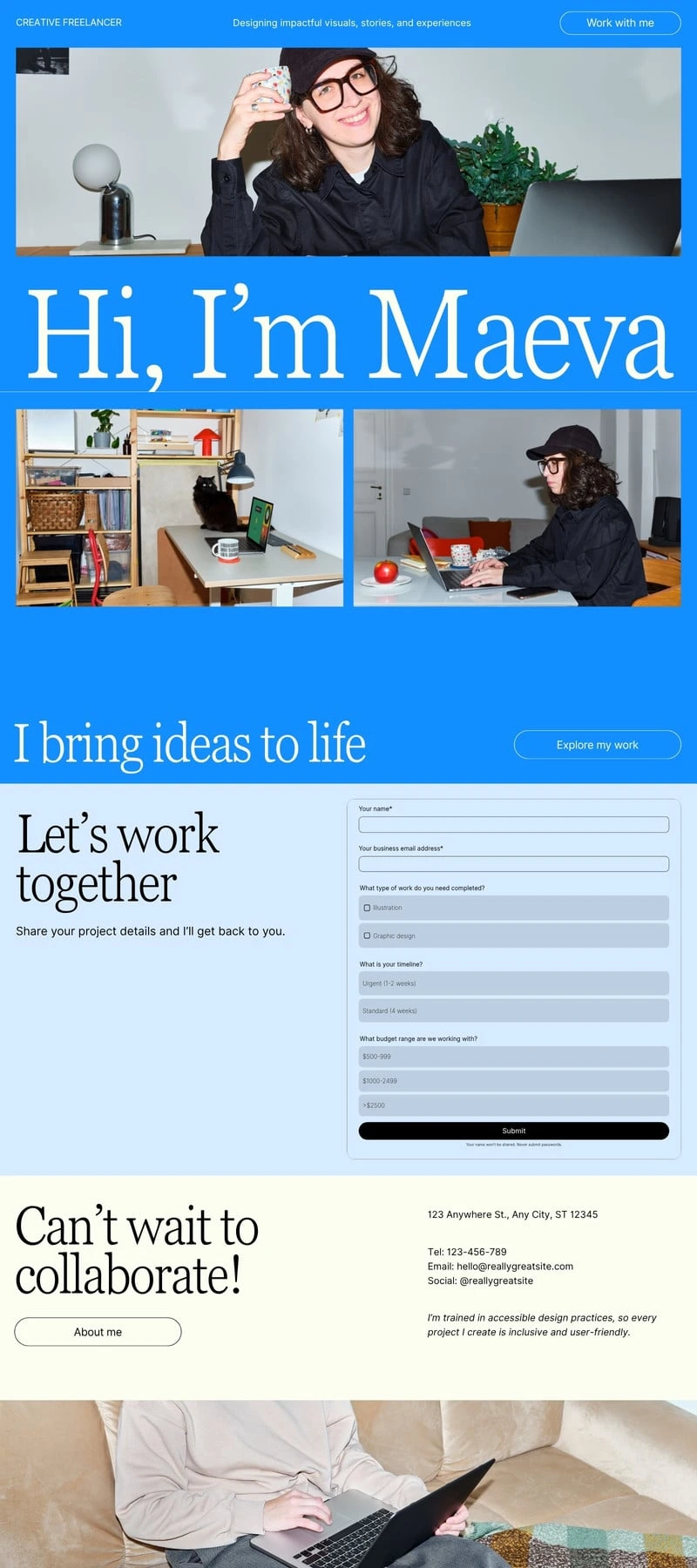
Start with a trending template
Trending
Portfolio
Bio Link
Personal
Wedding
Nonprofit
Business
Start of list: templates and elements
Skip to end of “templates and elements” list
1 of 33 slides
Pro
1 of 33 slides
Pro
1 of 33 slides
1 of 44 slides
Pro
1 of 44 slides
Pro
1 of 33 slides
Pro
Pro
1 of 44 slides
Pro
1 of 55 slides
Pro
1 of 44 slides
Pro
1 of 33 slides
Pro
1 of 33 slides
1 of 33 slides
1 of 33 slides
1 of 33 slides
Pro
1 of 33 slides
Pro
1 of 33 slides
1 of 44 slides
Pro
1 of 44 slides
Pro
1 of 33 slides
Pro
1 of 44 slides
Pro
1 of 55 slides
Pro
1 of 44 slides
Pro
1 of 33 slides
Pro
1 of 33 slides
1 of 33 slides
1 of 33 slides
1 of 33 slides
Pro
1 of 33 slides
Pro
1 of 33 slides
1 of 44 slides
Pro
1 of 44 slides
Pro
1 of 33 slides
Pro
1 of 44 slides
Pro
1 of 55 slides
Pro
1 of 44 slides
Pro
1 of 33 slides
Pro
1 of 33 slides
1 of 33 slides
1 of 33 slides
Skip to start of “templates and elements” list
End of list: templates and elements
No coding required
Start of list: feature
Skip to end of “feature” list
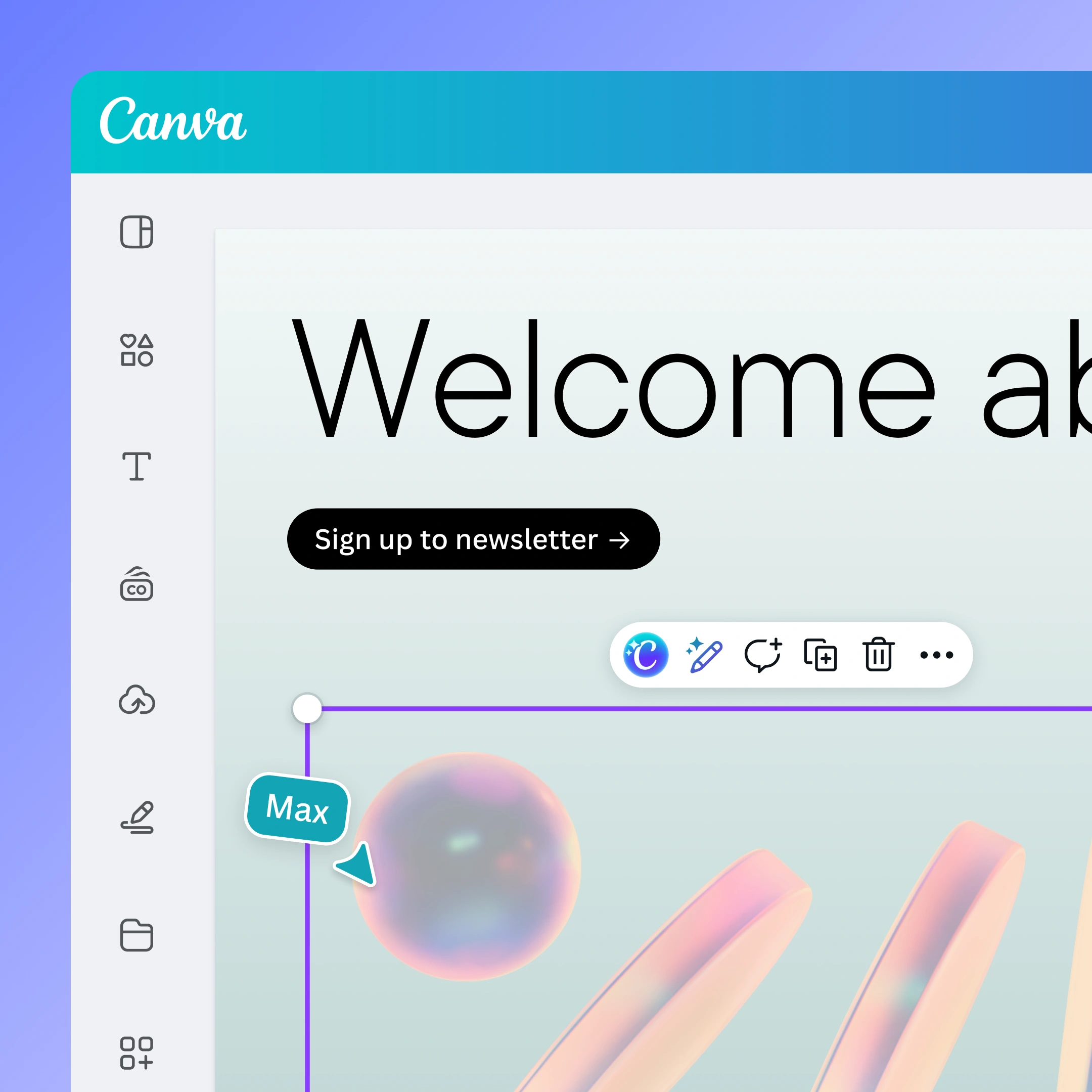
Drag-and-drop website builder
Invite collaborators and easily drag and drop images, text, graphics, illustrations, videos, and animations onto your website.

Design for any device
All Canva websites are mobile responsive—looking beautiful on any screen or device.
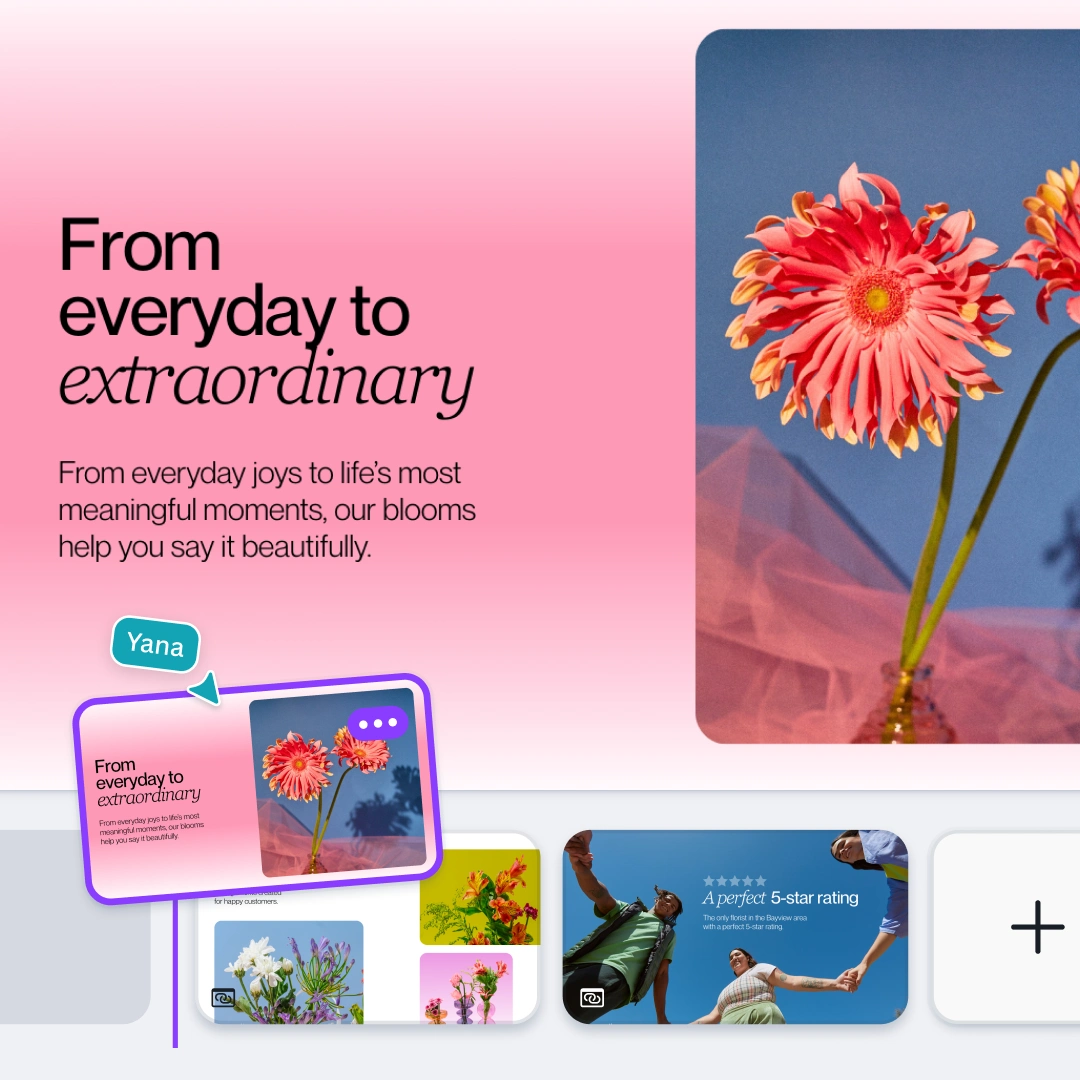
Multipage websites
Build a site that grows with your ideas. Add multiple pages and structure content in a few clicks.
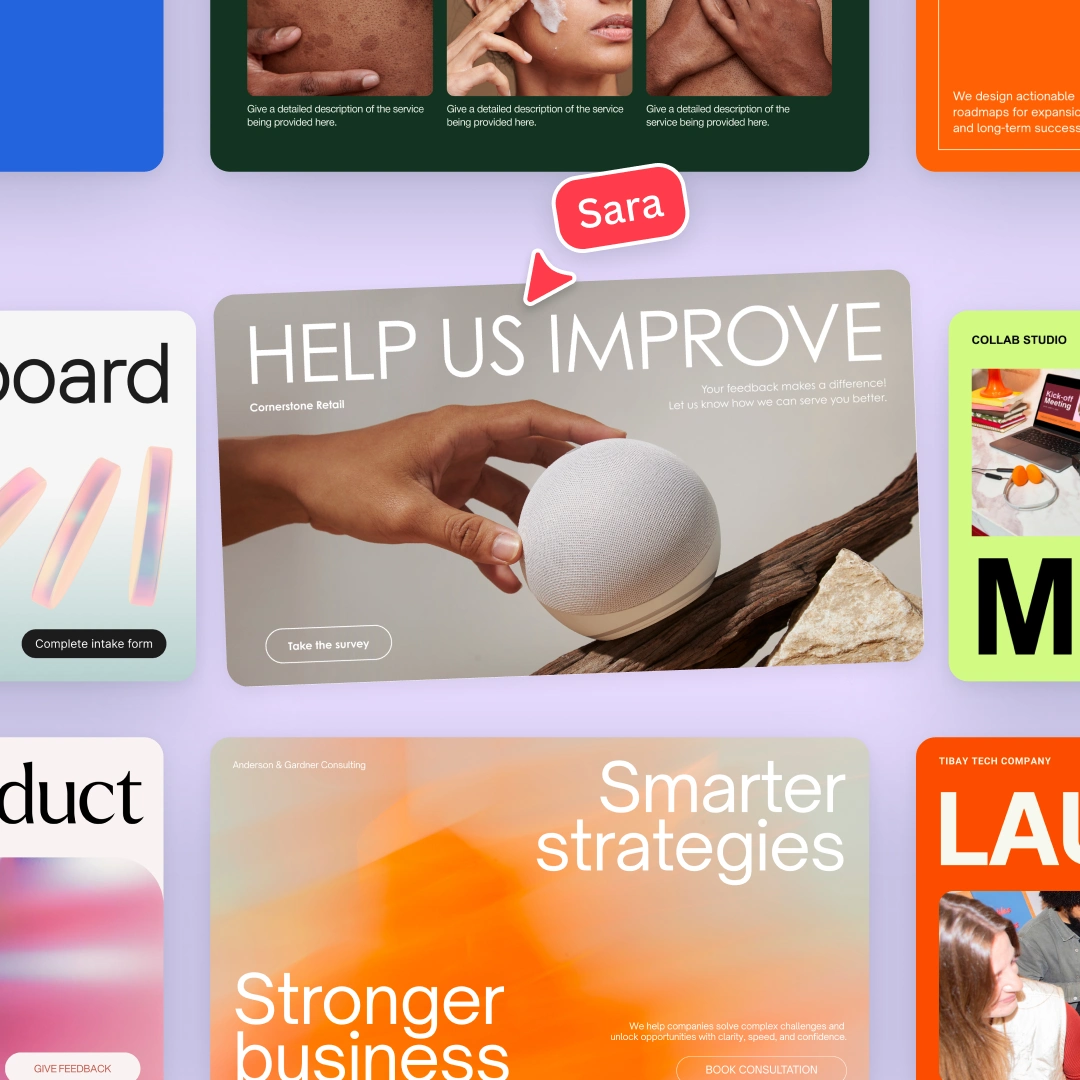
Thousands of free templates
Choose from designer-made one-page and multipage website templates for every occasion.
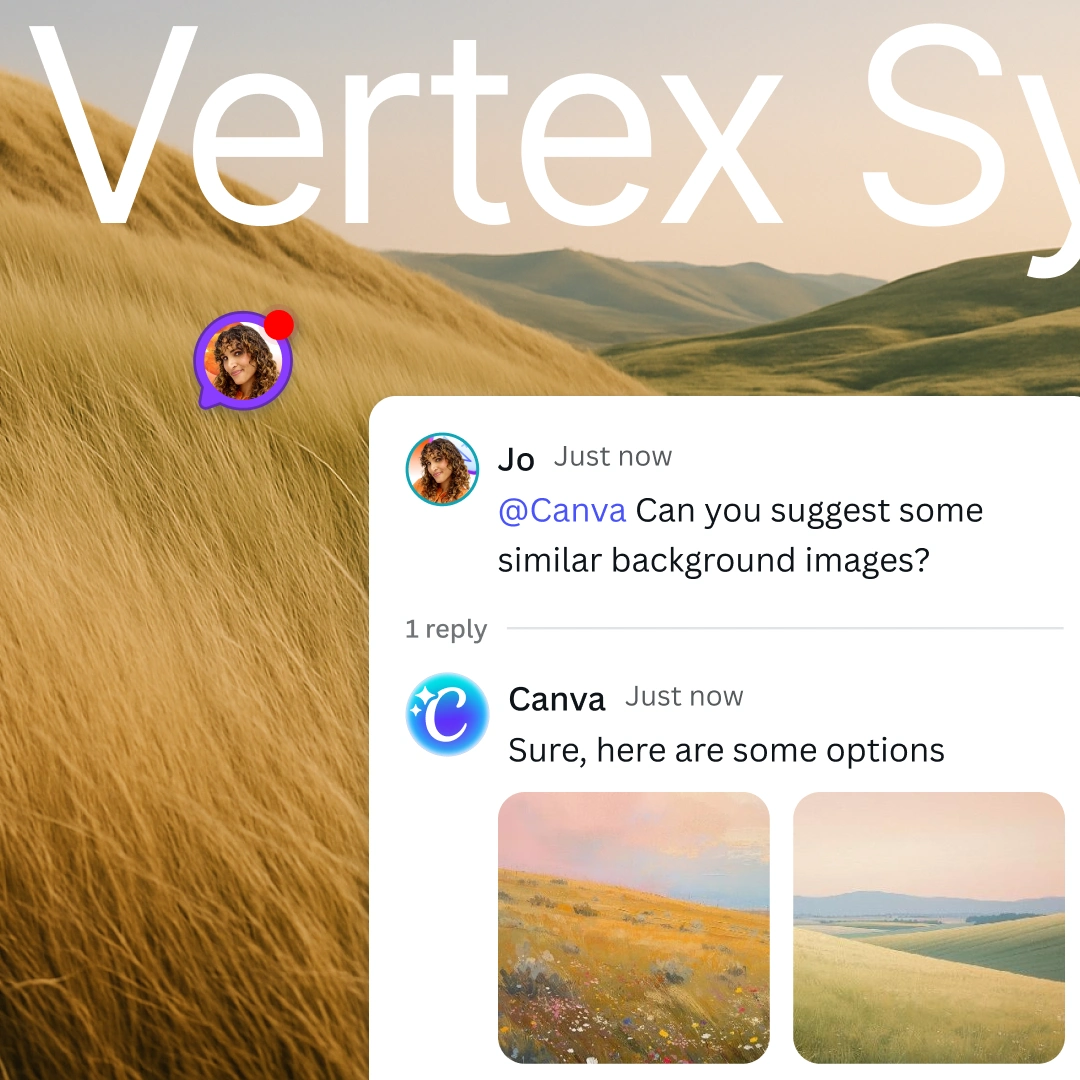
AI-powered web design
Generate stunning visuals, instant copy, and interactive widgets with our AI-powered tools.
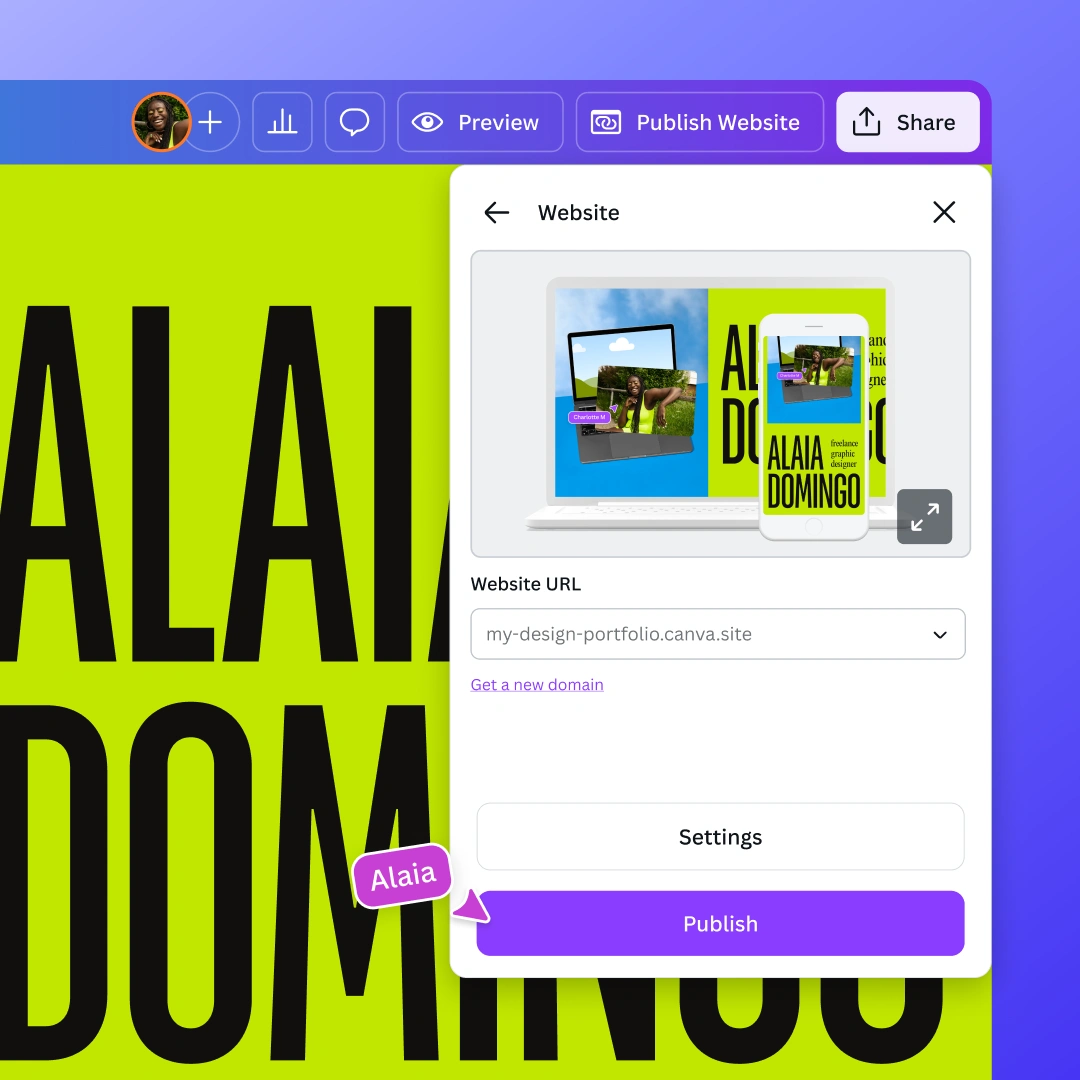
One website, any format
With the new Visual Suite, bring all ideas, data, and designs into one centralized, shareable hub.
Drag-and-drop website builder
Invite collaborators and easily drag and drop images, text, graphics, illustrations, videos, and animations onto your website.
Design for any device
All Canva websites are mobile responsive—looking beautiful on any screen or device.
Multipage websites
Build a site that grows with your ideas. Add multiple pages and structure content in a few clicks.
Thousands of free templates
Choose from designer-made one-page and multipage website templates for every occasion.
AI-powered web design
Generate stunning visuals, instant copy, and interactive widgets with our AI-powered tools.
One website, any format
With the new Visual Suite, bring all ideas, data, and designs into one centralized, shareable hub.
Drag-and-drop website builder
Invite collaborators and easily drag and drop images, text, graphics, illustrations, videos, and animations onto your website.
Design for any device
All Canva websites are mobile responsive—looking beautiful on any screen or device.
Multipage websites
Build a site that grows with your ideas. Add multiple pages and structure content in a few clicks.
Thousands of free templates
Choose from designer-made one-page and multipage website templates for every occasion.
AI-powered web design
Generate stunning visuals, instant copy, and interactive widgets with our AI-powered tools.
One website, any format
With the new Visual Suite, bring all ideas, data, and designs into one centralized, shareable hub.
Drag-and-drop website builder
Invite collaborators and easily drag and drop images, text, graphics, illustrations, videos, and animations onto your website.
Design for any device
All Canva websites are mobile responsive—looking beautiful on any screen or device.
Multipage websites
Build a site that grows with your ideas. Add multiple pages and structure content in a few clicks.
Thousands of free templates
Choose from designer-made one-page and multipage website templates for every occasion.
AI-powered web design
Generate stunning visuals, instant copy, and interactive widgets with our AI-powered tools.
One website, any format
With the new Visual Suite, bring all ideas, data, and designs into one centralized, shareable hub.
Drag-and-drop website builder
Invite collaborators and easily drag and drop images, text, graphics, illustrations, videos, and animations onto your website.
Design for any device
All Canva websites are mobile responsive—looking beautiful on any screen or device.
Multipage websites
Build a site that grows with your ideas. Add multiple pages and structure content in a few clicks.
Thousands of free templates
Choose from designer-made one-page and multipage website templates for every occasion.
AI-powered web design
Generate stunning visuals, instant copy, and interactive widgets with our AI-powered tools.
One website, any format
With the new Visual Suite, bring all ideas, data, and designs into one centralized, shareable hub.
Skip to start of “feature” list
End of list: feature
Connect with your audience
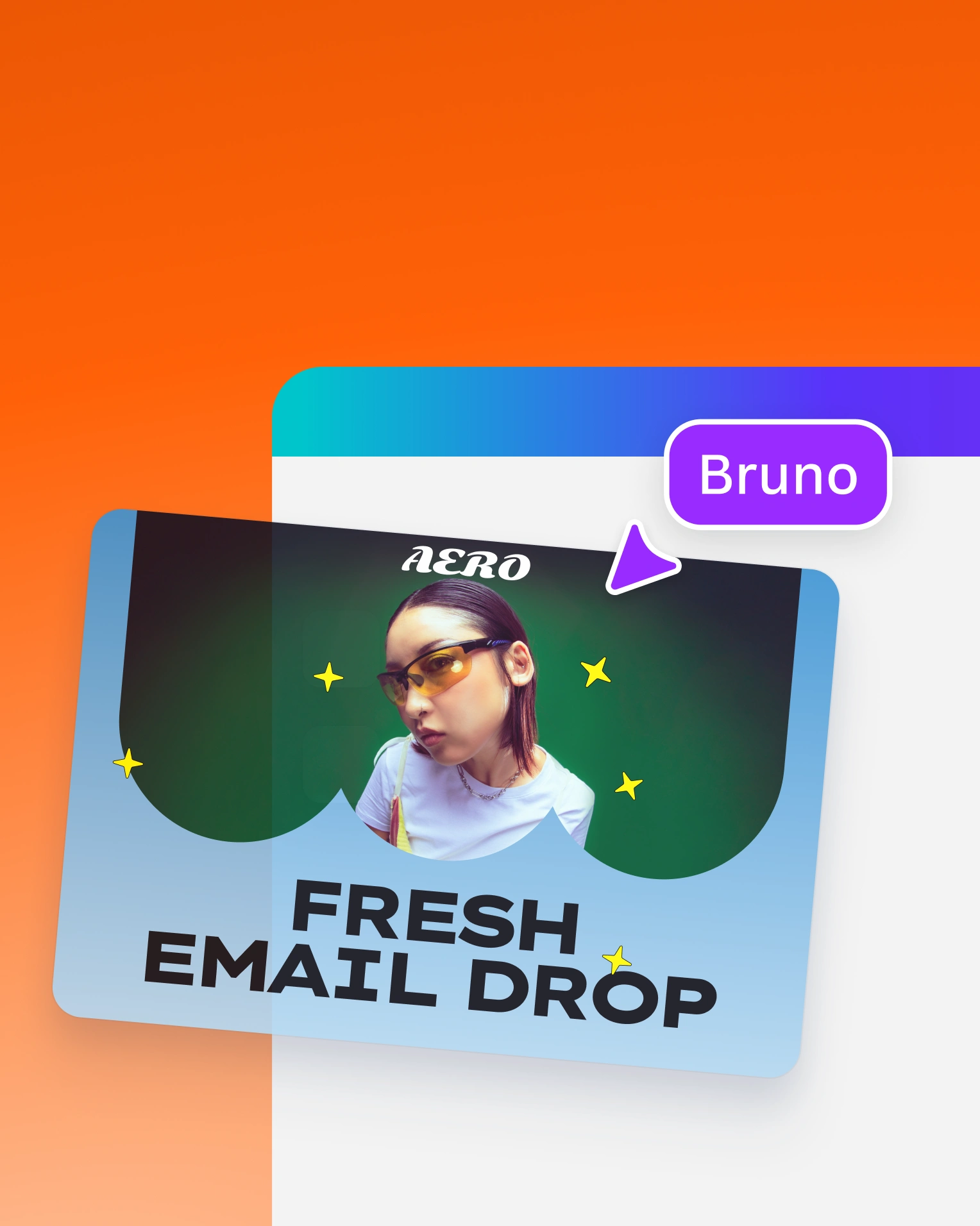
Reach your customers with Canva Email
Capture leads with interactive Forms
Publish your website instantly
Worry-free web hosting
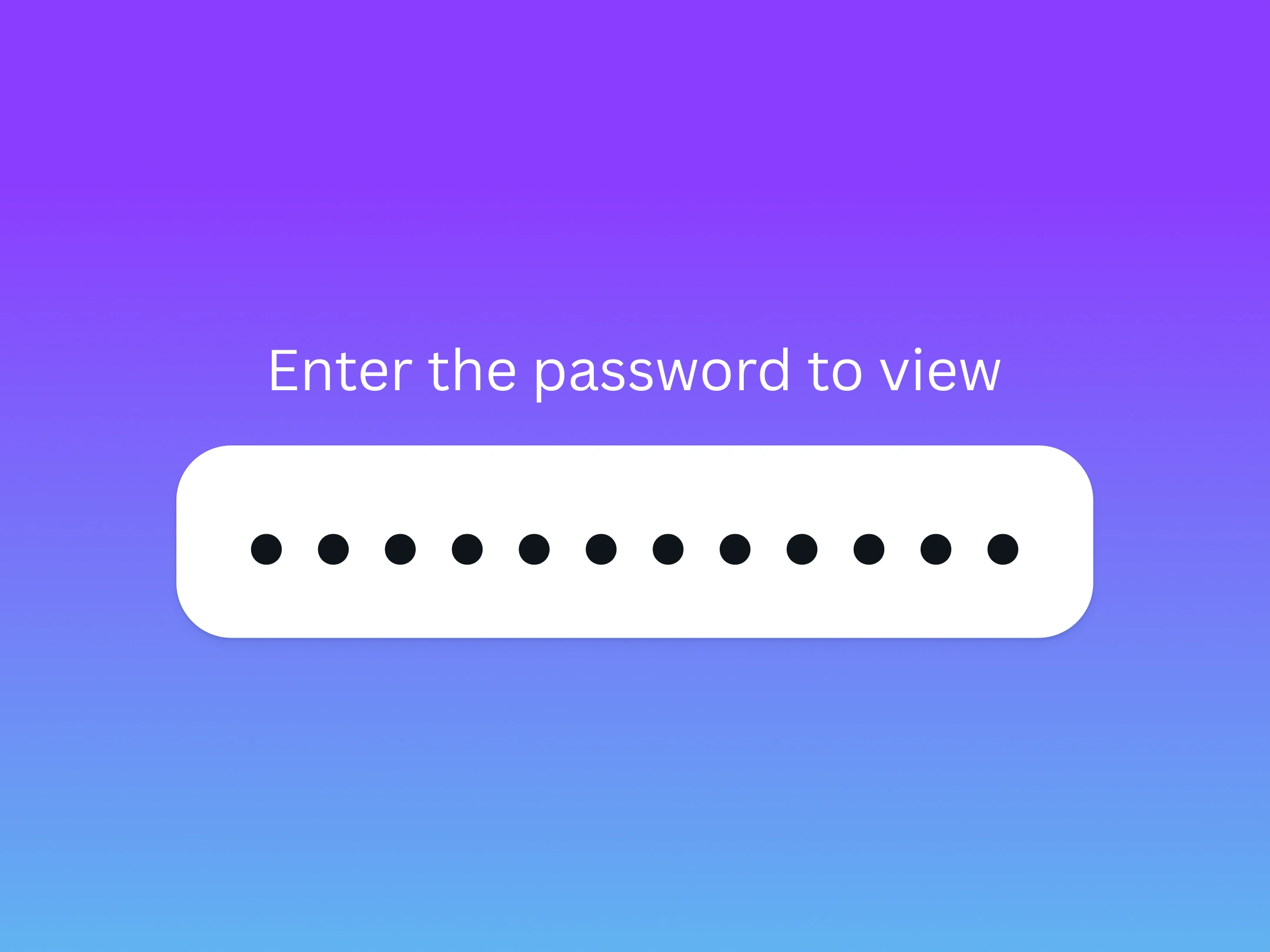
Protect sensitive data, works in progress, or internal communications with password protection.
Publish internal sites for your business that can only be accessed with single sign-on (SSO).
All Canva websites use HTTPS. Paid domains come with domain lock, WHOIS privacy, and email verification.
Features that inspire creativity
Free
Pro
Extensive element library
Included
Magic Write for SEO
Included
Forms
Included
Real time collaboration
Included
Free and custom domains
Free domain
Paid domain
Show all features
Get started with Canva Websites
Portfolio
Business Websites
Wedding Websites
Blog Websites
Static Websites
Domain Name Search
Link in bio
Landing Pages
URL Shortener
See All
Frequently asked questions
What makes a good website?
A great website experience helps you engage your visitors well and reduces the chances of them bouncing off your site. As you create your own website, factor these into your web design:
Structure your website well: Design your page with a perfect balance of functionality, readability, and aesthetics. Establish the theme and solidify the intent of the page with appropriate content. Does it reflect your brand or your services? Is every information readily accessible?
Keep your content fresh and relevant: Ensure that your content answers possible search intent related to your page, niche, or industry. When users find your website, it must be valuable to them. Add captivating calls to action on logical sections of your content.
Optimize for visibility, engagement, and interaction: Make it easy for users to navigate your website on any device, from mobile to desktop.
How to create a website for my business?
Before creating a business website, decide what type of website you want to run. Do you want it to be an online extension of your store, product showcase, blog, or a bit of everything? After establishing this, prepare and outline your content to structure it well on your site. Test, publish, and promote it to gain traction from online users.
How much is a domain name?
Claiming a unique and personalized domain can cost you between $10 and $20 per year. You can purchase directly from Canva Domains , customize your own domain name, edit your website settings, and wait for its verification. Learn about how to buy a domain, use your existing one, or get a free one under our website creator here .
What is a website builder, and which is best and easiest to use?
Website builders are programs that allow you to create and publish websites. Many of these website builders are hosted online and are very easy to use since they don’t require coding knowledge, which means you don’t need to download complicated and large software anymore.
The best website builder depends on what kind of site you need to make. If you’re running an event promo for your business, spreading your brand as a content creator, or creating a resume or portfolio of your best work, our multipage website maker is your best bet. We offer professionally designed templates that are easily customizable in our drag-and-drop and cross-platform website builder. Our vast library of design elements allows you to go as creative as you want in website design, and our analytics tool allows you to track the traffic coming into your site.
Are Canva Websites really free?
Canva Websites are free for any Canva user to grab, customize, and publish under the xyz.my.canva.site domain. Other features, such as purchasing a unique domain within Canva or linking to your existing domain, are available when you upgrade to Canva Pro.
Canva Free users can have up to five live websites on the free domain. Purchase domains or upgrade your membership to publish more.
Canva for Education users can have unlimited websites on the free domain, and connect up to one existing domain at a time. Teachers can also purchase a domain to create more or disconnect the previous domain, and reconnect to another website.
Check out this in-depth guide on publishing Canva websites whether you're using a free Canva domain, your own domain, or a purchased one from Canva.
How can I keep my Canva Website secure?
Every website published with Canva includes an SSL certificate, ensuring your site uses HTTPS (e.g., https://example.com ) and signals to visitors that your website is secure and trustworthy. On top of this, domains purchased through Canva come with default protections such as domain lock, domain privacy or WHOIS privacy protection, and email verification so that you can confirm actions such as a registrar transfer request by email.
Can I connect my social media to my website?
Definitely! You can link your social media handles to any element in your design, be it in text, icons, or images. Just right-click your element and select Link, paste the URL of your social media page, and voila! Once you publish your website, users clicking on your linked elements will be redirected to your other social media platforms.
How long does it take to create a website? Is building a website easy?
It depends on the kind of website you’re creating. With our website maker, building one or multipage websites is easier and quicker thanks to our mobile-friendly templates, drag-and-drop site builder tools, and thousands of graphic elements (like logos, shapes, stickers, photos, fonts, etc.). Our builder also doesn’t require coding expertise, so it’s great even for beginners.
Other minimal websites with 6 to 8 pages not on Canva can take 30 days to design and create, while more complex websites such as ecommerce websites may take 2 to 3 months. Additional website-related tasks such as content creation and search engine optimization (SEO) may add more days.
How do I build a website with a custom URL or domain?
Every website you create on Canva comes with a free Canva Websites domain. For an on-brand and professional-looking site, you may purchase a custom domain through Canva. Or, upgrade to Canva Pro and link an existing domain you own.
Start designing with

Photo editor
Like this project
Posted Jul 3, 2026
Canva Websites: no-code, responsive website builder with templates, AI-assisted design, hosting, and forms for quick publishing.
Likes
0
Views
10