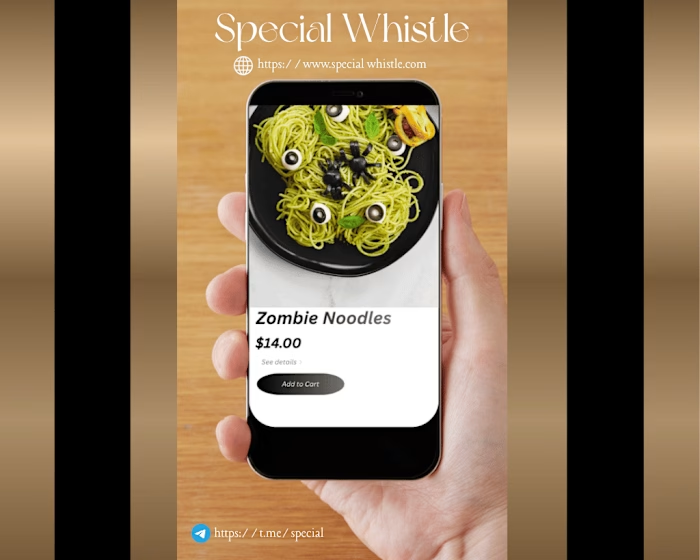
Canva web Design Project for restaurants

Mena Hasan

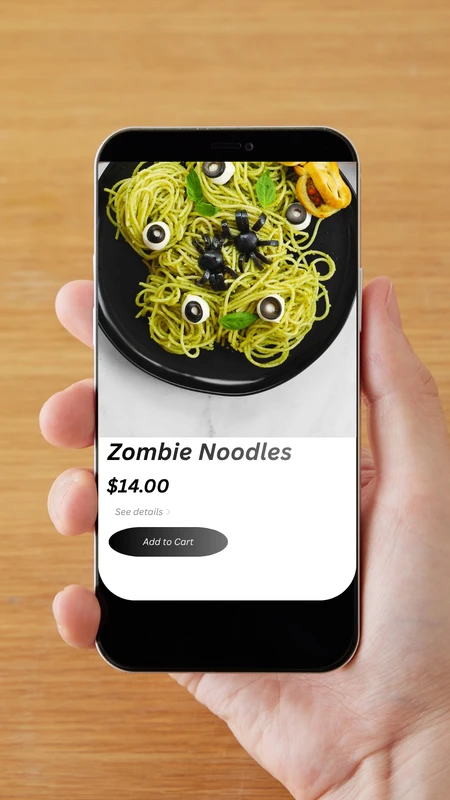
Canva editor
File
Sign up
Special Whistle
https://www.special whistle.com
https://t.me/special
Canvas
The canvas is where your design is. To navigate into the page, press Enter. To navigate into groups or elements on the page, press Enter again. Press tab to move to the next page, group, or element. To operate the toolbar, use the “Ctrl+F1” key. If an element is selected, move it using the arrow keys; rotate using the “,” key and “.” key; and resize using the arrow keys with the “Ctrl” key. All of these keys can be modified with the “Shift” key to increase increment.
The main navigation contains buttons for document level options. To switch between buttons, use the left and right keys and to activate, press Enter. To skip to the canvas, press “Ctrl+F2”.
Like this project
Posted Oct 21, 2026
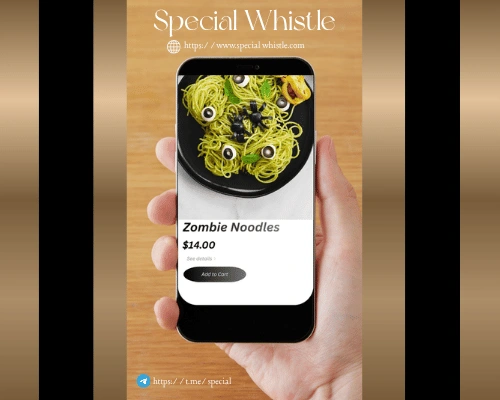
Designed elements for Special Whistle using Canva.